
Terminal-based Data Loss Prevention control panel — monitor USB, HID, network, Bluetooth, clipboard, and file activity from a keyboard-driven interface

Project description

Sentinel DLP



A terminal-based Data Loss Prevention control panel built with Textual.
Monitor, restrict, and audit data exfiltration vectors — USB storage, HID devices, network uploads, Bluetooth, clipboard, and file activity — from a single keyboard-driven interface.
Runs on macOS, Windows, and Linux. All destructive actions support dry-run mode, rollback, and structured audit logging.
Screenshots
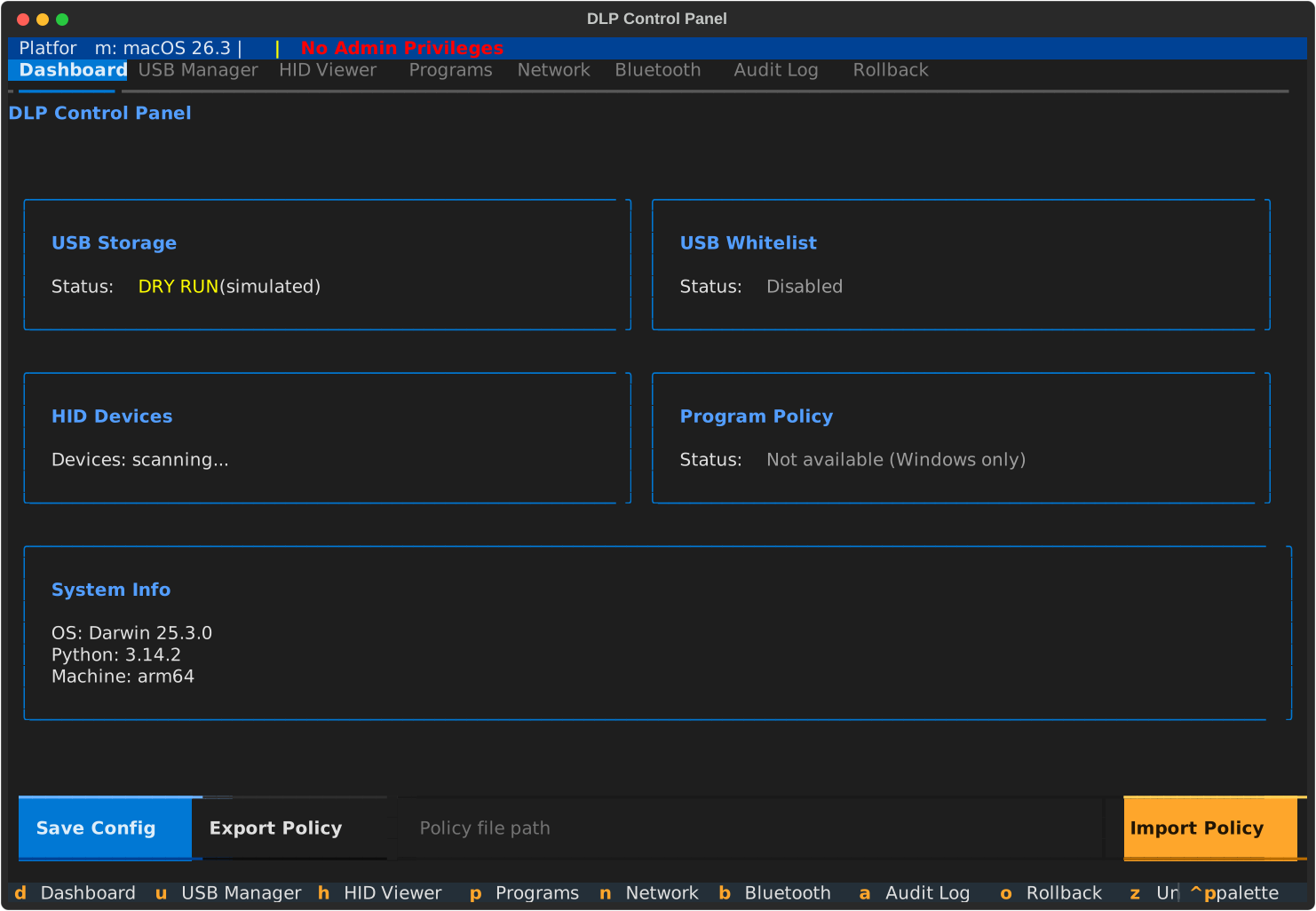
Dashboard — status overview with USB, whitelist, HID, and program policy cards
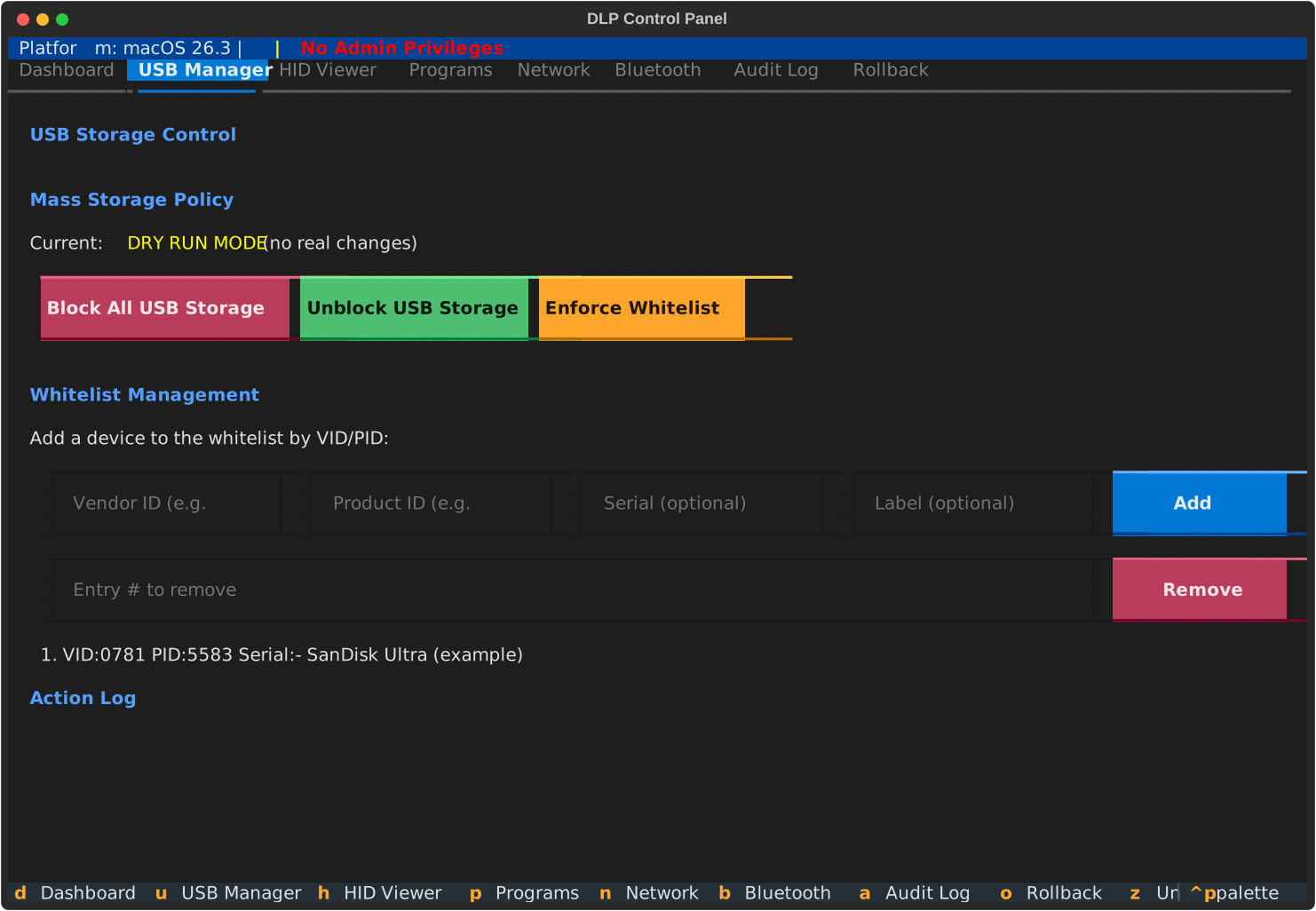
USB Manager — block/unblock mass storage, manage device whitelist
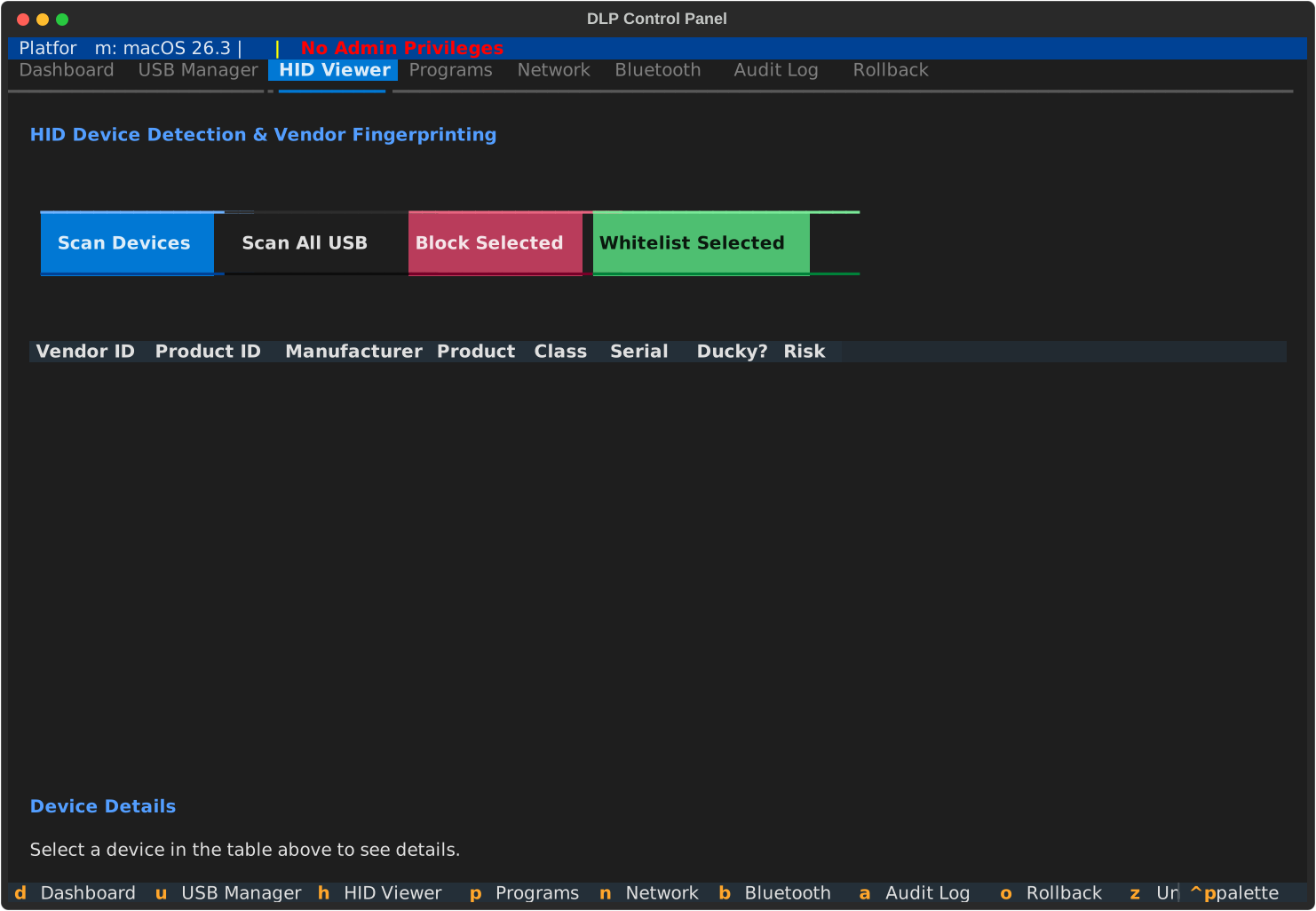
HID Viewer — scan and fingerprint USB HID devices, detect potential BadUSB
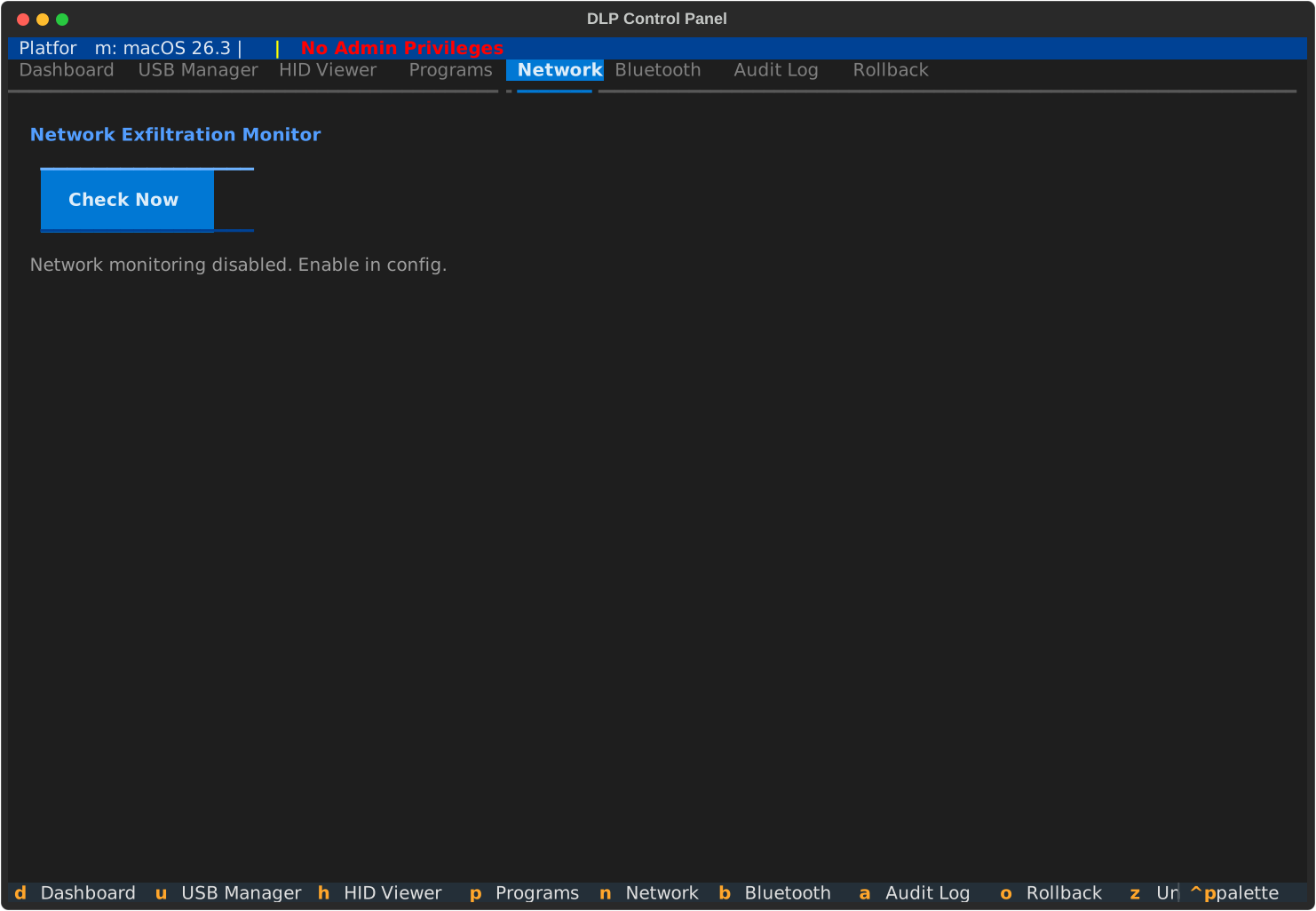
Network Monitor — track upload volume per interface, alert on threshold breaches
Features
| Feature | Description | Platform |
|---|---|---|
| USB Storage Blocking | Block/unblock all USB mass storage globally | macOS, Windows, Linux |
| USB Whitelist | Allow specific devices by VID/PID/serial while blocking everything else | All |
| HID Fingerprinting | Scan HID devices and flag potential BadUSB/Rubber Ducky attacks | All |
| Program Blocking | Restrict program execution via Software Restriction Policies | Windows |
| Network Monitoring | Detect large uploads exceeding configurable thresholds | All |
| Bluetooth Scanning | Enumerate nearby Bluetooth devices | macOS, Linux |
| Clipboard Monitoring | Scan clipboard for sensitive patterns (SSN, credit cards, etc.) | All |
| File Activity Monitoring | Detect bulk file copies to external volumes | All |
| Audit Logging | Structured JSONL audit trail of all DLP actions | All |
| Rollback | Undo any action with a full rollback journal | All |
| Policy Export/Import | Save and load DLP policies as portable JSON files | All |
| Desktop Notifications | OS-native alerts for blocked USB insertion, BadUSB detection | All |
| Hotplug Detection | Automatic USB device change detection via polling | All |
| Dry-Run Mode | Simulate all actions without modifying the system | All |
Keyboard Shortcuts
| Key | Action |
|---|---|
d |
Dashboard |
u |
USB Manager |
h |
HID Viewer |
p |
Program Policy |
n |
Network Monitor |
b |
Bluetooth |
a |
Audit Log |
o |
Rollback |
z |
Undo last action |
r |
Refresh all |
s |
Save config |
q |
Quit |
Requirements
- Python 3.10+
Installation
pip install sentinel-dlp

# Or from source
git clone https://github.com/anir0y/sentinel-dlp.git && cd sentinel-dlp
pip install -e .

# Windows extras (pywin32 + wmi)
pip install sentinel-dlp[windows]
Usage
# Run Sentinel DLP
sentinel

# Or via module
python -m dlp

# Dry-run mode (no system changes)
sentinel --dry-run
Some features require elevated privileges (e.g. USB blocking needs
sudoon macOS/Linux or Administrator on Windows).
Development
pip install -e .[dev]
pytest
Project Structure
src/dlp/
├── app.py                  # Main Textual application
├── config.py               # Pydantic config models (TOML-backed)
├── platform/               # OS-specific backends (macOS, Windows, Linux)
├── features/               # Feature controllers
│   ├── usb_block.py        #   USB storage blocking
│   ├── usb_whitelist.py    #   Device whitelist matching
│   ├── hid_fingerprint.py  #   BadUSB/Ducky detection
│   ├── program_block.py    #   Software restriction policies
│   ├── network_monitor.py  #   Upload threshold monitoring
│   ├── bluetooth_monitor.py#   Bluetooth enumeration
│   ├── clipboard_monitor.py#   Clipboard pattern scanning
│   ├── file_monitor.py     #   External volume file activity
│   ├── notifier.py         #   Desktop notifications
│   └── policy_export.py    #   Policy JSON export/import
├── audit/                  # Audit logging and rollback journal
└── ui/                     # Textual screens and widgets
    ├── screens/            #   Tab screens (dashboard, usb, hid, etc.)
    └── widgets/            #   Reusable widgets (status bar, confirm modal)
License
MIT — see LICENSE.
Release history Release notifications | RSS feed

Download files
Download the file for your platform. If you're not sure which to choose, learn more about installing packages.
Source Distribution
Built Distribution
Filter files by name, interpreter, ABI, and platform.
If you're not sure about the file name format, learn more about wheel file names.
Copy a direct link to the current filters
File details
Details for the file sentinel_dlp-0.1.0.tar.gz.
File metadata
- Download URL: sentinel_dlp-0.1.0.tar.gz
- Upload date:
- Size: 395.2 kB
- Tags: Source
- Uploaded using Trusted Publishing? No
- Uploaded via: twine/6.2.0 CPython/3.14.2
File hashes
| Algorithm | Hash digest | |
|---|---|---|
| SHA256 |
a0b4f3ce9222c20a79b6fd3c49c7b00b35e5983c44cb683a9143267d3abc1f35
|
|
| MD5 |
4701bcd0a9717899c8847b92680cca74
|
|
| BLAKE2b-256 |
cf6a33a49dc76d76cfc219e89efa53d71462f9635143cbf001d8e9263cb00961
|
File details
Details for the file sentinel_dlp-0.1.0-py3-none-any.whl.
File metadata
- Download URL: sentinel_dlp-0.1.0-py3-none-any.whl
- Upload date:
- Size: 55.5 kB
- Tags: Python 3
- Uploaded using Trusted Publishing? No
- Uploaded via: twine/6.2.0 CPython/3.14.2
File hashes
| Algorithm | Hash digest | |
|---|---|---|
| SHA256 |
e24e67875ab7fc20b70d14a0d73301ba22bd711a71e437b45671c67bccae651c
|
|
| MD5 |
7ed07cc0ff6d017eaf179a1959987b20
|
|
| BLAKE2b-256 |
1773cb9cce5f6ab6c85e3a9bb32ecbc7cb435fde8a5a69ad7819cf0957e7a1a8
|






