
Simple Image Processing Application - A GUI-based image processing tool

Project description
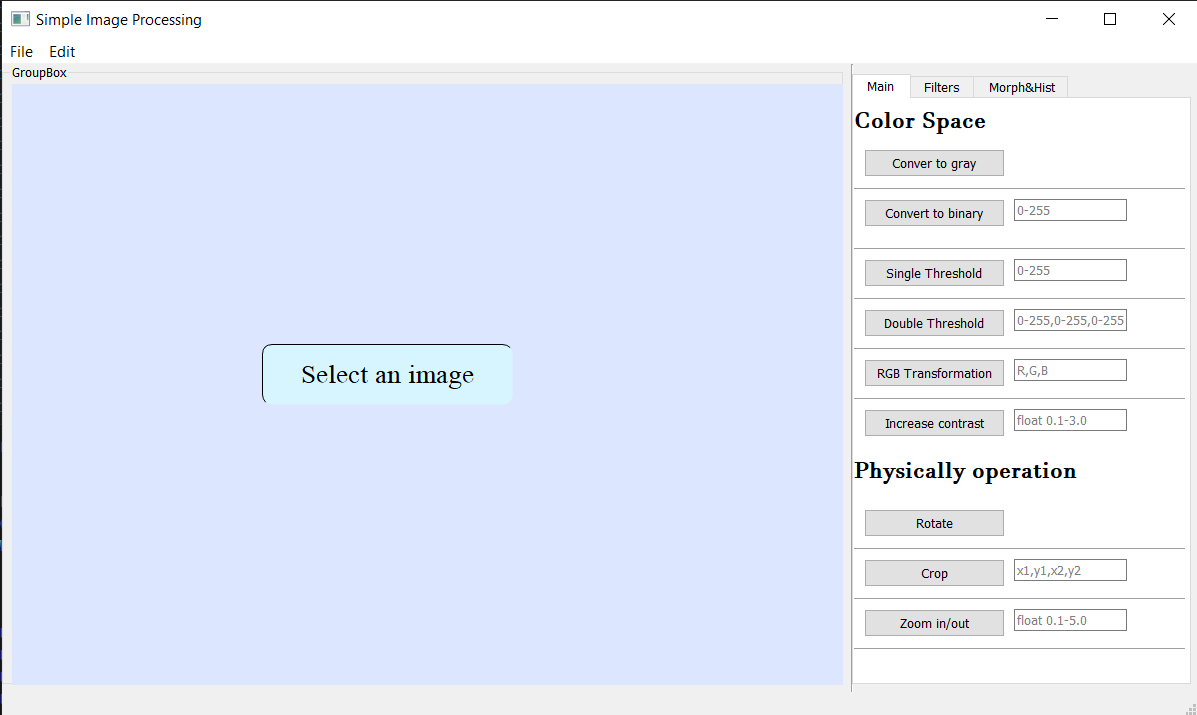
SIPA - Simple Image Processing Application
A PyQt5-based GUI application for educational image processing operations. This package provides basic image processing functionality implemented from scratch using only NumPy (no advanced image processing libraries).
Features
Color Operations
- RGB to Grayscale conversion
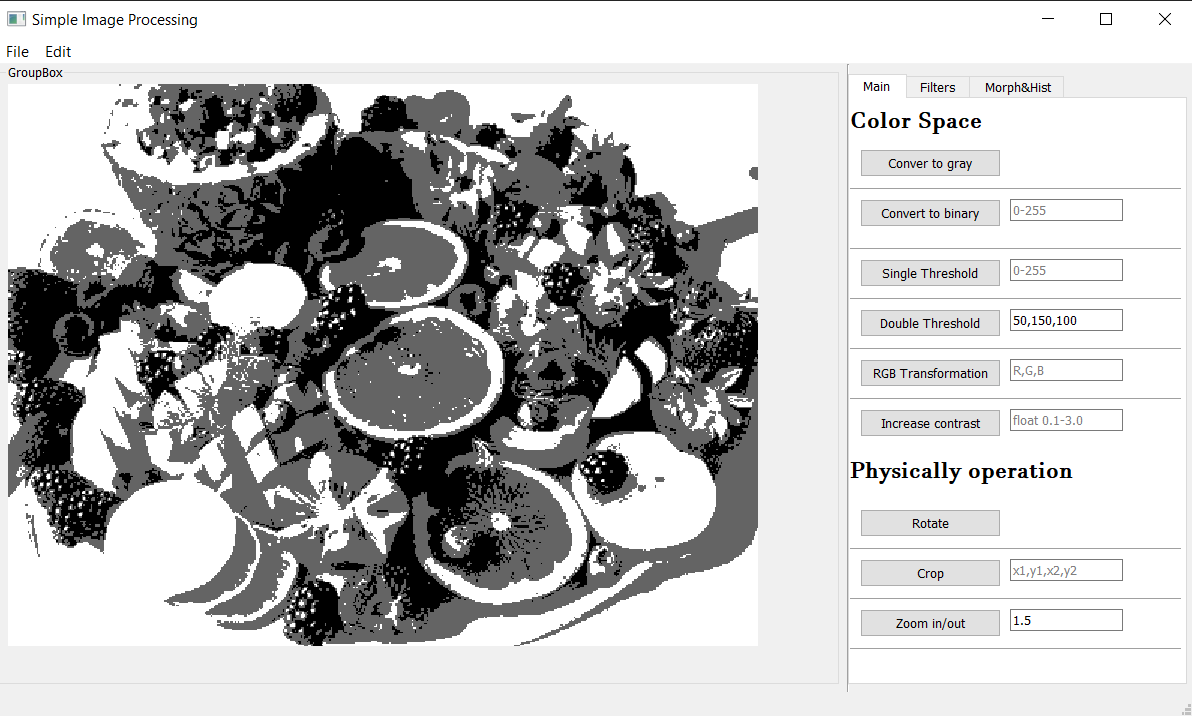
- Binary thresholding (single and double)
- RGB channel transformations
- Contrast adjustment
Geometric Operations
- 90-degree rotation
- Image cropping
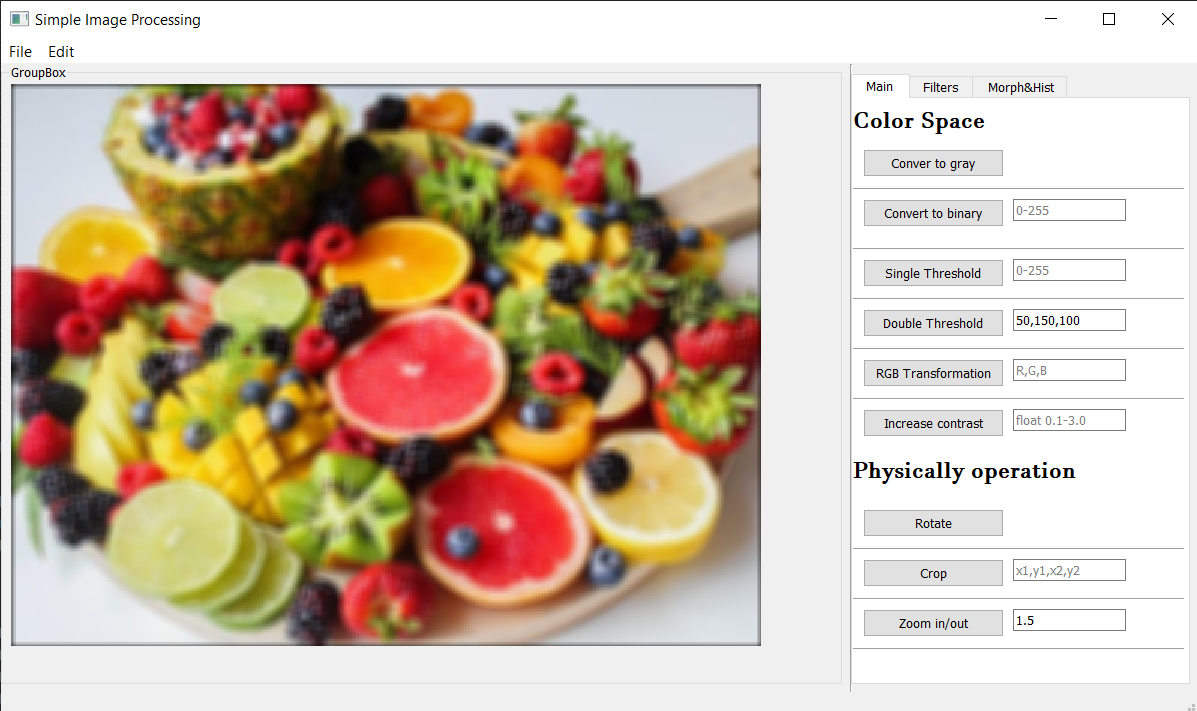
- Zoom in/out functionality
Filtering Operations
- Mean filter (blur)
- Median filter (noise reduction)
- Salt and pepper noise addition/removal
- Unsharp masking (sharpening)
- Prewitt edge detection
Morphological Operations
- Erosion
- Dilation
- Opening
- Closing
Histogram Operations
- Histogram calculation (grayscale and RGB)
- Histogram equalization
- Histogram stretching
- Histogram visualization
Arithmetic Operations
- Weighted image addition
- Image division
Installation
From PyPI
pip install sipa
From Source
git clone https://github.com/haydarkadioglu/simple-image-processing-application.git
cd simple-image-processing-application
pip install -e .
Usage
SIPA provides two ways to use the image processing functionality:
1. GUI Application
sipa # Launch the graphical interface
2. Python Library
Modern Import Style
import sipa
import numpy as np

# Load your image as a numpy array (height, width, 3) for RGB
image = np.array(...)

# Convert to grayscale
gray_image = sipa.Colors.convert_to_gray(image)

# Apply filters
filtered_image = sipa.Filters.mean_filter(gray_image, kernel_size=5)

# Detect edges
edges = sipa.Filters.detect_edge_prewitt(gray_image)

# Apply morphological operations
binary = sipa.Colors.convert_to_binary(gray_image, threshold=128)
eroded = sipa.Histogram.erode(binary, kernel_size=3)
Legacy Import Style (Backward Compatibility)
# For existing code using the old structure
from Functions import SIP as sip

gray_image = sip.Colors.convert_to_gray(image)
filtered_image = sip.Filters.mean_filter(gray_image, 5)
Quick Example
import sipa
import numpy as np

# Create test image
image = np.random.randint(0, 255, (100, 100, 3), dtype=np.uint8)

# Process image
gray = sipa.Colors.convert_to_gray(image)
binary = sipa.Colors.convert_to_binary(gray, 128)
edges = sipa.Filters.detect_edge_prewitt(gray)
hist = sipa.Histogram.calculate_gray_histogram(gray)
Requirements
- Python >= 3.7
- NumPy >= 1.19.0
- PyQt5 >= 5.15.0
- matplotlib >= 3.3.0
- opencv-python >= 4.5.0
Development
Installing Development Dependencies
pip install -e ".[dev]"
Running Tests
pytest
Code Formatting
black sipa/
Linting
flake8 sipa/
Educational Purpose
This project was created for educational purposes to help people understand basic image processing concepts. All image processing operations are implemented from scratch using only NumPy, making it easy to understand the underlying algorithms.
Screenshots
License
This project is licensed under the MIT License - see the LICENSE file for details.
Contributing
Contributions are welcome! Please feel free to submit a Pull Request.
Author
Haydar Kadıoğlu
- GitHub: @haydarkadioglu
Acknowledgments
- This project is designed for educational purposes
- All image processing algorithms are implemented from scratch for learning
- Special thanks to the computer vision and image processing community
Release history Release notifications | RSS feed


Download files
Download the file for your platform. If you're not sure which to choose, learn more about installing packages.
Source Distribution
Built Distribution
Filter files by name, interpreter, ABI, and platform.
If you're not sure about the file name format, learn more about wheel file names.
Copy a direct link to the current filters
File details
Details for the file sipa-0.2.0.tar.gz.
File metadata
- Download URL: sipa-0.2.0.tar.gz
- Upload date:
- Size: 30.3 kB
- Tags: Source
- Uploaded using Trusted Publishing? No
- Uploaded via: twine/6.1.0 CPython/3.12.3
File hashes
| Algorithm | Hash digest | |
|---|---|---|
| SHA256 |
066fb93293f06e5ec747fd5a87c14d81b01141526931075f1f15639fa7f0da4a
|
|
| MD5 |
81800b9df6f8094081026ec5b719432d
|
|
| BLAKE2b-256 |
68be9cf240856f9e9439c7b21a2e3c76b5ff80022cfe1862bc1881f2122f0ebb
|
File details
Details for the file sipa-0.2.0-py3-none-any.whl.
File metadata
- Download URL: sipa-0.2.0-py3-none-any.whl
- Upload date:
- Size: 26.2 kB
- Tags: Python 3
- Uploaded using Trusted Publishing? No
- Uploaded via: twine/6.1.0 CPython/3.12.3
File hashes
| Algorithm | Hash digest | |
|---|---|---|
| SHA256 |
a7dd63e358c3e9f4c4e1ab7777cfe76a89393b800007930184a49e9eaf09cac1
|
|
| MD5 |
d7d63627be05ac4e6d2da52f663a52fc
|
|
| BLAKE2b-256 |
e469687a51f12c7161bf343ad4822a678cfeca5593ca6054f89f72f58253d730
|






