
PLG analysis toolkit for codebases - analyze code, detect growth opportunities, generate documentation
Verified details
These details have been verified by PyPIProject links
GitHub Statistics
Maintainers


Project description





Skene reads your codebase and produces a user journey for your product: the lifecycle stages a user moves through, the milestones inside each stage, and the code or database evidence that proves each milestone is real.
Quick Start
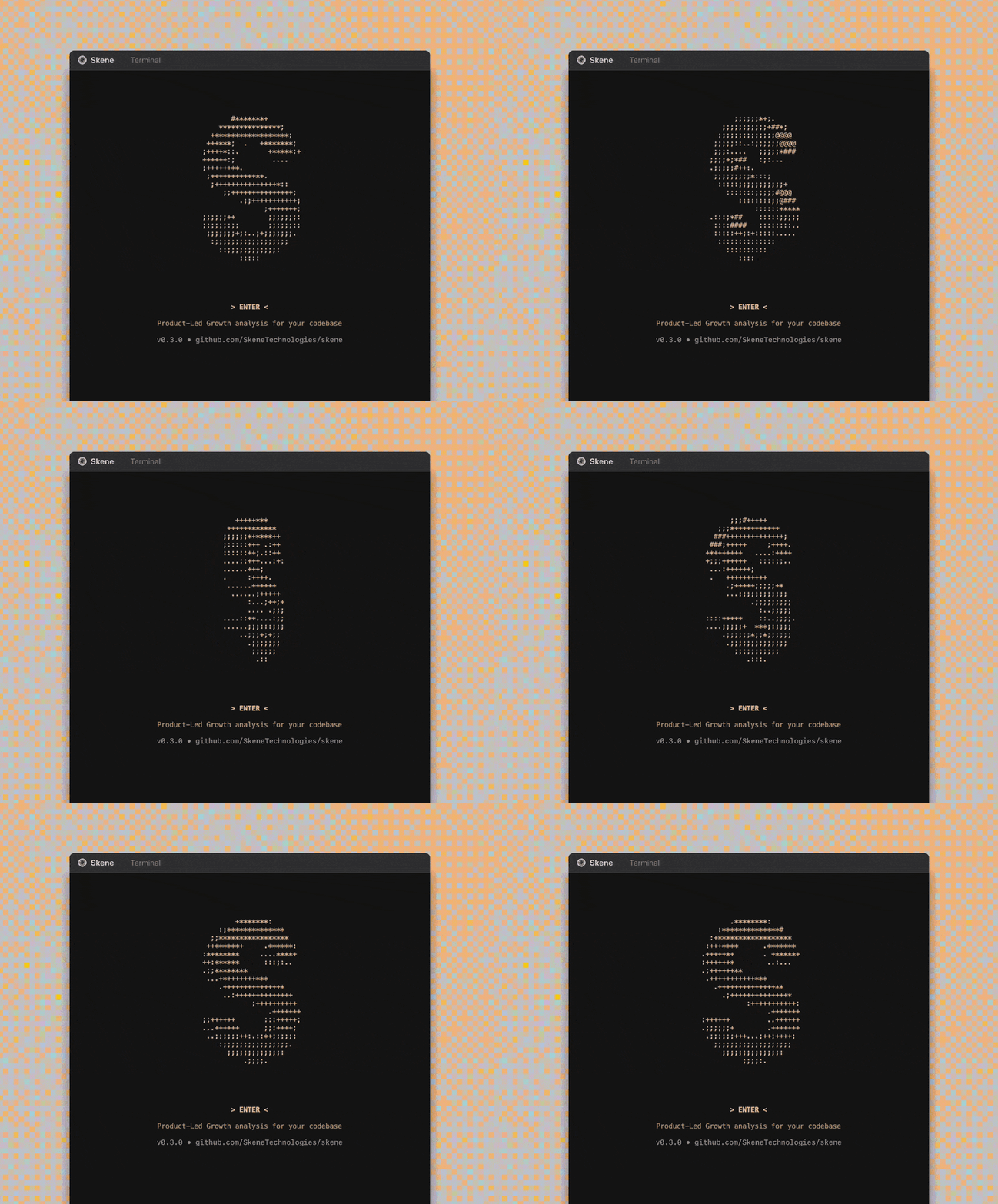
Install and launch the interactive terminal UI:
curl -fsSL https://raw.githubusercontent.com/SkeneTechnologies/skene/main/tui/install.sh | bash
skene
The wizard walks you through provider selection, authentication, and analysis — no configuration needed upfront.
What It Does
Skene turns a repository into a single journey.yaml describing your product's user lifecycle, and renders it as an interactive diagram.
- Agentic analysis — two parallel agents read your project: one walks the codebase, one walks your SQL schemas. They each propose candidate milestones, which are then merged and classified into a canonical seven-stage lifecycle.
- Seven-stage user journey — every product maps to the same canonical stages (discovery, onboarding, activation, engagement, retention, expansion, virality) so journeys are comparable across products. Stage names are specialized to your product where useful.
- Evidence-backed milestones — each milestone carries a
tracked_event, aconfidencescore, and one or moreevidencechips pointing back to the exact code path, database table, or config file that justifies it. - Journey visualizer — the TUI opens a local web app that lays out the stages as columns, with milestone cards and clickable evidence chips, so you can review the journey alongside the underlying source.
- Code-only, schema-only, or both — run against just a codebase, just a directory of
*.sqlfiles, or both for richer evidence.
Supports OpenAI, Gemini, Claude, LM Studio, Ollama, and any OpenAI-compatible endpoint.

Installation
Terminal UI (recommended)
The TUI is an interactive wizard that guides you through the entire workflow. No prerequisites — the installer handles everything.
# Install the TUI
curl -fsSL https://raw.githubusercontent.com/SkeneTechnologies/skene/main/tui/install.sh | bash

# Launch it
skene
Python CLI
If you prefer the command line, you can run Skene directly with uvx (no install needed) or install it globally:
# Install uv (if you don't have it)
curl -LsSf https://astral.sh/uv/install.sh | sh

# Run directly (no install needed)
uvx skene analyse-journey .

# Or install globally
pip install skene
skene analyse-journey .
Useful flags:
--schema-dir <dir>— point at a directory of exported*.sqlfiles to enable the schema agent-o <path>— override the output file (default./skene-context/journey.yaml)--no-specialize— keep the canonical stage names instead of letting the LLM specialize them
For full CLI usage, see the documentation.
Output Layout
Both the Python CLI and the TUI write artifacts to a single bundle directory in your project root, created automatically if missing.
- Default:
./skene-context/journey.yaml— the analysed user journey for your product. - Override: set
output_dirin.skene.configor pass-o/--outputto write elsewhere.
Monorepo Structure
| Directory | Description | Language | Distribution |
|---|---|---|---|
src/skene/ |
CLI + analysis engine | Python | PyPI |
tui/ |
Interactive terminal UI wizard | Go | GitHub Releases |
cursor-plugin/ |
Cursor IDE plugin | — | — |
skills/ |
Skene Skills — composable backend schemas for Supabase | SQL | npm |
The TUI (tui/) is a Bubble Tea app that provides an interactive wizard experience and orchestrates the Python CLI via uvx. Each package has independent CI/CD pipelines.
Contributing
Contributions are welcome. Please open an issue or submit a pull request.
License

Project details
Verified details
These details have been verified by PyPIProject links
GitHub Statistics
Maintainers
Release history Release notifications | RSS feed


Download files
Download the file for your platform. If you're not sure which to choose, learn more about installing packages.
Source Distribution
Built Distribution
Filter files by name, interpreter, ABI, and platform.
If you're not sure about the file name format, learn more about wheel file names.
Copy a direct link to the current filters
File details
Details for the file skene-0.5.0rc1.tar.gz.
File metadata
- Download URL: skene-0.5.0rc1.tar.gz
- Upload date:
- Size: 929.9 kB
- Tags: Source
- Uploaded using Trusted Publishing? Yes
- Uploaded via: twine/6.1.0 CPython/3.13.12
File hashes
| Algorithm | Hash digest | |
|---|---|---|
| SHA256 |
b4d110e333b211888394d706ed989ec80dd24974c9cca43c7048532f1fe99f16
|
|
| MD5 |
27c4bc7a497631c0d34b640745fa6758
|
|
| BLAKE2b-256 |
124e3c1087f2ca969ef8766ae72b788df8f1d62c56a9e1e06a61b77e886bac02
|
Provenance
The following attestation bundles were made for skene-0.5.0rc1.tar.gz:
Publisher:
publish.yml on SkeneTechnologies/skene
-
Statement:
-
Statement type:
https://in-toto.io/Statement/v1 -
Predicate type:
https://docs.pypi.org/attestations/publish/v1 -
Subject name:
skene-0.5.0rc1.tar.gz -
Subject digest:
b4d110e333b211888394d706ed989ec80dd24974c9cca43c7048532f1fe99f16 - Sigstore transparency entry: 1631379735
- Sigstore integration time:
-
Permalink:
SkeneTechnologies/skene@9158434306cba5607e285ae7f6f94a3e2ffc876b -
Branch / Tag:
refs/tags/v0.5.0rc1 - Owner: https://github.com/SkeneTechnologies
-
Access:
public
-
Token Issuer:
https://token.actions.githubusercontent.com -
Runner Environment:
github-hosted -
Publication workflow:
publish.yml@9158434306cba5607e285ae7f6f94a3e2ffc876b -
Trigger Event:
release
-
Statement type:
File details
Details for the file skene-0.5.0rc1-py3-none-any.whl.
File metadata
- Download URL: skene-0.5.0rc1-py3-none-any.whl
- Upload date:
- Size: 225.7 kB
- Tags: Python 3
- Uploaded using Trusted Publishing? Yes
- Uploaded via: twine/6.1.0 CPython/3.13.12
File hashes
| Algorithm | Hash digest | |
|---|---|---|
| SHA256 |
be4b09dbbc360665fc7907984eab91e3836477d4bb3be3a0ef6980ba636273d3
|
|
| MD5 |
d66d3800320bbb355894e8a8fa3d9743
|
|
| BLAKE2b-256 |
45841f15eee633db4da5664b84db768b4659d724986eb084387663c8b8d04130
|
Provenance
The following attestation bundles were made for skene-0.5.0rc1-py3-none-any.whl:
Publisher:
publish.yml on SkeneTechnologies/skene
-
Statement:
-
Statement type:
https://in-toto.io/Statement/v1 -
Predicate type:
https://docs.pypi.org/attestations/publish/v1 -
Subject name:
skene-0.5.0rc1-py3-none-any.whl -
Subject digest:
be4b09dbbc360665fc7907984eab91e3836477d4bb3be3a0ef6980ba636273d3 - Sigstore transparency entry: 1631379742
- Sigstore integration time:
-
Permalink:
SkeneTechnologies/skene@9158434306cba5607e285ae7f6f94a3e2ffc876b -
Branch / Tag:
refs/tags/v0.5.0rc1 - Owner: https://github.com/SkeneTechnologies
-
Access:
public
-
Token Issuer:
https://token.actions.githubusercontent.com -
Runner Environment:
github-hosted -
Publication workflow:
publish.yml@9158434306cba5607e285ae7f6f94a3e2ffc876b -
Trigger Event:
release
-
Statement type:






