
SLMP Connect Python: client library for Mitsubishi SLMP binary communication

Project description




SLMP Protocol for Python
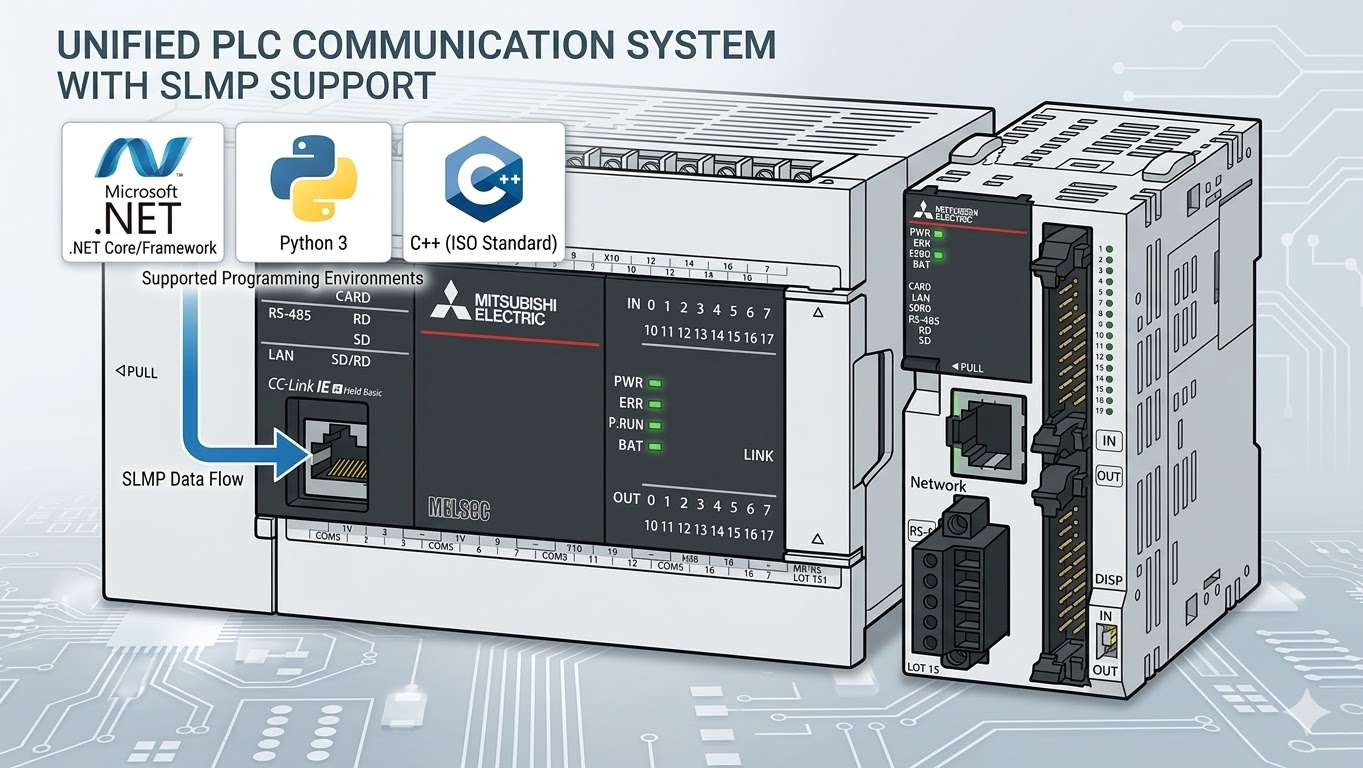



High-level SLMP helpers for Mitsubishi PLC communication over Binary 3E and 4E frames.
This repository treats the high-level helper layer as the recommended user surface:
SlmpConnectionOptionsopen_and_connect/open_and_connect_syncAsyncSlmpClientQueuedAsyncSlmpClientSlmpClientnormalize_addressparse_address/try_parse_address/format_addressread_typed/write_typedread_words_single_request/read_dwords_single_requestread_words_chunked/read_dwords_chunkedwrite_bit_in_wordread_named/write_namedpoll
Installation
pip install slmp-connect-python
The latest release lives at https://pypi.org/project/slmp-connect-python/, where wheel and tarball downloads and metadata are available.
Quick Start
Recommended async path:
import asyncio

from slmp import SlmpConnectionOptions, open_and_connect, read_named, write_typed


async def main() -> None:
    options = SlmpConnectionOptions(
        host="192.168.250.100",
        plc_family="iq-f",
        port=1025,
    )
    async with await open_and_connect(options) as client:
        before = await read_named(client, ["D100", "D200:F", "D50.3"])
        print("before:", before)

        await write_typed(client, "D100", "U", 42)

        after = await read_named(client, ["D100", "D200:F", "D50.3"])
        print("after:", after)


asyncio.run(main())
Choose canonical plc_family explicitly.
In the recommended high-level helper layer, the only PLC selector is plc_family.
High-Level PLC Selection
For normal application code:
- set
plc_family - let the library derive the fixed frame type, access profile,
X/Ytext rule, and device-range family - do not pass raw
frame_type,plc_series, ordevice_family
plc_family |
Derived frame_type |
Derived access_profile |
X / Y text |
Derived range family | Notes |
|---|---|---|---|---|---|
iq-f |
3e |
ql |
octal | iq-f |
live-validated |
iq-r |
4e |
iqr |
hexadecimal | iq-r |
live-validated |
iq-l |
4e |
iqr |
hexadecimal | iq-l |
live-validated on L16HCPU |
mx-f |
4e |
iqr |
hexadecimal | mx-f |
fixed family mapping |
mx-r |
4e |
iqr |
hexadecimal | mx-r |
fixed family mapping |
qcpu |
3e |
ql |
hexadecimal | qcpu |
retained path |
lcpu |
3e |
ql |
hexadecimal | lcpu |
retained path |
qnu |
3e |
ql |
hexadecimal | qnu |
retained path |
qnudv |
3e |
ql |
hexadecimal | qnudv |
retained path |
Low-level compatibility tools may still work with raw frame_type / plc_series, but that is not the normal public helper path.
High-level accepted plc_family values:
| Canonical | Typical target | Notes |
|---|---|---|
iq-f |
FX5 / iQ-F | X / Y use manual octal text |
iq-r |
iQ-R | X / Y use hexadecimal text |
iq-l |
iQ-L | independent iQ-L range rules; live-validated on L16HCPU |
mx-f |
MX-F | fixed high-level family mapping |
mx-r |
MX-R | fixed high-level family mapping |
qcpu |
QCPU | 3e/ql fixed profile |
lcpu |
LCPU | 3e/ql fixed profile |
qnu |
QnU | 3e/ql fixed profile |
qnudv |
QnUDV | 3e/ql fixed profile |
Practical rules:
- non-
iQ-FX/Y: text such asX20/Y20is interpreted as hexadecimal iQ-F/ FX5X/Y: text such asX100/Y100is interpreted as manual octal notation and encoded to the binary numeric value- example:
X100oniQ-Fbecomes binary device number0x40 - if you pass a numeric
DeviceRef, string notation is already resolved, soplc_familyis not needed for that one address - short aliases such as
iqf,iqr,q,l, andqnudvcpuare rejected
Supported PLC Registers
Start with these public high-level families first:
- word devices:
D,SD,R,ZR,TN,CN - bit devices:
M,X,Y,SM,B - typed forms:
D200:F,D300:L,D100:S - mixed snapshot forms:
D50.3,D100,D200:F - current-value long families:
LTN,LSTN,LCN - 32-bit index register:
LZ
Long-family route notes:
LTN,LSTN,LCN, andLZdefault to 32-bit:Daccess in high-level helpers.LCNcurrent-value reads and writes use random dword access in the high-level helpers.LTS,LTC,LSTS, andLSTCstate reads use the long timer 4-word decode helpers.LCSandLCCstate reads use direct bit read.- High-level state writes for
LTS/LTC/LSTS/LSTC/LCS/LCCuse random bit write (0x1402). - Low-level direct bit writes and direct word writes to these long-family logical forms are guarded before transport.
See the full public table in Supported PLC Registers.
Public Documentation
- Getting Started
- Supported PLC Registers
- Latest Communication Verification
- User Guide
- Samples
- Error Codes
Maintainer-only notes and retained evidence live under internal_docs/.
High-Level API Guide
Address Normalization
from slmp import format_address, normalize_address, parse_address

print(normalize_address("x20"))   # X20
print(normalize_address("d200"))  # D200
print(normalize_address("x100", plc_family="iq-f"))  # X100

parsed = parse_address("d200:f")
print(parsed.base_device, parsed.dtype)  # D200 F
print(format_address(parsed))            # D200:F
Single Typed Values
from slmp import read_typed, write_typed

temperature = await read_typed(client, "D200", "F")
counter = await read_typed(client, "D300", "L")
await write_typed(client, "D100", "U", 1234)
Use .bit notation only with word devices such as D50.3.
Address bit devices directly as M1000, M1001, X20, or Y20.
For communication, X / Y string addresses require explicit plc_family.
Device Range Catalog
Use plc_family and read the derived family SD block once.
from slmp import SlmpClient

with SlmpClient("192.168.250.100", 1025, plc_family="qnu") as client:
    catalog = client.read_device_range_catalog()
    for entry in catalog.entries:
        print(entry.device, entry.point_count, entry.address_range)
This path does not call read_type_name(). The client uses the fixed range family derived from plc_family.
Development
run_ci.bat
build_docs.bat
release_check.bat
License
Distributed under the MIT License.
Release history Release notifications | RSS feed


Download files
Download the file for your platform. If you're not sure which to choose, learn more about installing packages.
Source Distribution
Built Distribution
Filter files by name, interpreter, ABI, and platform.
If you're not sure about the file name format, learn more about wheel file names.
Copy a direct link to the current filters
File details
Details for the file slmp_connect_python-0.1.16.tar.gz.
File metadata
- Download URL: slmp_connect_python-0.1.16.tar.gz
- Upload date:
- Size: 157.2 kB
- Tags: Source
- Uploaded using Trusted Publishing? No
- Uploaded via: twine/6.2.0 CPython/3.14.3
File hashes
| Algorithm | Hash digest | |
|---|---|---|
| SHA256 |
294b8585d62fcd07c8a465a484b69288ef2d9de7507786d97013a38f0d58e4c7
|
|
| MD5 |
ea6d8ed0ef8ca2f9957b41b4cf10244b
|
|
| BLAKE2b-256 |
fe209d99802dc0ed3c765d6c09d8413045c100af65b1ab9aed6bf7ceac2d15c2
|
File details
Details for the file slmp_connect_python-0.1.16-py3-none-any.whl.
File metadata
- Download URL: slmp_connect_python-0.1.16-py3-none-any.whl
- Upload date:
- Size: 126.2 kB
- Tags: Python 3
- Uploaded using Trusted Publishing? No
- Uploaded via: twine/6.2.0 CPython/3.14.3
File hashes
| Algorithm | Hash digest | |
|---|---|---|
| SHA256 |
c7150f0666a666a83c526624391c2fd8945c030501f0a34cca99cac08faffda5
|
|
| MD5 |
ec93e766fb72f75e6cd1e7b42226897f
|
|
| BLAKE2b-256 |
487437375e17e59fb8ec375789ee132200f3d6feb58aec6c1e6761ed590d0aaf
|






