
Small Fish - A User-Friendly Graphical Interface for smFISH Image Quantification



Small Fish is a python application for smFish image analysis. It provides a ready to use graphical interface to synthetize state-of-the-art scientific packages into an automated workflow. Small Fish is designed to simplify images quantification and analysis for people without coding skills.
Cell segmentation is peformed in 2D and 3D throught cellpose 4.0+(published work) : https://github.com/MouseLand/cellpose; compatible with your own cellpose models.
Spot detection is performed via big-fish a python implementation of FishQuant (published work) : https://github.com/fish-quant/big-fish.
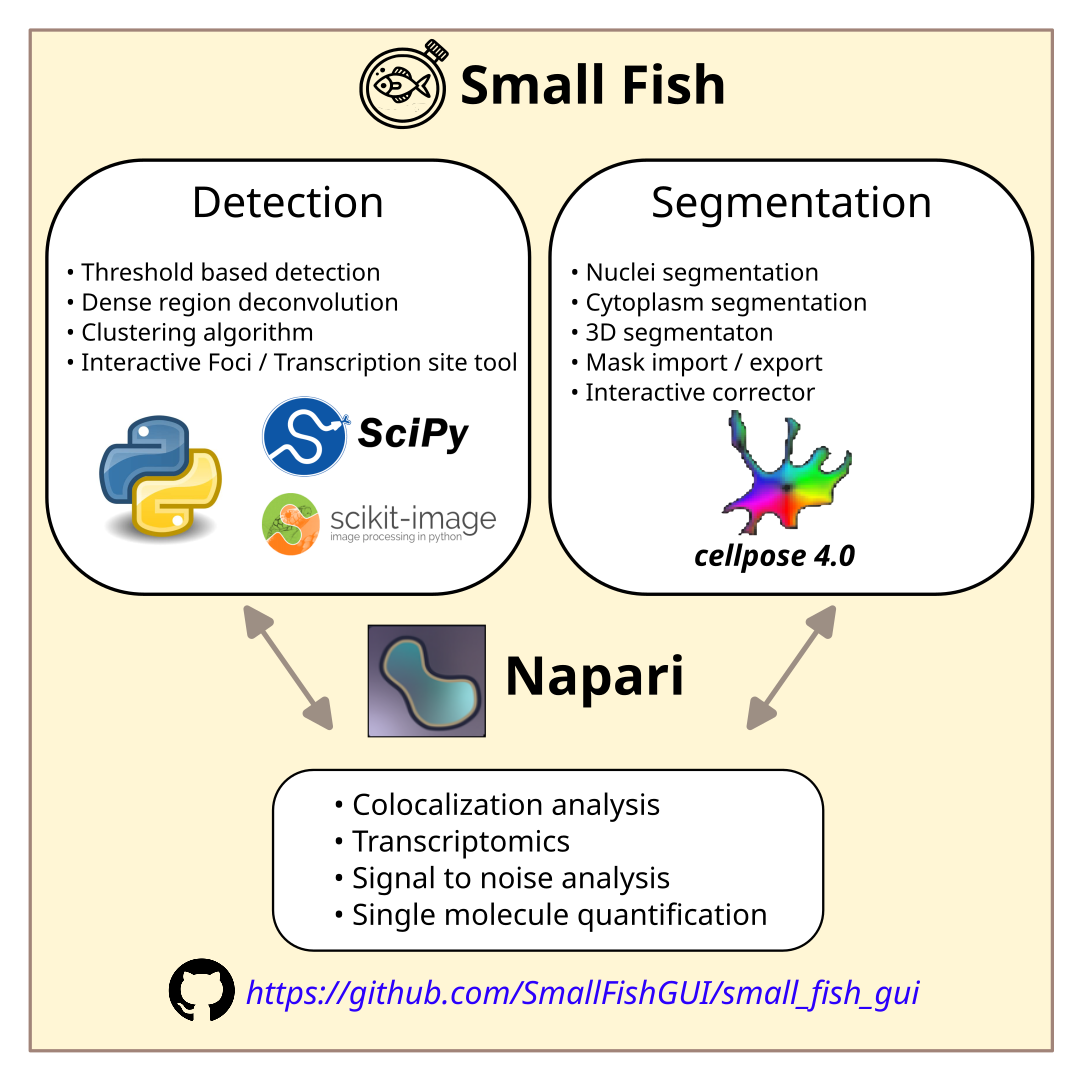

The workflow is fully explained in the wiki ! Make sure to check it out.
What can you do with small fish ?
✅ Single molecule quantification
✅ Transcriptomics
✅ Foci quantification
✅ Transcription sites quantification
✅ Nuclear signal quantification
✅ Signal to noise analysis
✅ Cell segmentation
✅ Multichannel colocalisation
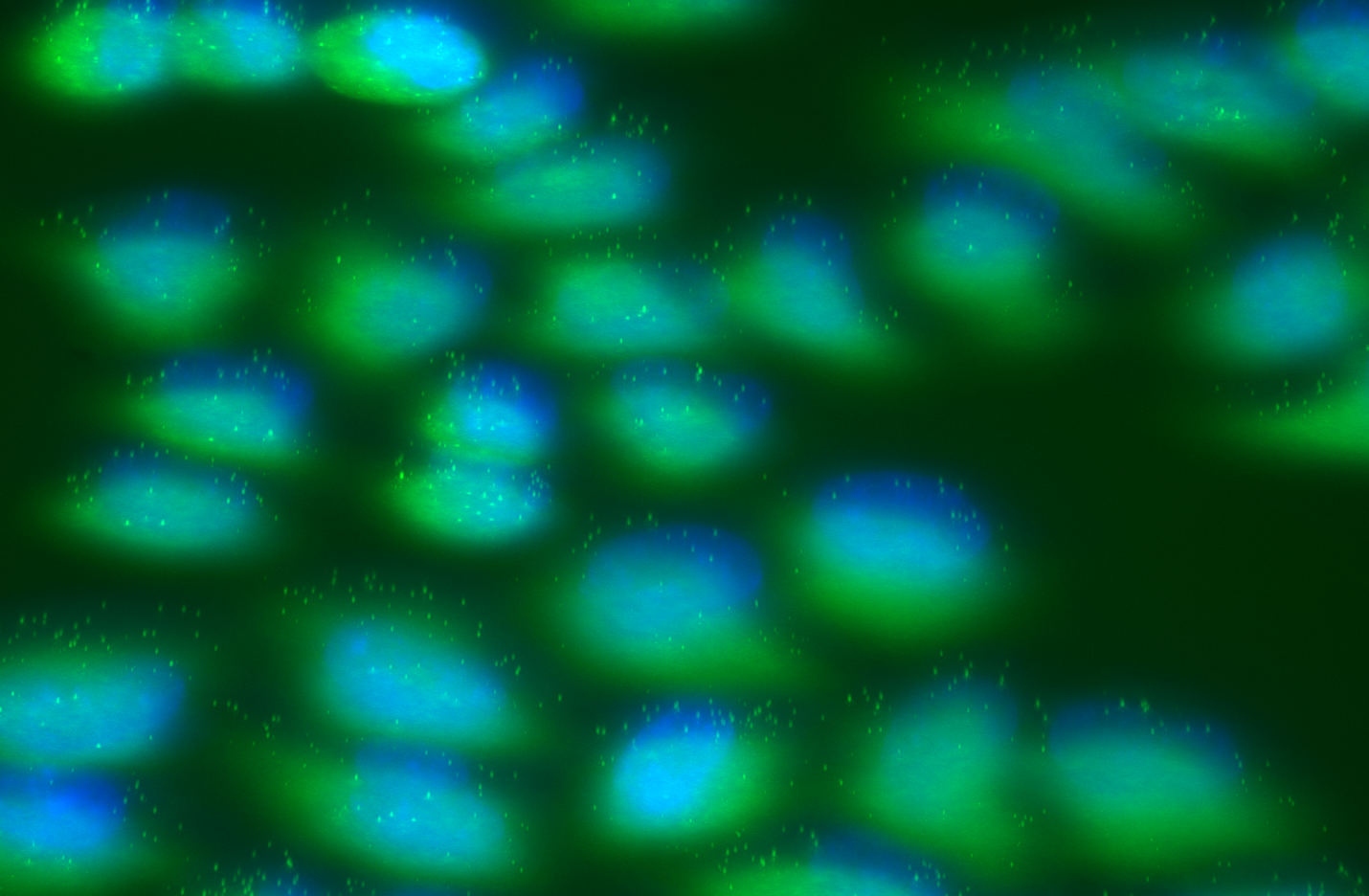
Raw 3D fish signal with dapi
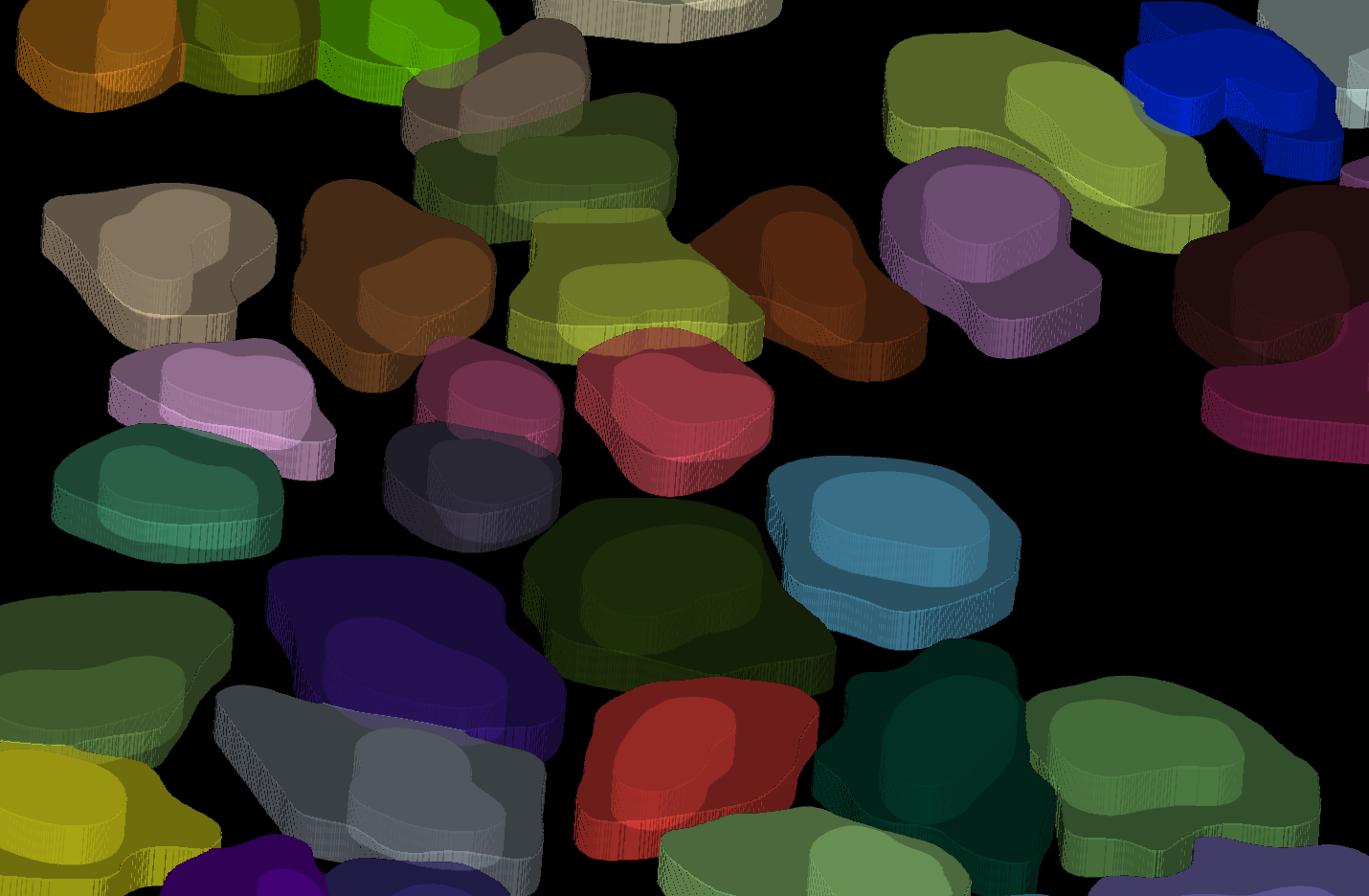
2D segmentation
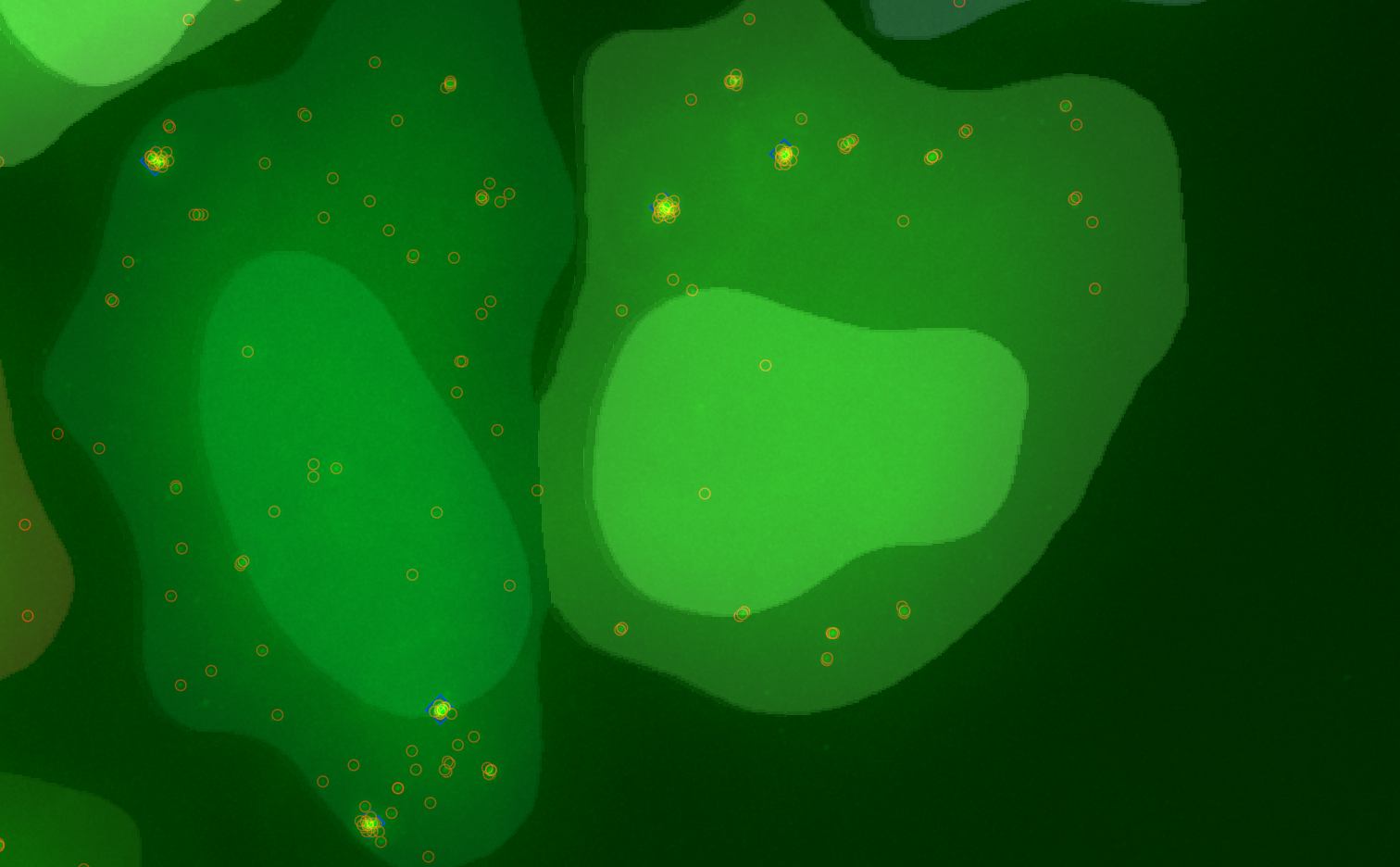
3D Spot detection

Cluster detection
Analysis can be performed either fully interactively throught a Napari interface or performed automatically through a batch processing allowing for reproducible quantifications.
Installation
General setup
If you don't have a python installation yet I would recommend the miniconda distribution; but any distribution should work.
It is higly recommanded to create a specific conda or virtual environnement to install small fish.
As of version 2.1.0 Small Fish runs on python 3.12.
If you are using conda or miniconda
conda create -n small_fish python=3.12
conda activate small_fish
If you are using venv, after installing the official python 3.12, python-venv and python-tk .
python3.12 -m venv python_env/small_fish
source python_env/small_fish/bin/activate
Then download and install the small_fish package with :
pip install small_fish_gui
Docker Set-up
Currently there is no docker available. The reason is that the application GUI dev was initiated on tkinter backend which requires a X server application to run on Windows and MacOS. This cause a need to install 3rd party application to allow the connection between the docker and the display handling on the user computer defeating the purpose of an "easy" installation using Docker. It could still be possible to create an image and a tutorial to properly make the installation if anyone finds it useful, however I would recommend switching the backend of the GUI to Qt with a major graphical update getting rid of FreeSimpleGUI.
Note : I tried switching from FreeSimpleGui to FreeSimpleGuiQt but the two packages are not fully compatible yet and I didn't want to spend the time to resolve the compatibilities issues as I think time would be better spent switching directly to a Qt application.
Setting up GPU
As of Small Fish 2.0.1 it is highly recommanded to set up GPU with cellpose since its new model, CellposeSAM, is very heavy computationally even more when attempting 3D segmentation.
First of all, try to run small fish gpu without additional commands depending on your configuration it could work straight out of the box. If encoutering any issue try first the following :
Note: For MacOS users check first if your GPU is not already set up by launching a segmentation as the drivers might set up automatically upon installation.
pip install --index-url https://download.pytorch.org/whl/cu124 torch torchvision torchaudio
If running into additional problems please look at cellpose documentation.
Run Small fish
First activate your python environnement :
conda activate small_fish
Then launch Small fish :
python -m small_fish_gui
You are all set! Try it yourself or check the get started section in the wiki.
1 maintainer

Metadata
1 maintainer
Release files for small-fish-gui 2.3.6.1
For a detailed explanation of source distributions (sdists) and built distributions (wheels), please see the package formats documentation.
Source distribution (sdist)
| File | Size | Uploaded | |
|---|---|---|---|
| small_fish_gui-2.3.6.1.tar.gz | 456.6 kB | Details |
Built distribution (wheel)
| File | Interpreter | ABI | Platform | Reset |
|---|---|---|---|---|
| small_fish_gui-2.3.6.1-py3-none-any.whl | Python 3 | none | any | Details |
Total release size: 619.8 kB
Release files / small_fish_gui-2.3.6.1.tar.gz
| Download URL | small_fish_gui-2.3.6.1.tar.gz |
|---|---|
| Size | 456.6 kB |
| Tags | Source |
|
SHA-256 checksum How to use checksums |
7a673707459fecb71802d23453c9740c3032d80dbaf4dcf2083f2fba568f5c49
|
|
BLAKE2b-256 checksum How to use checksums |
1652bdff102b327c41ae3168396cbe55485ec078c0ded67d30bfdea9bb3980d3
|
| Upload date | |
|
Uploaded using Trusted Publishing? What is trusted publishing? |
No |
| Uploaded via |
twine/7.0.0 CPython/3.12.3
|
Release files / small_fish_gui-2.3.6.1-py3-none-any.whl
| Download URL | small_fish_gui-2.3.6.1-py3-none-any.whl |
|---|---|
| Size | 163.2 kB |
| Tags | Python 3 |
|
SHA-256 checksum How to use checksums |
050c704bed98c8e721db418441dd9243d6ca02ec192bfdf0cf90d988721267c8
|
|
BLAKE2b-256 checksum How to use checksums |
d25a47e62ae4e00148814a9f50a272e07cec7ef79d87dd7f0c608a94771f5996
|
| Upload date | |
|
Uploaded using Trusted Publishing? What is trusted publishing? |
No |
| Uploaded via |
twine/7.0.0 CPython/3.12.3
|














