
Simple tmux launcher that will take less than 2 minutes to learn.

Project description
smux
The minimal tmux launcher, with the fewest options to set and the fastest ramp-up time. This project is on Github and on PyPi (this README is shared).
Originally created as a tool to make it easier to reproduce (and interactively debug) distributed systems bugs that required sshing into a lot of servers and starting processes, smux is a general purpose tmux launcher whose input resembles in all respects a concatenation of bash scripts to be run on each terminal.
In addition to being able to send literal commands to tmux windows, smux
offers a variety of special #smux directives useable in its input files that
make it easy to do certain expect-esque tasks inside tmux, such as waiting
for prompts, pasting buffers, and executing arbitrary shell commmands
internally (for example, to wait for user input before proceeding to send more
commands to various panes). See #smux directives in the
documentation for details.
See the samples directory for example smux scripts.
Why write another tmux launcher?
tmuxp and tmuxinator are powerful tmux session management systems that already exist, so why create another one? The big reasons are the ergonomics and ease of learning that arises from a flat input file format and extremely few options.
Consider smux if one of the following is true of your use case:
- You want to write commands exactly the same way you write a bash script. You just want your commands to execute in different tmux panes. You have neither time nor desire to learn a custom input format and understand a large number of options.
- You do not care about "managing" sessions, and just want to automate pane creation.
- You want scripts that you can directly copy-and-paste commands out of when you need to run commands manually.
- You want to leverage #smux directives for convenient access to tmux buffers and waiting for input.
- You want to embed a tmux launcher into another Python script that generate
commands to run, without having to fit those other scripts into someone
else's framework. This can be done with a single call to
smux.create.
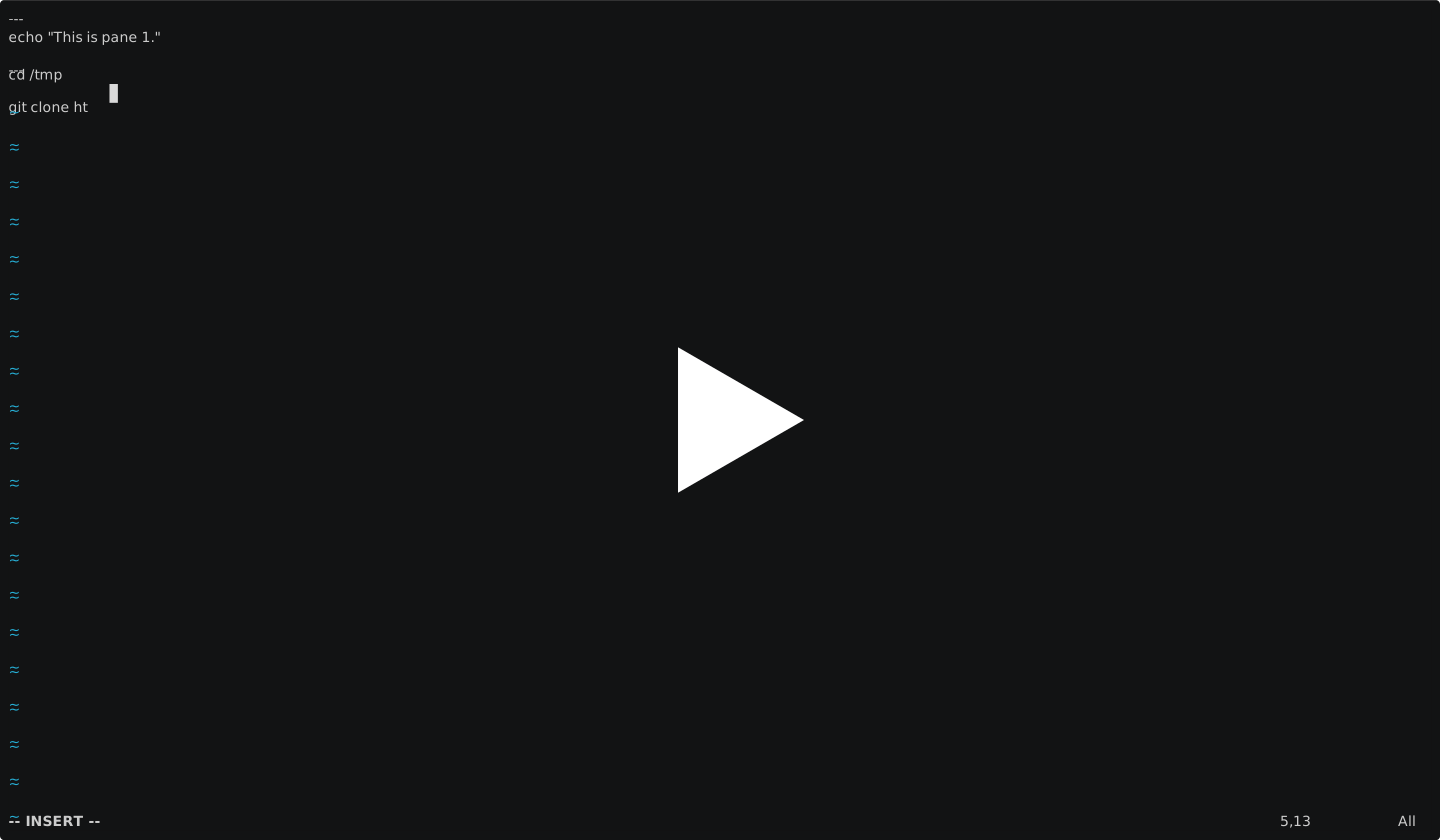
Demo (Click to View)
Writing and running a simple smux script in under 60 seconds.
Expect-like features with #smux directives, such as waiting for input before sending specific keystrokes.

Dependencies
- Python 3.8+
- tmux (any version)
Installation
Manual Method:
git clone https://github.com/hq6/smux.git
# Add the directory to your PATH
Automatic Method:
pip3 install smux.py
Usage (as a command line tool)
-
Create a new file, either from scratch or by copying Sample.smux.
-
(Optional) Specify desired options described in
help(smux). -
For every pane you want to launch, write an entry of the following form.
---------
command1
command2
command3
Note that a pane does not necessary need to run any commands.
Note further that it is not uncommon for the first command in a pane to be
ssh ...and then the subsequent commands the ones to be run on the rmeote server. -
smux.py <input_file_name>
Usage (as a library)
import smux

smux.create(numPerWindow,
        [["command1_for_pane1", "command2_for_pane1"],
         ["command1_for_pane2", "command2_for_pane2"],
         ...
         ])
Release history Release notifications | RSS feed


Download files
Download the file for your platform. If you're not sure which to choose, learn more about installing packages.
Source Distribution
Built Distribution
Filter files by name, interpreter, ABI, and platform.
If you're not sure about the file name format, learn more about wheel file names.
Copy a direct link to the current filters
File details
Details for the file smux.py-0.1.21.tar.gz.
File metadata
- Download URL: smux.py-0.1.21.tar.gz
- Upload date:
- Size: 12.3 kB
- Tags: Source
- Uploaded using Trusted Publishing? No
- Uploaded via: twine/5.0.0 CPython/3.8.10
File hashes
| Algorithm | Hash digest | |
|---|---|---|
| SHA256 |
50b00b7f09249bdc0bbfa58240a1cdd417553e6b798d43678c66dba103ff84c6
|
|
| MD5 |
9783b686cacf4b2b88870eb1016b83ff
|
|
| BLAKE2b-256 |
726562905eb0a839392cef5d16642d497dde0d4d7a6861d8991a4c7f161a4db1
|
File details
Details for the file smux.py-0.1.21-py3-none-any.whl.
File metadata
- Download URL: smux.py-0.1.21-py3-none-any.whl
- Upload date:
- Size: 19.3 kB
- Tags: Python 3
- Uploaded using Trusted Publishing? No
- Uploaded via: twine/5.0.0 CPython/3.8.10
File hashes
| Algorithm | Hash digest | |
|---|---|---|
| SHA256 |
51cf2d74b9fc1a667749fca0ce4cf4be09220a0c7b92301c21798cd0cbfec2cc
|
|
| MD5 |
9779b07e768962b33b9de8fdae8f57e6
|
|
| BLAKE2b-256 |
c6ebaa703693aded771aac9846d7c7b60ac8f4c6595cb1a1716d1f84a706864b
|






