
Social Media Downloader
A fast, simple, and open-source tool to grab public videos from all your favorite platforms — including YouTube, TikTok, Instagram, Facebook, X and see all supported platforms. Whether you're a techie or a casual user, this tool works seamlessly across Windows and Linux. Download single videos or entire batches, pick your desired format, and save content hassle-free. With a user-friendly command-line interface, you can easily download videos in just a few clicks.






Intro
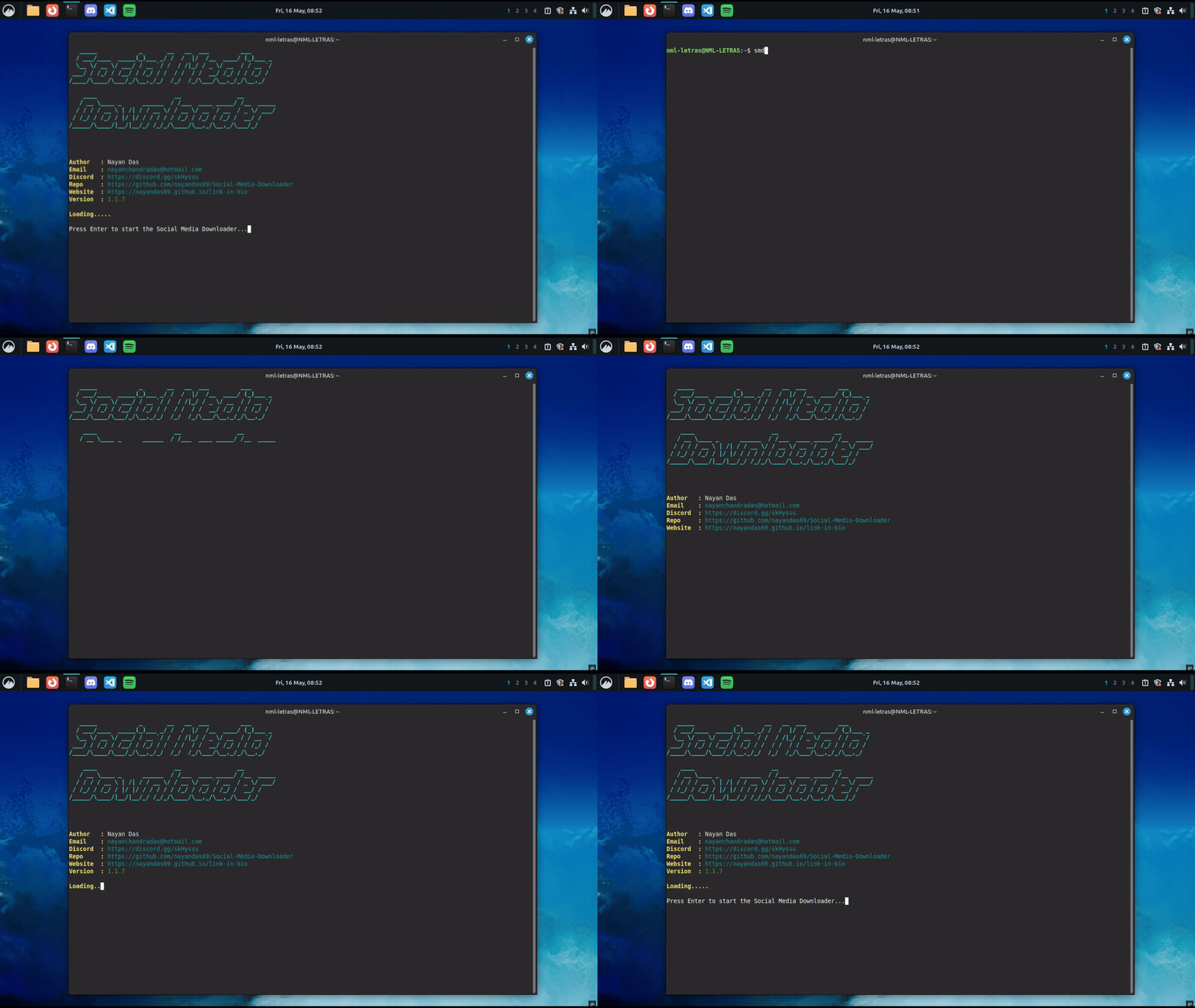
Quick Start
Clone the Repository
git clone https://github.com/nayandas69/Social-Media-Downloader.git
cd Social-Media-Downloader
Requirements
✅ Before running the tool, make sure FFmpeg is installed:
Install FFmpeg
-
Windows: Download from ffmpeg.org and add bin folder to your System PATH.
-
Linux:
sudo apt update
sudo apt install ffmpeg
Install the Tool
Click to expand the installation options for Social Media Downloader
Installation Options
| Platform | Method | Instructions |
|---|---|---|
| Windows | Standalone .exe |
Download from Releases, double-click to run |
| Linux | Binary / .deb |
Use the .deb installer or download the binary for direct execution |
| Universal | pip (recommended) |
pip install social-media-downloader |
| Manual | From Source | Clone repo → install deps → python smd/downloader.py |
📚 Full Documentation
Our complete user guide is available online:
Docs: https://nayandas69.github.io/Social-Media-Downloader
Highlights:
- Requirements & Setup
- Using the Downloader
- Supported Platforms
- Common Issues
- Build & Troubleshooting
- Feature Roadmap
Features
- Multi-platform support: YouTube, TikTok, Instagram, etc.
- Batch downloads: Just paste multiple links in a .txt file
- Format options: Choose between MP4, MP3, or ID-based formats
- Download history tracking
- Update checker built-in
- Interactive CLI: Beginner-friendly and simple to use
- Works on both Windows and Linux
How It Works
-
Launch the tool (EXE or Python script)
-
Choose a platform (YouTube, Instagram, etc.)
-
Paste a public video URL
-
Select a format (e.g.,
mp3,625) -
The tool handles the rest! You'll see real-time progress.
-
For batch downloads:
- Create a
.txtfile with one URL per line - Provide the file path when prompted
- Create a
Your videos will be saved in the same folder where the tool is located.
Tested Environments
| OS | Status |
|---|---|
| Windows 11/10 | ✅ Tested |
| Kali Linux / Parrot OS | ✅ Tested |
| macOS | ⚠️ Not tested |
| Other Linux | ⚠️ Should work |
Legal & Usage Notice
🚫 This tool is provided for educational and personal use only. You must not:
- Use it to download private, copyrighted, or restricted content
- Violate any Terms of Service of the platforms supported
- Re-upload or redistribute videos without proper permission or credit
❗ The developer is not responsible for how this tool is used. Please respect digital ownership and platform policies.
Contributing
Have suggestions, bug reports, or ideas? We welcome contributions! 👉 Open an issue or submit a PR
Read the Contribution Guide
Credits & Community
Made with ❤️ by Nayan Das
Email: nayanchandradas@hotmail.com
Join us on Discord
🙌 Special thanks to all contributors
Thank You — 7K+ Users and Growing!
If this tool helped you, show some love by ⭐ starring the repo or Support! Your support keeps this project alive ❤️
This project is not affiliated with or endorsed by YouTube, TikTok, Instagram, Facebook, X or other platforms.
Full yt-dlp Support + Easy CLI Integration
This tool uses yt-dlp under the hood, so it supports all sites yt-dlp supports — not just the ones listed below.
Click here to view the full list of sites supported by yt-dlp
But we’ve gone a step further!
In downloader.py, we’ve added CLI program support for the most commonly used social media platforms (like YouTube, TikTok, Reddit, X, etc.) via an internal allowed_domains list.
This makes it easier for users to:
- Paste a URL from a popular site
- Automatically validate it
- Download videos or extract audio seamlessly
✅ All without needing to memorize complex flags or command-line options!
You can even expand support by editing the allowed_domains list inside the script. This makes it super customizable for your own needs.
Built With
This tool wouldn't be possible without these amazing open-source projects:
Huge thanks to their developers and contributors for making this tool possible!
License
This project is licensed under the MIT License.
1 maintainer

Metadata
1 maintainer
Release files for social-media-downloader 1.1.12
For a detailed explanation of source distributions (sdists) and built distributions (wheels), please see the package formats documentation.
Source distribution (sdist)
| File | Size | Uploaded | |
|---|---|---|---|
| social_media_downloader-1.1.12.tar.gz | 252.4 kB | Details |
Built distribution (wheel)
| File | Interpreter | ABI | Platform | Reset |
|---|---|---|---|---|
| social_media_downloader-1.1.12-py3-none-any.whl | Python 3 | none | any | Details |
Total release size: 502.7 kB
Release files / social_media_downloader-1.1.12-py3-none-any.whl
| Download URL | social_media_downloader-1.1.12-py3-none-any.whl |
|---|---|
| Size | 250.3 kB |
| Tags | Python 3 |
|
SHA-256 checksum How to use checksums |
e962d177754a16dcddec67251b291868c191eb5edab67caeed857b45fbed9724
|
|
BLAKE2b-256 checksum How to use checksums |
d9b446557d75073451c9f20e04074ff886986f630abdd88f6216561d1d150694
|
| Upload date | |
|
Uploaded using Trusted Publishing? What is trusted publishing? |
Yes |
| Uploaded via |
twine/6.1.0 CPython/3.12.9
|
Provenance
Provenance describes where a file came from. On PyPI, provenance is shared via attestations, which provide a verifiable record of the build or publishing details. View details, limitations and caveats.


PyPI Publish Attestation
PyPI verified that this artifact, at this checksum, originated from the publisher listed below.
Signed by GitHub Actions, verified by PyPI on Aug 31, 2025.
Transparency log














Release files / social_media_downloader-1.1.12.tar.gz
How to use checksums
f6afd9a4c6b420a40d09ccfdcbd0a9fd049ebe96a85d404132f8d3400005316fHow to use checksums
18fef46dc1fa3cc5551622fc1ce1ff8eec0a4ae11826d6294ddc749d3f17563aWhat is trusted publishing?
twine/6.1.0 CPython/3.12.9Provenance
Provenance describes where a file came from. On PyPI, provenance is shared via attestations, which provide a verifiable record of the build or publishing details. View details, limitations and caveats.
PyPI Publish Attestation
PyPI verified that this artifact, at this checksum, originated from the publisher listed below.
Signed by GitHub Actions, verified by PyPI on Aug 31, 2025.
Transparency logIdentity
Workflow
Artifact
social_media_downloader-1.1.12.tar.gzf6afd9a4c6b420a40d09ccfdcbd0a9fd049ebe96a85d404132f8d3400005316fVerifying attestations