
Share your files. Everywhere.
Solan is a multi-system command-line software, written in Python, used to share files from a local computer.
When a directory is shared with Solan, every browser (or similar) can be used to navigate files and download them.Solan is a simple and basic system to share files with other people in the same net
Installation
Linux
Install Solan from Pypi
$ pipx install solan
or install Solan as a command-line tool with uv
$ uv tool install solan
or run it without installing
$ uvx solan [path_to_share]
Others
Download the installer for your system from the latest release:
- Windows:
solan-<version>-windows-setup.exeinstalls Solan for the current user and adds it to the PATH. - macOS (Apple Silicon):
solan-<version>-macos-arm64.pkginstalls Solan in/usr/local/bin.
The installers are not signed yet: Windows SmartScreen may ask to confirm ("More info" → "Run anyway"),
and on macOS you may need to right-click the .pkg and choose "Open".
Development
$ git clone https://github.com/OpenCode/solan.git && cd solan
$ uv sync
$ uv run solan [path_to_share]
Usage
Linux and MacOS
$ solan [path_to_share]
and then open your browser and visit the url printed in your terminal
Windows
Right-click a folder (or the empty area inside it) and choose Share with Solan — on Windows 11 it's under "Show more options".
A window opens with the address to share; close it to stop sharing.
You can also open a new terminal and run solan.
Examples:
$ solan /tmp
or you can define a different port (standard is 8000)
$ solan ~/Example/Share -p 8004
Remote access
Enable remote with -r parameter
$ solan -r /tmp
In action
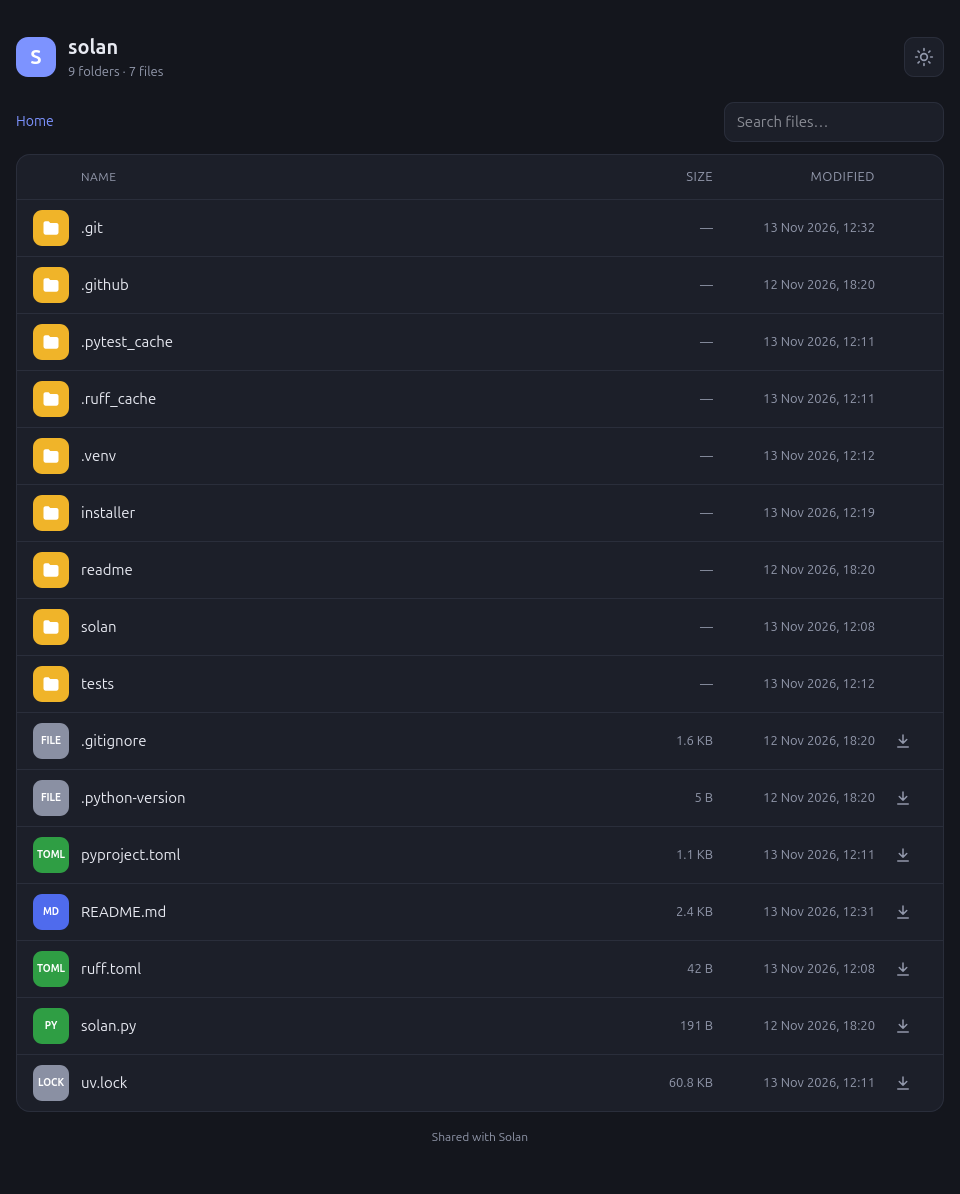
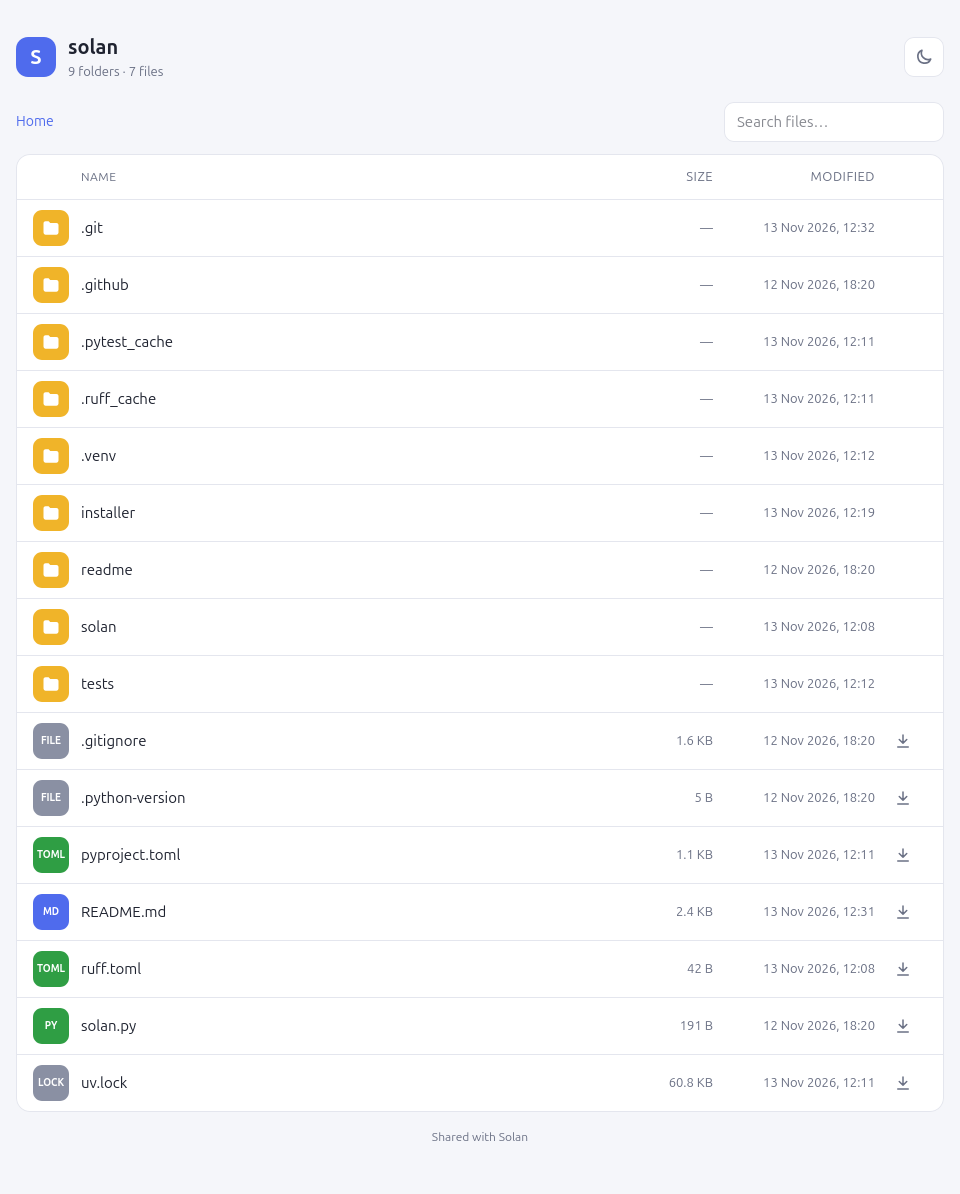
Support


1 maintainer

Metadata
1 maintainer
Release files for solan 1.2.0
For a detailed explanation of source distributions (sdists) and built distributions (wheels), please see the package formats documentation.
Source distribution (sdist)
| File | Size | Uploaded | Provenance | Actions |
|---|---|---|---|---|
| solan-1.2.0.tar.gz | 8.4 kB | Without provenance | Details for solan-1.2.0.tar.gz |
Built distribution (wheel)
| File | Interpreter | ABI | Platform | Actions Reset |
|---|---|---|---|---|
| solan-1.2.0-py3-none-any.whl | Python 3 | none | any | Details for solan-1.2.0-py3-none-any.whl |
Total release size: 17.7 kB
Release files / solan-1.2.0.tar.gz
| Download URL | solan-1.2.0.tar.gz |
|---|---|
| Size | 8.4 kB |
| Tags | Source |
|
SHA-256 checksum How to use checksums |
adee37b498603c58040c8f0c1ad7639f3c6ace6827f3f550d8f33085c85689ce
|
|
BLAKE2b-256 checksum How to use checksums |
c2d6c2b7bad77afb7c98d672242de51e72a56b9548a86aa62d5620c8d4a2dfbc
|
| Upload date | |
|
Uploaded using Trusted Publishing? What is trusted publishing? |
Yes |
| Uploaded via |
uv/0.13.8 {"installer":{"name":"uv","version":"0.13.8","subcommand":["publish"]},"python":null,"implementation":{"name":null,"version":null},"distro":{"name":"Ubuntu","version":"24.04","id":"noble","libc":null},"system":{"name":null,"release":null},"cpu":null,"openssl_version":null,"setuptools_version":null,"rustc_version":null,"ci":true}
|
Release files / solan-1.2.0-py3-none-any.whl
| Download URL | solan-1.2.0-py3-none-any.whl |
|---|---|
| Size | 9.3 kB |
| Tags | Python 3 |
|
SHA-256 checksum How to use checksums |
260c881bd9f20abf05069b9cda2fa9f0e05a28fb94035d3ad18b62c5915a69b4
|
|
BLAKE2b-256 checksum How to use checksums |
61f23906578550bbb231a627f1470fed0e392014062504edb6e7e9d1257e0385
|
| Upload date | |
|
Uploaded using Trusted Publishing? What is trusted publishing? |
Yes |
| Uploaded via |
uv/0.13.8 {"installer":{"name":"uv","version":"0.13.8","subcommand":["publish"]},"python":null,"implementation":{"name":null,"version":null},"distro":{"name":"Ubuntu","version":"24.04","id":"noble","libc":null},"system":{"name":null,"release":null},"cpu":null,"openssl_version":null,"setuptools_version":null,"rustc_version":null,"ci":true}
|
Security for solan 1.2.0
Provenance
Provenance describes where a file came from. On PyPI, provenance is shared via attestations, which provide a verifiable record of the build or publishing details. View details, limitations and caveats.
No provenance found
None of the files in this release were uploaded with provenance metadata.
A note on package security
PyPI is a repository for distributing packages, not a service for auditing them. While third-party security researchers and our staff do their best to detect and remove malicious packages, PyPI cannot guarantee the quality, security or suitability of any given package.
To learn more about protecting yourself from malicious actors, visit our package security documentation.














