
SolidWorks CAD Assistant & MCP Server





Python MCP server for SolidWorks automation with 154 tools, plus an optional agent/prompt-testing layer for AI-assisted workflows.
See it work
Make a 100 x 50 x 10 mm AISI 1020 mounting plate with four M5 clearance holes, 10 mm in from each edge, and draw it fully dimensioned. Stack two of them 10 mm apart, check the result, and draw the assembly with a BOM.
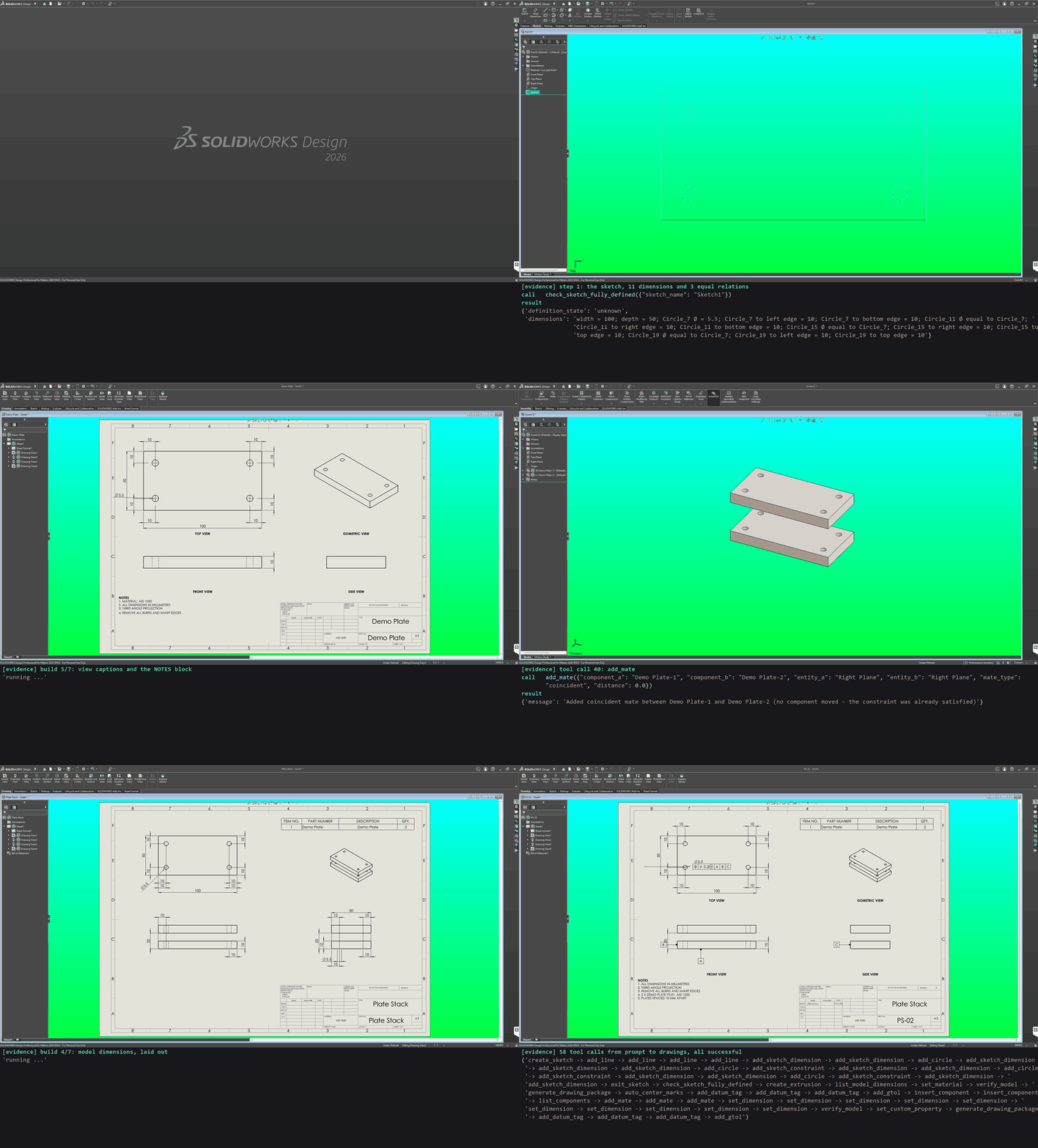
The 58 tool calls an agent made from that prompt, run against SolidWorks 2026 through the same MCP tools a client calls, and recorded (sped up five times). Each result is checked against a hand calculation: the plate's volume and mass, the 10 mm gap and the BOM quantity. This is a replay of the calls, not a recorded model session.
Note: the demo is not perfect, and is not the most efficient way to get this result. The run pauses after each call so it can be read, and the calls are chosen to show what the tools can do: every sketch dimension is added one at a time, and the mate distance is stepped down only so the plates are seen coming together.
The walkthrough in the docs has the agent's plan and every call with its arguments. Run it yourself with the README demo; the calls are also in plate_stack_calls.json.
The 58 tool calls
- Sketch (24 calls):
create_sketchon Top; fouradd_linefor the 100 x 50 outline;add_circlefor each Ø5.5 hole;add_sketch_dimensionfor the 100, the 50, one Ø5.5 and each hole 10 mm from two edges;add_sketch_constraintmaking the other three holes equal;exit_sketch - Check and extrude:
check_sketch_fully_defined,create_extrusion10 mm (+49 049.7 mm³ read back) - Material and check:
list_model_dimensions(finds the Ø5.5 by value),set_materialAISI 1020,verify_model(volume, mass 0.3875 kg, size, 1 feature, 1 body) - Plate drawing:
generate_drawing_packagePS-01 (A3, four views, every model dimension laid out with no overlaps, notes, title block, PDF),auto_center_marks - GD&T:
add_datum_tagA, B and C, thenadd_gtol⊕ Ø0.2 Ⓜ A|B|C on the Ø5.5 - Assembly:
insert_componenttwice,list_components,add_mateFront and Right coincident and Top planes 60 mm apart,set_dimensionstepping that distance down to 20 mm (10 calls),verify_model(2 parts, 3 mates, no interference; the stack measures 30 mm, so the gap is 10 mm) - Assembly drawing:
set_custom_propertyMaterial,generate_drawing_packagePS-02 withinclude_bom(the BOM above the isometric: Demo Plate, QTY 2), then the same datums and position frame
Overview
Tried it? Tell us what worked and what didn't in a feedback issue. Reports from real setups decide what gets fixed next.
This project focuses on practical SolidWorks automation with an AI-friendly loop:
- describe intent
- generate a plan
- execute MCP tools
- inspect results
- iterate
It includes:
- core MCP runtime for SolidWorks tool execution
- COM/VBA routing and adapter safety wrappers
- tool coverage across modeling, sketching, drawing, analysis, export, automation, templates, and macros
- optional agent orchestration/testing utilities under
src/solidworks_mcp/agents/
Demos
Each GIF is a live test driving SolidWorks 2026 through the MCP tools, with the call and its result captioned beneath. Click one to see what it checks, a prompt that asks for it, and its tool calls.
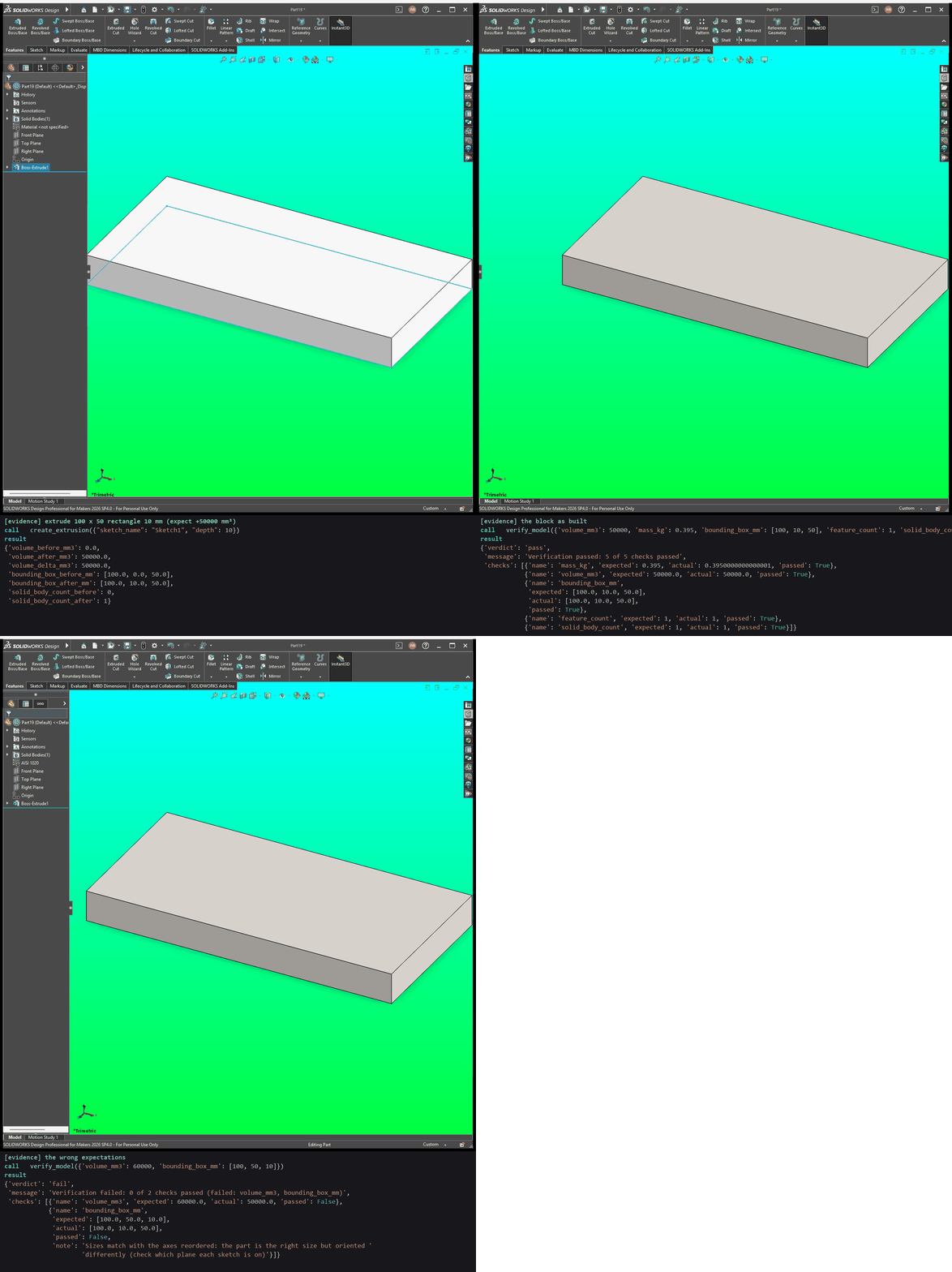 verify_model passes a block and names what is wrong |
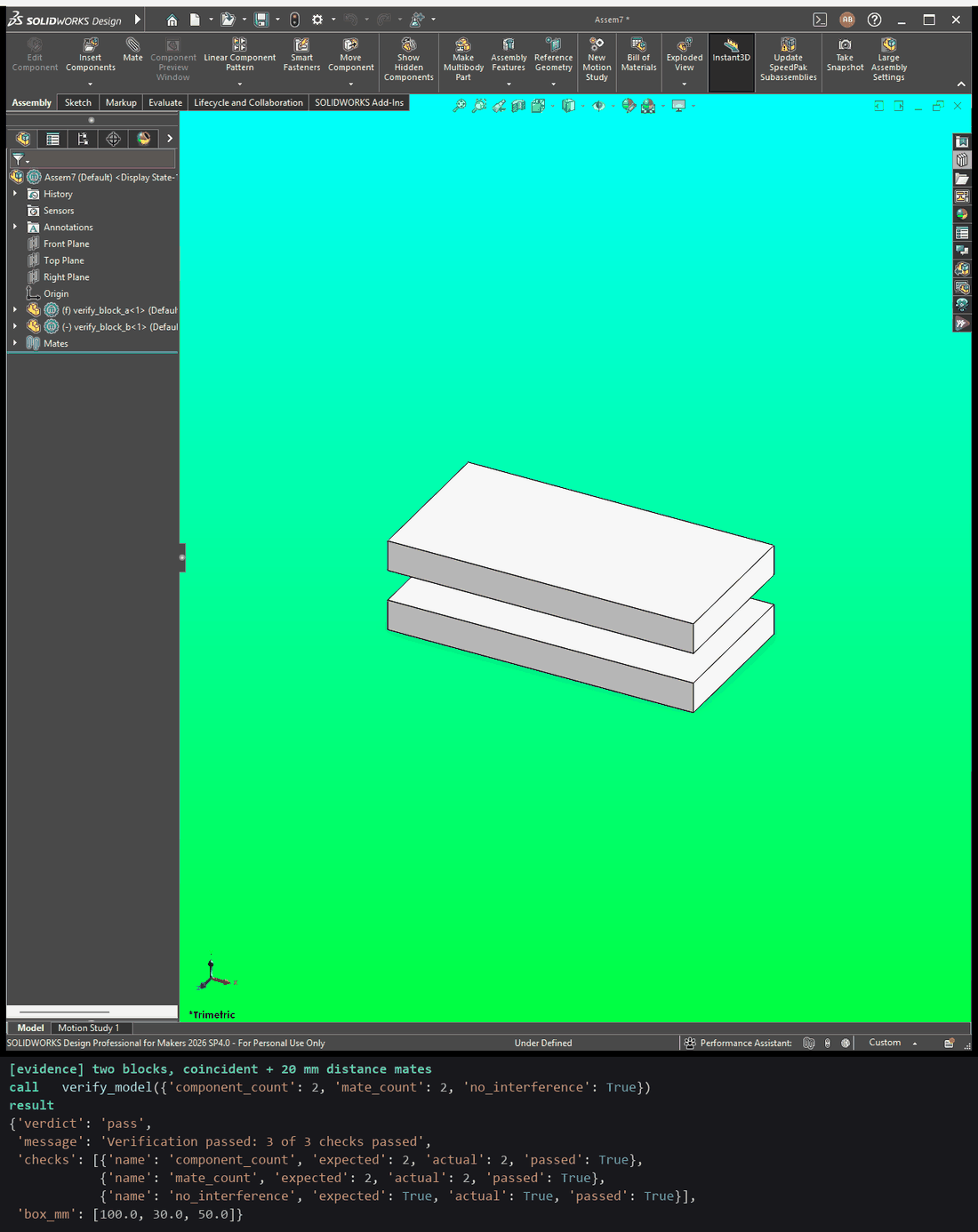 An assembly: parts, mates and interference |
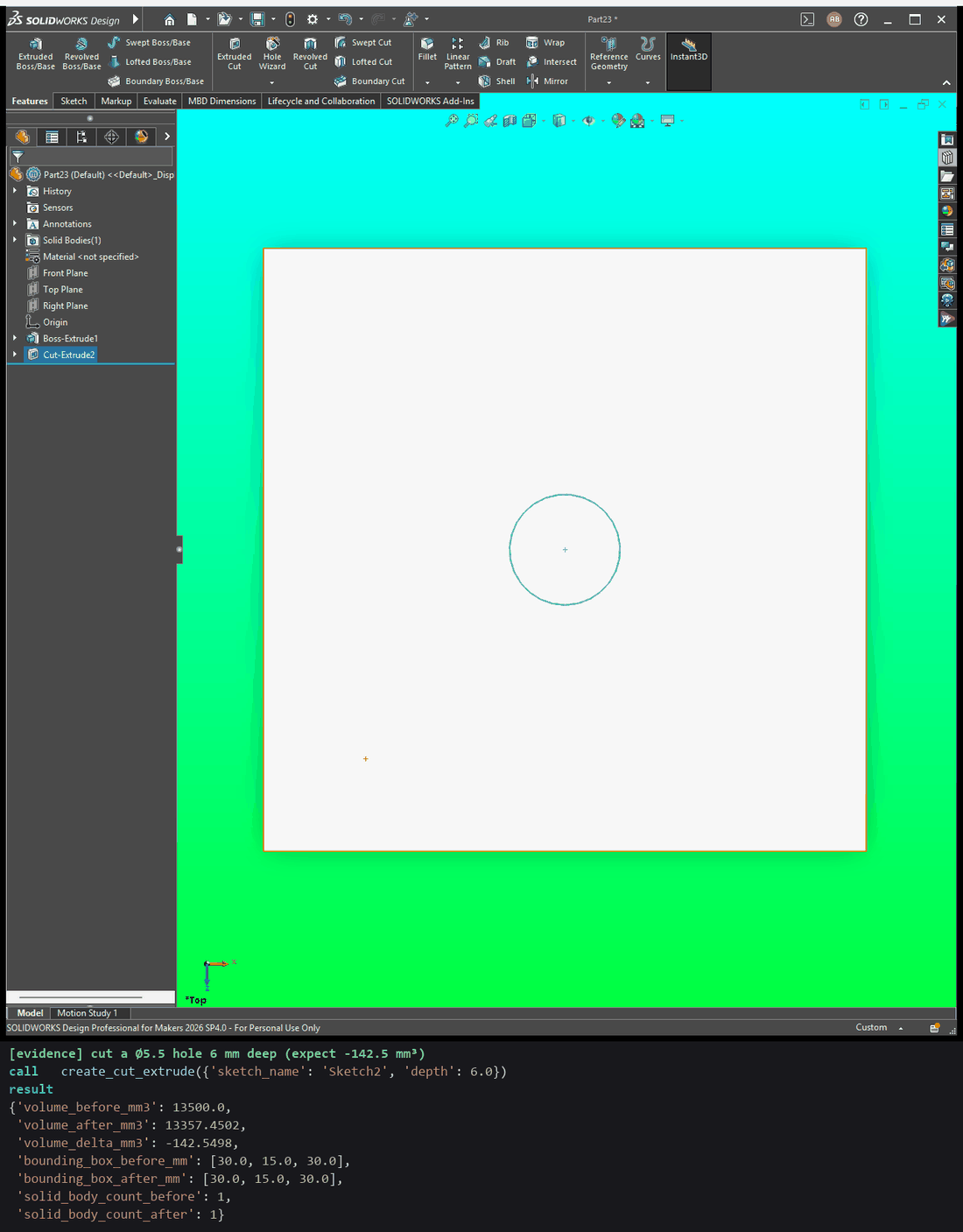 A cut reports the volume it removed |
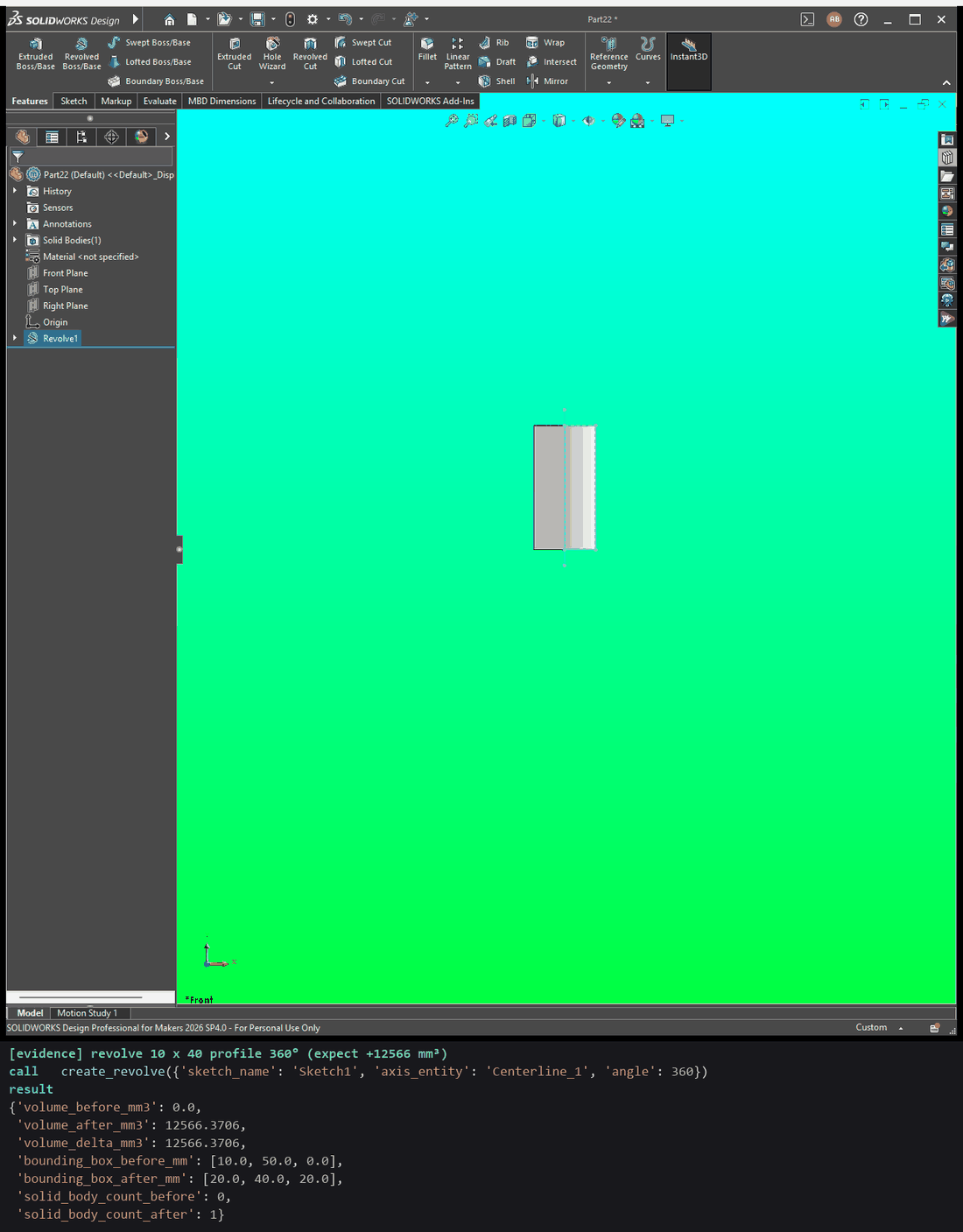 A revolve reports the volume it added |
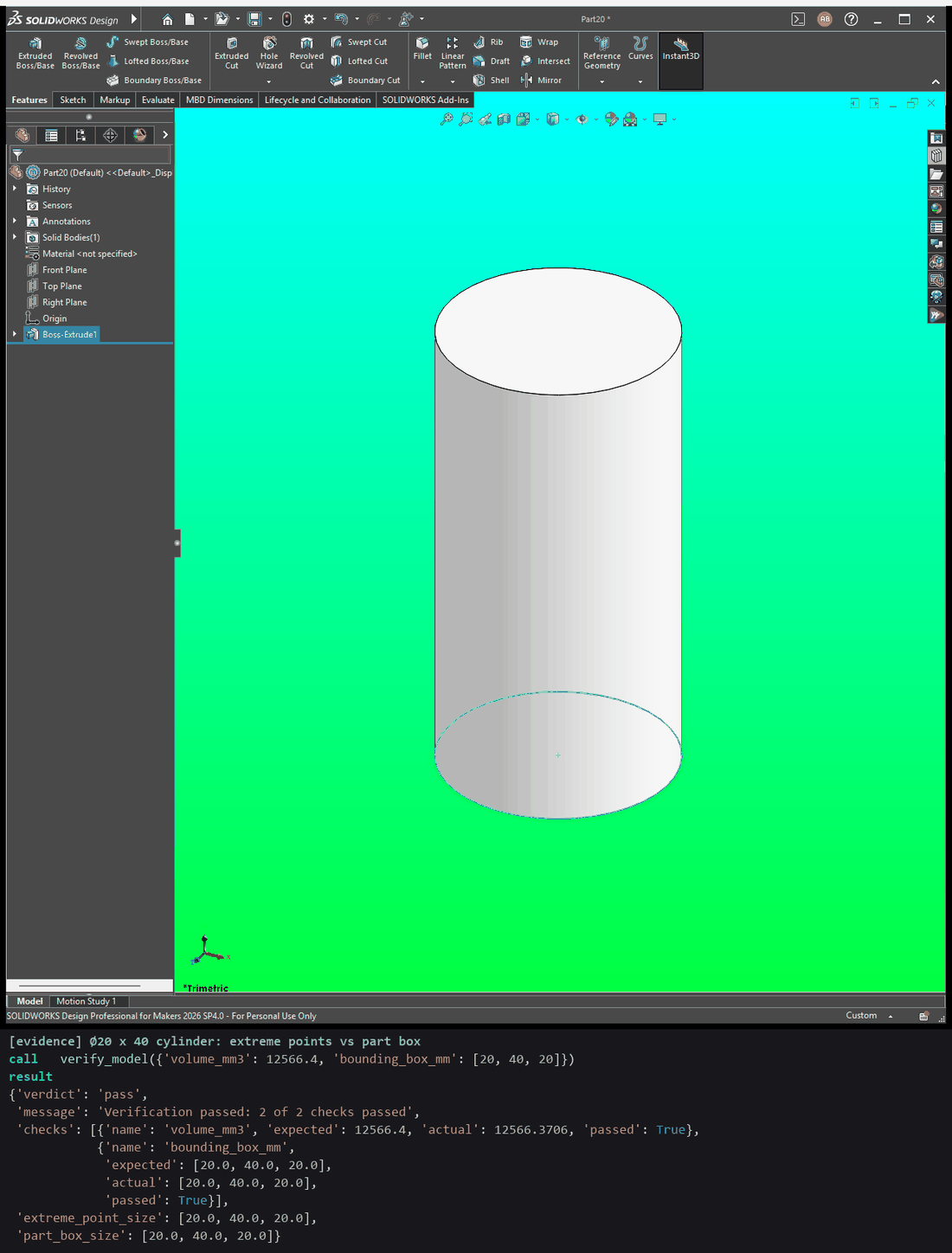 A round part's size is exact |
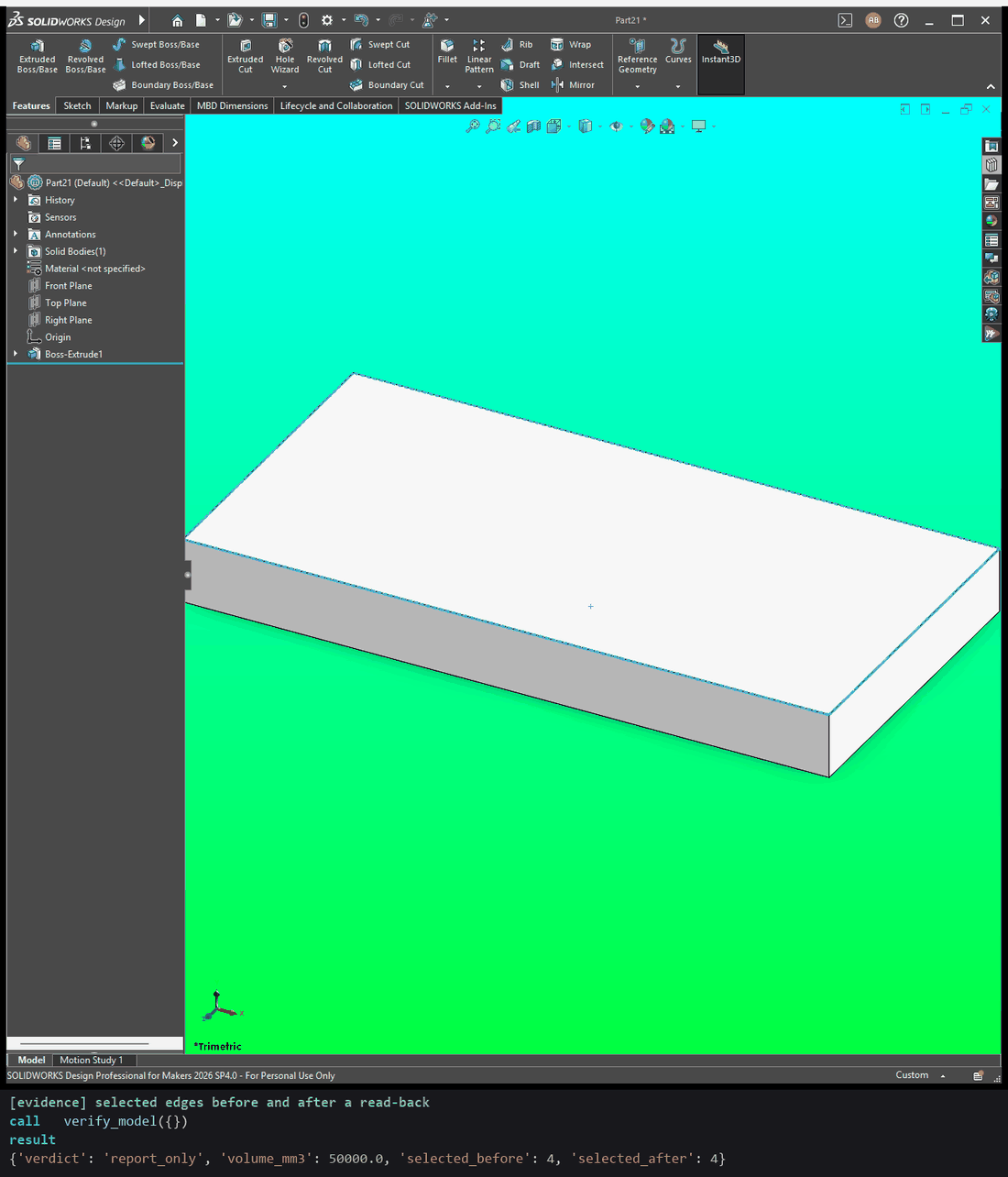 Reading the model keeps the selection |
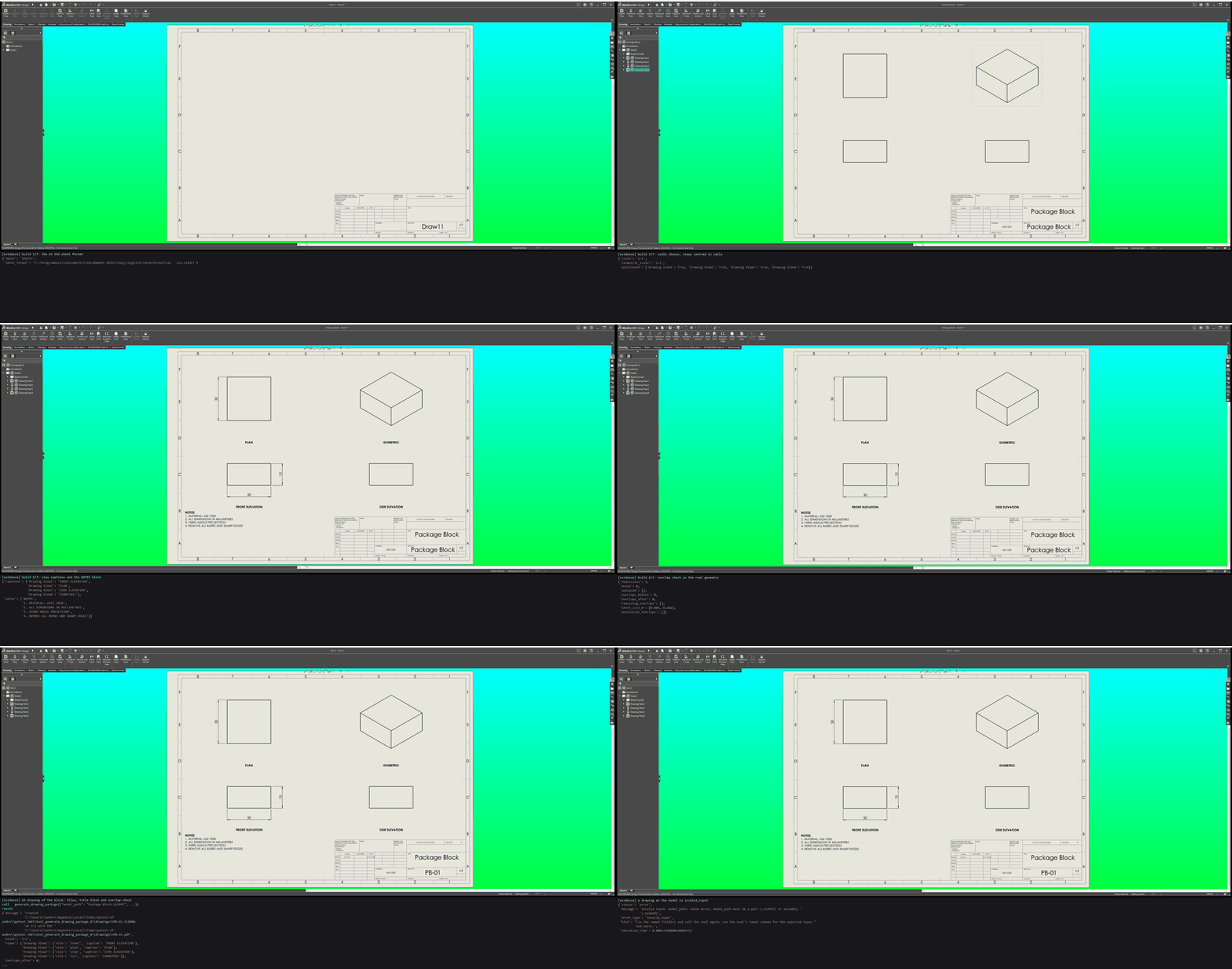 A full drawing package from one call |
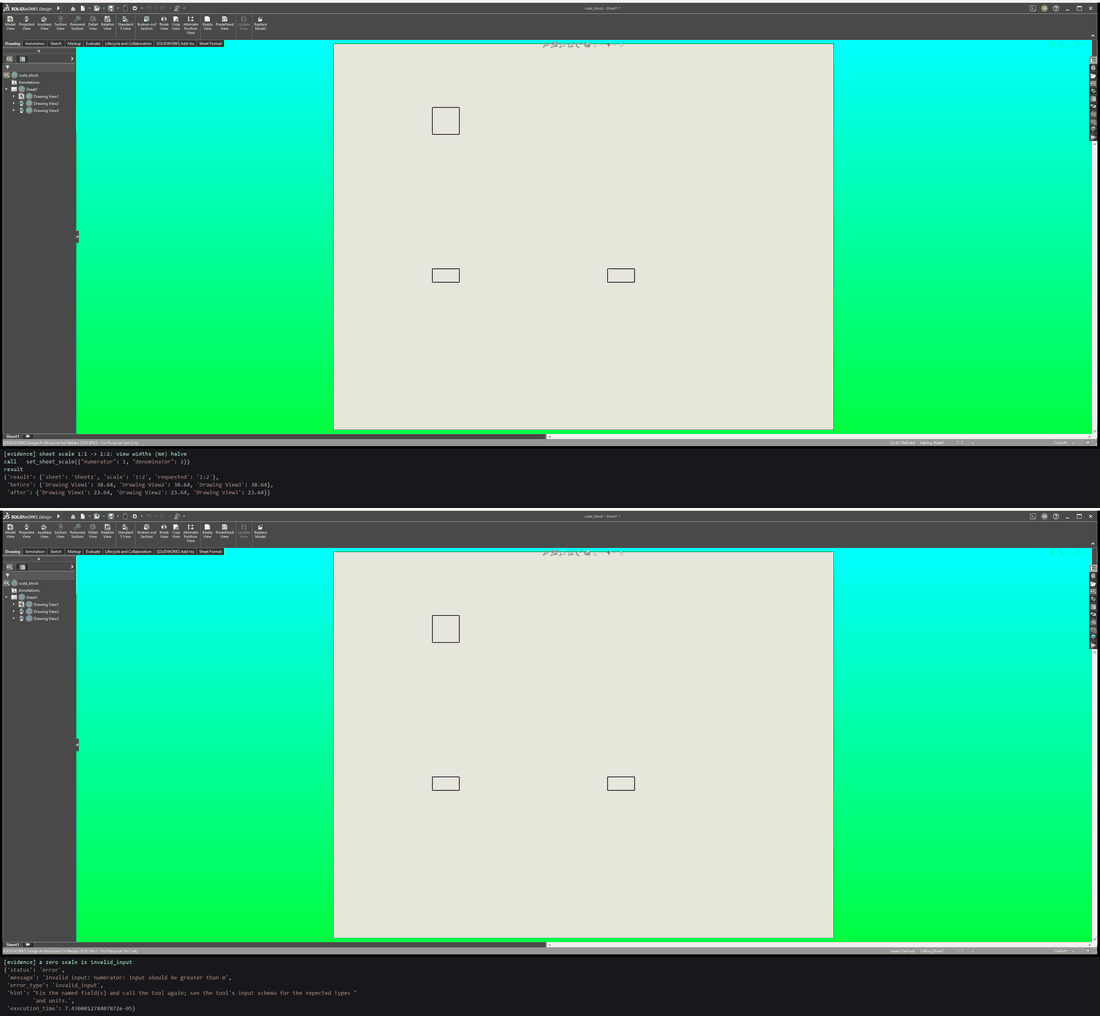 Setting the sheet scale |
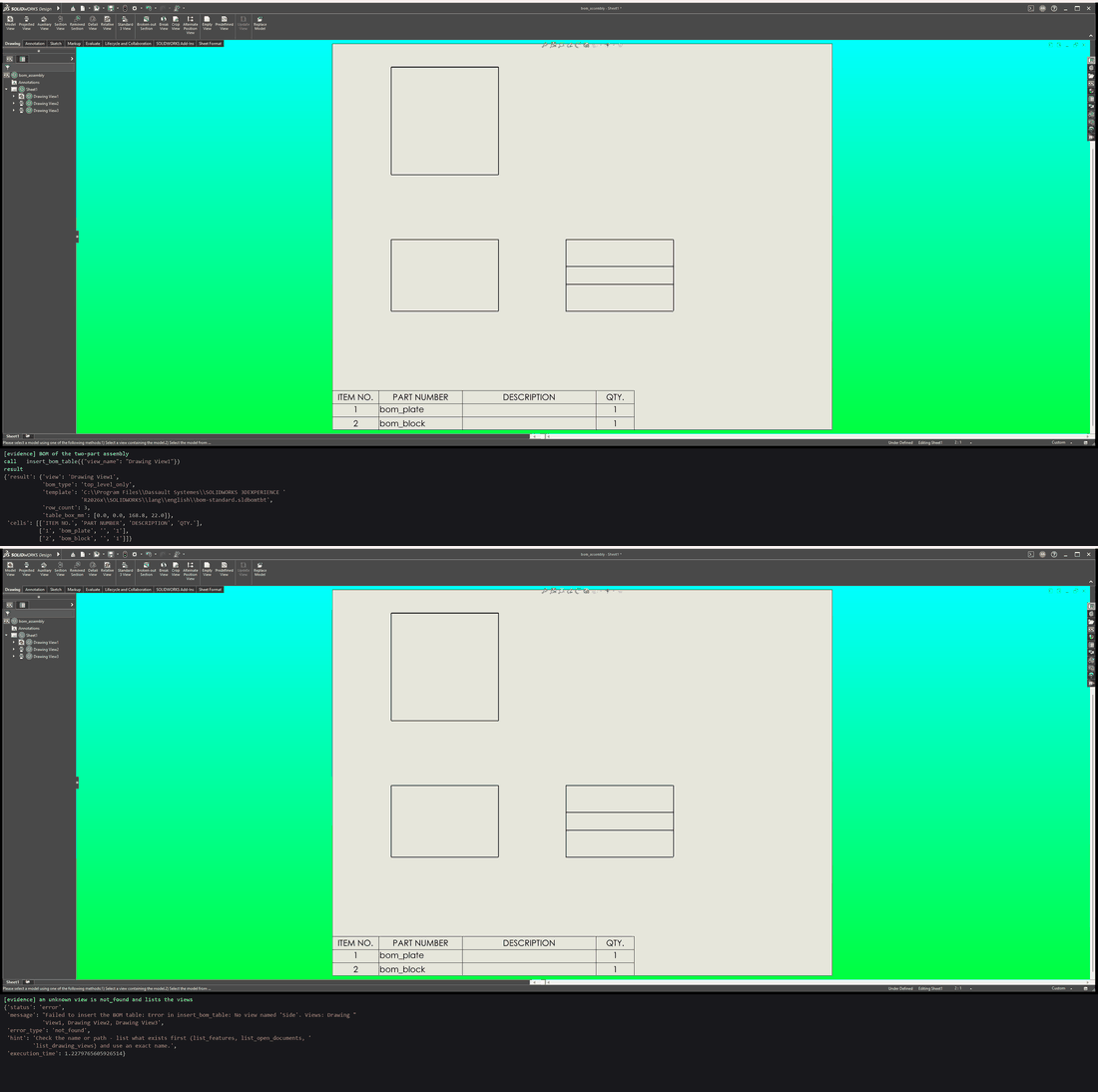 A BOM on an assembly drawing |
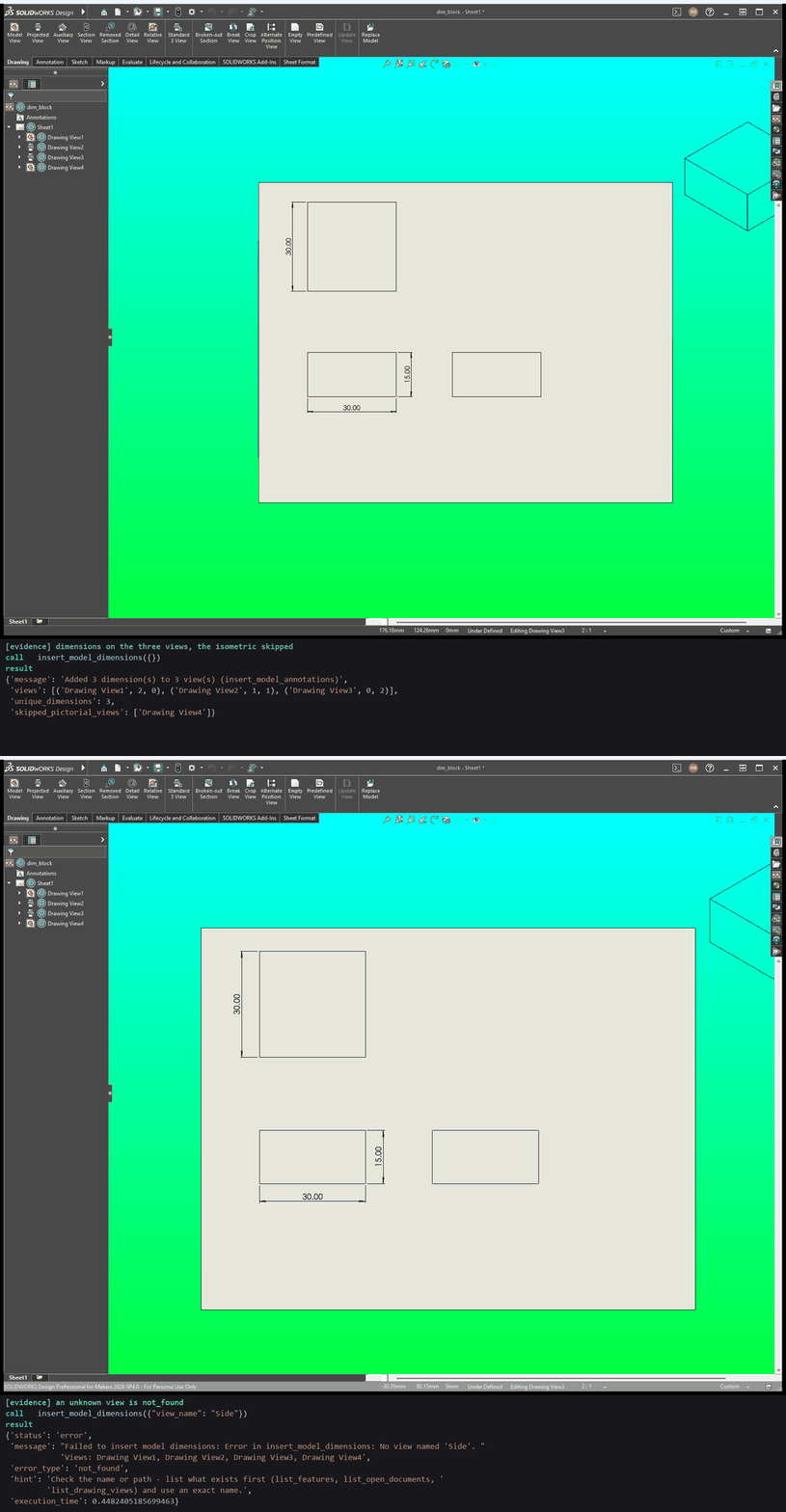 Each model dimension shown once |
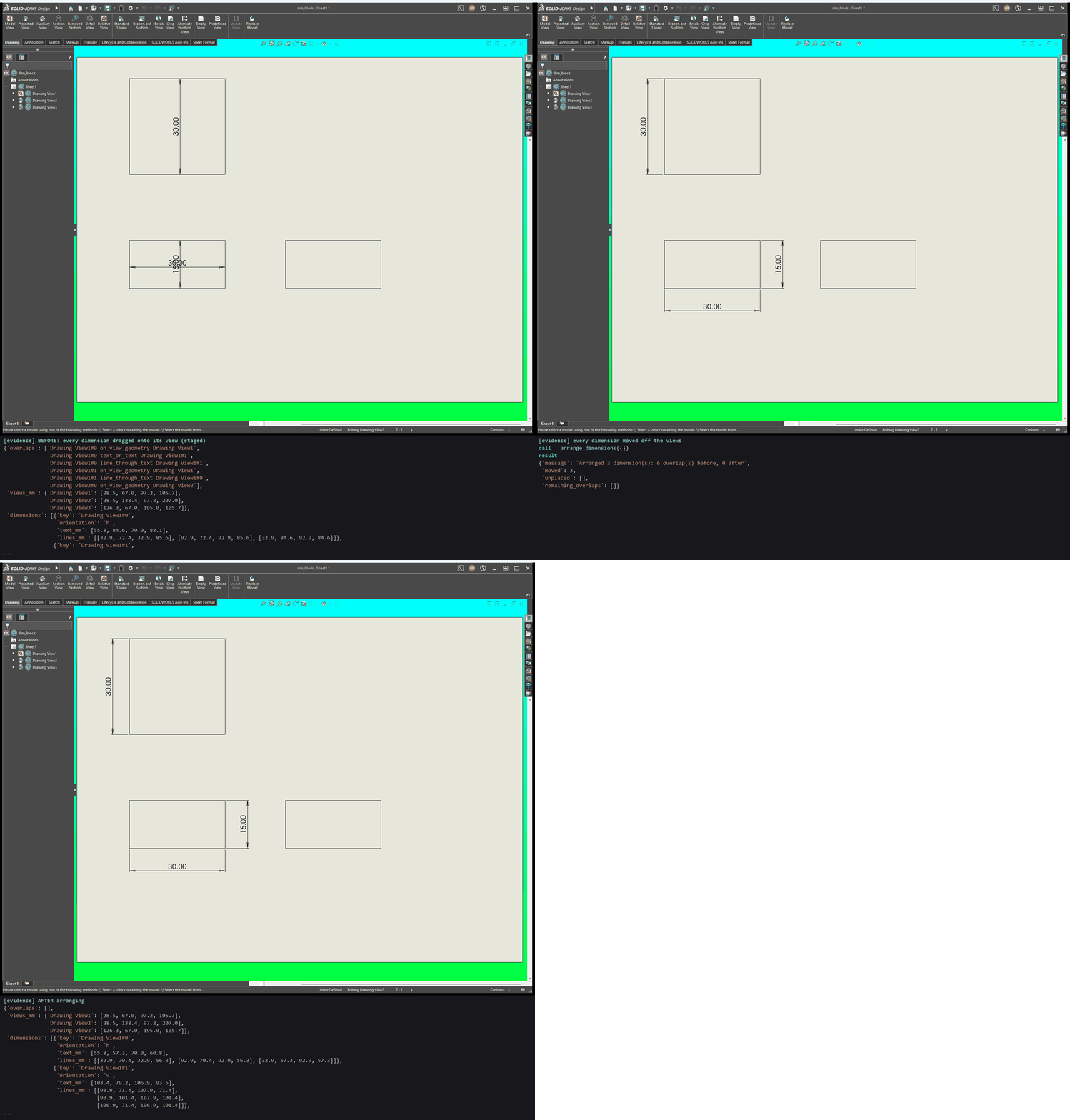 Clearing every overlap |
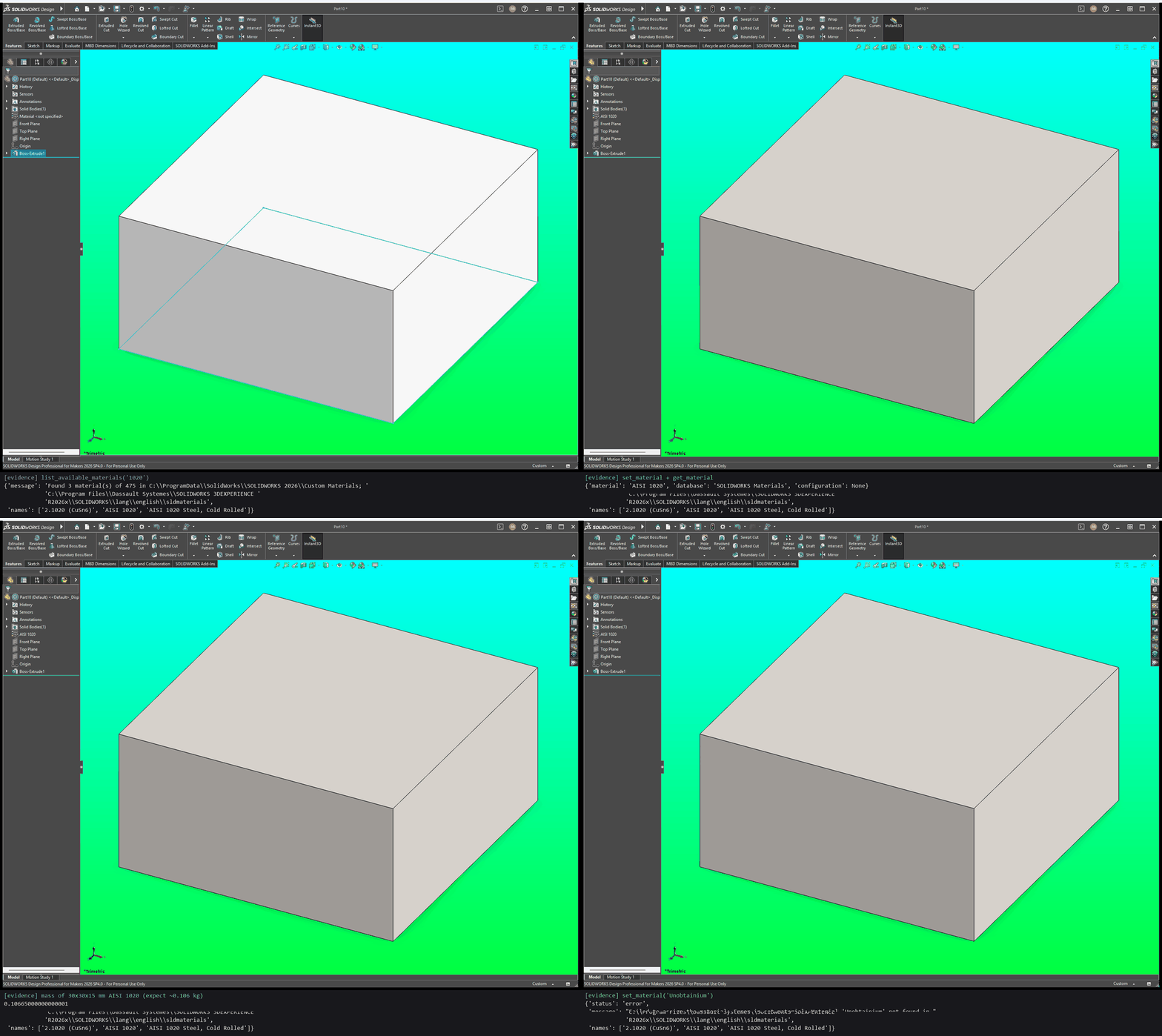 Material and mass |
 Listing dimensions and measuring a face |
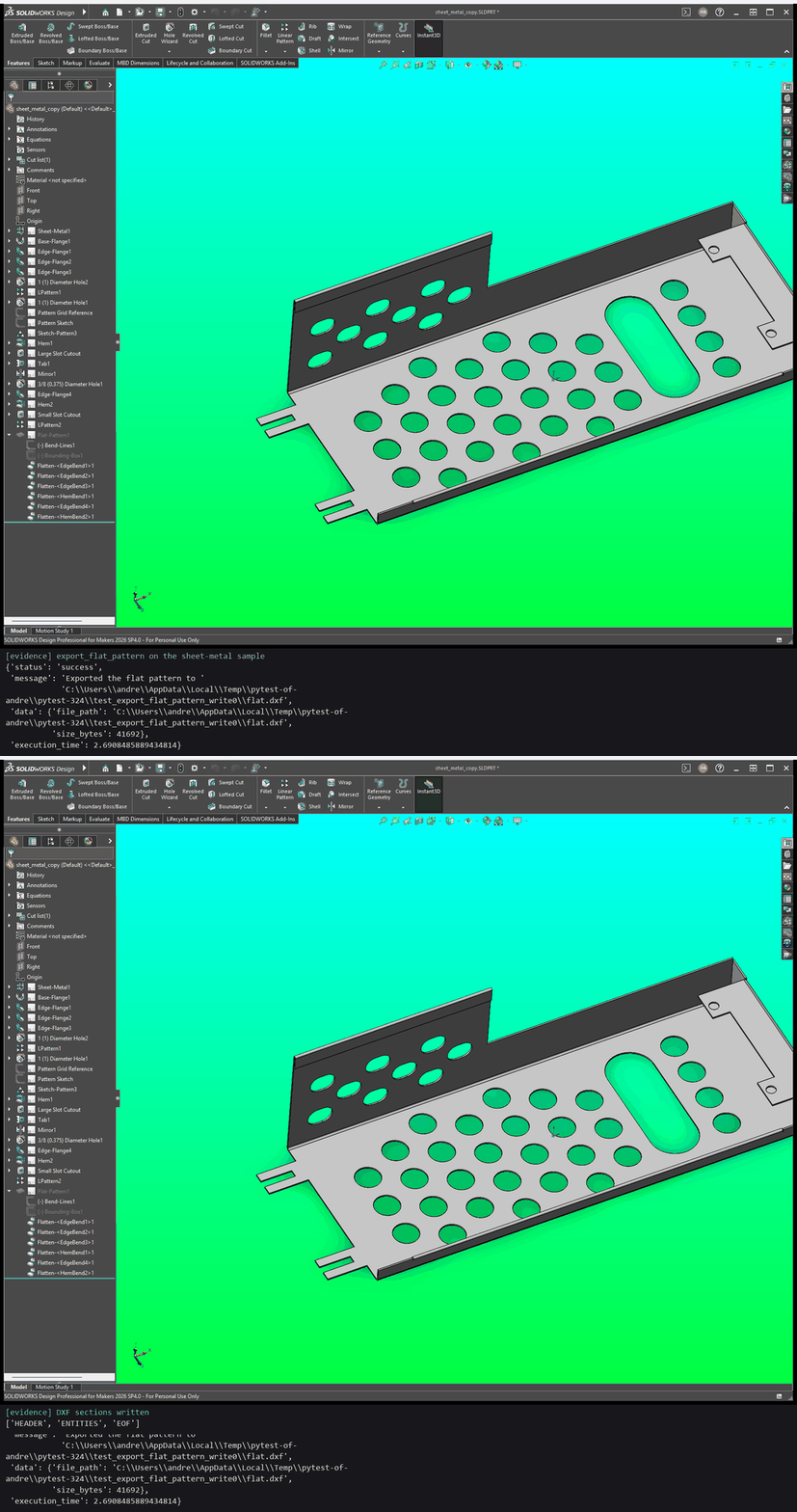 Flat pattern of a sheet-metal part |
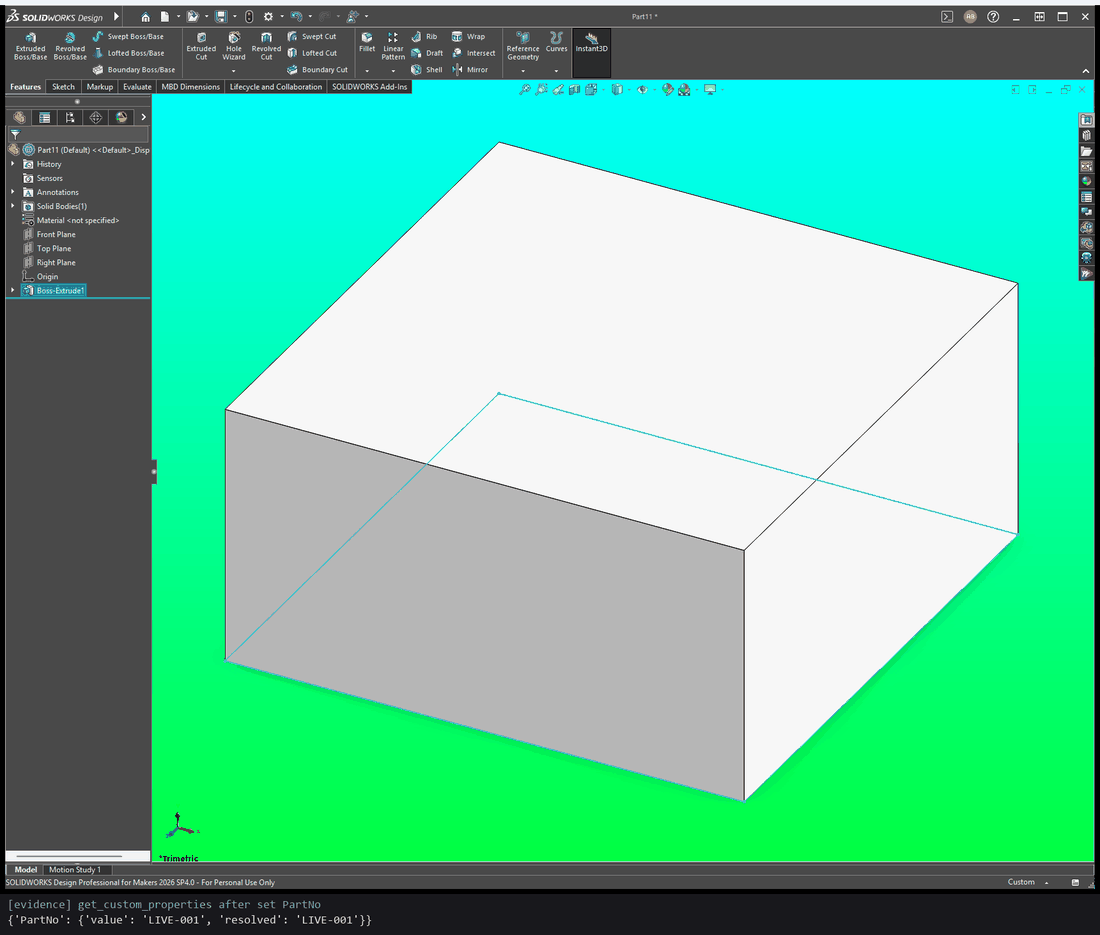 Custom properties |
See every demo in the docs: what each one shows, its prompt, every tool call with its arguments (all 58 for the demo at the top), and how to run them yourself.
Supported Today
- Windows + SolidWorks COM automation for the main CAD lifecycle.
- Tested on SolidWorks 2026. Earlier versions may work but are untested; if you try one, please open an issue with what worked.
- Modeling, sketching, drawing, analysis, export, automation, templates, and macro tools.
Not Yet / Simulated
- Mock adapter output is simulated and should not be treated as engineering truth.
- Live 3D viewport streaming in a UI.
- Checkpoint-level interference validation.
- Simple simulation and fluid workflows
- Simple Topology Optimization via SimulationXpress etc.
Install
You need Windows 10 or 11 and SolidWorks (opened at least once). In PowerShell, install uv, then open a new PowerShell window and run setup:
powershell -ExecutionPolicy ByPass -c "irm https://astral.sh/uv/install.ps1 | iex"
uvx solidworks-mcp-python setup
uv fetches Python 3.13 and the server from PyPI by itself; nothing to clone. The guided setup then:
- finds your SolidWorks version and the MCP clients on your PC: Claude Desktop, Claude Code, VS Code, Cursor and LM Studio;
- lets you pick which clients to connect;
- starts the server once to check that it lists its tools (in mock mode, so SolidWorks isn't touched);
- adds a
solidworksentry to each client you picked, then tells you what to restart.
Nothing needs a login or an API key, and the server runs only on your PC. Setup changes only the solidworks entry in each client's config. It backs the file up first and never shows or changes your other servers. Other entries that start this server the old way (run-mcp.ps1 and the like) are offered for removal, so tools don't load twice.
To check it worked: open SolidWorks, restart your client, and ask "What model is open in SolidWorks?"
The package is solidworks-mcp-python. uvx solidworks-mcp installs a different project. To work on the server itself, install from a clone. More fixes are in Troubleshooting.
Connect your client
Run setup again whenever you want to add a client:
uvx solidworks-mcp-python setup
| Option | What it does |
|---|---|
--client claude-desktop |
Configure one client without the list. Repeat it for several (claude-code, vscode, cursor, lmstudio). |
--dry-run |
Show what would change, and change nothing. |
--yes |
Don't ask: configure every client found. |
--remove |
Take the solidworks entry out again. |
--replace-old |
Remove older entries for this server without asking. |
--mock |
Configure mock mode, which answers without SolidWorks (for trying the tools). |
To set up a client by hand instead, each one runs uvx solidworks-mcp-python. If a client can't find uvx, use its full path, from (Get-Command uvx).Source.
Claude Desktop
Add this to claude_desktop_config.json, alongside anything already in it. Depending on how Claude Desktop was installed, the file is in one of:
%LOCALAPPDATA%\Claude-Data\claude_<id>\(current releases)%LOCALAPPDATA%\Packages\Claude_<id>\LocalCache\Roaming\Claude\%APPDATA%\Claude\
{
  "mcpServers": {
    "solidworks": {
      "command": "uvx",
      "args": ["solidworks-mcp-python"]
    }
  }
}
Quit Claude Desktop from the system tray (closing the window isn't enough) and reopen it. Settings > Developer should show solidworks as running.
Claude Code
claude mcp add --scope user solidworks -- uvx solidworks-mcp-python
Run /mcp in a new session to check that solidworks is connected.
VS Code
Add this to %APPDATA%\Code\User\mcp.json:
{
  "servers": {
    "solidworks": {
      "type": "stdio",
      "command": "uvx",
      "args": ["solidworks-mcp-python"]
    }
  }
}
Run MCP: List Servers from the Command Palette and start solidworks. Its output should end with Discovered 154 tools (the count grows as tools are added).
LM Studio
Add this to %USERPROFILE%\.lmstudio\mcp.json:
{
  "mcpServers": {
    "solidworks": {
      "command": "uvx",
      "args": ["solidworks-mcp-python"]
    }
  }
}
Restart LM Studio and enable solidworks in the Program tab.
For mock mode, which needs no SolidWorks, use "args": ["solidworks-mcp-python", "--mock"]. Linux and WSL work for the docs, the tests and mock mode, but not for driving SolidWorks.
Optional features (environment variables)
Set these in your client's env block for the server, or in the shell before starting it by hand. Every SOLIDWORKS_MCP_<FIELD> maps to the config field of the same name.
SolidWorks-as-Code session logging (off by default). Logs every adapter tool call to a local SQLite database, so a session can be replayed or exported as a runnable Python script (see docs/getting-started/solidworks-as-code.md).
| Variable | Default | Meaning |
|---|---|---|
SOLIDWORKS_MCP_SOC_LOGGING_ENABLED |
false |
Turn logging on. |
SOLIDWORKS_MCP_SOC_SESSION_ID |
(generated) | Session name to log under. If unset while logging is on, a soc-YYYYMMDD-HHMMSS id is generated at startup. |
SOLIDWORKS_MCP_SOC_DB_PATH |
.solidworks_mcp/agent_memory.sqlite3 |
Override the database file. |
$env:SOLIDWORKS_MCP_SOC_LOGGING_ENABLED = "true"
$env:SOLIDWORKS_MCP_SOC_SESSION_ID = "my-bracket"
.\.venv\Scripts\solidworks-mcp.exe
# ...work in your MCP client...
.\.venv\Scripts\python.exe -m solidworks_mcp.agents.soc_exporter my-bracket my_bracket.py
It works only with the circuit-breaker adapter wrapper (the default for real SolidWorks); the mock adapter does not log.
API docs index auto-refresh (on by default). The API-lookup tools (lookup_api_interface, lookup_api_method, find_related_api_members) and search_solidworks_api_help read a JSON index built by discover_solidworks_docs. When the index is older than the threshold, the next lookup rebuilds it.
| Variable | Default | Meaning |
|---|---|---|
SOLIDWORKS_MCP_DOCS_INDEX_AUTO_REFRESH |
true |
Rebuild a stale index automatically. No-op without SolidWorks + win32com; a failed rebuild keeps serving the existing index. |
SOLIDWORKS_MCP_DOCS_INDEX_MAX_AGE_DAYS |
21 |
Age after which the index counts as stale. |
Contributing
install.ps1 gives you an editable install, so code changes take effect the next time a client starts the server. For the development tools, install the extras:
.\.venv\Scripts\python.exe -m pip install -e ".[dev,test,docs]"
.\dev-commands.ps1 lists the common workflows:
dev-install: install or update the local dev environmentdev-test: run the standard test suite (the CI-safe subset)dev-test-full: run the full suite, including smoke and integration pathsdev-lintanddev-format: lint checks and formattingdev-docs-build,dev-docs-strictanddev-docs-audit: build the docs, build them failing on warnings, or write an audit report to.generated/docs
To mirror GitHub Actions CI locally (Ubuntu, the conda env from solidworks_mcp.yml, and make test), run .\scripts\run-ci-local.ps1. The first run builds the image; add -NoBuild to re-run tests without rebuilding.
Docs
- Main docs site: https://andrewbartels1.github.io/SolidworksMCP-python/
- Home/overview: docs/index.md
Key docs sections:
- Getting Started: docs/getting-started
- MCP Server Guide: docs/user-guide
- Tool Catalog: docs/user-guide/tool-catalog
- Agents and Skills: docs/agents
- Planning/Roadmap: docs/planning
Direct links:
- Installation
- Quick Start
- Tutorial: U-Joint Assembly Build
- Tutorial Tracks
- VS Code MCP Setup
- Architecture
- Agents and Prompt Testing
- PydanticAI and Schemas
License
MIT License. See LICENSE.
1 maintainer

Metadata
1 maintainer
Release files for solidworks-mcp-python 1.5.0
For a detailed explanation of source distributions (sdists) and built distributions (wheels), please see the package formats documentation.
Source distribution (sdist)
| File | Size | Uploaded | Provenance | Actions |
|---|---|---|---|---|
| solidworks_mcp_python-1.5.0.tar.gz | 2.2 MB | With provenance | Details for solidworks_mcp_python-1.5.0.tar.gz |
Built distribution (wheel)
| File | Interpreter | ABI | Platform | Actions Reset |
|---|---|---|---|---|
| solidworks_mcp_python-1.5.0-py3-none-any.whl | Python 3 | none | any | Details for solidworks_mcp_python-1.5.0-py3-none-any.whl |
Total release size: 2.8 MB
Release files / solidworks_mcp_python-1.5.0.tar.gz
| Download URL | solidworks_mcp_python-1.5.0.tar.gz |
|---|---|
| Size | 2.2 MB |
| Tags | Source |
|
SHA-256 checksum How to use checksums |
066c1c5ab174174c8b9a615276c59168447339ce33192be62f8f32a5760e0fbf
|
|
BLAKE2b-256 checksum How to use checksums |
a39f8754809c7f766bdfc4eb709e1754597cd4c80bea395666cf0d44a10132d3
|
| Upload date | |
|
Uploaded using Trusted Publishing? What is trusted publishing? |
Yes |
| Uploaded via |
twine/7.0.0 CPython/3.13.16
|
Provenance
Provenance describes where a file came from. On PyPI, provenance is shared via attestations, which provide a verifiable record of the build or publishing details. View details, limitations and caveats.


PyPI Publish Attestation
PyPI verified that this artifact, at this checksum, originated from the publisher listed below.
Signed by GitHub Actions, verified by PyPI on Nov 2, 2026.
Transparency logRelease files / solidworks_mcp_python-1.5.0-py3-none-any.whl
| Download URL | solidworks_mcp_python-1.5.0-py3-none-any.whl |
|---|---|
| Size | 561.2 kB |
| Tags | Python 3 |
|
SHA-256 checksum How to use checksums |
23f1501d5ada199f1dd5017900750857607134b669c35b8af921a4f1c5c44de0
|
|
BLAKE2b-256 checksum How to use checksums |
f8cf66460f756c332169da23c9d4e88f5c3549d98c90d9b816740cd3d5664cb0
|
| Upload date | |
|
Uploaded using Trusted Publishing? What is trusted publishing? |
Yes |
| Uploaded via |
twine/7.0.0 CPython/3.13.16
|
Provenance
Provenance describes where a file came from. On PyPI, provenance is shared via attestations, which provide a verifiable record of the build or publishing details. View details, limitations and caveats.
PyPI Publish Attestation
PyPI verified that this artifact, at this checksum, originated from the publisher listed below.
Signed by GitHub Actions, verified by PyPI on Nov 2, 2026.
Transparency logSecurity for solidworks-mcp-python 1.5.0
Provenance
Provenance describes where a file came from. On PyPI, provenance is shared via attestations, which provide a verifiable record of the build or publishing details. View details, limitations and caveats.
Full provenance
All 2 files in this release have been uploaded with provenance metadata.
Attestation for solidworks_mcp_python-1.5.0.tar.gz
PyPI Publish Attestation
PyPI verified that this artifact, at this checksum, originated from the publisher listed below.
Signed by GitHub Actions, verified by PyPI on Nov 2, 2026.
Transparency logA note on package security
PyPI is a repository for distributing packages, not a service for auditing them. While third-party security researchers and our staff do their best to detect and remove malicious packages, PyPI cannot guarantee the quality, security or suitability of any given package.
To learn more about protecting yourself from malicious actors, visit our package security documentation.













