
spacecrew
See who is in space right now, catch the ISS over your house, and track launches - all from your terminal.
Install
From PyPI:
pip install spacecrew
Or install from source with pipx:
git clone https://github.com/jakub-ginal/spacecrew
cd spacecrew
pipx install .
Requires Python 3.10+
Usage
Quickstart
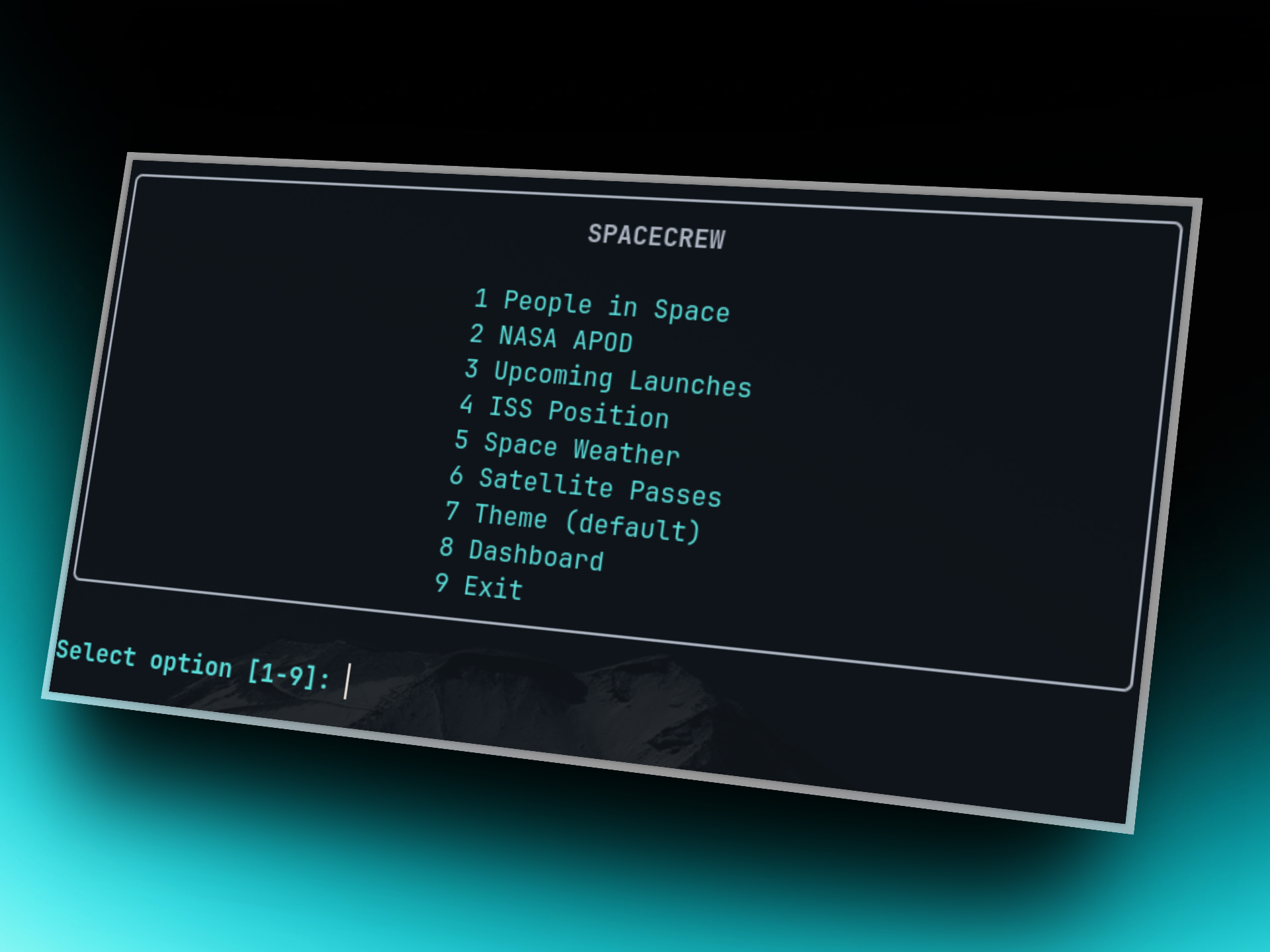
Simply type spacecrew anywhere in your terminal. Follow the interactive menu:
Menu: 1 People · 2 APOD · 3 Launches · 4 ISS · 5 Weather · 6 Passes · 7 Theme · 8 Dashboard · 9 Quit
Commands
spacecrew                  # interactive menu
spacecrew --mode passes    # jump straight to satellite passes
spacecrew --mode apod --offline   # cached APOD, no network
spacecrew --mode iss --no-image   # skip photo rendering
Features
People in Space - who is up there right now
Live crew split by ISS / Tiangong, per-mission trees, astronaut profiles with photo, agency, and time in space (previous + current mission tracked live).

Time in Space
- p (previous): Days from past missions.
- c (current): Days from the current mission (tracked live).

Commands
spacecrew --mode people
spacecrew --mode people --json
NASA APOD - astronomy picture of the day in your terminal
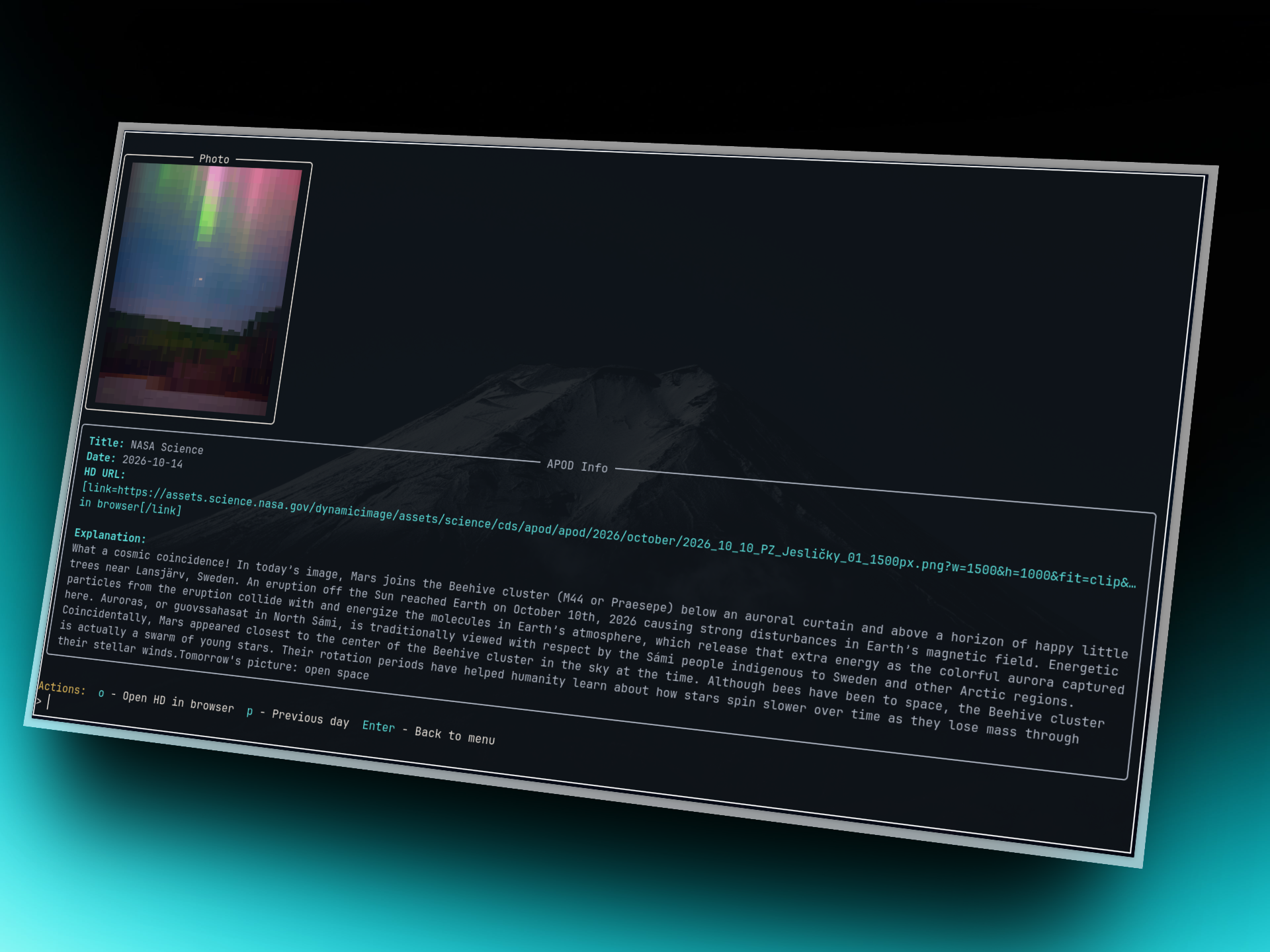
Image rendered right in the terminal, full explanation, o opens HD in browser, p goes a day back. Needs a NASA key for heavy use - otherwise DEMO_KEY limits apply.
Commands
spacecrew --mode apod
export NASA_API_KEY="your-key-here"
Launches - upcoming liftoffs with rocket photos
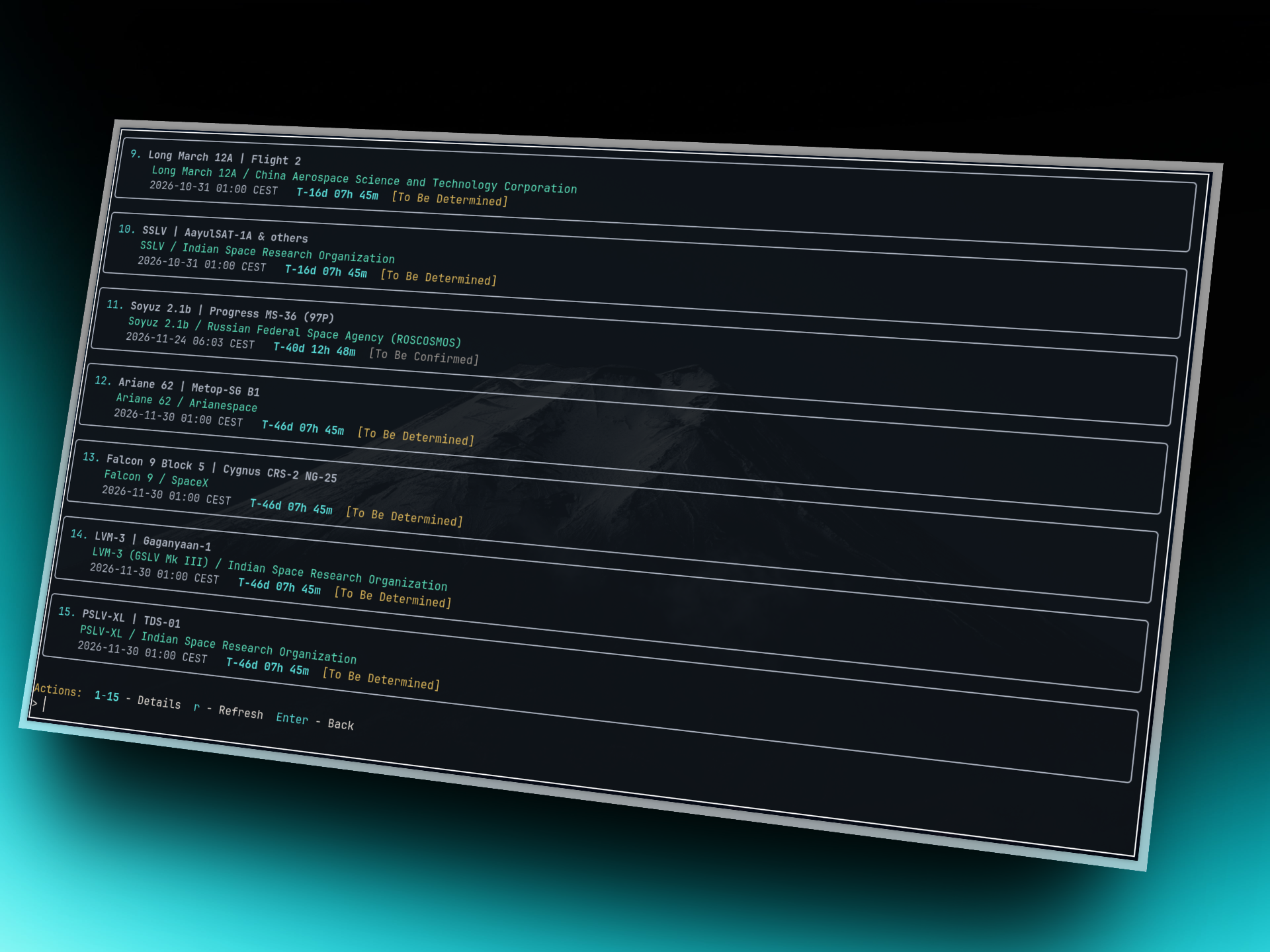
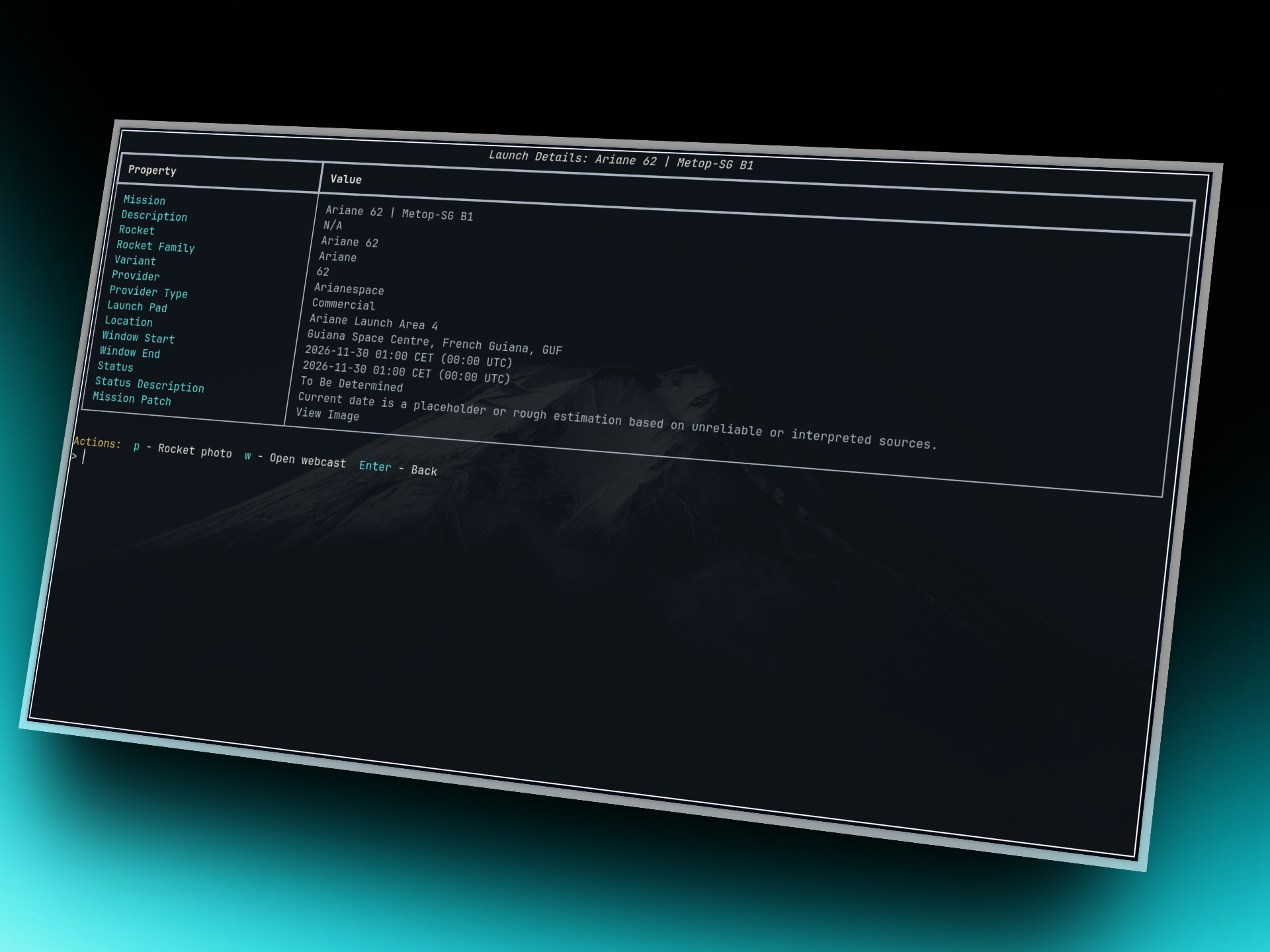
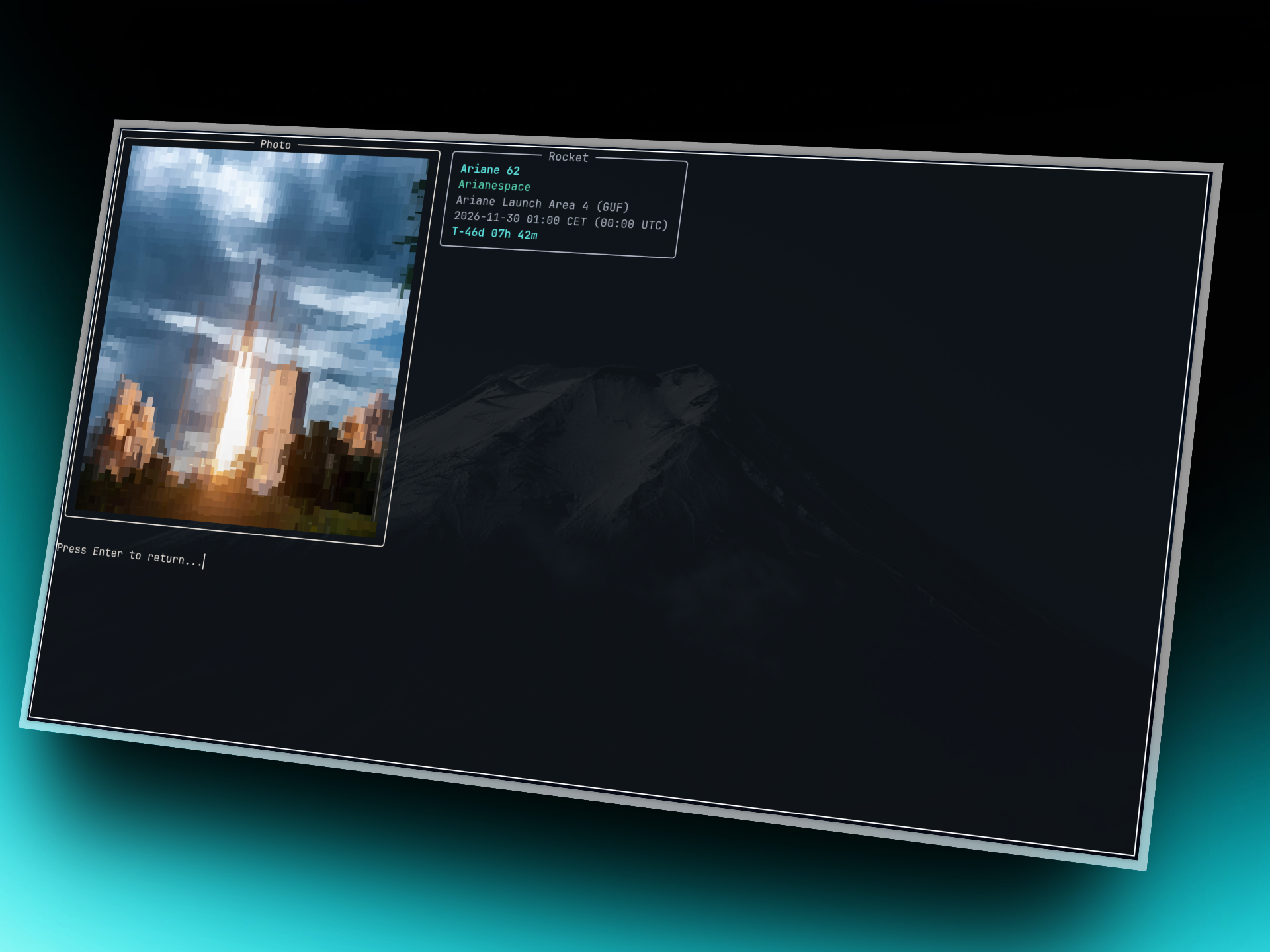
Compact cards with countdowns (T-2d 04h 12m), detail view per mission, p opens a big rocket photo, w opens the webcast.
Detailed view
Rocket photo
Commands
spacecrew --mode launches
spacecrew --mode launches --json
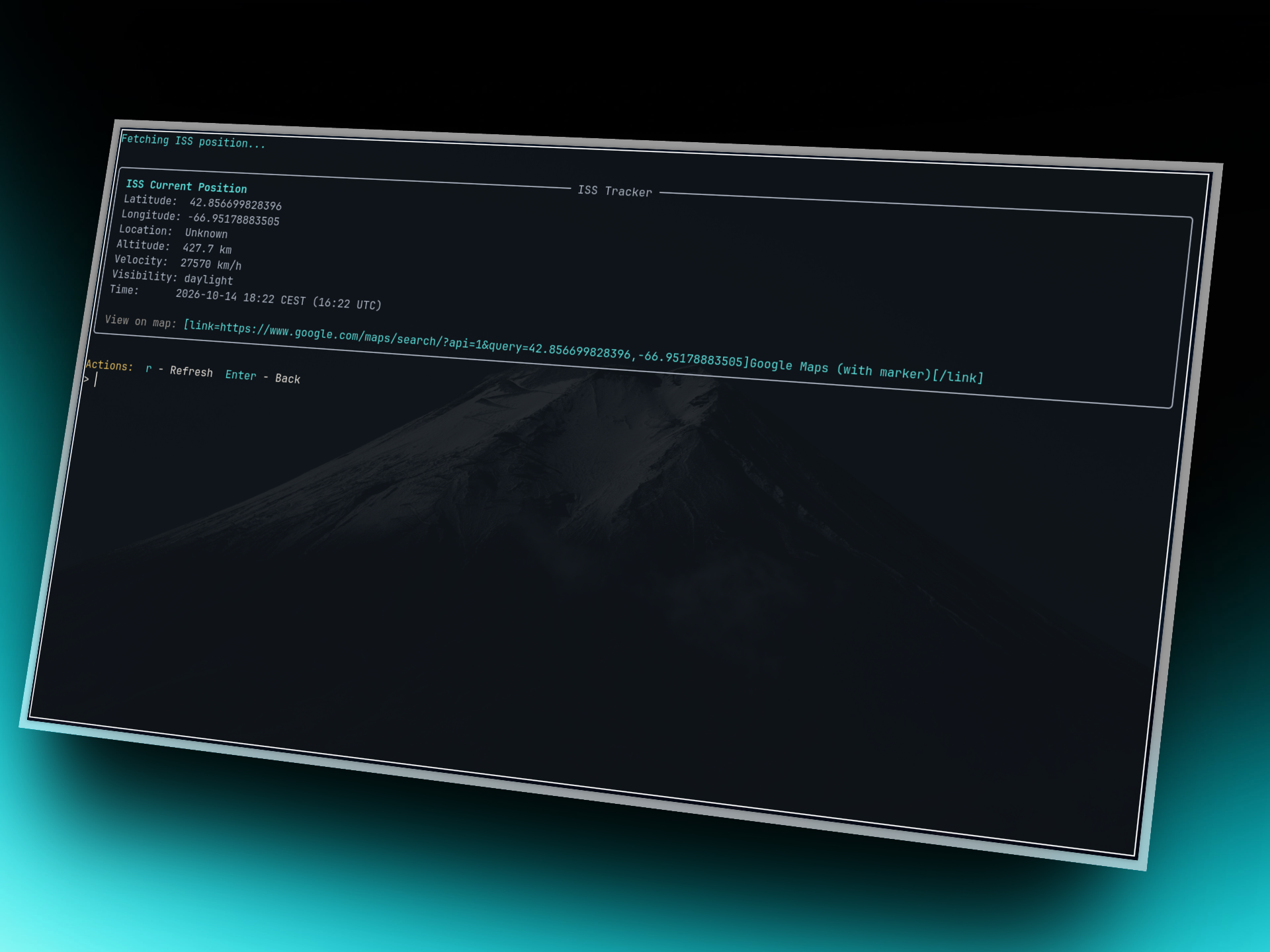
ISS Position - live tracker
Real-time latitude/longitude, altitude, velocity, over-what-country, plus a Google Maps link.
Commands
spacecrew --mode iss
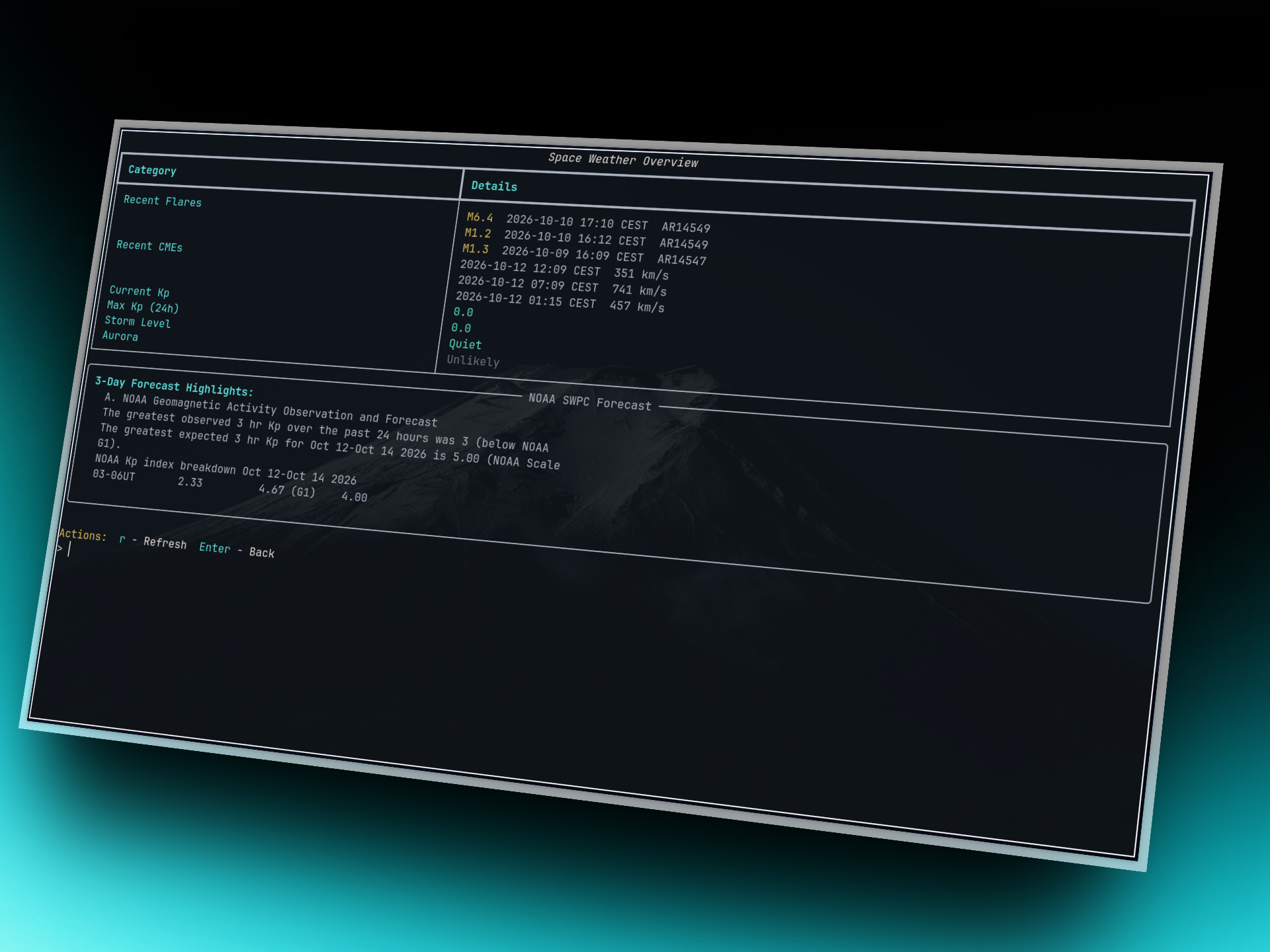
Space Weather - flares, CMEs, Kp, aurora verdict
Recent solar flares and Earth-directed CMEs, live Kp index with storm level, and an aurora verdict for your latitude (set your location in Passes first).
Commands
spacecrew --mode weather
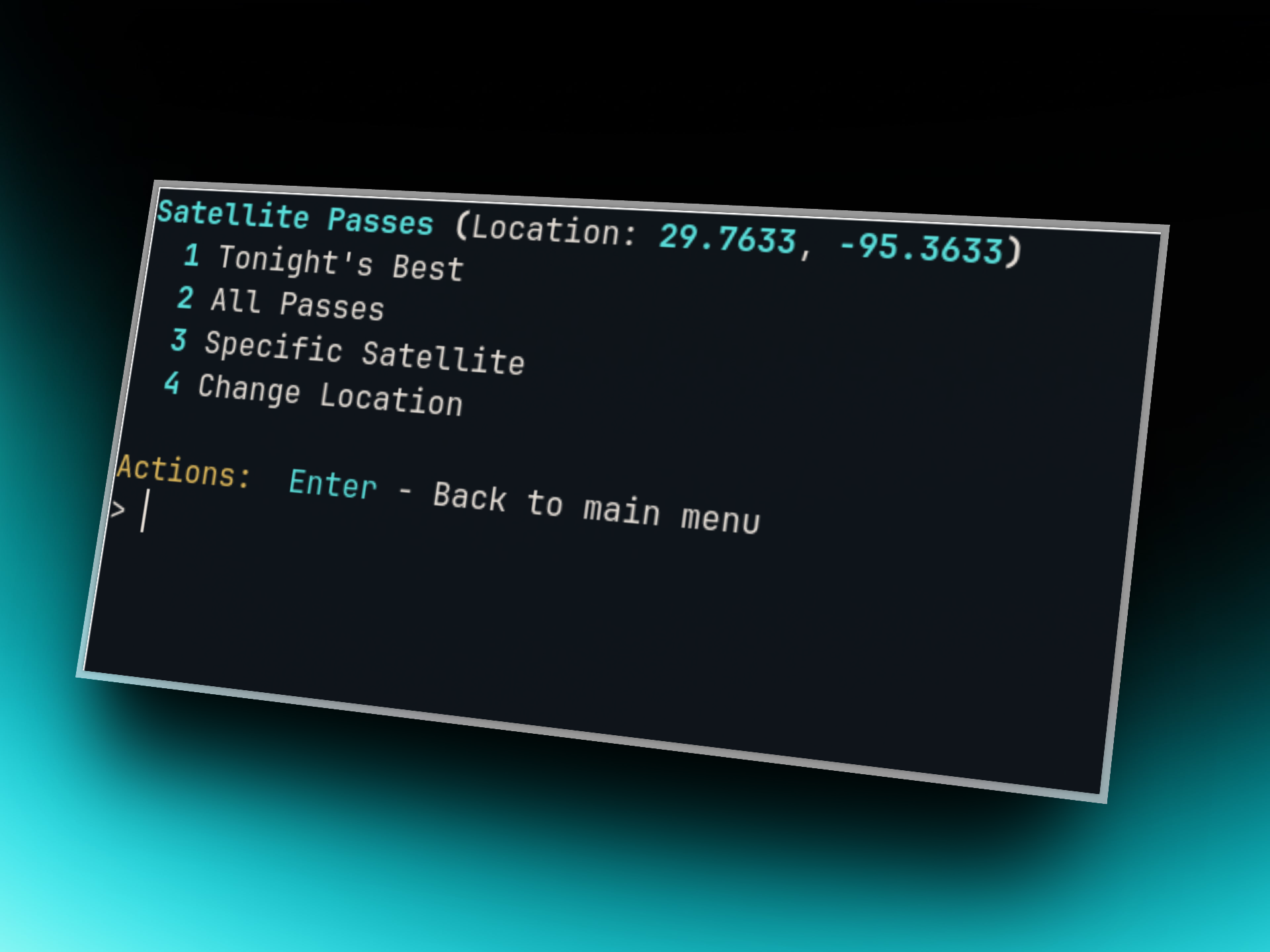
Satellite Passes - predictions for your sky
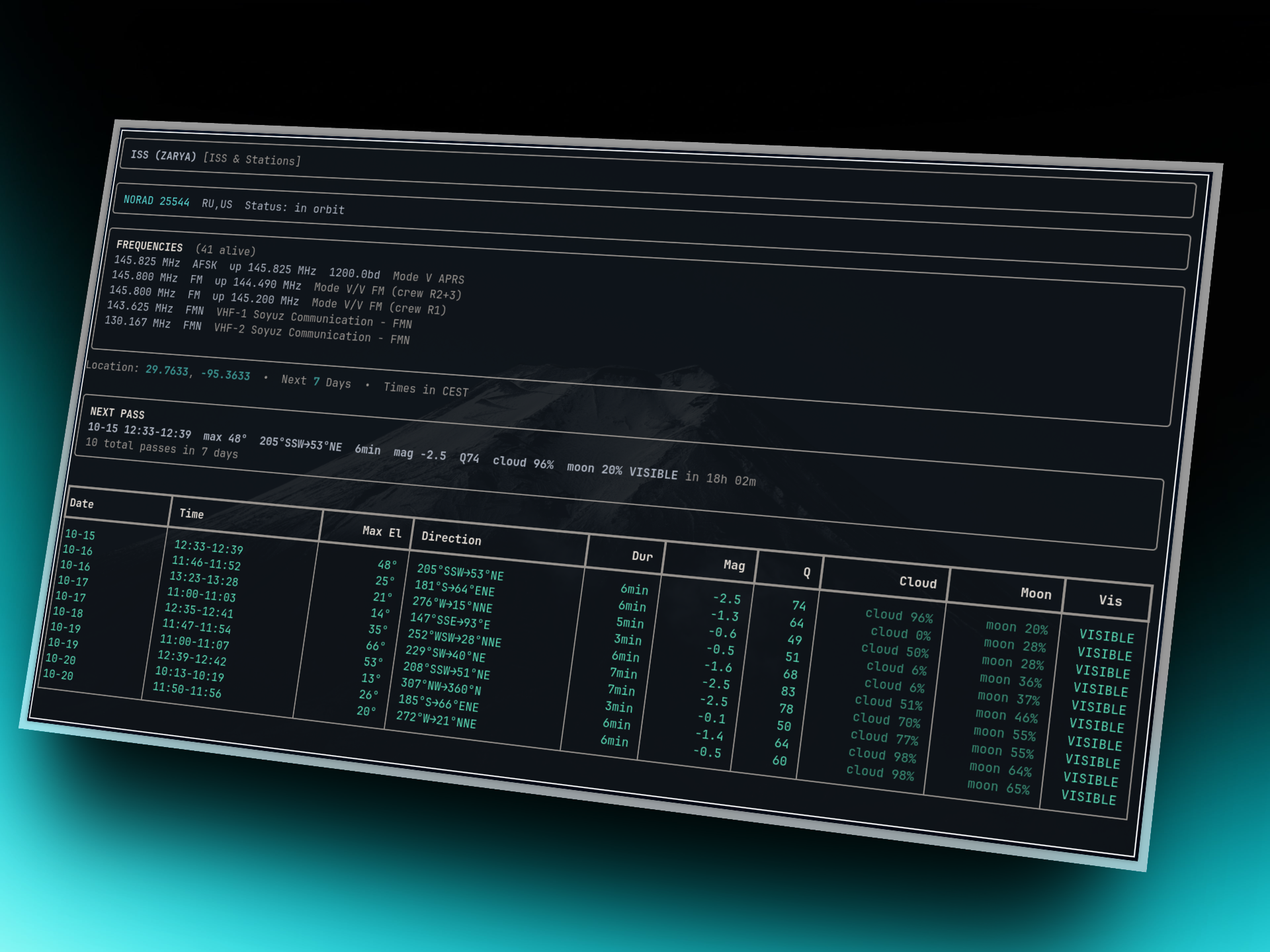
Set your location once, then get Tonight's Best (smart quality filter), All Passes, Specific Satellite search, or just Favorites. Every pass shows brightness, quality score, cloud cover, and moon state.
Detailed view
Commands
spacecrew --mode passes
spacecrew --mode passes --json
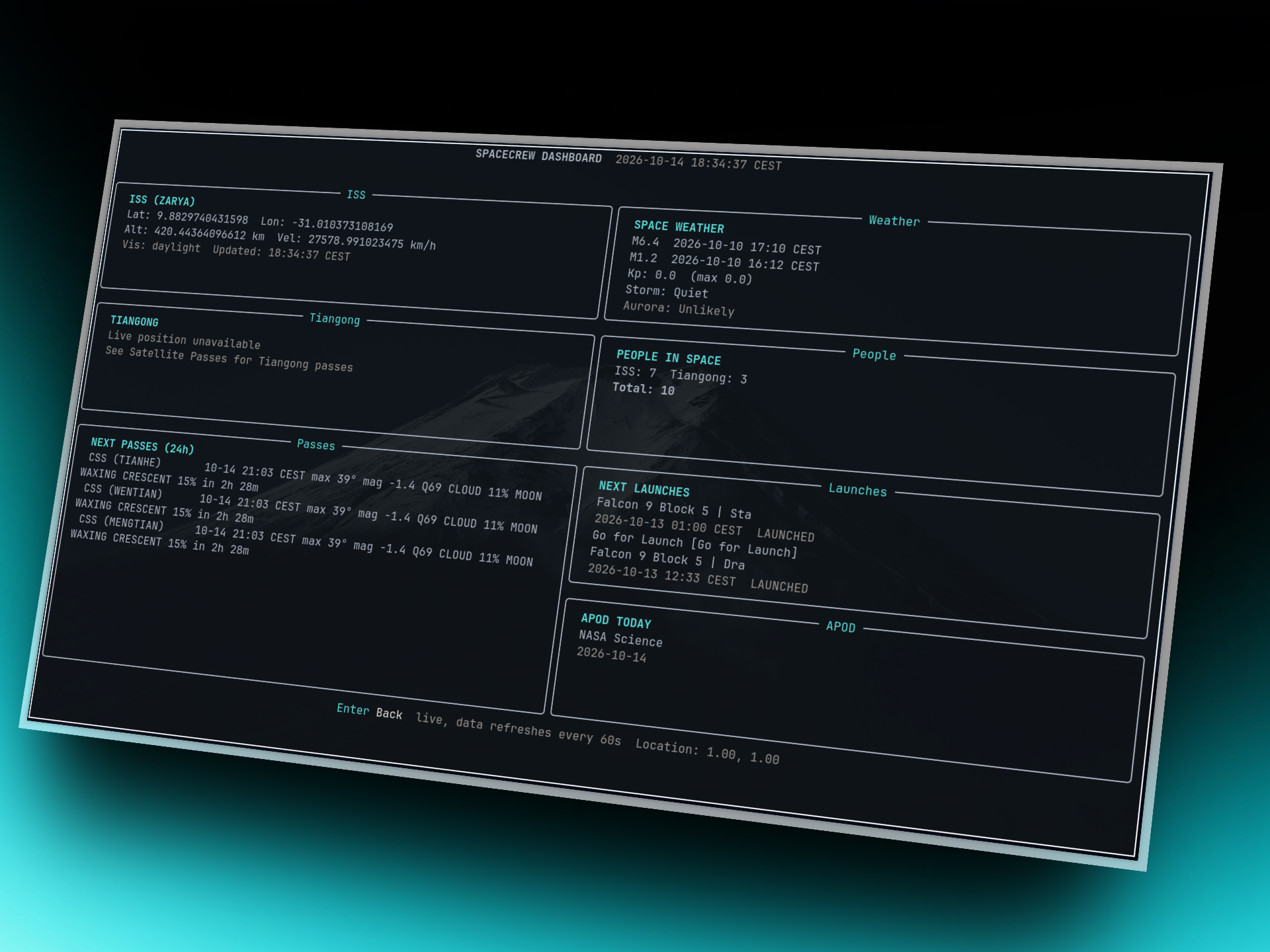
Dashboard - everything live on one screen
ISS, next passes, weather, people, launches, APOD - refreshing every 60s. Enter goes back.
Commands
spacecrew --mode dashboard
Timezones - your time, not just UTC
Times display in your local zone with UTC kept in detail views. Auto-detected on first run, overridable any time.
Commands
spacecrew --timezone Europe/Warsaw
JSON mode - script it
Machine-readable output for people, launches, and passes. Status messages stay off stdout so pipes never break.
Commands
spacecrew --json --mode people | jq length
spacecrew --no-cache --json --mode passes | jq '.[0]'
Config & safe testing
Settings live in ~/.config/spacecrew/config.toml, cache in cache.db next to it. Test without touching real data using an isolated dir.
spacecrew --offline      # cached data only
spacecrew --no-cache     # skip cache for this run
spacecrew --clear-cache  # drop expired entries
spacecrew --config /tmp/spacecrew-test   # isolated playground
Themes, completions, man page
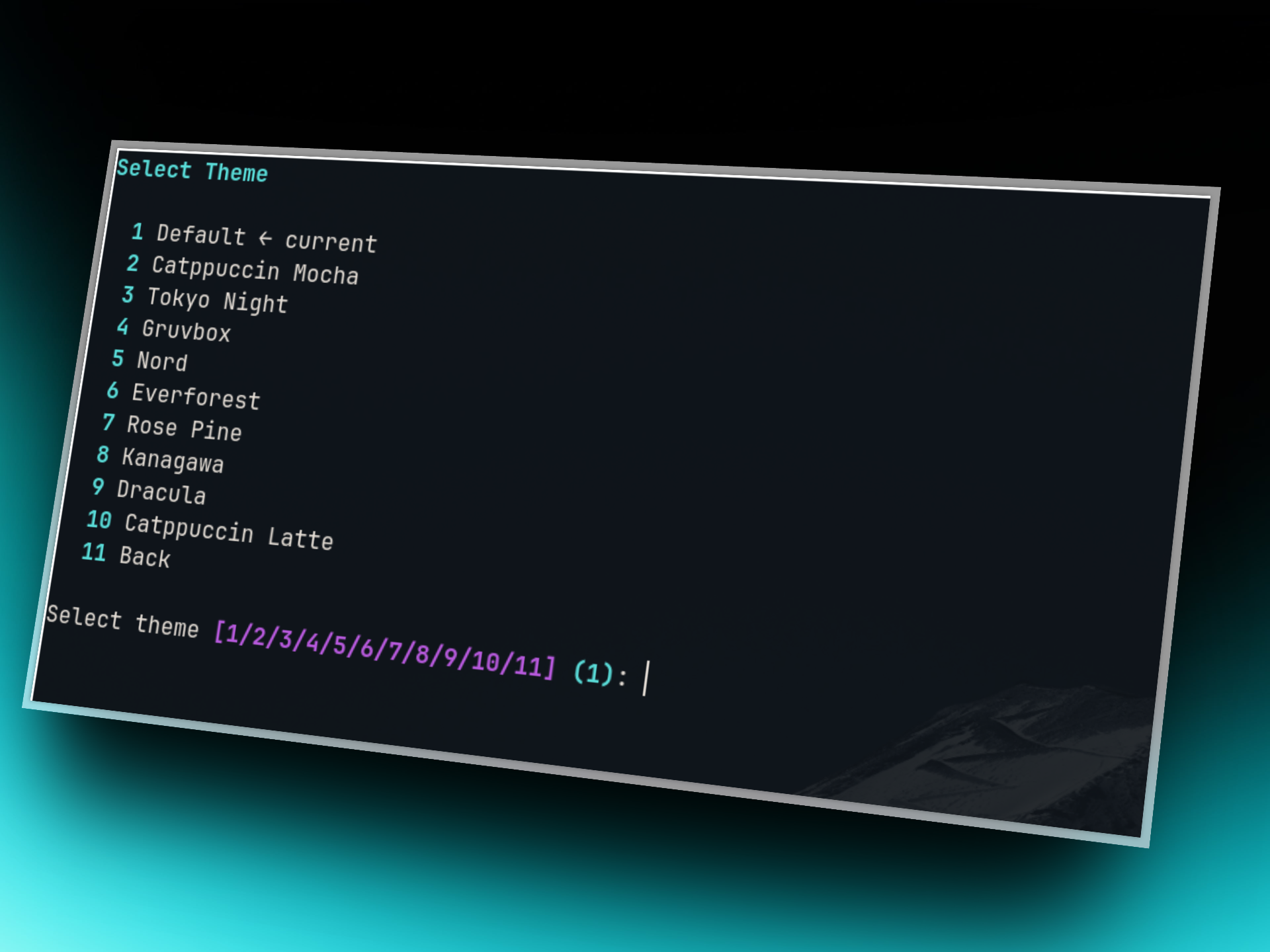
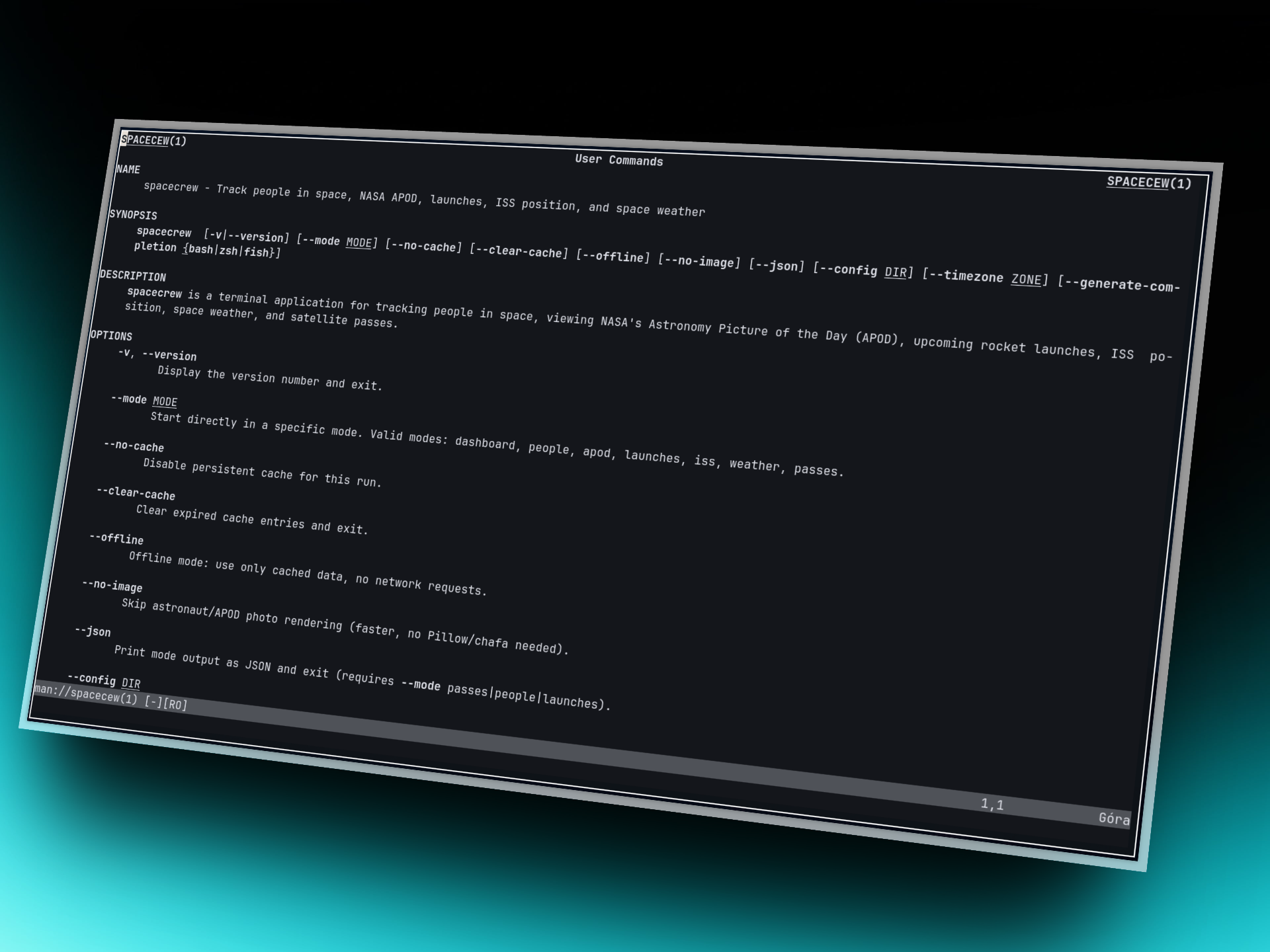
10 themes from menu option 7, shell completions, and a real man page.
Man page
Commands
spacecrew --generate-completion bash   # bash|zsh|fish
man spacecrew
Uninstall
pip uninstall spacecrew
Data sources
People data by corquaid · launches by The Space Devs · orbits by CelesTrak · satellite metadata by SatNOGS · imagery by NASA APOD · weather by NOAA SWPC · clouds by Open-Meteo
1 maintainer

Metadata
1 maintainer
Release files for spacecrew 1.2.19
For a detailed explanation of source distributions (sdists) and built distributions (wheels), please see the package formats documentation.
Source distribution (sdist)
| File | Size | Uploaded | |
|---|---|---|---|
| spacecrew-1.2.19.tar.gz | 70.3 kB | Details |
Built distribution (wheel)
| File | Interpreter | ABI | Platform | Reset |
|---|---|---|---|---|
| spacecrew-1.2.19-py3-none-any.whl | Python 3 | none | any | Details |
Total release size: 141.3 kB
Release files / spacecrew-1.2.19.tar.gz
| Download URL | spacecrew-1.2.19.tar.gz |
|---|---|
| Size | 70.3 kB |
| Tags | Source |
|
SHA-256 checksum How to use checksums |
6ebf9e601c3bef85089a07a68857ef2335e14b345bf86ea85ce85087efa4e546
|
|
BLAKE2b-256 checksum How to use checksums |
71f37046a67b4da5a15bae1d71a5eadf8d7e08bd62b3d35362e02ac397e880e0
|
| Upload date | |
|
Uploaded using Trusted Publishing? What is trusted publishing? |
No |
| Uploaded via |
uv/0.13.1 {"installer":{"name":"uv","version":"0.13.1","subcommand":["publish"]},"python":null,"implementation":{"name":null,"version":null},"distro":{"name":"Ubuntu","version":"24.04","id":"noble","libc":null},"system":{"name":null,"release":null},"cpu":null,"openssl_version":null,"setuptools_version":null,"rustc_version":null,"ci":true}
|
Release files / spacecrew-1.2.19-py3-none-any.whl
| Download URL | spacecrew-1.2.19-py3-none-any.whl |
|---|---|
| Size | 71.0 kB |
| Tags | Python 3 |
|
SHA-256 checksum How to use checksums |
709b3331101dcad18efb6a93665cdd63f7cdca1e75ca688310a57d13789087bd
|
|
BLAKE2b-256 checksum How to use checksums |
ec4065ed90b99a96c642141509f82ee0e65786cdf8b2712e1d21633e68a7fd8a
|
| Upload date | |
|
Uploaded using Trusted Publishing? What is trusted publishing? |
No |
| Uploaded via |
uv/0.13.1 {"installer":{"name":"uv","version":"0.13.1","subcommand":["publish"]},"python":null,"implementation":{"name":null,"version":null},"distro":{"name":"Ubuntu","version":"24.04","id":"noble","libc":null},"system":{"name":null,"release":null},"cpu":null,"openssl_version":null,"setuptools_version":null,"rustc_version":null,"ci":true}
|














