
Spatial brain maps
Spatial brain maps is a tool for viewing 3D gene expression in the Mouse brain. by fetching registration data shared via EBRAINS and ISH data shared via the Allen Institute, spatial brain maps reconstructs the 3D patterns of gene expression in a standardised coordinate space. Data can be reconstructed as either a 3D volume, or point cloud.
Usage
There are many ways to interact with this package but the easiest entrypoint is the interactive search hosted at https://neural-systems-at-uio.github.io/spatial_brain_maps/. This is integrated with the Siibra explorer atlas viewer so you can interactively search for genes which are up or down regulated in any given region, and explore those volumes of gene expression in 3D.
Installation
pip install spatial-brain-maps
you can view the PyPi package here
Quick CLI Usage
After installation a CLI command spatial_brain_maps is available.
1. Create a point cloud for an experiment ID.
experiment IDs can be found via the Allen Institutes mouse brain map portal. here we choose a resolution of 25 microns and only show values with an intesity greater than 30 (values are between 0 and 255).
spatial_brain_maps points --id 71717640 --mode expression --res 25 --cut 30
# Produces: 71717640_expression_cut30.json (MeshView compatible)
The above command produces a json file which you can view with MeshView
2. Create a point cloud for a gene (aggregate all experiments)
If you wish to aggregate all experiments for a particular gene we can provide --gene instead of --id
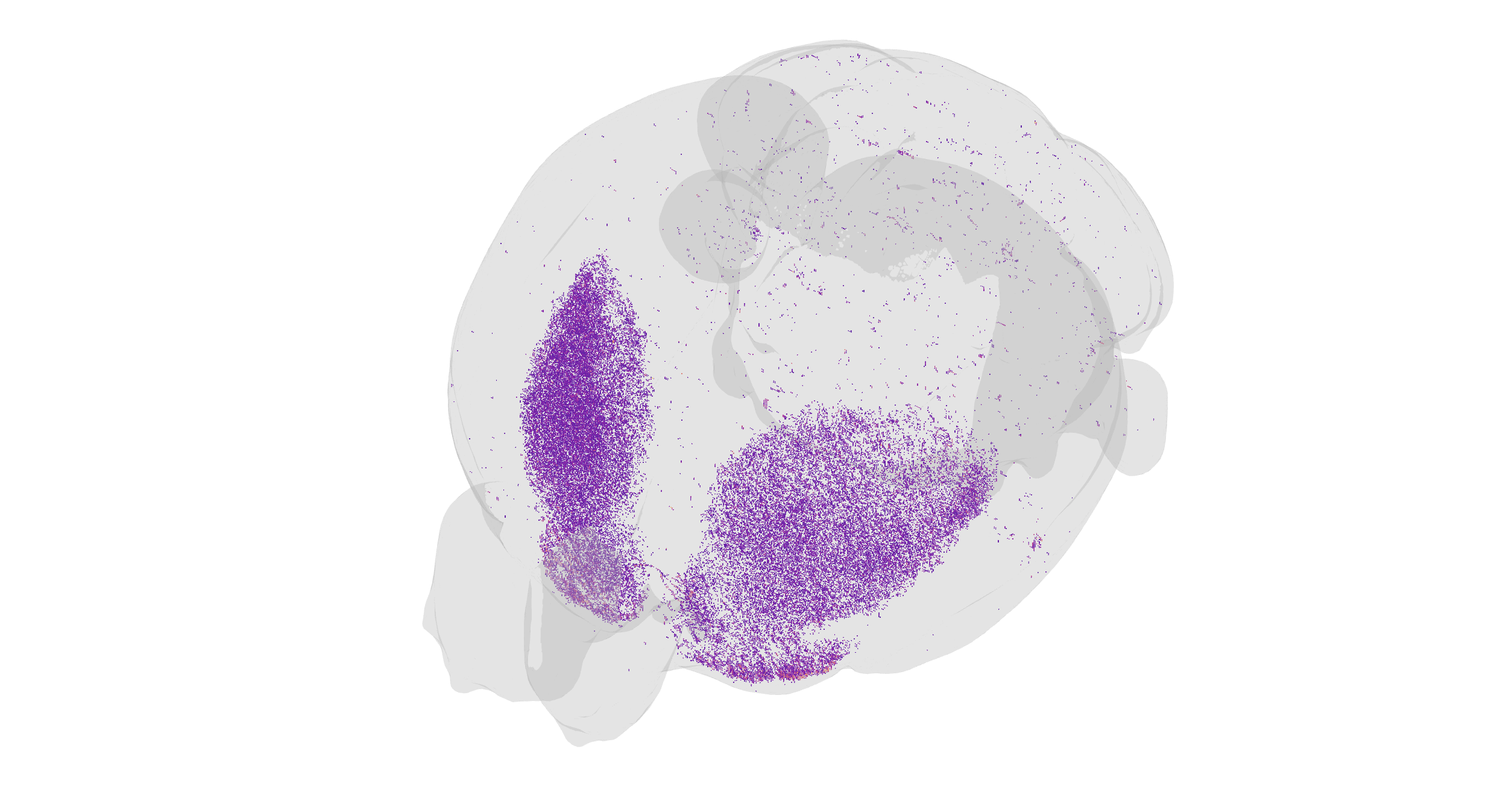
spatial_brain_maps points --gene Adora2a --mode expression --res 25 --cut 30
The above command for instance returns a json which when loaded in MeshView looks like this
3. Reconstruct a volume for an experiment ID and save to NIfTI
if we instead want a 3D volume we use the volume command like such.
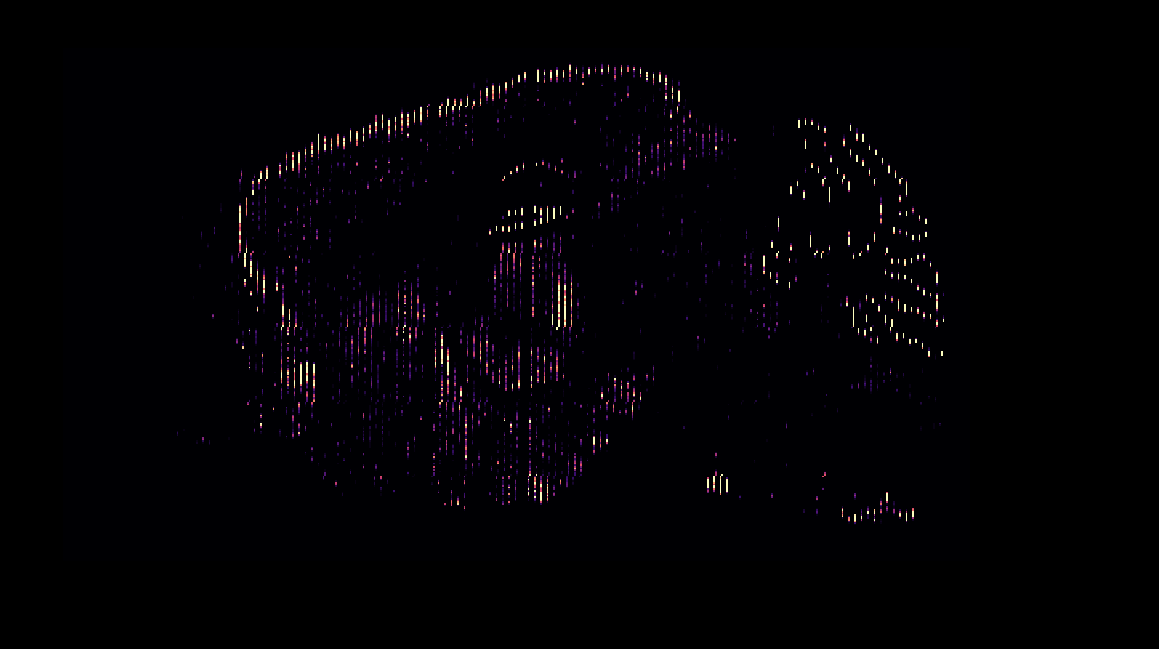
spatial_brain_maps volume --id 71717640 --mode expression --res 25 --out-nifti outputs/exp71717640
# Produces: outputs/exp71717640.nii.gz
This produces a nifti file, which when viewed in software such as ITK Snap looks like this.
4. Reconstruct an averaged gene expression volume (with interpolation)
in the same way as we are able to aggregate the data for the point clouds we can so again here. For the volumes we are also able to include the interpolate argument which fills the empty space between each section. Be careful as this is quite computationally intensive. If this is taking a long time you can instead choose a lower resolution.
spatial_brain_maps volume --gene Cnp --mode expression --res 25 --interpolate --out-nifti outputs/Cnp_mean
The above command produces this volume. 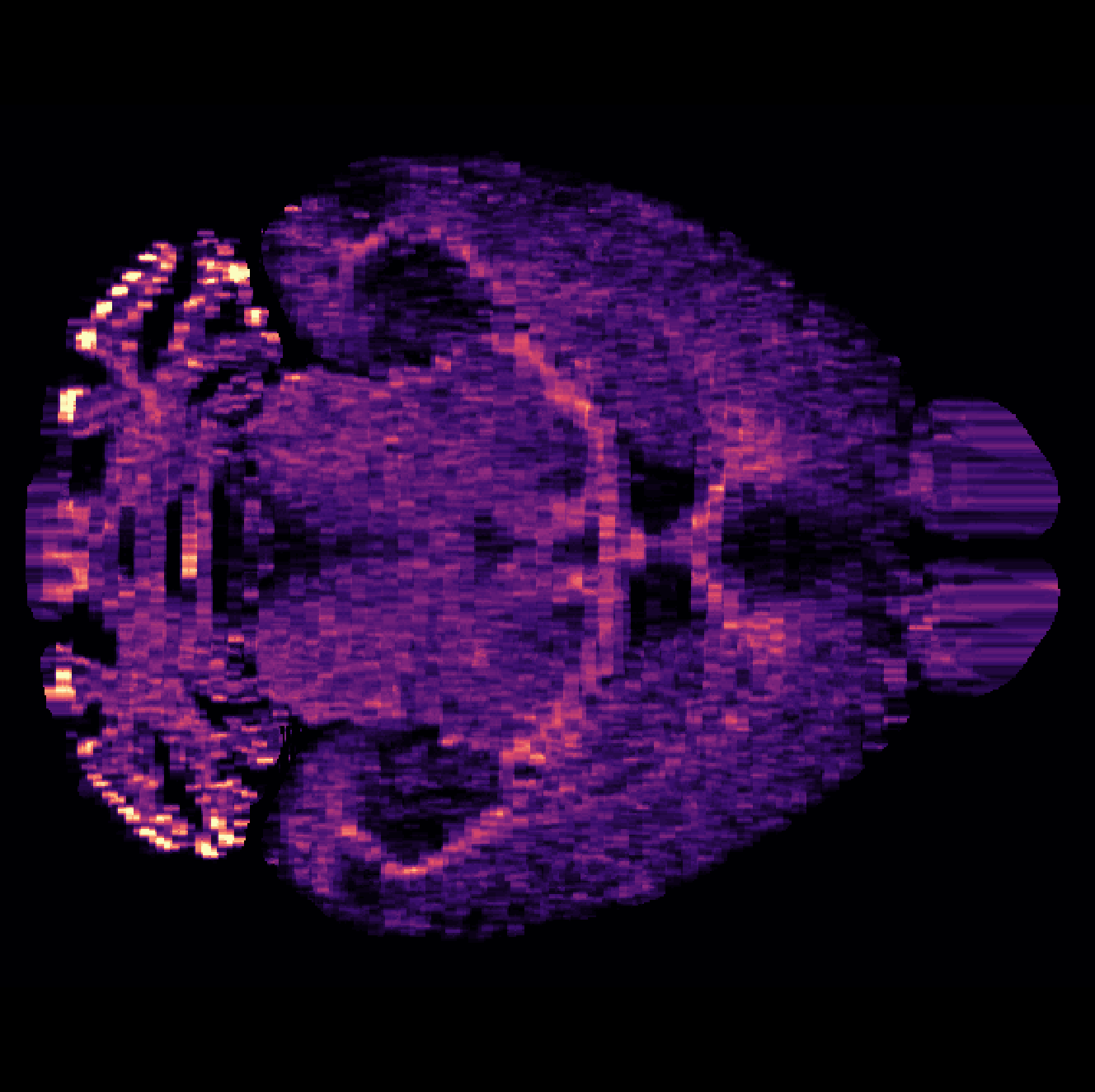
Python API Examples
We also provide a Python package which provides the same functionality
1. Reconstructing volumes
from spatial_brain_maps import gene_to_volume, write_nifti

# 1. Single experiment volume (returns a numpy array)
vol = gene_to_volume('Adora2a', resolution=25)

# 2. Save a volume to NIfTI
write_nifti(vol, resolution=25, output_path="outputs/exp71717640")
This can be used alongside packages such as brainglobe-atlasapi for plotting and visualisation (see examples/plot_with_brainglobe.py)
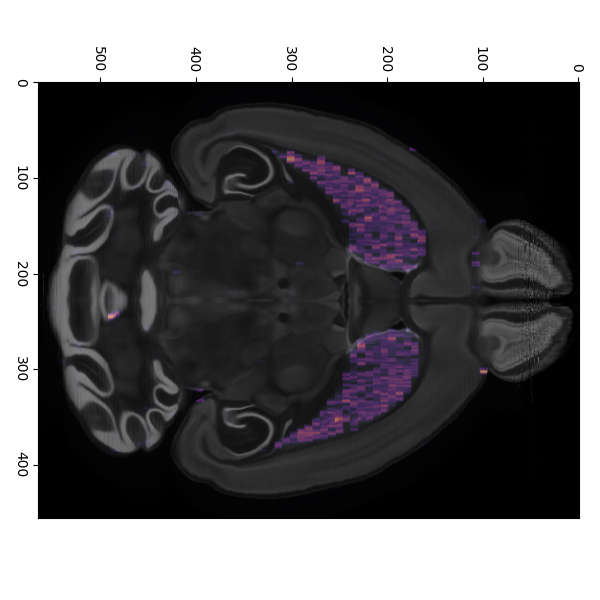
2. Producing point clouds.
License
Distributed under the terms of the MIT License (see LICENSE).
Acknowledgements
- Allen Institute for Brain Science for raw ISH data, segmentations, and the Common Coordinate Framework.
Feel free to open issues or pull requests for feature requests, bug reports, or improvements.
1 maintainer

Metadata
1 maintainer
Release files for spatial-brain-maps 0.1.2
For a detailed explanation of source distributions (sdists) and built distributions (wheels), please see the package formats documentation.
Built distribution (wheel)
| File | Interpreter | ABI | Platform | Reset |
|---|---|---|---|---|
| spatial_brain_maps-0.1.2-py3-none-any.whl | Python 3 | none | any | Details |
Release files / spatial_brain_maps-0.1.2-py3-none-any.whl
| Download URL | spatial_brain_maps-0.1.2-py3-none-any.whl |
|---|---|
| Size | 187.3 kB |
| Tags | Python 3 |
|
SHA-256 checksum How to use checksums |
87616b94fc36d9cd03b9a2ce23ffdd7dfc4f09d8437d5daf843394eeda198934
|
|
BLAKE2b-256 checksum How to use checksums |
4b5a9070020765a9204c35aaa51418ac67b35d323275f4d7d5a7a65762bdea25
|
| Upload date | |
|
Uploaded using Trusted Publishing? What is trusted publishing? |
No |
| Uploaded via |
twine/6.1.0 CPython/3.12.9
|














