
spectacular-charts




Linked, crossfiltered charts for Python and Jupyter, described in JSON instead of written as plotting code.
Describe the charts you want, and the chart types follow from the columns. Then brush a range in any chart and every other chart filters to the rows inside it. The filtering runs in the browser, in a crossfilter written in Rust and compiled to WebAssembly, so it stays interactive on large tables. Python reads back what you selected.
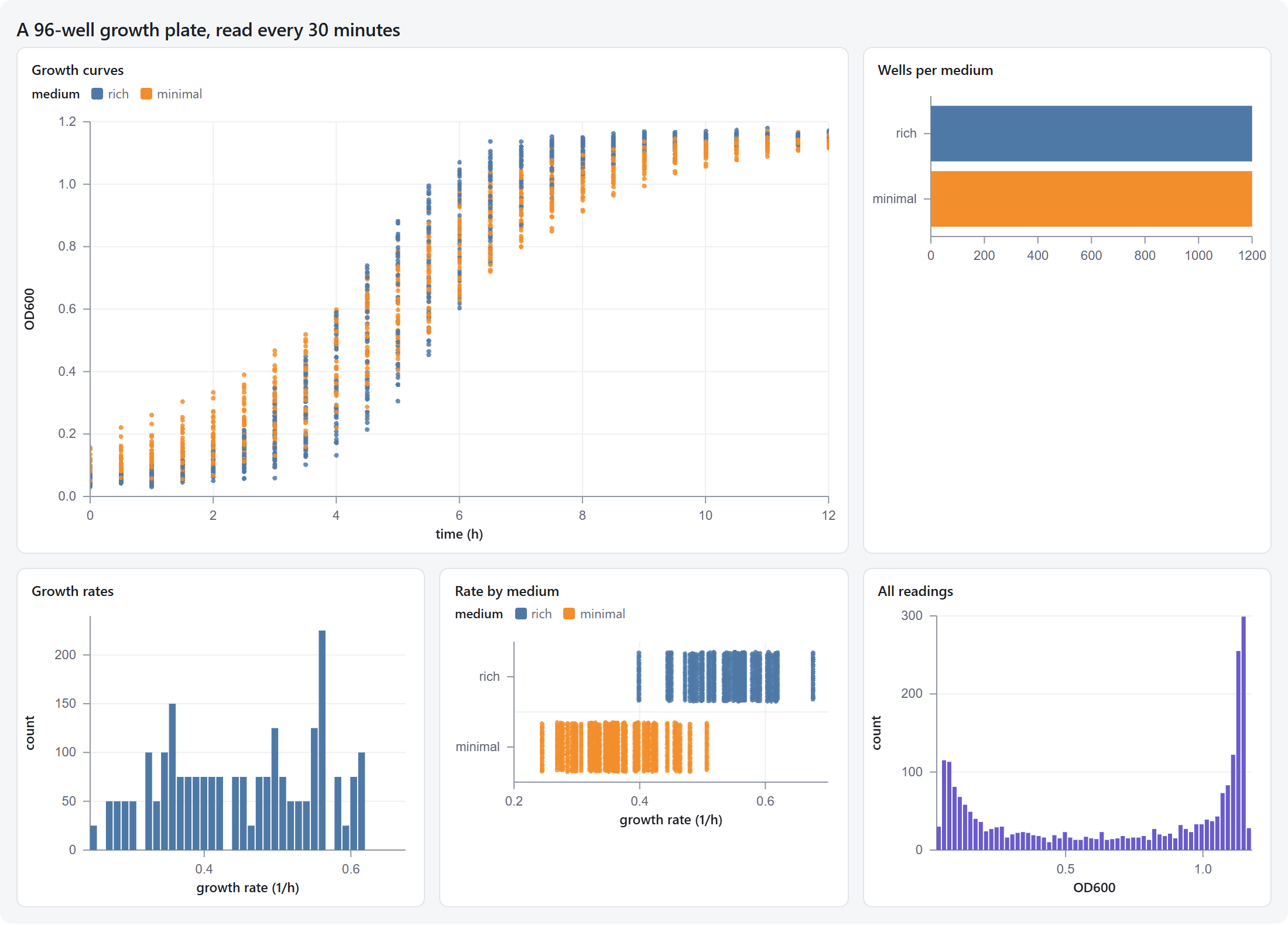
pip install "spectacular-charts[notebook]"
import spectacular as sp

df = sp.datasets.plate()          # 2,400 readings of a 96-well plate

w = sp.view({
    "title": "A 96-well growth plate",
    "labels": {"od600": "OD600", "time_h": "time (h)"},
    "charts": [
        {"x": "time_h", "y": "od600", "color": "medium"},   # two numbers: a scatter
        {"x": "medium"},                                    # a category: bars
        {"x": "rate", "bins": 40},                          # a number: a histogram
        {"x": "medium", "y": "rate"},                       # a category and a number: a strip
    ],
}, data=df)
w
Brush the histogram, click a bar, and then, in the next cell:
w.selection          # {"selected": 380, "rows": 2400, "filters": [{"view": ..., "field": "rate", "range": [0.52, 0.61]}, ...]}
w.selected_data()    # the brushed rows of df
Or skip Python altogether: after import spectacular, a cell can hold only the
description.
%%spectacular df
{"charts": [{"x-axis": "time_h", "y-axis": "od600", "color": "medium"}, {"x": "rate"}]}
Why describe charts?
- No plotting code. A description is plain data.
"x-axis","X axis"and"x_axis"are one key, andod600finds the columnOD600. - Mistakes come back at the key you wrote, with a suggestion:
/charts/0/y: no column "od60"; did you mean "od600"?. - Programs and models can write it. The JSON is easy to generate and check, and
sp.validatereturns problems as{"path", "message"}. - Linked by default. Every chart in a description filters every other one.
Twelve chart types
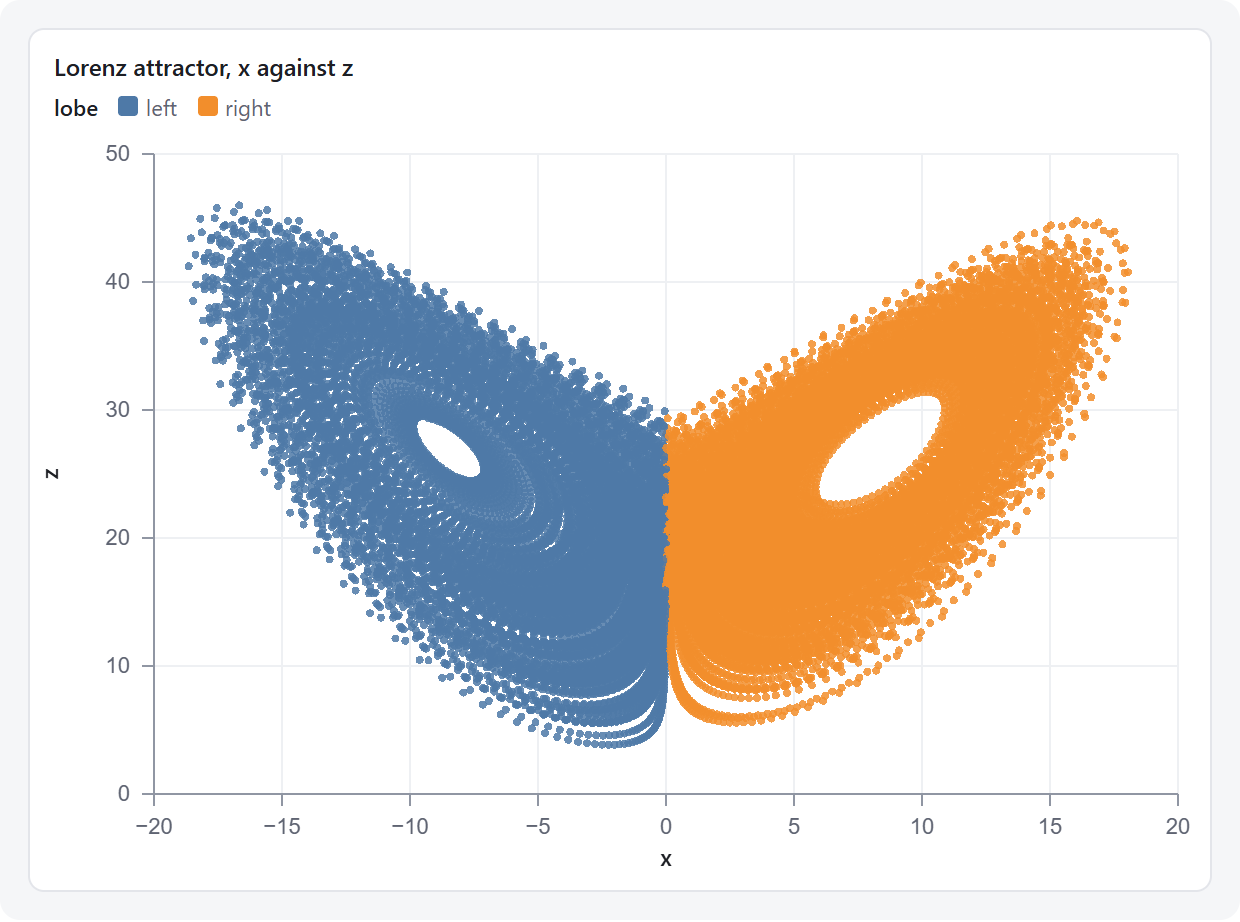 scatter: two numbers |
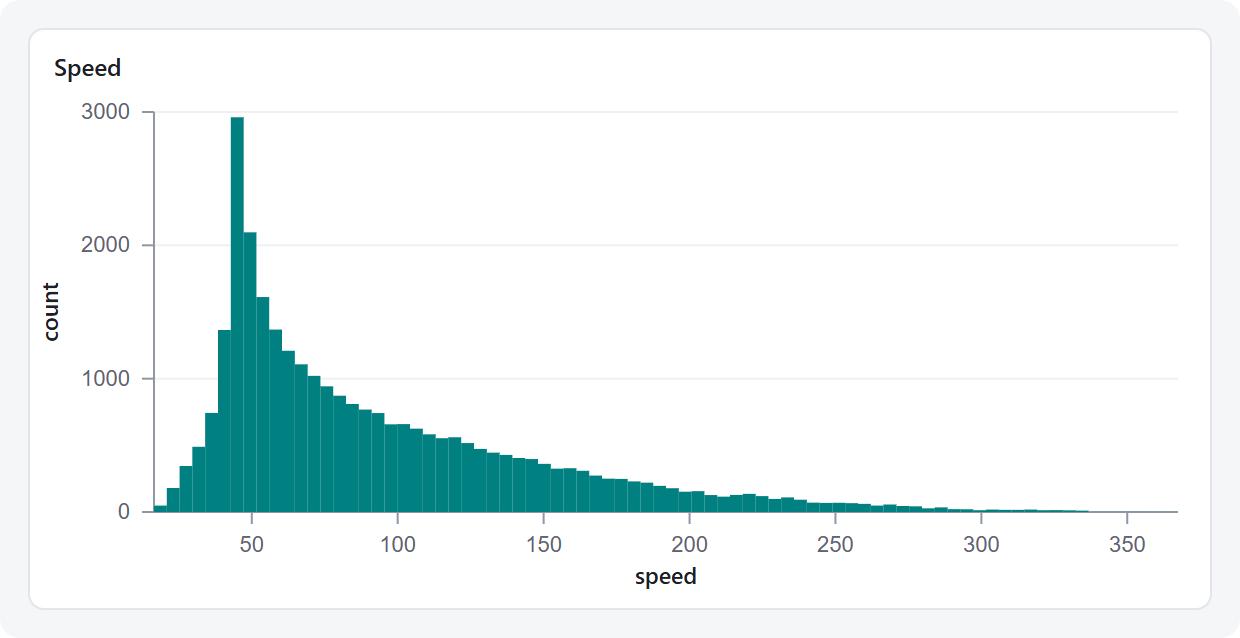 histogram: one number |
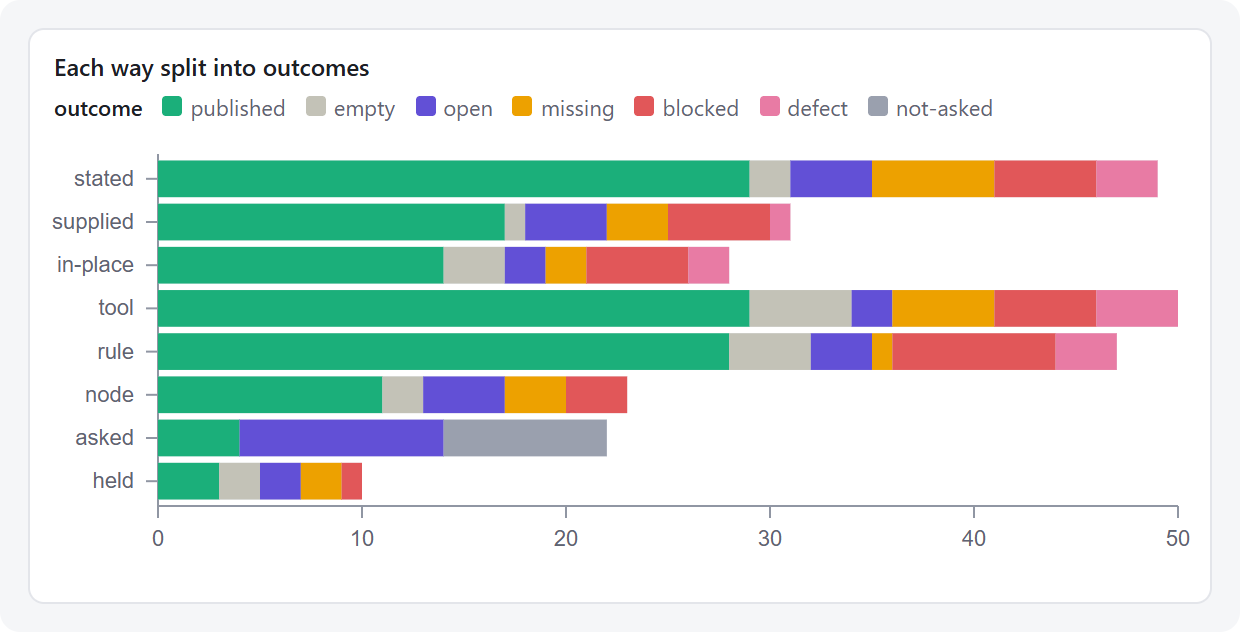 bars: a category, split by another |
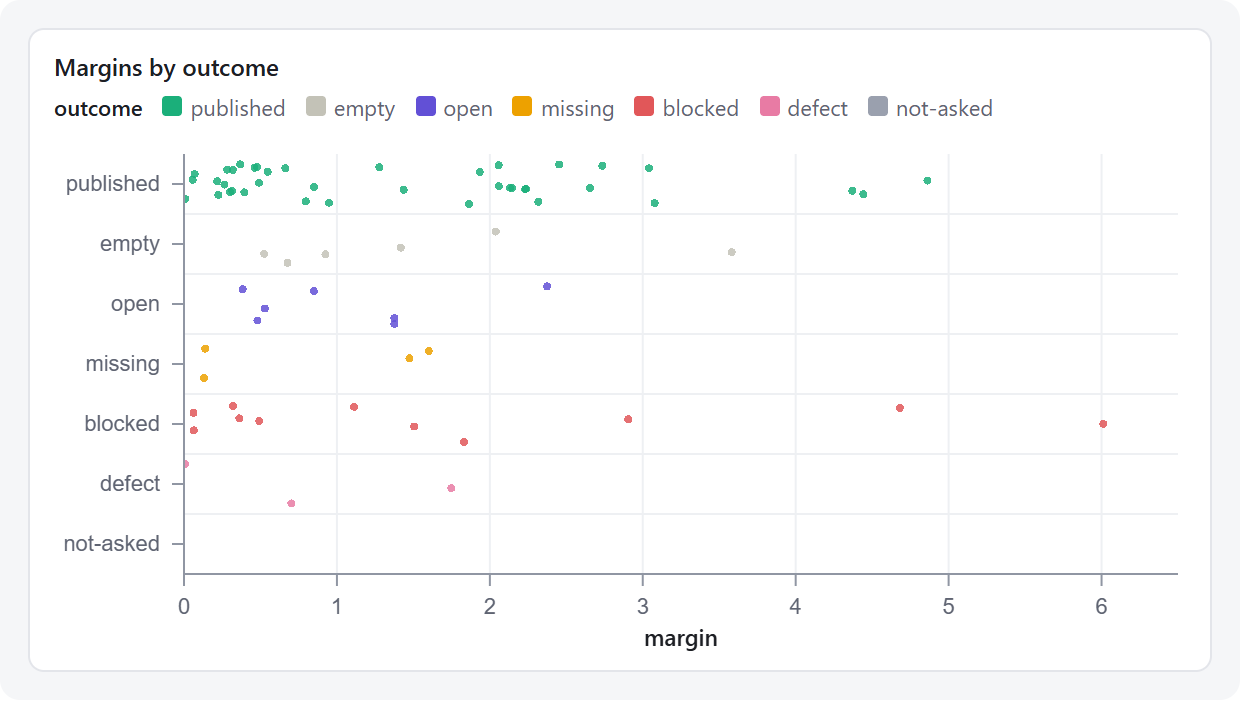 strip: a number by a category |
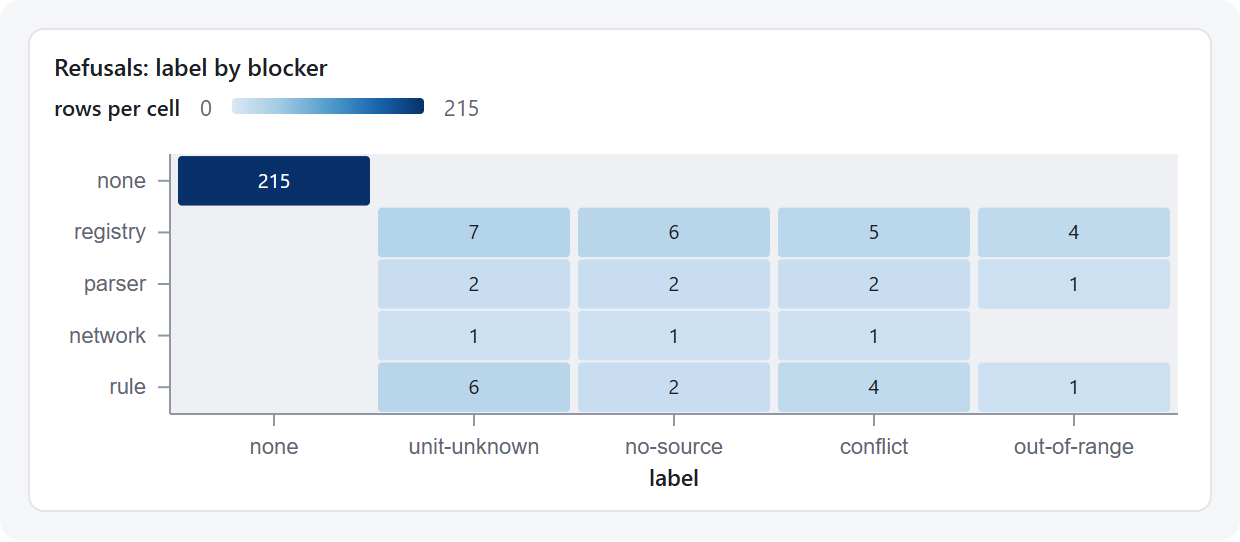 matrix: two categories |
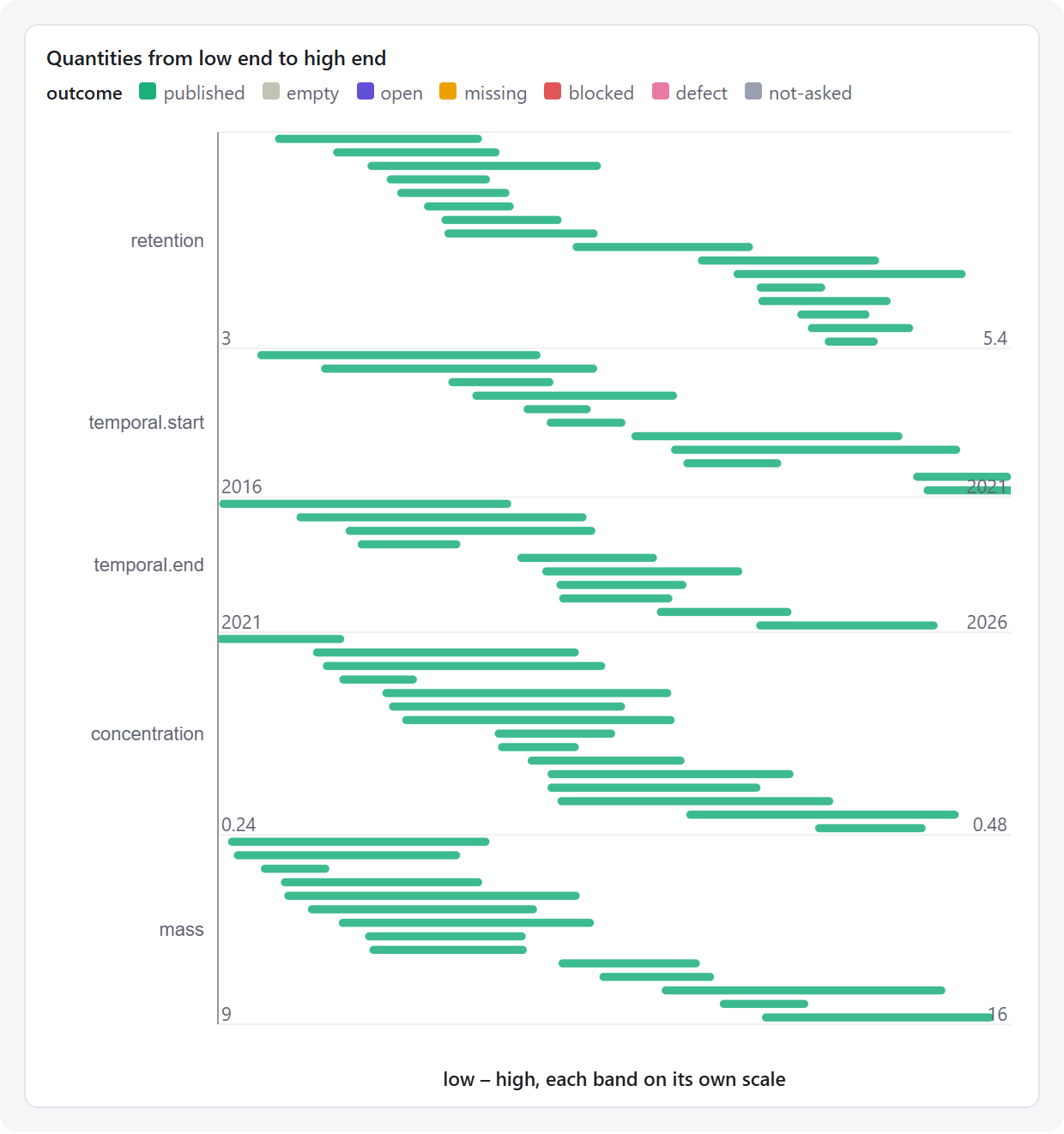 interval: low to high |
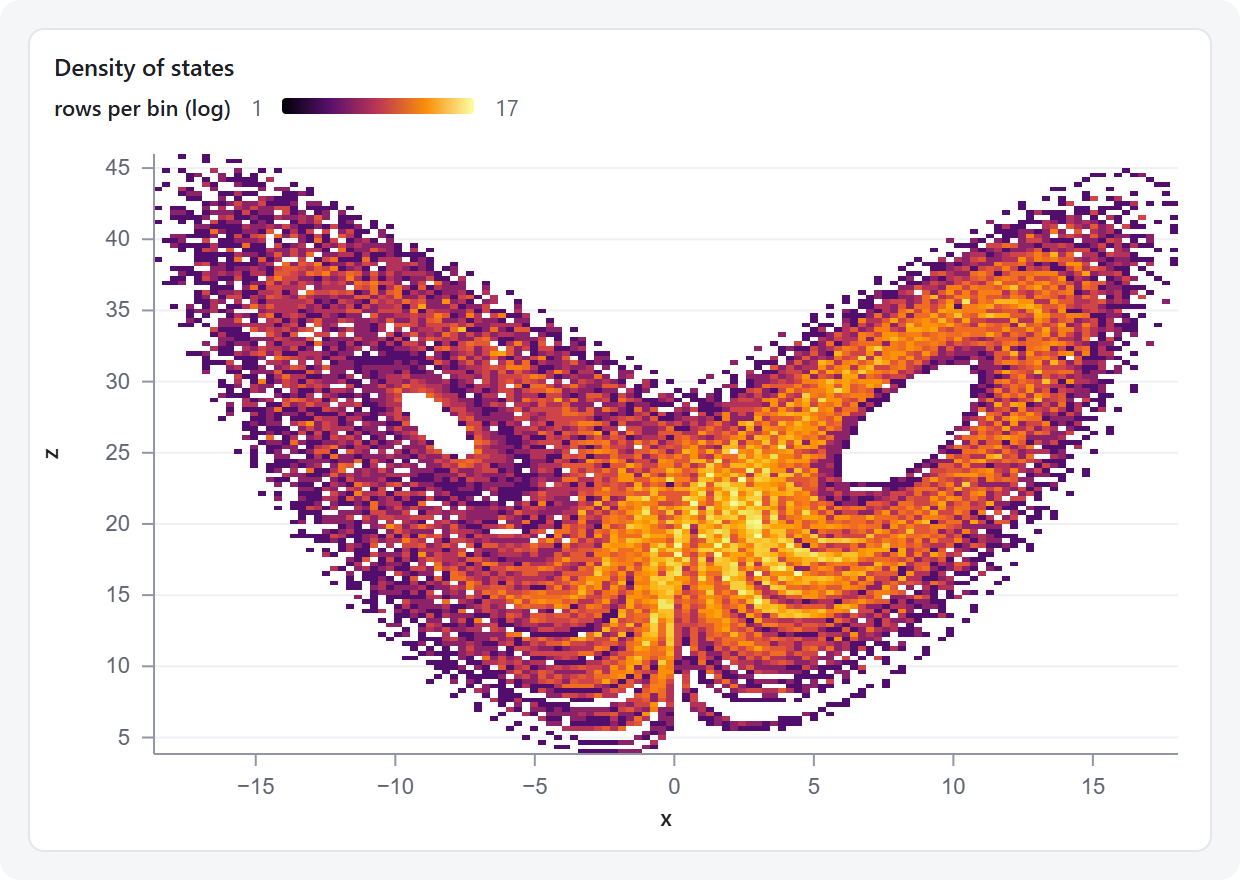 density: two numbers, millions of rows |
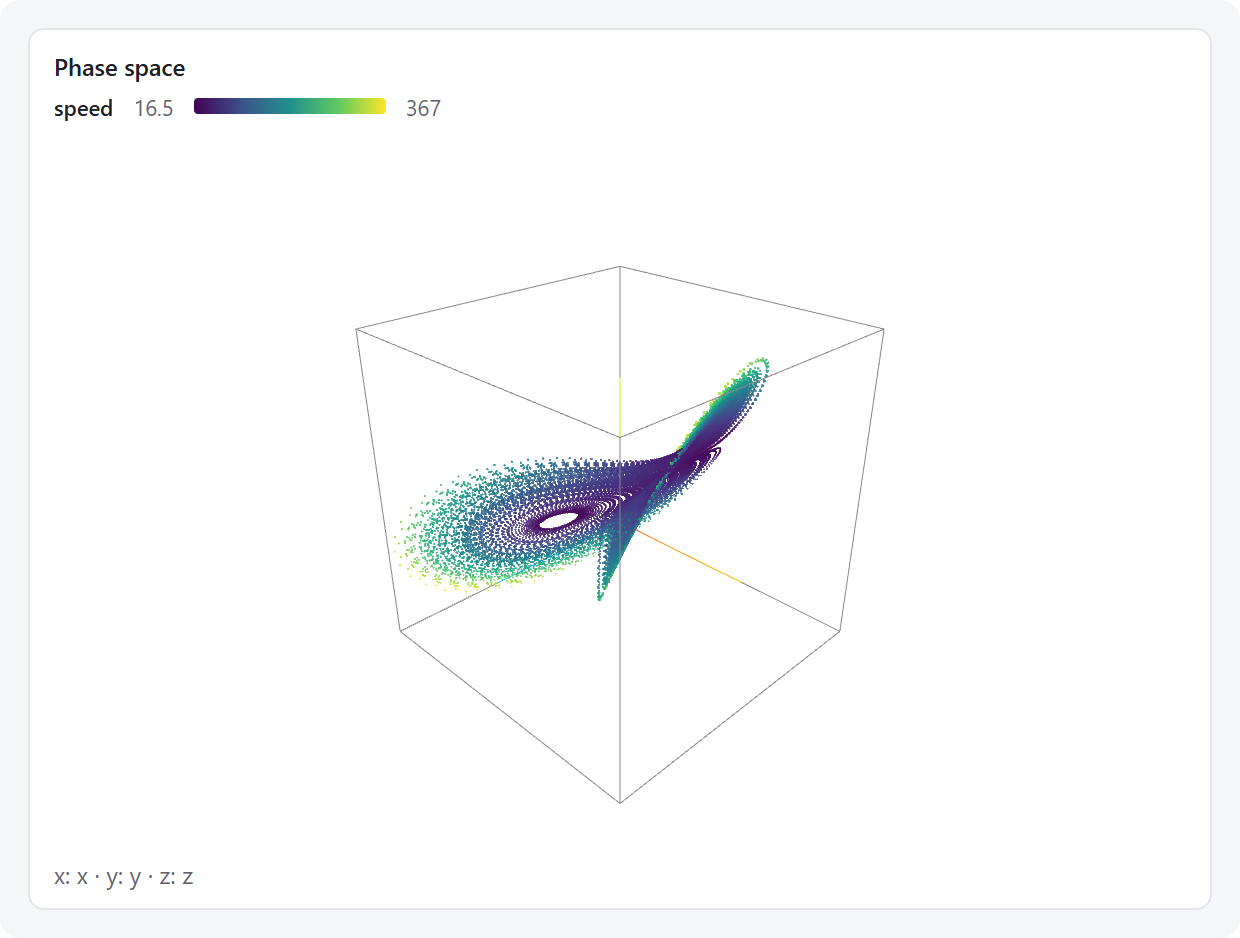 scatter3d: three numbers |
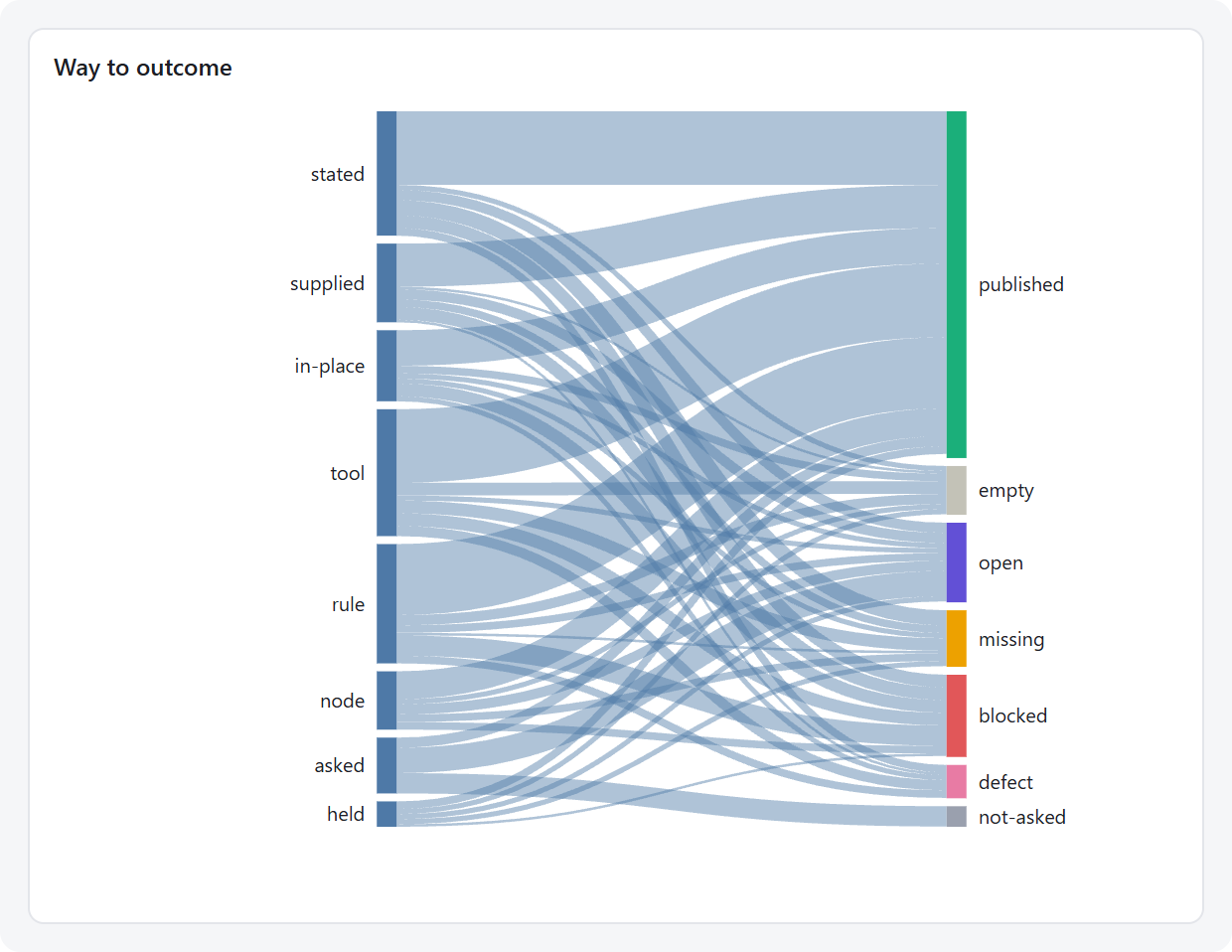 sankey: edges from → to |
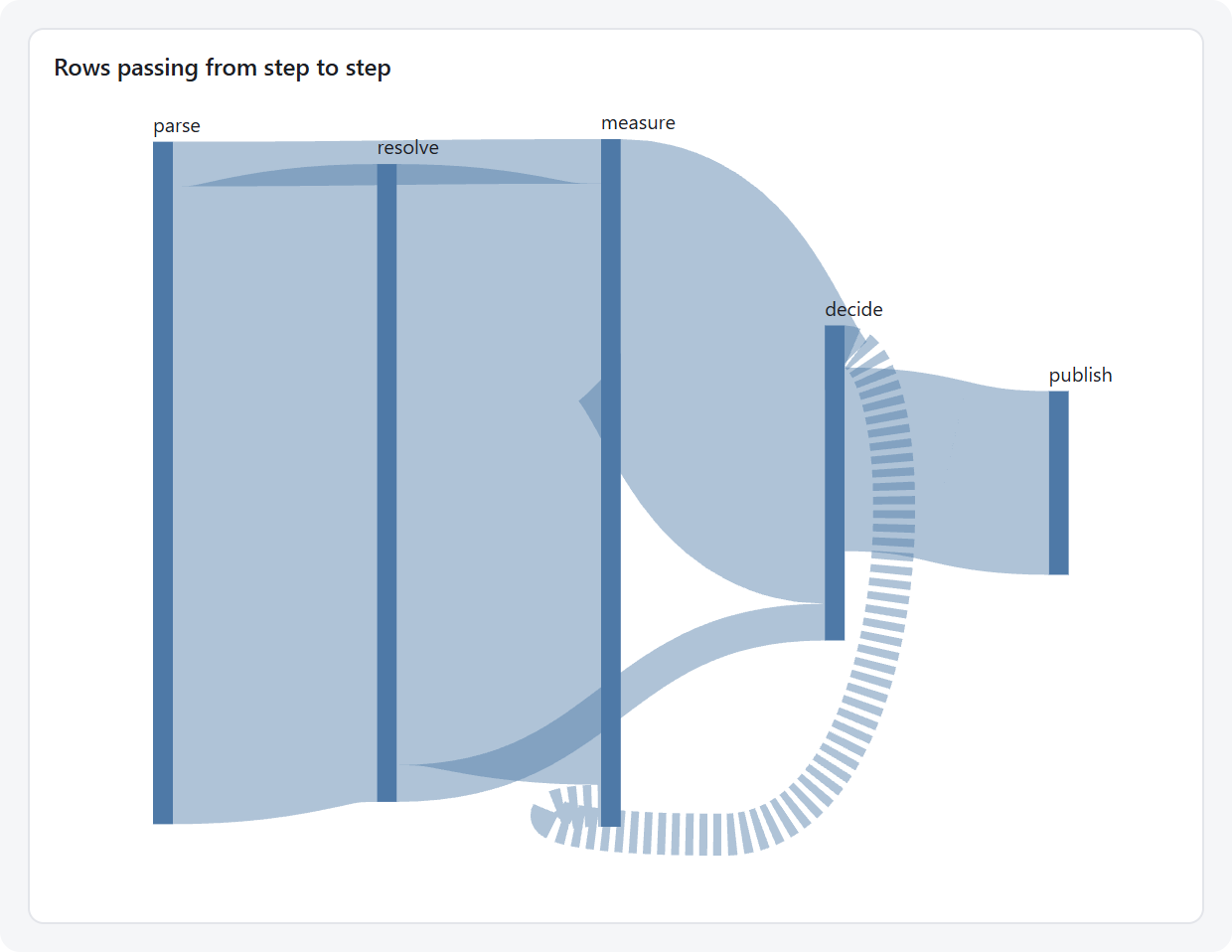 layers: a pipeline of steps |
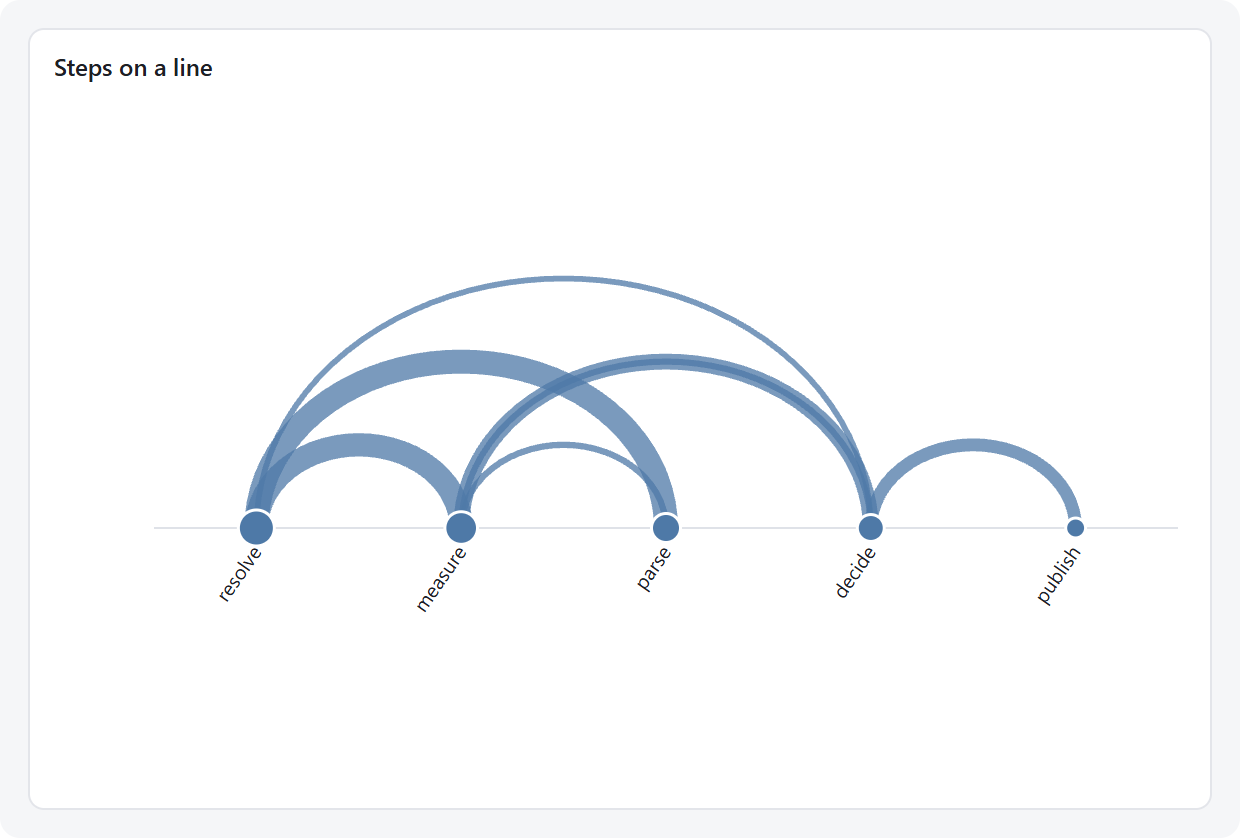 arc: nodes on a line |
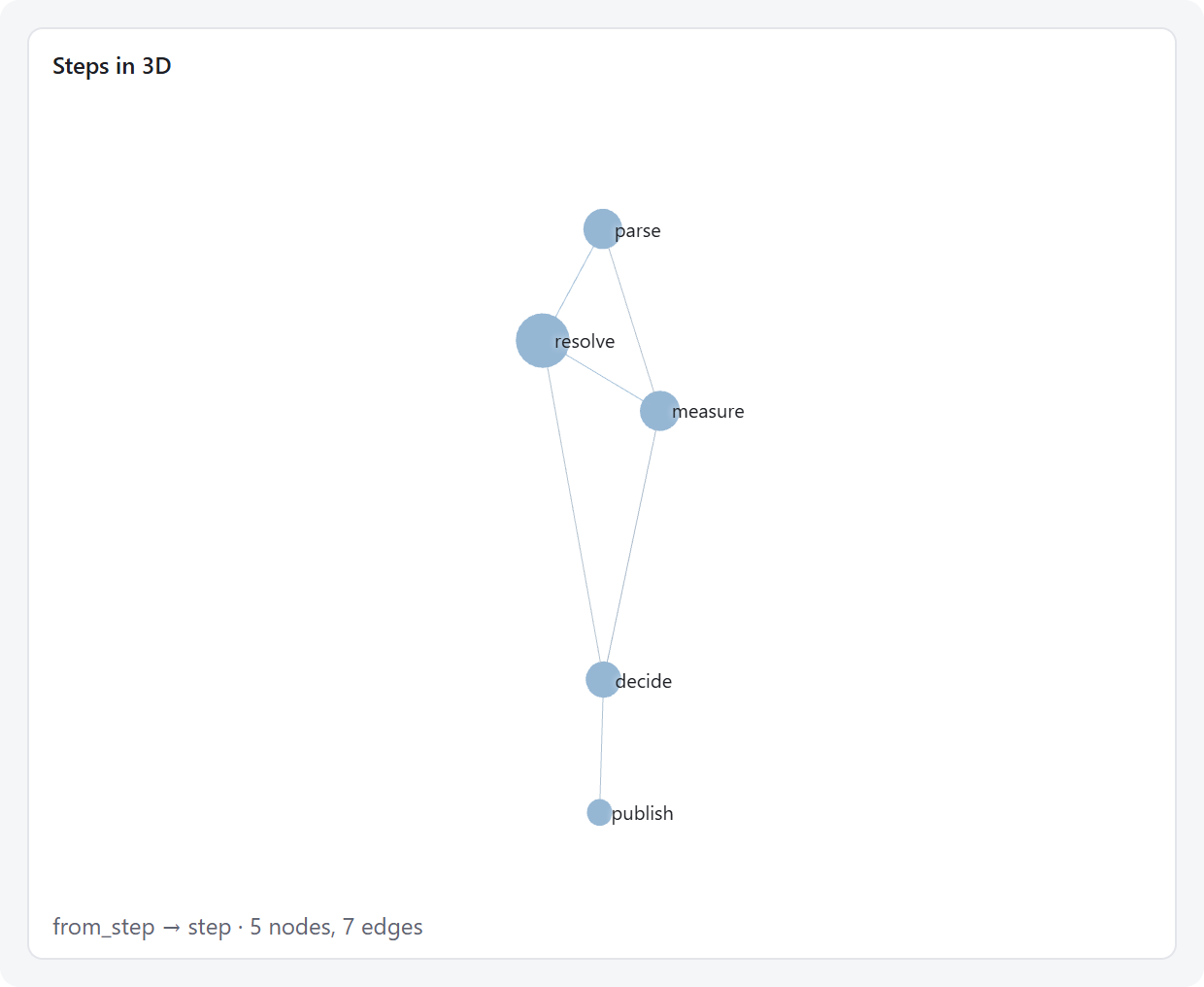 network3d: a graph in 3D |
How the type is chosen, and a description for each picture: Chart types.
Figures and pages
sp.render(description, "figure.pdf", data=df, width=85, unit="mm")   # SVG, PDF or PNG at print size
sp.save_html(description, "plate.html", data=df)                     # one offline, interactive file
w.save_svg("brushed.svg")                                            # what the charts show now
Themes: "light", "dark", "paper" (for print) and "auto". Colours: a column, one
colour, a list, or a column's own palette shared by every chart. Category order:
domains.
Install
pip install spectacular-charts                        # descriptions, validation, offline pages, the CLI
pip install "spectacular-charts[notebook]"            # + interactive charts in Jupyter (anywidget)
pip install "spectacular-charts[render]"              # + figures; then: python -m playwright install chromium
The import name is spectacular. Wheels for Linux, macOS and Windows carry the browser
runtime and a native spectacular command (compiled Rust) that compiles descriptions,
validates specs and writes pages without Node:
spectacular compile chart.json --data readings.csv   # the view spec a description makes
spectacular validate spec.json --json                # problems by path; exit 1 if any
spectacular html chart.json --data readings.csv -o readings.html
Documentation
- Documentation: quickstart, guide, reference
- Describing charts and every key
- Brushing and selections
- Python API
- For AI agents: the description language on one page
- Changelog
Source, issues and the full view-spec format:
github.com/fullscreen-triangle/spectacular
(branch rebuild). MIT licence.
1 maintainer

Metadata
1 maintainer
Release files for spectacular-charts 0.2.0
For a detailed explanation of source distributions (sdists) and built distributions (wheels), please see the package formats documentation.
Source distribution (sdist)
| File | Size | Uploaded | Provenance | Actions |
|---|---|---|---|---|
| spectacular_charts-0.2.0.tar.gz | 421.7 kB | With provenance | Details for spectacular_charts-0.2.0.tar.gz |
Built distributions (wheels)
| File | Actions Reset | |||
|---|---|---|---|---|
| spectacular_charts-0.2.0-py3-none-win_amd64.whl | Python 3 | none | Windows x86-64 | Details for spectacular_charts-0.2.0-py3-none-win_amd64.whl |
| spectacular_charts-0.2.0-py3-none-manylinux2014_x86_64.manylinux_2_17_x86_64.whl | Python 3 | none | Linux glibc 2.17+ x86-64 | Details for spectacular_charts-0.2.0-py3-none-manylinux2014_x86_64.manylinux_2_17_x86_64.whl |
| spectacular_charts-0.2.0-py3-none-manylinux2014_aarch64.manylinux_2_17_aarch64.whl | Python 3 | none | Linux glibc 2.17+ ARM64 | Details for spectacular_charts-0.2.0-py3-none-manylinux2014_aarch64.manylinux_2_17_aarch64.whl |
| spectacular_charts-0.2.0-py3-none-macosx_11_0_arm64.whl | Python 3 | none | macOS 11.0+ ARM64 | Details for spectacular_charts-0.2.0-py3-none-macosx_11_0_arm64.whl |
| spectacular_charts-0.2.0-py3-none-macosx_10_12_x86_64.whl | Python 3 | none | macOS 10.12+ x86-64 | Details for spectacular_charts-0.2.0-py3-none-macosx_10_12_x86_64.whl |
Total release size: 5.9 MB
Release files / spectacular_charts-0.2.0.tar.gz
| Download URL | spectacular_charts-0.2.0.tar.gz |
|---|---|
| Size | 421.7 kB |
| Tags | Source |
|
SHA-256 checksum How to use checksums |
86782fb97059575871adf7e8c2dac0d7025fc93936ded309aa26d13f8d8ab9e6
|
|
BLAKE2b-256 checksum How to use checksums |
02e7185b03e2a5dd2557744f2be233aa998696ccf6dcb8efc063a05637d6e462
|
| Upload date | |
|
Uploaded using Trusted Publishing? What is trusted publishing? |
Yes |
| Uploaded via |
twine/7.0.0 CPython/3.13.16
|
Provenance
Provenance describes where a file came from. On PyPI, provenance is shared via attestations, which provide a verifiable record of the build or publishing details. View details, limitations and caveats.


PyPI Publish Attestation
PyPI verified that this artifact, at this checksum, originated from the publisher listed below.
Signed by GitHub Actions, verified by PyPI on Nov 21, 2026.
Transparency logRelease files / spectacular_charts-0.2.0-py3-none-win_amd64.whl
| Download URL | spectacular_charts-0.2.0-py3-none-win_amd64.whl |
|---|---|
| Size | 1.1 MB |
| Tags | Python 3 Windows x86-64 |
|
SHA-256 checksum How to use checksums |
cb5332d947efcb33cd094329cca7e1a99d15999a8630785bd19c9024c2828679
|
|
BLAKE2b-256 checksum How to use checksums |
9092549ac2e35db1fd994a8a8cba6c82d1a9f3cec8c50c6802e88814455a3617
|
| Upload date | |
|
Uploaded using Trusted Publishing? What is trusted publishing? |
Yes |
| Uploaded via |
twine/7.0.0 CPython/3.13.16
|
Provenance
Provenance describes where a file came from. On PyPI, provenance is shared via attestations, which provide a verifiable record of the build or publishing details. View details, limitations and caveats.
PyPI Publish Attestation
PyPI verified that this artifact, at this checksum, originated from the publisher listed below.
Signed by GitHub Actions, verified by PyPI on Nov 21, 2026.
Transparency logRelease files / spectacular_charts-0.2.0-py3-none-manylinux2014_x86_64.manylinux_2_17_x86_64.whl
| Download URL | spectacular_charts-0.2.0-py3-none-manylinux2014_x86_64.manylinux_2_17_x86_64.whl |
|---|---|
| Size | 1.1 MB |
| Tags | Linux glibc 2.17+ x86-64 Python 3 |
|
SHA-256 checksum How to use checksums |
c003b141181a2e52a6253b53adfe7c7b69bd6e946c6008357bf244def4be0bcb
|
|
BLAKE2b-256 checksum How to use checksums |
061e957ccd7dd9b1576a643d4318c5c01f505b97320e3ae262cade37b8ae3fab
|
| Upload date | |
|
Uploaded using Trusted Publishing? What is trusted publishing? |
Yes |
| Uploaded via |
twine/7.0.0 CPython/3.13.16
|
Provenance
Provenance describes where a file came from. On PyPI, provenance is shared via attestations, which provide a verifiable record of the build or publishing details. View details, limitations and caveats.
PyPI Publish Attestation
PyPI verified that this artifact, at this checksum, originated from the publisher listed below.
Signed by GitHub Actions, verified by PyPI on Nov 21, 2026.
Transparency logRelease files / spectacular_charts-0.2.0-py3-none-manylinux2014_aarch64.manylinux_2_17_aarch64.whl
| Download URL | spectacular_charts-0.2.0-py3-none-manylinux2014_aarch64.manylinux_2_17_aarch64.whl |
|---|---|
| Size | 1.1 MB |
| Tags | Linux glibc 2.17+ ARM64 Python 3 |
|
SHA-256 checksum How to use checksums |
e53ae686d8608103c0f4cb6e804345b21183a34739cb168eb08e8e2a97c6f47a
|
|
BLAKE2b-256 checksum How to use checksums |
b06455e3a162e1166bd0cb7835dd50721f592aeb6c54e4007c87a47779aafc37
|
| Upload date | |
|
Uploaded using Trusted Publishing? What is trusted publishing? |
Yes |
| Uploaded via |
twine/7.0.0 CPython/3.13.16
|
Provenance
Provenance describes where a file came from. On PyPI, provenance is shared via attestations, which provide a verifiable record of the build or publishing details. View details, limitations and caveats.
PyPI Publish Attestation
PyPI verified that this artifact, at this checksum, originated from the publisher listed below.
Signed by GitHub Actions, verified by PyPI on Nov 21, 2026.
Transparency logRelease files / spectacular_charts-0.2.0-py3-none-macosx_11_0_arm64.whl
| Download URL | spectacular_charts-0.2.0-py3-none-macosx_11_0_arm64.whl |
|---|---|
| Size | 1.1 MB |
| Tags | Python 3 macOS 11.0+ ARM64 |
|
SHA-256 checksum How to use checksums |
9804908cce2f55e50780e5442f27bbde1c43a316dcb7269c7b8851ce9acdf688
|
|
BLAKE2b-256 checksum How to use checksums |
88a0bd3a40bf29c64d9f8404495985757d93e72735d7fce8bdfde587e61285b4
|
| Upload date | |
|
Uploaded using Trusted Publishing? What is trusted publishing? |
Yes |
| Uploaded via |
twine/7.0.0 CPython/3.13.16
|
Provenance
Provenance describes where a file came from. On PyPI, provenance is shared via attestations, which provide a verifiable record of the build or publishing details. View details, limitations and caveats.
PyPI Publish Attestation
PyPI verified that this artifact, at this checksum, originated from the publisher listed below.
Signed by GitHub Actions, verified by PyPI on Nov 21, 2026.
Transparency logRelease files / spectacular_charts-0.2.0-py3-none-macosx_10_12_x86_64.whl
| Download URL | spectacular_charts-0.2.0-py3-none-macosx_10_12_x86_64.whl |
|---|---|
| Size | 1.1 MB |
| Tags | Python 3 macOS 10.12+ x86-64 |
|
SHA-256 checksum How to use checksums |
4d2b5de560fec6bcd32f5dda1db5f5ea779dfac7316162c06654773c5d4c21f9
|
|
BLAKE2b-256 checksum How to use checksums |
fb50f194683dba3b2d6830647b1ce791f1a23b2bb291f9a64f4c573971596cbf
|
| Upload date | |
|
Uploaded using Trusted Publishing? What is trusted publishing? |
Yes |
| Uploaded via |
twine/7.0.0 CPython/3.13.16
|
Provenance
Provenance describes where a file came from. On PyPI, provenance is shared via attestations, which provide a verifiable record of the build or publishing details. View details, limitations and caveats.
PyPI Publish Attestation
PyPI verified that this artifact, at this checksum, originated from the publisher listed below.
Signed by GitHub Actions, verified by PyPI on Nov 21, 2026.
Transparency logSecurity for spectacular-charts 0.2.0
Provenance
Provenance describes where a file came from. On PyPI, provenance is shared via attestations, which provide a verifiable record of the build or publishing details. View details, limitations and caveats.
Full provenance
All 6 files in this release have been uploaded with provenance metadata.
Attestation for spectacular_charts-0.2.0.tar.gz
PyPI Publish Attestation
PyPI verified that this artifact, at this checksum, originated from the publisher listed below.
Signed by GitHub Actions, verified by PyPI on Nov 21, 2026.
Transparency logA note on package security
PyPI is a repository for distributing packages, not a service for auditing them. While third-party security researchers and our staff do their best to detect and remove malicious packages, PyPI cannot guarantee the quality, security or suitability of any given package.
To learn more about protecting yourself from malicious actors, visit our package security documentation.














