
split_screen_recording_by_monitor
Split a screen recording video file into N video files, one per monitor
Installing
Install:
pip install split_screen_recording_by_monitor
Usage
In Ubuntu, it is very convenient to start and stop screen-recording with CTRL + ALT + SHIFT + R. From my experience, it produces a more compact video file than Kazam, which is very useful when we want to convert videos to gifs so they can be put into Google Slides (50 MB limit per GIF).
The problem this library solves is when screen recording with dual monitors. The screen recording captures both monitors, but we often only want the screen recording for one monitor. You could do the cropping with an online tool, but this can be slow, manual, and time-consuming. This problem is even worse when you have large files and slow upload speeds.
Simply screen record as usual with CTRL + ALT + SHIFT + R, then run split_screen_recording_by_monitor --input-video-filepath <PATH_TO_SCREEN_RECORDING> the result will be N video files (one per monitor).
split_screen_recording_by_monitor --help
usage: split_screen_recording_by_monitor [-h] --input-video-filepath PATH [--output-video-folderpath PATH]

╭─ arguments ──────────────────────────────────────────────────╮
│ -h, --help        show this help message and exit            │
│ --input-video-filepath PATH                                  │
│                   (required)                                 │
│ --output-video-folderpath PATH                               │
│                   (default: /home/tylerlum)                  │
╰──────────────────────────────────────────────────────────────╯
Limitations
- Assumes that the video was captured with the same monitor setup as the monitor setup running this function (this assumption makes it easy to decide where the cropping bounds should be)
- Assumes that the monitors will be layed out horizontally or vertically (cannot currently handle grids of monitors)
Example Video
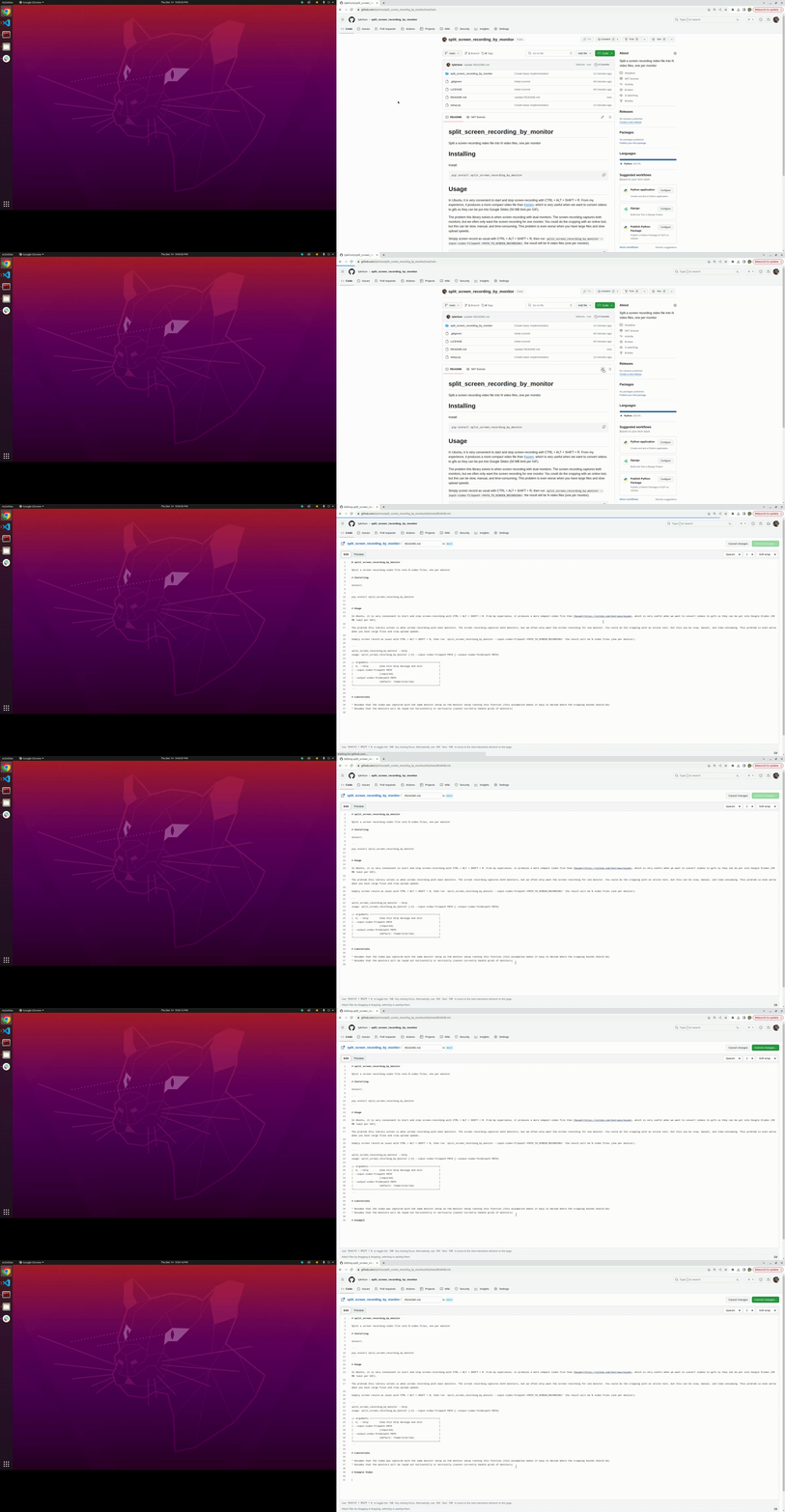
Original Recording
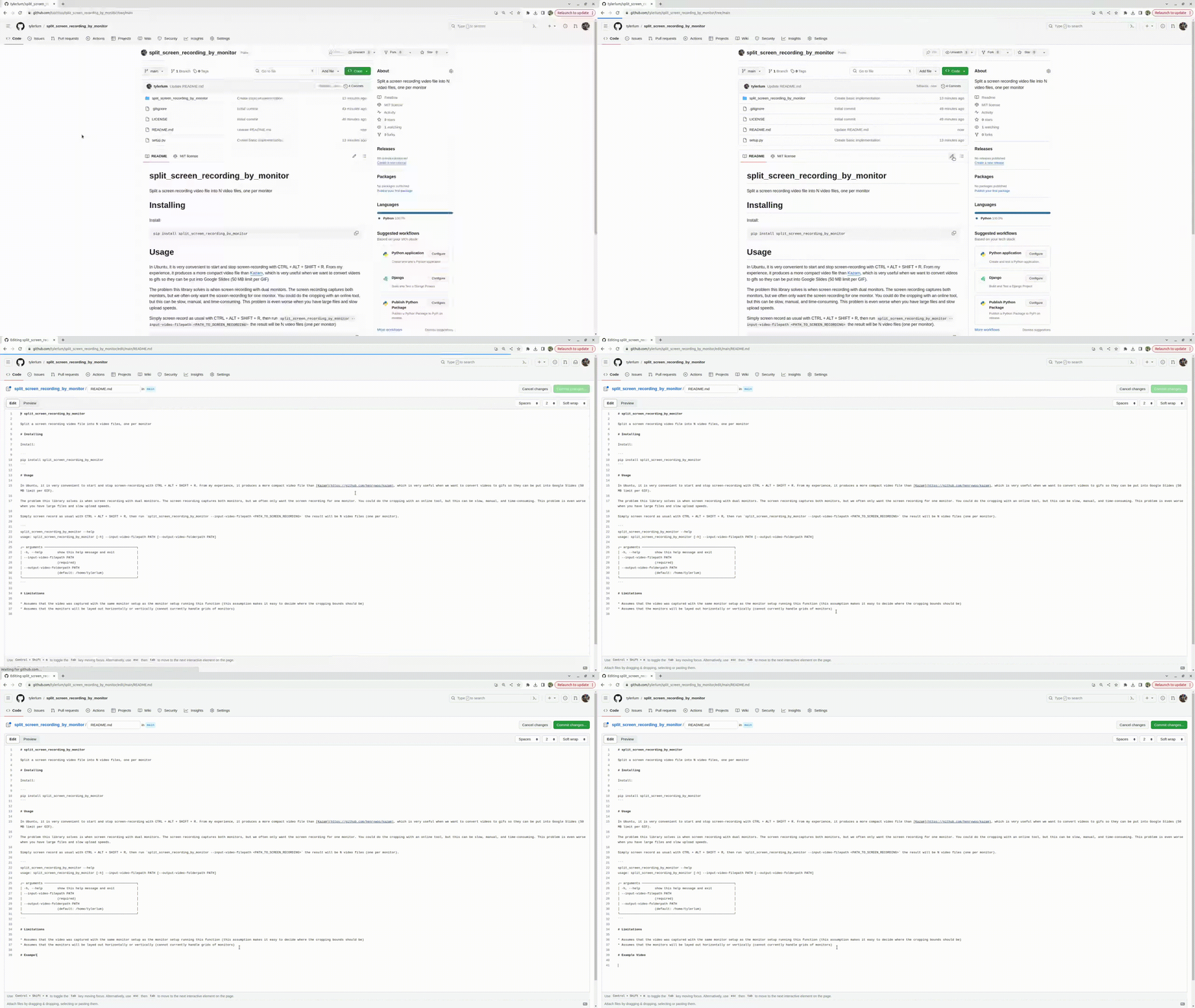
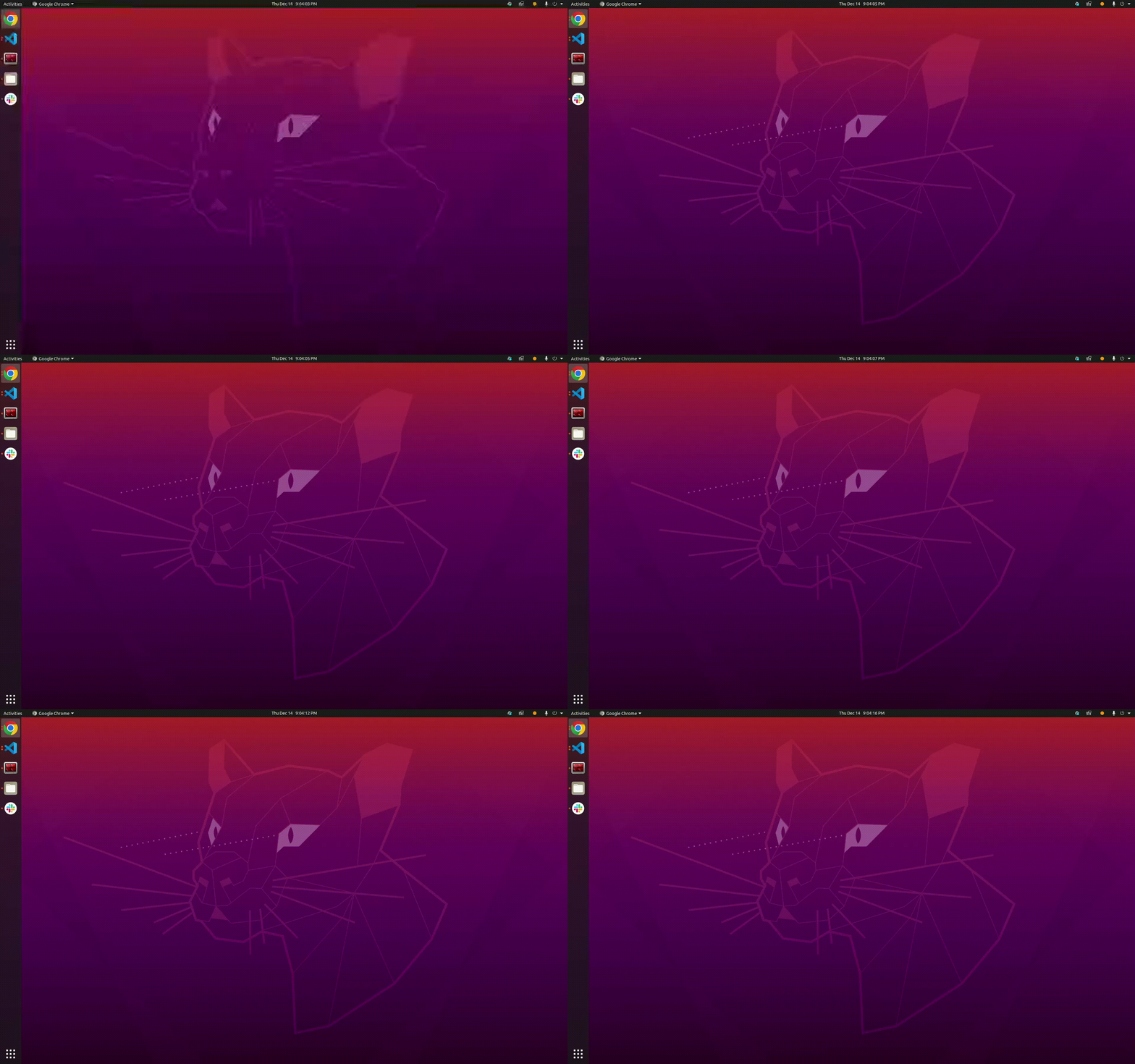
Split Recordings
How Example Was Created
split_screen_recording_by_monitor --input-video-filepath Example_Video.webm
================================================================================
Found input video resolution: (4480, 1440)
================================================================================

================================================================================
Found the following monitors: [Monitor(x=1920, y=0, width=2560, height=1440, width_mm=597, height_mm=336, name='DP-0', is_primary=False), Monitor(x=0, y=0, width=1920, height=1200, width_mm=518, height_mm=324, name='DP-4', is_primary=True)]
================================================================================

================================================================================
Passed monitor layout check!
================================================================================

================================================================================
Splitting video by monitor...
================================================================================

ffmpeg version 4.2.7-0ubuntu0.1 Copyright (c) 2000-2022 the FFmpeg developers
  built with gcc 9 (Ubuntu 9.4.0-1ubuntu1~20.04.1)
  configuration: --prefix=/usr --extra-version=0ubuntu0.1 --toolchain=hardened --libdir=/usr/lib/x86_64-linux-gnu --incdir=/usr/include/x86_64-linux-gnu --arch=amd64 --enable-gpl --disable-stripping --enable-avresample --disable-filter=resample --enable-avisynth --enable-gnutls --enable-ladspa --enable-libaom --enable-libass --enable-libbluray --enable-libbs2b --enable-libcaca --enable-libcdio --enable-libcodec2 --enable-libflite --enable-libfontconfig --enable-libfreetype --enable-libfribidi --enable-libgme --enable-libgsm --enable-libjack --enable-libmp3lame --enable-libmysofa --enable-libopenjpeg --enable-libopenmpt --enable-libopus --enable-libpulse --enable-librsvg --enable-librubberband --enable-libshine --enable-libsnappy --enable-libsoxr --enable-libspeex --enable-libssh --enable-libtheora --enable-libtwolame --enable-libvidstab --enable-libvorbis --enable-libvpx --enable-libwavpack --enable-libwebp --enable-libx265 --enable-libxml2 --enable-libxvid --enable-libzmq --enable-libzvbi --enable-lv2 --enable-omx --enable-openal --enable-opencl --enable-opengl --enable-sdl2 --enable-libdc1394 --enable-libdrm --enable-libiec61883 --enable-nvenc --enable-chromaprint --enable-frei0r --enable-libx264 --enable-shared
  libavutil      56. 31.100 / 56. 31.100
  libavcodec     58. 54.100 / 58. 54.100
  libavformat    58. 29.100 / 58. 29.100
  libavdevice    58.  8.100 / 58.  8.100
  libavfilter     7. 57.100 /  7. 57.100
  libavresample   4.  0.  0 /  4.  0.  0
  libswscale      5.  5.100 /  5.  5.100
  libswresample   3.  5.100 /  3.  5.100
  libpostproc    55.  5.100 / 55.  5.100
Input #0, matroska,webm, from 'Example_Video.webm':
  Metadata:
    encoder         : GStreamer matroskamux version 1.16.3
    creation_time   : 2023-12-15T05:04:03.000000Z
  Duration: 00:00:13.80, start: 0.006000, bitrate: 511 kb/s
    Stream #0:0(eng): Video: vp8, yuv420p(tv, bt709, progressive), 4480x1440, SAR 1:1 DAR 28:9, 30 fps, 30 tbr, 1k tbn, 1k tbc (default)
    Metadata:
      title           : Video
Stream mapping:
  Stream #0:0 (vp8) -> crop
  crop -> Stream #0:0 (libvpx-vp9)
Press [q] to stop, [?] for help
[libvpx-vp9 @ 0x55c3d4adad40] v1.8.2
Output #0, webm, to '/juno/u/tylerlum/Videos/Example_Video_0.webm':
  Metadata:
    encoder         : Lavf58.29.100
    Stream #0:0: Video: vp9 (libvpx-vp9), yuv420p, 2560x1440 [SAR 1:1 DAR 16:9], q=-1--1, 200 kb/s, 30 fps, 1k tbn, 30 tbc (default)
    Metadata:
      encoder         : Lavc58.54.100 libvpx-vp9
    Side data:
      cpb: bitrate max/min/avg: 0/0/0 buffer size: 0 vbv_delay: -1
frame=  120 fps= 18 q=0.0 Lsize=     409kB time=00:00:13.76 bitrate= 243.3kbits/s speed=2.09x
video:407kB audio:0kB subtitle:0kB other streams:0kB global headers:0kB muxing overhead: 0.358540%
ffmpeg version 4.2.7-0ubuntu0.1 Copyright (c) 2000-2022 the FFmpeg developers
  built with gcc 9 (Ubuntu 9.4.0-1ubuntu1~20.04.1)
  configuration: --prefix=/usr --extra-version=0ubuntu0.1 --toolchain=hardened --libdir=/usr/lib/x86_64-linux-gnu --incdir=/usr/include/x86_64-linux-gnu --arch=amd64 --enable-gpl --disable-stripping --enable-avresample --disable-filter=resample --enable-avisynth --enable-gnutls --enable-ladspa --enable-libaom --enable-libass --enable-libbluray --enable-libbs2b --enable-libcaca --enable-libcdio --enable-libcodec2 --enable-libflite --enable-libfontconfig --enable-libfreetype --enable-libfribidi --enable-libgme --enable-libgsm --enable-libjack --enable-libmp3lame --enable-libmysofa --enable-libopenjpeg --enable-libopenmpt --enable-libopus --enable-libpulse --enable-librsvg --enable-librubberband --enable-libshine --enable-libsnappy --enable-libsoxr --enable-libspeex --enable-libssh --enable-libtheora --enable-libtwolame --enable-libvidstab --enable-libvorbis --enable-libvpx --enable-libwavpack --enable-libwebp --enable-libx265 --enable-libxml2 --enable-libxvid --enable-libzmq --enable-libzvbi --enable-lv2 --enable-omx --enable-openal --enable-opencl --enable-opengl --enable-sdl2 --enable-libdc1394 --enable-libdrm --enable-libiec61883 --enable-nvenc --enable-chromaprint --enable-frei0r --enable-libx264 --enable-shared
  libavutil      56. 31.100 / 56. 31.100
  libavcodec     58. 54.100 / 58. 54.100
  libavformat    58. 29.100 / 58. 29.100
  libavdevice    58.  8.100 / 58.  8.100
  libavfilter     7. 57.100 /  7. 57.100
  libavresample   4.  0.  0 /  4.  0.  0
  libswscale      5.  5.100 /  5.  5.100
  libswresample   3.  5.100 /  3.  5.100
  libpostproc    55.  5.100 / 55.  5.100
Input #0, matroska,webm, from 'Example_Video.webm':
  Metadata:
    encoder         : GStreamer matroskamux version 1.16.3
    creation_time   : 2023-12-15T05:04:03.000000Z
  Duration: 00:00:13.80, start: 0.006000, bitrate: 511 kb/s
    Stream #0:0(eng): Video: vp8, yuv420p(tv, bt709, progressive), 4480x1440, SAR 1:1 DAR 28:9, 30 fps, 30 tbr, 1k tbn, 1k tbc (default)
    Metadata:
      title           : Video
Stream mapping:
  Stream #0:0 (vp8) -> crop
  crop -> Stream #0:0 (libvpx-vp9)
Press [q] to stop, [?] for help
[libvpx-vp9 @ 0x555d33895d40] v1.8.2
Output #0, webm, to '/juno/u/tylerlum/Videos/Example_Video_1.webm':
  Metadata:
    encoder         : Lavf58.29.100
    Stream #0:0: Video: vp9 (libvpx-vp9), yuv420p, 1920x1200 [SAR 1:1 DAR 8:5], q=-1--1, 200 kb/s, 30 fps, 1k tbn, 30 tbc (default)
    Metadata:
      encoder         : Lavc58.54.100 libvpx-vp9
    Side data:
      cpb: bitrate max/min/avg: 0/0/0 buffer size: 0 vbv_delay: -1
frame=  120 fps= 28 q=0.0 Lsize=     205kB time=00:00:13.76 bitrate= 121.8kbits/s speed=3.25x
video:203kB audio:0kB subtitle:0kB other streams:0kB global headers:0kB muxing overhead: 0.705541%
================================================================================
Done!
================================================================================
1 maintainer

Metadata
1 maintainer
Release files for split-screen-recording-by-monitor 0.0.1
For a detailed explanation of source distributions (sdists) and built distributions (wheels), please see the package formats documentation.
Source distribution (sdist)
| File | Size | Uploaded | Provenance | |
|---|---|---|---|---|
| split_screen_recording_by_monitor-0.0.1.tar.gz | 5.5 kB | Without provenance | Details |
Built distribution (wheel)
| File | Interpreter | ABI | Platform | Reset |
|---|---|---|---|---|
| split_screen_recording_by_monitor-0.0.1-py3-none-any.whl | Python 3 | none | any | Details |
Total release size: 12.0 kB
Release files / split_screen_recording_by_monitor-0.0.1.tar.gz
| Download URL | split_screen_recording_by_monitor-0.0.1.tar.gz |
|---|---|
| Size | 5.5 kB |
| Tags | Source |
|
SHA-256 checksum How to use checksums |
84f56816377ca09c5ef2de37bb77a60b7d40bb36483d27cd75ac327d8735a197
|
|
BLAKE2b-256 checksum How to use checksums |
fcd1ede70956cd056a7f3bfac0180adaea9212116f3e96e977a84e15b7307c00
|
| Upload date | |
|
Uploaded using Trusted Publishing? What is trusted publishing? |
No |
| Uploaded via |
twine/4.0.2 CPython/3.7.12
|
Release files / split_screen_recording_by_monitor-0.0.1-py3-none-any.whl
| Download URL | split_screen_recording_by_monitor-0.0.1-py3-none-any.whl |
|---|---|
| Size | 6.5 kB |
| Tags | Python 3 |
|
SHA-256 checksum How to use checksums |
ffa165ac64c496e154569d66795f404e5e5d4d7ec8e06e1e7fd63b286d0169ab
|
|
BLAKE2b-256 checksum How to use checksums |
e49997450a58427e0966ea2b05aa05b6729f4a076d4f9673182ad1a82ae0a0f7
|
| Upload date | |
|
Uploaded using Trusted Publishing? What is trusted publishing? |
No |
| Uploaded via |
twine/4.0.2 CPython/3.7.12
|
Security for split-screen-recording-by-monitor 0.0.1
Provenance
Provenance describes where a file came from. On PyPI, provenance is shared via attestations, which provide a verifiable record of the build or publishing details. View details, limitations and caveats.
No provenance found
None of the files in this release were uploaded with provenance metadata.
A note on package security
PyPI is a repository for distributing packages, not a service for auditing them. While third-party security researchers and our staff do their best to detect and remove malicious packages, PyPI cannot guarantee the quality, security or suitability of any given package.
To learn more about protecting yourself from malicious actors, visit our package security documentation.













