
`sqlite-web` is a web-based SQLite database browser written in Python.
Project dependencies:
* [flask](http://flask.pocoo.org)
* [peewee](http://docs.peewee-orm.com)
* [pygments](http://pygments.org)
### Installation
```sh
$ pip install sqlite-web
```
### Usage
```sh
$ sqlite_web /path/to/database.db
```
### Features

* Works with your existing SQLite databases, or can be used to create new databases.
* Add or drop:
* Tables
* Columns (yes, you can drop and rename columns!)
* Indexes
* Export data as JSON or CSV.
* Import JSON or CSV files.
* Browse table data.
### Screenshots
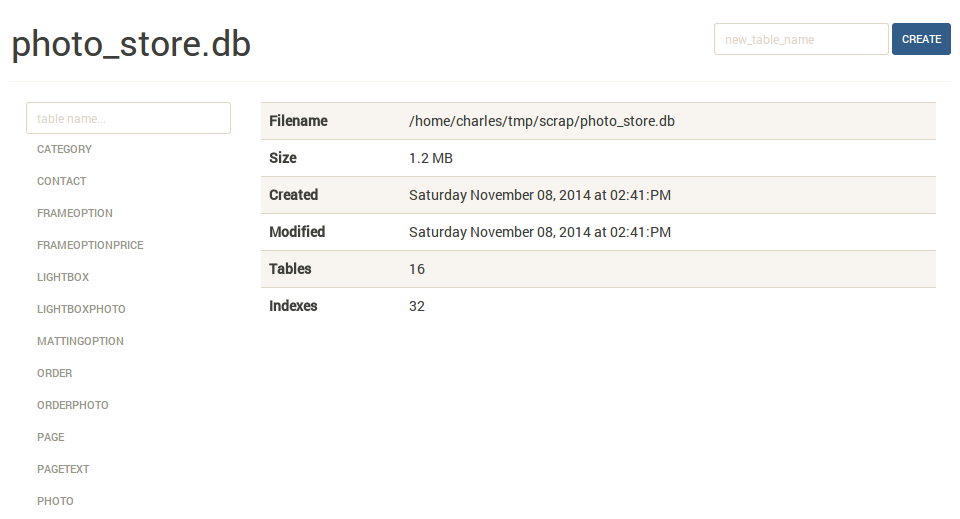
The index page shows some basic information about the database, including the number of tables and indexes, as well as its size on disk:
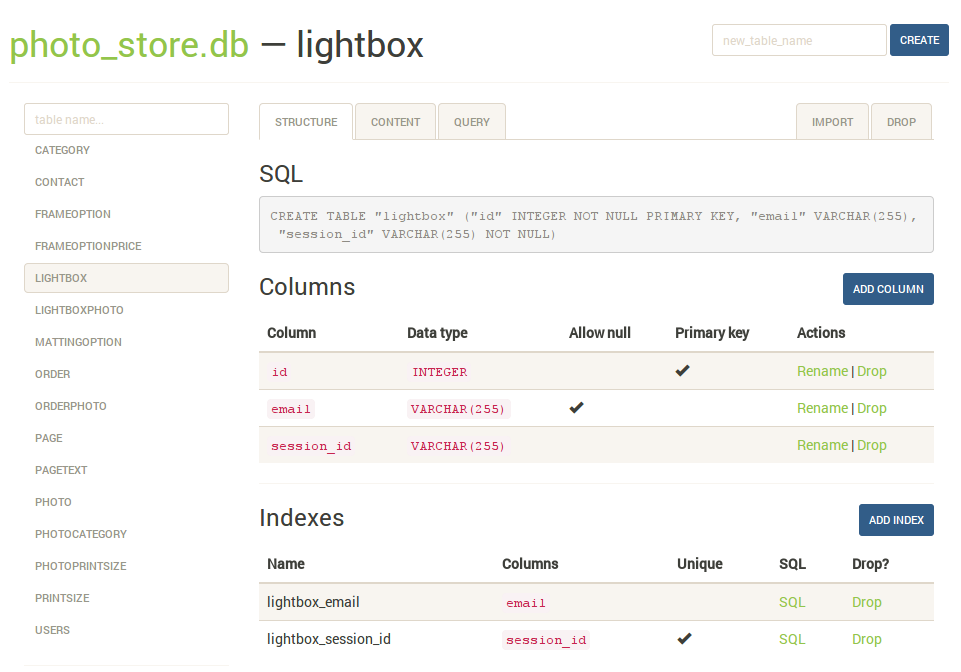
The `structure` tab displays information about the structure of the table, including columns, indexes, and foreign keys (if any exist). From this page you can also create, rename or drop columns and indexes.
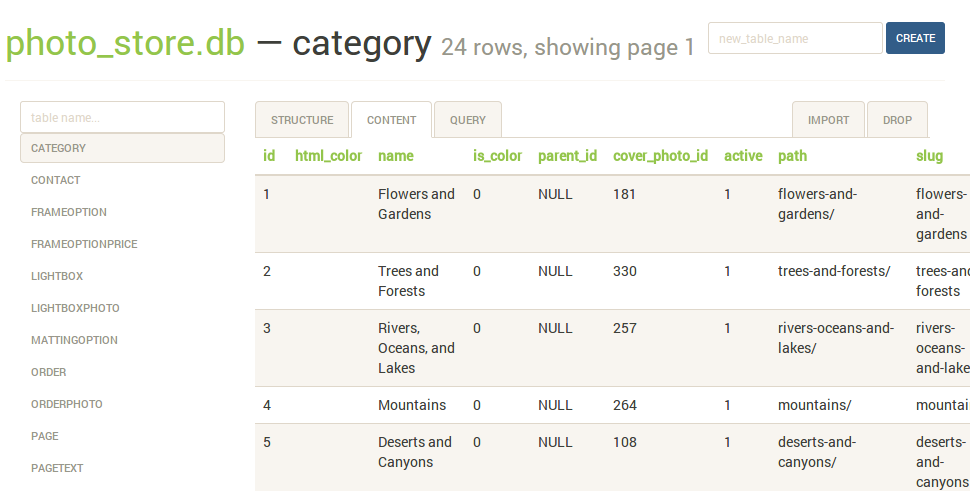
The `content` tab displays all the table data. Links in the table header can be used to sort the data:
The `query` tab allows you to execute arbitrary SQL queries on a table. The query results are displayed in a table and can be exported to either JSON or CSV:

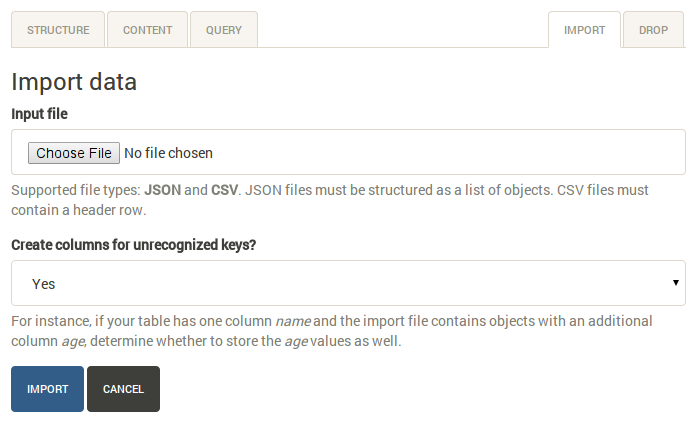
The `import` tab supports importing CSV and JSON files into a table. There is an option to automatically create columns for any unrecognized keys in the import file:
### Command-line options
The syntax for invoking sqlite-web is:
```console
$ sqlite_web [options] /path/to/database-file.db
```
The following options are available:
* ``-p``, ``--port``: default is 8080
* ``-H``, ``--host``: default is 127.0.0.1
* ``-d``, ``--debug``: default is false
* ``-x``, ``--no-browser``: do not open a web-browser when sqlite-web starts.
* ``-P``, ``--password``: prompt for password to access sqlite-web.
* ``-r``, ``--read-only``: open database in read-only mode.
* ``-u``, ``--url-prefix``: URL prefix for application, e.g. "/sqlite-web".
### Using docker
A Dockerfile is provided with sqlite-web. To use:
```console
$ cd docker/ # Change dirs to the dir containing Dockerfile
$ docker build -t coleifer/sqlite-web .
$ docker run -it --rm \
-p 8080:8080 \
-v /path/to/your-data:/data \
-e SQLITE_DATABASE=db_filename.db \
coleifer/sqlite-web
```
1 maintainer

Metadata
1 maintainer
Release files for sqlite-web 0.3.4
For a detailed explanation of source distributions (sdists) and built distributions (wheels), please see the package formats documentation.
Source distribution (sdist)
| File | Size | Uploaded | Provenance | Actions |
|---|---|---|---|---|
| sqlite-web-0.3.4.tar.gz | 383.5 kB | Without provenance | Details for sqlite-web-0.3.4.tar.gz |
Release files / sqlite-web-0.3.4.tar.gz
| Download URL | sqlite-web-0.3.4.tar.gz |
|---|---|
| Size | 383.5 kB |
| Tags | Source |
|
SHA-256 checksum How to use checksums |
929fdfd5e301e6bbe37890acf3eec8c5790ee11ef2dd399e4be548eadae33709
|
|
BLAKE2b-256 checksum How to use checksums |
a7822d94eb0f69955f1fc6389a67cb1a051fdefd83746e92f2704a8a10cd081b
|
| Upload date | |
|
Uploaded using Trusted Publishing? What is trusted publishing? |
No |
| Uploaded via |
Python-urllib/2.7
|
Security for sqlite-web 0.3.4
Provenance
Provenance describes where a file came from. On PyPI, provenance is shared via attestations, which provide a verifiable record of the build or publishing details. View details, limitations and caveats.
No provenance found
None of the files in this release were uploaded with provenance metadata.
A note on package security
PyPI is a repository for distributing packages, not a service for auditing them. While third-party security researchers and our staff do their best to detect and remove malicious packages, PyPI cannot guarantee the quality, security or suitability of any given package.
To learn more about protecting yourself from malicious actors, visit our package security documentation.














