
This project has been archived by its maintainers, and is no longer receiving any updates.
SSL Labs Screenshot
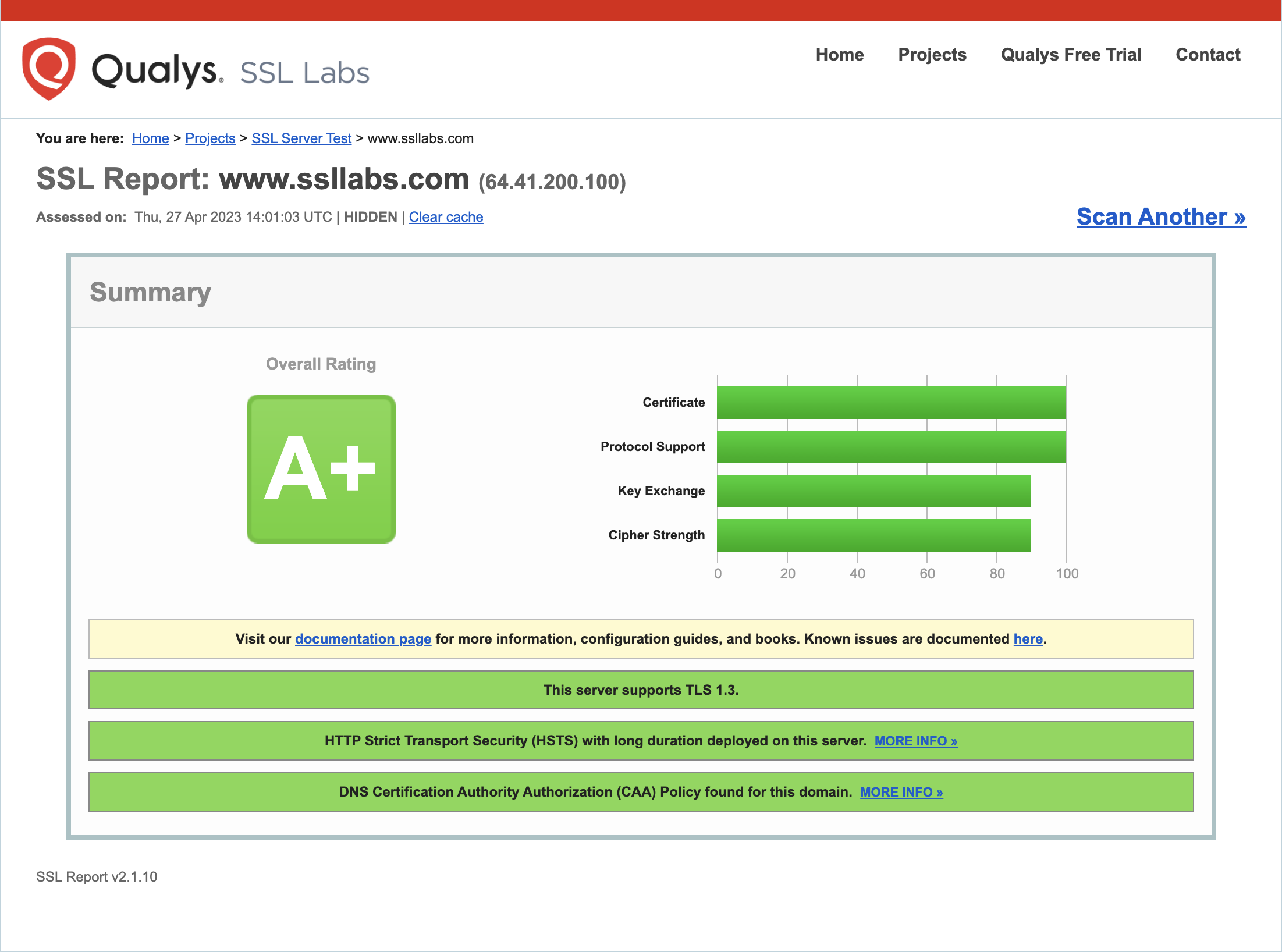
A Python package to capture a trimmed screenshot of the SSL Labs report for a given domain.
Requirements
- Python 3.6
- Chrome browser (version 89 or later)
- ChromeDriver
Installation
- Install using pip:
pip install ssl-labs-screenshot - Download the latest version of ChromeDriver from the following link: https://sites.google.com/chromium.org/driver/downloads
- Extract the contents of the downloaded ZIP file.
- Either move the ChromeDriver executable to a directory that is already included in your system's
PATHenvironment variable, or add the directory containing the extracted ChromeDriver executable to your system'sPATHvariable.
Usage
Run the script with the following command:
ssl-labs-screenshot domain.com
Replace domain.com with the domain you want to test. The script will open a headless Chrome browser and load the SSL Labs report for the domain. It will capture a temporary screenshot of the report and save it as a PNG file in the same directory as the script, with the name domain_report_tmp.png. The script will delete the temporary screenshot after the trimmed image is created with the name domain_report.png
Limitations
The script only captures the first server's report for domains with multiple servers.
License
The scripts and documentation in this project are released under the MIT License
1 maintainer

Download files
Download the file for your platform. If you're not sure which to choose, learn more about installing packages.
Source Distribution
Built Distribution
Filter files by name, interpreter, ABI, and platform.
If you're not sure about the file name format, learn more about wheel file names.
Copy a direct link to the current filters
File details
Details for the file ssl-labs-screenshot-1.0.9.tar.gz.
File metadata
- Download URL: ssl-labs-screenshot-1.0.9.tar.gz
- Upload date:
- Size: 4.4 kB
- Tags: Source
- Uploaded using Trusted Publishing? No
- Uploaded via:
twine/4.0.2 CPython/3.9.13
File hashes
| Algorithm | Hash digest | |
|---|---|---|
| SHA256 |
e03dd76822f01af3e688d113f520f7887f5cf69908f63c73b69703cdb0d75391
|
|
| MD5 |
90cdc1fc74e915c33ab9088ca073b261
|
|
| BLAKE2b-256 |
a837737c88da8fd20cb21e562c79e00c9c37235180f52aa54bc7e702aee25c6c
|
File details
Details for the file ssl_labs_screenshot-1.0.9-py3-none-any.whl.
File metadata
- Download URL: ssl_labs_screenshot-1.0.9-py3-none-any.whl
- Upload date:
- Size: 5.0 kB
- Tags: Python 3
- Uploaded using Trusted Publishing? No
- Uploaded via:
twine/4.0.2 CPython/3.9.13
File hashes
| Algorithm | Hash digest | |
|---|---|---|
| SHA256 |
9ca3e61fa0ba5fcd00a71a7d5a5a1d023496a5bddb78fdaec5cd914921034b0b
|
|
| MD5 |
fdffff62e3914480a15d5b5a3056164e
|
|
| BLAKE2b-256 |
89d36f6cddbff0829954e69e256f791f335c1e7a88ca0b2ee81d8ceb71dcbae2
|














