






steamctl
steamctl is an open-source CLI utility similar to steamcmd. It provides access to a number of Steam features and data from the command line. While it is possible to download apps and content from Steam, steamctl is not a game launcher.
Install
pip install steamctlInstall directly from github:
pip install git+https://github.com/ValvePython/steamctl#egg=steamctlCommand list
apps                Get information about apps
|- activate_key       Activate key(s) on account
|- licenses           Manage licenses
|  |- list              List all licenses on account
|  |- add               Add free package license(s)
|  \- remove            Remove free package license(s)
|- list               List owned or all apps
|- product_info       Show product info for app
\- item_def           Get item definitions for app

assistant           Helpful automation
|- idle-games         Idle up to 32 games for game time
|- idle-cards         Automatic idling for game cards
\- discovery-queue    Explore a single discovery queue

authenticator       Manage Steam authenticators
|- add                Add authentictor to a Steam account
|- remove             Remove an authenticator
|- list               List all authenticators
|- status             Query Steam Guard status for account
|- code               Generate auth code
\- qrcode             Generate QR code

clear               Remove data stored on disk
|- cache              Remove all cache and data files
|- credentials        Remove all credentials and saved logins
\- all                Remove all cache files

cloud               Manage Steam Cloud files (e.g. save files, settings, etc)
|- list               List files for app
|- list_apps          List all apps with cloud files
\- download           Download files for app

depot               List and download from Steam depots
|- info               View info about a depot(s)
|- list               List files from depot(s)
|- download           Download depot files
|- diff               Compare files between manifest(s) and filesystem
\- decrypt_gid        Decrypt manifest gid

hlmaster            Query master server and server information
|- query              Query HL Master for servers
\- info               Query info from a goldsrc or source server

steamid             Parse SteamID representations

ugc                 Info and download of user generated content
|- info               Get details for UGC
\- download           Download UGC

webapi              Access to WebAPI
|- set-key            Set WebAPI key
|- clear-key          Remove saved key
|- list               List all available WebAPI endpoints
\- call               Call WebAPI endpoint

workshop            Search and download workshop items
|- search             Search the workshop
|- info               Get all details for a workshop item
|- download           Download a workshop item
|- subscribe          Subscribe to workshop items
|- unsubscribe        Unsubscribe to workshop items
|- favorite           Favourite workshop items
\- unfavorite         Unfavourite workshop items
Previews
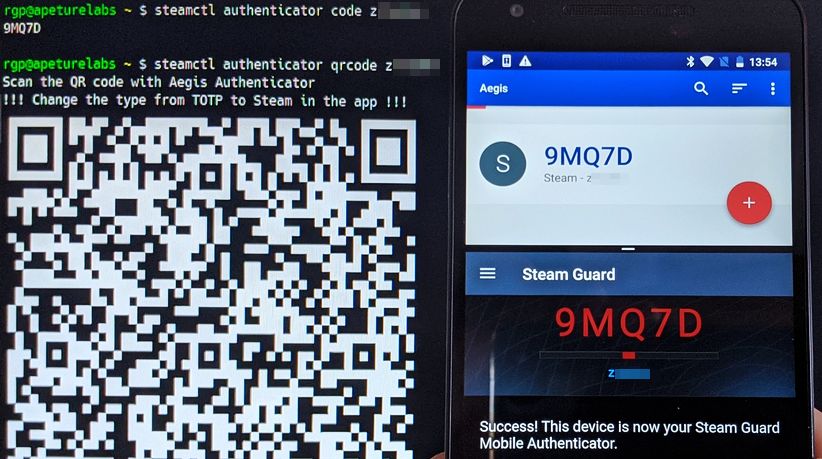
steamctl authenticator (No root required, and transferable token. Steamapp, steamctl, and aegis, with the same token)
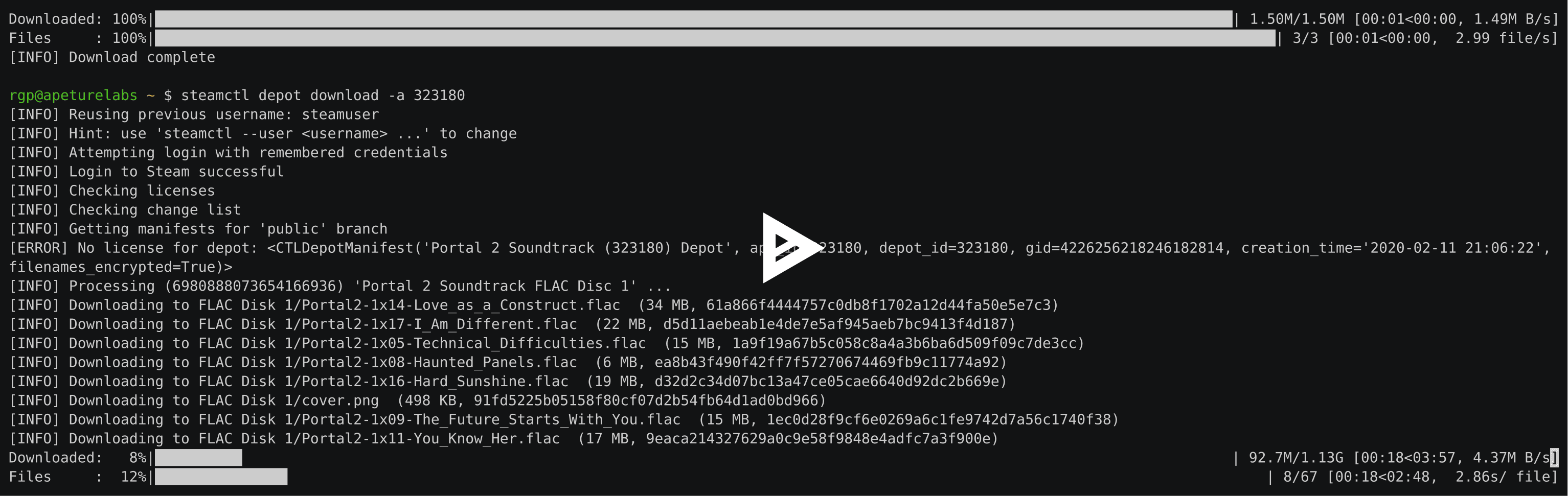
(video) steamctl depot
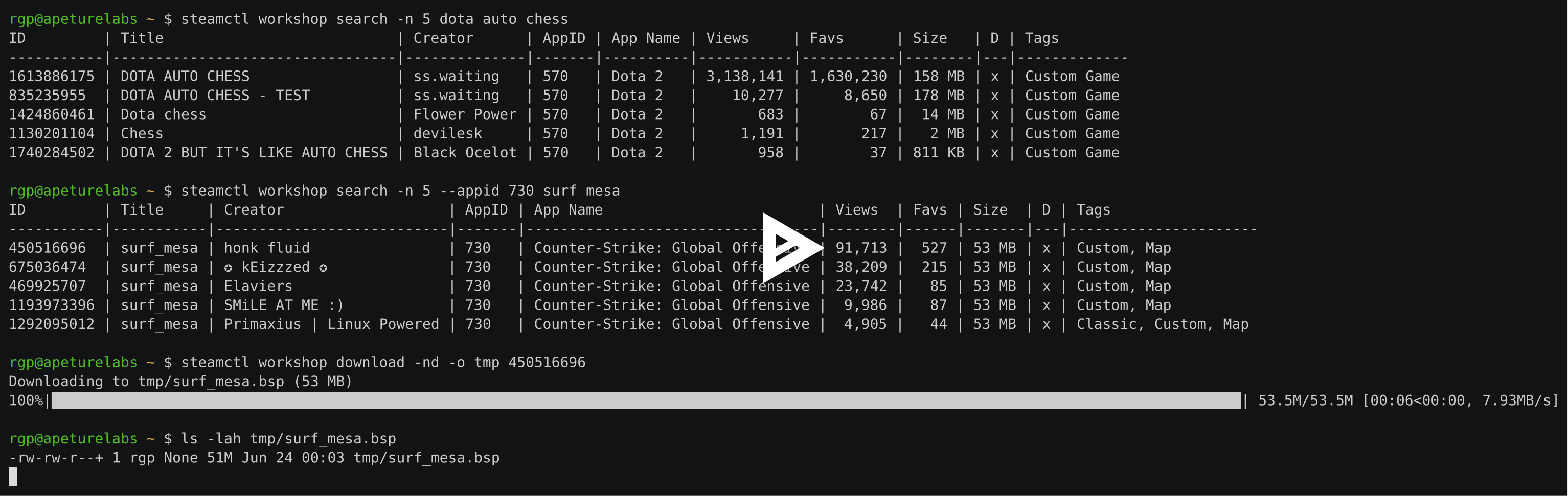
(video) steamctl workshop
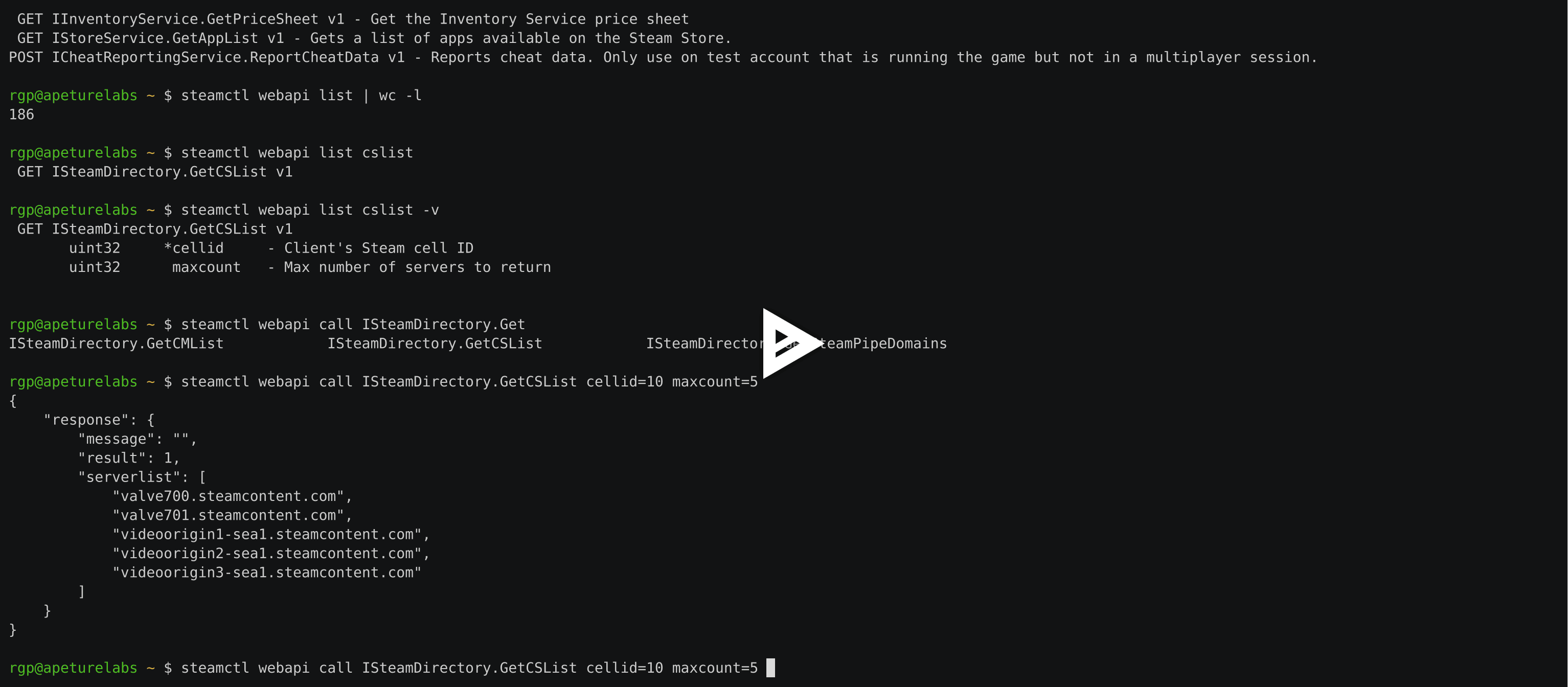
(video) steamctl webapi
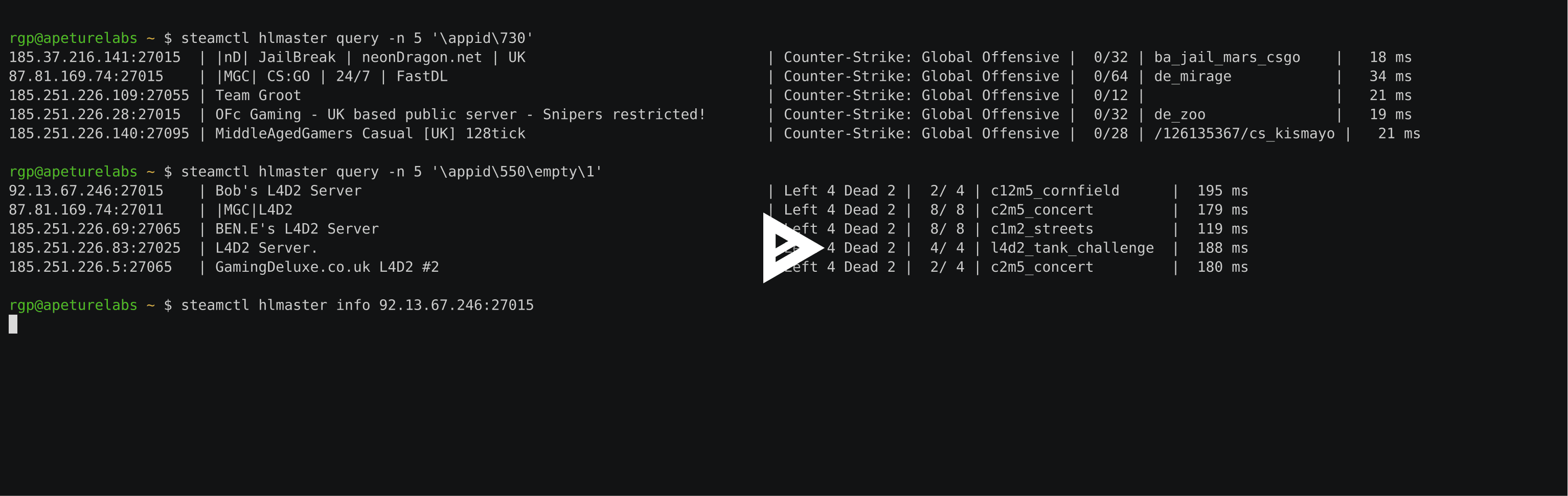
(video) steamctl hlmaster
1 maintainer

Metadata
1 maintainer
Release files for steamctl 0.9.5
For a detailed explanation of source distributions (sdists) and built distributions (wheels), please see the package formats documentation.
Source distribution (sdist)
| File | Size | Uploaded | Provenance | Actions |
|---|---|---|---|---|
| steamctl-0.9.5.tar.gz | 43.9 kB | Without provenance | Details for steamctl-0.9.5.tar.gz |
Built distribution (wheel)
| File | Interpreter | ABI | Platform | Actions Reset |
|---|---|---|---|---|
| steamctl-0.9.5-py3-none-any.whl | Python 3 | none | any | Details for steamctl-0.9.5-py3-none-any.whl |
Total release size: 102.4 kB
Release files / steamctl-0.9.5.tar.gz
| Download URL | steamctl-0.9.5.tar.gz |
|---|---|
| Size | 43.9 kB |
| Tags | Source |
|
SHA-256 checksum How to use checksums |
d6bc8cf60e4d6720fbf78ebece2c281bff5d0253710245e65a295464c435af42
|
|
BLAKE2b-256 checksum How to use checksums |
a2f087a2eb63a832ac876b5a534d51fbcee385549f92035b3c6dd61ba34a3fea
|
| Upload date | |
|
Uploaded using Trusted Publishing? What is trusted publishing? |
No |
| Uploaded via |
twine/3.8.0 pkginfo/1.8.3 readme-renderer/34.0 requests/2.27.1 requests-toolbelt/0.10.0 urllib3/1.26.12 tqdm/4.64.1 importlib-metadata/4.8.3 keyring/23.4.1 rfc3986/1.5.0 colorama/0.4.5 CPython/3.6.9
|
Release files / steamctl-0.9.5-py3-none-any.whl
| Download URL | steamctl-0.9.5-py3-none-any.whl |
|---|---|
| Size | 58.5 kB |
| Tags | Python 3 |
|
SHA-256 checksum How to use checksums |
781c072bedebd9afe85b79fb302fac41fba89fa9632d010c2c3e630fd4382ca2
|
|
BLAKE2b-256 checksum How to use checksums |
f60ea7288a546ea3319af186b29a9f4668233944c307743471cbf4c4389106a5
|
| Upload date | |
|
Uploaded using Trusted Publishing? What is trusted publishing? |
No |
| Uploaded via |
twine/3.8.0 pkginfo/1.8.3 readme-renderer/34.0 requests/2.27.1 requests-toolbelt/0.10.0 urllib3/1.26.12 tqdm/4.64.1 importlib-metadata/4.8.3 keyring/23.4.1 rfc3986/1.5.0 colorama/0.4.5 CPython/3.6.9
|
Security for steamctl 0.9.5
Provenance
Provenance describes where a file came from. On PyPI, provenance is shared via attestations, which provide a verifiable record of the build or publishing details. View details, limitations and caveats.
No provenance found
None of the files in this release were uploaded with provenance metadata.
A note on package security
PyPI is a repository for distributing packages, not a service for auditing them. While third-party security researchers and our staff do their best to detect and remove malicious packages, PyPI cannot guarantee the quality, security or suitability of any given package.
To learn more about protecting yourself from malicious actors, visit our package security documentation.














