


Streamlit HTML Sidebar
A Streamlit component that allows you to create a customizable HTML sidebar that slides in from the right side of the screen.
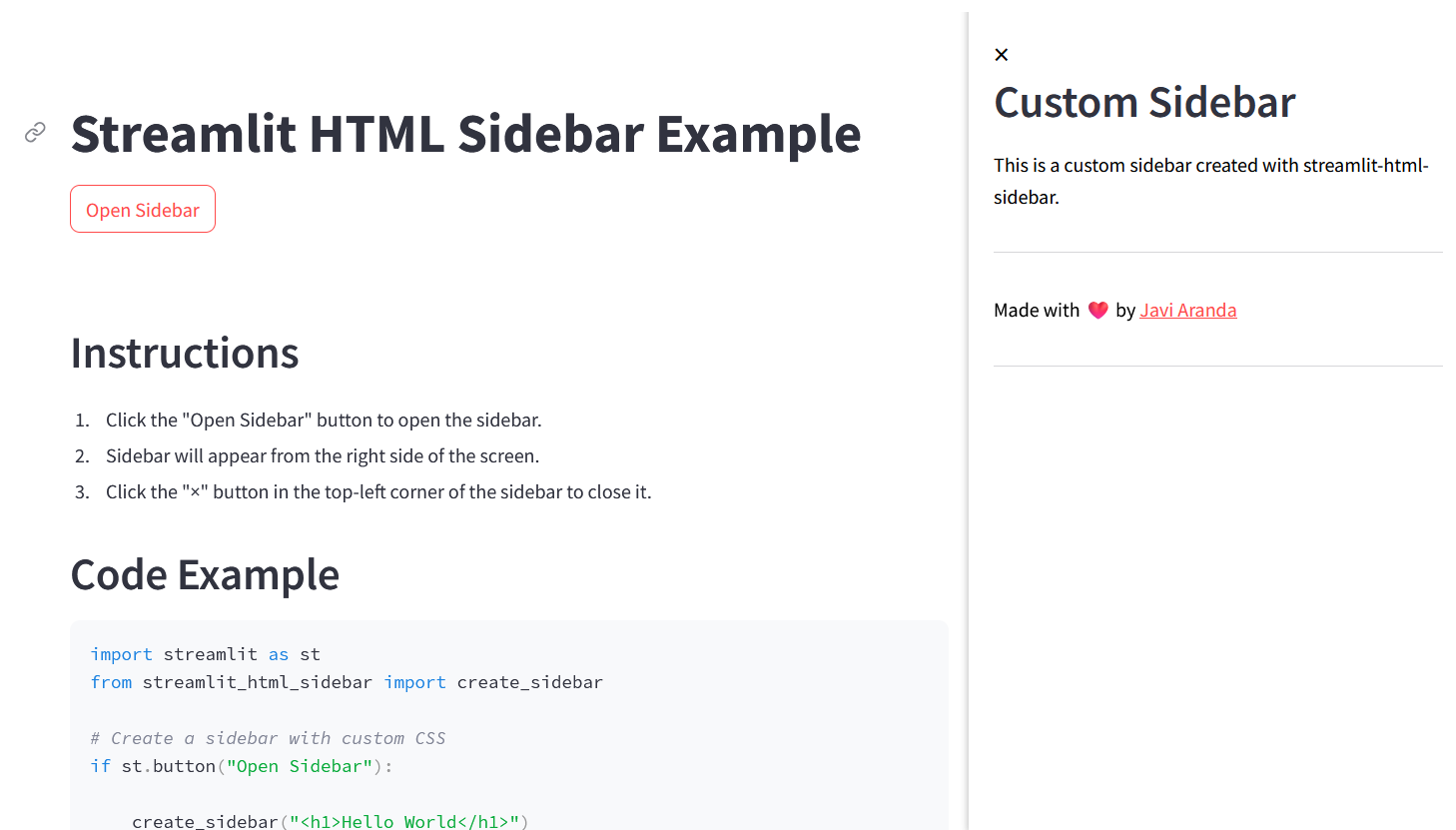
Features
- Create a sidebar with custom HTML content
- Customize the width of the sidebar
Installation
pip install streamlit-html-sidebar
Usage
import streamlit as st
from streamlit_html_sidebar import create_sidebar

st.title("Streamlit HTML Sidebar Example")

# Create a button to open the sidebar
if st.button("Open Sidebar"):
    # Create a sidebar with custom HTML content
    content = """
    <div style="padding: 20px;">
        <h2>Custom Sidebar</h2>
        <p>This is a custom sidebar created with streamlit-html-sidebar.</p>
    </div>
    """
    create_sidebar(content, width="400px")
1 maintainer

Metadata
1 maintainer
Release files for streamlit-html-sidebar 0.2.0
For a detailed explanation of source distributions (sdists) and built distributions (wheels), please see the package formats documentation.
Source distribution (sdist)
| File | Size | Uploaded | |
|---|---|---|---|
| streamlit_html_sidebar-0.2.0.tar.gz | 6.1 kB | Details |
Built distribution (wheel)
| File | Interpreter | ABI | Platform | Reset |
|---|---|---|---|---|
| streamlit_html_sidebar-0.2.0-py2.py3-none-any.whl | Python 2, Python 3 | none | any | Details |
Total release size: 12.3 kB














