
This release is a pre-release and may not be stable for production use.

Welcome to Streamlit 👋
A faster way to build and share data apps.
What is Streamlit?
Streamlit lets you transform Python scripts into interactive web apps in minutes, instead of weeks. Build dashboards, generate reports, or create chat apps. Once you’ve created an app, you can use our Community Cloud platform to deploy, manage, and share your app.
Why choose Streamlit?
- Simple and Pythonic: Write beautiful, easy-to-read code.
- Fast, interactive prototyping: Let others interact with your data and provide feedback quickly.
- Live editing: See your app update instantly as you edit your script.
- Open-source and free: Join a vibrant community and contribute to Streamlit's future.
Installation
Open a terminal and run:
$ pip install streamlit
$ streamlit hello
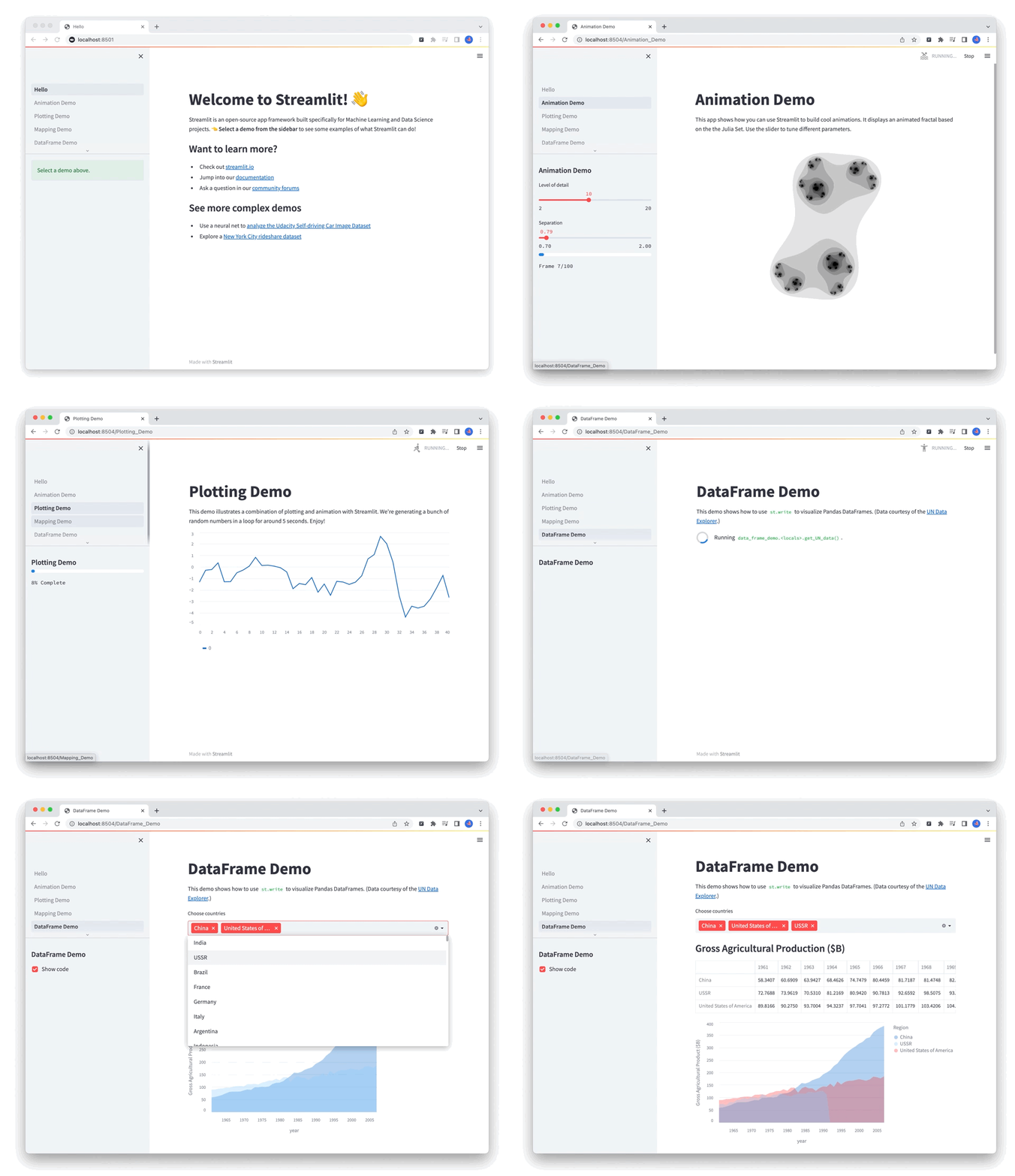
If this opens our sweet Streamlit Hello app in your browser, you're all set! If not, head over to our docs for specific installs.
The app features a bunch of examples of what you can do with Streamlit. Jump to the quickstart section to understand how that all works.
Quickstart
A little example
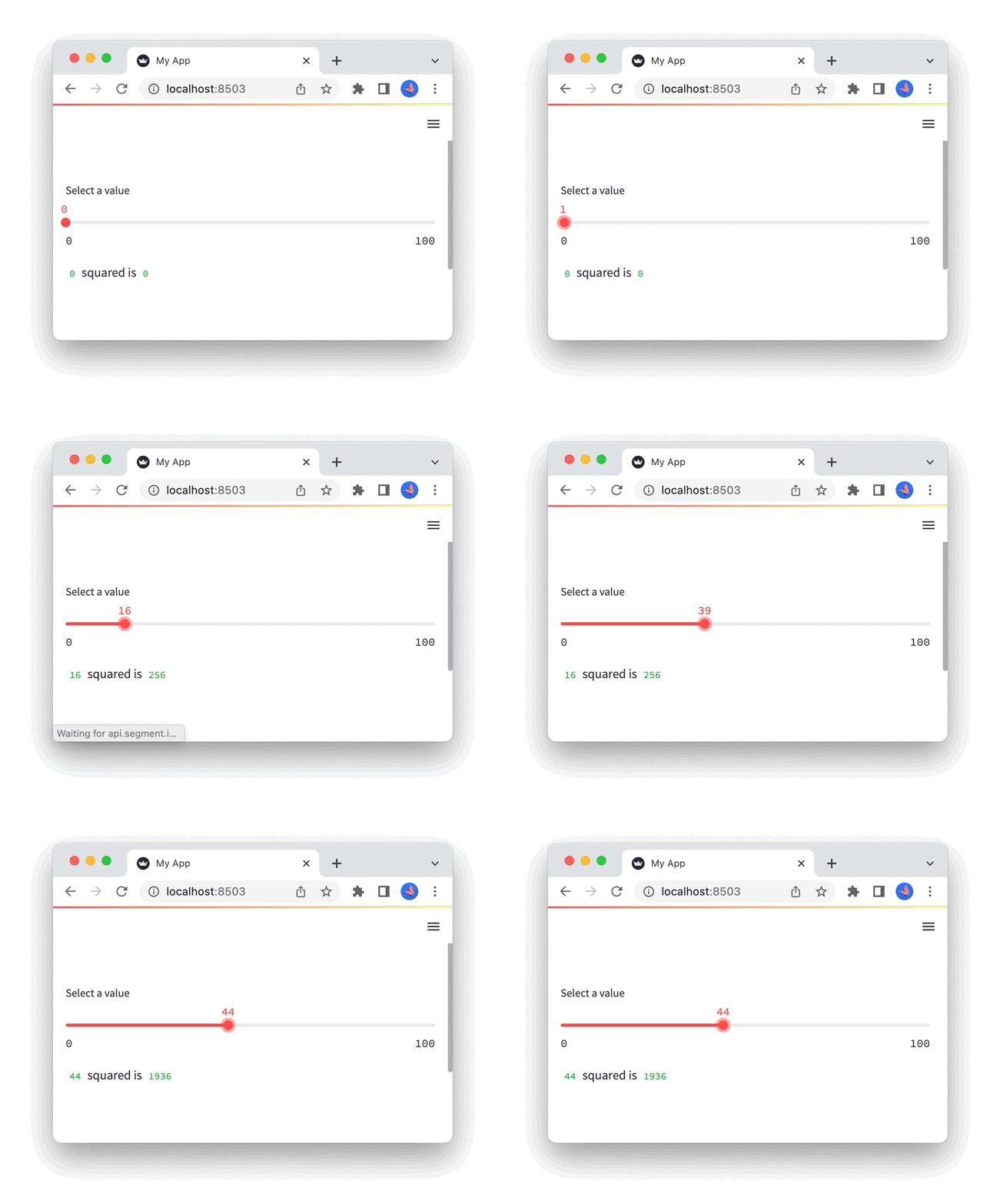
Create a new file named streamlit_app.py in your project directory with the following code:
import streamlit as st
x = st.slider("Select a value")
st.write(x, "squared is", x * x)
Now run it to open the app!
$ streamlit run streamlit_app.py
Give me more!
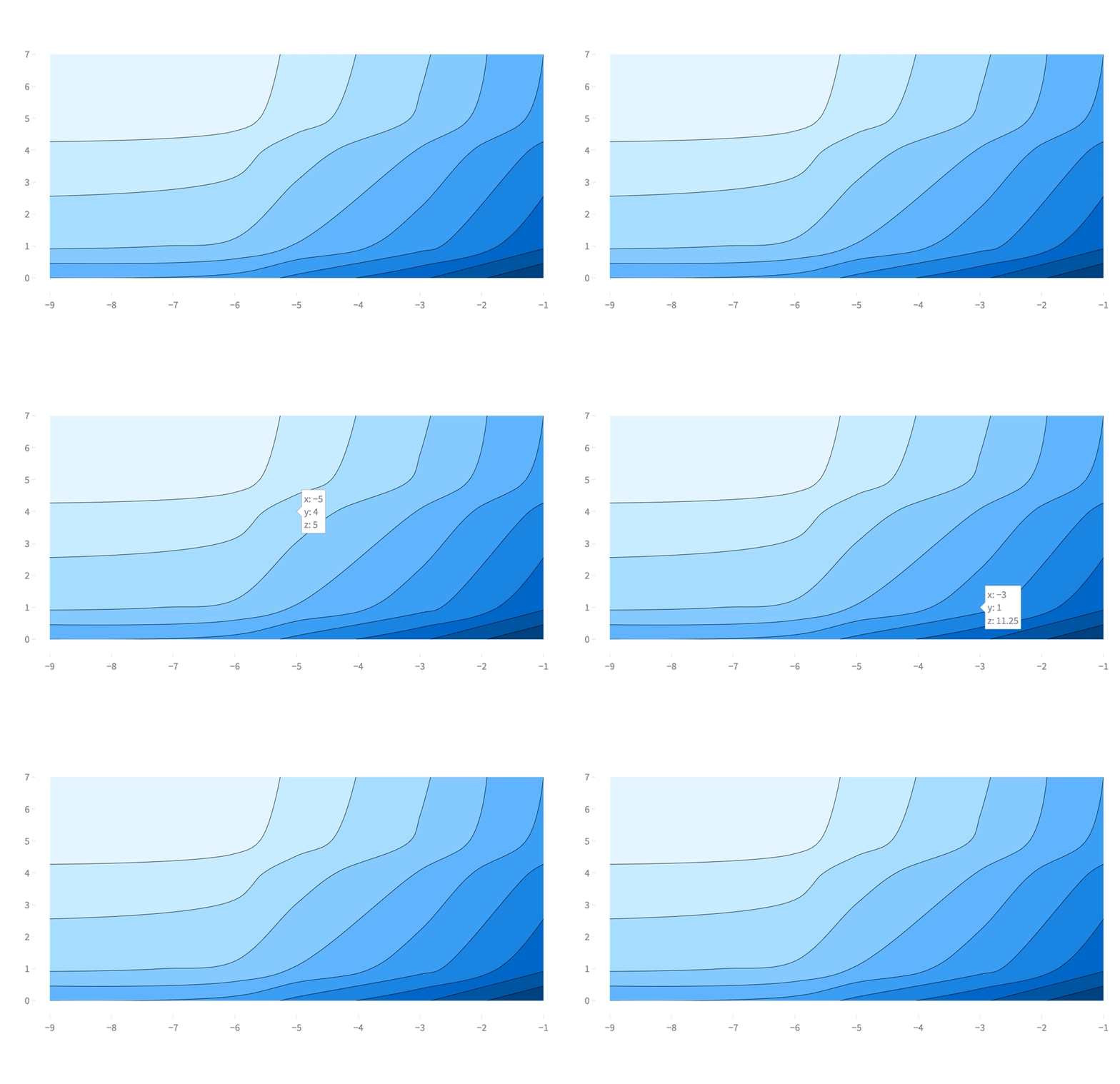
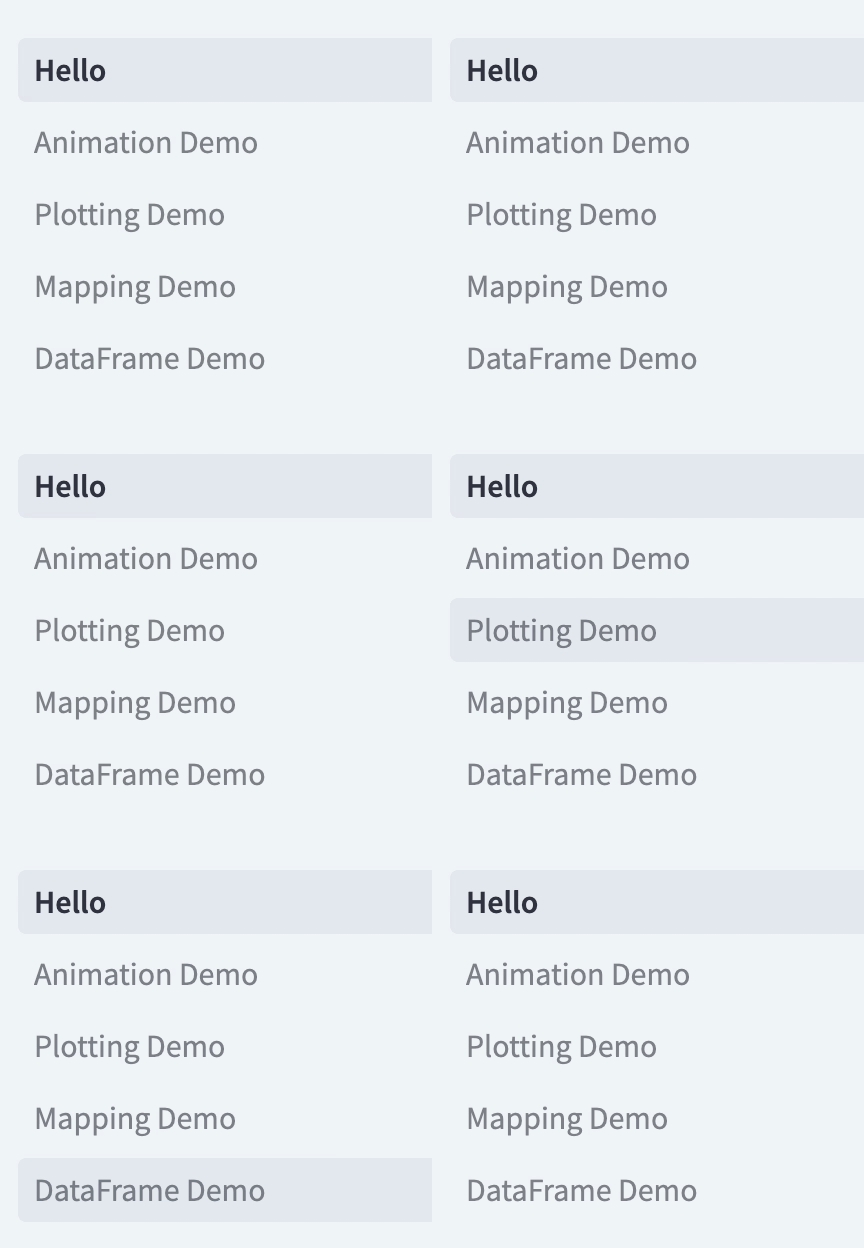
Streamlit comes in with a ton of additional powerful elements to spice up your data apps and delight your viewers. Some examples:

|

|
|

|
|

|
| Input widgets | Dataframes | Charts | Layout | Multi-page apps | Fun |
Our vibrant creators community also extends Streamlit capabilities using 🧩 Streamlit Components.
Get inspired
There's so much you can build with Streamlit:
- 🤖 LLMs & chatbot apps
- 🧬 Science & technology apps
- 💬 NLP & language apps
- 🏦 Finance & business apps
- 🗺 Geography & society apps
- and more!
Check out our gallery! 🎈
Community Cloud
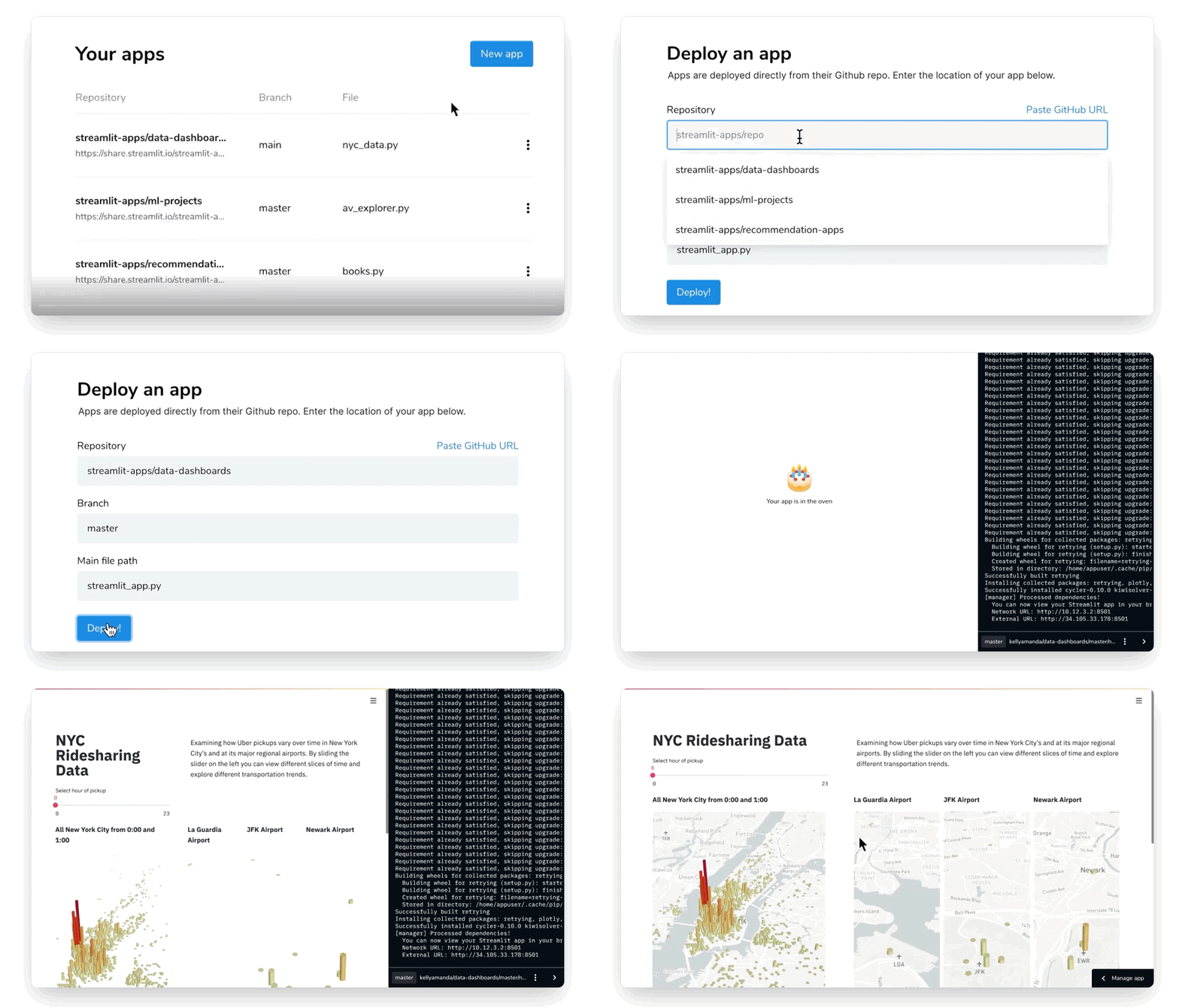
Deploy, manage and share your apps for free using our Community Cloud! Sign-up here.
Resources
- Explore our docs to learn how Streamlit works.
- Ask questions and get help in our community forum.
- Read our blog for tips from developers and creators.
- Extend Streamlit's capabilities by installing or creating your own Streamlit Components.
- Help others find and play with your app by using the Streamlit GitHub badge in your repository:
[](URL_TO_YOUR_APP)

Contribute
🎉 Thanks for your interest in helping improve Streamlit! 🎉
Before contributing, please read our guidelines here: https://github.com/streamlit/streamlit/blob/develop/CONTRIBUTING.md
License
Streamlit is completely free and open-source and licensed under the Apache 2.0 license.
1 maintainer

Metadata
1 maintainer
Release files for streamlit-nightly 1.56.1.dev20260427
For a detailed explanation of source distributions (sdists) and built distributions (wheels), please see the package formats documentation.
Source distribution (sdist)
| File | Size | Uploaded | Provenance | Actions |
|---|---|---|---|---|
| streamlit_nightly-1.56.1.dev20260427.tar.gz | 8.7 MB | With provenance | Details for streamlit_nightly-1.56.1.dev20260427.tar.gz |
Built distribution (wheel)
| File | Interpreter | ABI | Platform | Actions Reset |
|---|---|---|---|---|
| streamlit_nightly-1.56.1.dev20260427-py3-none-any.whl | Python 3 | none | any | Details for streamlit_nightly-1.56.1.dev20260427-py3-none-any.whl |
Total release size: 17.9 MB
Release files / streamlit_nightly-1.56.1.dev20260427.tar.gz
| Download URL | streamlit_nightly-1.56.1.dev20260427.tar.gz |
|---|---|
| Size | 8.7 MB |
| Tags | Source |
|
SHA-256 checksum How to use checksums |
0e9dad9e320ca9449ae07ab2523ca66e792f080761afb3fbaf01b87830f788a8
|
|
BLAKE2b-256 checksum How to use checksums |
c631a52c1c35fd1e3fc87a227c993d1962ecd896eb0776e9ed377dcb30f1c7cd
|
| Upload date | |
|
Uploaded using Trusted Publishing? What is trusted publishing? |
Yes |
| Uploaded via |
twine/6.1.0 CPython/3.13.13
|
Provenance
Provenance describes where a file came from. On PyPI, provenance is shared via attestations, which provide a verifiable record of the build or publishing details. View details, limitations and caveats.


PyPI Publish Attestation
PyPI verified that this artifact, at this checksum, originated from the publisher listed below.
Signed by GitHub Actions, verified by PyPI on Apr 27, 2026.
Transparency logRelease files / streamlit_nightly-1.56.1.dev20260427-py3-none-any.whl
| Download URL | streamlit_nightly-1.56.1.dev20260427-py3-none-any.whl |
|---|---|
| Size | 9.2 MB |
| Tags | Python 3 |
|
SHA-256 checksum How to use checksums |
efe49ef1582a431e638643099abd33d4b43180309b44a148755c46d3cbf2c345
|
|
BLAKE2b-256 checksum How to use checksums |
2fc650d6a2f4dbbad221e35e74663cdee73beaa53e143823c65e88a2b37fa7b8
|
| Upload date | |
|
Uploaded using Trusted Publishing? What is trusted publishing? |
Yes |
| Uploaded via |
twine/6.1.0 CPython/3.13.13
|
Provenance
Provenance describes where a file came from. On PyPI, provenance is shared via attestations, which provide a verifiable record of the build or publishing details. View details, limitations and caveats.
PyPI Publish Attestation
PyPI verified that this artifact, at this checksum, originated from the publisher listed below.
Signed by GitHub Actions, verified by PyPI on Apr 27, 2026.
Transparency logSecurity for streamlit-nightly 1.56.1.dev20260427
Provenance
Provenance describes where a file came from. On PyPI, provenance is shared via attestations, which provide a verifiable record of the build or publishing details. View details, limitations and caveats.
Full provenance
All 2 files in this release have been uploaded with provenance metadata.
Attestation for streamlit_nightly-1.56.1.dev20260427.tar.gz
PyPI Publish Attestation
PyPI verified that this artifact, at this checksum, originated from the publisher listed below.
Signed by GitHub Actions, verified by PyPI on Apr 27, 2026.
Transparency logA note on package security
PyPI is a repository for distributing packages, not a service for auditing them. While third-party security researchers and our staff do their best to detect and remove malicious packages, PyPI cannot guarantee the quality, security or suitability of any given package.
To learn more about protecting yourself from malicious actors, visit our package security documentation.














