
Multiplexed chunked file downloader

Project description
StreamShatter
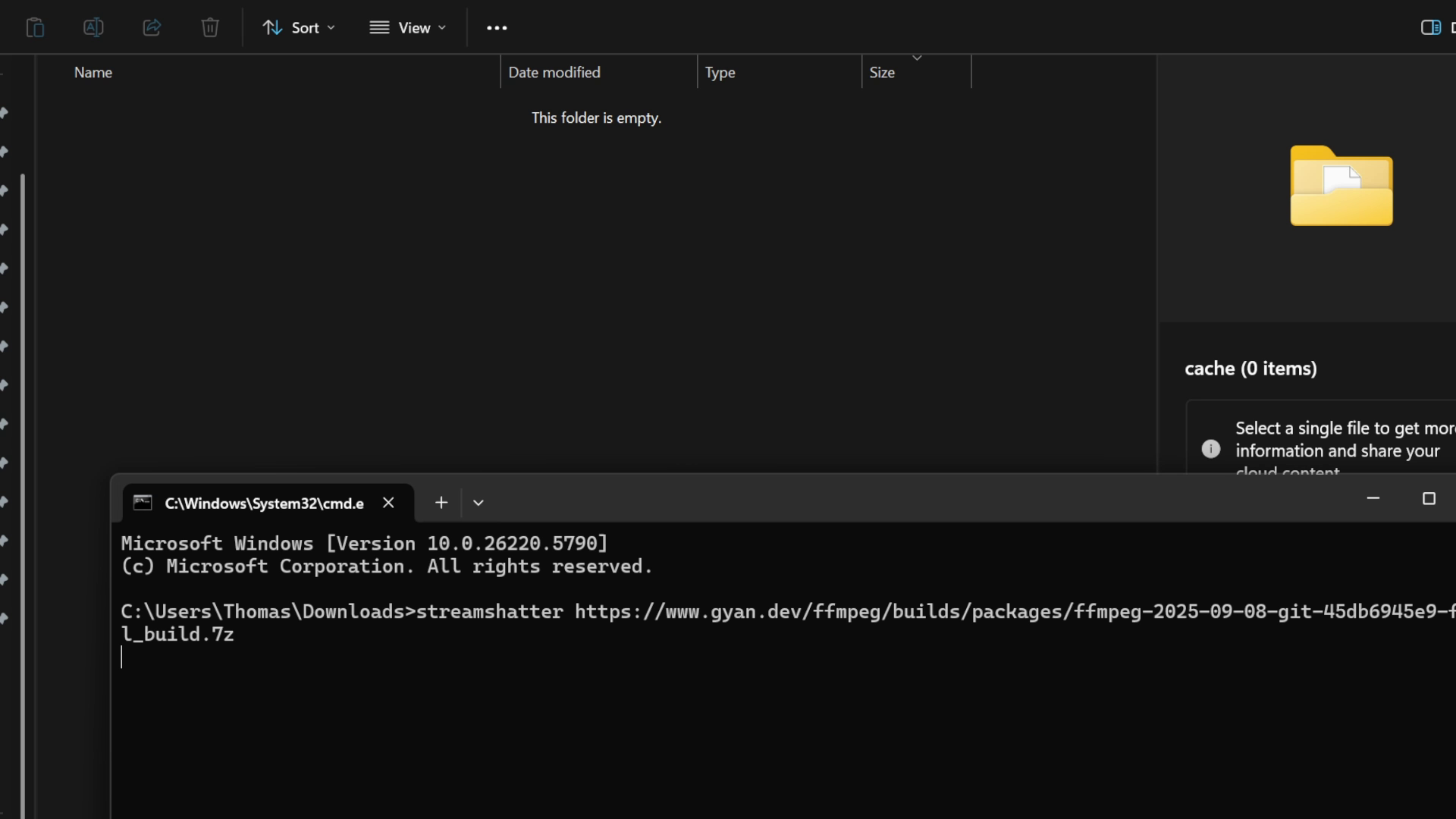
Originally a very basic script for reliably downloading files from servers with inconsistent connections, this project has been revisited and modernised to use https://github.com/jawah/niquests to greatly improve multiplexing performance, for those who still have use for such a tool.
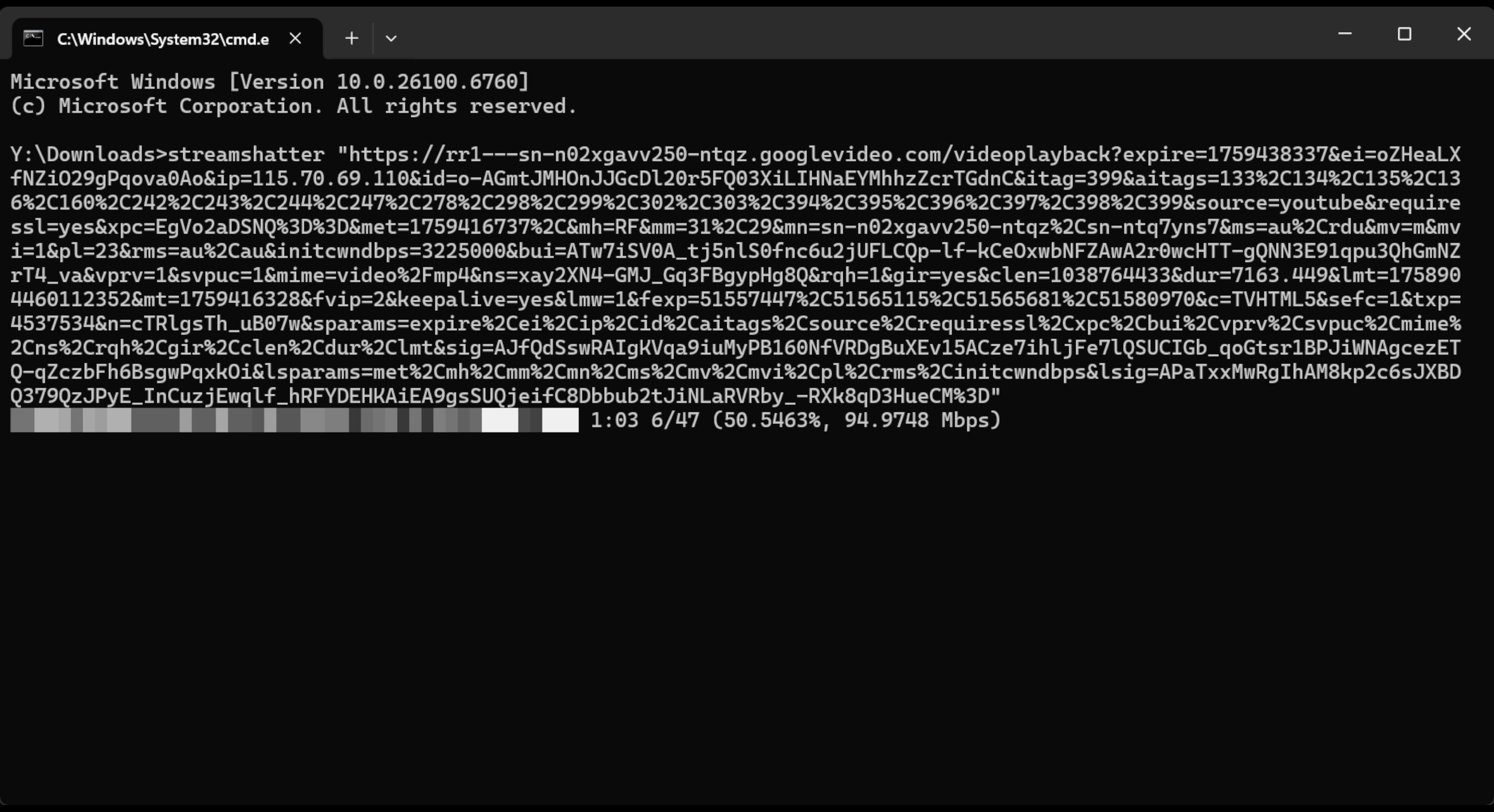
StreamShatter takes advantage of the Range HTTP header to dynamically allocate multiple chunks, by starting with one streaming request and gradually bisecting it while bandwidth permits, all without restarting the download. This allows for single, large file downloads from hosts that, whether intentionally or unintentionally, have degraded throughputs. The individual chunks also serve as checkpoints for if/when connections are broken.
Installation
Usage
usage: streamshatter [-h] [-V] [-H HEADERS] [-c CACHE_FOLDER] [-l LIMIT] [-t TIMEOUT] [-s | --ssl | --no-ssl]
                     [-d | --debug | --no-debug] [-lp | --log-progress | --no-log-progress]
                     url [filename]

Multiplexed chunked file downloader

positional arguments:
  url                   Target URL
  filename              Output filename

options:
  -h, --help            show this help message and exit
  -V, --version         show program's version number and exit
  -H, --headers HEADERS
                        HTTP headers, interpreted as JSON
  -c, --cache-folder CACHE_FOLDER
                        Folder to store temporary files
  -l, --limit LIMIT     Limits the amount of chunks to download; defaults to 1024
  -t, --timeout TIMEOUT
                        Limits the amount of time allowed for the initial request to succeed
  -s, --ssl, --no-ssl   Enforces SSL verification; defaults to TRUE
  -d, --debug, --no-debug
                        Terminates immediately upon non-timeout errors, and writes the response data for errored
                        chunks; defaults to FALSE
  -lp, --log-progress, --no-log-progress
                        Continually updates a progress bar in the standard output; defaults to TRU
Release history Release notifications | RSS feed


Download files
Download the file for your platform. If you're not sure which to choose, learn more about installing packages.
Source Distribution
Built Distribution
Filter files by name, interpreter, ABI, and platform.
If you're not sure about the file name format, learn more about wheel file names.
Copy a direct link to the current filters
File details
Details for the file streamshatter-1.1.1.tar.gz.
File metadata
- Download URL: streamshatter-1.1.1.tar.gz
- Upload date:
- Size: 8.7 kB
- Tags: Source
- Uploaded using Trusted Publishing? No
- Uploaded via: twine/6.0.1 CPython/3.13.8
File hashes
| Algorithm | Hash digest | |
|---|---|---|
| SHA256 |
76093c849e4e05d62920d9e2abc31528af0f5e286bebe528061ef1b5ad38c65c
|
|
| MD5 |
79217556b865be4d8f0b95cf4050e7c4
|
|
| BLAKE2b-256 |
797ec6175eb2af5d678d1ff0121e491b3cb408f3d2cd65b460ae1dd67ec2543b
|
File details
Details for the file streamshatter-1.1.1-py3-none-any.whl.
File metadata
- Download URL: streamshatter-1.1.1-py3-none-any.whl
- Upload date:
- Size: 9.7 kB
- Tags: Python 3
- Uploaded using Trusted Publishing? No
- Uploaded via: twine/6.0.1 CPython/3.13.8
File hashes
| Algorithm | Hash digest | |
|---|---|---|
| SHA256 |
1b4b19b4e748dafc5aa30b5bc2654d51e3d352b4e661782f2f1afb4d55e976e8
|
|
| MD5 |
6e5502a911c5750411718ce6e49a5a31
|
|
| BLAKE2b-256 |
c7b9909bbe2fc21c0373a6d7e79536c5915c79935ccf75245d3a04ebfacbbeb4
|






