
Add your description here

Project description
SubAuto

Description

Features
- Automated video transcription using Whisper
- High-quality translations using Google Gemini AI
- SRT file generation in both source and target languages
- Automatic subtitle embedding in videos
- Concurrent processing support for multiple videos
- Real-time progress tracking with rich console interface
Table of Contents
Prerequisites
- Python 3.11+
- Install ffmpeg
- Get a Gemini API key
Installation
pip install subauto
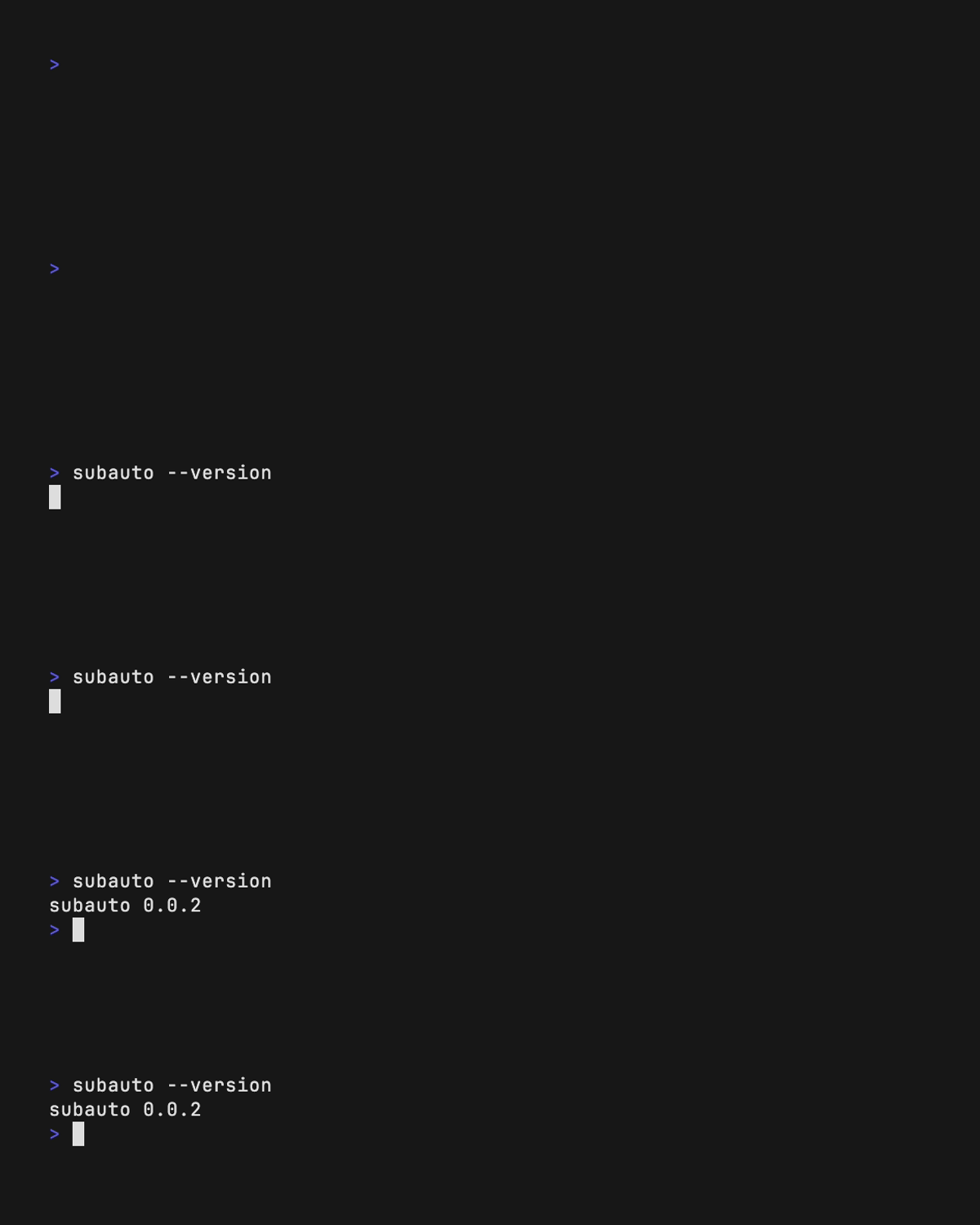
Check if installation is complete
subauto --version
If a version is displayed, then SubAuto is installed correctly.
Usage
Set up Gemini API Key
First, you need to configure your Gemini API key:
subauto set-api-key 'YOUR-API-KEY'
Basic Translation
Translate videos to Spanish (full command):
subauto --directory /path/to/videos --output-directory /path/to/output --output-lang "es"
Or use the short version:
subauto -d /path/to/videos -o /path/to/output -ol "es"
Advanced Usage
Concurrent Processing
Process multiple videos simultaneously by configuring the number of workers:
subauto -d /path/to/videos -o /path/to/output -ol "es" -w 4
Optimize Transcription
Speed up the transcription process by specifying the source language:
subauto -d /path/to/videos -o /path/to/output -ol "es" -il "en" -w 4
Note: If you don't specify the input language, SubAuto will automatically detect it.

Do you enjoy SubAuto or does it save your time?
Then definitely consider supporting me on GitHub Sponsors or buy me a coffee:

Your support will allow me to allocate time to properly maintain my projects like this.
Contributing
If you want to contribute to this project, please use the following steps:
- Fork the project.
- Create a new branch (git checkout -b feature/awesome-feature).
- Commit your changes (git commit -m 'Add some feature').
- Push to the branch (git push origin feature/awesome-feature).
- Open a pull request.
License
This project is licensed under the MIT License.


Download files
Download the file for your platform. If you're not sure which to choose, learn more about installing packages.
Source Distribution
Built Distribution
Filter files by name, interpreter, ABI, and platform.
If you're not sure about the file name format, learn more about wheel file names.
Copy a direct link to the current filters
File details
Details for the file subauto-0.0.3.tar.gz.
File metadata
- Download URL: subauto-0.0.3.tar.gz
- Upload date:
- Size: 15.0 kB
- Tags: Source
- Uploaded using Trusted Publishing? Yes
- Uploaded via: uv/0.5.21
File hashes
| Algorithm | Hash digest | |
|---|---|---|
| SHA256 |
495eb2faa1a9d9f02dbe5e2aba42ebe6f9cb4745ee51b6e7bcb3ac6601a71767
|
|
| MD5 |
78cf8d4bdecfc20714c5f3f86d7e70e4
|
|
| BLAKE2b-256 |
172e3348d58637acd3eb1d8e404d21a682db5980888bf50504bca60c8dc9ce89
|
File details
Details for the file subauto-0.0.3-py3-none-any.whl.
File metadata
- Download URL: subauto-0.0.3-py3-none-any.whl
- Upload date:
- Size: 19.5 kB
- Tags: Python 3
- Uploaded using Trusted Publishing? Yes
- Uploaded via: uv/0.5.21
File hashes
| Algorithm | Hash digest | |
|---|---|---|
| SHA256 |
54ef992f0d2d08ed3a79f6cd2b7c10b28579ce5033a732568fafcf7db247b607
|
|
| MD5 |
8d260edd35cedd4e57f2009979c5f8c8
|
|
| BLAKE2b-256 |
a5b68b2983f60e747329aba9792cf1c289b657656b7b09e1cd39ec6e1e467088
|






