
A tool for retheming images and CSS using color palettes and gradients.
Verified details
These details have been verified by PyPIProject links
GitHub Statistics
Maintainers

Project description
superwand
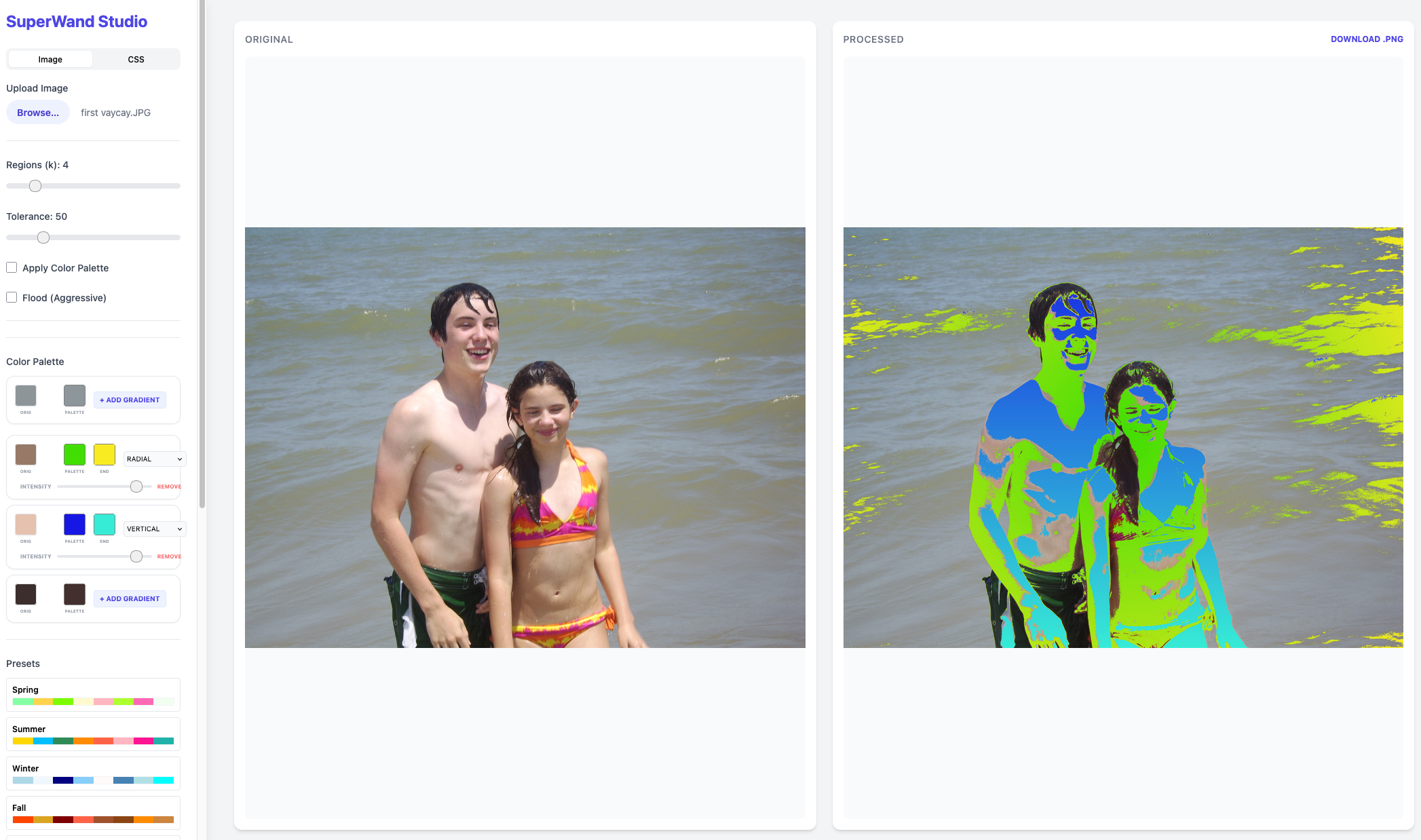
Leverage magic wand to breath life to images, especially posterized and vector art images.
Setup
uv sync
SuperWand Studio
The SuperWand Studio provides an interactive web interface for real-time image retheming, CSS retheming, and gradient application.
Running the Studio
Simply run the superwand command without applying a theme:
superwand
Access the UI
Once the server is running, open your browser and navigate to http://127.0.0.1:5001.
CLI Usage
Apply a Theme
superwand examples/images/zebra.png -theme Urban
Arguments
image_path: Path to the input image file (optional if starting studio).-theme: Theme to apply (Tropical, Urban, Winter, etc.).-k: Number of regions to identify (default: 4).-tolerance: Color matching tolerance (default: 50).-flood: Apply morphological flood filling (default: False).-gradient: Gradient style (none, auto, vertical, horizontal, radial, bottom-up, top-down, left-right, right-left) (default: none). When a theme is applied, the gradient transitions from the primary theme color of the region to the next color in the theme.-polarity: Gradient midpoint bias (0.0 to 1.0, default: 0.5). 0.5 is linear, lower values bias towards the start color, higher values bias towards the end color.
Enforce Gradients
gradient-enforce examples/images/charizard.png --style radial --color1 "#FF0000" --color2 "#0000FF"
Arguments
image_path: Path to the input image.--style: Direction of gradients (auto, vertical, horizontal, radial, bottom-up, top-down, left-right, right-left) (default: auto).--completeness: Impacted regions (auto, aggressive, filter) (default: auto).--opacity: Opacity handling (default: auto).--polarity: Gradient midpoint bias (0.0 to 1.0, default: 0.5).--output: Path to the output image (default: gradient_<style>_.png).--color1: Start color for the gradient (e.g., '255,0,0' or '#FF0000').--color2: End color for the gradient (e.g., '0,0,255' or '#0000FF').
Note on Colors: By default, the start and end colors are automatically derived from each region's original color by adjusting its brightness. To explicitly define the gradient colors, use
--color1and--color2. When provided, all prominent regions will be replaced with a gradient transitioning between these two colors.
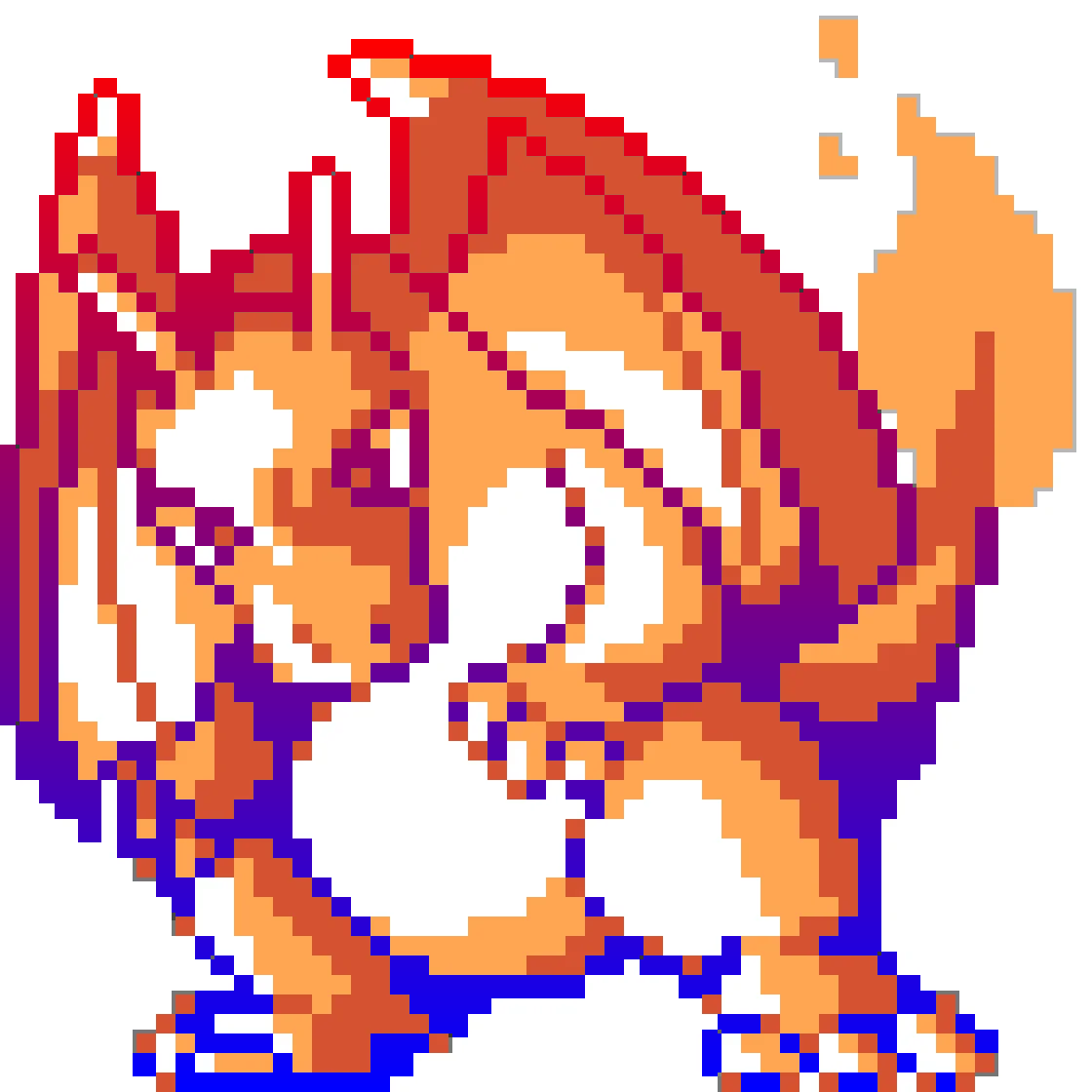
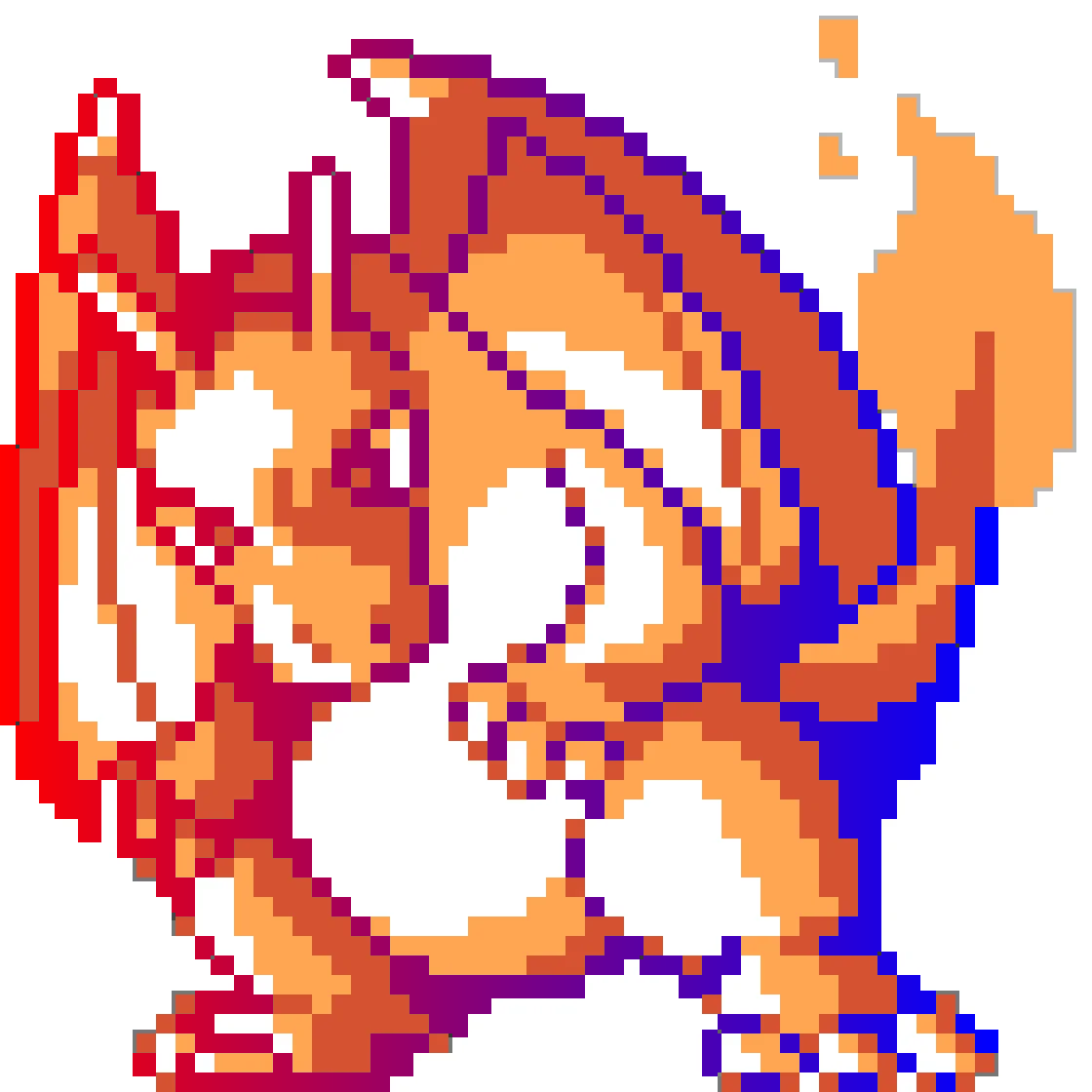
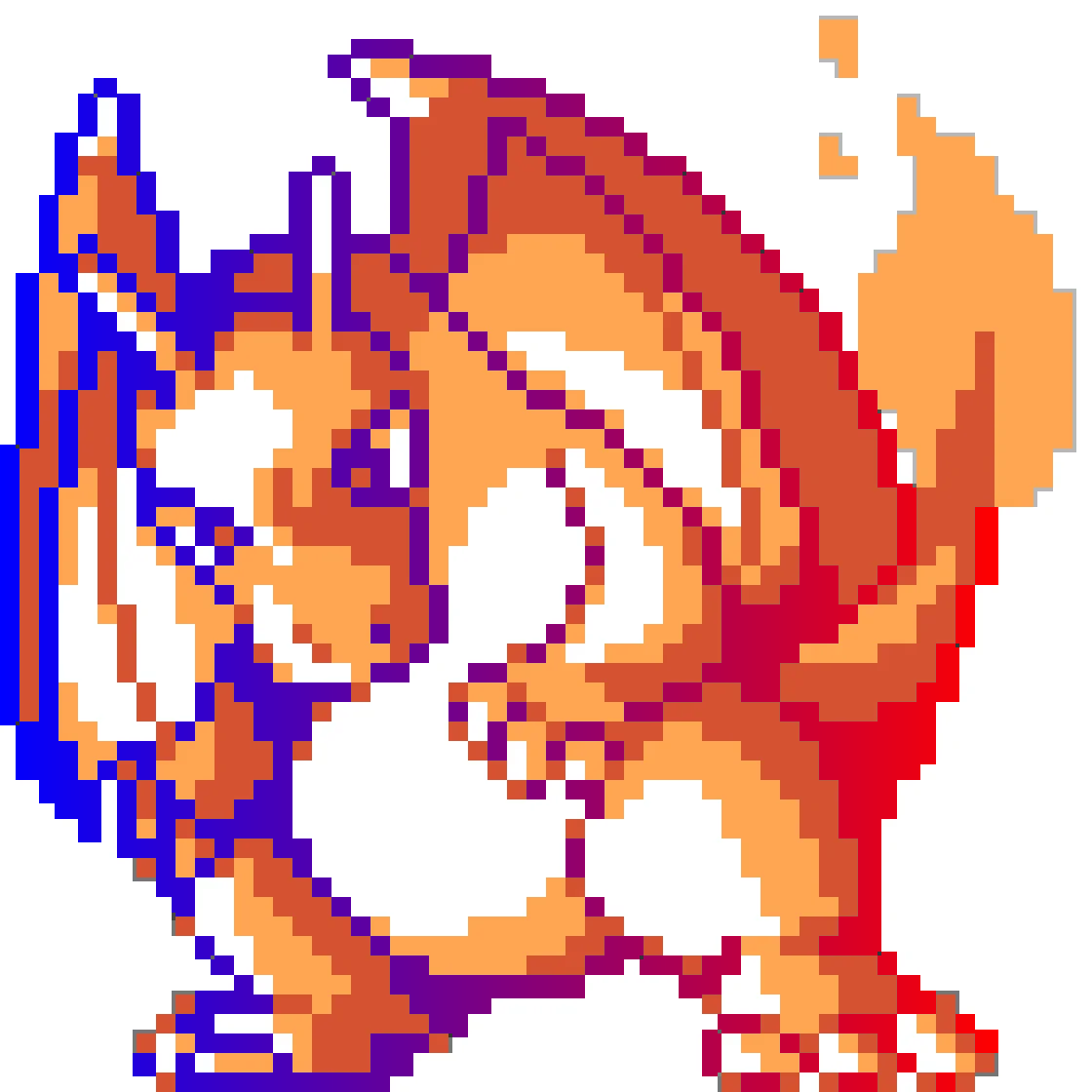
Gradients
Included: bottom-up, top-down, left-right, right-left, radial
 |
 |
 |
 |
 |
CSS Retheming
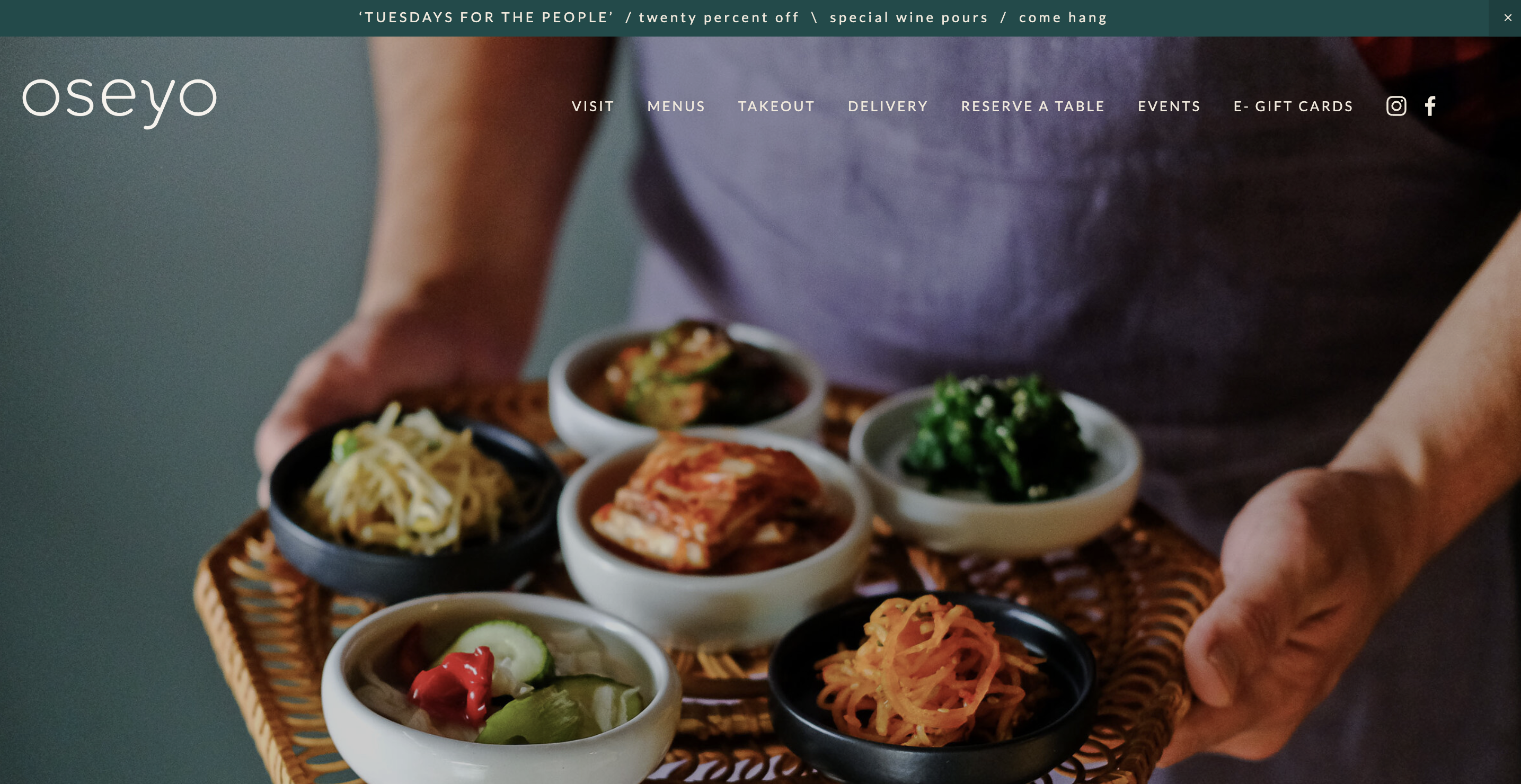
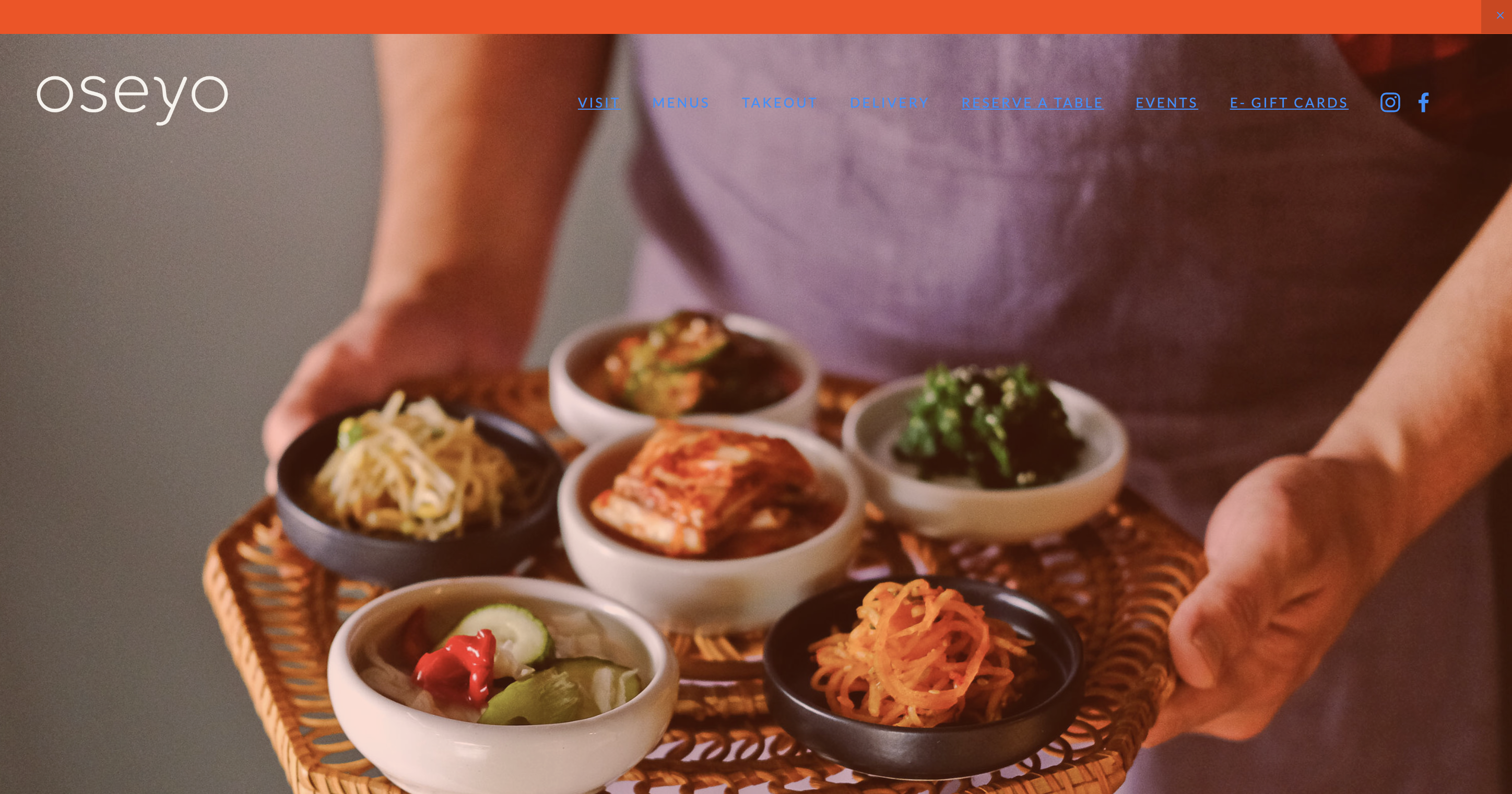
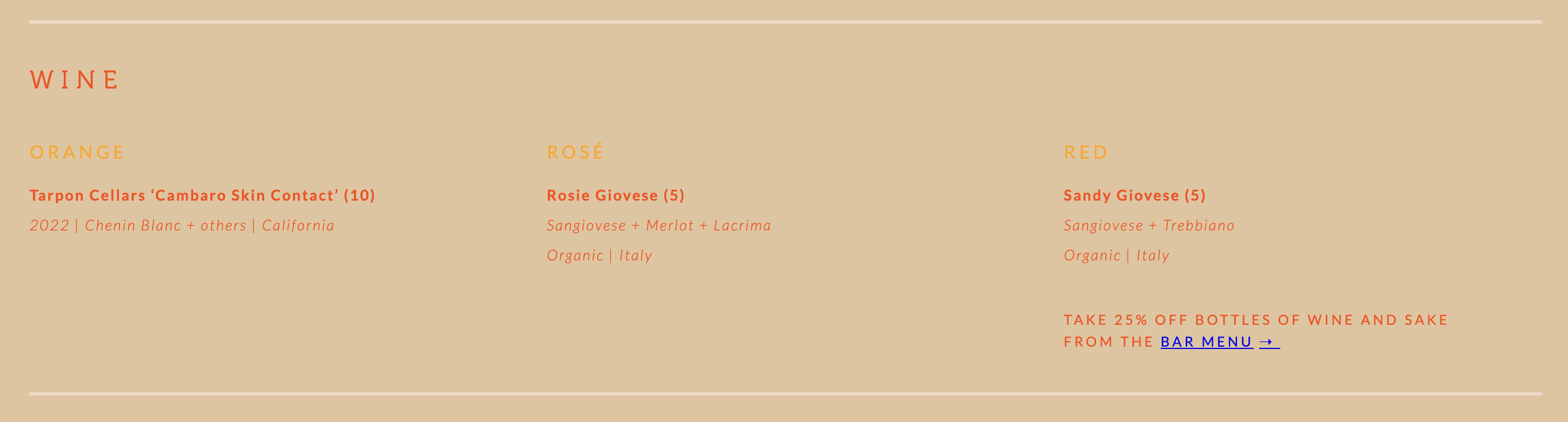
Identify color schemes in CSS and replace with a theme.
| Before | After |
|---|---|
 |
 |
 |
 |
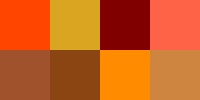
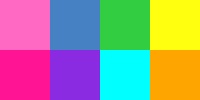
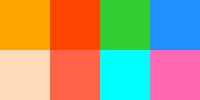
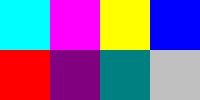
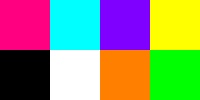
Color Themes
Themes included:
 |
 |
 |
 |
 |
 |
 |
 |
 |
 |
 |
 |
 |
 |
 |
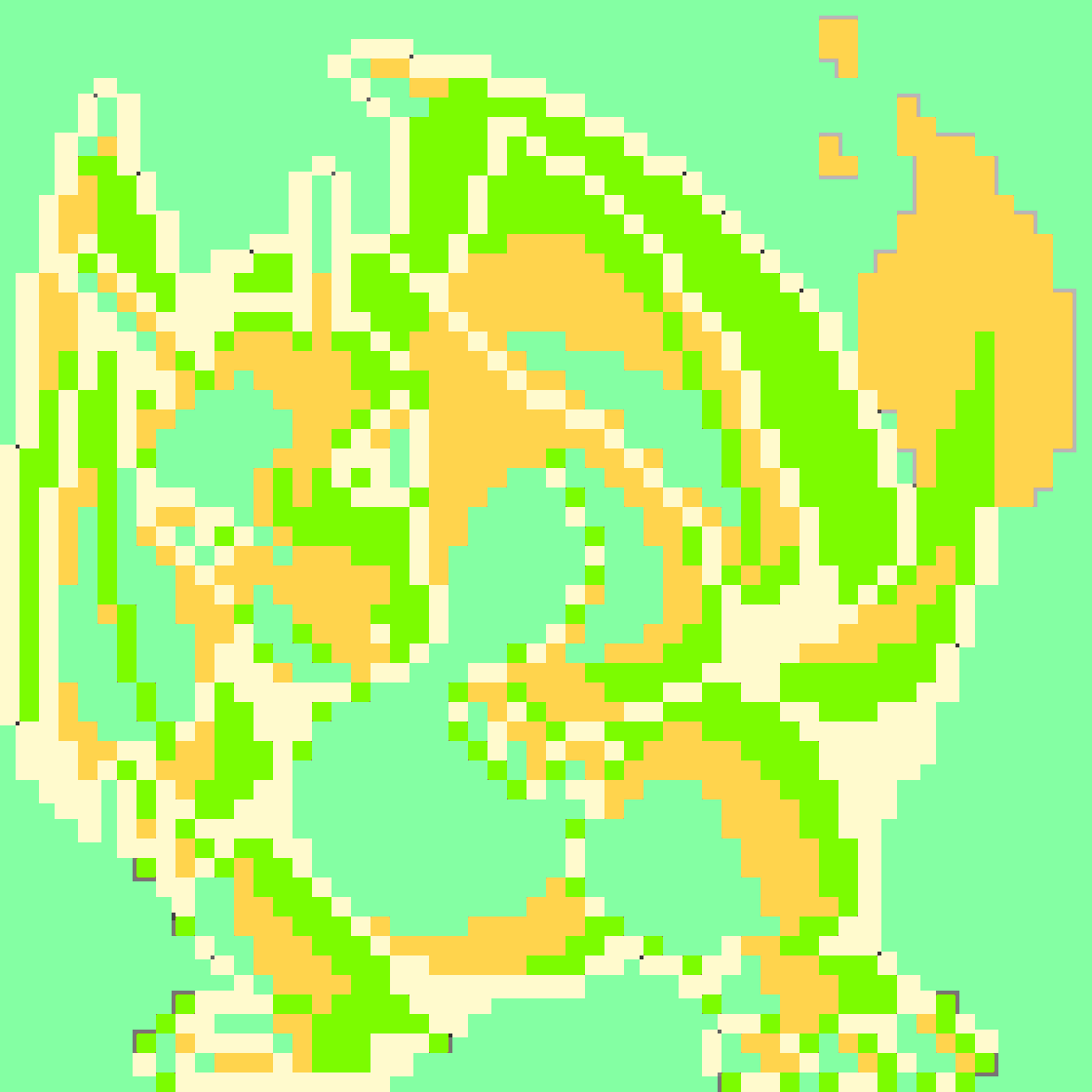
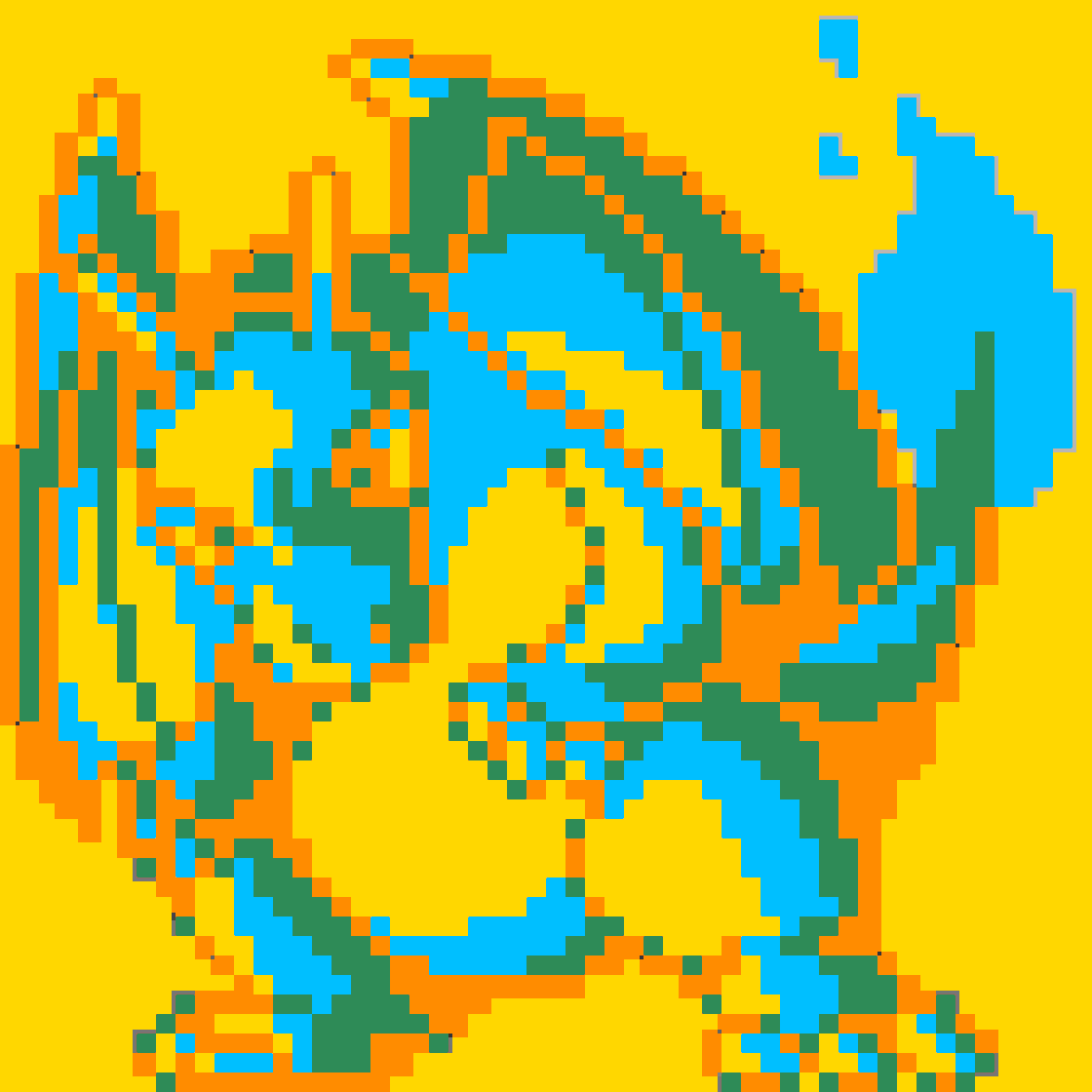
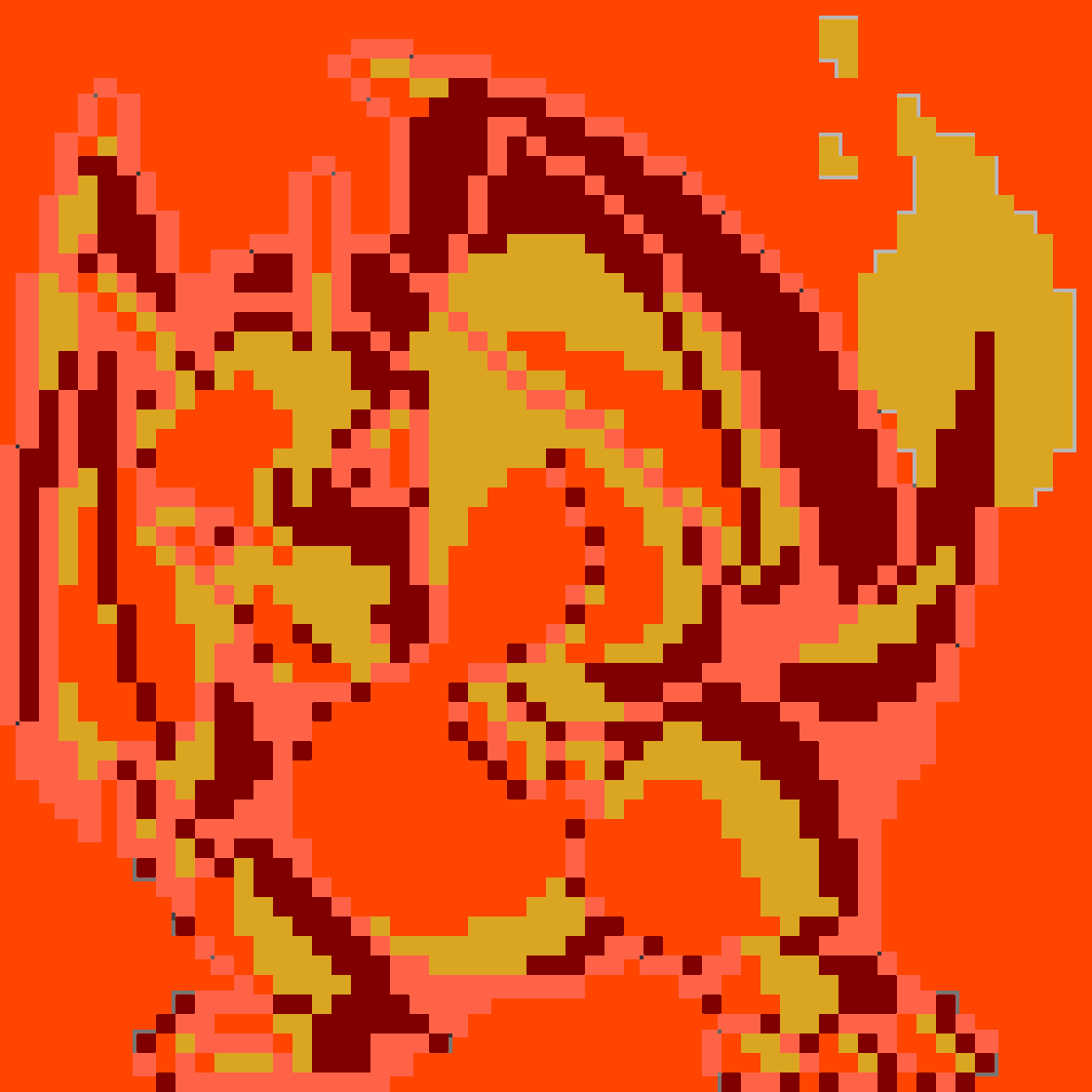
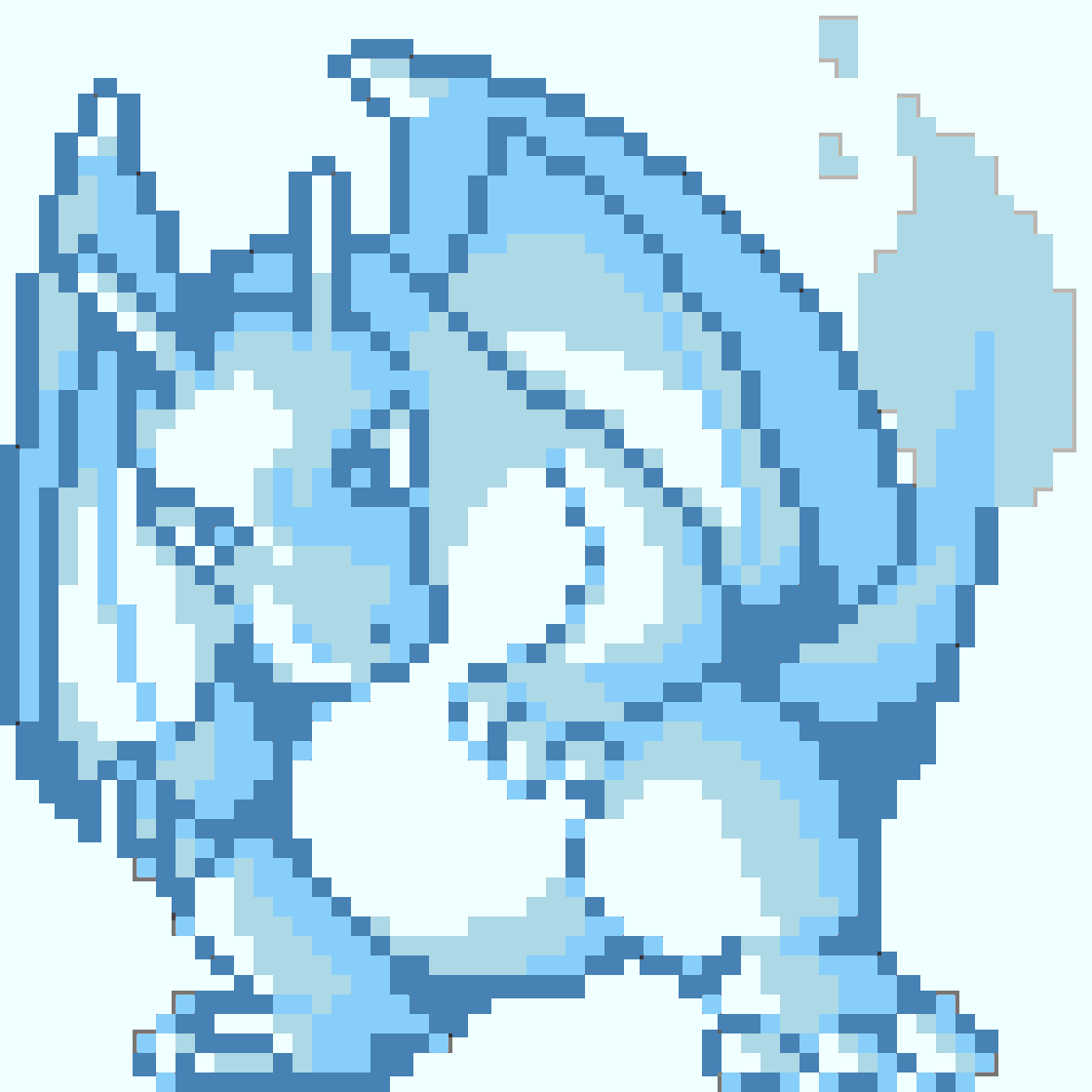
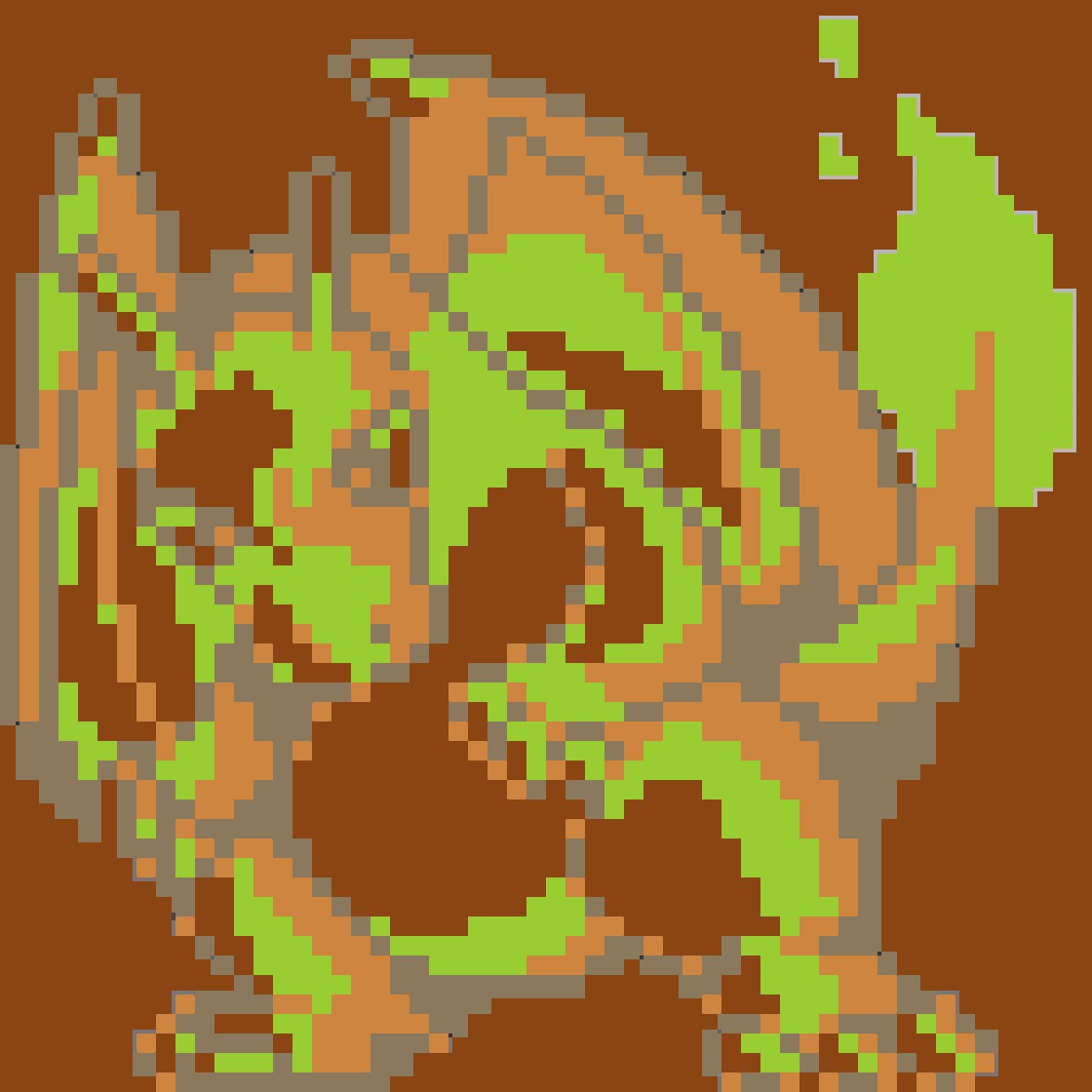
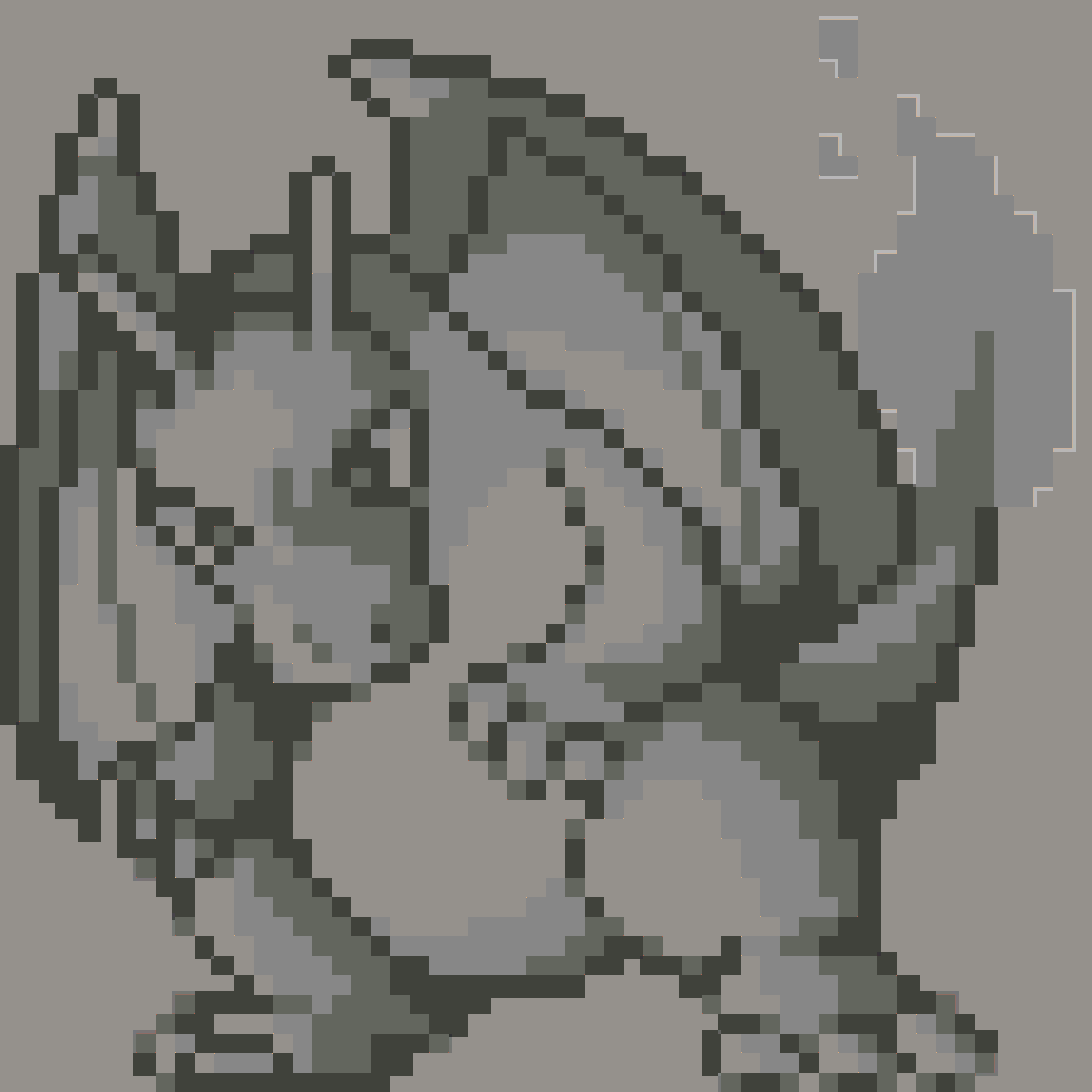
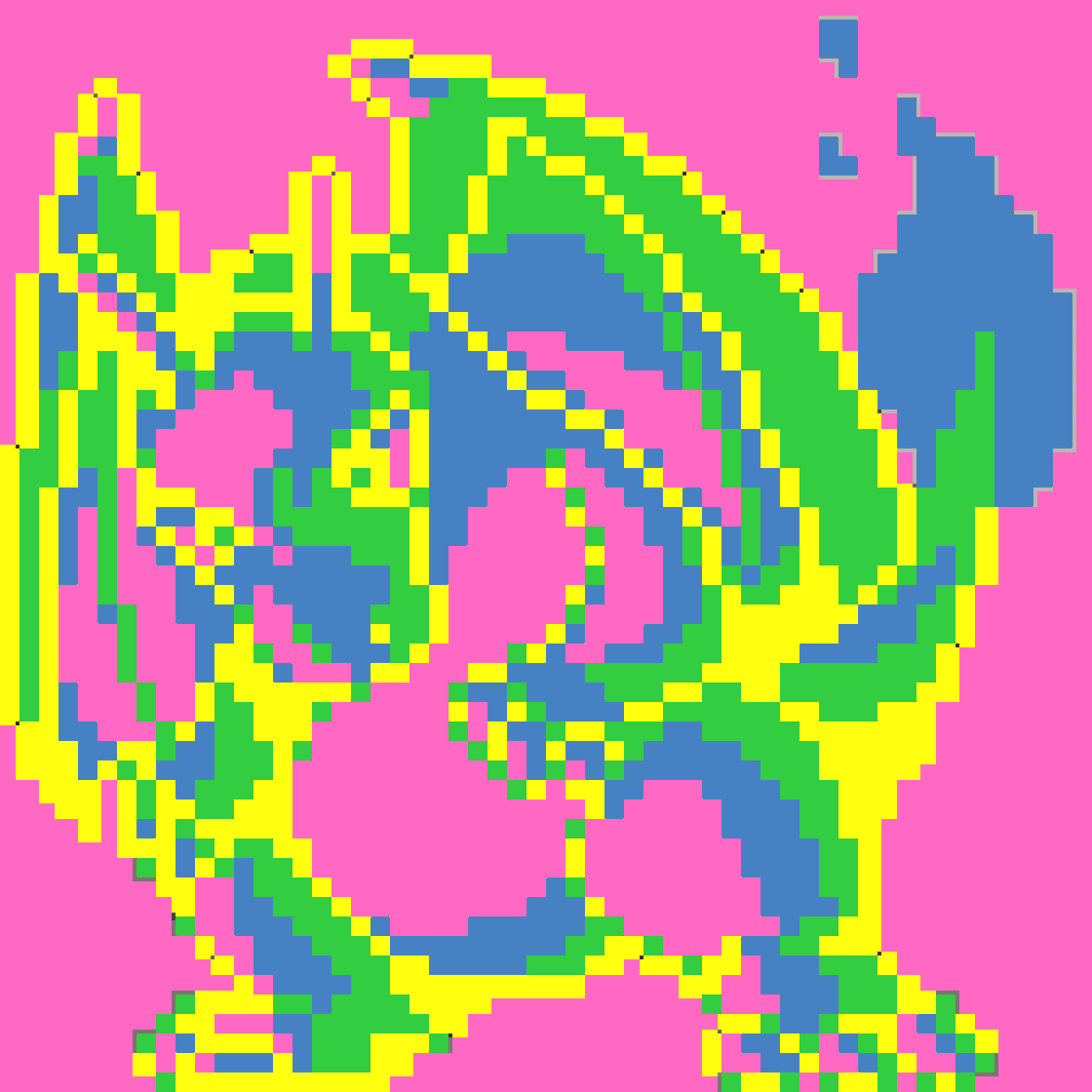
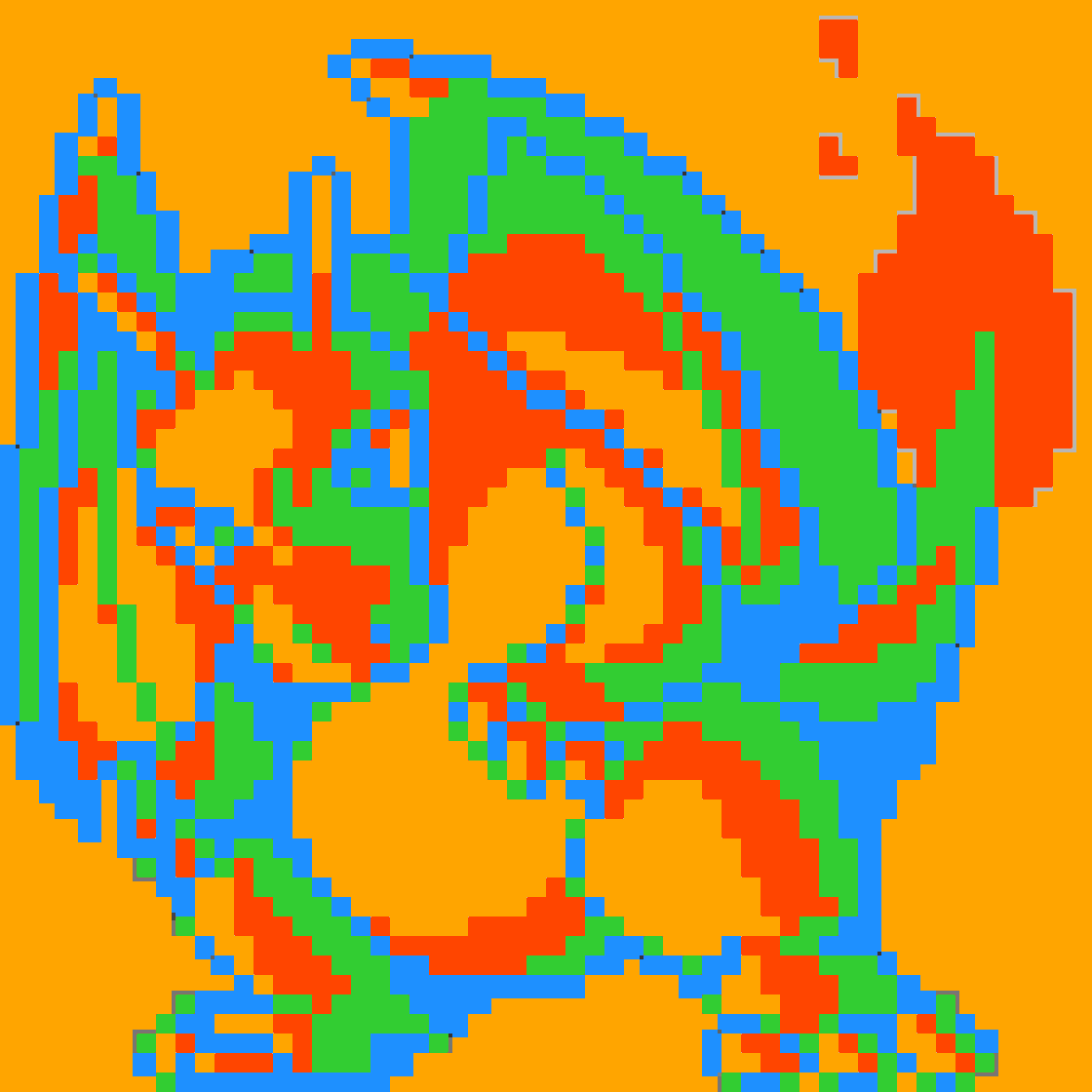
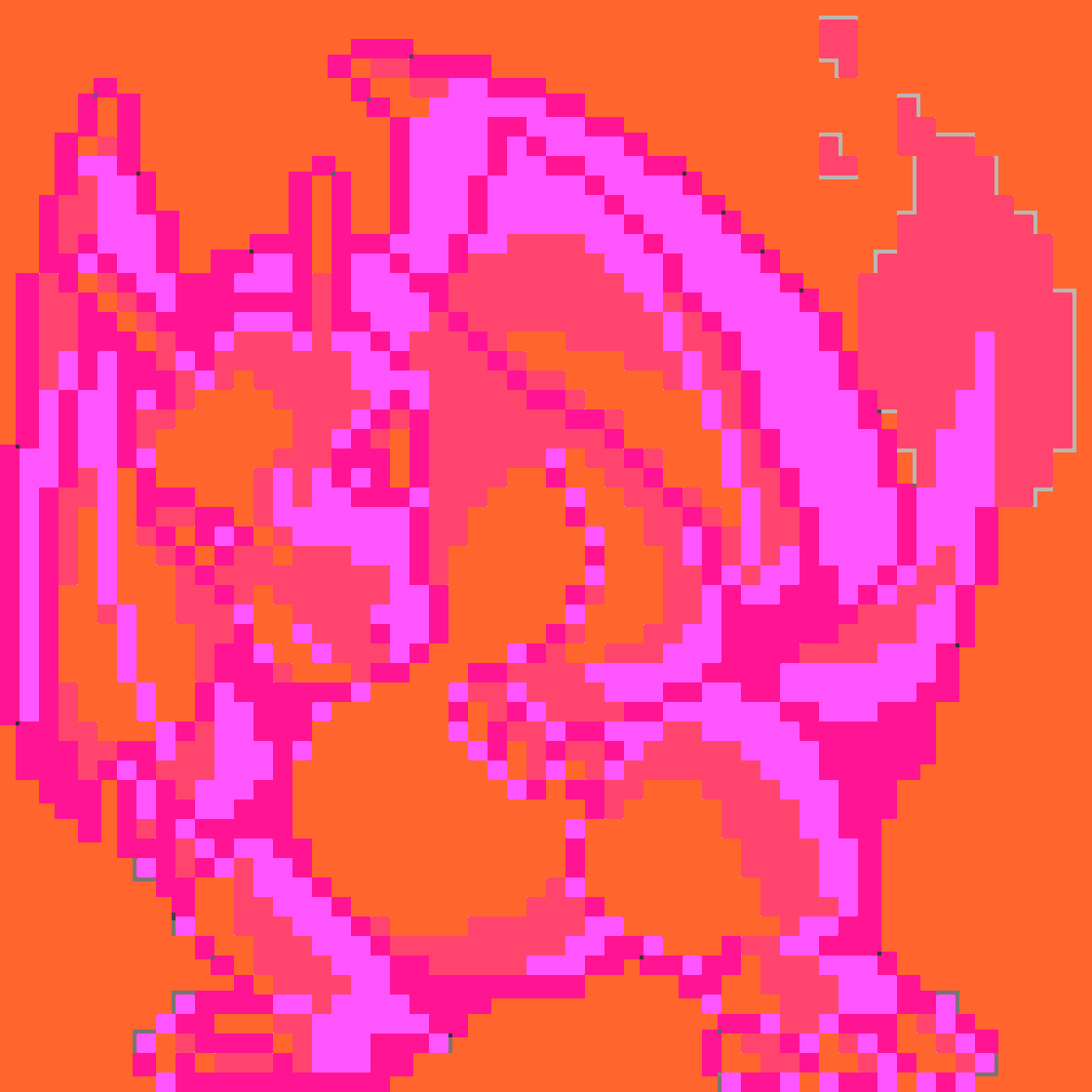
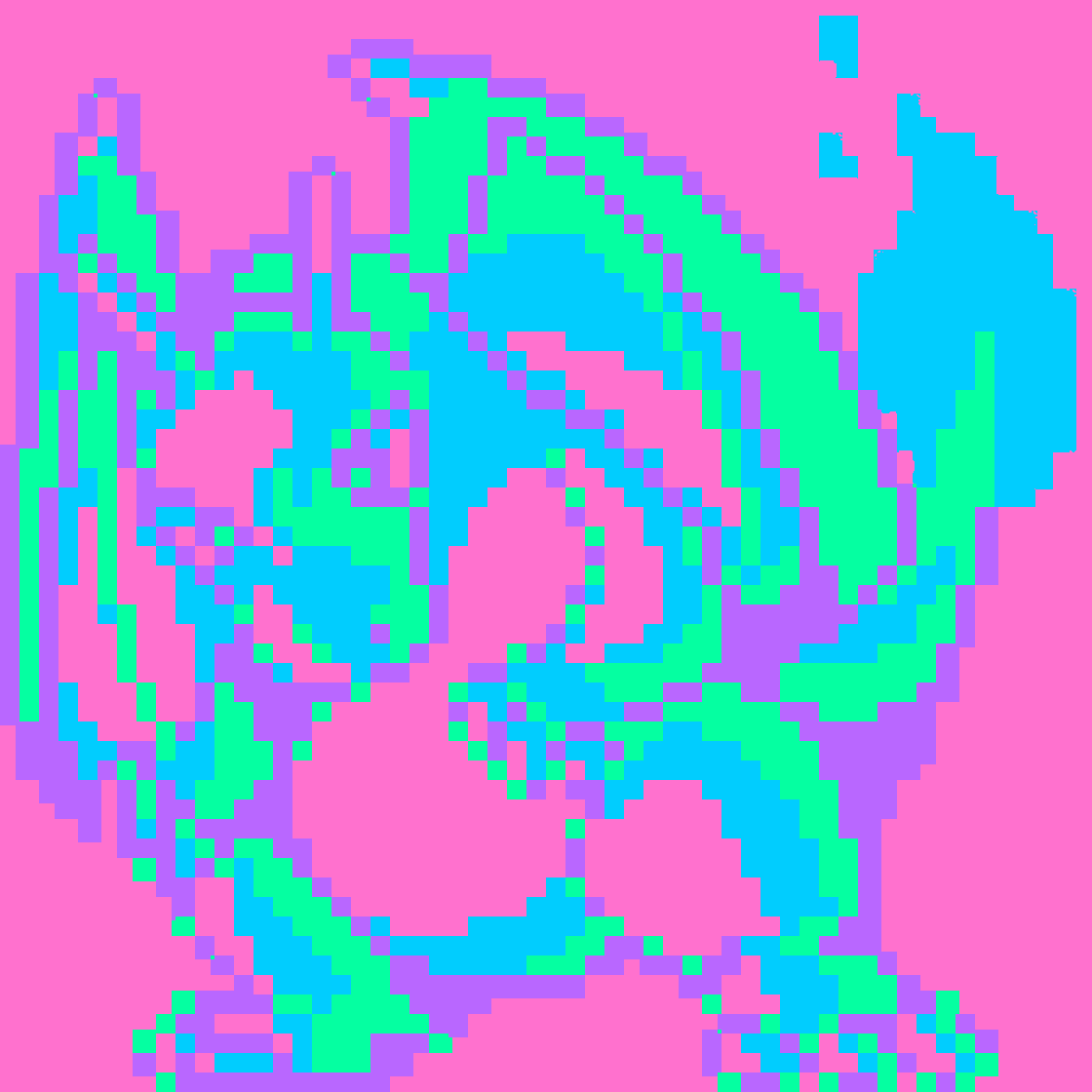
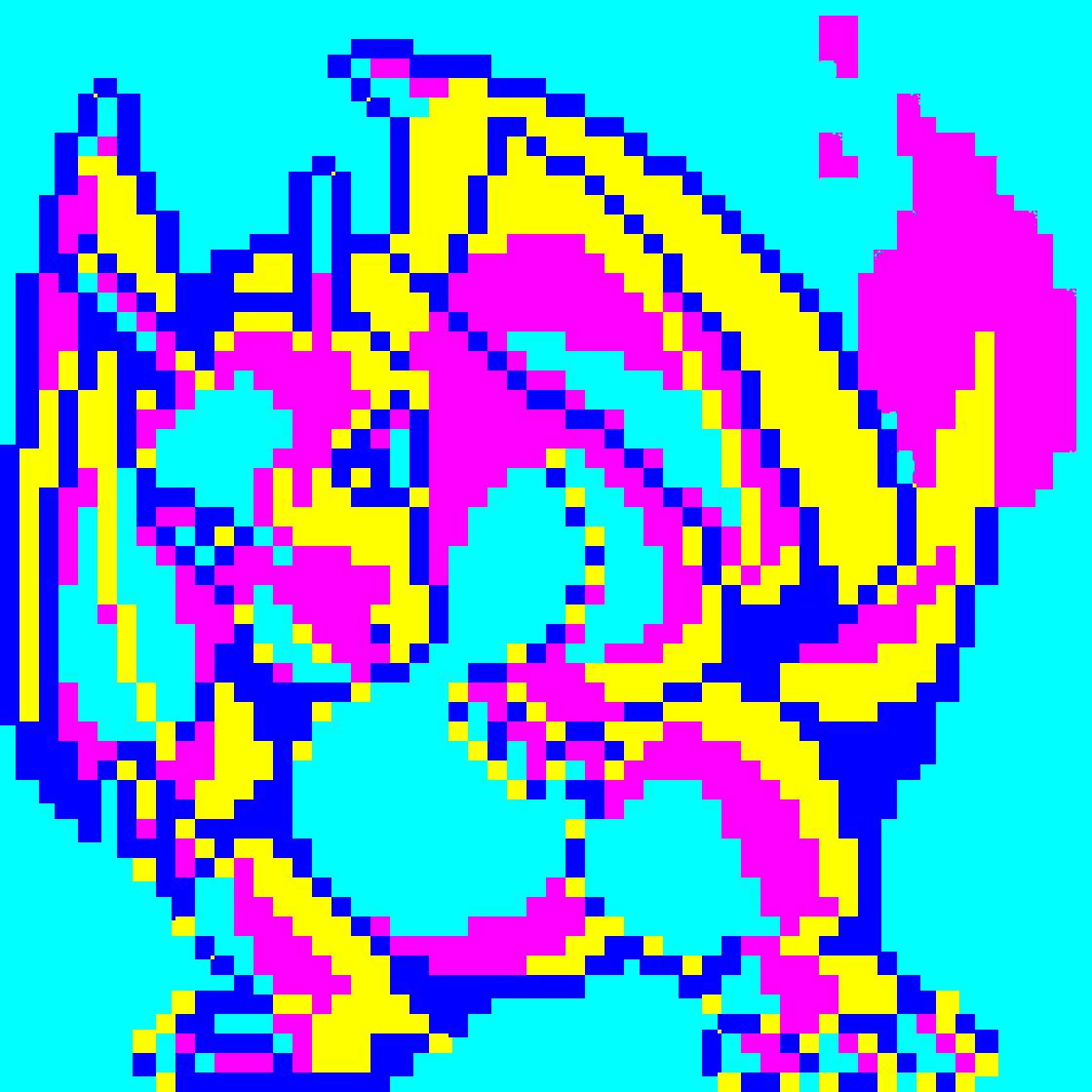
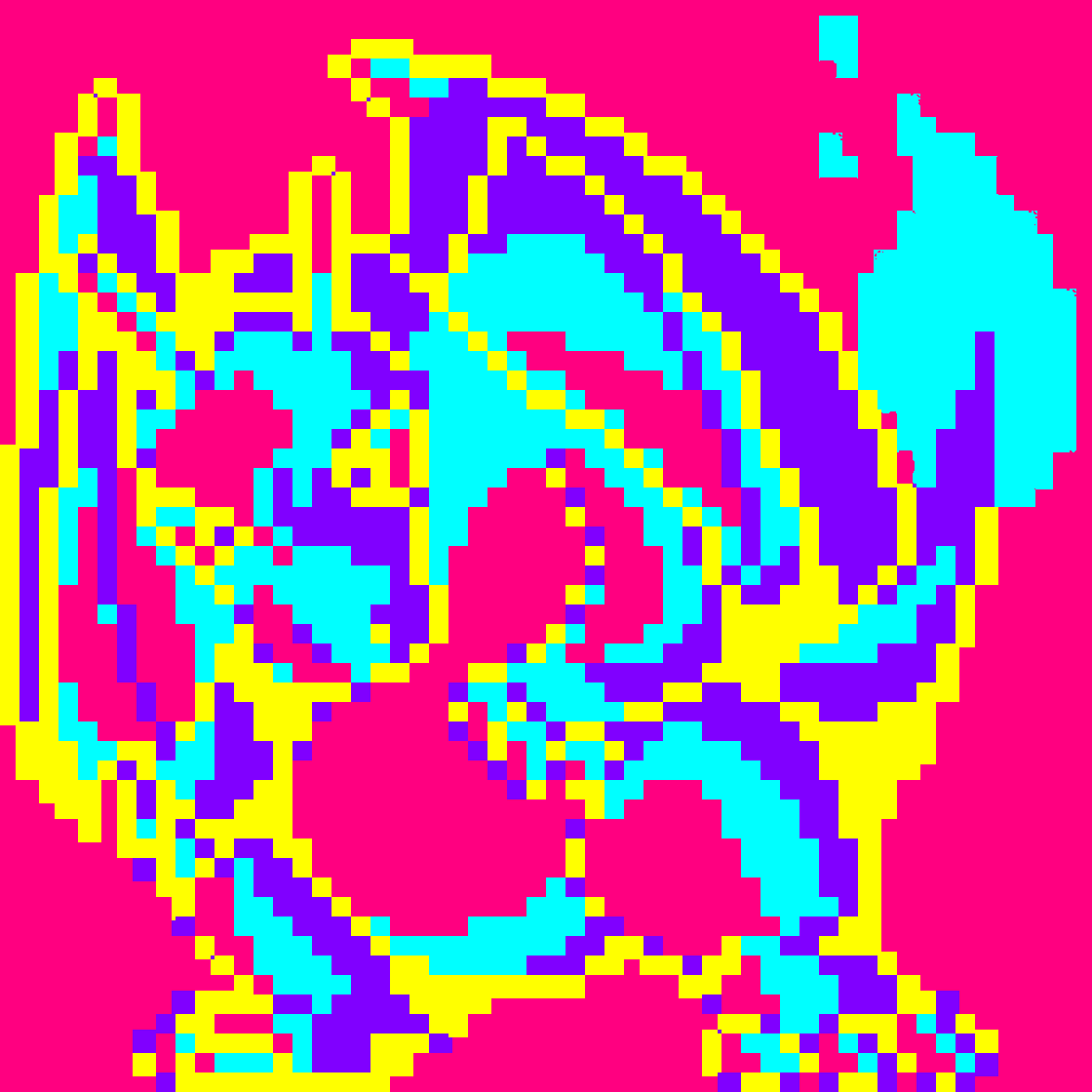
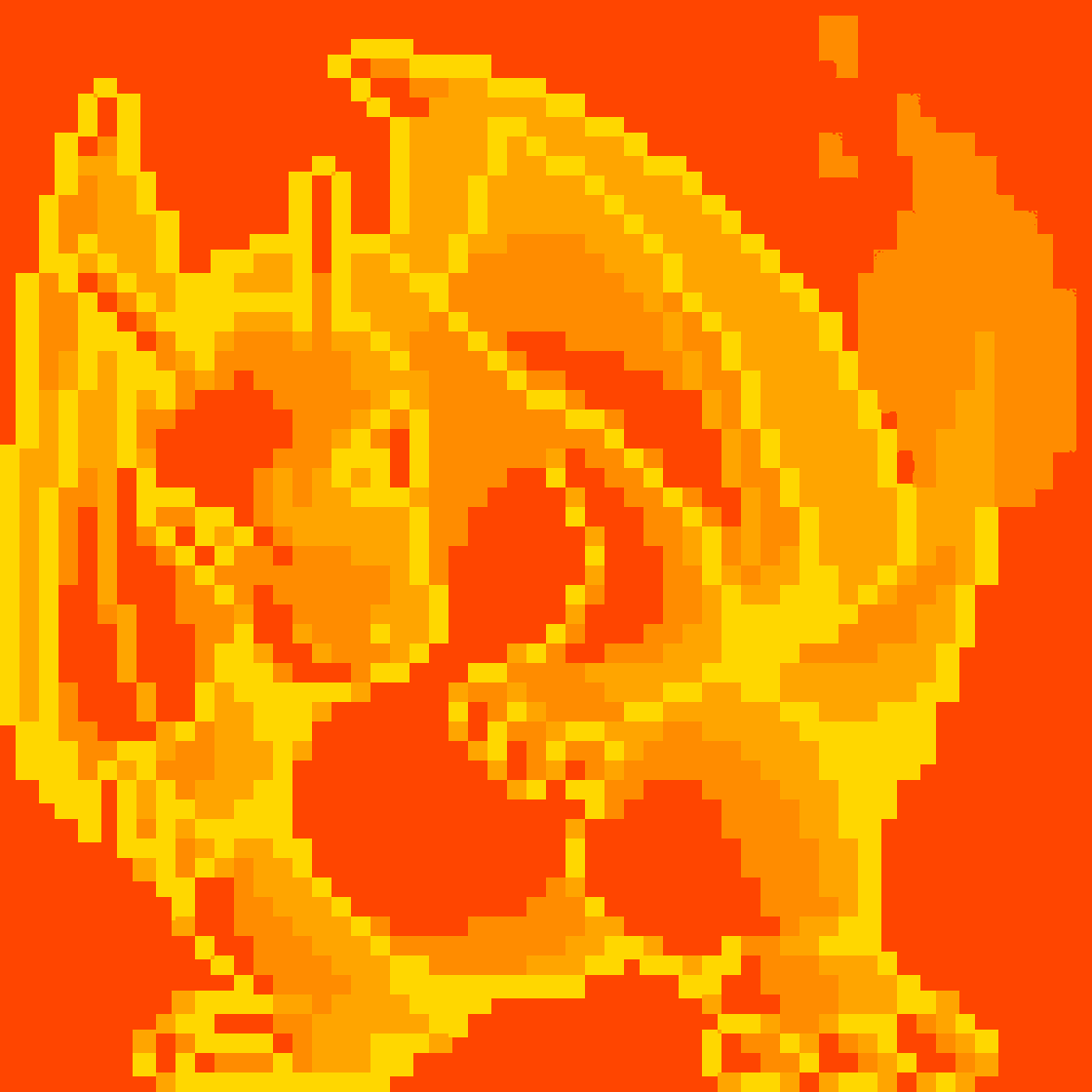
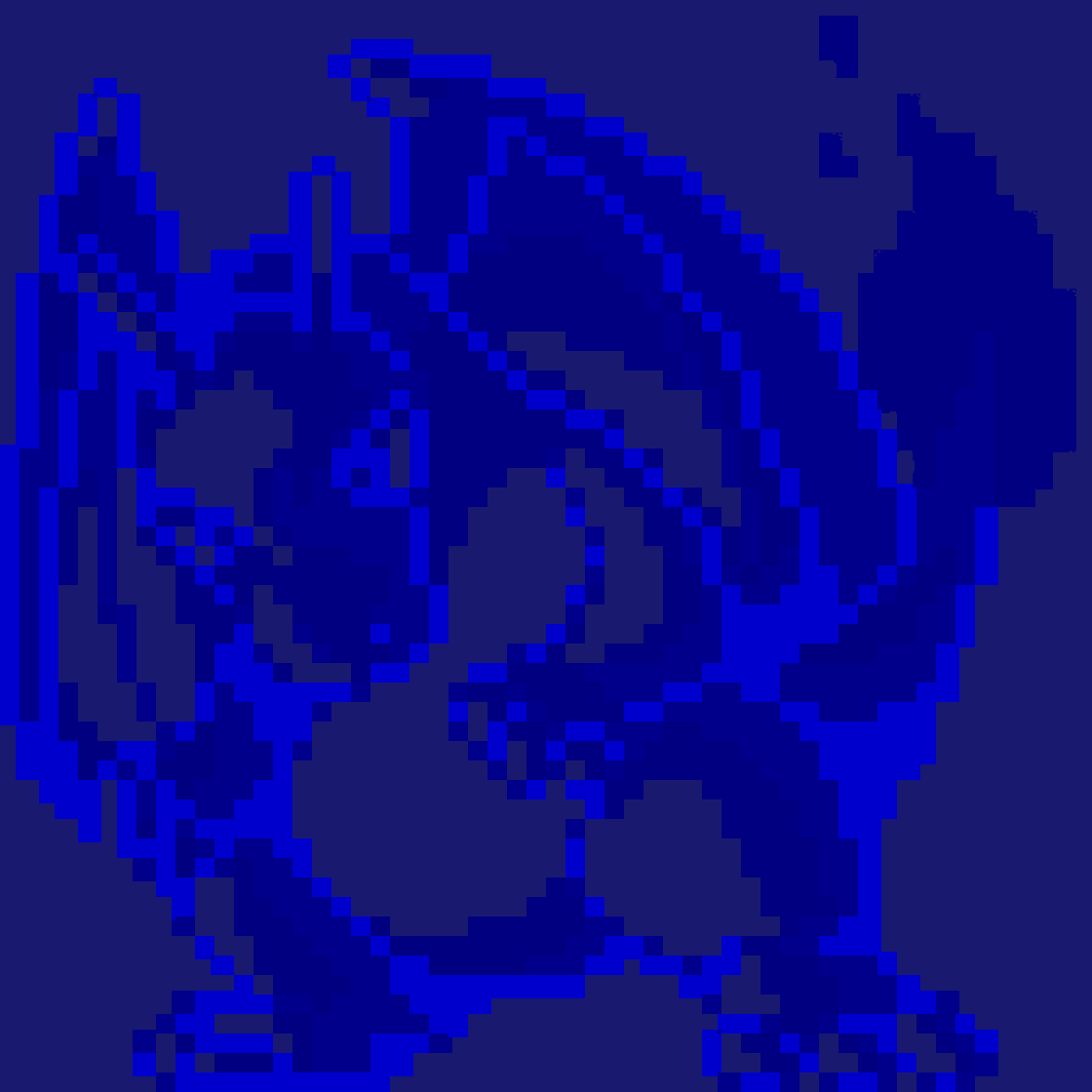
Example: Charizard
| Spring | Summer | Fall | Winter | Arctic |
|---|---|---|---|---|
 |
 |
 |
 |
 |
 |
 |
 |
 |
 |
 |
 |
 |
 |
 |
Gallery
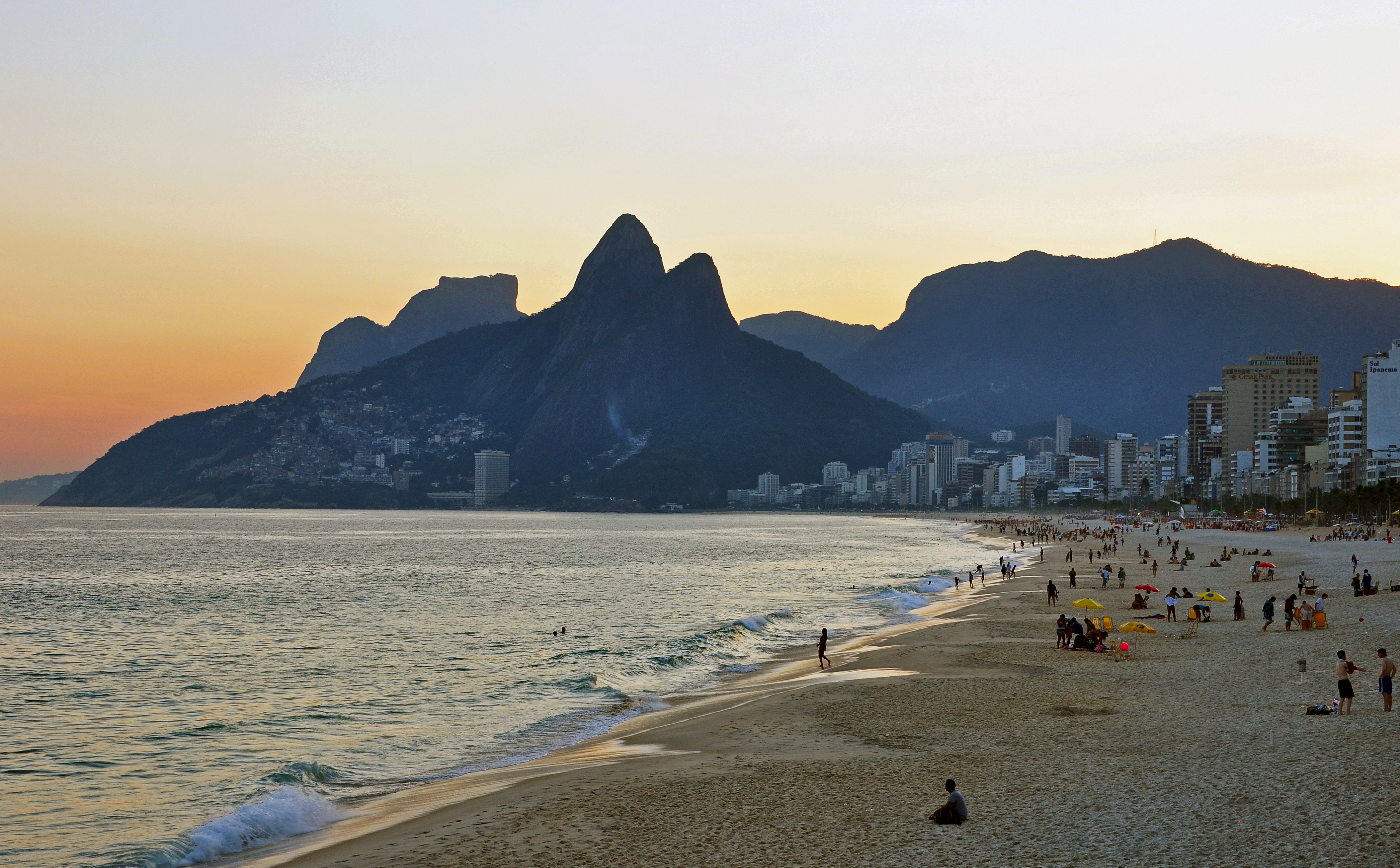
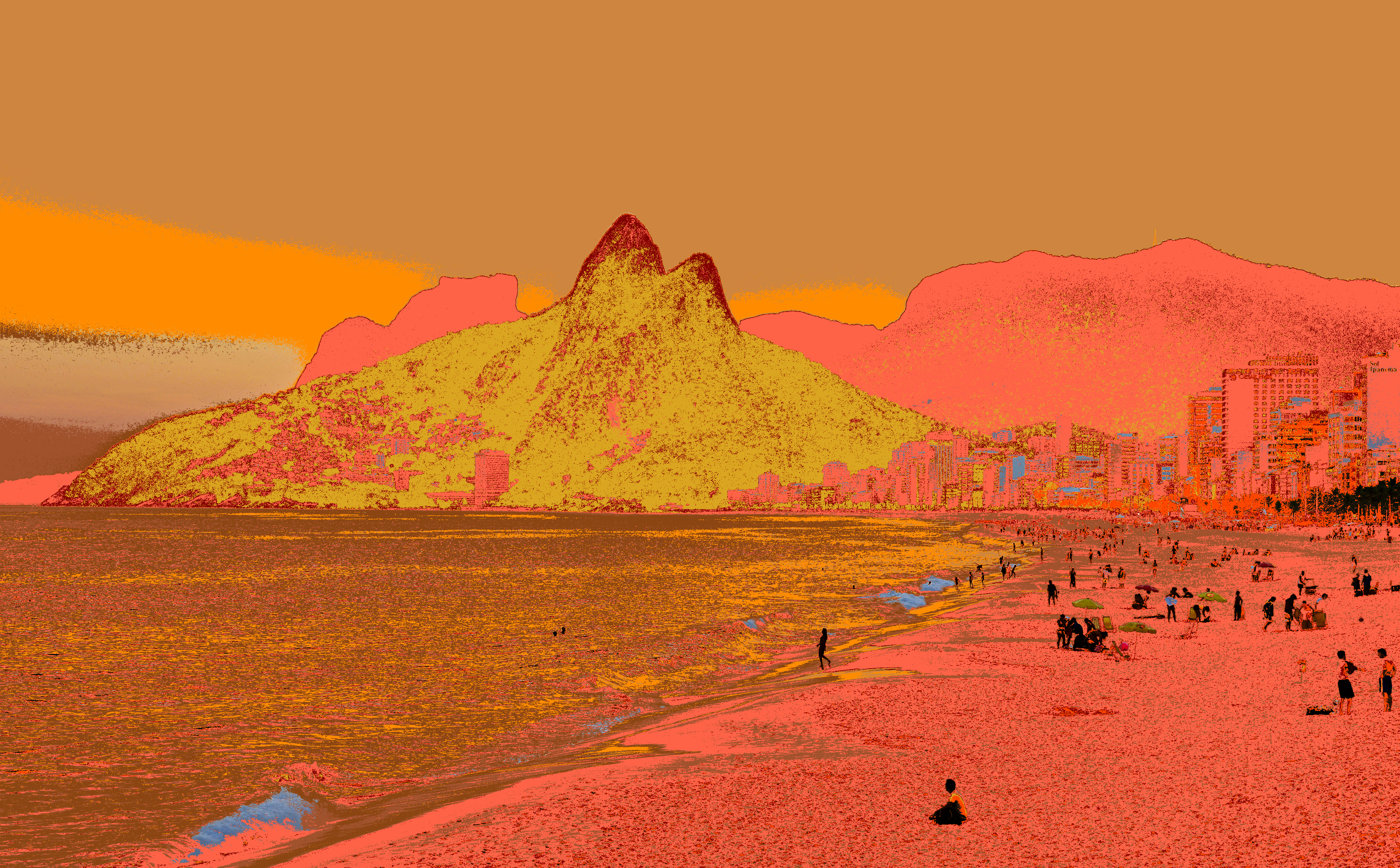
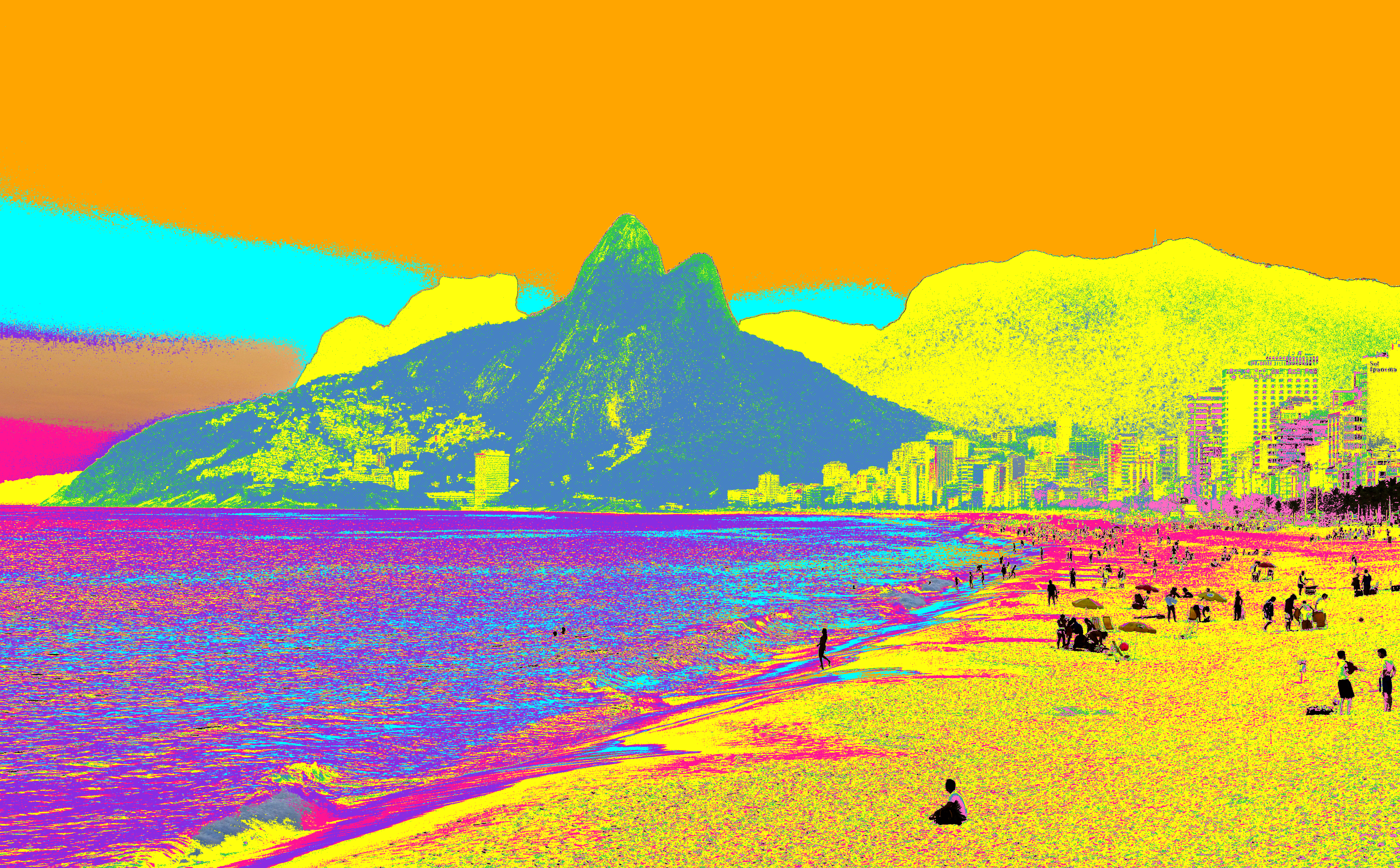
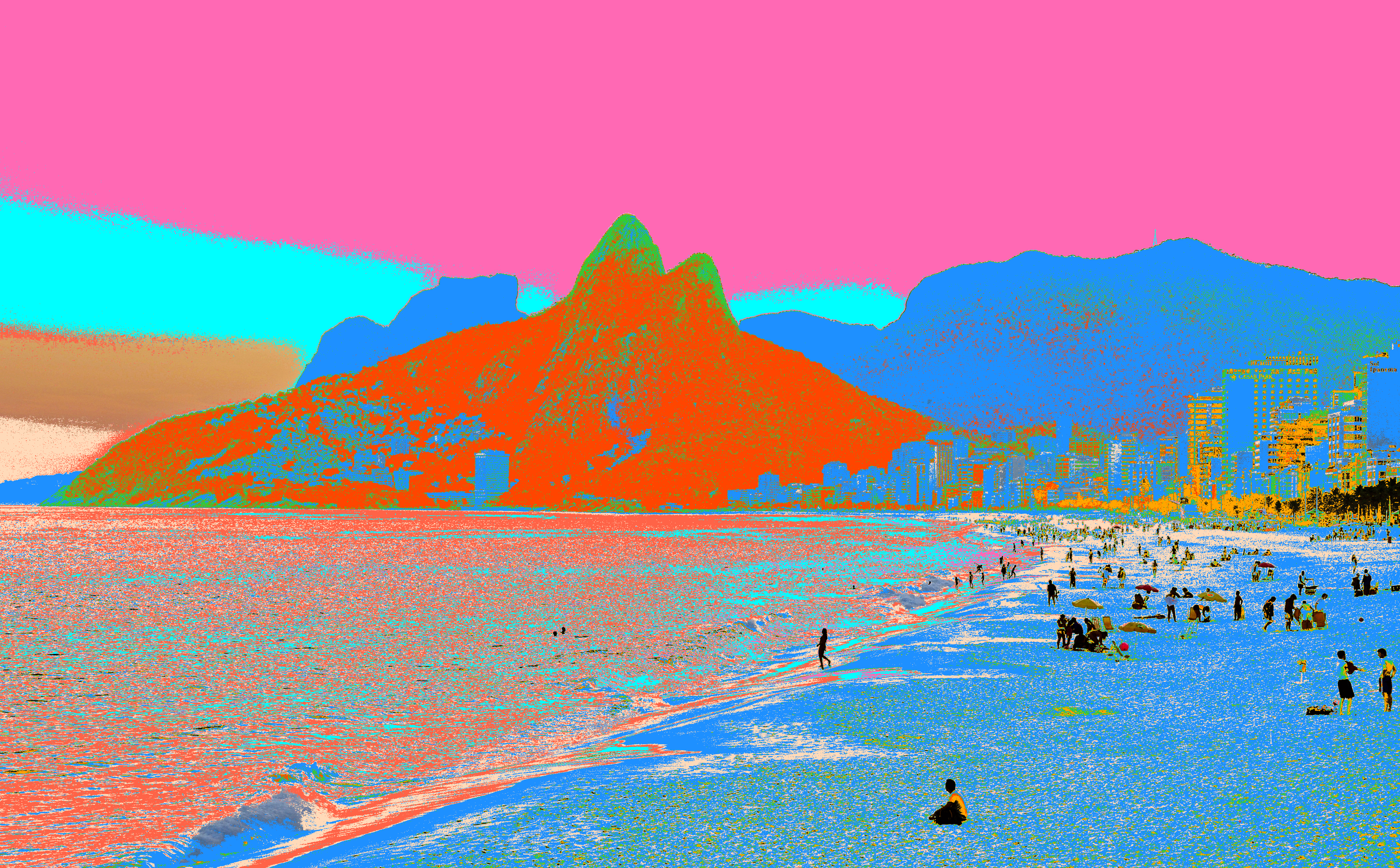
Rio De Janeiro Skyline
| Original | Arctic | Fall | Neon | Tropical |
|---|---|---|---|---|
 |
 |
 |
 |
 |
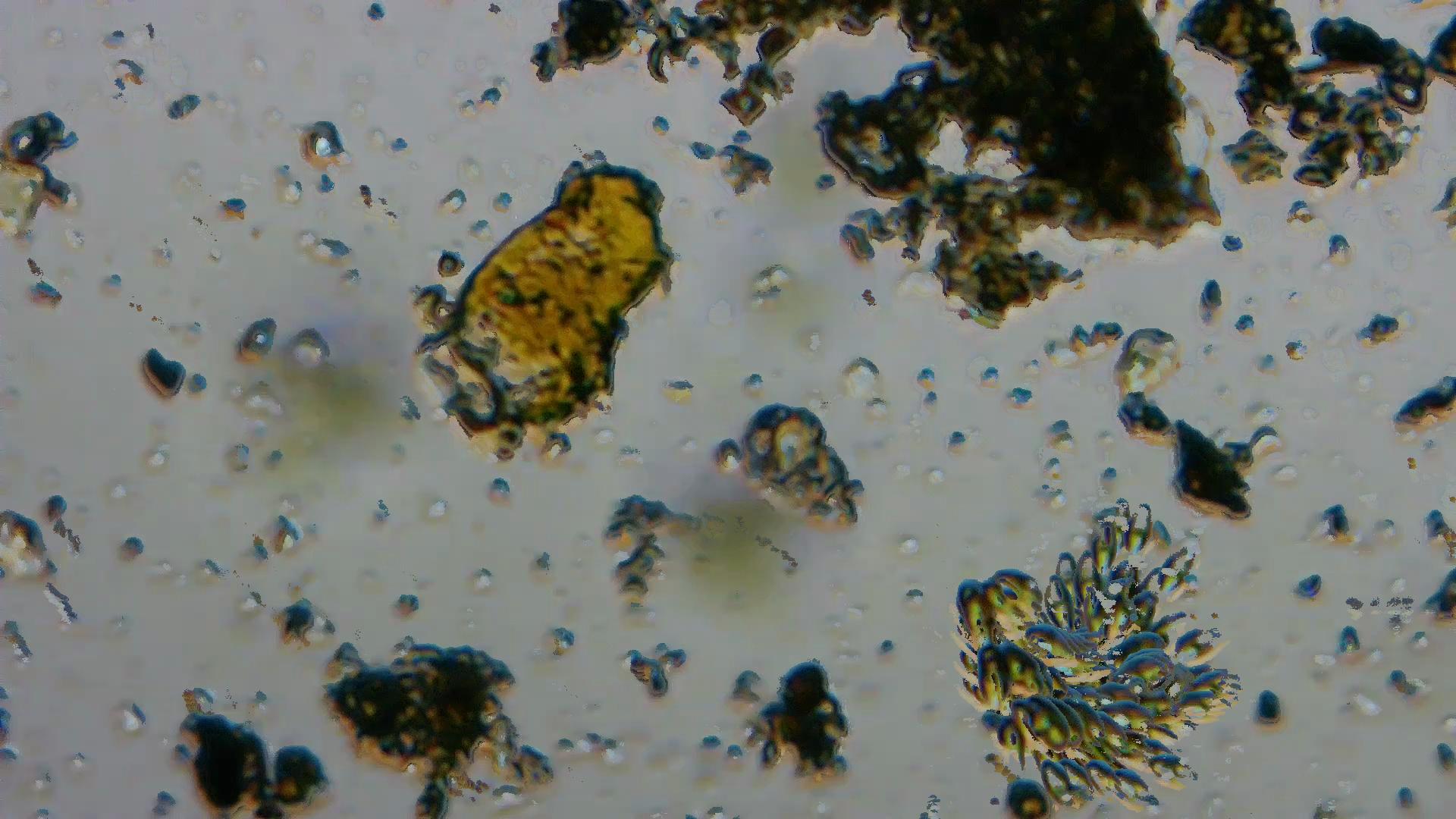
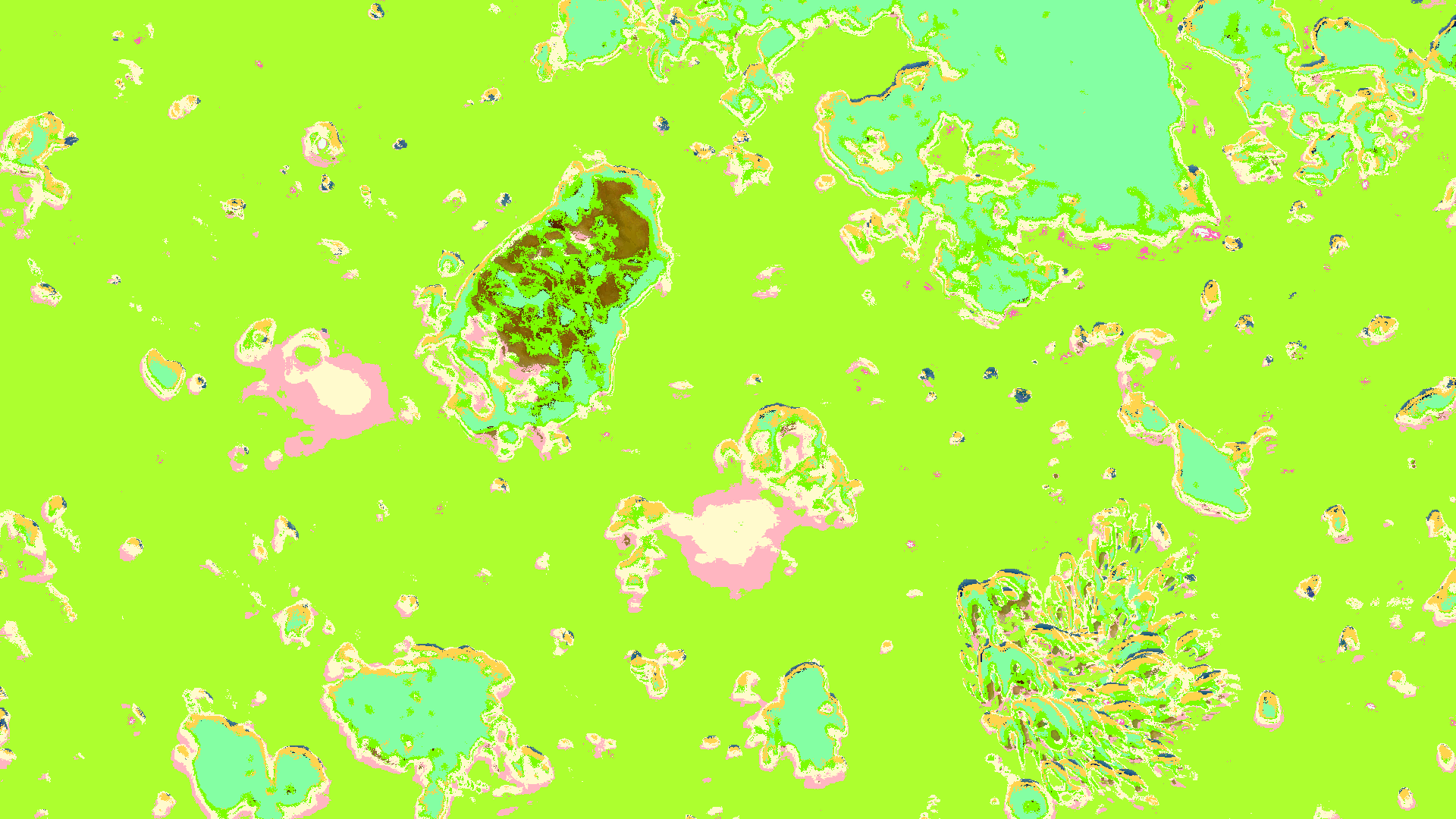
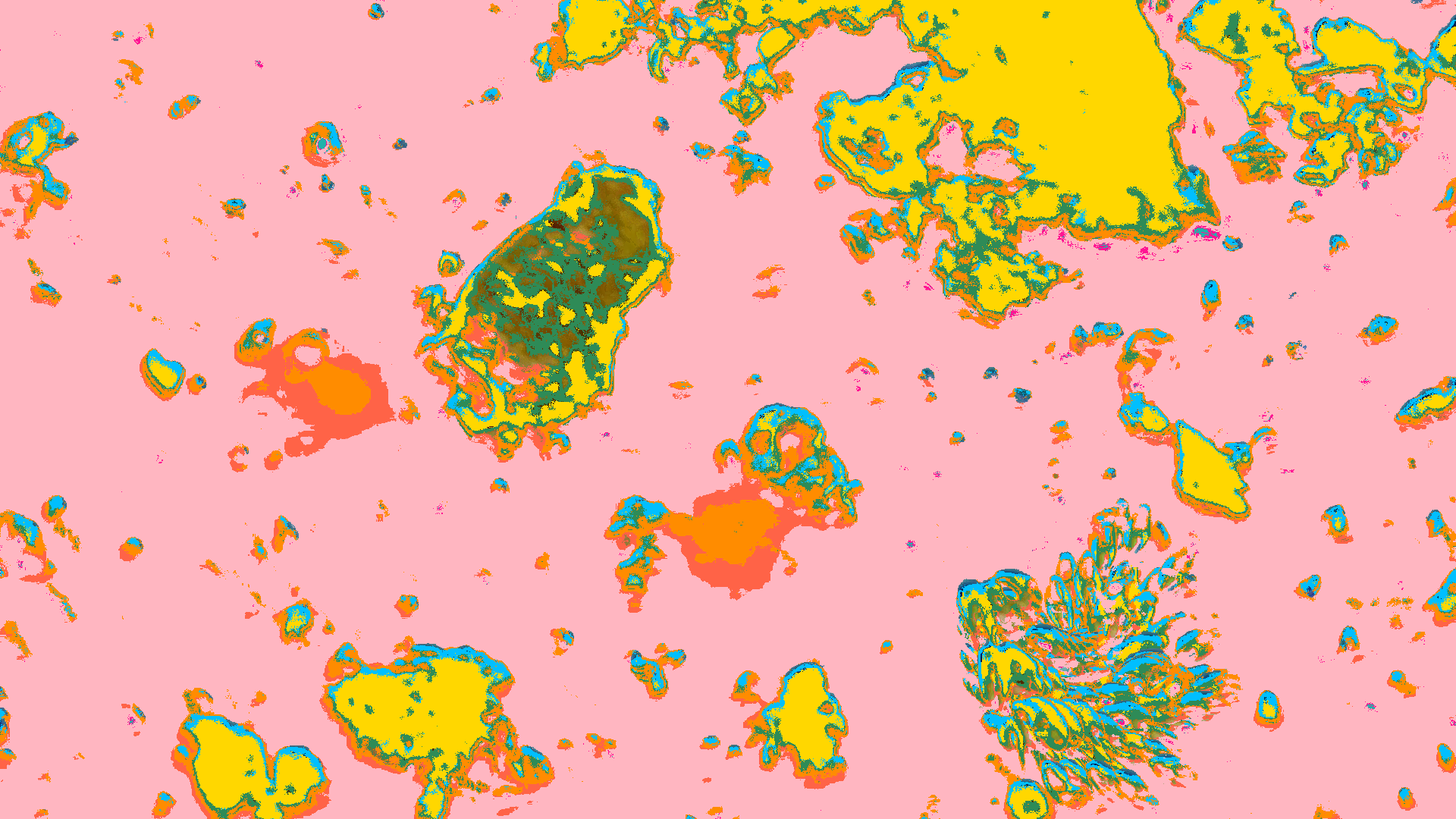
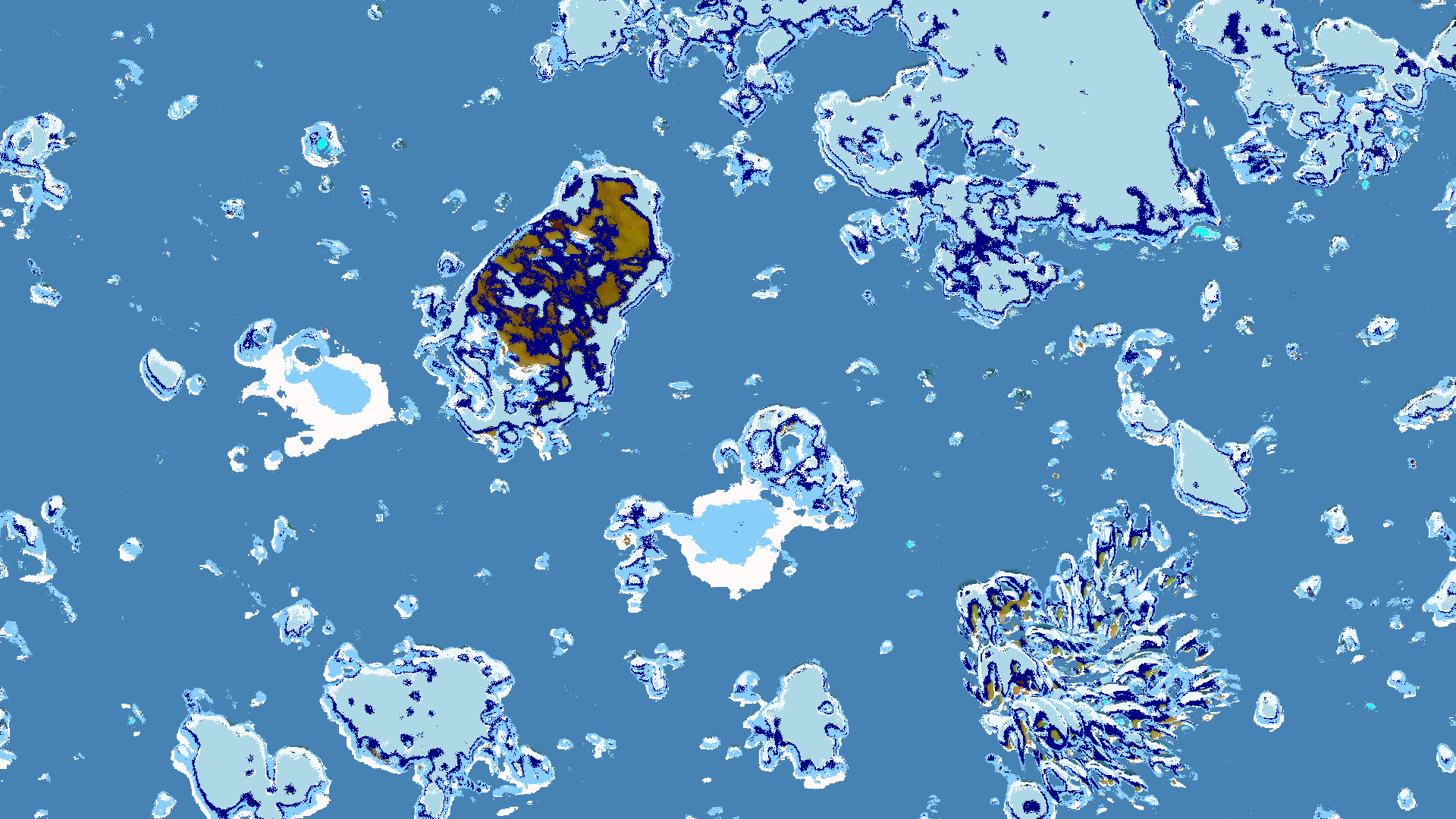
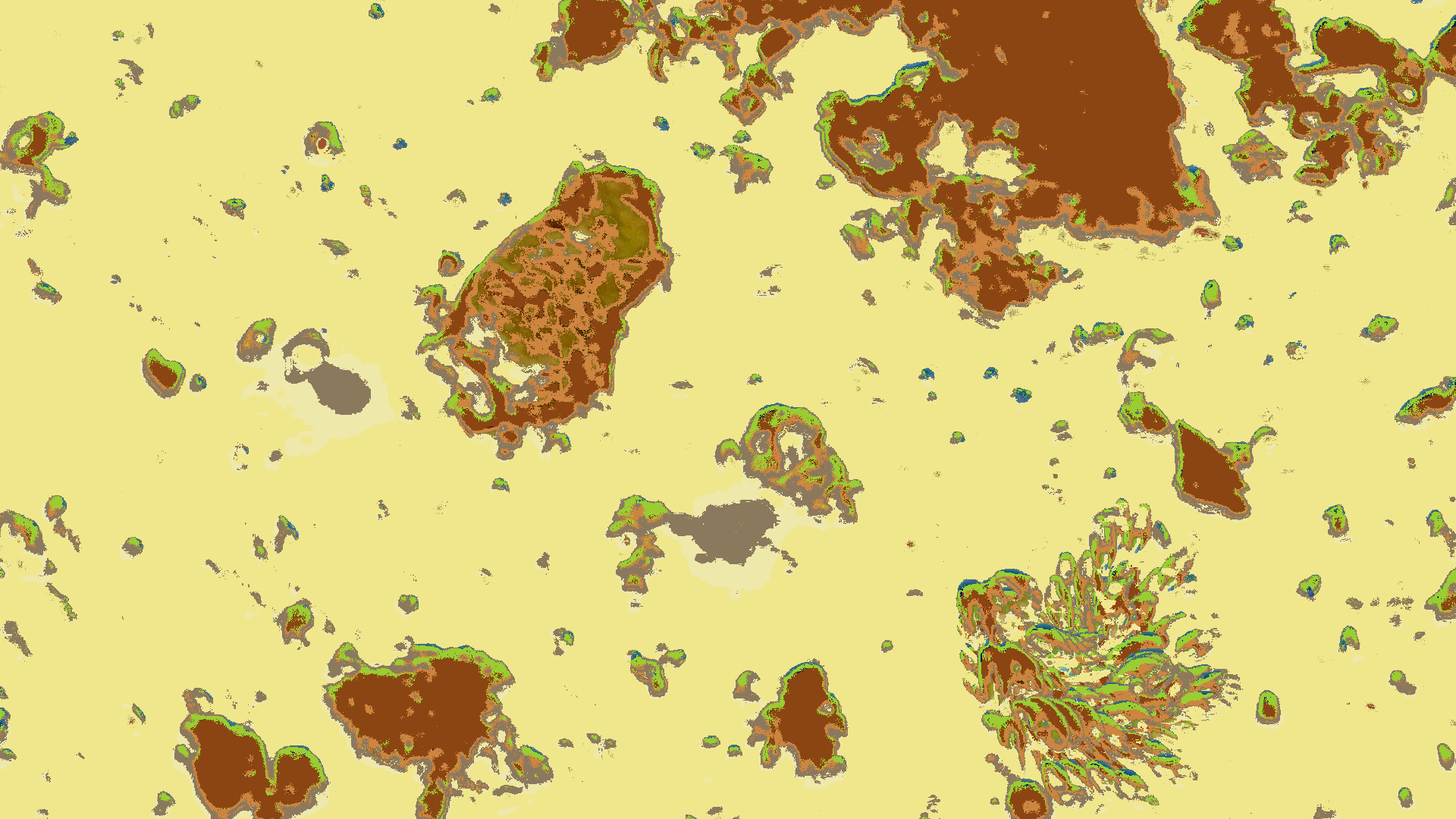
Austin Ladybird Lake Plankton rendered in ZIT
| Original | Spring | Summer | Winter | Safari |
|---|---|---|---|---|
 |
 |
 |
 |
 |
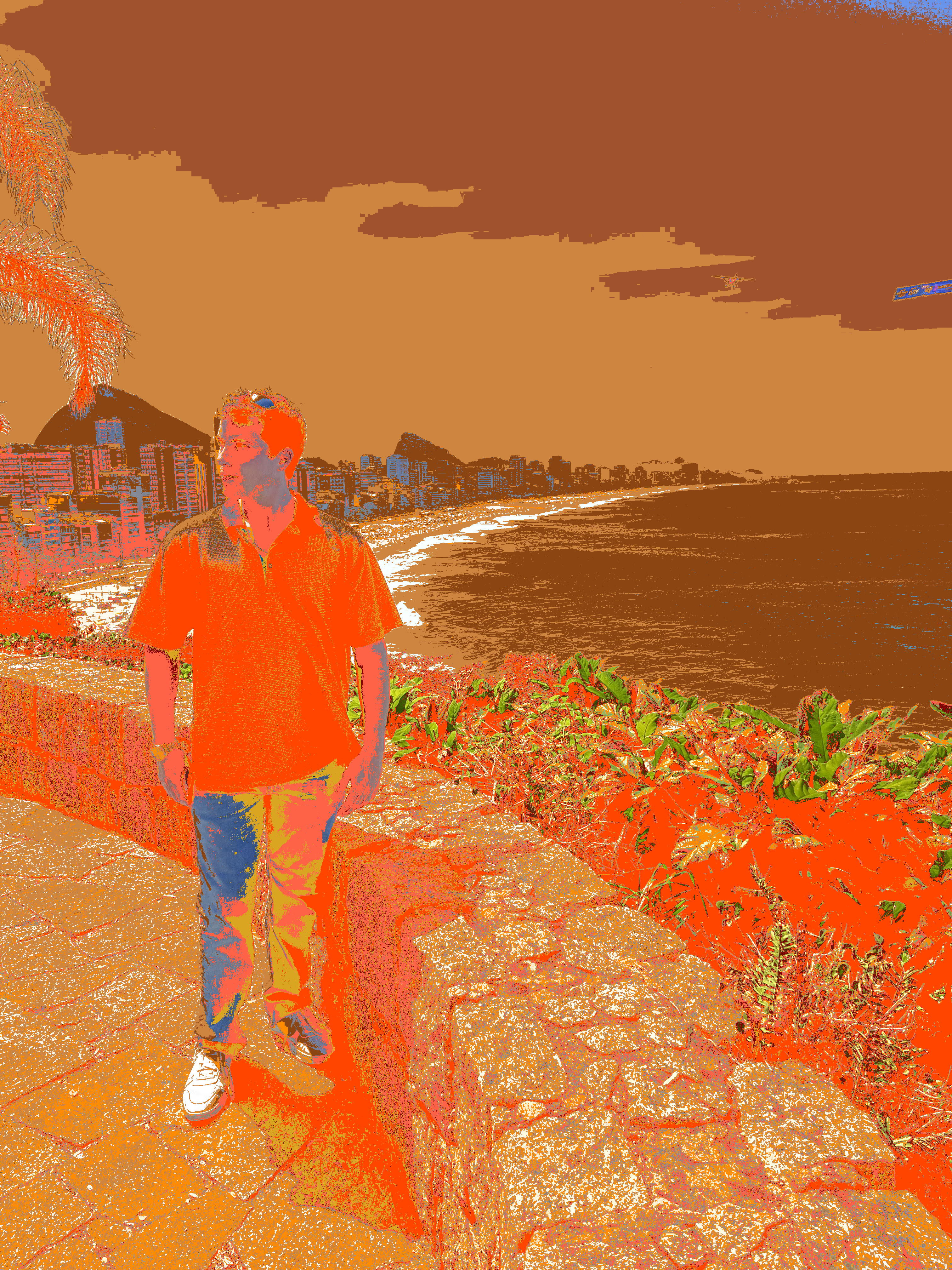
Me in Rio de Janeiro
| Original | Paixão | Urban | Arctic | Fall |
|---|---|---|---|---|
 |
 |
 |
 |
 |
Project details
Verified details
These details have been verified by PyPIProject links
GitHub Statistics
Maintainers
Release history Release notifications | RSS feed


Download files
Download the file for your platform. If you're not sure which to choose, learn more about installing packages.
Source Distribution
Built Distribution
Filter files by name, interpreter, ABI, and platform.
If you're not sure about the file name format, learn more about wheel file names.
Copy a direct link to the current filters
File details
Details for the file superwand-0.1.14.tar.gz.
File metadata
- Download URL: superwand-0.1.14.tar.gz
- Upload date:
- Size: 18.3 MB
- Tags: Source
- Uploaded using Trusted Publishing? Yes
- Uploaded via: twine/6.1.0 CPython/3.13.7
File hashes
| Algorithm | Hash digest | |
|---|---|---|
| SHA256 |
25b6361f680579b40f5a4a97752557fd58cdd3f2980dbb816fd78574bbc20bf8
|
|
| MD5 |
123581e21cd13f04b76b0bfb896ea2ec
|
|
| BLAKE2b-256 |
bd1ddb57d052800110e7b99c75dfa2d4172319a9541d230e3b80555ef45608ff
|
Provenance
The following attestation bundles were made for superwand-0.1.14.tar.gz:
Publisher:
publish.yml on juleshenry/superwand
-
Statement:
-
Statement type:
https://in-toto.io/Statement/v1 -
Predicate type:
https://docs.pypi.org/attestations/publish/v1 -
Subject name:
superwand-0.1.14.tar.gz -
Subject digest:
25b6361f680579b40f5a4a97752557fd58cdd3f2980dbb816fd78574bbc20bf8 - Sigstore transparency entry: 953241357
- Sigstore integration time:
-
Permalink:
juleshenry/superwand@a77a069d78f474f7e2fbd6c6c5a7fb0ae619f9ec -
Branch / Tag:
refs/tags/v0.1.14 - Owner: https://github.com/juleshenry
-
Access:
public
-
Token Issuer:
https://token.actions.githubusercontent.com -
Runner Environment:
github-hosted -
Publication workflow:
publish.yml@a77a069d78f474f7e2fbd6c6c5a7fb0ae619f9ec -
Trigger Event:
release
-
Statement type:
File details
Details for the file superwand-0.1.14-py3-none-any.whl.
File metadata
- Download URL: superwand-0.1.14-py3-none-any.whl
- Upload date:
- Size: 18.3 MB
- Tags: Python 3
- Uploaded using Trusted Publishing? Yes
- Uploaded via: twine/6.1.0 CPython/3.13.7
File hashes
| Algorithm | Hash digest | |
|---|---|---|
| SHA256 |
a443b590b586f96891789fb13f3f105e73ff184f5e71a0a95759c83285e1bf5f
|
|
| MD5 |
e6d664c94d7d70bd105f01a86a07b370
|
|
| BLAKE2b-256 |
8a85148358521e93ab069fb5fc0d2be3f3c340a900bec63cdf2ed9598802ef55
|
Provenance
The following attestation bundles were made for superwand-0.1.14-py3-none-any.whl:
Publisher:
publish.yml on juleshenry/superwand
-
Statement:
-
Statement type:
https://in-toto.io/Statement/v1 -
Predicate type:
https://docs.pypi.org/attestations/publish/v1 -
Subject name:
superwand-0.1.14-py3-none-any.whl -
Subject digest:
a443b590b586f96891789fb13f3f105e73ff184f5e71a0a95759c83285e1bf5f - Sigstore transparency entry: 953241358
- Sigstore integration time:
-
Permalink:
juleshenry/superwand@a77a069d78f474f7e2fbd6c6c5a7fb0ae619f9ec -
Branch / Tag:
refs/tags/v0.1.14 - Owner: https://github.com/juleshenry
-
Access:
public
-
Token Issuer:
https://token.actions.githubusercontent.com -
Runner Environment:
github-hosted -
Publication workflow:
publish.yml@a77a069d78f474f7e2fbd6c6c5a7fb0ae619f9ec -
Trigger Event:
release
-
Statement type:






