
Sutras
Devtool for Anthropic Agent Skills with lifecycle management.

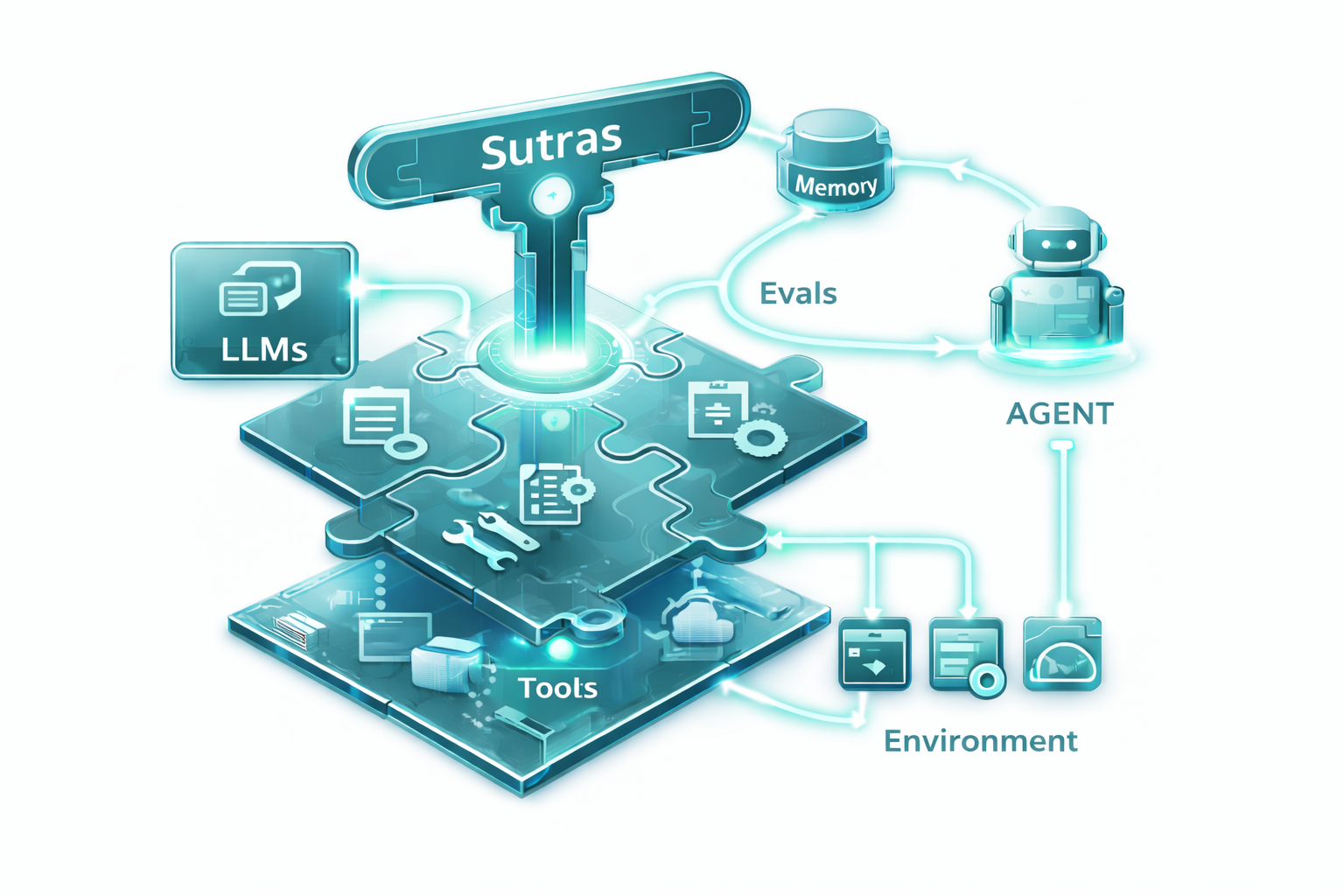
Sutras is a CLI tool and library for creating, validating, and managing Anthropic Agent Skills. It provides scaffolding, validation, and a standardized Skill ABI for better skill organization and quality.







Key Features
- Scaffold: Generate skills with proper structure and best-practice templates
- Validate: Check skill format, metadata, and quality standards
- Discover: List and inspect available skills in your workspace
- Manage: Organize skills with versioning and metadata
- Test & Evaluate: Run tests and evaluate skills with metrics
- Benchmark: Check that a skill holds up across models (Opus, Sonnet, Haiku) with cost estimates and approval before spending
- Package: Build distributable tarballs with checksums
- Distribute: Publish and install skills from federated Git-based registries
- Integrations: First-class support for Claude Code and pi
Why Sutras?
Creating Anthropic Skills manually requires:
- Writing SKILL.md files with correct YAML frontmatter
- Managing metadata and descriptions
- Ensuring consistent structure
- Validating format and quality
Sutras automates this with simple CLI commands.
Installation
pip install sutras
Or with uv:
uv pip install sutras
Claude Code Plugin (Recommended)
Install via a plugin marketplace (e.g., AgentHub):
/plugin marketplace add nullorder/agenthub
/plugin install sutras@agenthub
Or install the skill directly using the CLI:
pip install sutras
sutras setup
Pi Integration


Install the sutras extension for pi (provides /sutras commands):
pi install npm:sutras
Quick Start
Create a New Skill
sutras new my-skill --description "What this skill does and when to use it"
This creates:
.claude/skills/my-skill/
├── SKILL.md           # Skill definition with YAML frontmatter
├── sutras.yaml        # Metadata (version, author, tests, etc.)
└── examples.md        # Usage examples
List Skills
sutras list
View Skill Details
sutras info my-skill
Validate a Skill
sutras validate my-skill

# Strict mode (warnings become errors)
sutras validate my-skill --strict

# Validate a skill by directory path (useful outside .claude/skills/ layouts)
sutras validate skills/my-skill

# Validate every discovered skill (CI-friendly; exits non-zero on any failure)
sutras validate --all
sutras validate --all --path skills/
Validate in GitHub Actions
Sutras ships a reusable GitHub Action so you can validate skills on every push or pull request without installing anything:
# .github/workflows/validate-skills.yml
name: Validate Skills
on: [push, pull_request]

jobs:
  validate:
    runs-on: ubuntu-latest
    steps:
      - uses: actions/checkout@v4
      - uses: anistark/sutras@v0.5.0
        with:
          path: skills/
          strict: true
Inputs:
| Input | Description | Default |
|---|---|---|
path |
Skills directory to validate | . |
skill |
Validate a single skill by name or path (omit for all skills) | — |
strict |
Treat warnings as errors | false |
version |
Pin a specific sutras version (e.g. 0.5.0) |
latest |
verbose |
Enable verbose output | false |
Pin to a major tag (@v0) for automatic patch updates, or to an exact release (@v0.5.0) for full reproducibility.
CLI Reference
Skill Development
# Create a new skill
sutras new <name> [--description TEXT] [--author TEXT] [--global]

# List skills
sutras list [--local/--no-local] [--global/--no-global]

# Show skill details
sutras info <name>

# Validate skill (accepts a skill name or a path to a skill directory)
sutras validate <name|path> [--strict]

# Validate every discovered skill (great for CI)
sutras validate --all [--path DIR] [--strict]

# Run tests
sutras test <name> [--verbose] [--fail-fast]

# Evaluate with metrics
sutras eval <name> [--verbose] [--no-history] [--show-history]

# Benchmark across models (shows models + estimated cost, asks before running)
sutras bench <name|path> [--models LIST] [--runs N] [--max-cost USD] [--dry-run]
sutras bench <name> --record   # write results into sutras.yaml
Setup & Maintenance
# Install sutras skill into Claude Code
sutras setup

# Check what would be installed
sutras setup --check

# Remove the skill from Claude Code
sutras setup --uninstall

# Check for updates
sutras update --check

# Update CLI, pi extension, and global skill in one step
sutras update

# Pin to a specific version
sutras update -v 0.5.0
Distribution
# Build distributable package
sutras build <name> [--output PATH] [--no-validate]

# Publish to registry
sutras publish [PATH] [--registry NAME] [--pr]

# Install from various sources
sutras install <SOURCE> [--version VERSION] [--registry NAME]
# SOURCE can be:
#   @namespace/skill-name           - From registry
#   github:user/repo@version        - From GitHub release
#   https://example.com/skill.tar.gz - From URL
#   ./skill.tar.gz                  - From local file

# Uninstall skill
sutras uninstall <skill-name> [--version VERSION]
Registry Management
# Add a registry
sutras registry add <name> <git-url> [--namespace NS] [--priority N] [--default]

# List registries
sutras registry list

# Remove registry
sutras registry remove <name>

# Update registry index
sutras registry update <name>
sutras registry update --all

# Build index for local registry
sutras registry build-index <path> [--output PATH]
Package and Distribute
Building Packages
# Build a distributable package
sutras build my-skill

# Build with custom output directory
sutras build my-skill --output ./packages

# Skip validation
sutras build my-skill --no-validate
Creates a versioned tarball (e.g., my-skill-1.0.0.tar.gz) in dist/ containing:
- SKILL.md and sutras.yaml
- Supporting files (examples.md, etc.)
- MANIFEST.json with checksums and metadata
Requirements for distribution:
- Version (semver format) in sutras.yaml
- Author in sutras.yaml
- License in sutras.yaml
- Valid skill name and description
- Scoped name format:
@namespace/skill-name(required for registry publishing)
Publishing to Registry
# Publish to default registry
sutras publish

# Publish to specific registry
sutras publish --registry my-registry

# Use pull request workflow (for public registries)
sutras publish --pr
Publishing requirements:
- All build requirements above
- Skill name must be scoped:
@username/skill-name - Registry must be configured with write access (or use --pr flag)
Installing Skills
Skills can be installed from multiple sources:
From Registry:
# Install latest version from any configured registry
sutras install @username/skill-name

# Install specific version
sutras install @username/skill-name --version 1.2.0

# Install from specific registry
sutras install @username/skill-name --registry company-registry
From GitHub Releases:
# Install latest release
sutras install github:username/repo

# Install specific version
sutras install github:username/repo@v1.0.0
sutras install github:username/repo@1.0.0
From Direct URL:
# Install from any HTTPS URL
sutras install https://example.com/skills/my-skill-1.0.0.tar.gz
sutras install https://github.com/user/repo/releases/download/v1.0.0/skill.tar.gz
From Local File:
# Install from local tarball
sutras install ./dist/my-skill-1.0.0.tar.gz
sutras install /path/to/skill.tar.gz
Installed skills are placed in:
~/.claude/installed/- Versioned skill installations~/.claude/skills/- Symlinks to active versions
Note: GitHub releases and direct URL installs allow sharing skills without setting up a registry!
Registry Setup
# Add the official registry (example)
sutras registry add official https://github.com/anthropics/sutras-registry --default

# Add a company registry
sutras registry add company https://github.com/mycompany/skills-registry --priority 10

# Add a personal registry
sutras registry add personal https://github.com/myuser/my-skills

# Update all registry indexes
sutras registry update --all
Registry features:
- Federated Git-based design (like Homebrew taps, Go modules)
- No central infrastructure required
- Private registries via Git authentication
- Works offline with cached indexes
- Multiple registry support with priority ordering
Skill Structure
Every skill contains:
SKILL.md (required)
Standard Anthropic Skills format with YAML frontmatter:
---
name: my-skill
description: What it does and when Claude should use it
allowed-tools: Read, Write  # Optional
---

# My Skill

Instructions for Claude on how to use this skill...
sutras.yaml (recommended)
Extended metadata for lifecycle management:
version: "1.0.0"
author: "Your Name"
license: "MIT"

capabilities:
  tools: [Read, Write]
  dependencies:
    - name: "@utils/common"
      version: "^1.0.0"
    - "@tools/formatter"  # shorthand, any version

distribution:
  tags: ["automation", "pdf"]
  category: "document-processing"
Dependency Version Constraints
Sutras supports npm-style semver constraints:
- Exact:
1.0.0- Only version 1.0.0 - Caret:
^1.0.0- Compatible with 1.x.x (>=1.0.0 <2.0.0) - Tilde:
~1.2.3- Compatible with 1.2.x (>=1.2.3 <1.3.0) - Ranges:
>=1.0.0 <2.0.0- Explicit version ranges - Wildcards:
1.x,1.2.x,*- Any matching version
Lock Files
When dependencies are resolved, Sutras creates a .sutras.lock file that pins exact versions for reproducible installations. This file should be committed to version control.
Supporting Files (optional)
examples.md- Usage examples- Additional resources as needed
Skill Locations
Skills are stored in:
- Project:
.claude/skills/(shared via git) - Global:
~/.claude/skills/(personal only)
Use --global flag with sutras new to create global skills.
Library Usage
from sutras import SkillLoader

loader = SkillLoader()
skills = loader.discover()           # Find all skills
skill = loader.load("my-skill")      # Load specific skill

print(skill.name)
print(skill.description)
print(skill.version)
Examples
See examples/skills/ for sample skills demonstrating best practices.
Contributing
Contributions welcome! See CONTRIBUTING.md for:
- Development setup
- Code style guidelines
- Testing requirements
- PR process
MIT LICENSE
1 maintainer

Metadata
1 maintainer
Release files for sutras 0.5.0
For a detailed explanation of source distributions (sdists) and built distributions (wheels), please see the package formats documentation.
Source distribution (sdist)
| File | Size | Uploaded | |
|---|---|---|---|
| sutras-0.5.0.tar.gz | 99.5 kB | Details |
Built distribution (wheel)
| File | Interpreter | ABI | Platform | Reset |
|---|---|---|---|---|
| sutras-0.5.0-py3-none-any.whl | Python 3 | none | any | Details |
Total release size: 195.5 kB
Release files / sutras-0.5.0.tar.gz
| Download URL | sutras-0.5.0.tar.gz |
|---|---|
| Size | 99.5 kB |
| Tags | Source |
|
SHA-256 checksum How to use checksums |
8b12cec4c0aeeffb55aaf090e830e09c5f51a656b0383e8f6bc58fec07b81601
|
|
BLAKE2b-256 checksum How to use checksums |
7d61f478458104517364ee0017c988090811be63347a5349582094f223b7f99a
|
| Upload date | |
|
Uploaded using Trusted Publishing? What is trusted publishing? |
Yes |
| Uploaded via |
twine/7.0.0 CPython/3.13.14
|
Provenance
Provenance describes where a file came from. On PyPI, provenance is shared via attestations, which provide a verifiable record of the build or publishing details. View details, limitations and caveats.


PyPI Publish Attestation
PyPI verified that this artifact, at this checksum, originated from the publisher listed below.
Signed by GitHub Actions, verified by PyPI on Oct 11, 2026.
Transparency logRelease files / sutras-0.5.0-py3-none-any.whl
| Download URL | sutras-0.5.0-py3-none-any.whl |
|---|---|
| Size | 96.0 kB |
| Tags | Python 3 |
|
SHA-256 checksum How to use checksums |
fbd704e72020e1af1fa99e0dcf29a1b2940cfa6683295815c2d256c07f8ba869
|
|
BLAKE2b-256 checksum How to use checksums |
5ae219b99dd936a9e54f2b24cd7672978e645605e117870f6f1385b2d7e6ebd6
|
| Upload date | |
|
Uploaded using Trusted Publishing? What is trusted publishing? |
Yes |
| Uploaded via |
twine/7.0.0 CPython/3.13.14
|
Provenance
Provenance describes where a file came from. On PyPI, provenance is shared via attestations, which provide a verifiable record of the build or publishing details. View details, limitations and caveats.
PyPI Publish Attestation
PyPI verified that this artifact, at this checksum, originated from the publisher listed below.
Signed by GitHub Actions, verified by PyPI on Oct 11, 2026.
Transparency log













