
Open autonomous drone navigation benchmark and CLI

Project description

Swarm — Autonomous Drone Navigation
The open benchmark where AI learns to fly.
Train a neural network to navigate drones through 3D worlds it has never seen —
using nothing but a depth camera and raw flight state. No maps. No rules. No shortcuts.






Table of Contents
About Swarm
Delivery, inspection, search and rescue — autonomous drones are being deployed everywhere, but the AI behind them is still developed behind closed doors. There's no standard way to measure if one flight policy is better than another.
Swarm changes that. It's an open benchmark that puts every model on equal footing: 1,000 procedurally generated worlds, containerized evaluation, and a public leaderboard. No data leaks, no memorization — just raw skill.
The rules are simple:
- Your model gets a 128×128 depth image and a state vector
- It outputs velocity commands to fly the drone
- It has 60 seconds to navigate to a landing platform
- It must do this across cities, mountains, warehouses, forests, open terrain, and more — environments it has never seen before
The best model wins. That's it. Powered by the Bittensor network (Subnet 124).
See It Fly
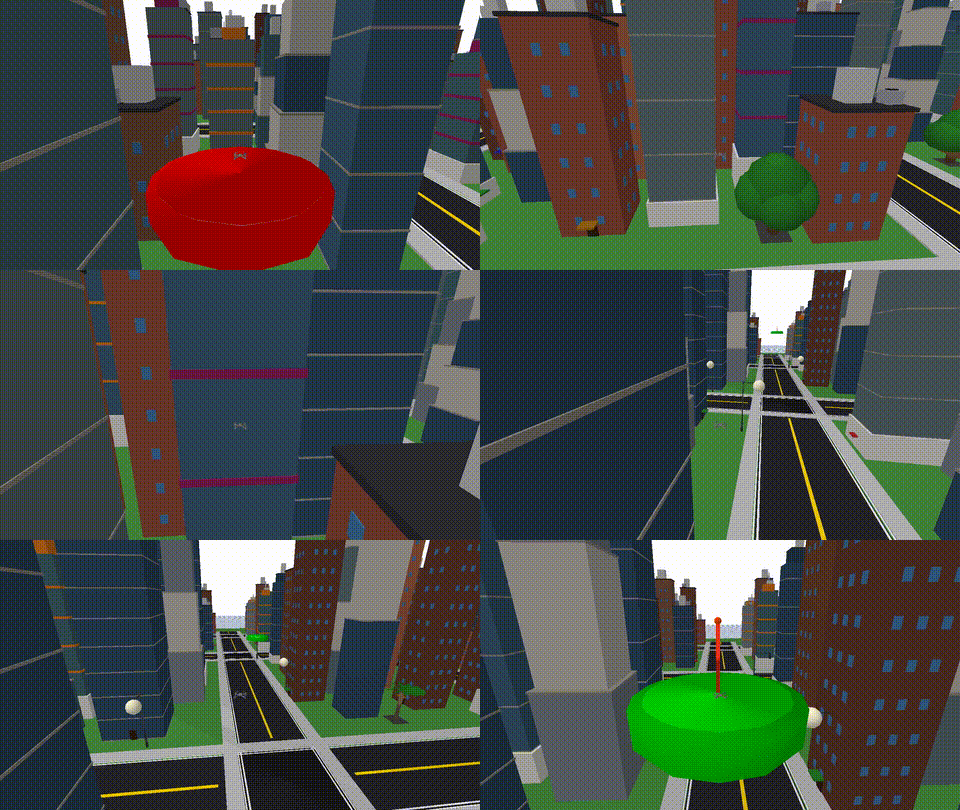
Third-person view |

FPV — what the drone sees |
No GPS. No pre-built map. Just a depth camera and learned instincts.
Environments
Every benchmark run generates unique worlds. Six environment types test completely different navigation skills — tight urban corridors, open-air precision, mountain terrain, village streets, indoor obstacle courses, and dense forests.
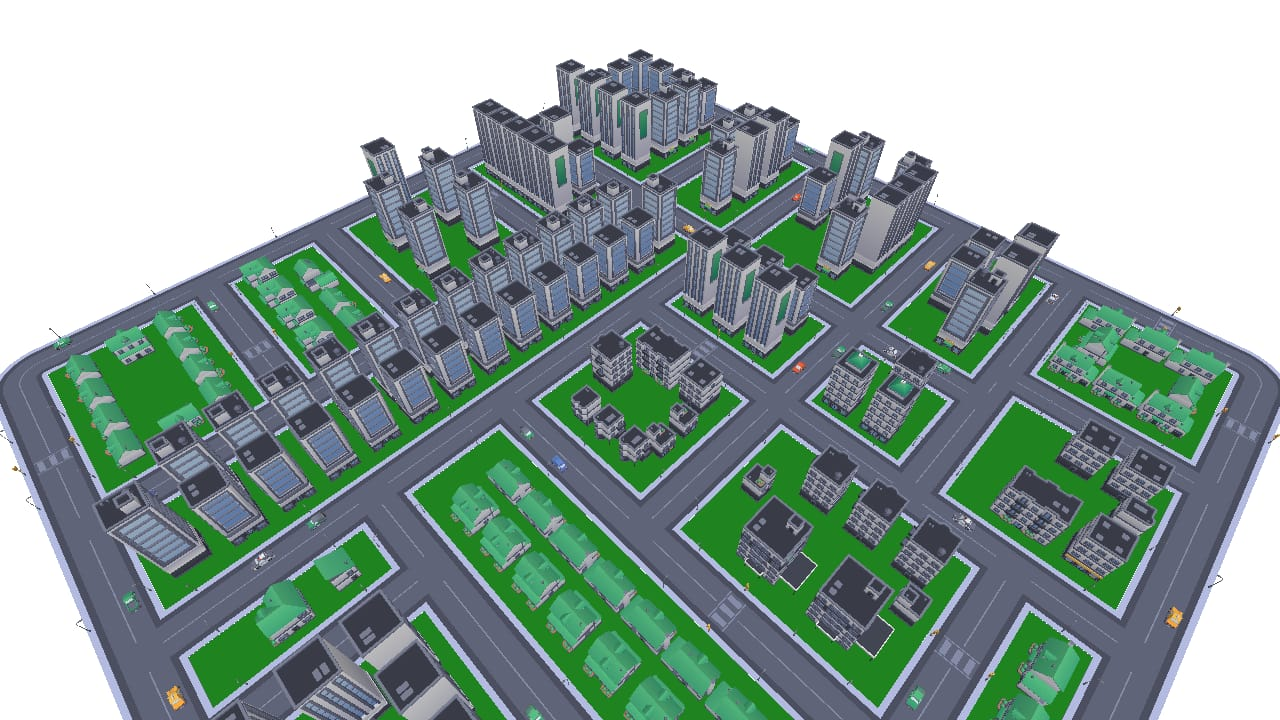
City — dense streets, buildings, intersections |
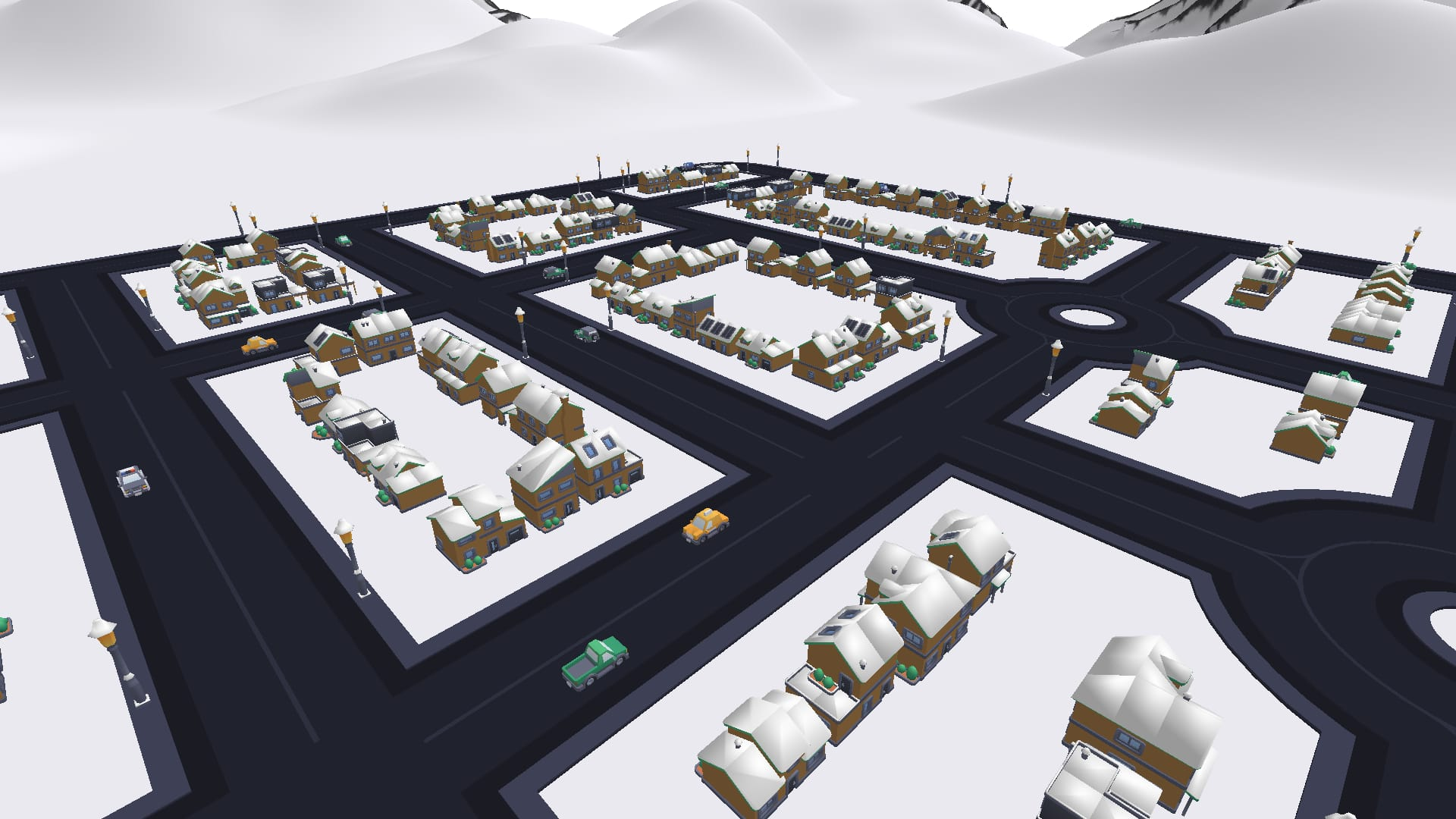
Ski Village — snow-roofed buildings, mountain backdrop |
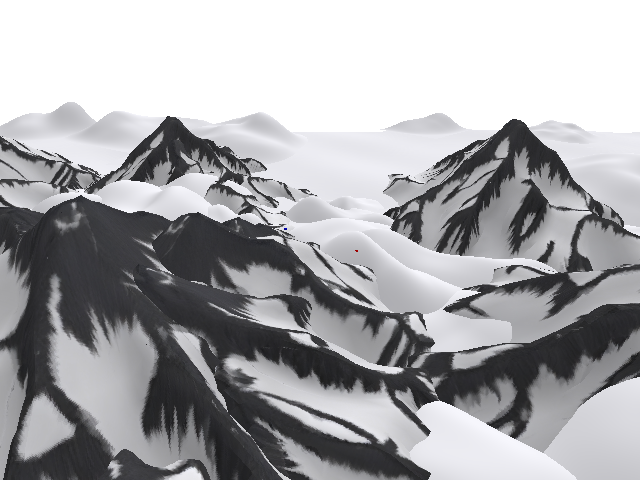
Mountains — procedural terrain, peaks and valleys |
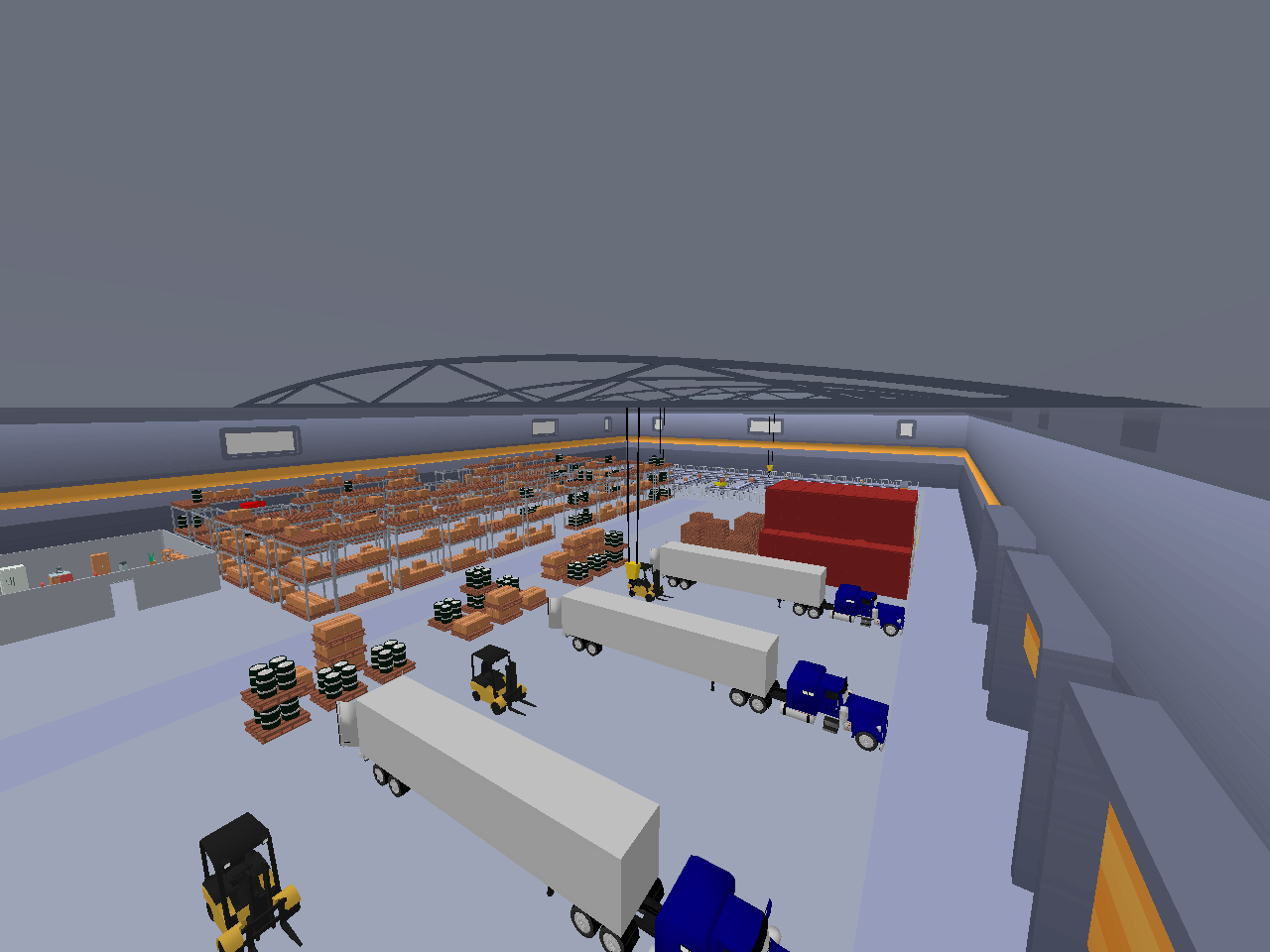
Warehouse — indoor, racks, cranes, 12m ceiling |
Forest — 4 Seasonal Modes
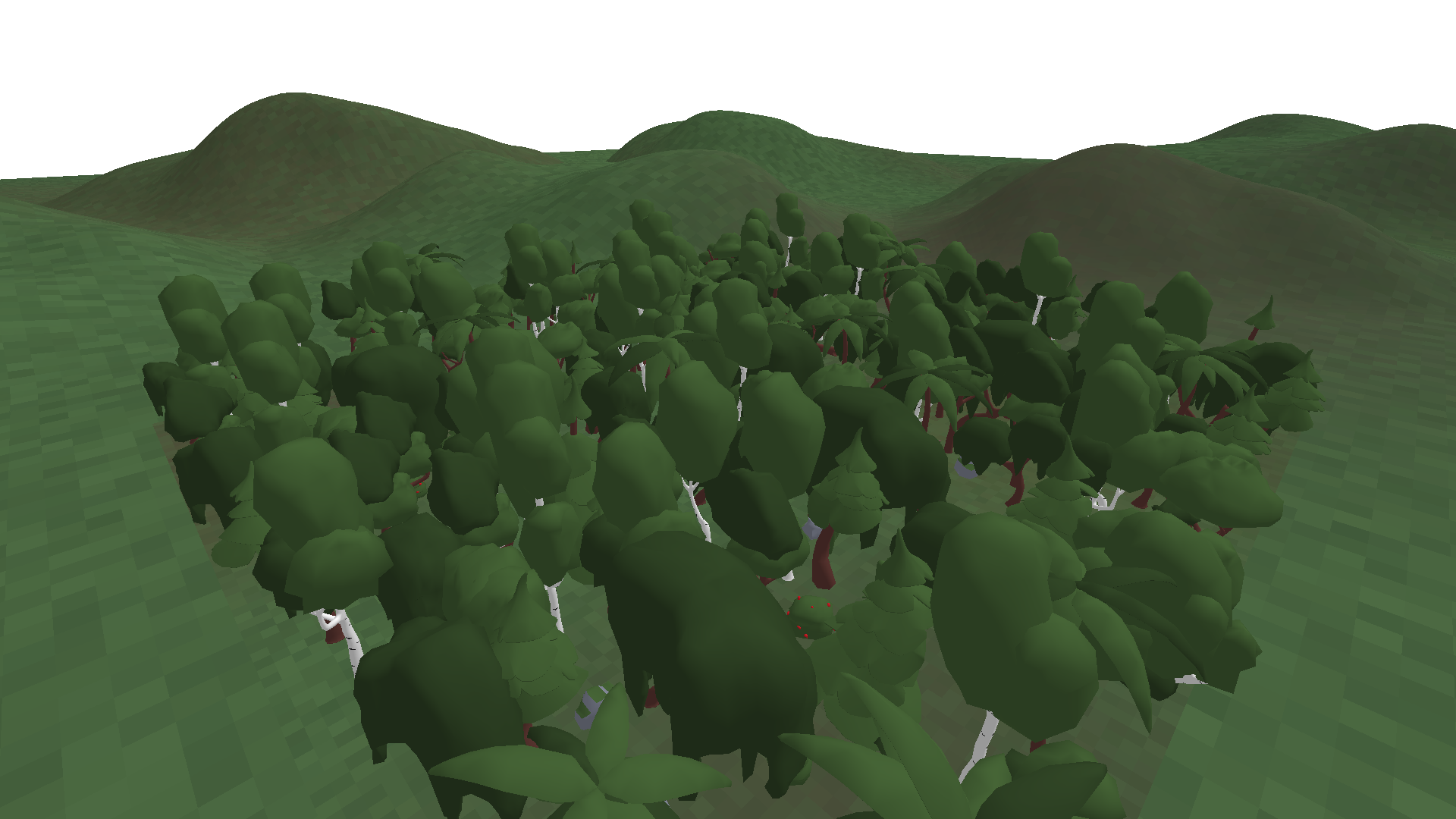
Normal — green canopy, full foliage |
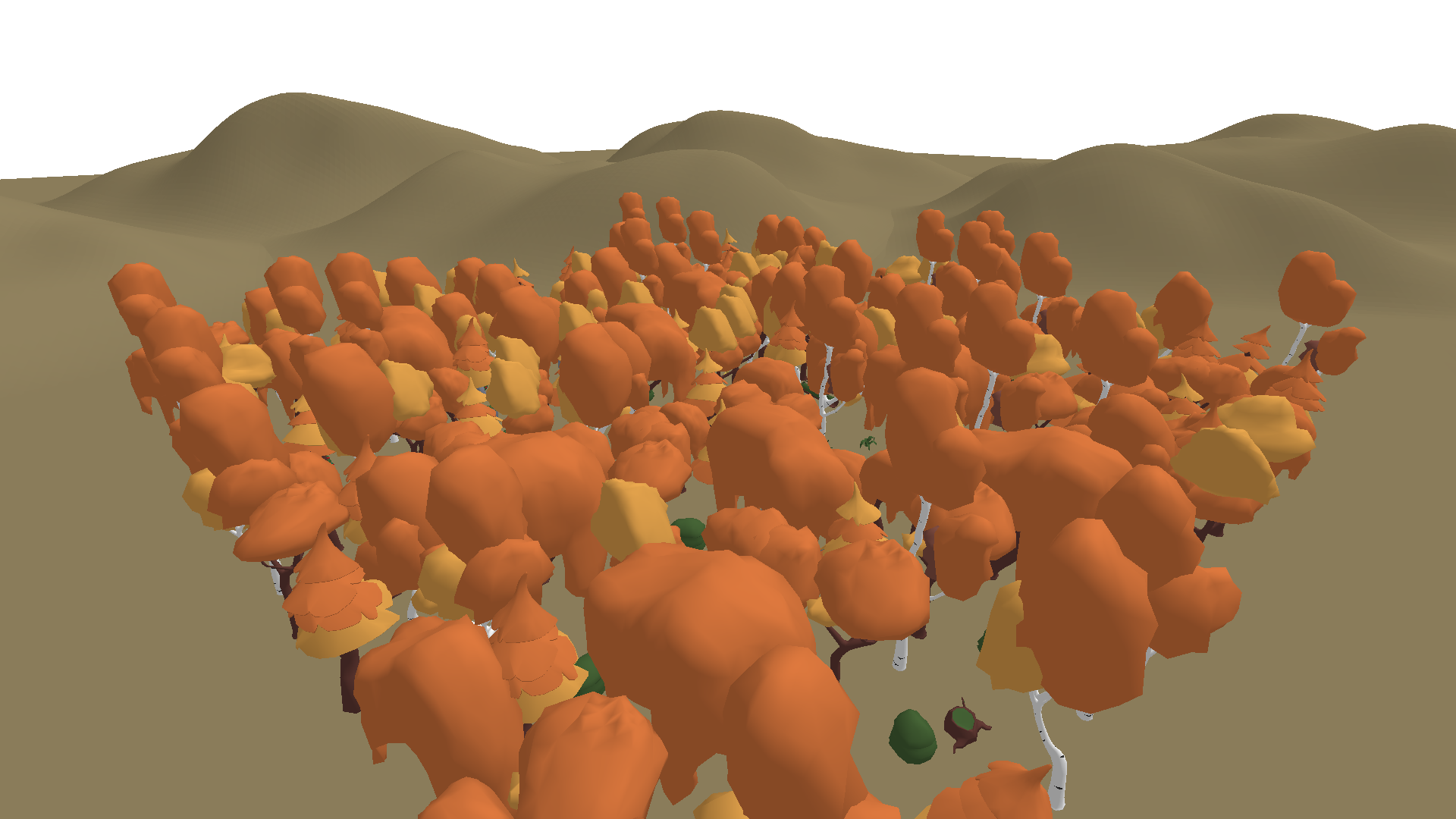
Autumn — orange and brown tones |
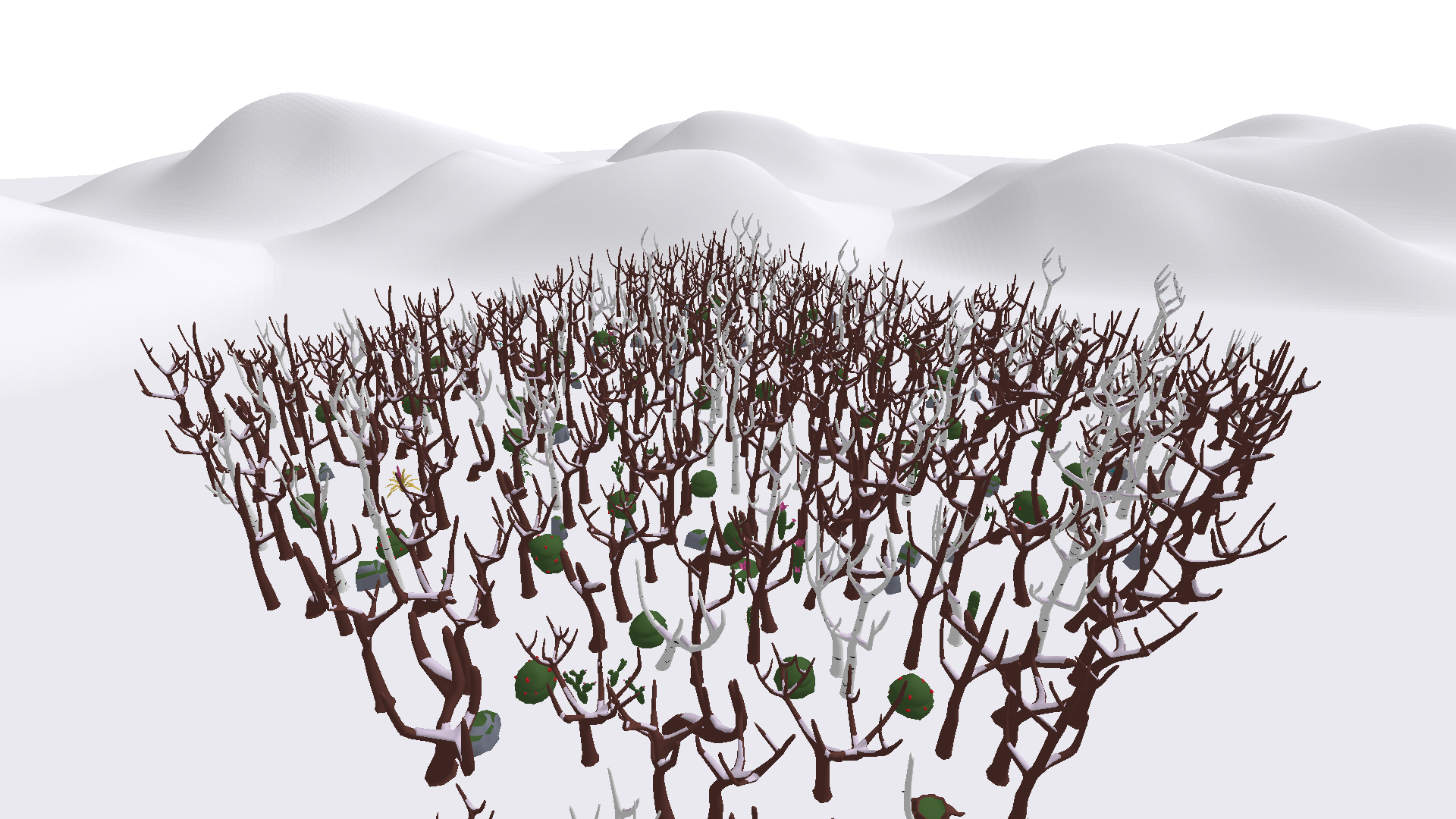
Snow — white terrain, bare branches |
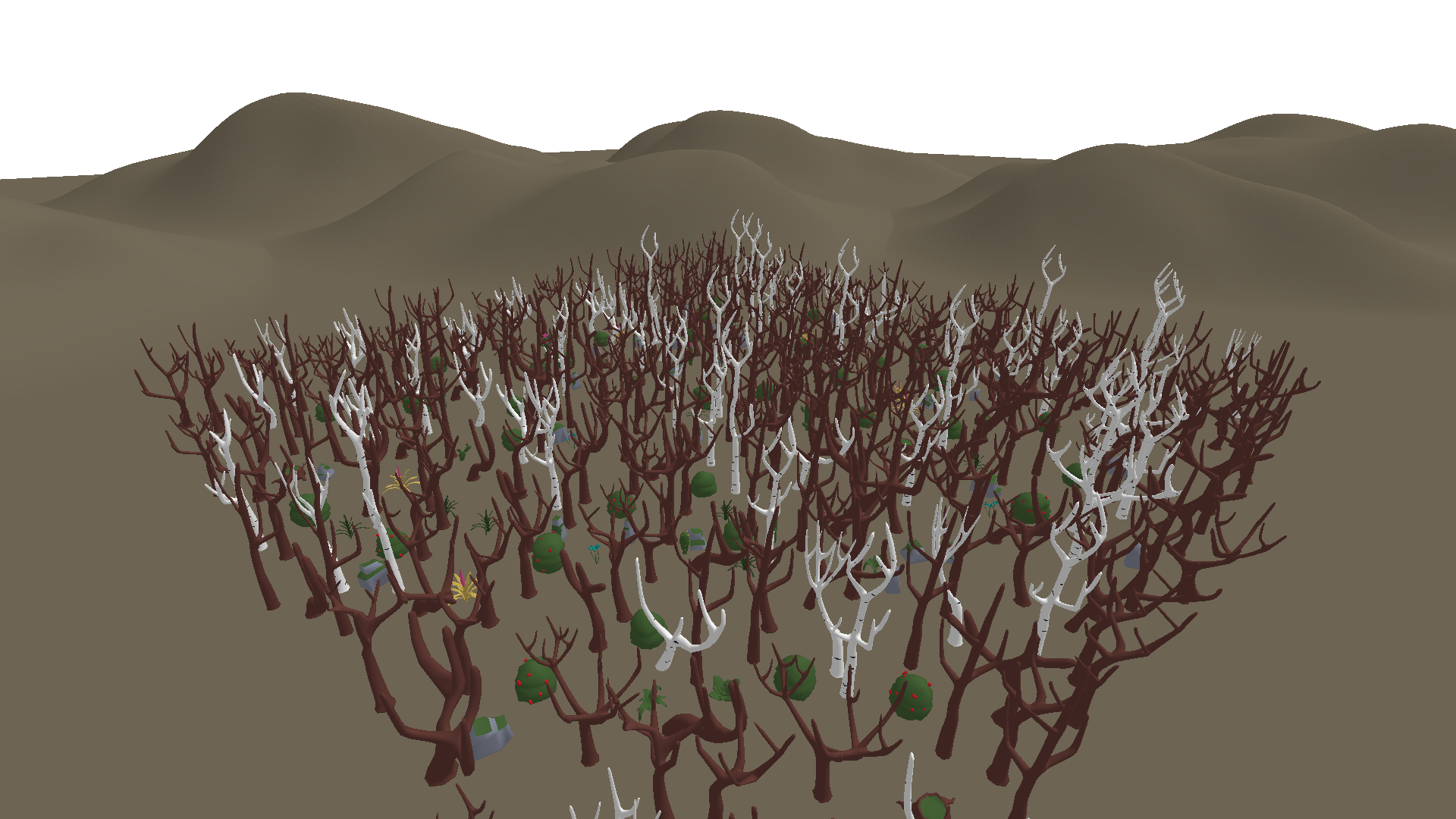
Dead — no leaves, dark ground |
1,000 unique seeds per epoch — 6 environment types, each procedurally generated with unique layouts every run.
CLI
Develop, test, and benchmark your model without ever leaving the terminal.
pip install -e .
Once published on PyPI:
pip install swarm-sotapilot
swarm doctor                                          # Check environment readiness
swarm champion                                        # Download the current champion model
swarm model test --source my_agent/                   # Validate source folder
swarm model package --source my_agent/                # Bundle into Submission/submission.zip
swarm model verify --model Submission/submission.zip  # Verify structure and compliance
swarm benchmark --model Submission/submission.zip --workers 4  # Run benchmark
swarm benchmark --model Submission/submission.zip --seeds-per-group 1  # Quick test
swarm report                                          # View results
Full docs: CLI reference.
How It Works
| Depth Camera 128×128 image |
→ Your Model → | Flight Commands [dir_x, dir_y, dir_z, speed, yaw] |
→ Drone |
| State Vector position · velocity · orientation |
Your model receives a depth image and flight state at 50 Hz. It outputs 5D velocity commands. The drone has 60 seconds to navigate to a landing platform and touch down safely.
There are no waypoints, no GPS, no obstacle coordinates. The model must learn to read the depth image and react — just like a real pilot would.
Scoring
| Component | Weight | What It Measures |
|---|---|---|
| Success | 45% | Did the drone land on the platform? |
| Speed | 45% | How fast, relative to the time limit? |
| Safety | 10% | Minimum clearance from obstacles during flight |
score = 0.45 × success + 0.45 × time + 0.10 × safety
Ranking is by average score across 1,000 seeds. No lucky runs — you need consistency. New models must pass a screening gate (champion score + 0.015) before running the full benchmark.
Seeds rotate every 7 days (Monday 16:00 UTC). Each validator generates its own 1,000 seeds per epoch. All seeds are published on swarm124.com for transparency.
Getting Started
Train a ModelBuild a drone pilot from zero. The Miner Guide covers the agent interface, CLI workflow, submission format, and how to push to the leaderboard. 
|
Run a ValidatorEvaluate models on your hardware. The Validator Guide covers Docker setup, PM2 launch, and auto-updates. 
|
Community




From Simulation to Reality
The models trained here don't stay in simulation.
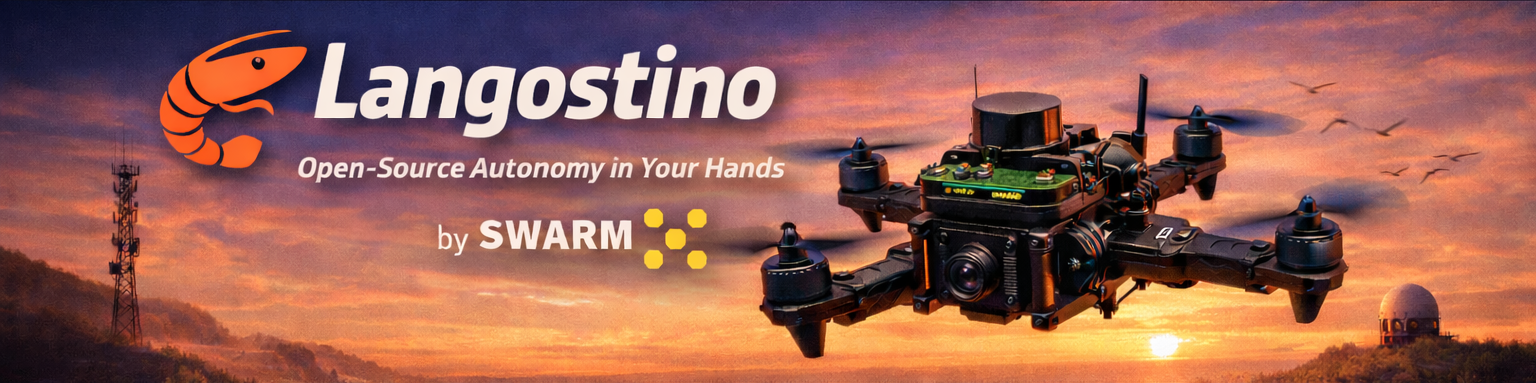
Langostino is the open-source drone we built to prove it — ROS2, Raspberry Pi, INAV, 3D-printed parts. Full assembly guide and bill of materials included. Anyone can build one.
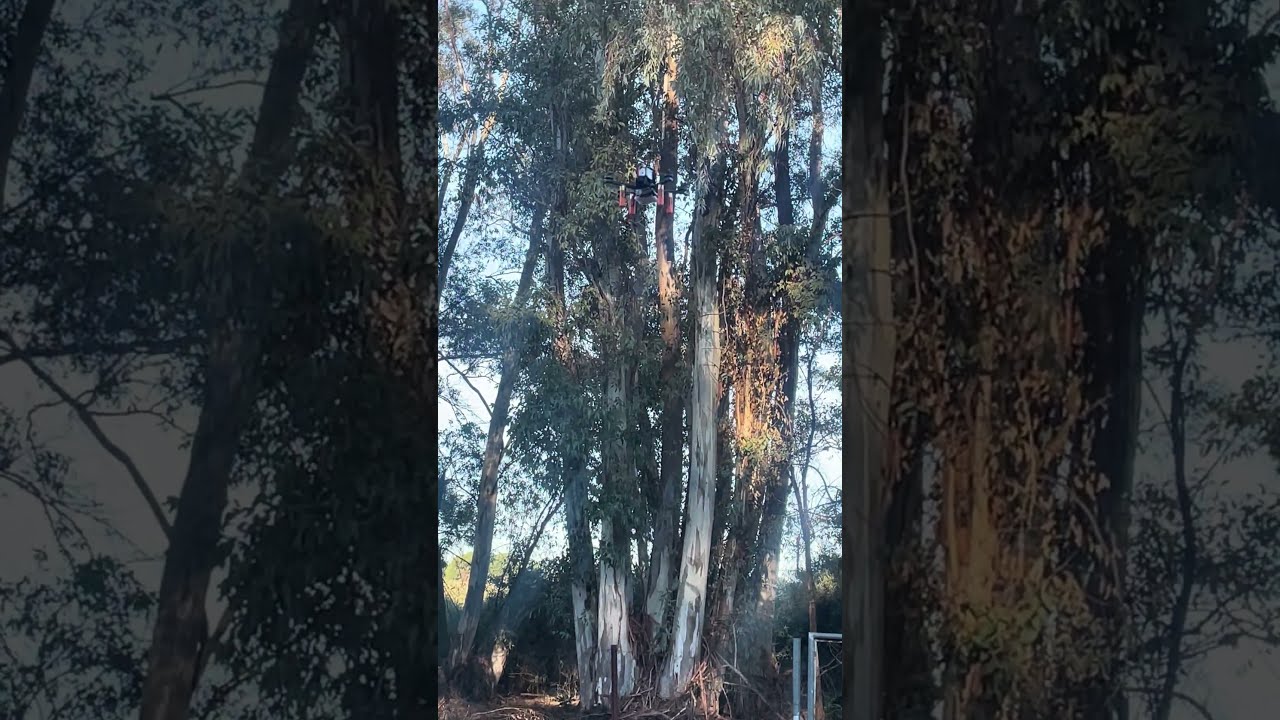


Train in Simulation → Compete on the Leaderboard → Deploy on Real Hardware
License
Distributed under the MIT License. See LICENSE for details.

Release history Release notifications | RSS feed

Download files
Download the file for your platform. If you're not sure which to choose, learn more about installing packages.
Source Distribution
Built Distribution
Filter files by name, interpreter, ABI, and platform.
If you're not sure about the file name format, learn more about wheel file names.
Copy a direct link to the current filters
File details
Details for the file swarm_sotapilot-4.0.1.0.tar.gz.
File metadata
- Download URL: swarm_sotapilot-4.0.1.0.tar.gz
- Upload date:
- Size: 18.5 MB
- Tags: Source
- Uploaded using Trusted Publishing? No
- Uploaded via: twine/6.2.0 CPython/3.11.14
File hashes
| Algorithm | Hash digest | |
|---|---|---|
| SHA256 |
45110335e3ae2f1ccaeaf47ba866788468b43830b6c6046f805da49c78d93bb6
|
|
| MD5 |
b14117a6ab33194f6ba388990fc8864b
|
|
| BLAKE2b-256 |
41759298bb6cf31e4d06870aff8abf82e317c8f90930d3f0d26cc53299a5b109
|
File details
Details for the file swarm_sotapilot-4.0.1.0-py3-none-any.whl.
File metadata
- Download URL: swarm_sotapilot-4.0.1.0-py3-none-any.whl
- Upload date:
- Size: 18.6 MB
- Tags: Python 3
- Uploaded using Trusted Publishing? No
- Uploaded via: twine/6.2.0 CPython/3.11.14
File hashes
| Algorithm | Hash digest | |
|---|---|---|
| SHA256 |
be7cd9d6b39675da703a617b27dc7298c7dd3fe9460dd52c06de546f87f769d5
|
|
| MD5 |
26e761b5299b6285edaa699cae909d5f
|
|
| BLAKE2b-256 |
2786033860ab86e021c0618521ed1ebbeba740e9045695a41c70b076d034a039
|






