
A tool to generate PDF and EPUB versions of The Swift Programming Language book.
Verified details
These details have been verified by PyPIProject links
GitHub Statistics
Maintainers

Project description
PDF & EPUB Renderer for The Swift Programming Language
Convert the DocC source for The Swift Programming Language book into polished PDF and EPUB editions.
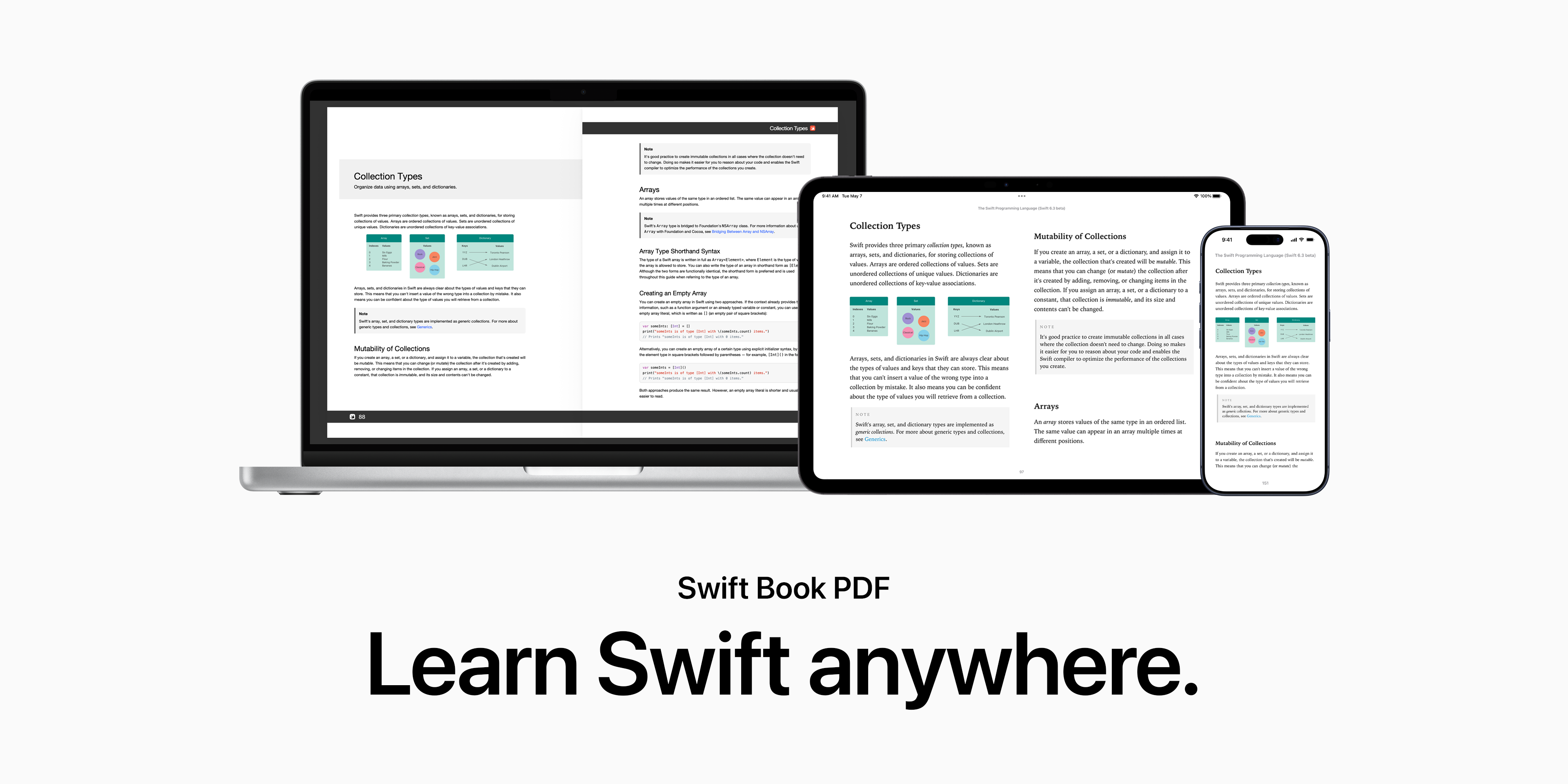
Jump to: Features · Installation · Usage · Customization · Wiki
Get the book
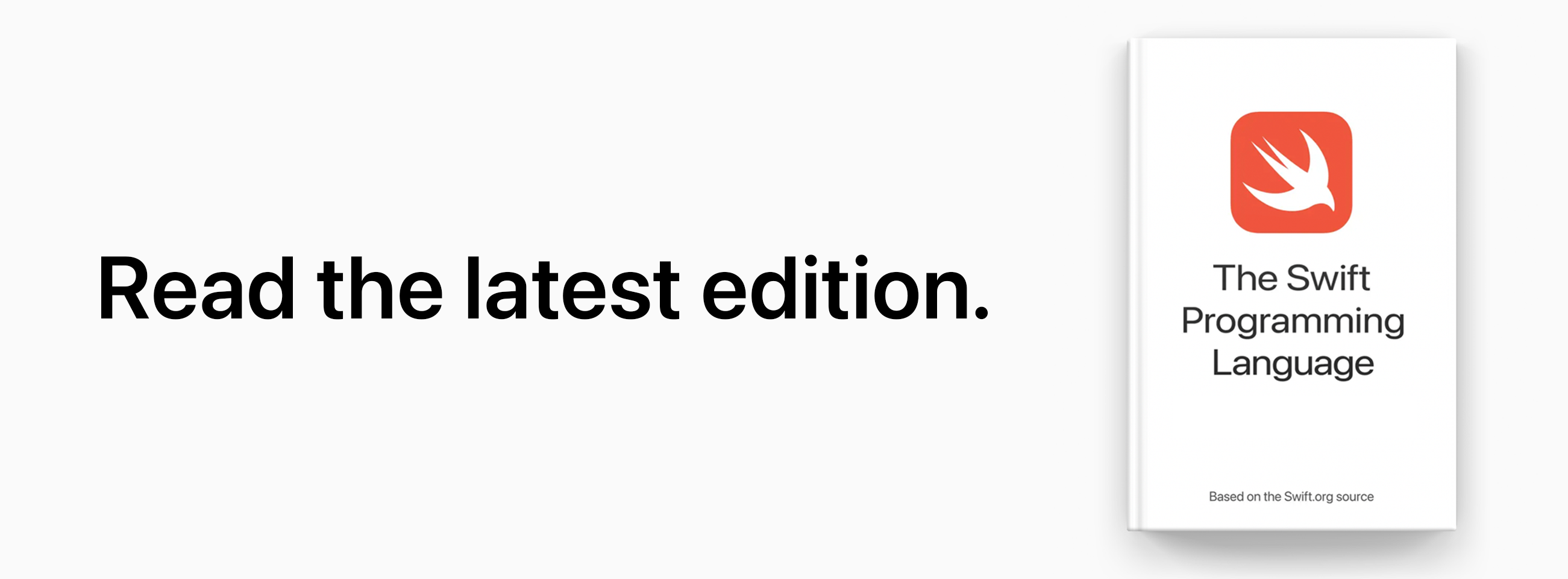
EPUB edition
|
The Swift Programming Language, optimized for Apple Books. 
|
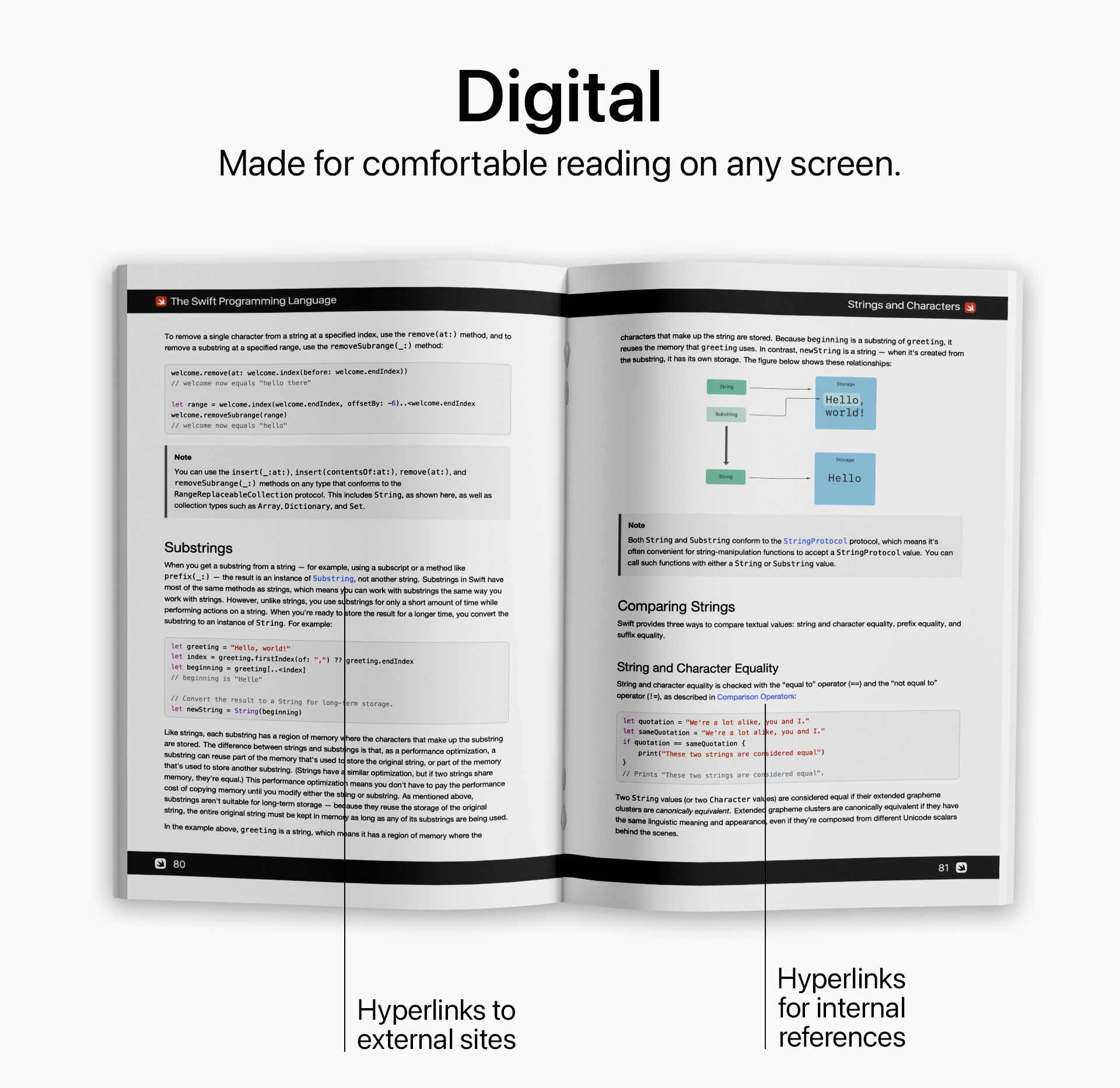
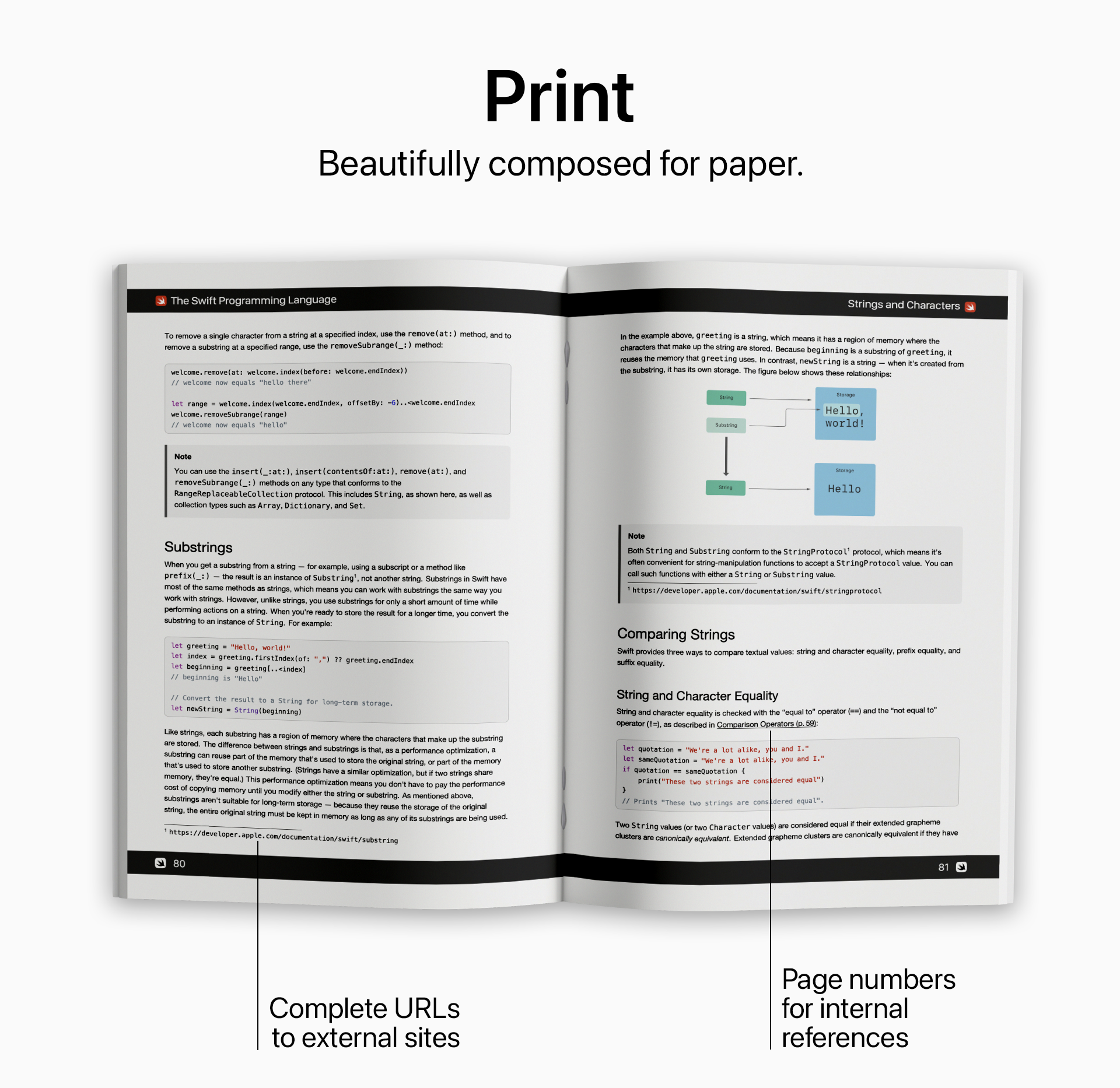
PDF editions
|
|
|
|

For versioned archives of the PDF editions, see swift-book-archive.
Features
PDF Generation (swift-book-pdf)
- Generate a PDF edition of The Swift Programming Language, optimized for offline reading or printing.
- Choose from one of two rendering modes:
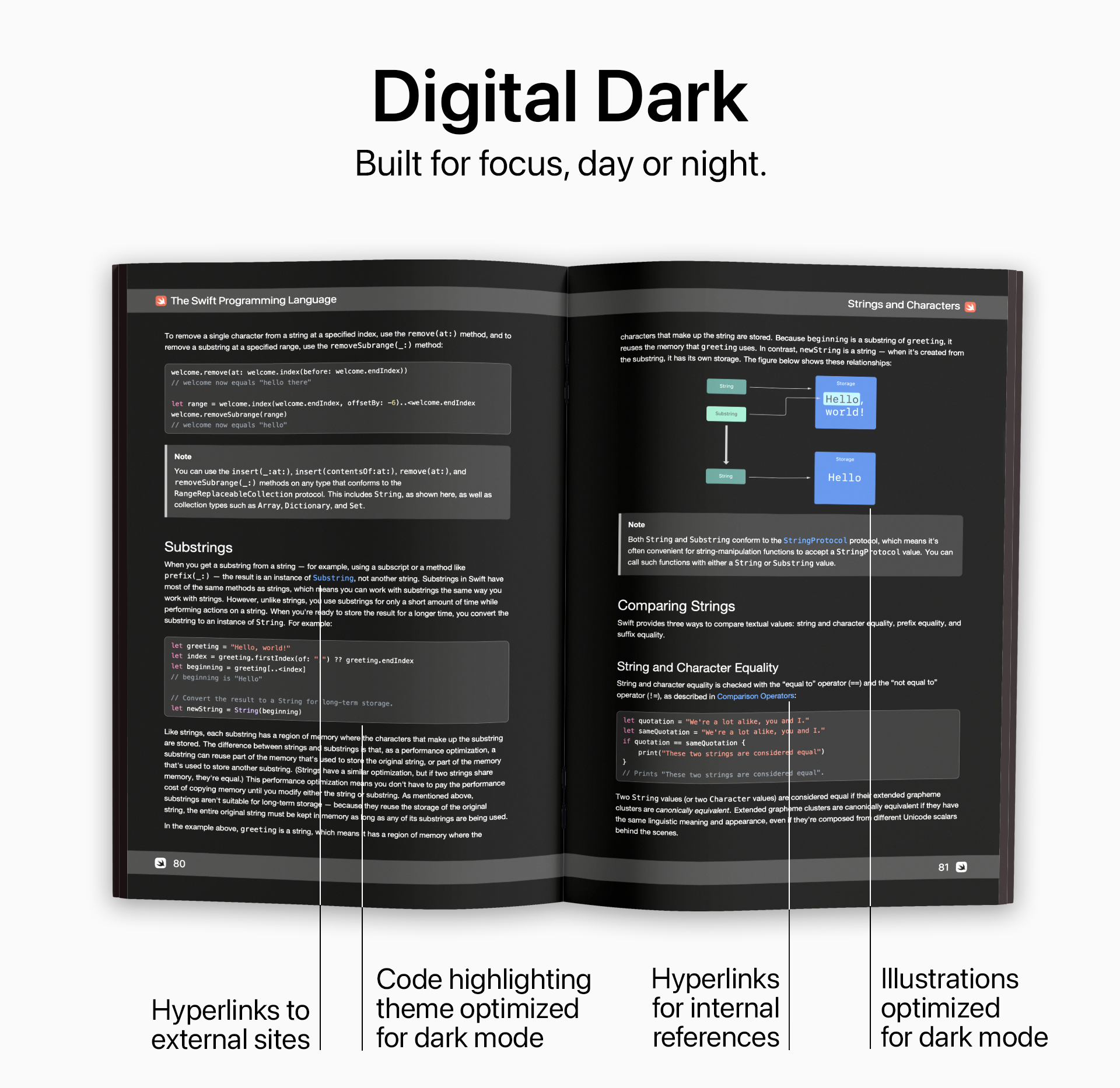
- Digital mode with hyperlinks for cross-references between chapters and external links.
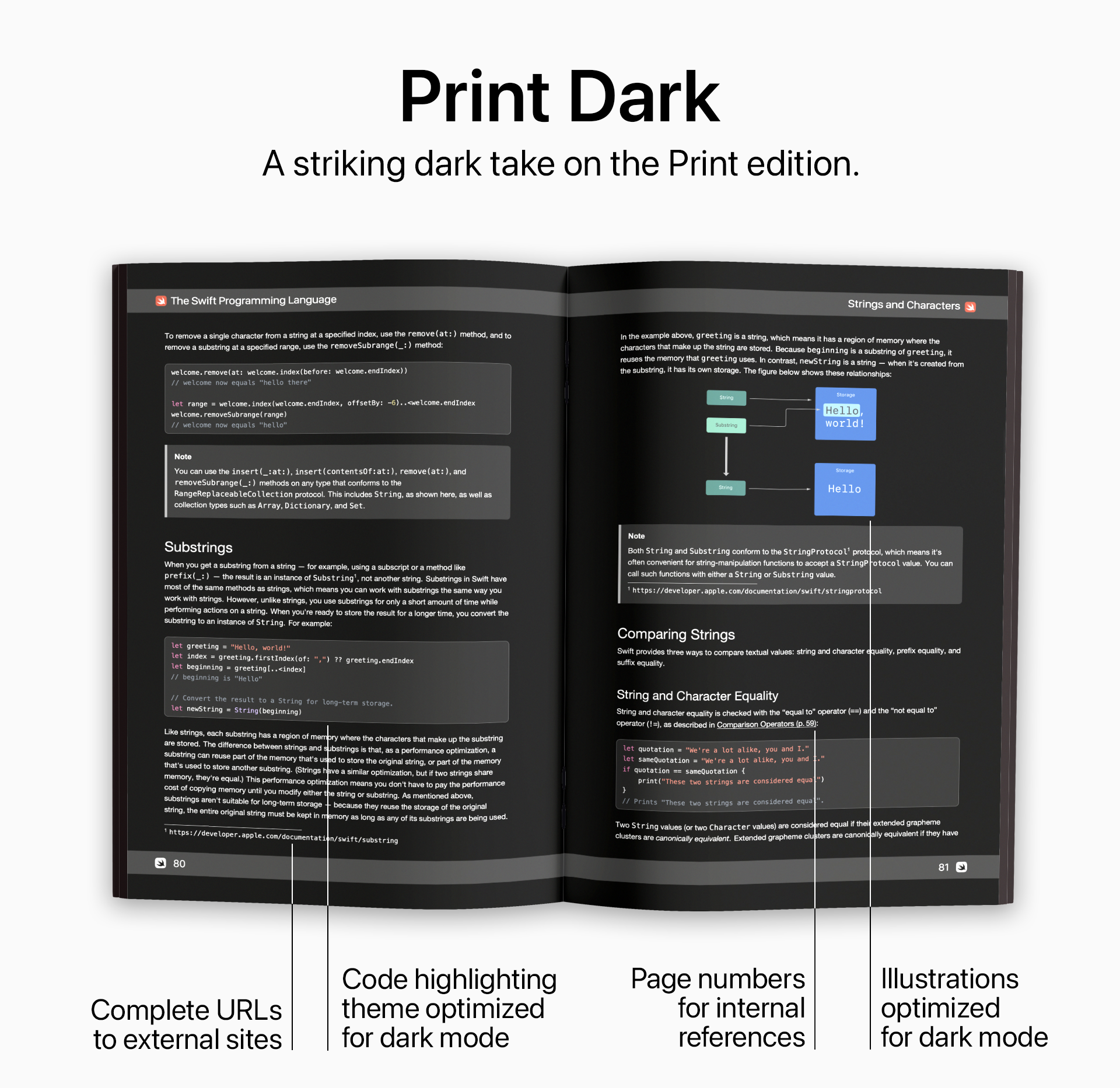
- Print mode with page numbers accompanying cross-references between chapters and full URLs shown in footnotes for external links.
- Both versions follow the DocC rendering style used in docs.swift.org, including code highlighting.
EPUB Generation (swift-book-epub)
- Generate an EPUB edition of The Swift Programming Language, ideal for e-readers and mobile devices.
- The generated EPUB file follows the rendering style used by TSPL editions up to Swift 5.7 published on Apple Books and retains all internal references and external links.
Requirements
- Python 3.10+
- Git
- Specifically for generating PDF editions with
swift-book-pdf:- LuaTeX. If you don't have an existing LaTeX installation, see MacTeX, TeX Live, or MiKTeX.
- Fonts for typesetting. Learn which fonts are required to typeset the TSPL book.
Installation
Latest PyPI stable release
pip install swift-book-pdf
Usage
PDF generation
Call swift-book-pdf without any arguments to save the resulting PDF as swift_book.pdf in the current directory. The package defaults to the digital rendering mode in Letter paper size.
$ swift-book-pdf

[INFO]: Downloading TSPL files...
[INFO]: Creating PDF in digital (light) mode...
[INFO]: PDF saved to ./swift-book.pdf
When invoked, swift-book-pdf will:
- Clone the
swift-bookrepository - Convert all Markdown source files into a single LaTeX document
- Render the LaTeX document into the final PDF document
EPUB generation
Call swift-book-epub without any arguments to save the resulting EPUB as swift_book.epub in the current directory.
$ swift-book-epub
[INFO]: Downloading TSPL files...
[INFO]: Creating EPUB...
[INFO]: EPUB saved to ./swift_book.epub
Customization
swift-book-pdf and swift-book-epub offer a range of options to customize your rendering of The Swift Programming Language book. Learn how to make the TSPL book your own.
Acknowledgments
When you don't provide an input path, swift-book-pdf temporarily clones the swift-book repository for processing at runtime, but no part of the repository is directly redistributed here.
chapter-icon.png and chapter-icon~dark.png are derived from the ArticleIcon.vue component in the swift-docc-render repository.
The swift-book and swift-docc-render repositories are part of the Swift.org open source project, which is licensed under the Apache License v2.0 with Runtime Library Exception. See https://swift.org/LICENSE.txt for more details. The Swift project authors are credited at https://swift.org/CONTRIBUTORS.txt.
The Swift logo is a trademark of Apple Inc.
Project details
Verified details
These details have been verified by PyPIProject links
GitHub Statistics
Maintainers
Release history Release notifications | RSS feed


Download files
Download the file for your platform. If you're not sure which to choose, learn more about installing packages.
Source Distribution
Built Distribution
Filter files by name, interpreter, ABI, and platform.
If you're not sure about the file name format, learn more about wheel file names.
Copy a direct link to the current filters
File details
Details for the file swift_book_pdf-2.3.1.tar.gz.
File metadata
- Download URL: swift_book_pdf-2.3.1.tar.gz
- Upload date:
- Size: 606.0 kB
- Tags: Source
- Uploaded using Trusted Publishing? Yes
- Uploaded via: twine/6.1.0 CPython/3.13.7
File hashes
| Algorithm | Hash digest | |
|---|---|---|
| SHA256 |
3b3bb2d0564c64e768e8c333fd90dece2327eabf3b6bf30dbadbe7c35823a35d
|
|
| MD5 |
daa790b92f944c10366d9443467413ae
|
|
| BLAKE2b-256 |
7e213ddaa28286eb50157d5674304a6c8afce0ab42b6507571df63ca70431e89
|
Provenance
The following attestation bundles were made for swift_book_pdf-2.3.1.tar.gz:
Publisher:
release.yml on ekassos/swift-book-pdf
-
Statement:
-
Statement type:
https://in-toto.io/Statement/v1 -
Predicate type:
https://docs.pypi.org/attestations/publish/v1 -
Subject name:
swift_book_pdf-2.3.1.tar.gz -
Subject digest:
3b3bb2d0564c64e768e8c333fd90dece2327eabf3b6bf30dbadbe7c35823a35d - Sigstore transparency entry: 1237406232
- Sigstore integration time:
-
Permalink:
ekassos/swift-book-pdf@539867ebcaf987320d2df322d2b905bc5780be59 -
Branch / Tag:
refs/tags/v2.3.1 - Owner: https://github.com/ekassos
-
Access:
public
-
Token Issuer:
https://token.actions.githubusercontent.com -
Runner Environment:
github-hosted -
Publication workflow:
release.yml@539867ebcaf987320d2df322d2b905bc5780be59 -
Trigger Event:
release
-
Statement type:
File details
Details for the file swift_book_pdf-2.3.1-py3-none-any.whl.
File metadata
- Download URL: swift_book_pdf-2.3.1-py3-none-any.whl
- Upload date:
- Size: 627.9 kB
- Tags: Python 3
- Uploaded using Trusted Publishing? Yes
- Uploaded via: twine/6.1.0 CPython/3.13.7
File hashes
| Algorithm | Hash digest | |
|---|---|---|
| SHA256 |
ade6bf57b1b1825ae3062ccc7d8e0195e955d2606e53b5d41827f80056bfde34
|
|
| MD5 |
77751157a08ed97d7b4d68e0866ccd8a
|
|
| BLAKE2b-256 |
980b25eadb17cfee8eaa13b5dabdd3fc85040924a9cec15d210c8a52c68a304c
|
Provenance
The following attestation bundles were made for swift_book_pdf-2.3.1-py3-none-any.whl:
Publisher:
release.yml on ekassos/swift-book-pdf
-
Statement:
-
Statement type:
https://in-toto.io/Statement/v1 -
Predicate type:
https://docs.pypi.org/attestations/publish/v1 -
Subject name:
swift_book_pdf-2.3.1-py3-none-any.whl -
Subject digest:
ade6bf57b1b1825ae3062ccc7d8e0195e955d2606e53b5d41827f80056bfde34 - Sigstore transparency entry: 1237406236
- Sigstore integration time:
-
Permalink:
ekassos/swift-book-pdf@539867ebcaf987320d2df322d2b905bc5780be59 -
Branch / Tag:
refs/tags/v2.3.1 - Owner: https://github.com/ekassos
-
Access:
public
-
Token Issuer:
https://token.actions.githubusercontent.com -
Runner Environment:
github-hosted -
Publication workflow:
release.yml@539867ebcaf987320d2df322d2b905bc5780be59 -
Trigger Event:
release
-
Statement type:






