
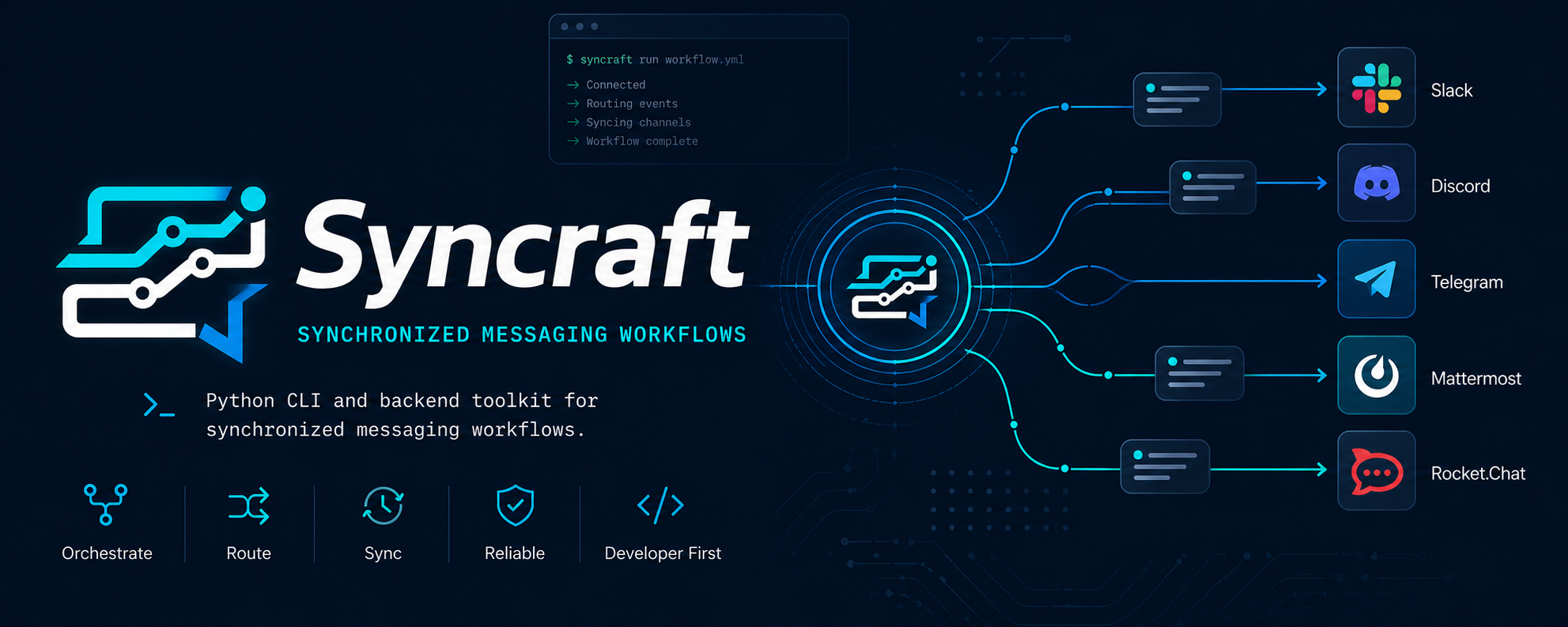








Standalone Python package and CLI for synchronized messaging workflows. It keeps the storage, schema, provider, and synchronization logic, but exposes it as:
- a Python package for direct imports
- a CLI for local tooling and automation
Install
python3.12 -m venv .venv
source .venv/bin/activate
python -m pip install syncraft-channel-weave
python -m syncraft health
syncraft health
Optional storage extras:
python -m pip install "syncraft-channel-weave[postgresql]"
python -m pip install "syncraft-channel-weave[mysql]"
python -m pip install "syncraft-channel-weave[mongodb]"
CLI usage
syncraft health
syncraft channel-support
syncraft settings get
syncraft templates list
syncraft templates create --payload '{"name":"Incident","content":"Check service health"}'
syncraft variables create --payload '{"name":"service_name","default_value":"billing-api"}'
syncraft channels list
Python usage
The verified import surface for channel registration/testing is:
syncraft.app.SyncraftAppsyncraft.schemas.ChannelCreatesyncraft.schemas.ChannelUpdatesyncraft.services.storage.test_channel_configurationsyncraft.services.storage.send_channel_samplesyncraft.services.storage.send_channel_message
Example:
from syncraft.app import SyncraftApp
from syncraft.schemas import ChannelCreate, ChannelUpdate
from syncraft.services.storage import (
    send_channel_message,
    send_channel_sample,
    test_channel_configuration,
)

app = SyncraftApp()

payload = ChannelCreate(
    name="Slack Import Bot",
    platform="slack",
    auth_type="bot",
    auth_config={"values": {"bot_token": "xoxb-..."}},
    target_config={"values": {"channel_id": "C12345678"}},
    provider_account_label="Slack Bot",
    target_label="C12345678",
)

print(app.healthcheck())
print(test_channel_configuration(payload))
print(send_channel_sample(payload, "Syncraft import path says hi"))
print(send_channel_message(payload, content="Syncraft import path says hi"))

created = app.create_channel(payload)
print(app.test_channel_config(payload))
print(app.test_channel(created.id))
print(app.send_channel_sample_message(created.id))
print(app.update_channel(created.id, ChannelUpdate(name="Slack Import Bot Verified")))
print(app.list_channels())
print(app.list_history())
Validated against live credentials:
{
  "healthcheck": {
    "status": "ok",
    "environment": "development",
    "database_engine": "sqlite"
  },
  "service_test_channel_configuration": {
    "status": "success",
    "message": "Slack bot token is valid and can post to your_channel_id"
  },
  "service_send_channel_sample": {
    "status": "success",
    "message": "Sample message sent through Slack bot"
  },
  "service_send_channel_message": {
    "status": "success",
    "message": "Sample message sent through Slack bot",
    "asset_count": 0
  }
}
Verified SyncraftApp channel lifecycle result shape:
{
  "app_test_channel_config": {
    "status": "success",
    "message": "Telegram bot @rilab_studio_bot can reach Syncraft"
  },
  "app_create_channel": {
    "id": "28c88536-82fb-49fc-b0bb-01879c046dc1",
    "name": "Telegram Import Bot",
    "platform": "telegram",
    "auth_type": "bot",
    "status": "active",
    "last_test_status": ""
  },
  "app_test_channel": {
    "id": "28c88536-82fb-49fc-b0bb-01879c046dc1",
    "status": "active",
    "last_test_status": "success"
  },
  "app_send_channel_sample_message": {
    "id": "28c88536-82fb-49fc-b0bb-01879c046dc1",
    "status": "active",
    "last_test_status": "success"
  },
  "app_update_channel": {
    "id": "28c88536-82fb-49fc-b0bb-01879c046dc1",
    "name": "Telegram Import Bot Verified",
    "target_label": "your_channel_id verified",
    "last_test_status": "success"
  }
}
CLI command reference
All command results are printed as JSON.
Inspect commands and provider support
Show general help:
syncraft --help
Show command-specific help:
syncraft help templates
List supported channel platforms, auth types, and required provider fields:
syncraft channel-support
Example output shape:
[
  {
    "platform": "slack",
    "supported_auth_types": [
      {
        "auth_type": "webhook",
        "required_auth_fields": ["webhook_url"],
        "required_target_fields": [],
        "test_message": "Validated Slack incoming webhook configuration"
      },
      {
        "auth_type": "bot",
        "required_auth_fields": ["bot_token"],
        "required_target_fields": ["channel_id"],
        "test_message": "Validated Slack bot token and channel target shape"
      }
    ]
  }
]
Health
Check runtime health:
syncraft health
Example:
{
  "database_engine": "sqlite",
  "environment": "development",
  "status": "ok"
}
Settings
Read settings:
syncraft settings get
Update settings:
syncraft settings update --payload '{
  "push_confirmations": true,
  "error_alerts": true,
  "compact_mode": false,
  "keyboard_shortcuts": true,
  "dock_magnification": false,
  "dock_auto_hide": false,
  "channel_test_message": "Syncraft says hi",
  "storage_engine": "local",
  "local_db_path": "/tmp/syncraft.db"
}'
Templates
List templates:
syncraft templates list
Create a template:
syncraft templates create --payload '{
  "name": "Incident",
  "description": "Reusable alert template",
  "content": "Check service health",
  "icon": "code"
}'
Update a template:
syncraft templates update TEMPLATE_ID --payload '{
  "name": "Incident Updated",
  "content": "Investigate latency and error rate"
}'
Delete a template:
syncraft templates delete TEMPLATE_ID
Variables
List variables:
syncraft variables list
Create a variable:
syncraft variables create --payload '{
  "name": "service_name",
  "default_value": "billing-api",
  "description": "Default service identifier"
}'
Create a variable from file:
syncraft variables create --payload-file ./variable.json
Example variable.json:
{
  "name": "service_name",
  "default_value": "billing-api",
  "description": "Default service identifier"
}
Update a variable:
syncraft variables update VARIABLE_ID --payload '{
  "default_value": "auth-api"
}'
Delete a variable:
syncraft variables delete VARIABLE_ID
Channels
List channels:
syncraft channels list
Channel creation requires:
nameplatformauth_typeauth_config.valuestarget_config.valueswhen the selected provider setup requires it
capabilities is optional. If omitted, Syncraft applies the default channel capability set.
Slack incoming webhook channel:
syncraft channels create --payload '{
  "name": "Slack Alerts",
  "platform": "slack",
  "auth_type": "webhook",
  "auth_config": { "values": { "webhook_url": "https://hooks.slack.com/services/XXX/YYY/ZZZ" } },
  "target_config": { "values": {} },
  "provider_account_label": "Slack Webhook",
  "target_label": "Incoming Webhook"
}'
Slack bot channel:
syncraft channels create --payload '{
  "name": "Slack Ops",
  "platform": "slack",
  "auth_type": "bot",
  "auth_config": { "values": { "bot_token": "xoxb-..." } },
  "target_config": { "values": { "channel_id": "C12345678" } },
  "provider_account_label": "Slack Bot",
  "target_label": "#ops"
}'
Verified success response shape:
{
  "id": "22c86e05-99cc-4a8e-8dfa-43c6f4f82886",
  "name": "Slack Alerts Bot",
  "platform": "slack",
  "auth_type": "bot",
  "status": "active",
  "last_test_status": "",
  "provider_account_label": "Slack Bot",
  "target_label": "your_channel_id",
  "auth_config": {
    "values": {
      "bot_token": "<redacted>"
    }
  },
  "target_config": {
    "values": {
      "channel_id": "your_channel_id"
    }
  }
}
Telegram bot channel:
syncraft channels create --payload '{
  "name": "Telegram Alerts",
  "platform": "telegram",
  "auth_type": "bot",
  "auth_config": { "values": { "bot_token": "123456:ABCDEF" } },
  "target_config": { "values": { "chat_id": "-1001234567890" } },
  "provider_account_label": "Telegram Bot",
  "target_label": "Ops Chat"
}'
Validated against live credentials:
syncraft channel-test-config --payload '{ ... }'
{
  "status": "success",
  "message": "Telegram bot @rilab_studio_bot can reach Syncraft"
}
Test a saved channel:
syncraft channel-test CHANNEL_ID
Slack webhook result:
{
  "last_test_status": "success",
  "status": "active"
}
Send a sample message:
syncraft channel-sample CHANNEL_ID
Observed success messages:
{
  "slack_webhook": "Sample message sent to Slack webhook",
  "slack_bot": "Sample message sent through Slack bot",
  "discord_bot": "Message sent through Discord bot",
  "telegram_bot": "Sample message sent through Telegram bot"
}
Update a saved channel:
syncraft channels update CHANNEL_ID --payload '{
  "name": "Slack Alerts Bot Verified",
  "target_label": "your_channel_id verified"
}'
Verified update response shape:
{
  "id": "22c86e05-99cc-4a8e-8dfa-43c6f4f82886",
  "name": "Slack Alerts Bot Verified",
  "platform": "slack",
  "auth_type": "bot",
  "status": "active",
  "last_test_status": "success",
  "target_label": "your_channel_id verified"
}
Update a channel:
syncraft channels update CHANNEL_ID --payload '{
  "name": "Slack Ops Primary",
  "target_label": "#ops-primary"
}'
Update a bot token and channel destination:
syncraft channels update CHANNEL_ID --payload '{
  "auth_config": { "values": { "bot_token": "xoxb-new-token" } },
  "target_config": { "values": { "channel_id": "C99999999" } },
  "provider_account_label": "Slack Bot",
  "target_label": "#ops-primary"
}'
Update a webhook URL:
syncraft channels update CHANNEL_ID --payload '{
  "auth_config": { "values": { "webhook_url": "https://hooks.slack.com/services/NEW/WEBHOOK/URL" } }
}'
Delete a channel:
syncraft channels delete CHANNEL_ID
Validate a channel configuration without saving it:
syncraft channel-test-config --payload '{
  "name": "Slack Test",
  "platform": "slack",
  "auth_type": "webhook",
  "auth_config": { "values": { "webhook_url": "https://hooks.slack.com/services/XXX/YYY/ZZZ" } },
  "target_config": { "values": {} }
}'
Test an existing saved channel:
syncraft channel-test CHANNEL_ID
Send a sample message to an existing saved channel:
syncraft channel-sample CHANNEL_ID
Python usage
from syncraft.app import SyncraftApp

app = SyncraftApp()
print(app.healthcheck())
print(app.list_templates())

template = app.create_template(
    {
        "name": "Incident",
        "description": "Reusable alert template",
        "content": "Check service health",
        "icon": "code",
    }
)
print(template.id)
Configuration
Syncraft now prefers SYNCRAFT_* environment variables:
SYNCRAFT_ENV=production
SYNCRAFT_DATABASE_ENGINE=sqlite
SYNCRAFT_DATABASE_URL=sqlite:////tmp/syncraft.db
SYNCRAFT_APP_NAME=Syncraft
Default local storage is SQLite under the Syncraft application data directory.
License
Syncraft is released under the MIT License.
See LICENSE for the full text.
1 maintainer

Metadata
1 maintainer
Release files for syncraft-channel-weave 1.0.1
For a detailed explanation of source distributions (sdists) and built distributions (wheels), please see the package formats documentation.
Source distribution (sdist)
| File | Size | Uploaded | |
|---|---|---|---|
| syncraft_channel_weave-1.0.1.tar.gz | 57.4 kB | Details |
Built distribution (wheel)
| File | Interpreter | ABI | Platform | Reset |
|---|---|---|---|---|
| syncraft_channel_weave-1.0.1-py3-none-any.whl | Python 3 | none | any | Details |
Total release size: 111.2 kB
Release files / syncraft_channel_weave-1.0.1.tar.gz
| Download URL | syncraft_channel_weave-1.0.1.tar.gz |
|---|---|
| Size | 57.4 kB |
| Tags | Source |
|
SHA-256 checksum How to use checksums |
93197ac5110aaee20c77ce9e7097beb28f61a77a1d25d3a555b87099511a5ad9
|
|
BLAKE2b-256 checksum How to use checksums |
f476539dbbe7f4e00ac027f46e36e577bbb9a8e2e5bf7df8c46e8e08b47023fe
|
| Upload date | |
|
Uploaded using Trusted Publishing? What is trusted publishing? |
No |
| Uploaded via |
twine/6.1.0 CPython/3.13.12
|
Release files / syncraft_channel_weave-1.0.1-py3-none-any.whl
| Download URL | syncraft_channel_weave-1.0.1-py3-none-any.whl |
|---|---|
| Size | 53.8 kB |
| Tags | Python 3 |
|
SHA-256 checksum How to use checksums |
113cd8f966193076da80198facf1a840a967c13e5a9c043de0f2445f6c795ffd
|
|
BLAKE2b-256 checksum How to use checksums |
c111deaf7d30fbb7d882b1725daf983fe943f92501c0743d579b8842ba466cfb
|
| Upload date | |
|
Uploaded using Trusted Publishing? What is trusted publishing? |
No |
| Uploaded via |
twine/6.1.0 CPython/3.13.12
|














