

Easily host karaoke events







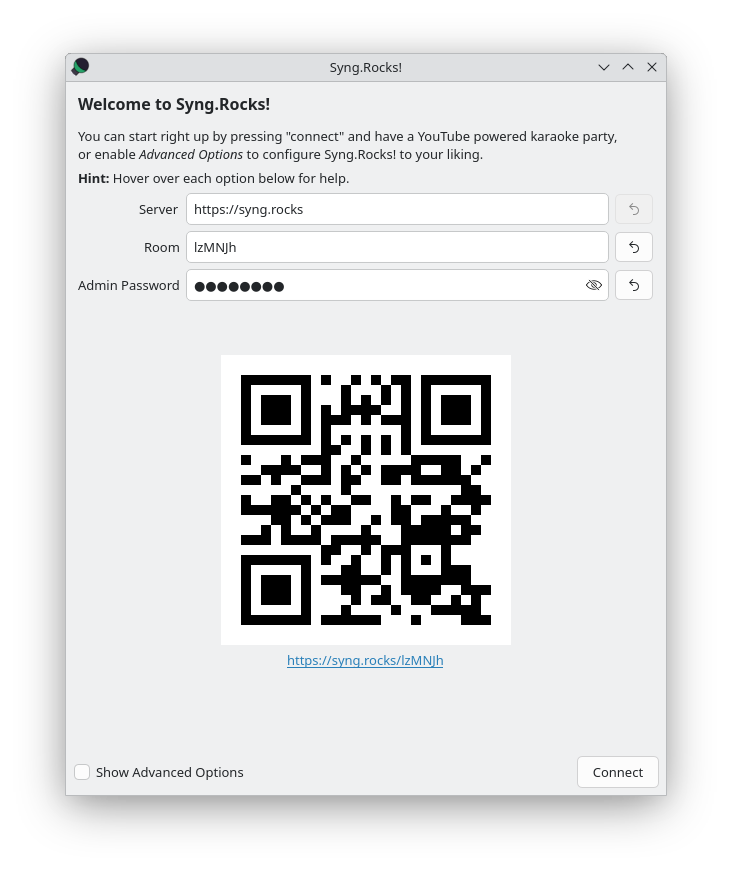
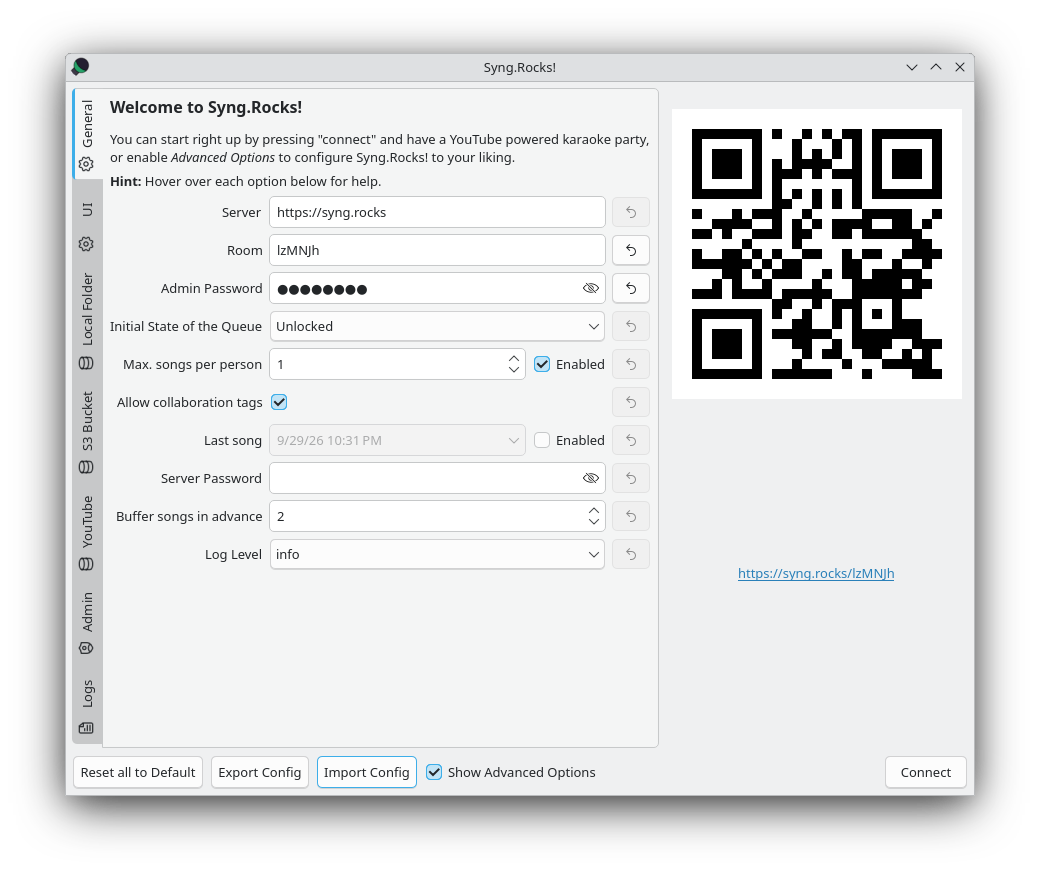
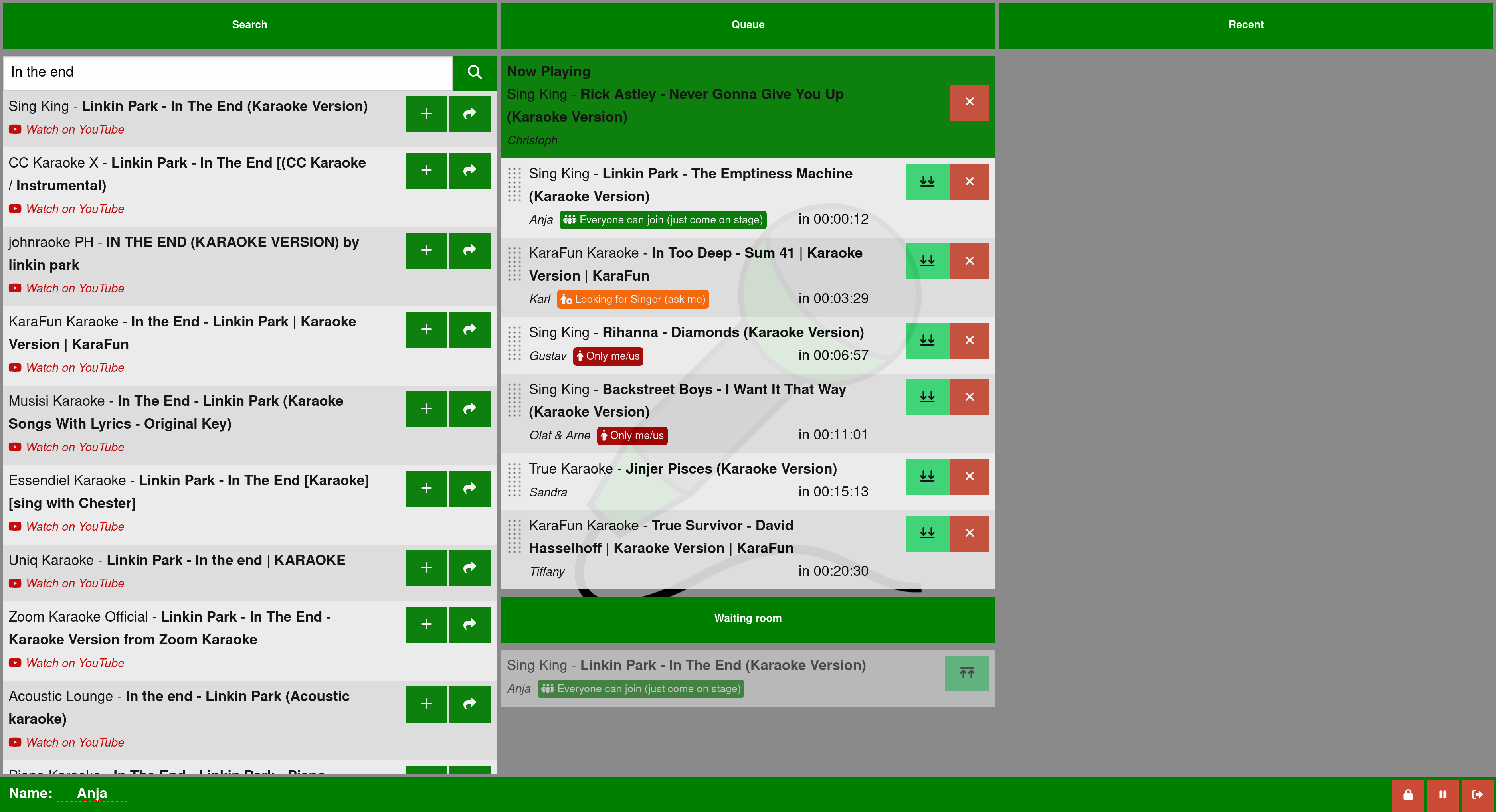
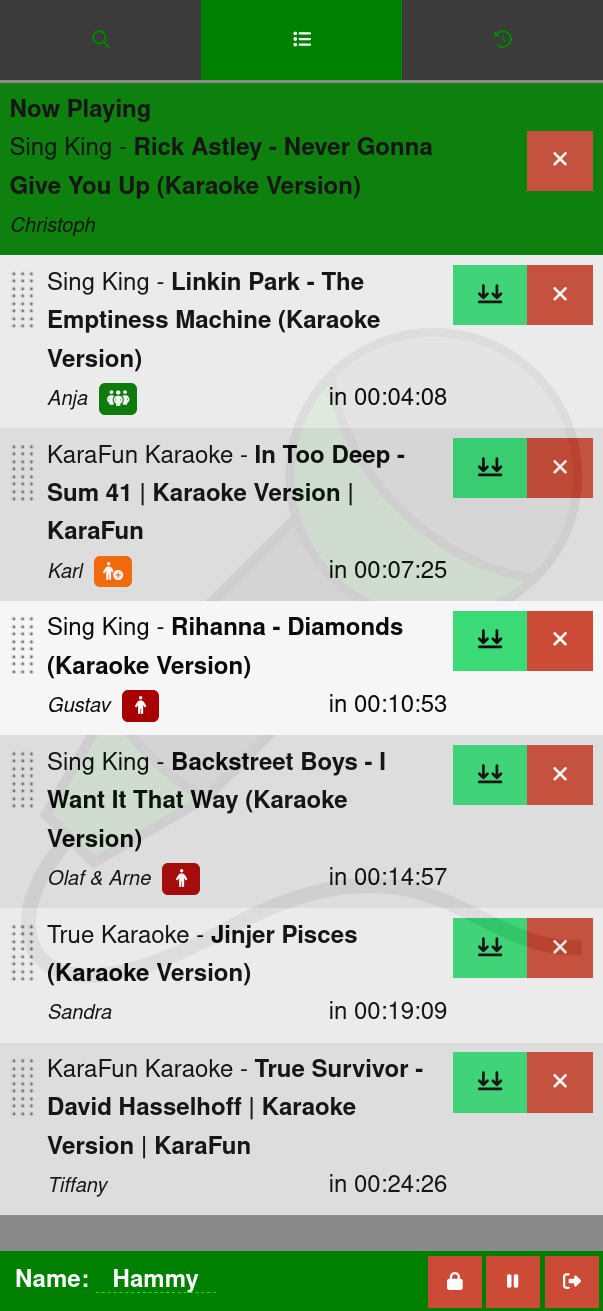
Syng.Rocks! is an all-in-one karaoke software, consisting of a backend server, a web frontend and a playback client. Karaoke performers can search a library using the web frontend, and add songs to the queue. The playback client retrieves songs from the backend server and plays them in order.
You can play songs from YouTube, an S3 storage or simply share local files.
The playback client uses mpv for playback and can therefore play a variety of file formats, such as mp3+cdg, webm, mp4, ...
Join our matrix room or follow us on mastodon for update notifications and support.
Screenshots
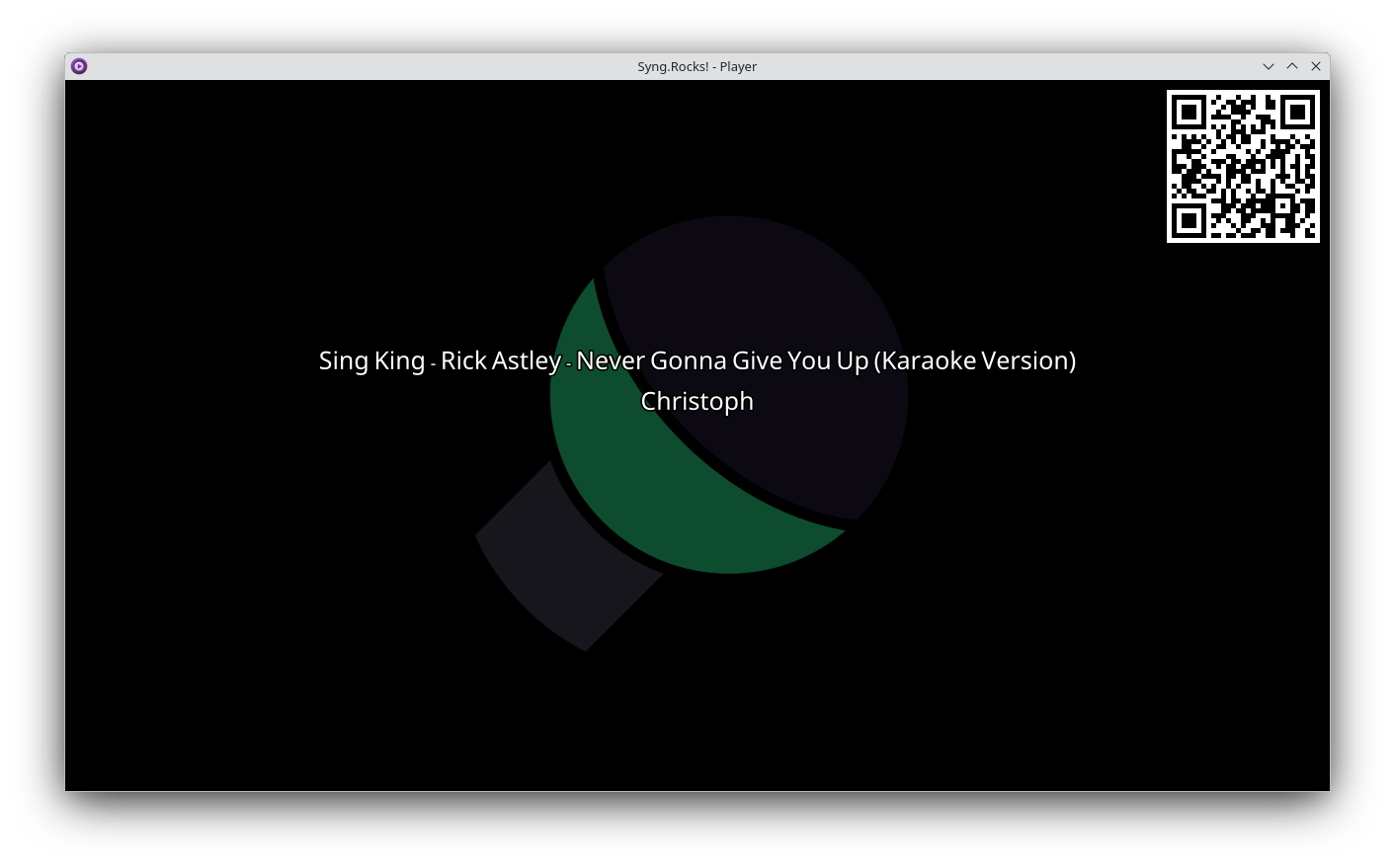
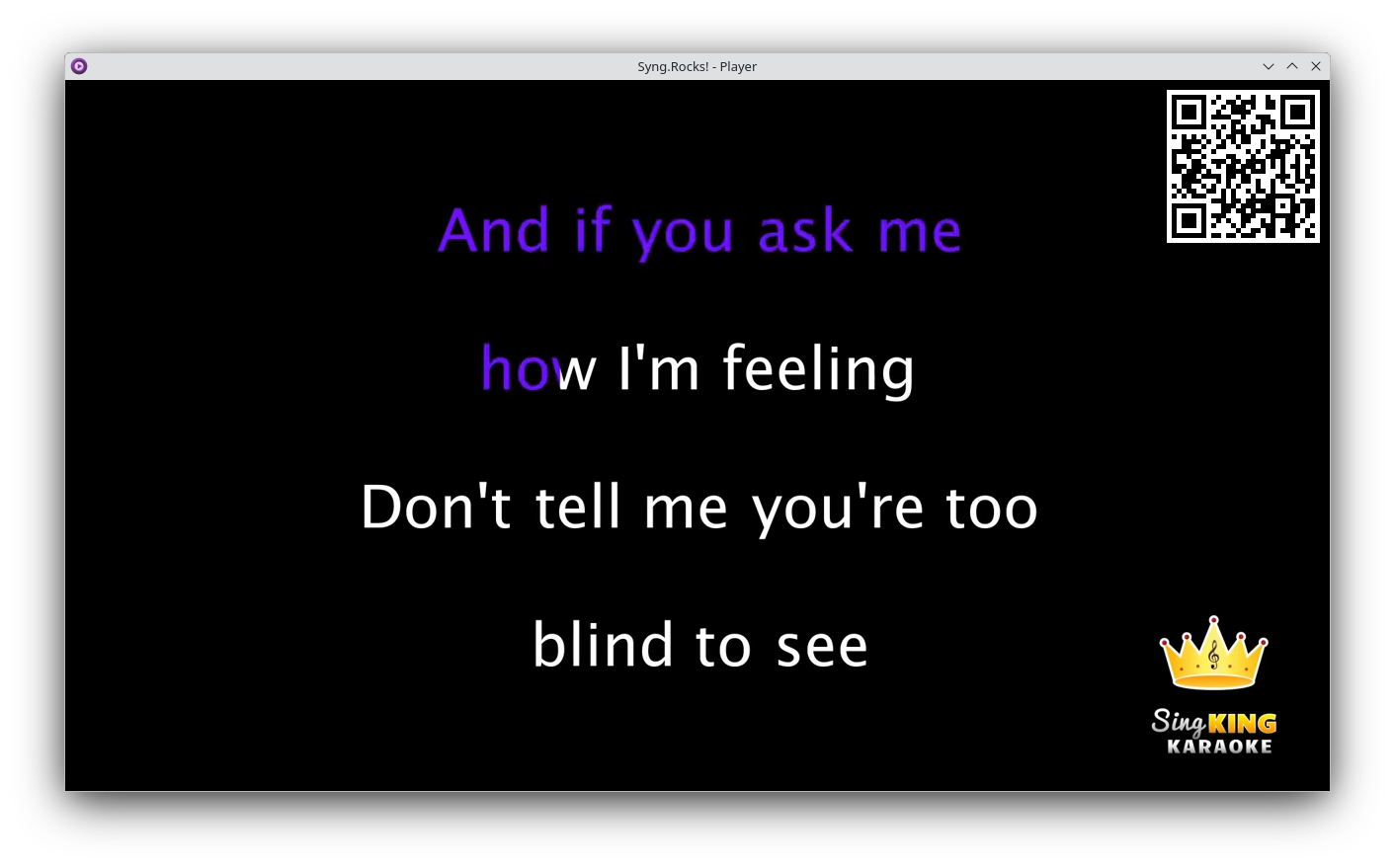
Client

To host a karaoke event, you only need to use the playback client. You can use the publicly available instance at https://syng.rocks as your server.
Installation
Linux
The preferred way to install the client is via Flathub.
Alternatively Syng.Rocks! can be installed via the Python Package Index (PyPI). When installing the client it is mandatory to include the client flag:
pip install 'syng[client]'
This installs both the playback client (syng client) and a configuration GUI (syng gui).
Note: When installing via PyPI, you need to have libmpv installed on machine of the playback client. Additionally, since version 2.2.1, you also need to have deno installed for proper YouTube support.
The Syng.Rocks! client is also packaged for Arch Linux in the Arch Linux user repository. The package is maintaned by topas-rec and not by the Syng.Rocks developers.
Windows
Windows support is experimental, but you can download the current version from Releases. No installation necessary, you can just run the exe.
Usage
See Website.
Server
If you want to host your own Syng.Rocks! server, you can do that, but you can also use the publicly available Syng.Rocks! instance at https://syng.rocks.
Python Package Index
You can install the server via pip:
pip install syng[server]
and then run via:
syng server
The server is also automatically available if you install the client via FlatPak.
Docker
Alternatively you can run the server using docker. It listens on port 8080 and reads a key file at /app/keys.txt when configured as private.
docker run --rm -v /path/to/your/keys.txt:/app/keys.txt -p 8080:8080 ghcr.io/christofsteel/syng -H 0.0.0.0
Arch Linux
The Syng.Rocks! server is also packaged for Arch Linux in the Arch Linux user repository. The package is maintaned by topas-rec and not by the Syng.Rocks developers.
Configuration
See Website.
1 maintainer

Metadata
1 maintainer
Release files for syng 2.4.0
For a detailed explanation of source distributions (sdists) and built distributions (wheels), please see the package formats documentation.
Source distribution (sdist)
| File | Size | Uploaded | |
|---|---|---|---|
| syng-2.4.0.tar.gz | 714.7 kB | Details |
Built distribution (wheel)
| File | Interpreter | ABI | Platform | Reset |
|---|---|---|---|---|
| syng-2.4.0-py3-none-any.whl | Python 3 | none | any | Details |
Total release size: 1.4 MB
Release files / syng-2.4.0.tar.gz
| Download URL | syng-2.4.0.tar.gz |
|---|---|
| Size | 714.7 kB |
| Tags | Source |
|
SHA-256 checksum How to use checksums |
7fda283cef907391e4a00b3557fde7834952e88c55da8ac5959e6ab2772b6630
|
|
BLAKE2b-256 checksum How to use checksums |
69b484ae40d1abeae10a71b85c58893c20144ca61a62ba5b59b1262ece439e28
|
| Upload date | |
|
Uploaded using Trusted Publishing? What is trusted publishing? |
No |
| Uploaded via |
uv/0.11.19 {"installer":{"name":"uv","version":"0.11.19","subcommand":["publish"]},"python":null,"implementation":{"name":null,"version":null},"distro":{"name":"Ubuntu","version":"24.04","id":"noble","libc":null},"system":{"name":null,"release":null},"cpu":null,"openssl_version":null,"setuptools_version":null,"rustc_version":null,"ci":true}
|
Release files / syng-2.4.0-py3-none-any.whl
| Download URL | syng-2.4.0-py3-none-any.whl |
|---|---|
| Size | 726.1 kB |
| Tags | Python 3 |
|
SHA-256 checksum How to use checksums |
db71d13d5a1e9e794e94526e42b11a8ce9b612f60877b3a33116ef600c41481a
|
|
BLAKE2b-256 checksum How to use checksums |
49120a6eac66737f2e9797e6ba00afbb8d24a425b4c44df64422ab4bc5d0b6a1
|
| Upload date | |
|
Uploaded using Trusted Publishing? What is trusted publishing? |
No |
| Uploaded via |
uv/0.11.19 {"installer":{"name":"uv","version":"0.11.19","subcommand":["publish"]},"python":null,"implementation":{"name":null,"version":null},"distro":{"name":"Ubuntu","version":"24.04","id":"noble","libc":null},"system":{"name":null,"release":null},"cpu":null,"openssl_version":null,"setuptools_version":null,"rustc_version":null,"ci":true}
|














