
A simple Pomodoro timer with ASCII art display that runs on terminal.

Project description
t-pomo
t-pomo is a lightweight Pomodoro timer designed for the terminal. The "t" stands for terminal, and "pomo" is short for Pomodoro, a time management technique that boosts productivity by alternating focused work sessions with short breaks.
🛠 Installation
Ensure you have Python installed (>=3.9), then install the package using pip:
pip install t-pomo
📌 Usage
Run the Pomodoro timer with:
t-pomo
You'll be prompted to enter:
- Work duration (default: 25 minutes)
- Break duration (default: 5 minutes)
- Number of Pomodoro loops (default: 1)
Example:
Enter working time in minutes [25]: 30
Enter break time in minutes [5]: 10
Enter countdown loop time [1]: 4
This starts a 30-minute work session followed by a 10-minute break, repeating 4 times.
After each break, an inspirational quote is displayed to keep you motivated.
Use [p] PAUSE | [s] SKIP | [q] STOP to control the timer.
🖼 Preview
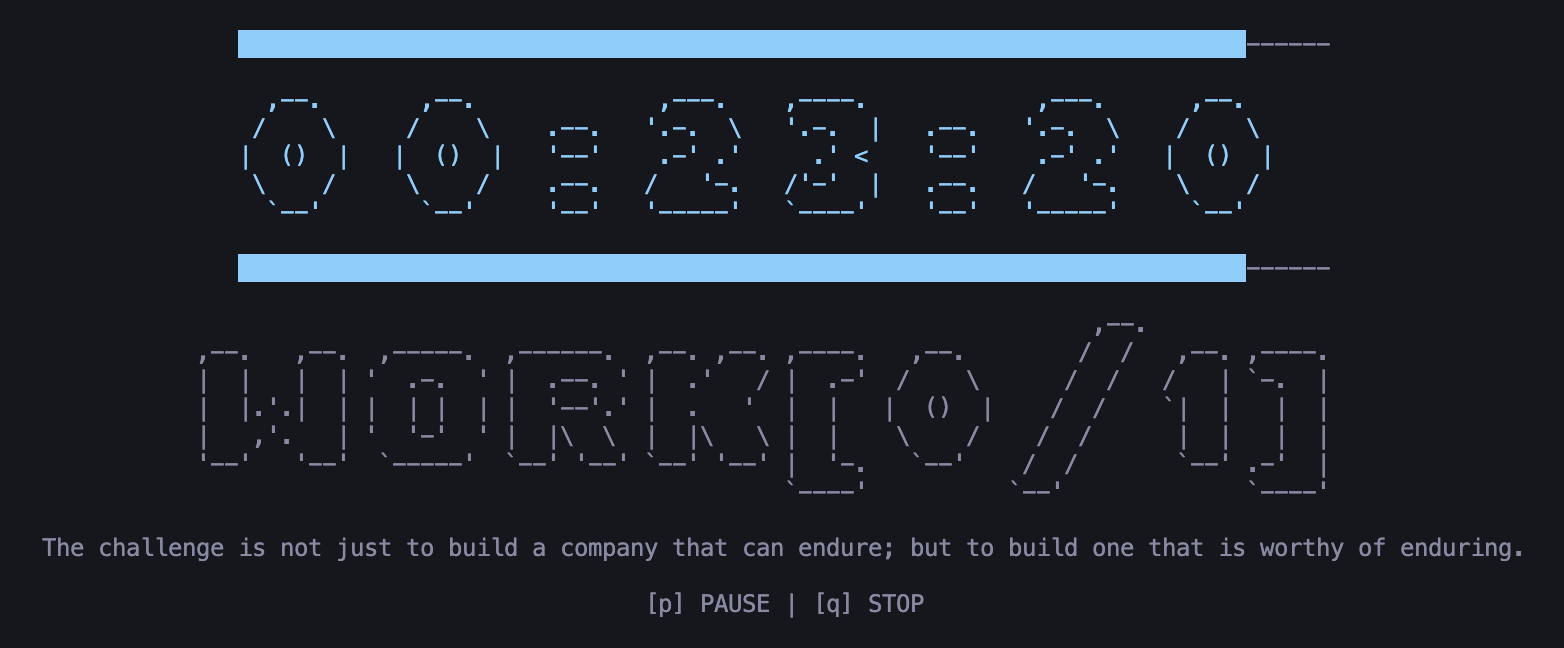
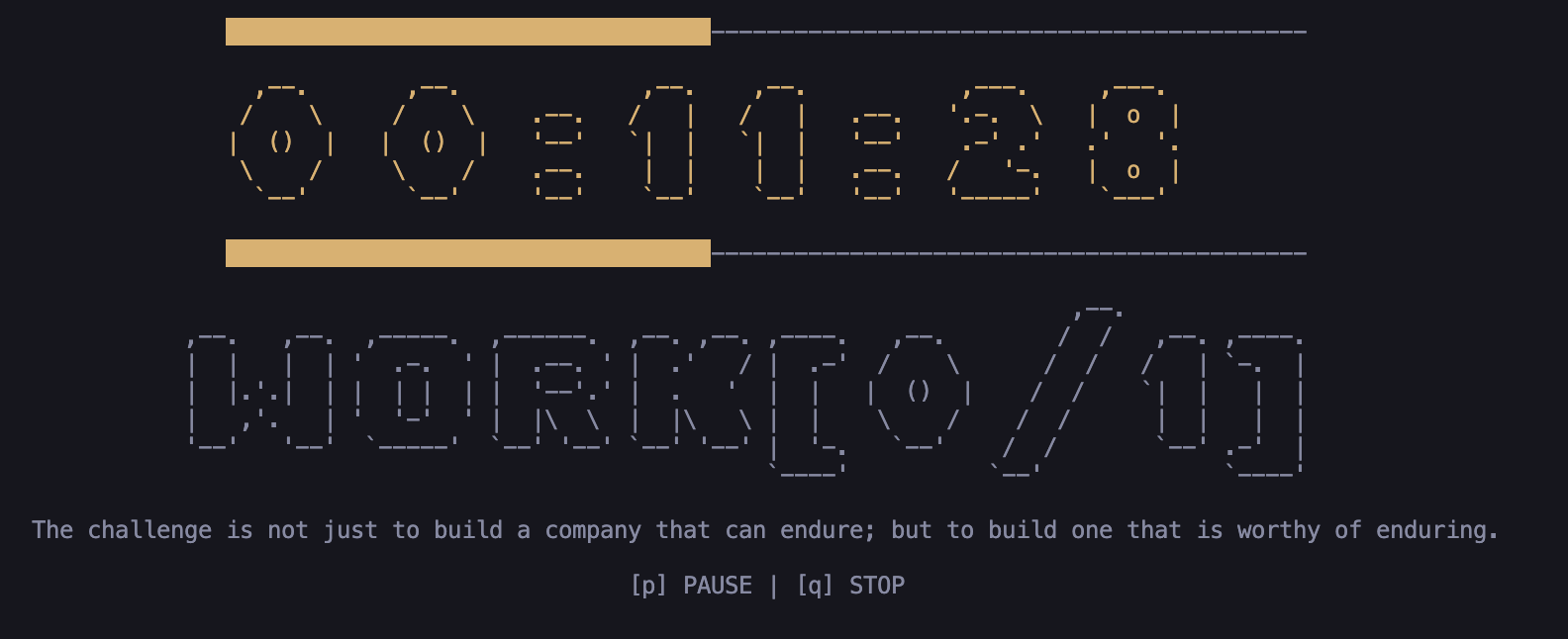
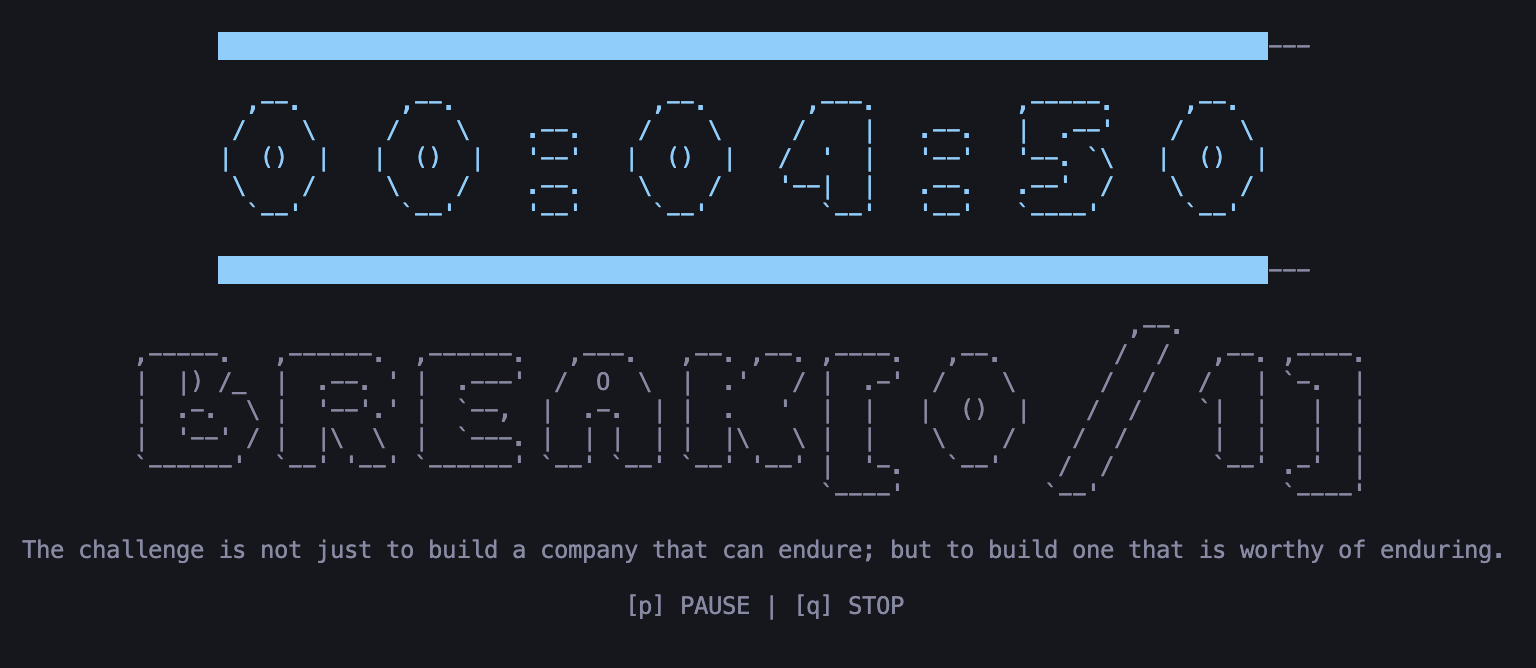
The timer features an ASCII-style countdown with a modern, solid block progress bar. The interface changes color dynamically to indicate urgency:
- Cyan: Relaxed (> 50% time remaining)
- Yellow: Warning (20-50% time remaining)
- Red: Urgent (< 20% time remaining)
- Work
- Break
Release history Release notifications | RSS feed


Download files
Download the file for your platform. If you're not sure which to choose, learn more about installing packages.
Source Distributions
Built Distribution
Filter files by name, interpreter, ABI, and platform.
If you're not sure about the file name format, learn more about wheel file names.
Copy a direct link to the current filters
File details
Details for the file t_pomo-0.8.0-py3-none-any.whl.
File metadata
- Download URL: t_pomo-0.8.0-py3-none-any.whl
- Upload date:
- Size: 5.3 kB
- Tags: Python 3
- Uploaded using Trusted Publishing? No
- Uploaded via: twine/6.2.0 CPython/3.12.13
File hashes
| Algorithm | Hash digest | |
|---|---|---|
| SHA256 |
37de4c8067be505a1c907c4615b05313d2a13895766ba7be710702400c96ad44
|
|
| MD5 |
2e4b8f5133854ba500d63711efe329fe
|
|
| BLAKE2b-256 |
a2ed2c74a4df806d807d2aa00bbc0d166b6508e8d1da172fc95537ddf50f786e
|






