
text-to-gif
AKA t2g or text-to-gif-cli on pypi
Well, I didn't find a python lib to process the text as gif.
So I developed this.
It can help me to create gif from pure text input.
t2g(text-to-gif) 支持开发者把文本转化为gif进行动态播放。
学委写了很多文章都是贴静态图的,后来准备改成gif动图。
发现市场没有这样的。所以用python写了一个小工具。
它支持把 文本/代码 转化为gif 动态展示。
If there is a 'input.txt' on current dir
We can just run 't2g'.
And it will generate text2gif.gif file on current dir with default options
Powered by pypi-seed
Quickstart
Usage doc generation:
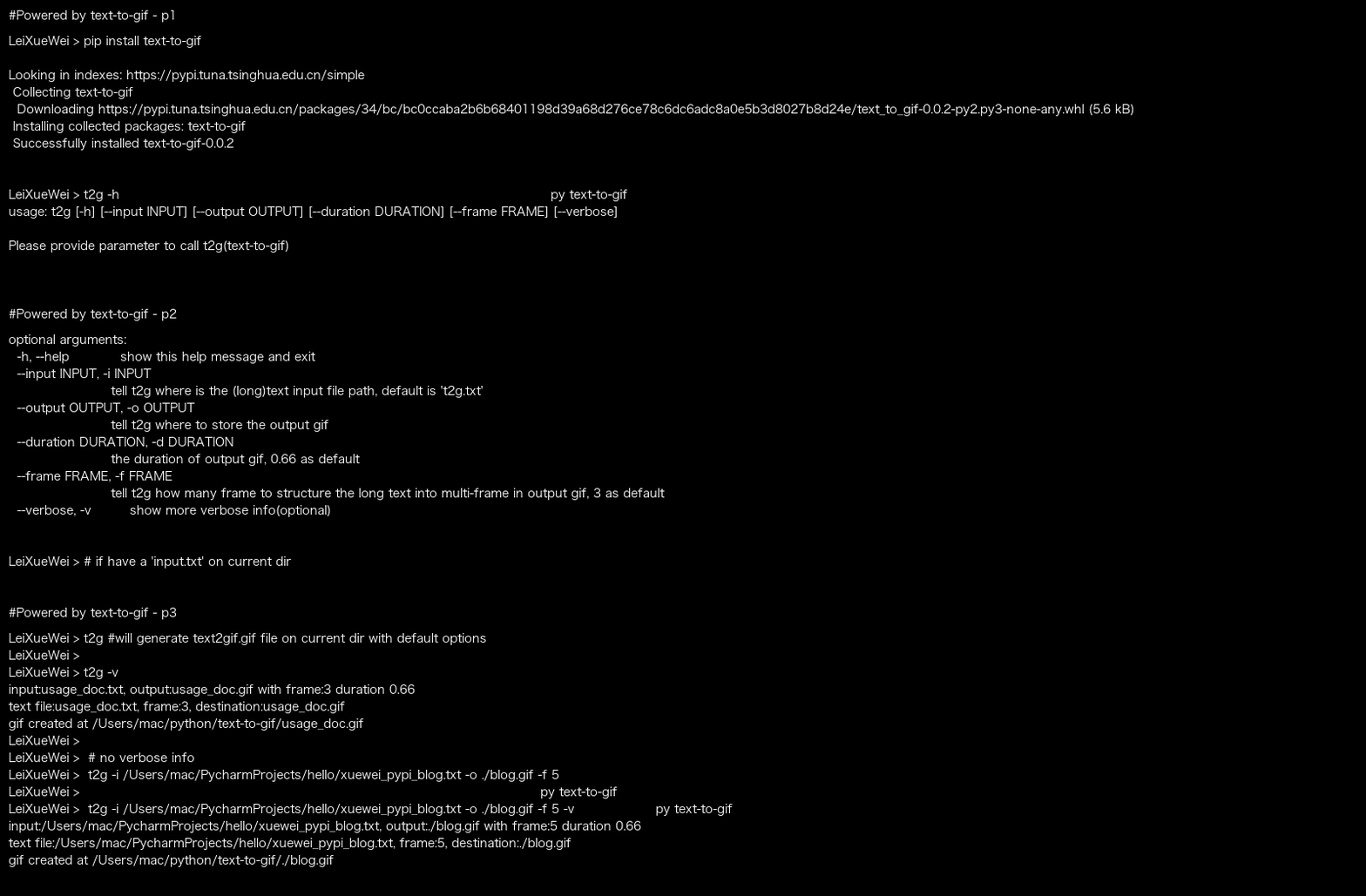
So any github user can use this tool to generate usage_doc.gif or specify your quick start doc as gif
Run with emoji in text file:
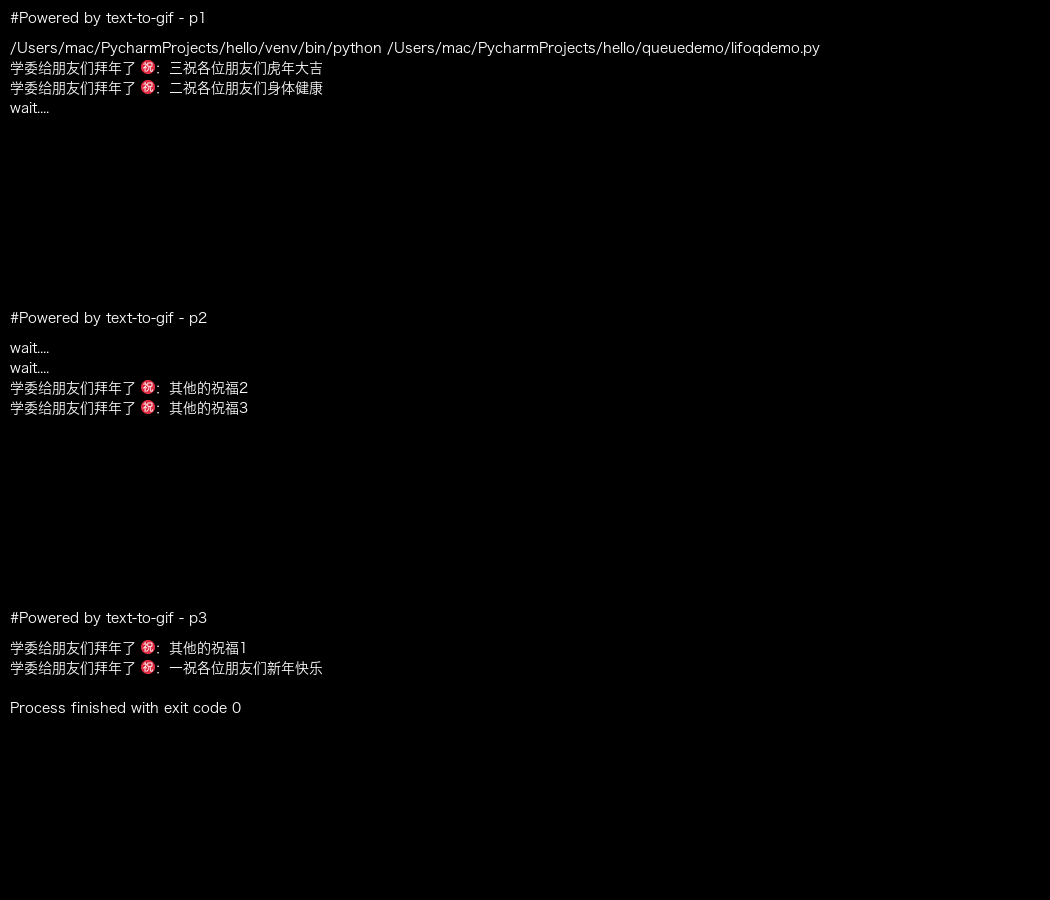
In case the above gif not rendering so well:

Installation / 安装
Get t2g by pip (通过PIP工具来安装text-to-gif)
pip install text-to-gif
Print the usage
t2g -h
Use text-to-gif as CLI / 命令行使用
We can call the cli 't2g' or 'text-to-gif' or 'ttg':
调用下面两个命令行即可。
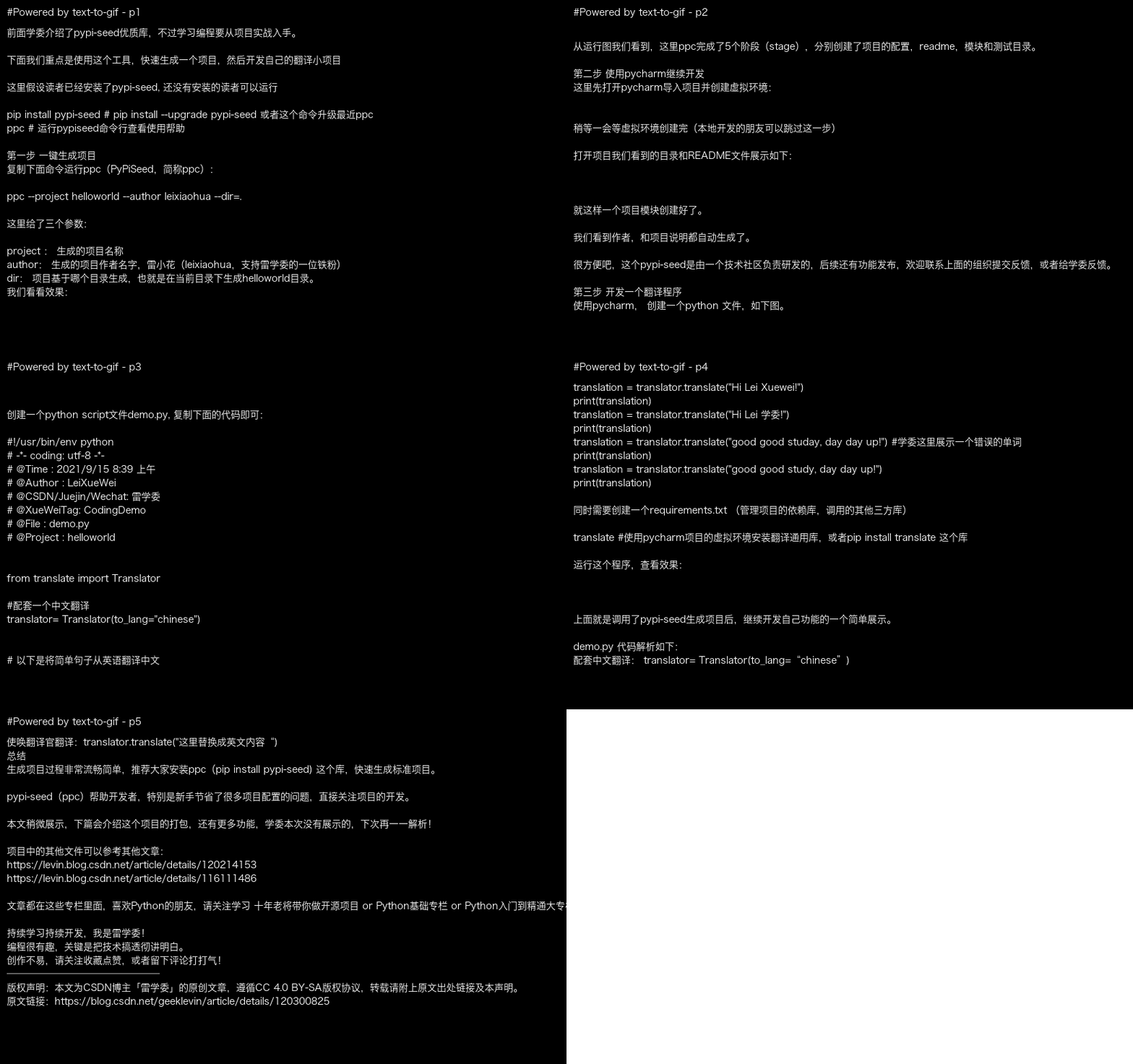
t2g -p /Users/mac/PycharmProjects/hello/xuewei_pypi_blog.txt -d ./blog.gif -f 5
ttg -p /Users/mac/PycharmProjects/hello/xuewei_pypi_blog.txt -d ./blog.gif -f 5
text2gif -p /Users/mac/PycharmProjects/hello/xuewei_pypi_blog.txt -d ./blog.gif -f 5
The above command will generate below gif:
More Info
Author 雷学委
The features
-
support text file into gif file in multi frames within default/specific duration
-
support text file with emoji
For this support, t2g uses pilmoji to handle emoji
- support user to provider a folder as input, t2g will collect list of text file(*.txt) first
If there is not text file, it will try to collect list of logs (*.log) file and render them as a n frame gif(n=the number of match files)
- run 't2g-opt' to check out the t2g environment variables to enable your own customization
t2g-opt will print the env var, and you can set the default value.
1 maintainer

Metadata
1 maintainer
Release files for t2g 0.0.9
For a detailed explanation of source distributions (sdists) and built distributions (wheels), please see the package formats documentation.
Built distribution (wheel)
| File | Interpreter | ABI | Platform | Reset |
|---|---|---|---|---|
| t2g-0.0.9-py2.py3-none-any.whl | Python 3, Python 2 | none | any | Details |
Release files / t2g-0.0.9-py2.py3-none-any.whl
| Download URL | t2g-0.0.9-py2.py3-none-any.whl |
|---|---|
| Size | 11.2 kB |
| Tags | Python 2 Python 3 |
|
SHA-256 checksum How to use checksums |
fdca71ab31afd069834813ba2327d261c3de4801cc997b2ed5c93ec386f0c251
|
|
BLAKE2b-256 checksum How to use checksums |
e9157ec536faf3e208a83189fb0f2eacfdbe779486d0d6b549bc5ae4f553e95d
|
| Upload date | |
|
Uploaded using Trusted Publishing? What is trusted publishing? |
No |
| Uploaded via |
twine/3.4.2 importlib_metadata/4.8.1 pkginfo/1.7.1 requests/2.25.1 requests-toolbelt/0.9.1 tqdm/4.62.2 CPython/3.8.4
|














