
2048 in your terminal with an Artificial Intelligence

Project description




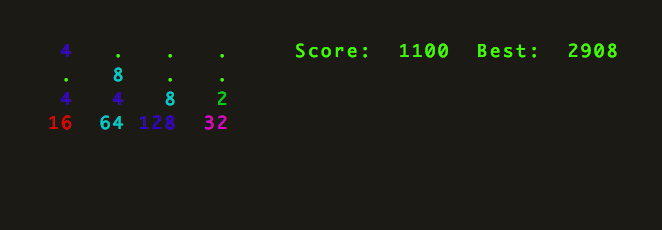
term2048 is a terminal-based version of 2048.
Install
pip install term2048To upgrade a previous installation, use:
pip install -U term2048Play
term2048Then use arrow keys to move. Since version 0.2.1 VI keys (h,j,k,l) are also supported.
Use -h to check the list of available options.
Tests
Clone this repo, then:
[sudo] make deps
make check
Note: while term2048 should work on Windows, tests are meant to run on UNIX-like OSes and term2048.keypress-related tests could fail if run on Windows.
Contributions
--version flag added by @aminb
v0.2.0
Python 2.6 and 3.x support by @shaunduncan
Tests instructions fixed by @olafleur
Spawn probabilities fixed by @frankh
Colors improved by @idosch
hjkl keys support by @aminb
Windows support by @valtron
AZ mode by @JosephRedfern
The first file-related tests were added by @taeram







