







Contents
- Installation
- Features
- Demo
- Quick Start
- Usage
- Contribution
- Planned Features
- Known Issues
- FAQs
- Credits
- Sponsor This Project
Installation
Requirements
-
Operating System: Unix / Linux / Mac OS X / Windows (limited support, see the FAQs)
-
Python >= 3.8
-
A terminal emulator with any of the following:
- support for the Kitty graphics protocol
- support for the iTerm2 inline image protocol
- Unicode and direct-color (truecolor) support
Plans to support a wider variety of terminal emulators are in motion (see the library's planned features).
Steps
The latest version can be installed from PyPI using pipx with:
pipx install termvisage
and upgraded with:
pipx upgrade termvisage
NOTE: pip can also be used but pipx is recommended.
See the installation docs for info about optional features and more.
Features
- Almost everything the term-image library supports
- Display individual images
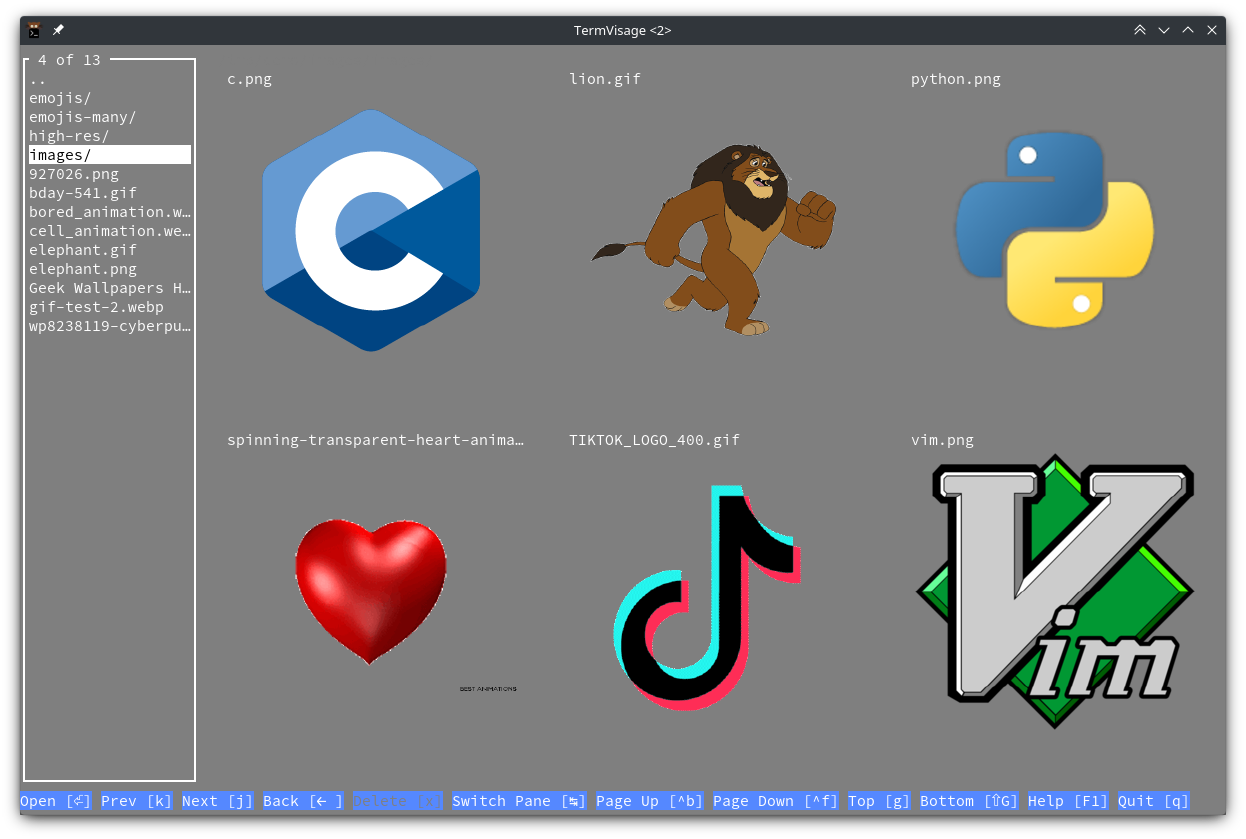
- Browse multiple images and directories (recursively)
- Efficient and configurable thumbnailing
- Adjustable image grids
- Context-based controls
- Customizable controls and configuration options
- Smooth and performant experience
- Shell completion for command-line arguments
- and more... 😁
Demo
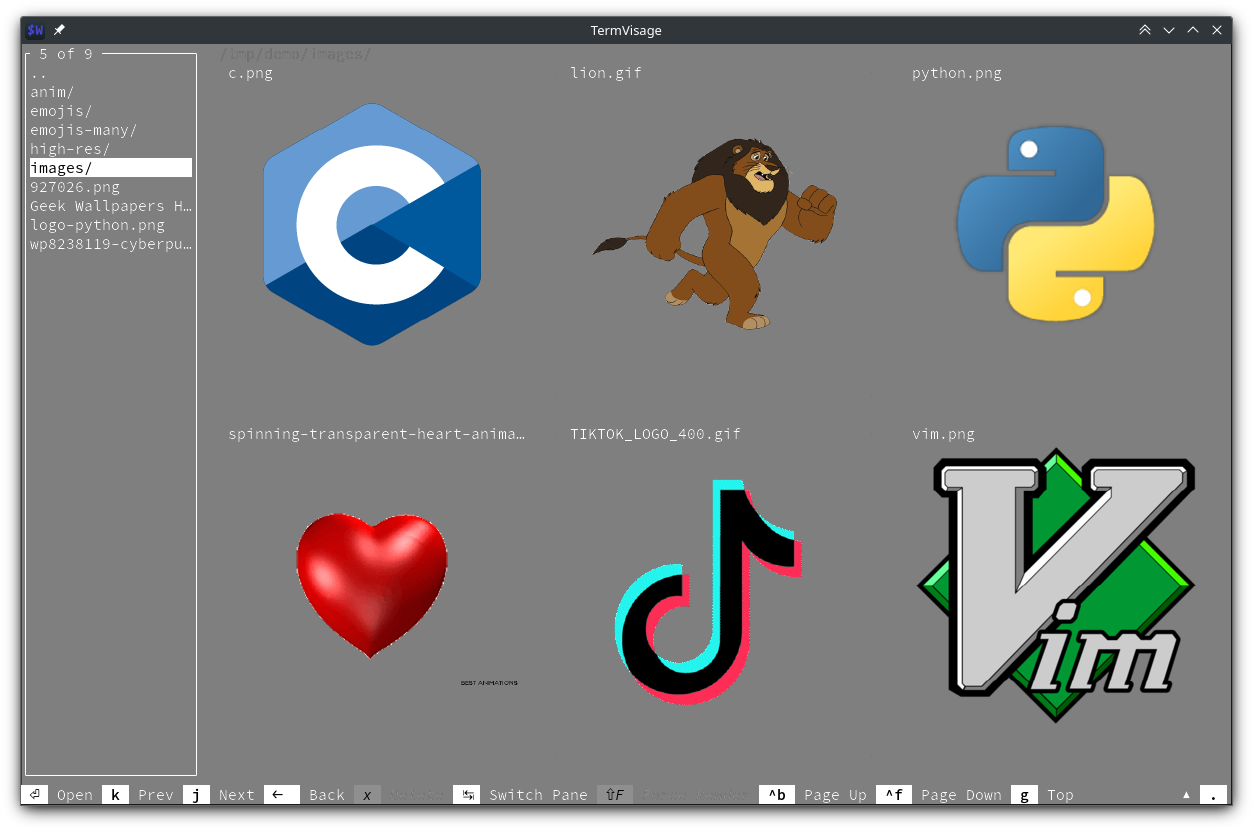
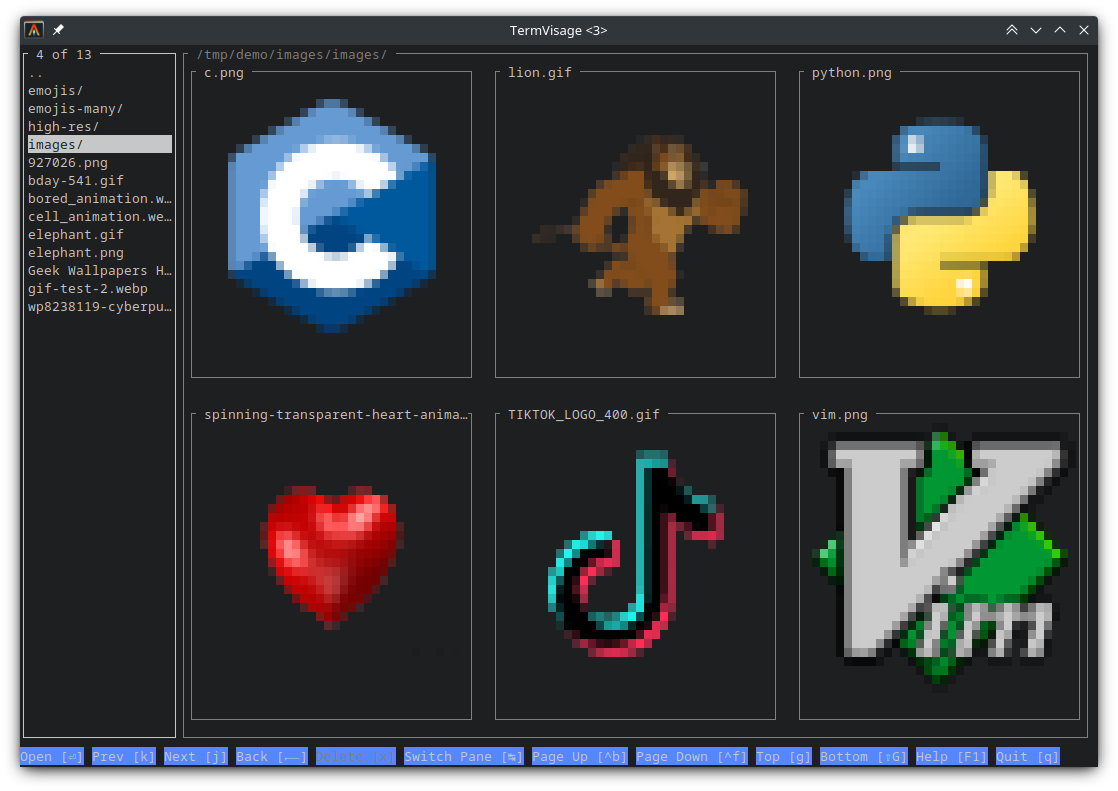
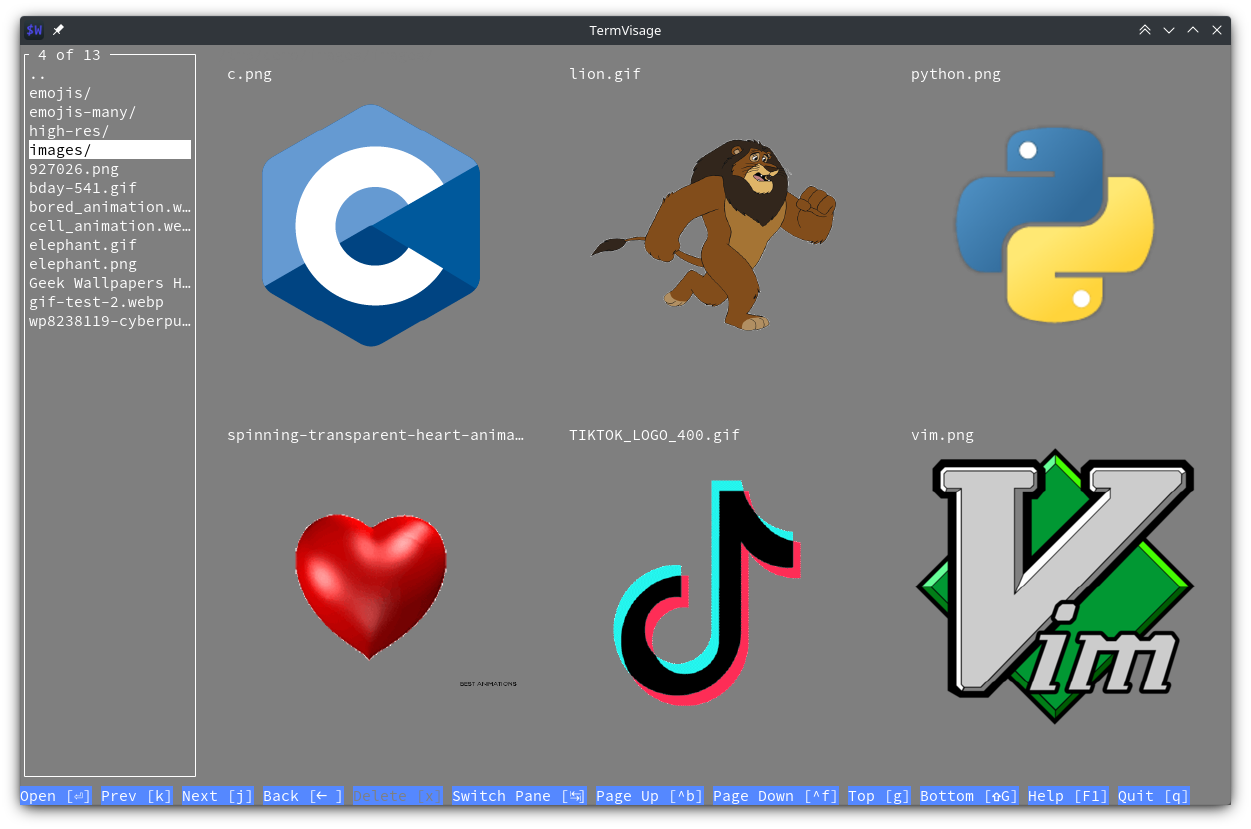
Multiple Render Styles
| block | iterm2 | kitty |
|---|---|---|
 |
 |
 |
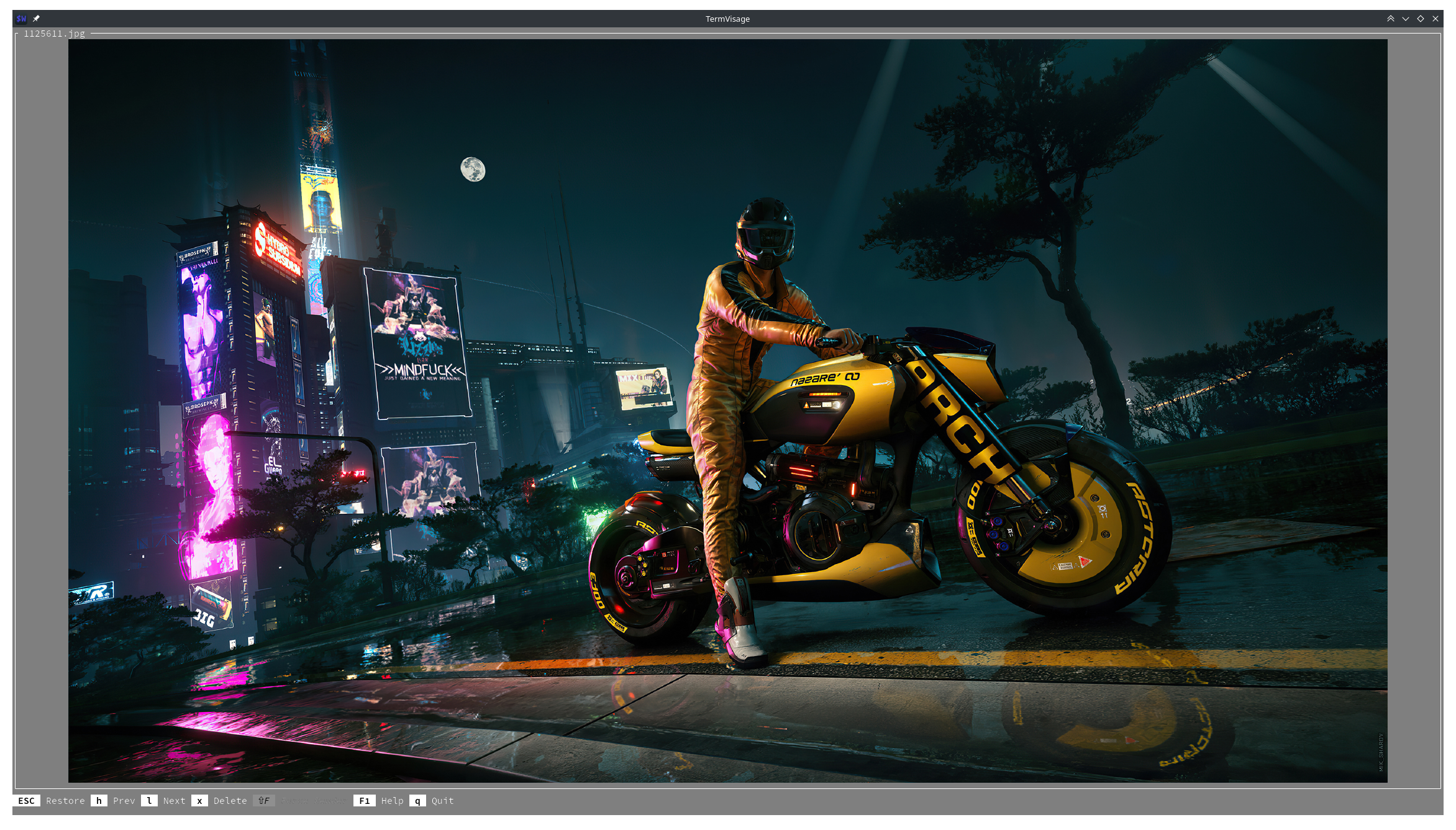
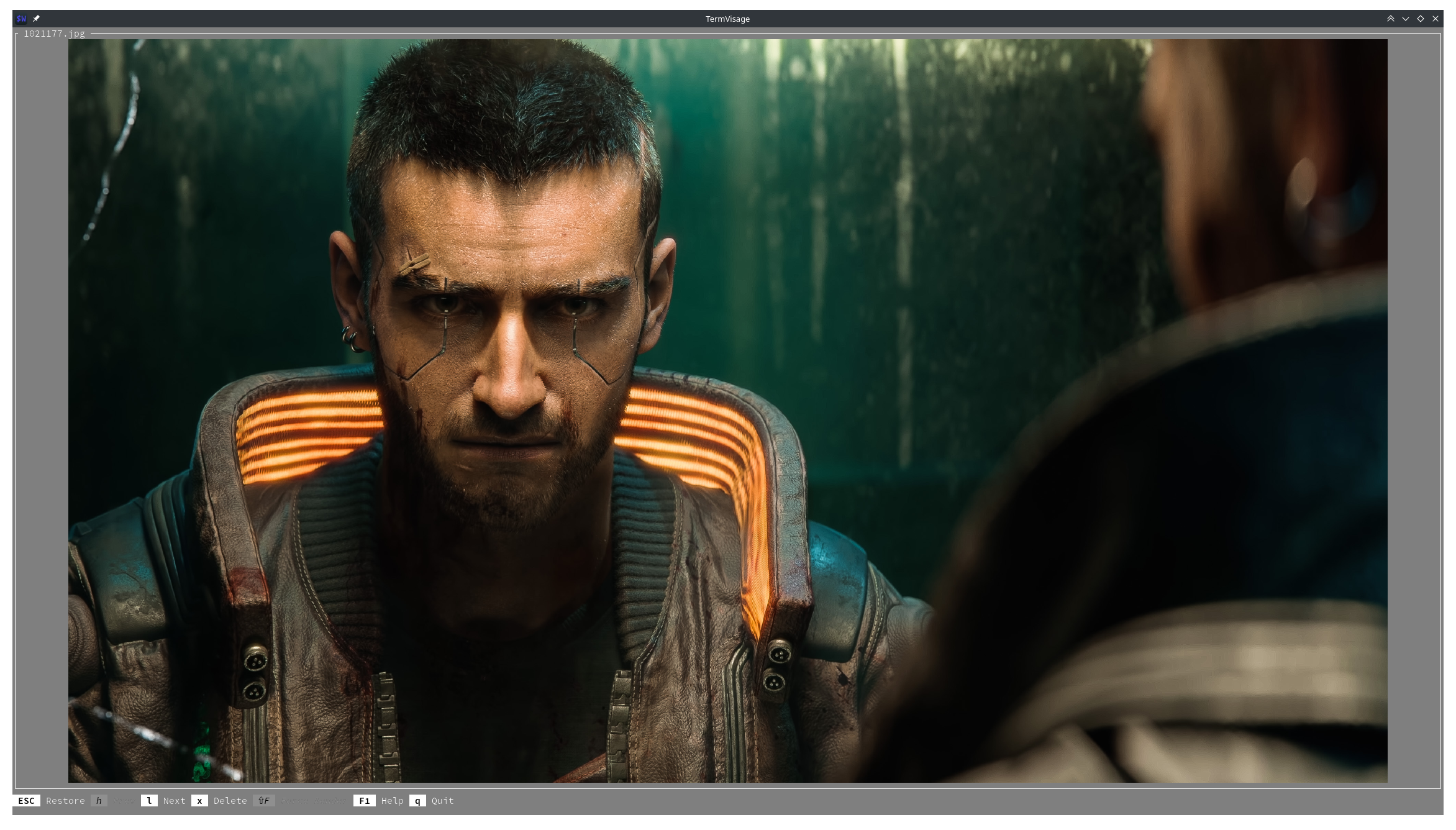
High-Resolution Images
 |
 |
|---|
Video Demo
Gallery
Check out the Gallery for more.
Quick Start
With a file path:
termvisage path/to/image.png
With a URL:
termvisage https://www.example.com/image.png
With a directory, recursively (not currently supported on Windows):
termvisage -r path/to/dir/
If a single source is given and it's animated (GIF, APNG, Animated WebP), the animation is infinitely looped by default and can be stopped with Ctrl-C (SIGINT).
By default, if multiple sources or at least one directory source is given, the TUI (Terminal User Interface) is launched to navigate through the images and/or directories.
Usage
CLI (Command-Line Interface)
Run termvisage --help to see the basic help message or termvisage --long-help for the full help message.
See the CLI manual.
TUI (Terminal User Interface)
The controls are context-based and always displayed at the bottom of the screen.
Pressing the F1 key (in most contexts) brings up a help menu describing the available controls (called actions) in that context.
The TUI can be configured using a config file. See the Configuration section of the docs.
Here is a config file with Vim-style key-bindings (majorly navigation).
See the TUI manual.
Contribution
If you've found any bug or want to suggest a new feature, please open a new issue with proper description, after browsing/searching through the existing issues and making sure you won't create a duplicate.
For code contributions, please read through the guidelines.
Also, check out the Planned Features section below. If you wish to work on any of the listed tasks, please click on the linked issue or go through the issues tab and join in on an ongoing discussion about the task or create a new issue if one hasn't been created yet, so that the implementation can be discussed.
Hint: You can filter issues by label or simply search using the task's name or description.
For anything other than the above (such as questions or anything that would fit under the term "discussion"), please open a new discussion instead.
Thanks! 💓
Planned Features
See here.
Known Issues
See here.
FAQs
See the FAQs section of the docs.
Credits
The following projects have been (and are still) crucial to the development of this project:
- term-image by @AnonymouX47
- Pillow by Fredrik Lundh, Jeffrey A. Clark (Alex) and contributors
- Urwid by Ian Ward et al
- argcomplete by Andrey Kislyuk
The logo was composed using resource(s) from the following source(s):
Thanks to @digitallyserviced for the project name and logo concept.
Sponsor This Project

Any amount will go a long way in aiding the progress and development of this project. Thank you! 💓
1 maintainer

Metadata
1 maintainer
Release files for termvisage 0.2.0
For a detailed explanation of source distributions (sdists) and built distributions (wheels), please see the package formats documentation.
Source distribution (sdist)
| File | Size | Uploaded | |
|---|---|---|---|
| termvisage-0.2.0.tar.gz | 68.3 kB | Details |
Built distribution (wheel)
| File | Interpreter | ABI | Platform | Reset |
|---|---|---|---|---|
| termvisage-0.2.0-py3-none-any.whl | Python 3 | none | any | Details |
Total release size: 139.6 kB
Release files / termvisage-0.2.0.tar.gz
| Download URL | termvisage-0.2.0.tar.gz |
|---|---|
| Size | 68.3 kB |
| Tags | Source |
|
SHA-256 checksum How to use checksums |
df3a7d0de7a6610c422c8209d227bd653f435a061576662d0ee43f365dc74c7f
|
|
BLAKE2b-256 checksum How to use checksums |
204df7c3f6467049956c9fb74bae8ec50ba899f2a830861d8223f1db3e7783c1
|
| Upload date | |
|
Uploaded using Trusted Publishing? What is trusted publishing? |
No |
| Uploaded via |
twine/5.1.0 CPython/3.10.10
|
Release files / termvisage-0.2.0-py3-none-any.whl
| Download URL | termvisage-0.2.0-py3-none-any.whl |
|---|---|
| Size | 71.3 kB |
| Tags | Python 3 |
|
SHA-256 checksum How to use checksums |
ec1a6d87d413c0234157ba2226bf15f012a6175ef9a640e9a395636d0fdc5248
|
|
BLAKE2b-256 checksum How to use checksums |
ee9e7cab9c910dab719a73bb75e6c0259937fe8e6c077215a4e7a1c6879829a6
|
| Upload date | |
|
Uploaded using Trusted Publishing? What is trusted publishing? |
No |
| Uploaded via |
twine/5.1.0 CPython/3.10.10
|














