
Locust






Locust is an easy to use, scriptable and scalable performance testing tool. You define the behaviour of your users in regular Python code, instead of using a clunky UI or domain specific language. This makes Locust infinitely expandable and very developer friendly.
Features
Write user test scenarios in plain-old Python
If you want your users to loop, perform some conditional behaviour or do some calculations, you just use the regular programming constructs provided by Python. Locust runs every user inside its own greenlet (a lightweight process/coroutine). This enables you to write your tests like normal (blocking) Python code instead of having to use callbacks or some other mechanism. Because your scenarios are “just python” you can use your regular IDE, and version control your tests as regular code (as opposed to some other tools that use XML or binary formats)
from locust import HttpUser, task, between

class QuickstartUser(HttpUser):
    wait_time = between(1, 2)

    def on_start(self):
        self.client.post("/login", json={"username":"foo", "password":"bar"})

    @task
    def index_page(self):
        self.client.get("/hello")
        self.client.get("/world")

    @task(3)
    def view_item(self):
        for item_id in range(10):
            self.client.get(f"/item?id={item_id}", name="/item")
Distributed & Scalable - supports hundreds of thousands of users
Locust makes it easy to run load tests distributed over multiple machines. It is event-based (using gevent), which makes it possible for a single process to handle many thousands concurrent users. While there may be other tools that are capable of doing more requests per second on a given hardware, the low overhead of each Locust user makes it very suitable for testing highly concurrent workloads.
Web-based UI
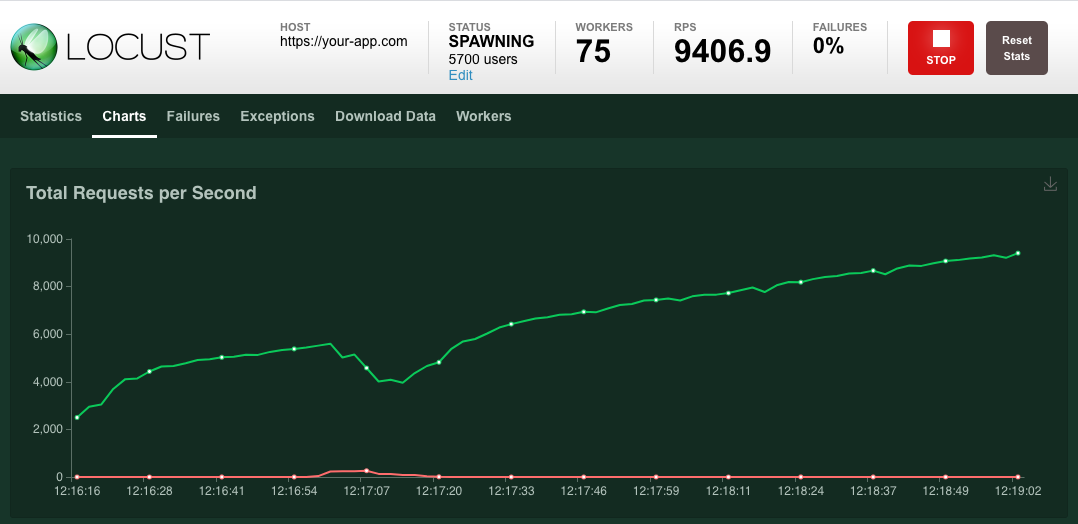
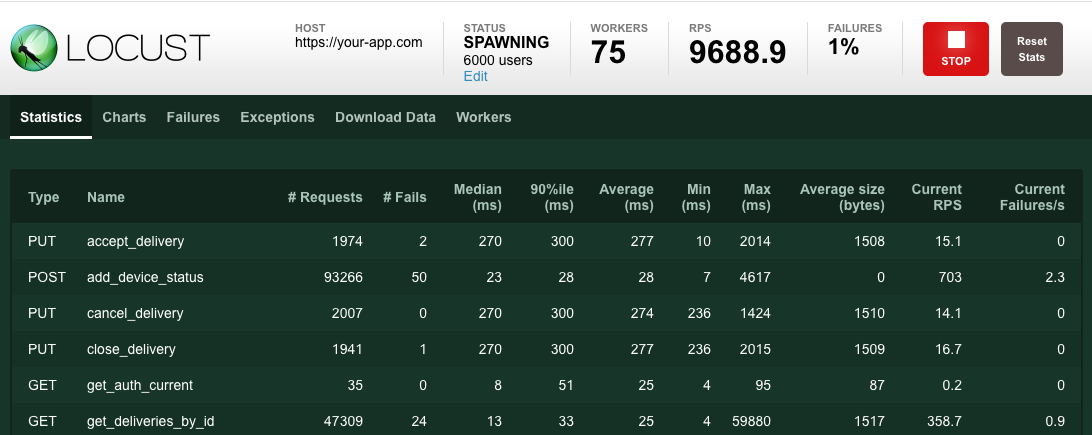
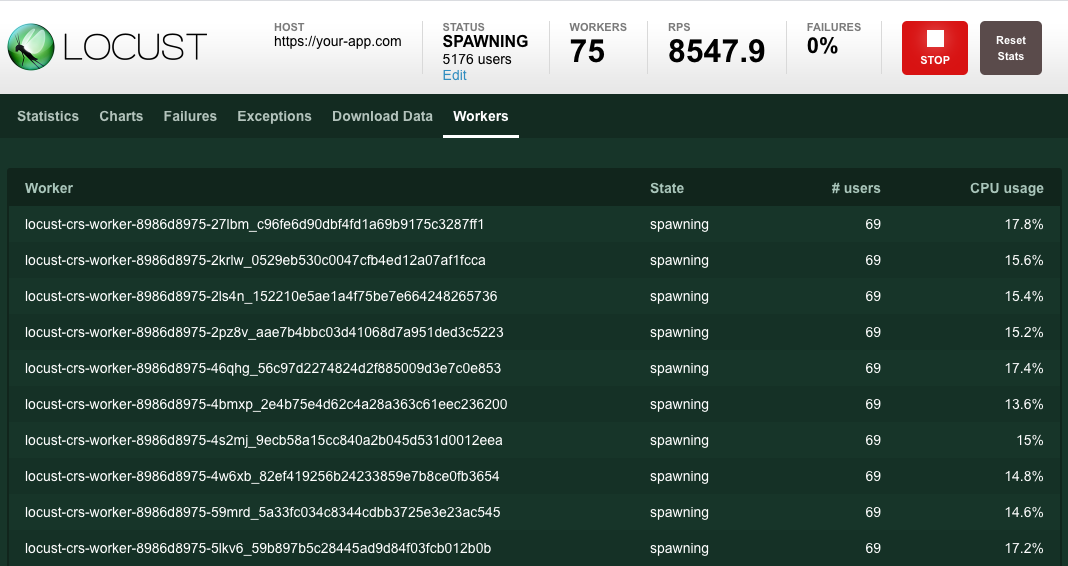
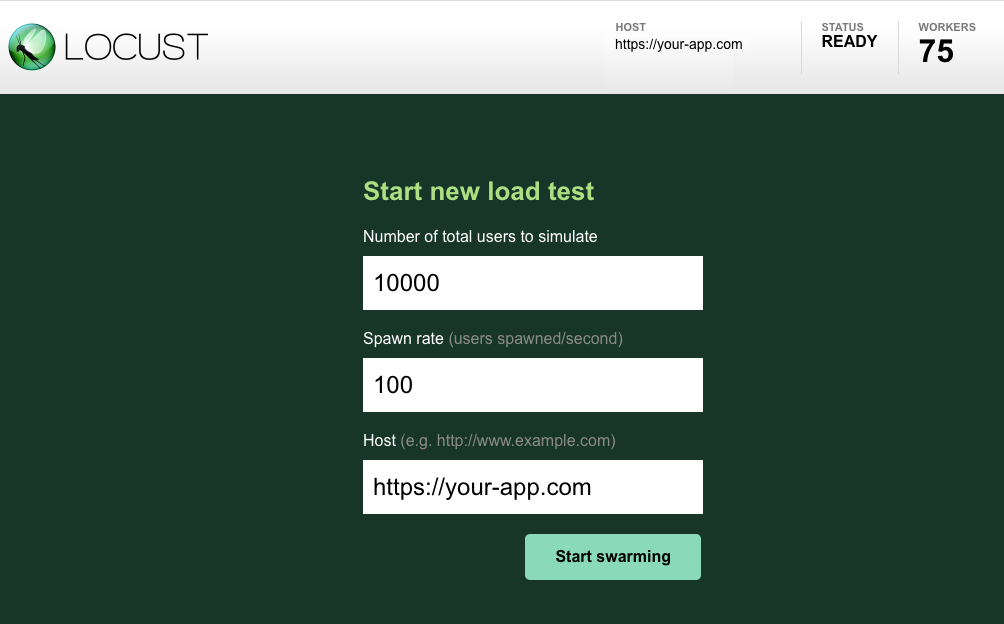
Locust has a user friendly web interface that shows the progress of your test in real-time. You can even change the load while the test is running. It can also be run without the UI, making it easy to use for CI/CD testing.
Can test any system
Even though Locust primarily works with web sites/services, it can be used to test almost any system or protocol. Just write a client for what you want to test, or explore some created by the community.
Hackable
Locust is small and very flexible and we intend to keep it that way. If you want to send reporting data to that database & graphing system you like, wrap calls to a REST API to handle the particulars of your system or run a totally custom load pattern, there is nothing stopping you!
Links
- Website: locust.io
- Documentation: docs.locust.io
- Code/issues: Github
- Support/Questions: StackOverflow
- Chat/discussion: Slack signup
Authors
- Carl Bystr (@cgbystrom on Twitter)
- Jonatan Heyman (@jonatanheyman on Twitter)
- Joakim Hamrén (@Jahaaja on Twitter)
- Hugo Heyman (@hugoheyman on Twitter)
- Lars Holmberg
License
Open source licensed under the MIT license (see LICENSE file for details).
1 maintainer

Metadata
1 maintainer
Release files for thickly 1.2.3
For a detailed explanation of source distributions (sdists) and built distributions (wheels), please see the package formats documentation.
Source distribution (sdist)
| File | Size | Uploaded | |
|---|---|---|---|
| thickly-1.2.3.tar.gz | 641.6 kB | Details |
Built distribution (wheel)
| File | Interpreter | ABI | Platform | Reset |
|---|---|---|---|---|
| thickly-1.2.3-py3-none-any.whl | Python 3 | none | any | Details |
Total release size: 1.3 MB
Release files / thickly-1.2.3.tar.gz
| Download URL | thickly-1.2.3.tar.gz |
|---|---|
| Size | 641.6 kB |
| Tags | Source |
|
SHA-256 checksum How to use checksums |
d8420f549e548fac10e669406ee781ac1866f578b3570e777d65315617518853
|
|
BLAKE2b-256 checksum How to use checksums |
49b3de32ec2e45464b9d204368318b3da3b02ff70c35b54340cdee9ed0cfaadf
|
| Upload date | |
|
Uploaded using Trusted Publishing? What is trusted publishing? |
No |
| Uploaded via |
twine/3.2.0 pkginfo/1.5.0.1 requests/2.22.0 setuptools/46.1.3.post20200330 requests-toolbelt/0.9.1 tqdm/4.48.2 CPython/3.8.2
|
Release files / thickly-1.2.3-py3-none-any.whl
| Download URL | thickly-1.2.3-py3-none-any.whl |
|---|---|
| Size | 658.4 kB |
| Tags | Python 3 |
|
SHA-256 checksum How to use checksums |
bdfbee6cfbd89722abf9cc1ceab102871545c246c80cf6bb32cb2a35f4ba37b8
|
|
BLAKE2b-256 checksum How to use checksums |
6d5b168192eab395ff04e215e4799a83e7e26e5cbd44e718dfd0c3da09293899
|
| Upload date | |
|
Uploaded using Trusted Publishing? What is trusted publishing? |
No |
| Uploaded via |
twine/3.2.0 pkginfo/1.5.0.1 requests/2.22.0 setuptools/46.1.3.post20200330 requests-toolbelt/0.9.1 tqdm/4.48.2 CPython/3.8.2
|














