
No project description provided

Project description

AI-powered Jupyter Notebook



Thread is a Jupyter alternative that integrates an AI copilot into your Jupyter Notebook editing experience.
Thread runs locally and can be used for free with Ollama or your own API key. To start:
pip install thread-notebook
To start thread, run any of the following commands:
thread-notebook
or
thread
or
jupyter thread-notebook
Key features
1. Familiar Jupyter Notebook editing experience
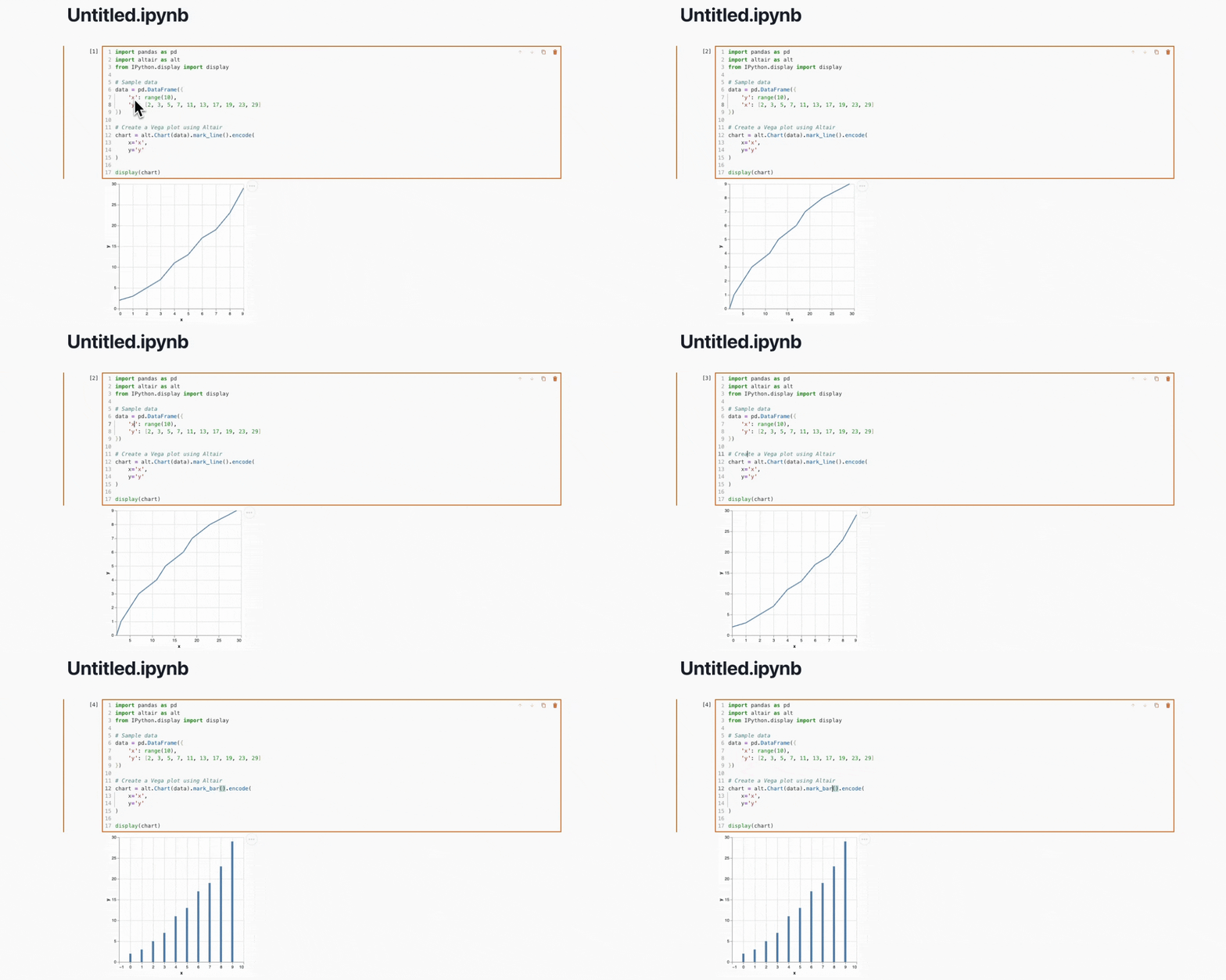
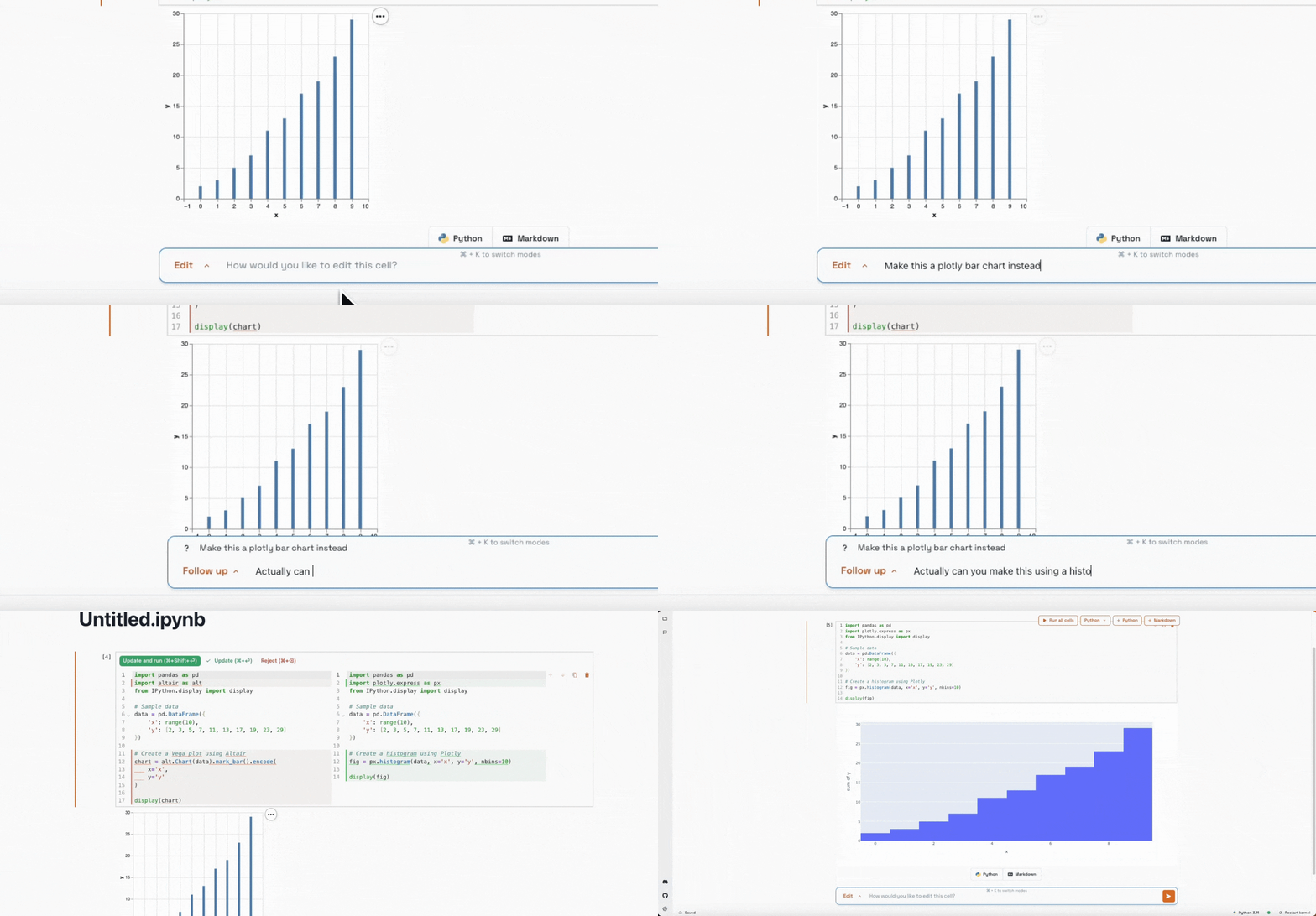
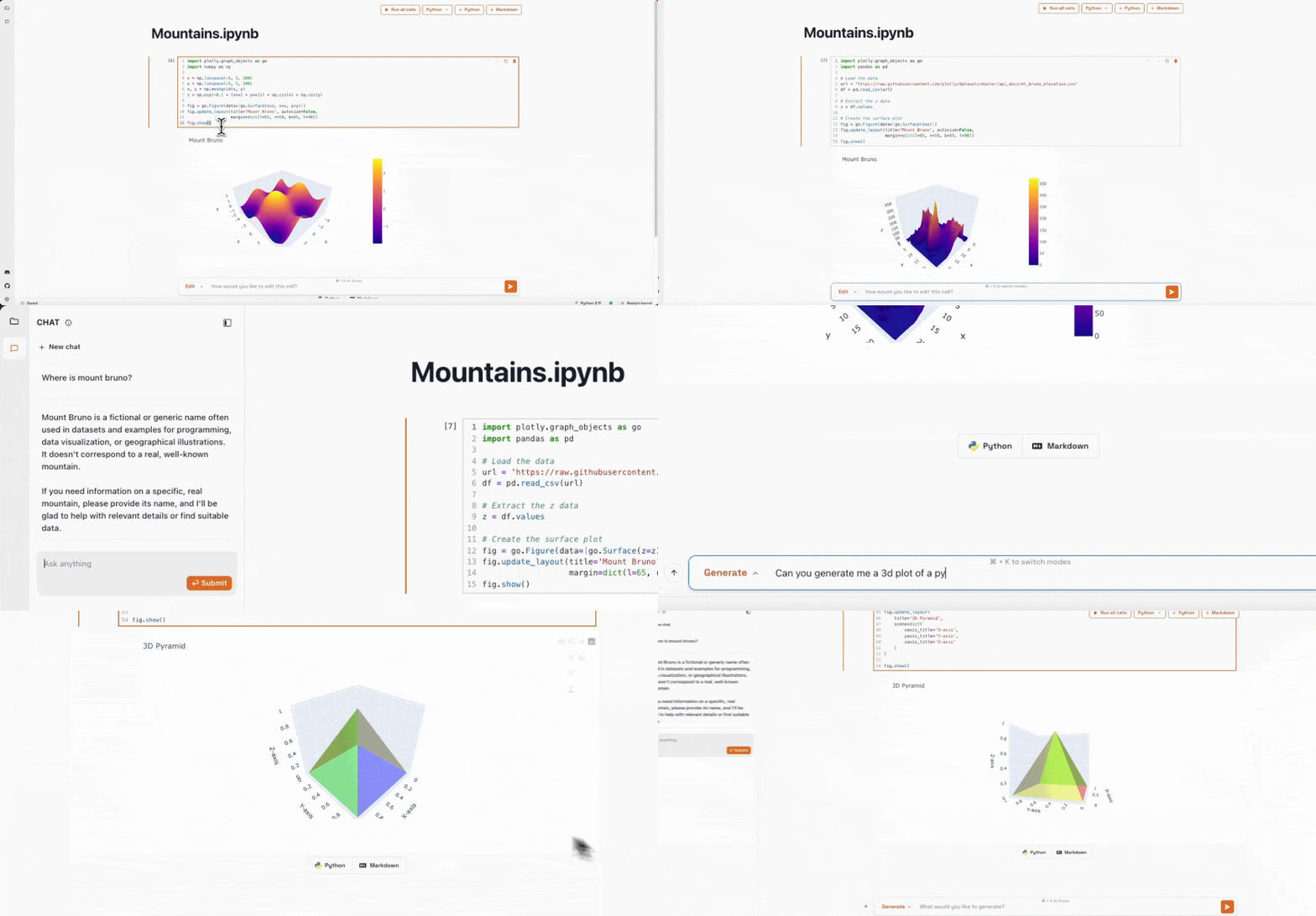
2. Natural language code edits
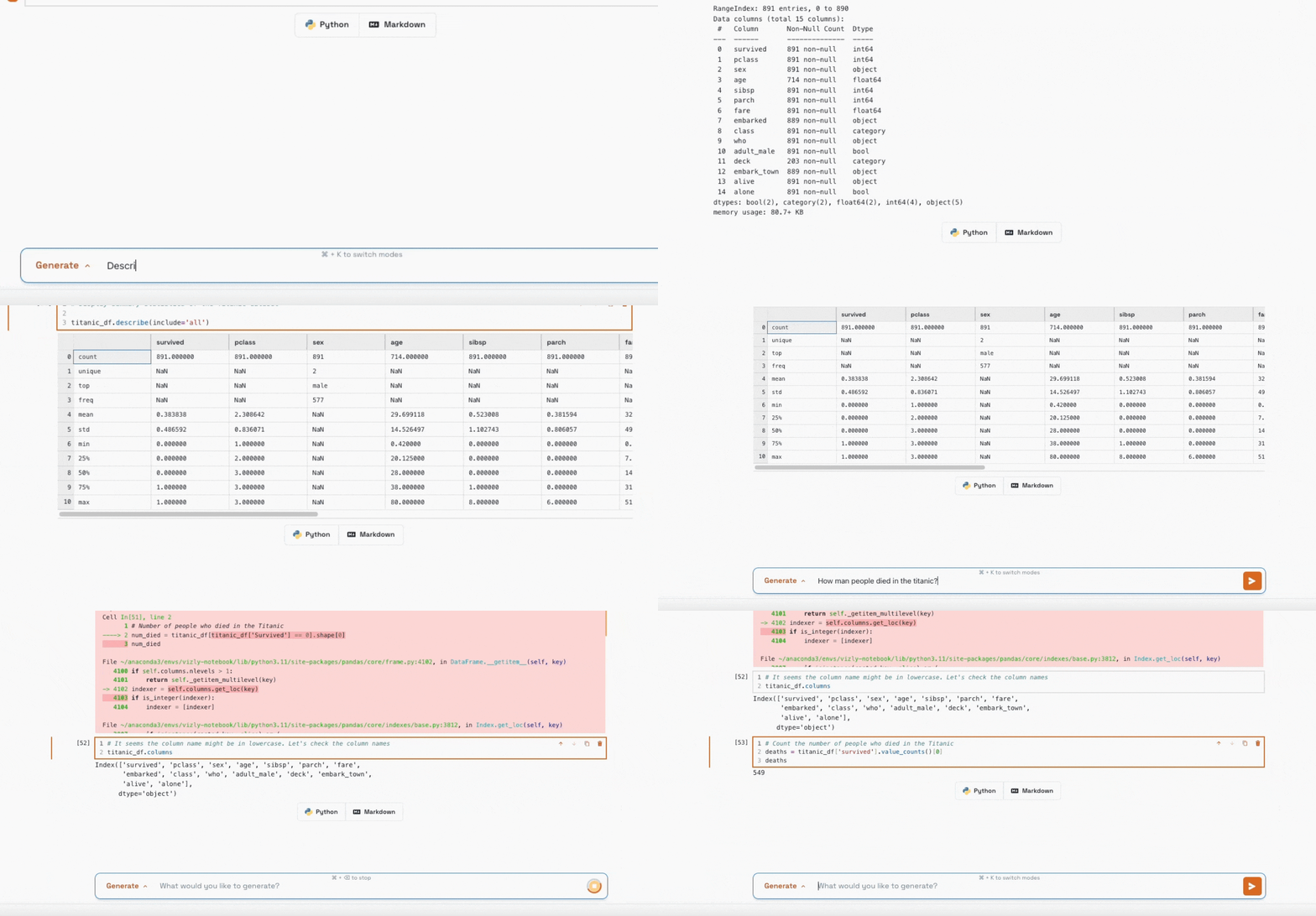
3. Generate cells to answer natural language questions
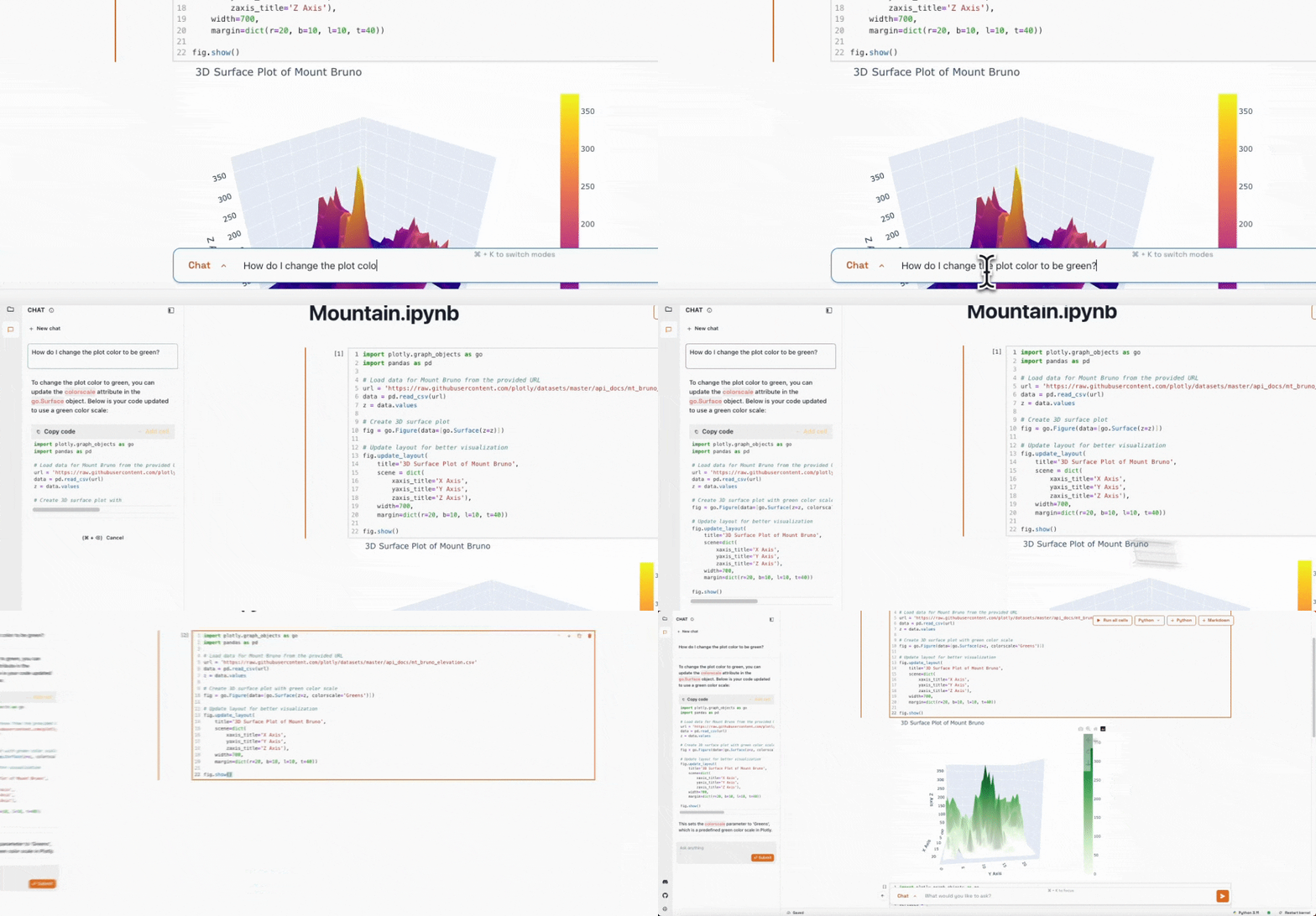
4. Ask questions in a context aware chat sidebar
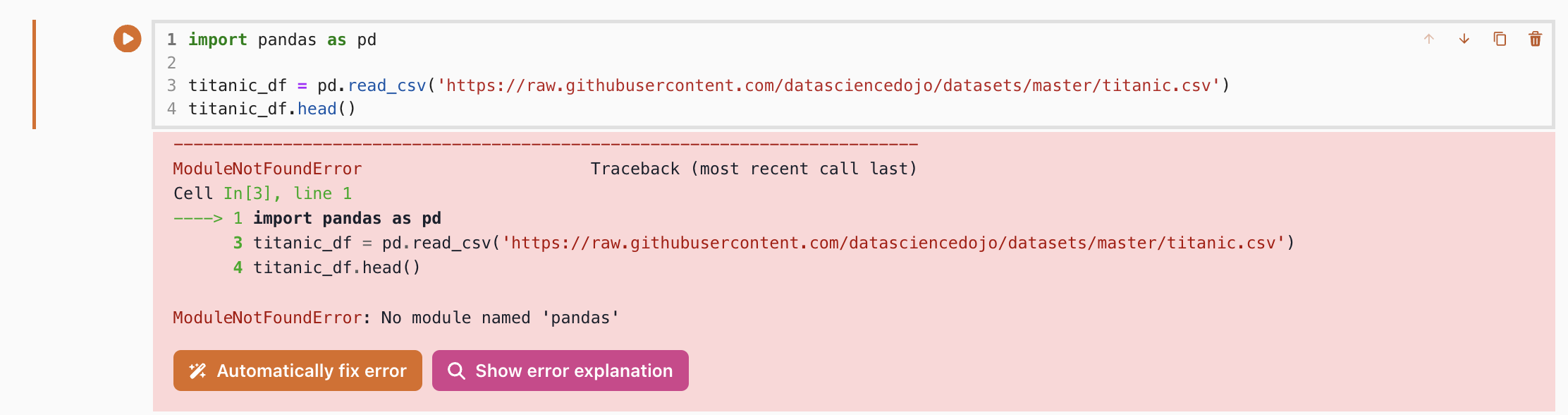
5. Automatically explain or fix errors
Demo
https://github.com/alishobeiri/thread/assets/18422723/b0ef0d7d-bae5-48ad-b293-217b940385fb
Development instructions
To run the repo in development mode, you need to run two terminal commands. One will run Jupyter Server, the other will run the NextJS front end.
To begin, run:
yarn install
Then in one terminal, run:
sh ./run_dev.sh
And in another, run:
yarn dev
Navigate to localhost:3000/thread and you should see your local version of Thread running.
If you would like to develop with the AI features, navigate to the proxy folder and run:
yarn install
Then:
yarn dev --port 5001
Using Thread with Ollama
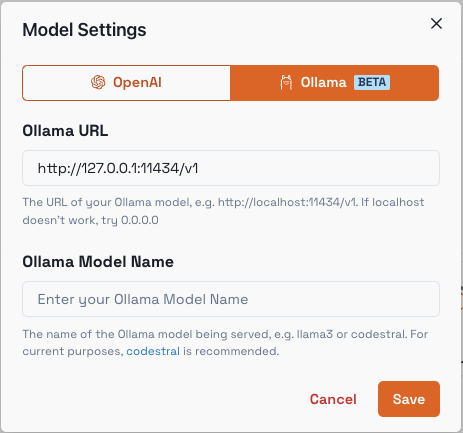
You can use Ollama for a fully offline AI experience. To begin, install and run thread using the commands above.
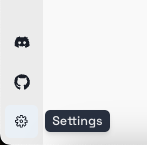
Once you have run thread, in the bottom left, select the Settings icon:
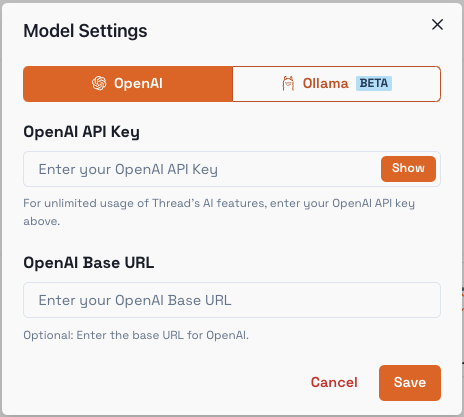
Next, select the Model Settings setting:
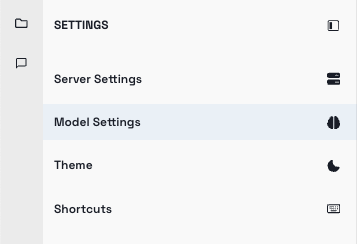
This is what you will see:
Navigate to Ollama and enter your model details:
Use Ctrl / Cmd + K and try running a query to see how it looks!
Release history Release notifications | RSS feed


Download files
Download the file for your platform. If you're not sure which to choose, learn more about installing packages.
Source Distribution
Built Distribution
Filter files by name, interpreter, ABI, and platform.
If you're not sure about the file name format, learn more about wheel file names.
Copy a direct link to the current filters
File details
Details for the file thread_notebook-0.1.31.tar.gz.
File metadata
- Download URL: thread_notebook-0.1.31.tar.gz
- Upload date:
- Size: 9.6 MB
- Tags: Source
- Uploaded using Trusted Publishing? No
- Uploaded via: twine/6.2.0 CPython/3.9.19
File hashes
| Algorithm | Hash digest | |
|---|---|---|
| SHA256 |
1d29ef9dfce34021184fc8a04e1e299f299475a2edae86aa80b18c43c54d458b
|
|
| MD5 |
ac5be3697fb43377245814ddf9bd835d
|
|
| BLAKE2b-256 |
d11964591785ca9927c3dc54027d5f4ff1f7e82cb97dc48a677dec4903366f4c
|
File details
Details for the file thread_notebook-0.1.31-py3-none-any.whl.
File metadata
- Download URL: thread_notebook-0.1.31-py3-none-any.whl
- Upload date:
- Size: 9.7 MB
- Tags: Python 3
- Uploaded using Trusted Publishing? No
- Uploaded via: twine/6.2.0 CPython/3.9.19
File hashes
| Algorithm | Hash digest | |
|---|---|---|
| SHA256 |
f836531b68e2f444505a1c6bf43e12fb85e738ad88e36e92dd4cba305e704c26
|
|
| MD5 |
7ca107357b29522ccbeee6889d2984d7
|
|
| BLAKE2b-256 |
9c1e5f4ed11b3cbeac4116116dc9ec5952adaceabcf12df9e98d4f7d65b4105a
|






