
TimeTree Exporter
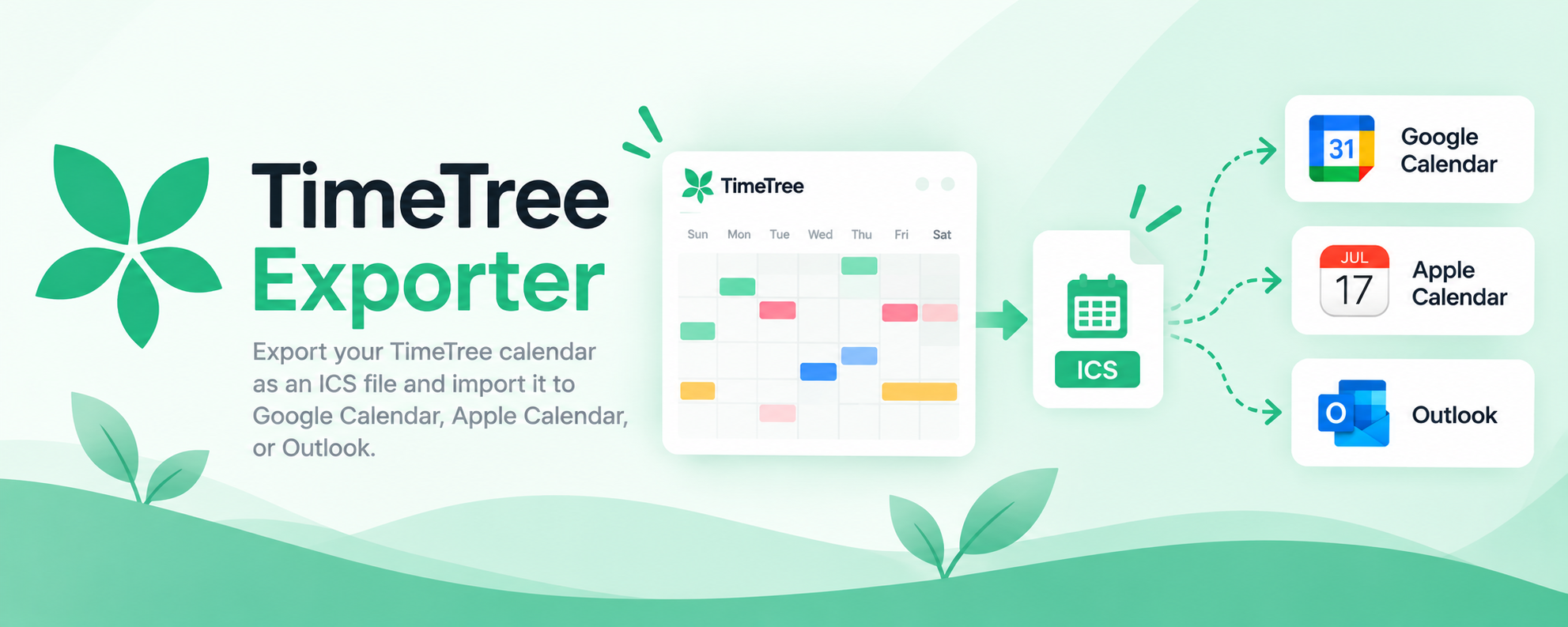





A Tool for Exporting TimeTree Calendar and Converting to iCalendar Format (.ics) (RFC 5545 compatible, with selected RFC 7986 properties) This script works by scraping the TimeTree web app and converting the data to iCal format. (The .ics file can then be imported into other calendar apps such as Google Calendar, Apple Calendar, Outlook Calendar, etc.)
Installation
If you are on mac, you can install it using brew:
brew install eoleedi/tap/timetree-exporter
You can also install it using uvx, pip, or pipx:
pip install timetree-exporter
Usage
timetree-exporter -o path/to/output.ics
This will prompt you to enter your TimeTree email and password and select the calendar you want to export.
Then, you can import the ics file to your calendar app.
Advanced Usage
-
Specify your email address using the
-eoption.timetree-exporter -e email@example.com
-
Specify the calendar code using the
-cor--calendar_codeoption.timetree-exporter -c calendar_code
Note: Find the calendar code in the URL of the calendar page or when running the script without the
-coption. -
Export a public calendar by id without signing in.
timetree-exporter --public-calendar -c public_calendar_id
Note: Public calendar events use TimeTree's public API and may not include labels, alerts, recurrences, or UUIDs. Public calendar metadata such as source links, images, and colors is exported with RFC 7986 properties like
SOURCE,IMAGE, andCOLORwhen available. Calendar apps that only implement RFC 5545 may ignore these optional fields. -
You can pass your email address and password with environment variables. (usually for automation purposes)
export TIMETREE_EMAIL=email@example.com
export TIMETREE_PASSWORD=password
-
Create separate ICS files for each label with a custom output directory.
timetree-exporter --split-by-labelThis creates individual ICS files for each label (e.g.,
timetree_work.ics,timetree_personal.ics). -
Include private event comments.
timetree-exporter --include-commentsComments are fetched from TimeTree's event activities endpoint and exported as iCalendar
COMMENTproperties, prefixed with the author name when available.To change the number of concurrent requests used while fetching comments, pass
--num-workers.timetree-exporter --include-comments --num-workers 5
The default is
10. -
Include images attached to private events.
timetree-exporter --include-images --num-workers 2
Images are saved beside the ICS output in
timetree_images/, grouped by event UUID. Thetimetree_images.jsonfile maps each image to its event UUID, title, start date, object key, and relative path. Existing image files are skipped, so the export can be run again safely. This option applies only to private calendars and makes additional activity and image requests.
Limitations
- TimeTree labels include both a category name and a color. When using
--split-by-label, each category is saved as a separate ICS file. - Label color information is preserved in the ICS output, but Google Calendar does not apply those event colors when importing ICS files. If you rely on colors to organize events, you may need to check historical color information in TimeTree.
- TimeTree event notes are exported as the iCalendar
DESCRIPTION. Private event comments are only exported when--include-commentsis used.
Development
For development setup and contribution details, see DEVELOPMENT.md.
Support
If you think it's helpful, kindly support me!

1 maintainer

Metadata
1 maintainer
Release files for timetree-exporter 1.0.0
For a detailed explanation of source distributions (sdists) and built distributions (wheels), please see the package formats documentation.
Source distribution (sdist)
| File | Size | Uploaded | Provenance | Actions |
|---|---|---|---|---|
| timetree_exporter-1.0.0.tar.gz | 1.2 MB | Without provenance | Details for timetree_exporter-1.0.0.tar.gz |
Built distribution (wheel)
| File | Interpreter | ABI | Platform | Actions Reset |
|---|---|---|---|---|
| timetree_exporter-1.0.0-py3-none-any.whl | Python 3 | none | any | Details for timetree_exporter-1.0.0-py3-none-any.whl |
Total release size: 1.2 MB
Release files / timetree_exporter-1.0.0.tar.gz
| Download URL | timetree_exporter-1.0.0.tar.gz |
|---|---|
| Size | 1.2 MB |
| Tags | Source |
|
SHA-256 checksum How to use checksums |
54be1e622b7a45f4212f2bb35eb027095562f8d2ee9eeba21b85a3c49288de50
|
|
BLAKE2b-256 checksum How to use checksums |
b01e986723cd205a56d891fc6d06f5d2522f4f59fc6240d8a03c0b46dc82fcf4
|
| Upload date | |
|
Uploaded using Trusted Publishing? What is trusted publishing? |
Yes |
| Uploaded via |
uv/0.13.5 {"installer":{"name":"uv","version":"0.13.5","subcommand":["publish"]},"python":null,"implementation":{"name":null,"version":null},"distro":{"name":"Ubuntu","version":"26.04","id":"resolute","libc":null},"system":{"name":null,"release":null},"cpu":null,"openssl_version":null,"setuptools_version":null,"rustc_version":null,"ci":true}
|
Release files / timetree_exporter-1.0.0-py3-none-any.whl
| Download URL | timetree_exporter-1.0.0-py3-none-any.whl |
|---|---|
| Size | 25.3 kB |
| Tags | Python 3 |
|
SHA-256 checksum How to use checksums |
a43051f78a676e889ff9e189ea440a09503480e3df29cf4d3be2688f138da622
|
|
BLAKE2b-256 checksum How to use checksums |
9b26410be178394b9b87a173ef1996452850e1cff2a15a4a11f5fe871d98c26d
|
| Upload date | |
|
Uploaded using Trusted Publishing? What is trusted publishing? |
Yes |
| Uploaded via |
uv/0.13.5 {"installer":{"name":"uv","version":"0.13.5","subcommand":["publish"]},"python":null,"implementation":{"name":null,"version":null},"distro":{"name":"Ubuntu","version":"26.04","id":"resolute","libc":null},"system":{"name":null,"release":null},"cpu":null,"openssl_version":null,"setuptools_version":null,"rustc_version":null,"ci":true}
|
Security for timetree-exporter 1.0.0
Provenance
Provenance describes where a file came from. On PyPI, provenance is shared via attestations, which provide a verifiable record of the build or publishing details. View details, limitations and caveats.
No provenance found
None of the files in this release were uploaded with provenance metadata.
A note on package security
PyPI is a repository for distributing packages, not a service for auditing them. While third-party security researchers and our staff do their best to detect and remove malicious packages, PyPI cannot guarantee the quality, security or suitability of any given package.
To learn more about protecting yourself from malicious actors, visit our package security documentation.














