
tinytrace
Convert PNG and JPG images to SVG that fits a size budget.
You pick how many characters the SVG may have. tinytrace makes the best-looking picture that fits.




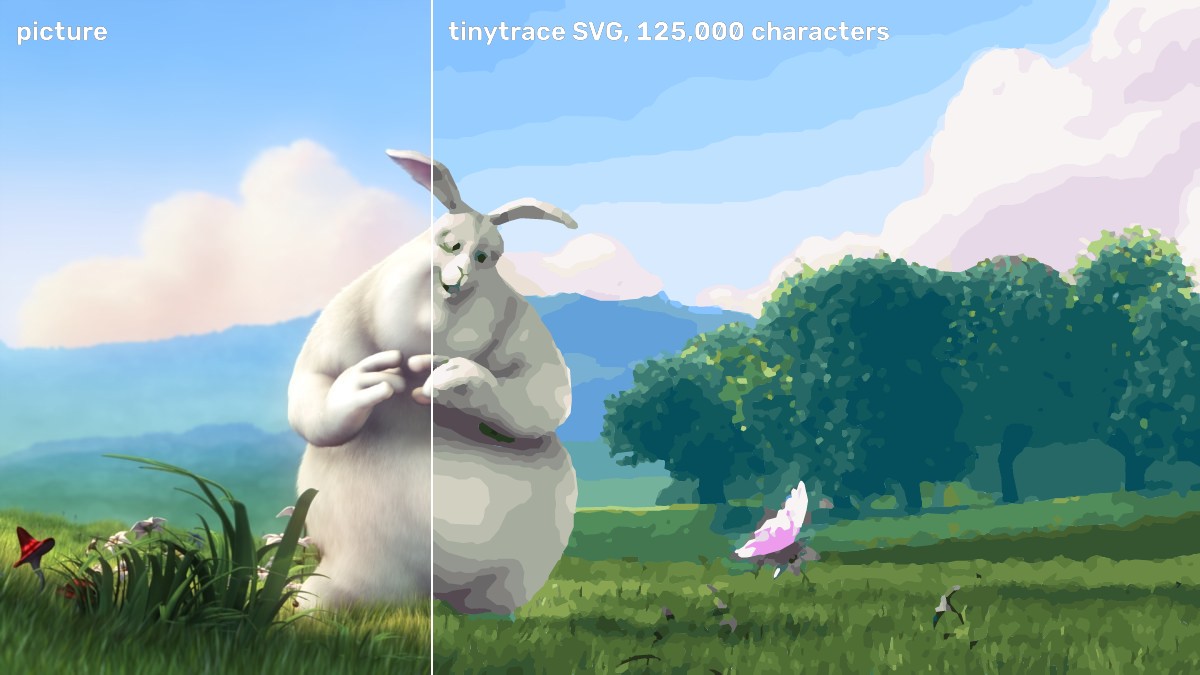
tinytrace is an image vectorizer: a Python library and command line tool that traces raster pictures (PNG, JPG, WebP and more) into vector SVG. Most tracers try to match the picture and let the SVG grow as large as it needs to. tinytrace works the other way round: you fix the size first, say "under 125,000 characters", and it finds the most faithful picture that fits. That's what you want when an SVG has a hard limit: an inline image on a web page, an email, a config file, or a desktop backdrop with a size cap.
pip install tinytrace-svg   # the package on PyPI; the module and command are tinytrace
tinytrace picture.jpg --budget 125000
# picture.svg: 124,612 characters (budget 125,000), 9s
import tinytrace

svg = tinytrace.trace("picture.jpg", budget=125_000)
How it compares
The same frame traced by vtracer and by tinytrace, both held to 125,000 characters:
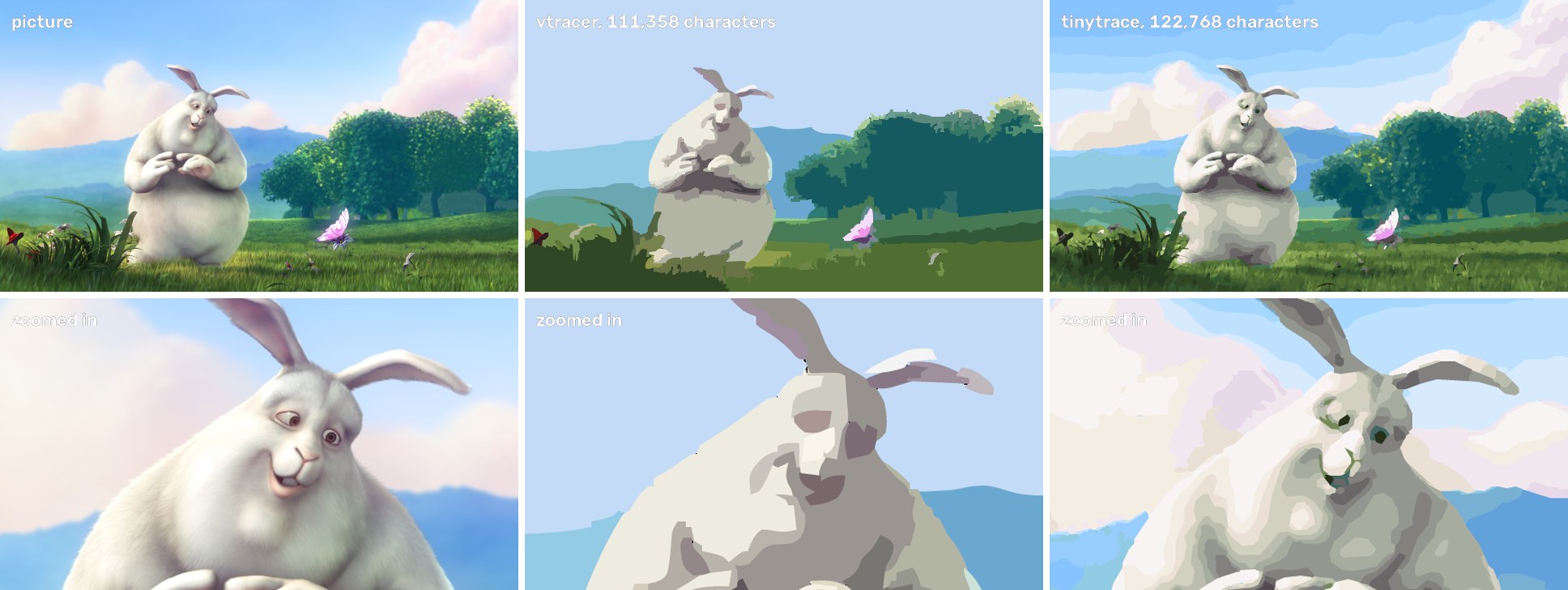
vtracer has no size setting, so it gets a fair search over its own: input size, speck size, how much it merges similar colours, and stacked or cutout layers. Of the 144 combinations, the one that scores best against the picture counts. On 23 pictures tinytrace was not tuned on:
| Pictures | Colour error ↓ | Shape match ↑ | Outlines kept ↑ |
|---|---|---|---|
| Cartoons (6) | 1.51 vs 2.08 | 0.98 vs 0.97 | 0.95 vs 0.89 |
| Digital art (4) | 2.79 vs 7.47 | 0.91 vs 0.82 | 0.71 vs 0.48 |
| Photos (13) | 3.86 vs 8.92 | 0.89 vs 0.75 | 0.71 vs 0.47 |
Per picture, tinytrace scored better on all three on 17 of the 23, and had the lower colour error on 19. vtracer was a little more accurate in colour on four very flat cartoons, where it needs far fewer characters. Colour error is the mean CIE Lab difference after a light blur (about 2 is barely visible), shape match is SSIM, and outlines kept is the share of the picture's strong edges the SVG also has. See bench/ to run it on your own pictures.
Photos come out painterly. Any tracer turns a photo into flat shapes, and at this size tinytrace keeps them recognisable rather than photographic.
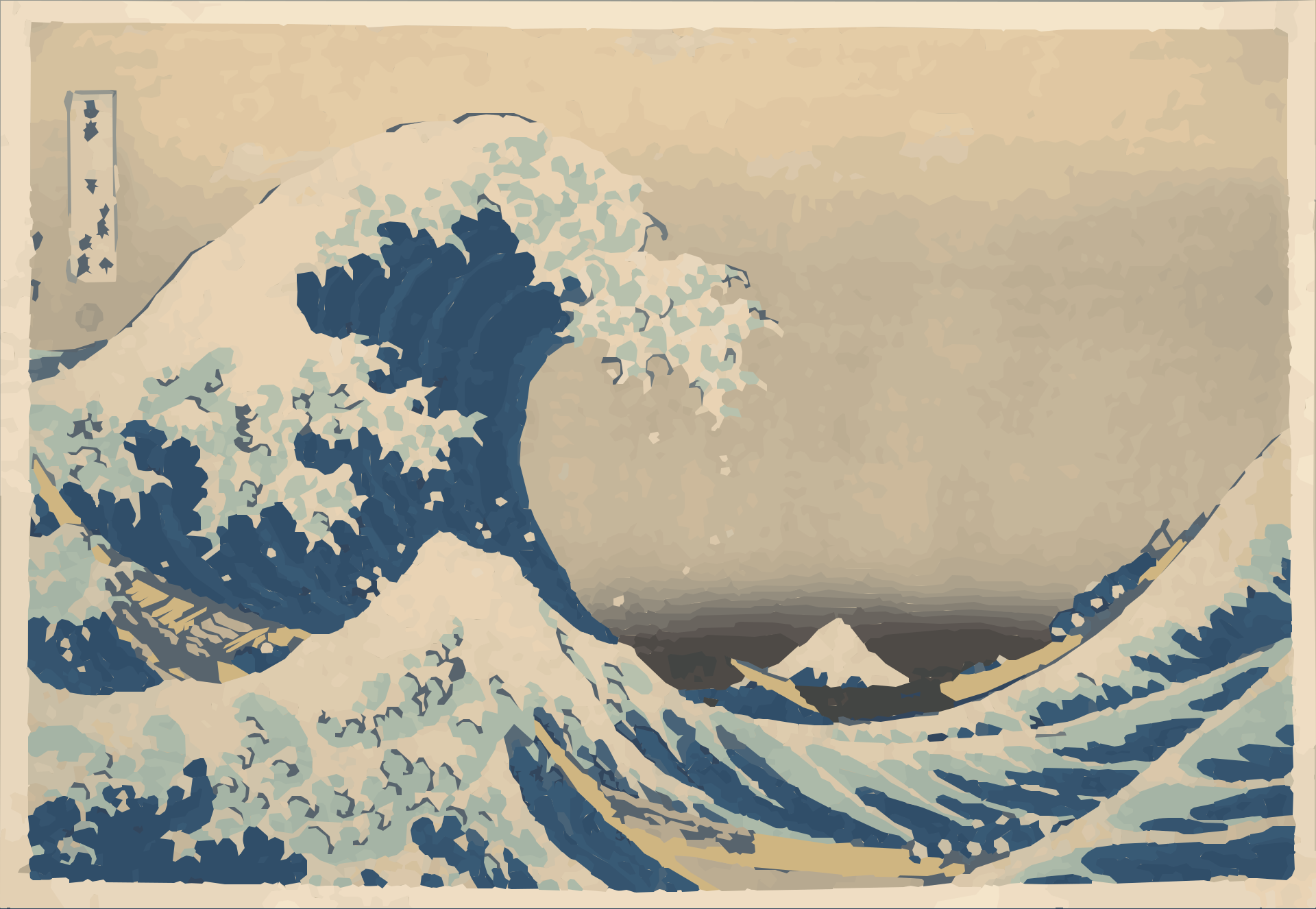
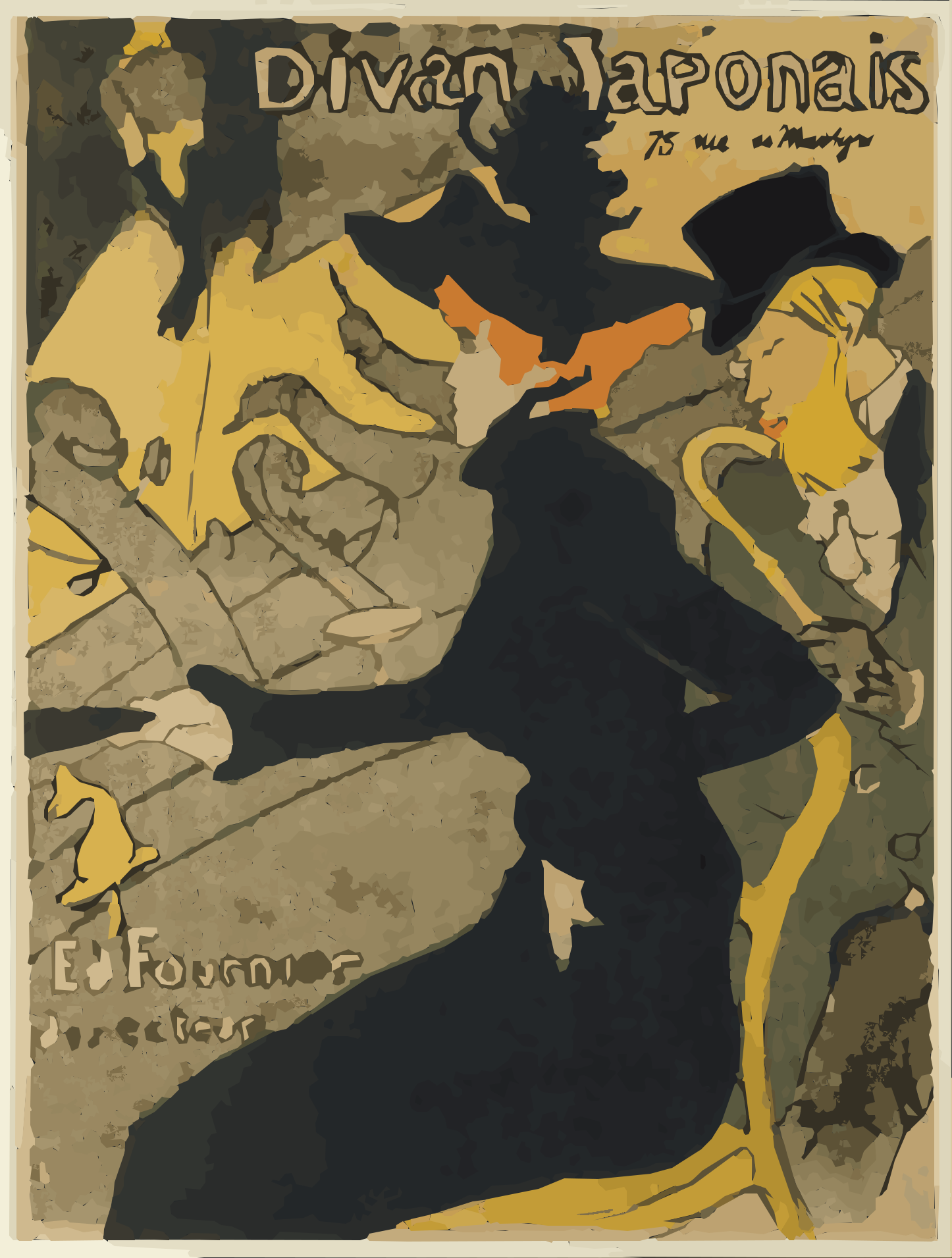
Examples
| Picture | tinytrace, 125,000 characters |
|---|---|
 |
 |
 |
 |
 |
 |
 |
 |
Options
| Option | Default | Meaning |
|---|---|---|
budget / --budget |
125000 | The most characters the SVG may have |
colors / --colors |
40 | Fill palette size. More gives truer shading but leaves fewer characters for detail |
cover / --cover |
off | Fill any box the SVG is drawn in, cropping the edges (for backgrounds) |
trace() takes a file path or an OpenCV-style BGR uint8 array, and raises
tinytrace.BudgetTooSmall when even the coarsest tracing is over the budget.
A trace takes about 10 seconds, whatever the picture's size.
How it works
- Work at 1920 pixels wide. Small pictures are enlarged smoothly first, so edges follow curves instead of the source's pixel steps.
- Fills. Mean-shift flattens texture noise, k-means picks the palette in Lab colour space, and a majority vote straightens ragged borders.
- Ink. Lines darker than their surroundings, like cartoon outlines, are found on the unfiltered picture and painted last, on top, in a few ink colours of their own.
- Stacked layers. Fills are painted largest first, and each may extend under anything painted after it. Its outline then skips the holes and jaggies later layers hide, so each border is stored about once instead of twice.
- Polygons, searched to fit. Outlines are simplified polygons written as short relative steps. The tolerance and the smallest speck kept are searched so the SVG fills the budget as closely as it can.
None of these steps is new on its own. tinytrace combines them and tunes them for one goal: the most faithful picture in a fixed number of characters.
Example: a picture backdrop for the Claude desktop app
examples/claude-backdrop is a Claude desktop mod that shows a slideshow of pictures behind the chat. The app caps a backdrop scene at 131,072 characters, which is where tinytrace came from. It comes with three sample slides; install it with Claude Code and restart the app:
claude plugin marketplace add itsmesherry/tinytrace
claude plugin install picture-backdrop@tinytrace
Its README shows how to use your own pictures.
Credits
Example pictures, each under its own licence (the MIT licence covers the code only):
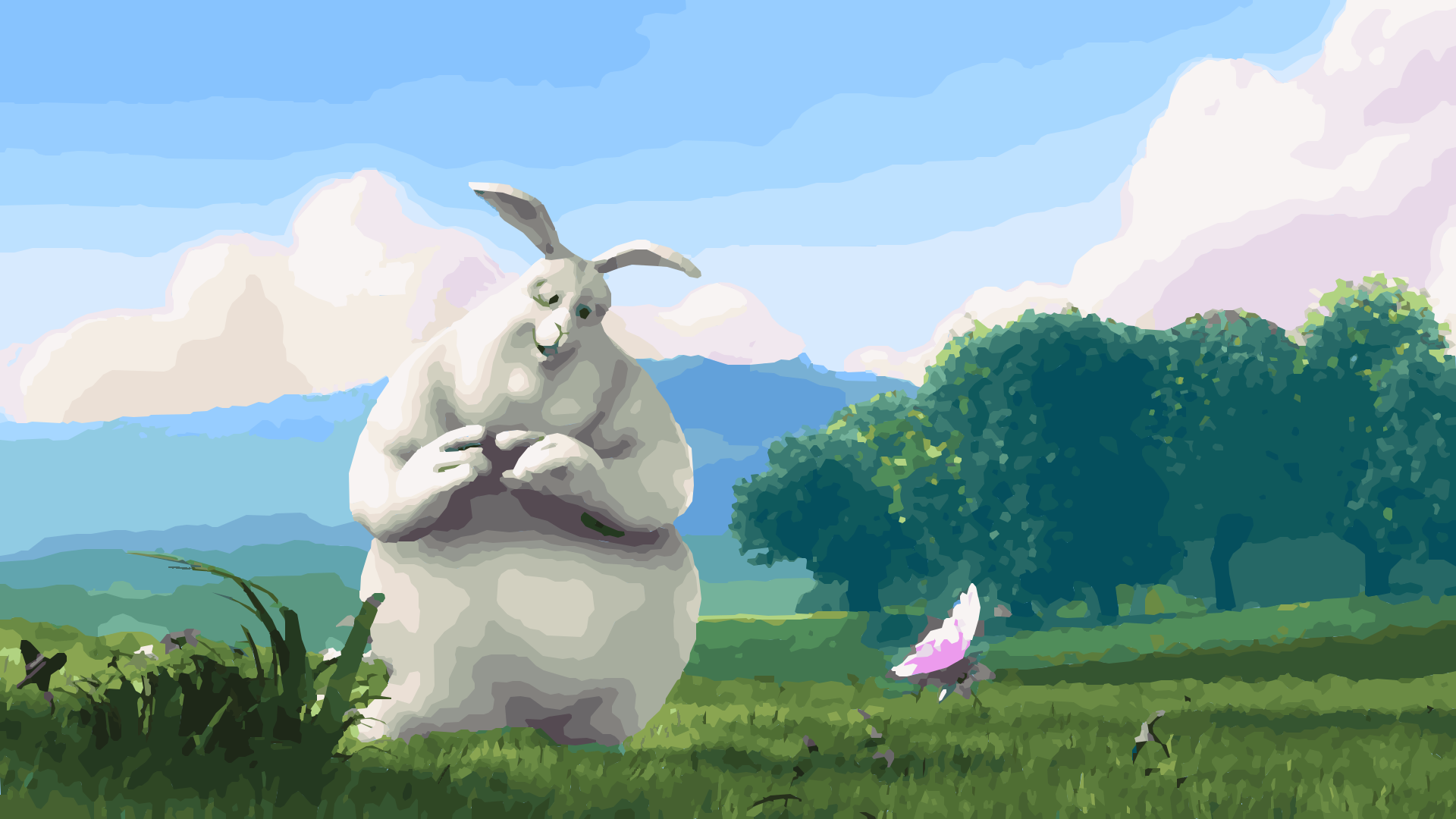
- Big Buck Bunny frame © Blender Foundation, peach.blender.org, licensed CC BY 3.0.
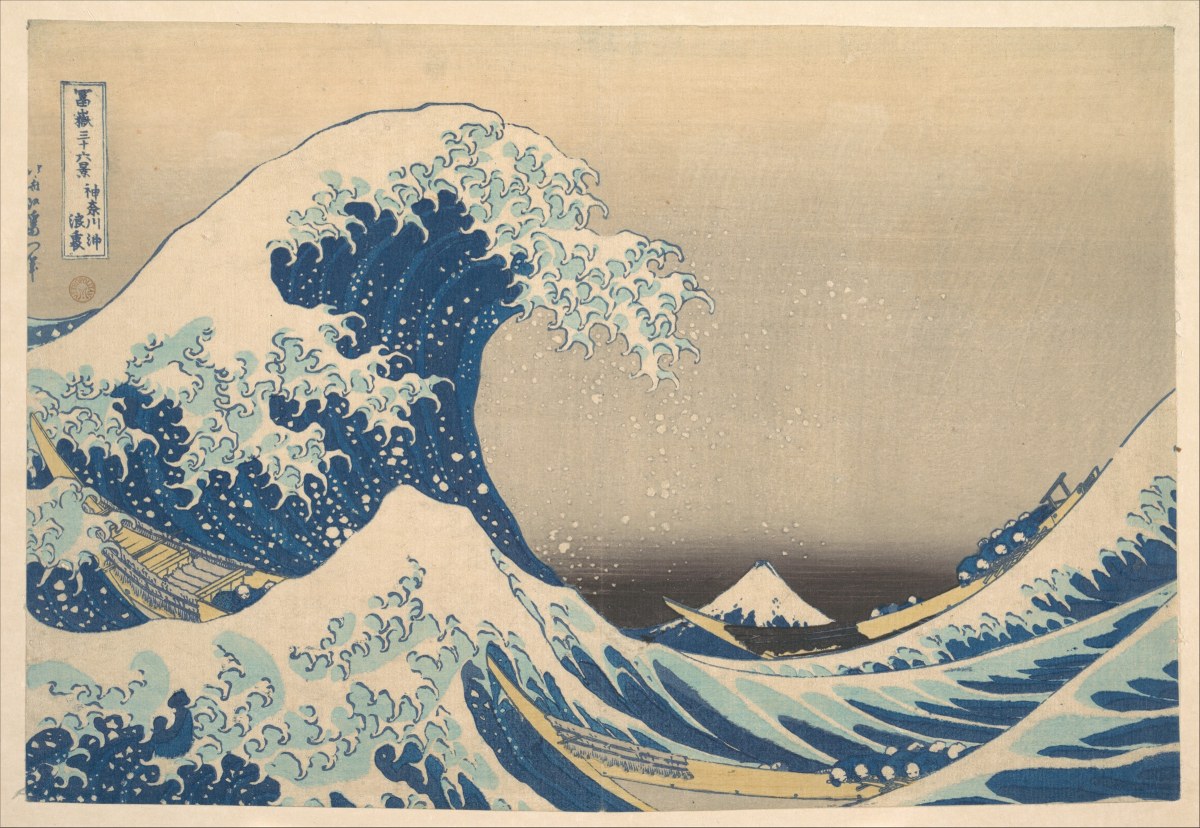
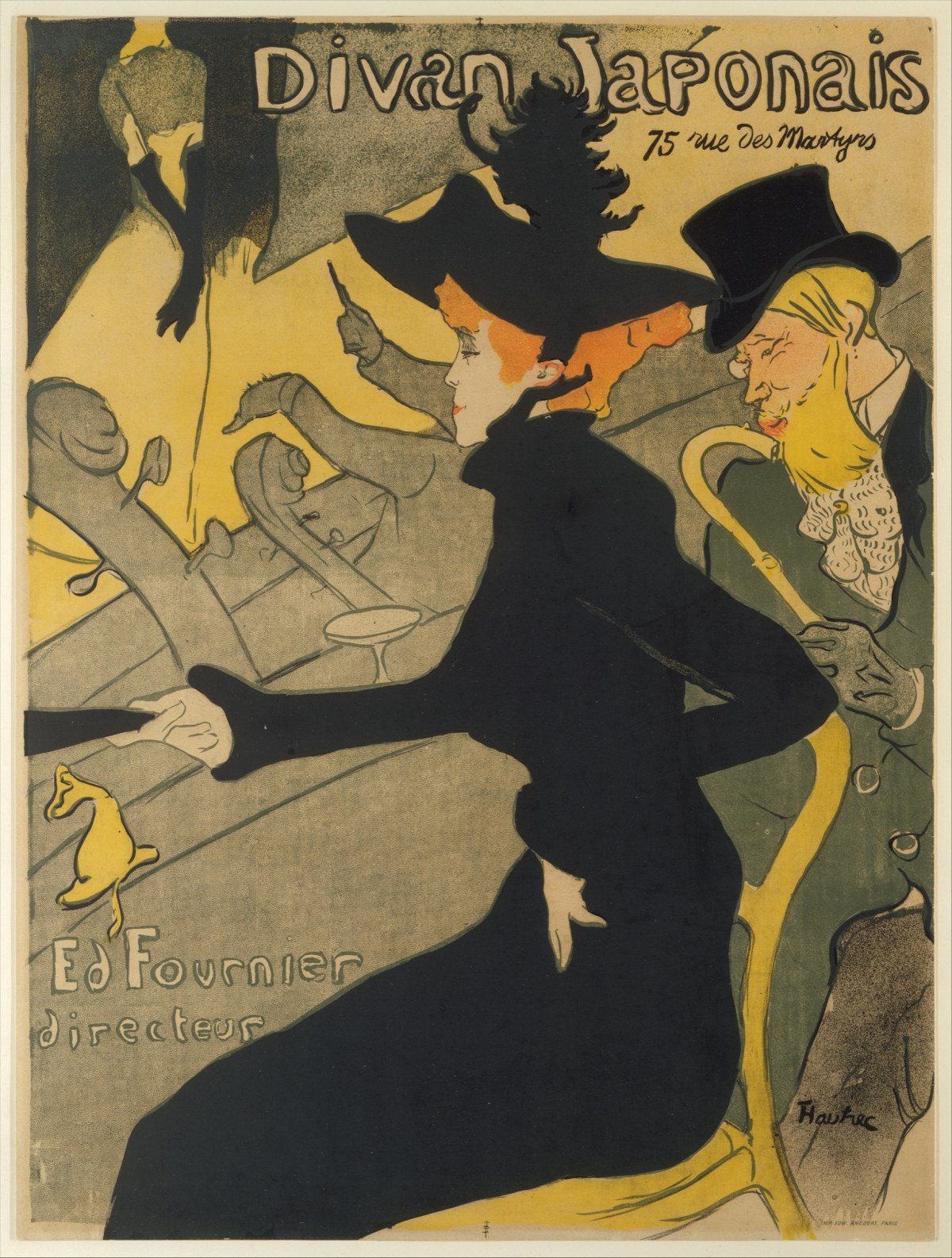
- Under the Wave off Kanagawa, Katsushika Hokusai, and Divan Japonais, Henri de Toulouse-Lautrec: public domain, from The Metropolitan Museum of Art.
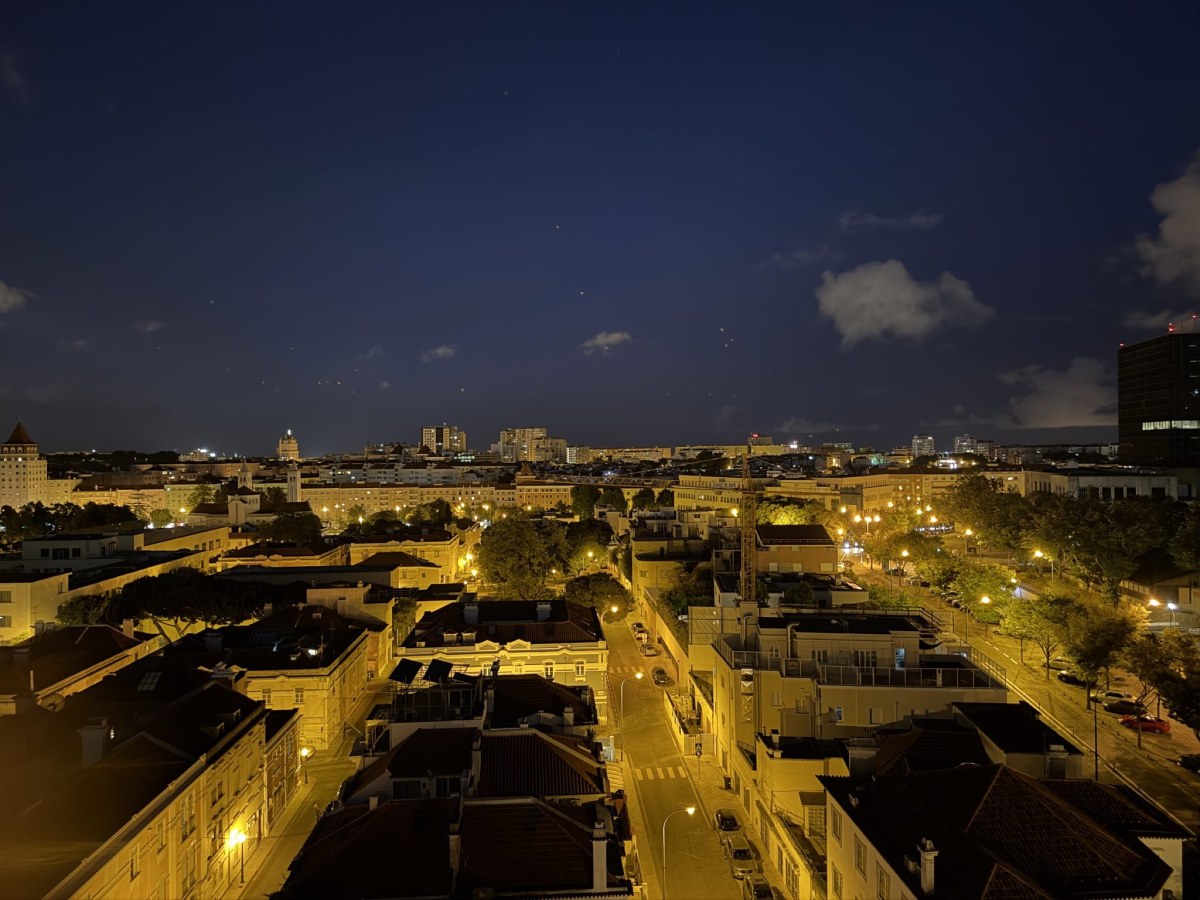
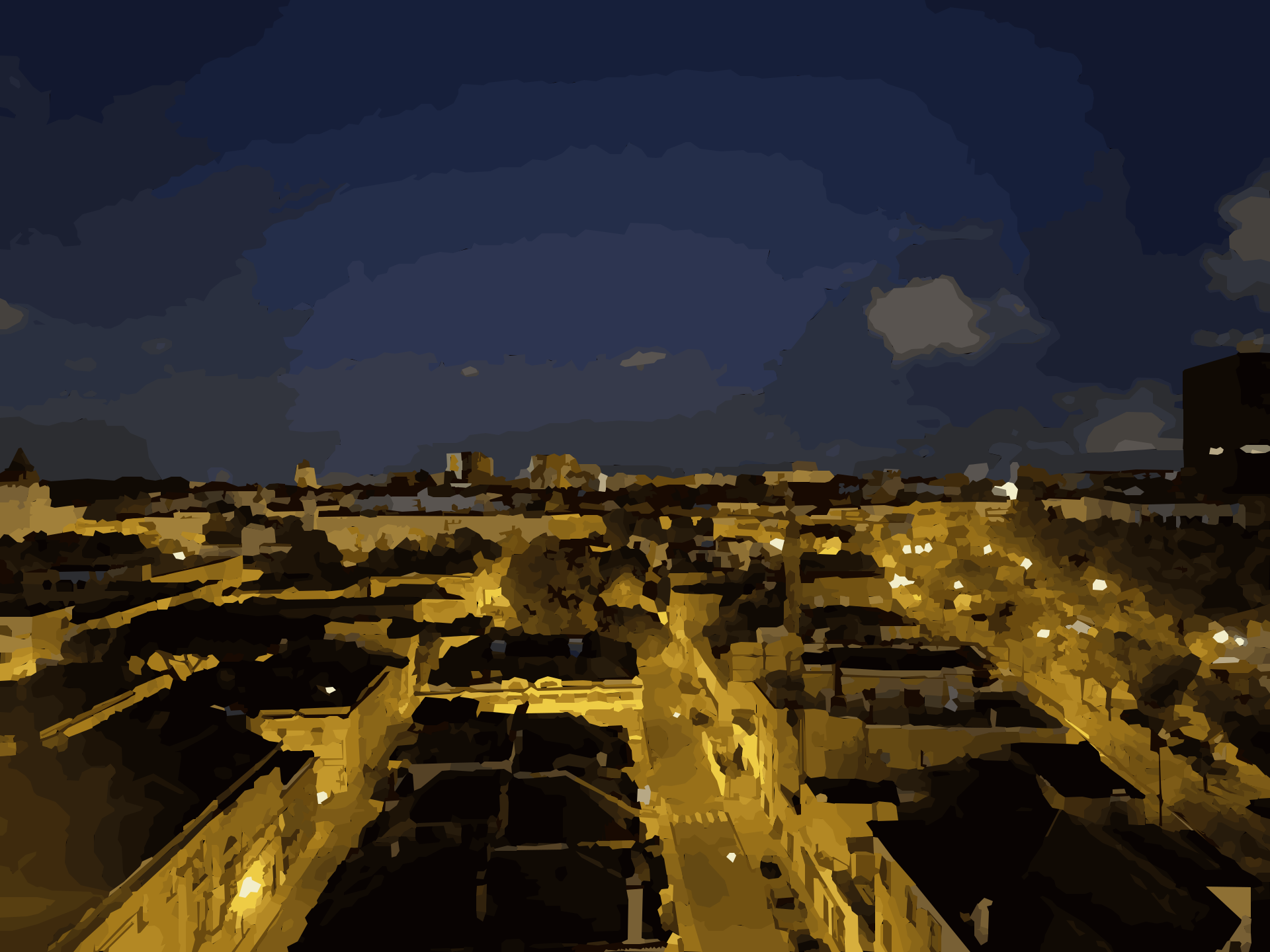
- City at night: photo by Jeff Golenski, WordPress Photo Directory, CC0.
License
1 maintainer

Metadata
1 maintainer
Release files for tinytrace-svg 0.1.0
For a detailed explanation of source distributions (sdists) and built distributions (wheels), please see the package formats documentation.
Source distribution (sdist)
| File | Size | Uploaded | Provenance | Actions |
|---|---|---|---|---|
| tinytrace_svg-0.1.0.tar.gz | 15.5 kB | With provenance | Details for tinytrace_svg-0.1.0.tar.gz |
Built distribution (wheel)
| File | Interpreter | ABI | Platform | Actions Reset |
|---|---|---|---|---|
| tinytrace_svg-0.1.0-py3-none-any.whl | Python 3 | none | any | Details for tinytrace_svg-0.1.0-py3-none-any.whl |
Total release size: 27.4 kB
Release files / tinytrace_svg-0.1.0.tar.gz
| Download URL | tinytrace_svg-0.1.0.tar.gz |
|---|---|
| Size | 15.5 kB |
| Tags | Source |
|
SHA-256 checksum How to use checksums |
82eebc1213dce4631545bc2a85dd1ff8f6ee1770b472b15ac650f4dac40346af
|
|
BLAKE2b-256 checksum How to use checksums |
a1b18db5895d4e13bb17e8111bf32867ead01fb84ce87bafadada4e3fe166e1b
|
| Upload date | |
|
Uploaded using Trusted Publishing? What is trusted publishing? |
Yes |
| Uploaded via |
twine/7.0.0 CPython/3.13.16
|
Provenance
Provenance describes where a file came from. On PyPI, provenance is shared via attestations, which provide a verifiable record of the build or publishing details. View details, limitations and caveats.


PyPI Publish Attestation
PyPI verified that this artifact, at this checksum, originated from the publisher listed below.
Signed by GitHub Actions, verified by PyPI on Nov 27, 2026.
Transparency logRelease files / tinytrace_svg-0.1.0-py3-none-any.whl
| Download URL | tinytrace_svg-0.1.0-py3-none-any.whl |
|---|---|
| Size | 11.9 kB |
| Tags | Python 3 |
|
SHA-256 checksum How to use checksums |
fb4bceb84dc40e60ee735936e29f53668511ab86c52b288731d418b51807f273
|
|
BLAKE2b-256 checksum How to use checksums |
1e18272ae26ac1d517203a206f4b136d91119ecad371d2d075a7e2926b7d8b74
|
| Upload date | |
|
Uploaded using Trusted Publishing? What is trusted publishing? |
Yes |
| Uploaded via |
twine/7.0.0 CPython/3.13.16
|
Provenance
Provenance describes where a file came from. On PyPI, provenance is shared via attestations, which provide a verifiable record of the build or publishing details. View details, limitations and caveats.
PyPI Publish Attestation
PyPI verified that this artifact, at this checksum, originated from the publisher listed below.
Signed by GitHub Actions, verified by PyPI on Nov 27, 2026.
Transparency logSecurity for tinytrace-svg 0.1.0
Provenance
Provenance describes where a file came from. On PyPI, provenance is shared via attestations, which provide a verifiable record of the build or publishing details. View details, limitations and caveats.
Full provenance
Both files in this release have been uploaded with provenance metadata.
Attestation for tinytrace_svg-0.1.0.tar.gz
PyPI Publish Attestation
PyPI verified that this artifact, at this checksum, originated from the publisher listed below.
Signed by GitHub Actions, verified by PyPI on Nov 27, 2026.
Transparency logA note on package security
PyPI is a repository for distributing packages, not a service for auditing them. While third-party security researchers and our staff do their best to detect and remove malicious packages, PyPI cannot guarantee the quality, security or suitability of any given package.
To learn more about protecting yourself from malicious actors, visit our package security documentation.













