
CLI Package for Tkinter-Designer

Project description

Tkinter Designer
Automate Tkinter GUI Creation




Translations
💡 Introduction
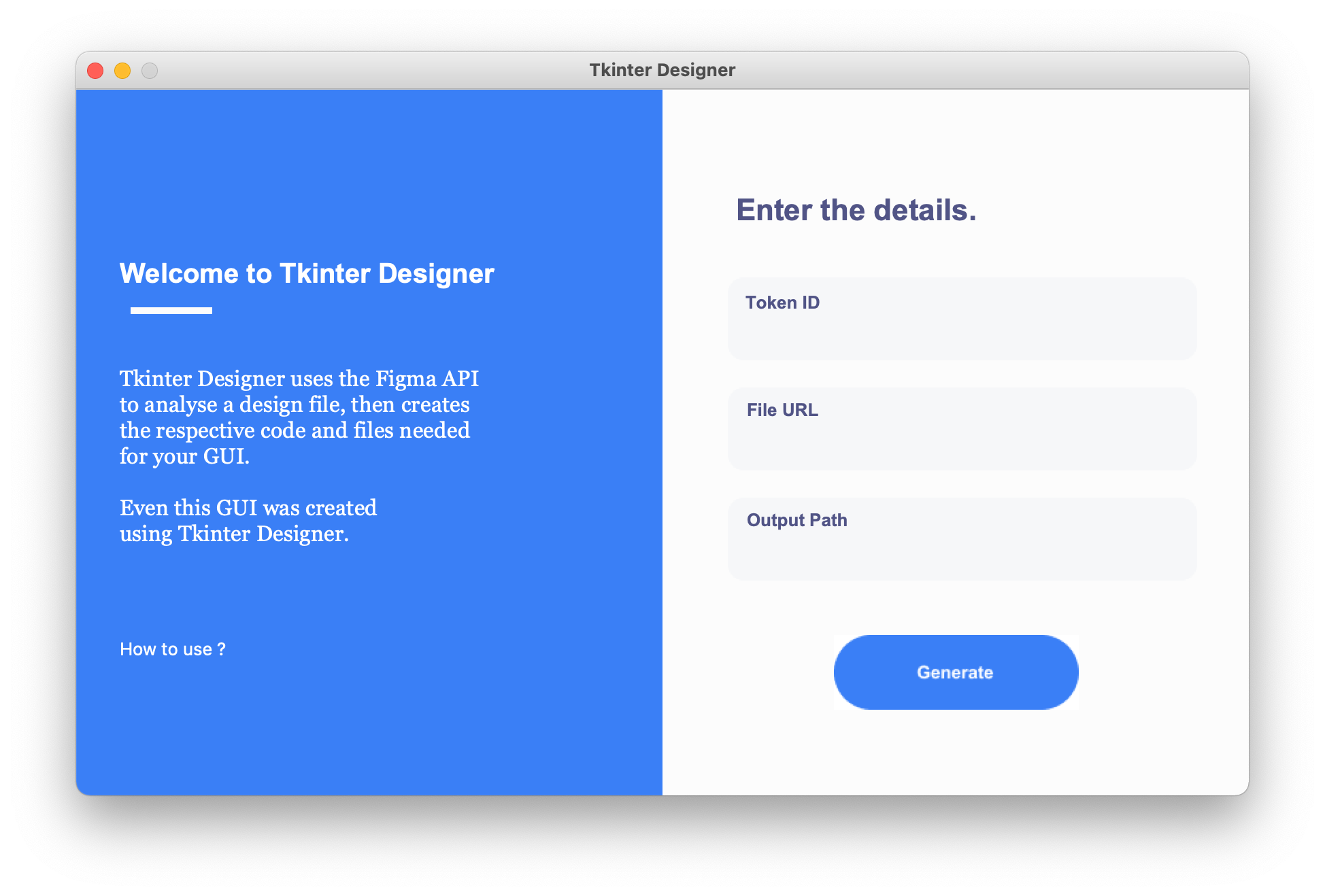
Tkinter Designer was created to speed up the GUI development process in Python. It uses the well-known design software Figma to make creating beautiful Tkinter GUIs in Python a piece of cake 🍰.
Tkinter Designer uses the Figma API to analyse a design file and create the respective code and files needed for the GUI. Even Tkinter Designer's GUI is created using Tkinter Designer.
☄️ Advantages of Tkinter Designer
- Drag and drop interfaces
- Significantly faster than creating code manually
- Ability to create more beautiful interfaces
🦋 Supporting Tkinter Designer
Life without coffee is like something without something … sorry, I haven’t had any coffee yet.

⚡️ Installing & Using Tkinter Designer
The instructions contain all the information about installing and using Tkinter Designer, along with information for troubleshooting and reporting issues. There is also a video.
Read the Instructions
Watch the Video
🔵 Join Official Tkinter Designer's Discord server
Click the button below to join the discord server and take part in discussions.

✅ Importance of Naming (mentioned in the video and instructions)
Tkinter Designer heavily depends on names of the elements to convert it to code. See the naming guide here.
📐 How it Works
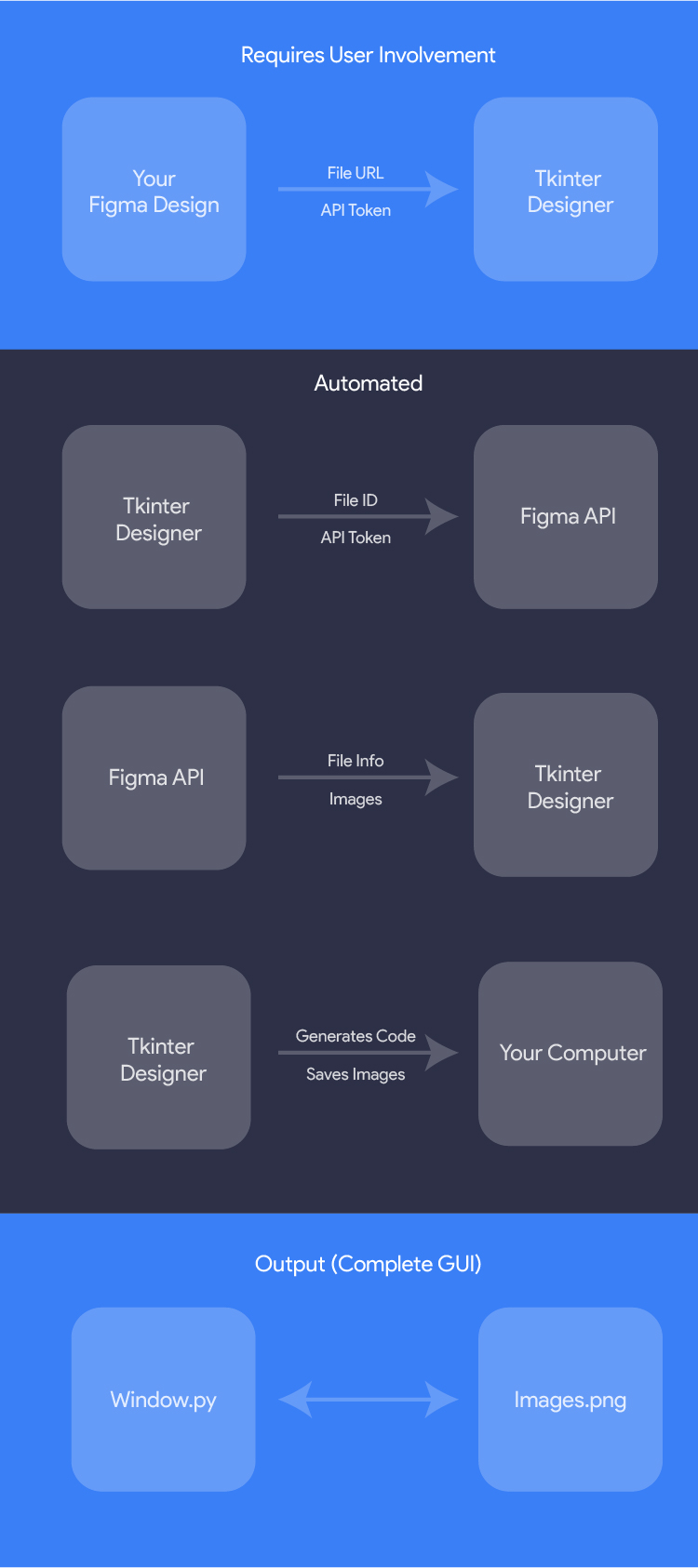
The only thing the user needs to do is design an interface with Figma, and then paste the Figma file URL and API token into Tkinter Designer.
Tkinter Designer will automatically generate all the code and images required to create the GUI in Tkinter.
🎯 Examples
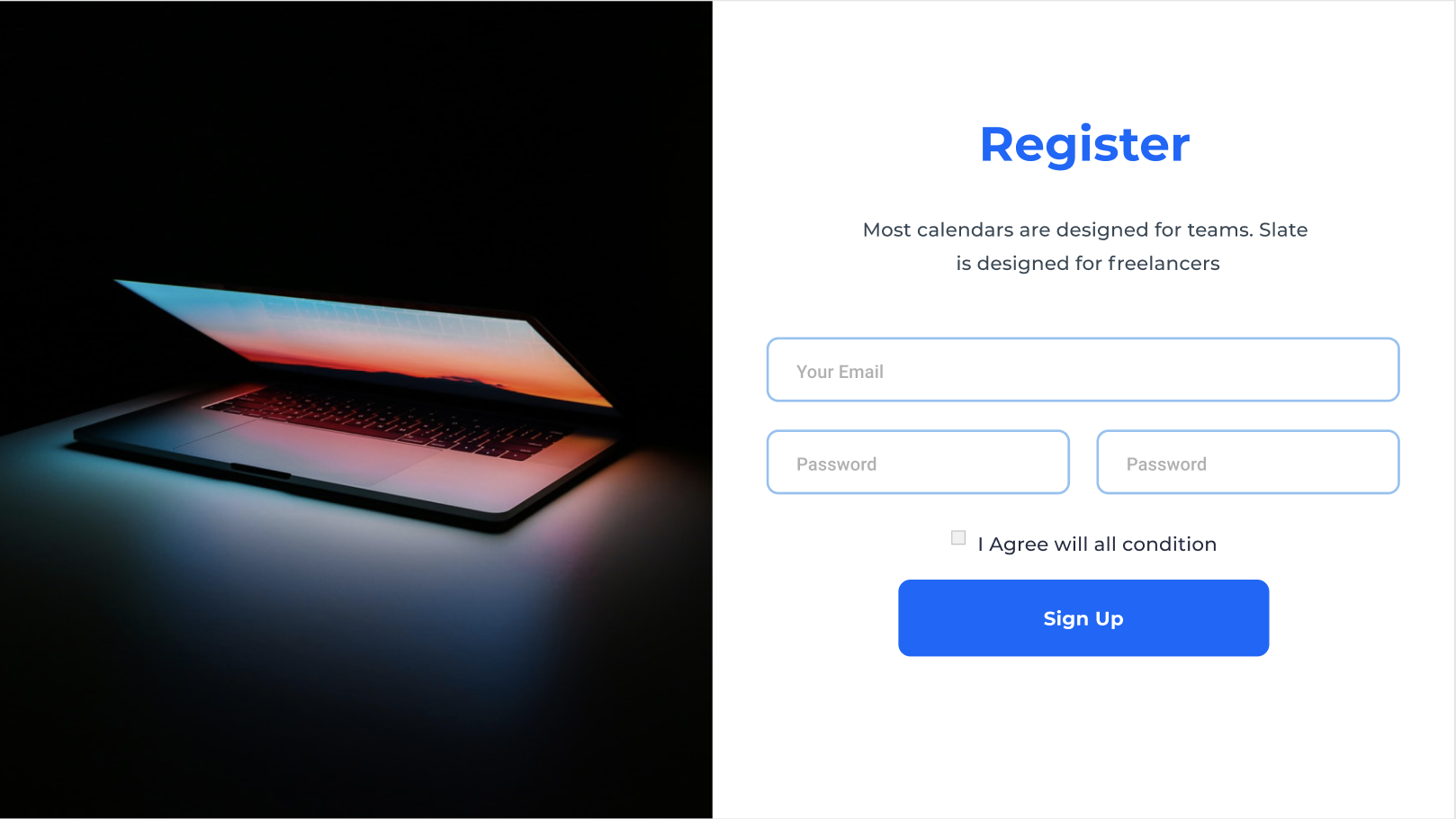
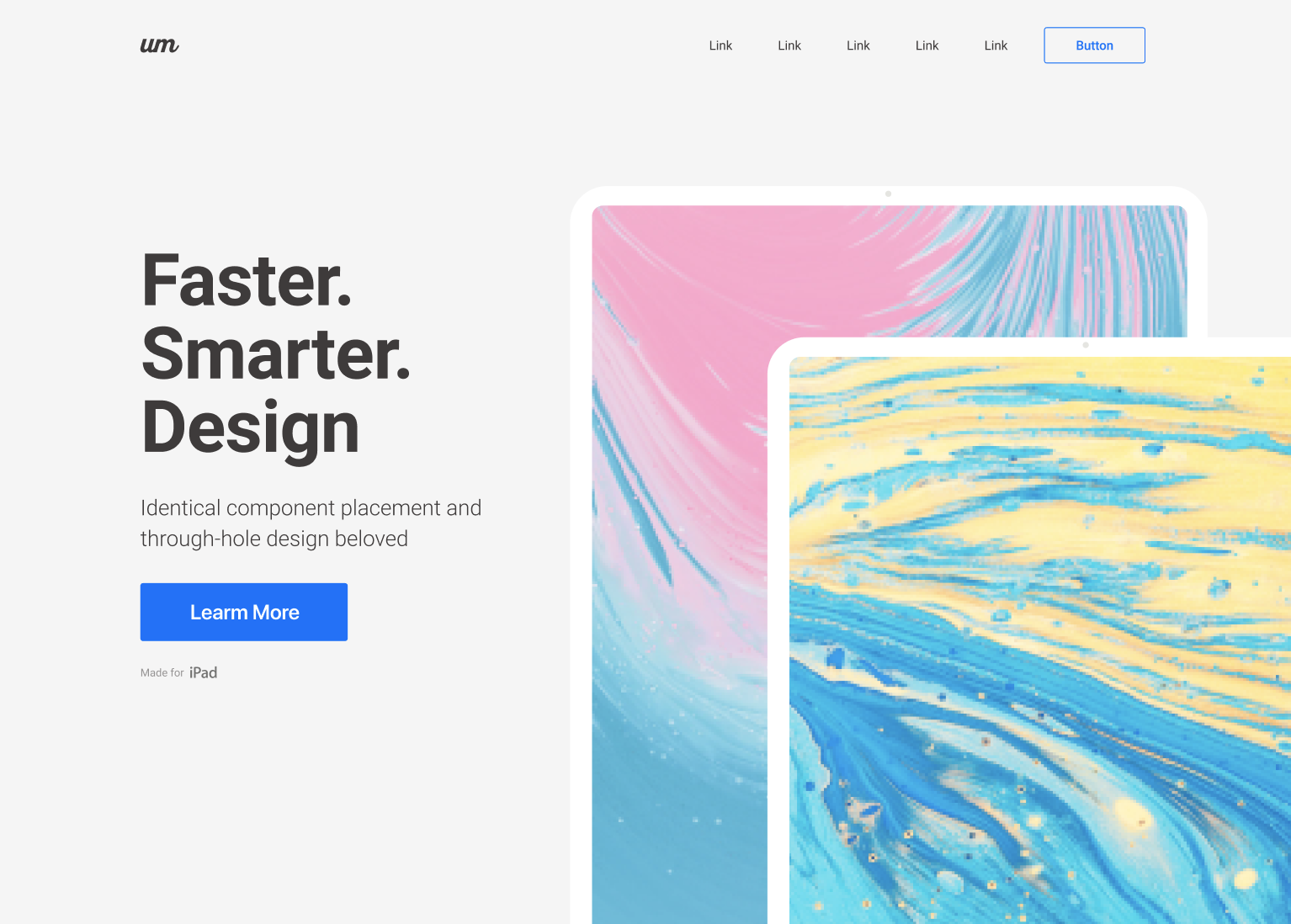
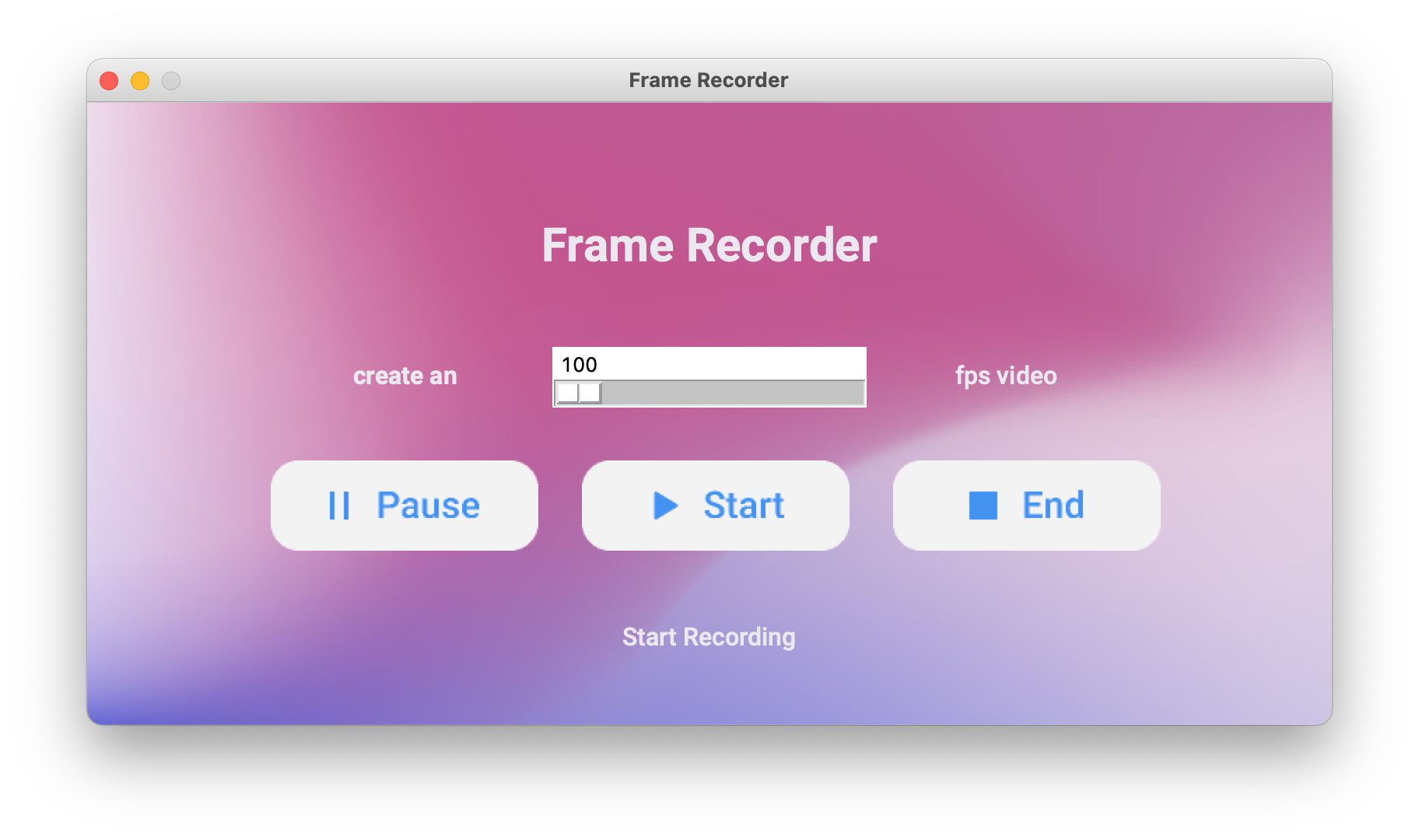
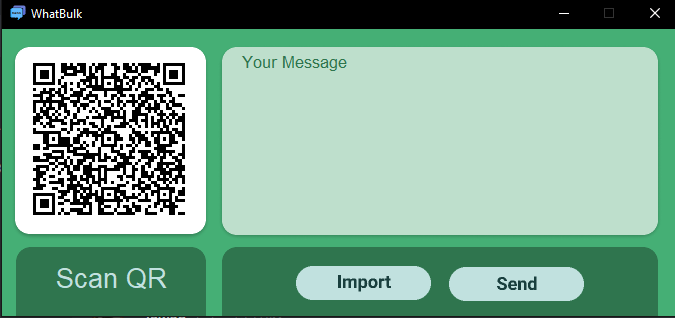
The possibilities are endless with Tkinter Designer, but here are a couple of GUIs that can be perfectly replicated in Tkinter.
The following are not my creations.
Registration Page
Branding Page
Frame Recorder (More Info)
WhatBulk (More Info)
🔥 Showcase
If your app was made with Tkinter Designer, let me know. It will be helpful for others to see more examples!
(See: Contact Me) or use Show and Tell section in Discussions.
📝 Contact Me
If you want to contact me, you can reach me at Jadhavparth99@gmail.com
📄 License
Tkinter Designer is licensed under the BSD 3-Clause "New" or "Revised" License.
View Here.
| Permissions | Restrictions | Conditions |
|---|---|---|
| ✓ Commercial Use | × Liability | 🛈 License and Copyright Notice |
| ✓ Modification | × Warranty | |
| ✓ Distribution | ||
| ✓ Private Use |
Release history Release notifications | RSS feed


Download files
Download the file for your platform. If you're not sure which to choose, learn more about installing packages.
Source Distribution
Built Distribution
Filter files by name, interpreter, ABI, and platform.
If you're not sure about the file name format, learn more about wheel file names.
Copy a direct link to the current filters
File details
Details for the file tkdesigner-1.0.4.tar.gz.
File metadata
- Download URL: tkdesigner-1.0.4.tar.gz
- Upload date:
- Size: 12.5 kB
- Tags: Source
- Uploaded using Trusted Publishing? No
- Uploaded via: poetry/1.1.7 CPython/3.9.6 Linux/5.8.0-1039-azure
File hashes
| Algorithm | Hash digest | |
|---|---|---|
| SHA256 |
0988f6568f813e3b30636284e6b7306d4f503e5db97e8be1eac039e92835bb14
|
|
| MD5 |
eabd25486ece24825f2c38b6913492b5
|
|
| BLAKE2b-256 |
6334b6c216ded34d6d3f4f176bdaead9ded68c87203ef5be45ba70472f42e82e
|
File details
Details for the file tkdesigner-1.0.4-py3-none-any.whl.
File metadata
- Download URL: tkdesigner-1.0.4-py3-none-any.whl
- Upload date:
- Size: 13.4 kB
- Tags: Python 3
- Uploaded using Trusted Publishing? No
- Uploaded via: poetry/1.1.7 CPython/3.9.6 Linux/5.8.0-1039-azure
File hashes
| Algorithm | Hash digest | |
|---|---|---|
| SHA256 |
eb8beb4aa8011799c8e356ec9f0e9a676e215b0bf07e5ac0483df2fc79856406
|
|
| MD5 |
1d8f3dfa2a63513e1662c0d9182460bc
|
|
| BLAKE2b-256 |
fd9841c364cb431144851fbb37379f45fd2597f420ced5b862b231fca7096d0d
|






