
TkinterWeb
Fast and lightweight web browser, rich text, and app design widgets for Tkinter.
Overview
TkinterWeb adds HTML and CSS rendering capabilities to Tkinter widgets.
Common use cases include displaying help files, documentation, and other HTML content, rendering images (including SVG), building rich-text editors, designing apps with HTML templates, and creating more modern-looking interfaces, with advanced styling and even round buttons!
All major operating systems running Python 3.2+ are supported.
Installation
To install TkinterWeb, simply type pip install tkinterweb[recommended] in the command prompt or terminal. That's it!
Usage
TkinterWeb provides:
- A frame widget to display and edit websites, help files, RSS feeds, and any other styled HTML in Tkinter.
- A label widget that can display styled HTML.
- A text widget that allows the user to edit styled HTML.
TkinterWeb can be used in any Tkinter application to display and edit websites, help pages, documentation, and much more! Here is an example:
import tkinter as tk
from tkinterweb import HtmlFrame # import the HtmlFrame widget

root = tk.Tk() # create the Tkinter window
frame = HtmlFrame(root, messages_enabled=True) # create the HTML widget
frame.load_website("https://tkinterweb.readthedocs.io/en/latest/") # load a website
frame.pack(fill="both", expand=True) # attach the HtmlFrame widget to the window
root.mainloop()
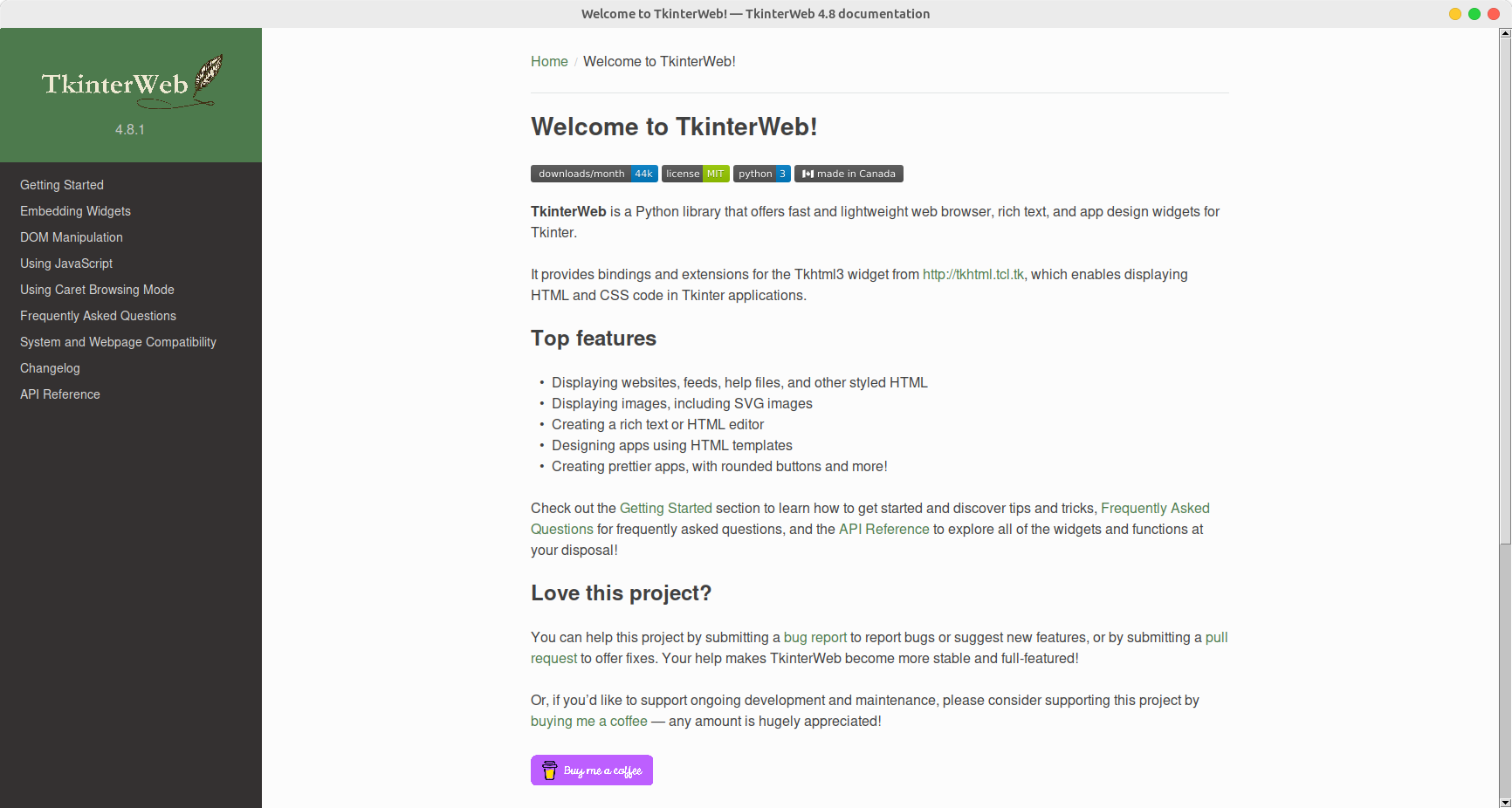
Visit the Read the Docs home page for more information!
1 maintainer

Metadata
1 maintainer
Release files for tkinterweb 4.25.5
For a detailed explanation of source distributions (sdists) and built distributions (wheels), please see the package formats documentation.
Source distribution (sdist)
| File | Size | Uploaded | Provenance | Actions |
|---|---|---|---|---|
| tkinterweb-4.25.5.tar.gz | 113.0 kB | Without provenance | Details for tkinterweb-4.25.5.tar.gz |
Built distribution (wheel)
| File | Interpreter | ABI | Platform | Actions Reset |
|---|---|---|---|---|
| tkinterweb-4.25.5-py3-none-any.whl | Python 3 | none | any | Details for tkinterweb-4.25.5-py3-none-any.whl |
Total release size: 229.9 kB
Release files / tkinterweb-4.25.5.tar.gz
| Download URL | tkinterweb-4.25.5.tar.gz |
|---|---|
| Size | 113.0 kB |
| Tags | Source |
|
SHA-256 checksum How to use checksums |
52f62f29cbcc000774bafc46465e18fce214de24163f3cbe26735a843125673d
|
|
BLAKE2b-256 checksum How to use checksums |
cf0ce2a104edfbc6a9a853fab5b4de1d9188efe1a4812b0bb8f484a890c28b3d
|
| Upload date | |
|
Uploaded using Trusted Publishing? What is trusted publishing? |
No |
| Uploaded via |
twine/5.0.0 CPython/3.12.3
|
Release files / tkinterweb-4.25.5-py3-none-any.whl
| Download URL | tkinterweb-4.25.5-py3-none-any.whl |
|---|---|
| Size | 116.9 kB |
| Tags | Python 3 |
|
SHA-256 checksum How to use checksums |
90f817a0015126e2c17b23f01ef08dc34b6aacf2455808649d97e7dae7d897cf
|
|
BLAKE2b-256 checksum How to use checksums |
0d7673c8766c4e8fb6dae3ed566ddc1f3ab8bec13214f18b918aa2c748d3e895
|
| Upload date | |
|
Uploaded using Trusted Publishing? What is trusted publishing? |
No |
| Uploaded via |
twine/5.0.0 CPython/3.12.3
|
Security for tkinterweb 4.25.5
Provenance
Provenance describes where a file came from. On PyPI, provenance is shared via attestations, which provide a verifiable record of the build or publishing details. View details, limitations and caveats.
No provenance found
None of the files in this release were uploaded with provenance metadata.
A note on package security
PyPI is a repository for distributing packages, not a service for auditing them. While third-party security researchers and our staff do their best to detect and remove malicious packages, PyPI cannot guarantee the quality, security or suitability of any given package.
To learn more about protecting yourself from malicious actors, visit our package security documentation.














