
To-ASCII 


Converts videos, images, gifs, and even live video into ascii art!
- Works on most image and video types including GIFs
- Works on LIVE VIDEO


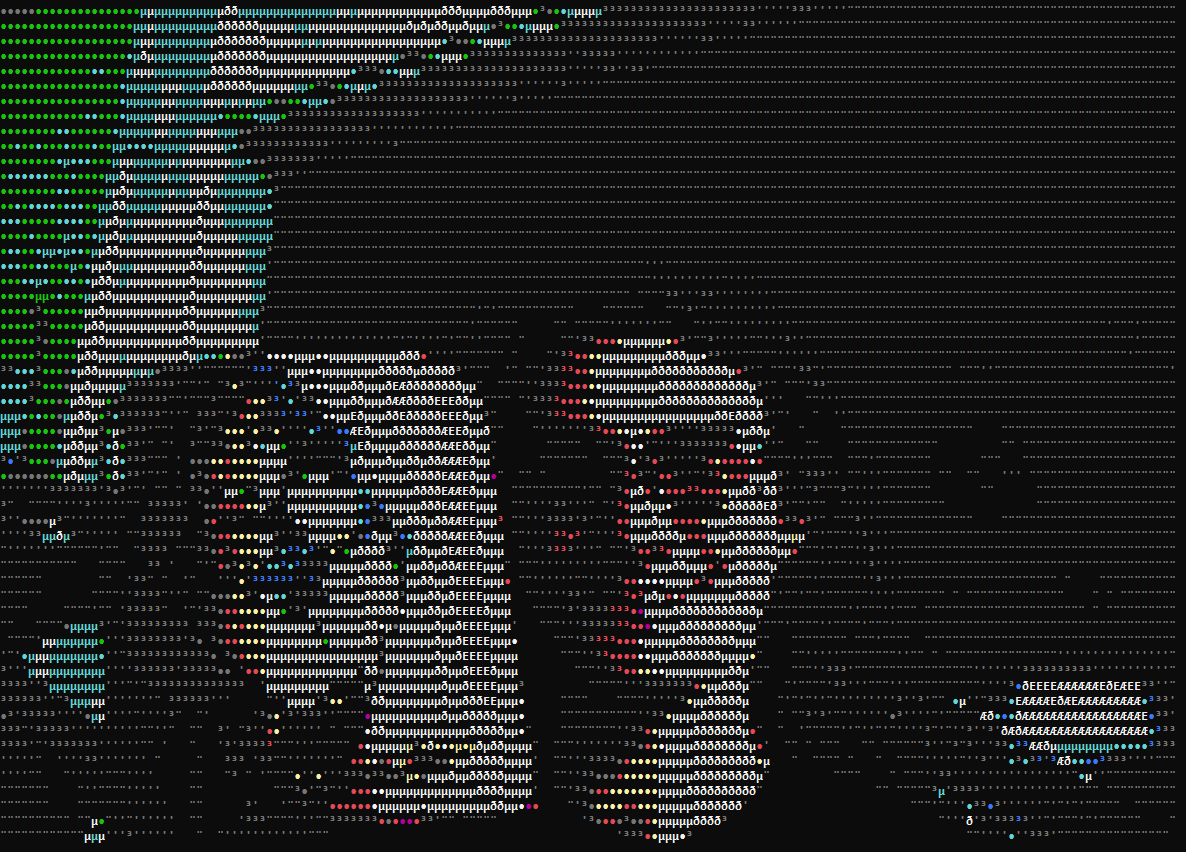
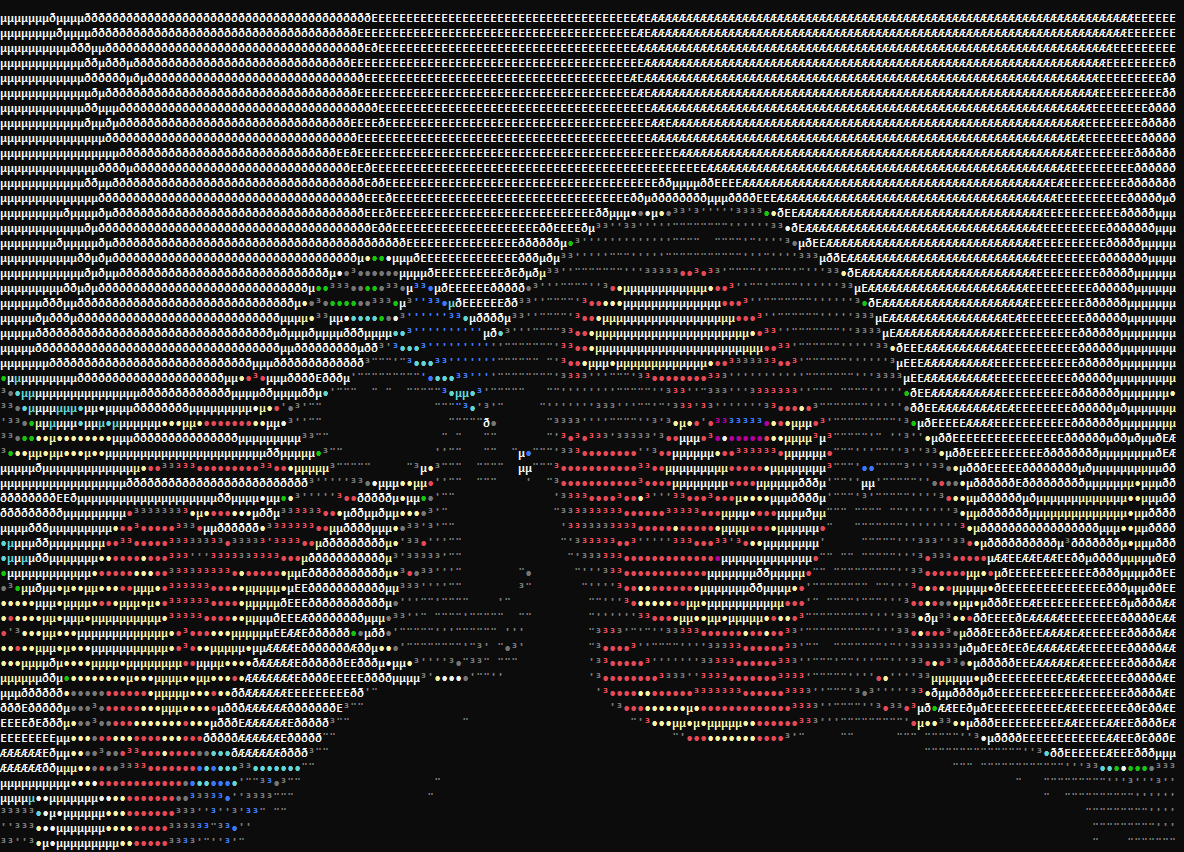
[DEMO SITE] [Video Example] [Video Example 2]
Installation
Via pip:
pip install to-ascii[speedups,cli]
- The
speedupsextra is recommended, see below - The
cliextra is required for CLI use (it adds click as a dependency)
CLI Usage
Usage: toascii [OPTIONS] {image|video} SOURCE {colorconverter|colorconverternim|grayscaleconverter|grayscaleconverternim|htmlcolorconverter|htmlcolorconverternim}

Options:
  -g, --gradient TEXT
  -w, --width INTEGER RANGE       [x>=1]
  -h, --height INTEGER RANGE      [x>=1]
  --x-stretch, --xstretch FLOAT RANGE
                                  [x>0.0]
  --y-stretch, --ystretch FLOAT RANGE
                                  [x>0.0]
  --saturation FLOAT RANGE        [-1.0<=x<=1.0]
  --contrast FLOAT RANGE          [0.0<=x<=1.0]
  --blur INTEGER RANGE            [x>=2]
  --loop
  --help                          Show this message and exit.
CLI Examples
# live video
toascii video 0 colorconverternim -h 103 --x-stretch 3.5 --blur 10 --contrast 0.01 --saturation 0.0
toascii image sammie.jpg grayscaleconverter -h 32 --x-stretch 2.1 --blur 20 --contrast 0.0 --saturation 0.0
toascii video IMG_7845.MOV colorconverternim -h 81 --x-stretch 2.5 --blur 15 --contrast 0.01 --saturation 0.0 --loop
API Reference
Usage Examples Folder
class ConverterOptions(*, gradient: str, width: Optional[int], height: Optional[int], x_stretch: float, y_stretch: float, saturation: float, contrast: Optional[float])
- pydantic model for converter options
- Parameters / Attributes:
gradient:str- string containing the characters the converter will use when converting the image to ascii- must be at least one character
width:Optional[int]- width in characters of the final converted image- default value is
None - must be greater than
0
- default value is
height:Optional[int]- height in characters of the final converted image- default value is
None - must be greater than
0
- default value is
x_stretch:float- how much to stretch the width by- default value is
1.0(which doesn't change the width by anything) - must be greater than
0.0
- default value is
y_stretch:float- how much to stretch the height by- default value is
1.0(which doesn't change the height by anything) - must be greater than
0.0
- default value is
saturation:float- how much to adjust the saturation- default value is
0.5(which increases the saturation) - must be between
-1.0and1.0,0.0is no change to saturation
- default value is
contrast:Optional[float]- how much to increase the contrast by- default value is
None(which doesn't apply any contrast filter) - must be between
0.0and1.0
- default value is
blur:Optional[int]- how much to blur the image by- default value is
None(which doesn't apply any blur) - must be greater than
0
- default value is
class ConverterBase(options: ConverterOptions)
- base class for implementing converters
- Parameters:
options:ConverterOptions- Options used when converting media
- Methods:
- abstract
asciify_image(image:numpy.ndarray) ->str calculate_dimensions(initial_height:int,initial_width:int) ->Tuple[int, int]apply_opencv_fx(image:numpy.ndarray, *,resize_dims:Optional[Tuple[int, int]]) ->numpy.ndarray
- abstract
- Implementations:
GrayscaleConverter- converts media to grayscale asciiGrayscaleConverterNim- converters media to grayscale ascii, see the Extensions sectionColorConverter- converts media to colored ascii using ColoramaColorConverterNim- converts media to colored ascii using Colorama, see the Extensions sectionHtmlColorConverter- converts media to ascii in colored html spansHtmlColorConverterNim- converts media to ascii in colored html spans, see the Extensions section
class Image(source: Union[str, bytes, IOBase], converter: BaseConverter)
- class for converting an image to ascii
- Parameters:
source:Union[str, bytes, IOBase]- the source of the image that is to be loaded and converted- if
sourceis astr, it's assumed that it's a path to an image file - if
sourceisbytesorIOBaseit's assumed to be the data of an image and is decoded in-memory
- if
converter:ConverterBase- the converter used to convert the image- takes anything that implements
ConverterBase
- takes anything that implements
- Methods:
to_ascii() ->str- returns the image converted by the converter
view() ->None- prints out the converted image to the console
class Video(source: Union[str, int, bytes, IOBase], converter: BaseConverter, *, fps: Optional[float], loop: bool)
- class for converting a video to ascii
- Parameters:
source:Union[str, int bytes, IOBase]- the source of the video that is to be loaded and converted- if
sourceis astr, it's assumed that it's a path to an image file - if
sourceisbytesorIOBaseit's assumed to be the data of an image and is written to a temporary file before being loaded and decoded by OpenCV - if
sourceis anint, it's assumed to be the index of a camera device - see OpenCV's
VideoCapturefor more information
- if
converter:ConverterBase- the converter used to convert the image- takes anything that implements
ConverterBase
- takes anything that implements
fps:Optional[float]- the fps to play the video at- default value is
None - if
Nonethen the fps used is fetched from OpenCV'sVideoCaptureAPI
- default value is
loop:bool- whether or not to loop the video when it's done playing- default value is
False - if the video source is live, this parameter is ignored
- default value is
- Methods:
get_ascii_frames() ->Generator[str, None, None]- returns a generator which yields each ascii frame as it is convertedview() ->None- prints out each frame of the converted video- if the video source is not live, this method will first generate all frames and cache them in memory for a smoother playback
- if the
loopparameter was set toTrueearlier, then this will play the video and restart it when it finishes unless the source is live
Extensions
- For each converter available, there is a separate implementation written in Nim
- These implementations are generally orders of magnitude faster than their Python counterparts
- To use these extensions you must install Nim and install the
to-ascii[speedups]package via pip or your package manager of choice
1 maintainer

Metadata
1 maintainer
Release files for to-ascii 6.2.0
For a detailed explanation of source distributions (sdists) and built distributions (wheels), please see the package formats documentation.
Source distribution (sdist)
| File | Size | Uploaded | |
|---|---|---|---|
| to_ascii-6.2.0.tar.gz | 15.5 kB | Details |
Built distribution (wheel)
| File | Interpreter | ABI | Platform | Reset |
|---|---|---|---|---|
| to_ascii-6.2.0-py3-none-any.whl | Python 3 | none | any | Details |
Total release size: 36.5 kB
Release files / to_ascii-6.2.0.tar.gz
| Download URL | to_ascii-6.2.0.tar.gz |
|---|---|
| Size | 15.5 kB |
| Tags | Source |
|
SHA-256 checksum How to use checksums |
89899a9ec020ecd8eaac4bbdd0e49deda0531276fc75caba03b578d828981622
|
|
BLAKE2b-256 checksum How to use checksums |
1c55f314b8cd9663fb346f038b41baa7040acf15c1c83d9b1effd18f8f6ea2c2
|
| Upload date | |
|
Uploaded using Trusted Publishing? What is trusted publishing? |
Yes |
| Uploaded via |
twine/7.0.0 CPython/3.13.14
|
Provenance
Provenance describes where a file came from. On PyPI, provenance is shared via attestations, which provide a verifiable record of the build or publishing details. View details, limitations and caveats.


PyPI Publish Attestation
PyPI verified that this artifact, at this checksum, originated from the publisher listed below.
Signed by GitHub Actions, verified by PyPI on Sep 18, 2026.
Transparency logRelease files / to_ascii-6.2.0-py3-none-any.whl
| Download URL | to_ascii-6.2.0-py3-none-any.whl |
|---|---|
| Size | 21.0 kB |
| Tags | Python 3 |
|
SHA-256 checksum How to use checksums |
cbd1d08fc0dbd147d0007aaf6dda822731732a82ac5d8cba928dc98754e608de
|
|
BLAKE2b-256 checksum How to use checksums |
f3840a75468d800d89667487b0310d39eabe913159e24c34b90e82ed0b15bfe9
|
| Upload date | |
|
Uploaded using Trusted Publishing? What is trusted publishing? |
Yes |
| Uploaded via |
twine/7.0.0 CPython/3.13.14
|
Provenance
Provenance describes where a file came from. On PyPI, provenance is shared via attestations, which provide a verifiable record of the build or publishing details. View details, limitations and caveats.
PyPI Publish Attestation
PyPI verified that this artifact, at this checksum, originated from the publisher listed below.
Signed by GitHub Actions, verified by PyPI on Sep 18, 2026.
Transparency log













