


Toolong
A terminal application to view, tail, merge, and search log files (plus JSONL).
🎬 Viewing a single file
Keep calm and log files
See Toolong on Calmcode.io for a calming introduction to Toolong.
What?
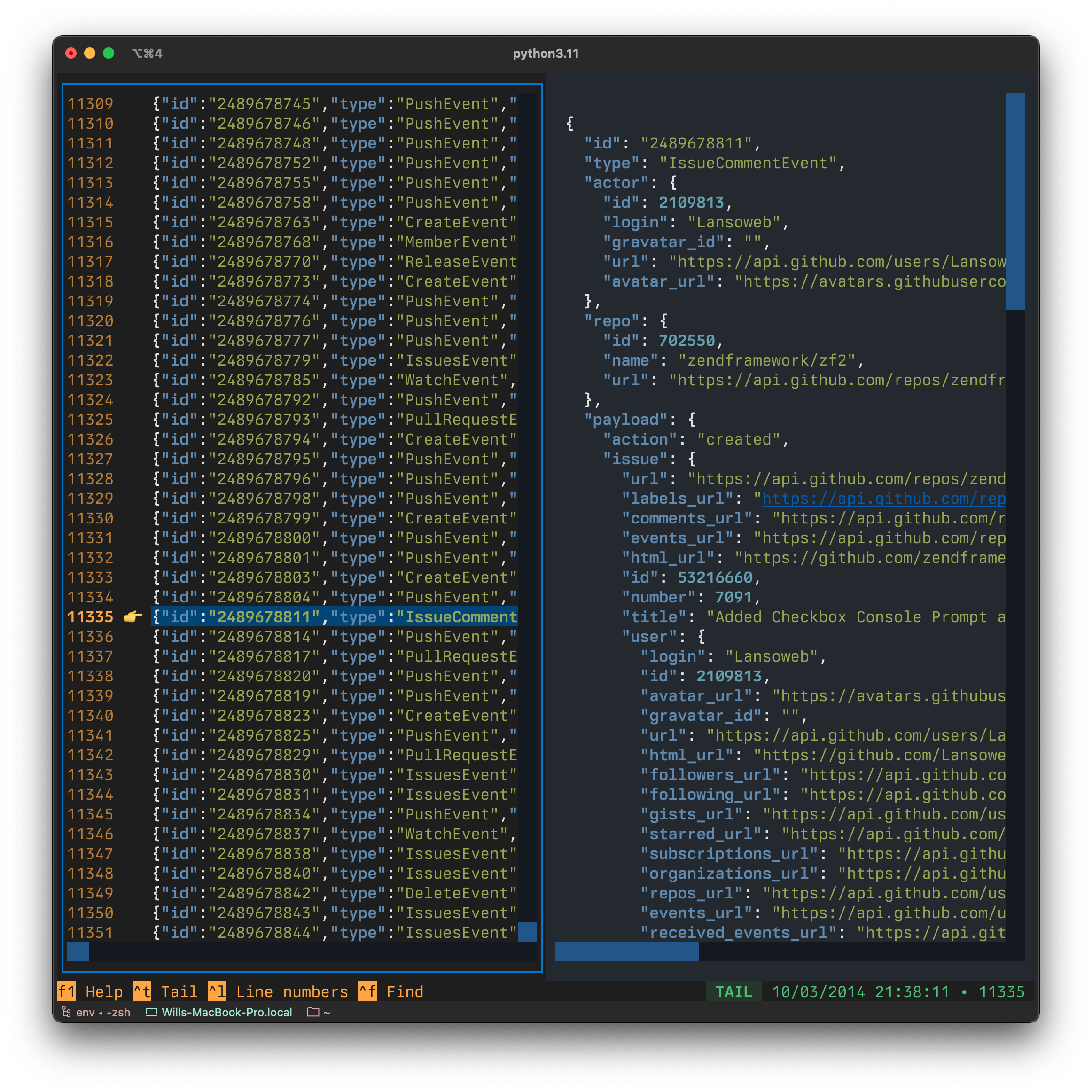
- Live tailing of log files.
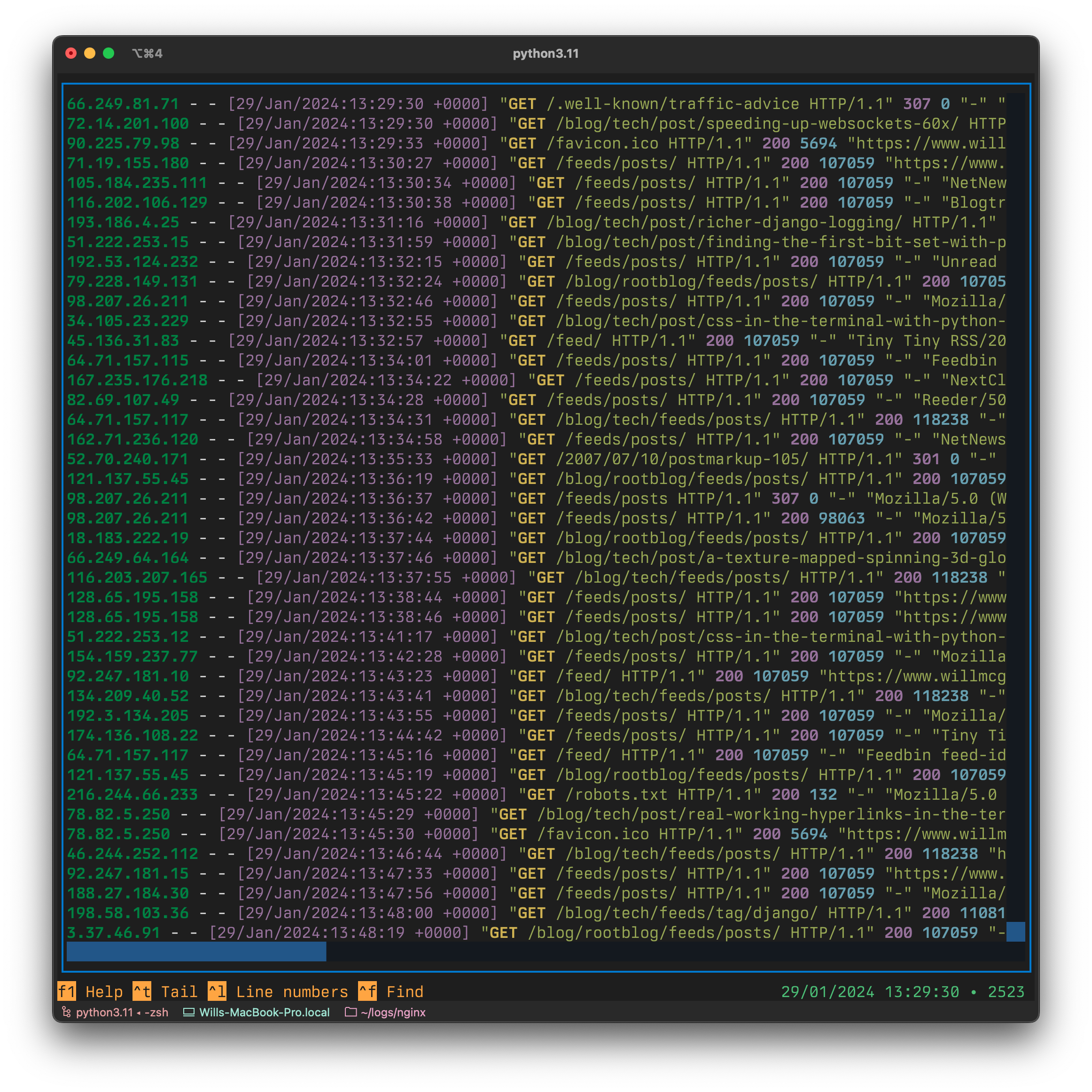
- Syntax highlights common web server log formats.
- As fast to open a multiple-gigabyte file as it is to open a tiny text file.
- Support for JSONL files: lines are pretty printed.
- Opens .bz and .bz2 files automatically.
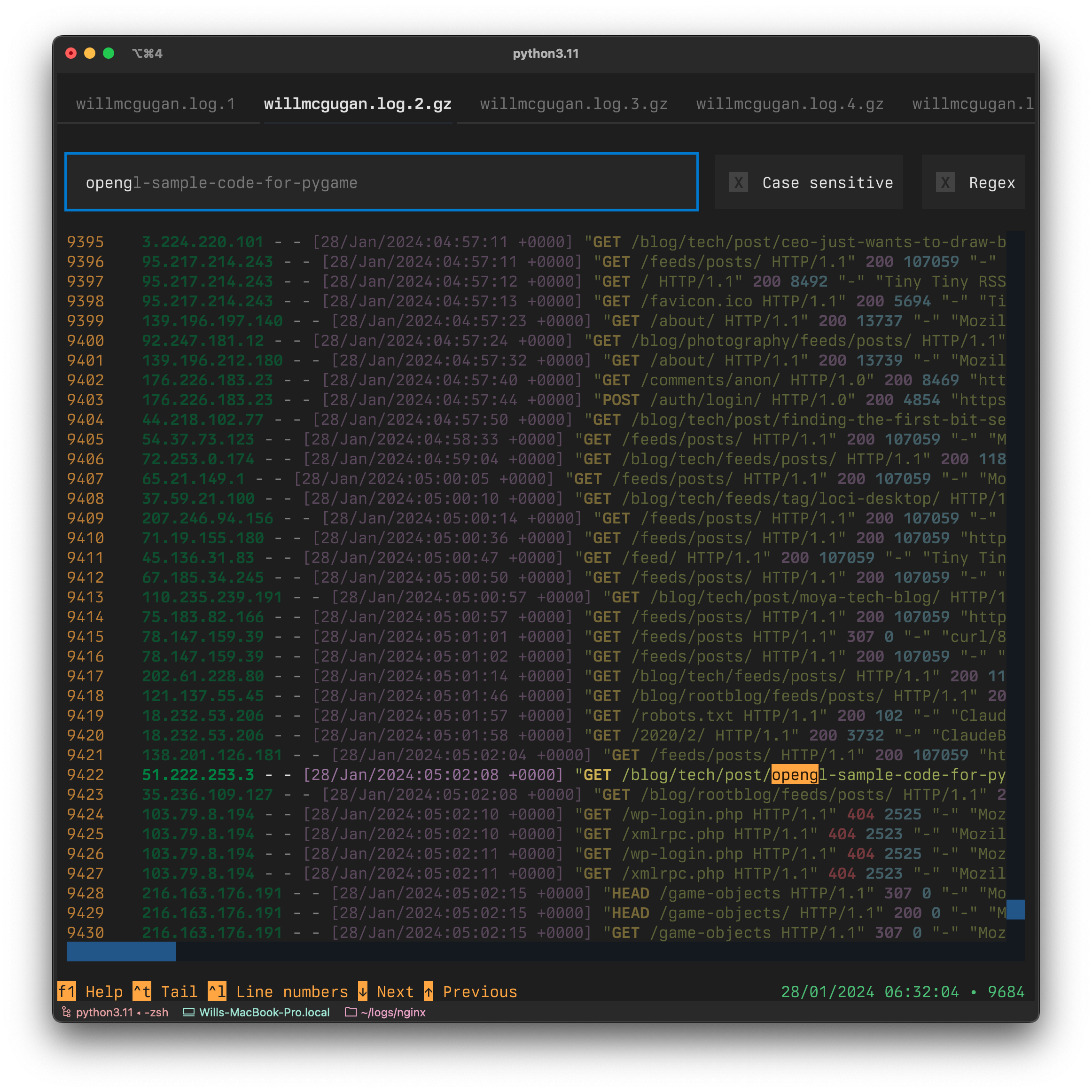
- Merges log files by auto detecting timestamps.
Why?
I spent a lot of time in my past life as a web developer working with logs, typically on web servers via ssh.
I would use a variety of tools, but my goto method of analyzing logs was directly on the server with *nix tools like as tail, less, and grep etc.
As useful as these tools are, they are not without friction.
I built toolong to be the tool I would have wanted back then.
It is snappy, straightforward to use, and does a lot of the grunt work for you.
Screenshots
|
|
|
|
|
Videos
🎬 Merging multiple (compressed) files
🎬 Viewing JSONL files
🎬 Live Tailing a file
How?
Toolong is currently best installed with pipx.
pipx install toolong
You could also install Toolong with Pip:
pip install toolong
[!NOTE] If you use pip, you should ideally create a virtual environment to avoid potential dependancy conflicts.
However you install Toolong, the tl command will be added to your path:
tl
In the near future there will be more install methods, and hopefully your favorite package manager.
Compatibility
Toolong works on Linux, macOS, and Windows.
Opening files
To open a file with Toolong, add the file name(s) as arguments to the command:
tl mylogfile.log
If you add multiple filenames, they will open in tabs.
Add the --merge switch to open multiple files and combine them in to a single view:
tl access.log* --merge
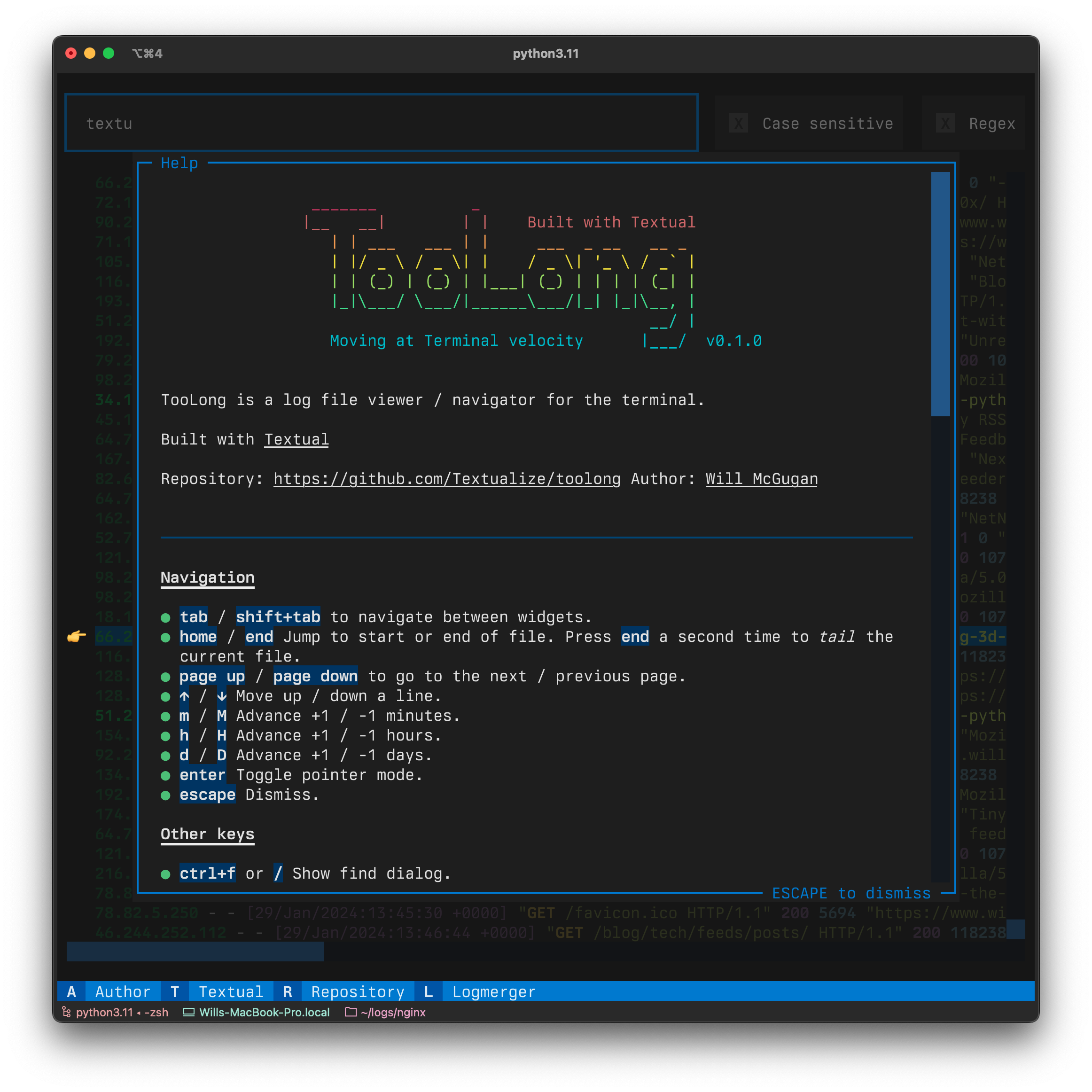
In the app, press f1 for additional help.
Piping
In addition to specifying files, you can also pipe directly into tl.
This means that you can tail data that comes from another process, and not neccesarily a file.
Here's an example of piping output from the tree command in to Toolong:
tree / | tl
Who?
This guy. An ex web developer who somehow makes a living writing terminal apps.
History
If you follow me on Twitter, you may have seen me refer to this app as Tailless, because it was intended to be a replacement for a tail + less combo.
I settled on the name "Toolong" because it is a bit more apt, and still had the same initials.
Development
Toolong v1.0.0 has a solid feature set, which covers most of my requirements. However, there is a tonne of features which could be added to something like this, and I will likely implement some of them in the future.
If you want to talk about Toolong, find me on the Textualize Discord Server.
Thanks
I am grateful for the LogMerger project which I referenced (and borrowed regexes from) when building Toolong.
Alternatives
Toolong is not the first TUI for working with log files. See lnav as a more mature alternative.
1 maintainer

Metadata
1 maintainer
Release files for toolong 1.5.0
For a detailed explanation of source distributions (sdists) and built distributions (wheels), please see the package formats documentation.
Source distribution (sdist)
| File | Size | Uploaded | |
|---|---|---|---|
| toolong-1.5.0.tar.gz | 30.5 kB | Details |
Built distribution (wheel)
| File | Interpreter | ABI | Platform | Reset |
|---|---|---|---|---|
| toolong-1.5.0-py3-none-any.whl | Python 3 | none | any | Details |
Total release size: 65.6 kB
Release files / toolong-1.5.0.tar.gz
| Download URL | toolong-1.5.0.tar.gz |
|---|---|
| Size | 30.5 kB |
| Tags | Source |
|
SHA-256 checksum How to use checksums |
49934701f954f9701d37381bed6e0f3dfbea0abe1065fcf1ff35de9eef3bbcf3
|
|
BLAKE2b-256 checksum How to use checksums |
45022a412839be723f58bd45c23c3fc89ea18c3bb76d5a3688c23c8e4f8c0734
|
| Upload date | |
|
Uploaded using Trusted Publishing? What is trusted publishing? |
No |
| Uploaded via |
poetry/1.8.2 CPython/3.12.2 Darwin/23.4.0
|
Release files / toolong-1.5.0-py3-none-any.whl
| Download URL | toolong-1.5.0-py3-none-any.whl |
|---|---|
| Size | 35.0 kB |
| Tags | Python 3 |
|
SHA-256 checksum How to use checksums |
bc8e12b1937b3e6fd6b0e8ff924c0a9b1c3ad6171951655571f17d8ac2ca48ce
|
|
BLAKE2b-256 checksum How to use checksums |
a7a36d414636ed190b5d3a74cbc3e2a0d34674166314f2cb9eae2e25a2a2d52f
|
| Upload date | |
|
Uploaded using Trusted Publishing? What is trusted publishing? |
No |
| Uploaded via |
poetry/1.8.2 CPython/3.12.2 Darwin/23.4.0
|














