
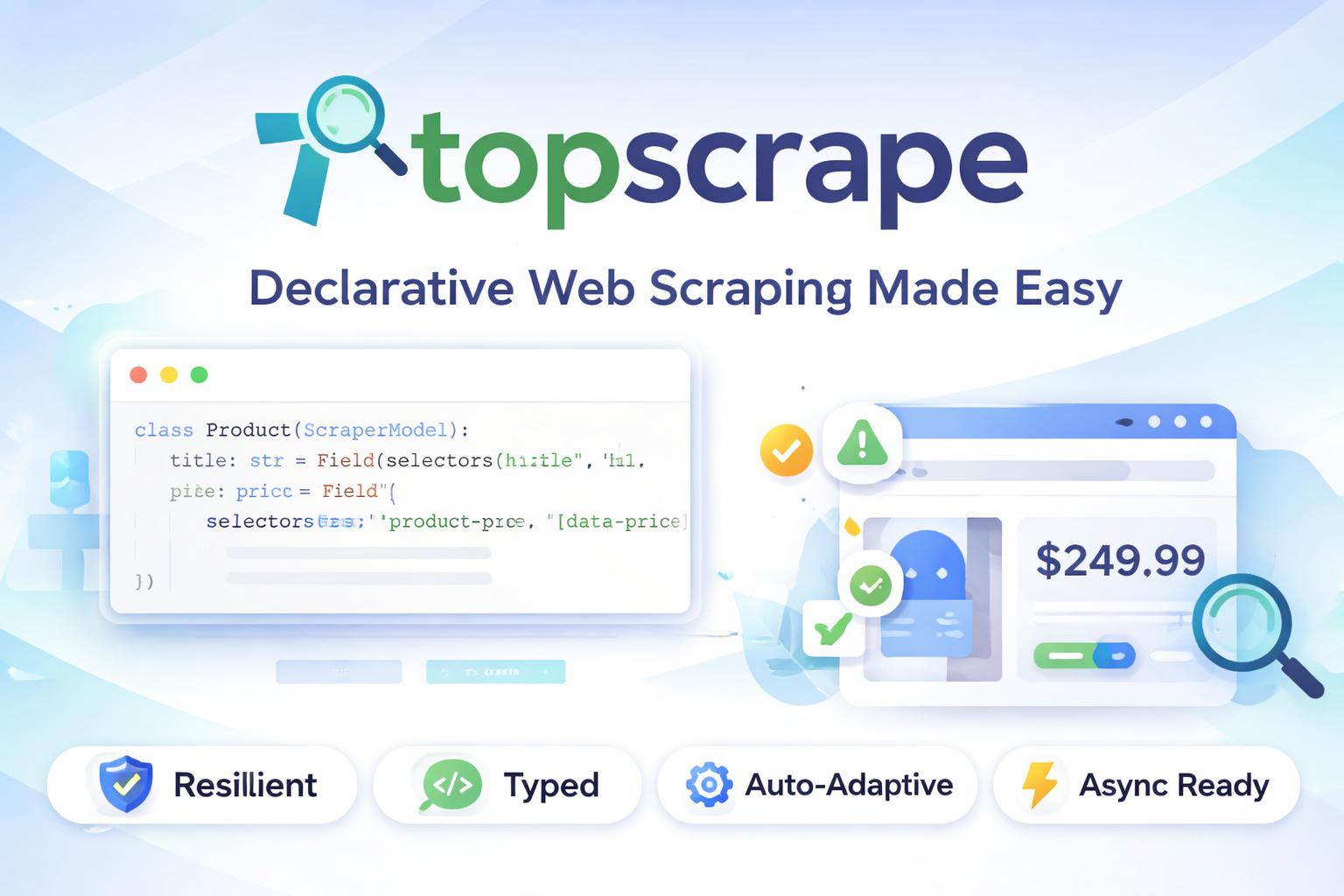





Declarative, resilient, and typed web scraping.
Define what you want — topscrape figures out how to get it, even when the site changes.
✨ Why topscrape?
Scrapers break when websites update their HTML. Fixing them means hunting down changed CSS selectors — tedious, repetitive, and always at the worst time.
❌ Standard approach — brittle
soup = BeautifulSoup(html, "html.parser")
price = soup.select_one(".price")
if not price:
    price = soup.select_one(".cost")
Manual fallback. Manual debugging. Constant maintenance.
✅ The topscrape Approach
from topscrape import ScraperModel, Field

class Product(ScraperModel):
    title: str = Field(selectors=["h1.title", "h1"])
    price: float = Field(
        selectors=[".product-price", "[data-price]", "//span[@itemprop='price']"],
        transform=lambda v: v.replace("$", "").replace(",", ""),
    )
    image: str = Field(selectors=["img.hero"], attr="src", default="")

product = Product.from_url("https://example.com/item/1")
print(product.price)
If .product-price disappears but [data-price] still works:
- topscrape returns the correct value
- Emits a Selector Drift Warning
- Keeps your scraper alive
That’s resilience by design.
🚀 Features
| Feature | Description |
|---|---|
| Declarative models | Define fields with Field(selectors=[...]) |
| Selector chains | CSS → XPath → Regex fallback |
| Drift detection | Warns before total breakage |
| Pydantic validation | Strong typing enforced |
| Transforms | Clean data before validation |
| Async ready | from_url_async() supported |
| CLI included | Quick one-off extraction |
📦 Installation
pip install topscrape
Requires Python 3.9+.
⚡ Quick Start
Google Colab Example - Link
Basic Extraction
from topscrape import ScraperModel, Field

class Article(ScraperModel):
    title: str = Field(selectors=["h1", ".article-title"])
    author: str = Field(selectors=[".byline", "[rel='author']"], default="Unknown")
    content: str = Field(selectors=["article p", ".body-text"])

article = Article.from_html(html_string)
print(article.title)
Fetch From URL
product = Product.from_url("https://example.com/item/1")
print(product.title)
Async Usage
import asyncio

async def main():
    product = await Product.from_url_async("https://example.com/item/1")
    print(product.price)

asyncio.run(main())
Multiple Values
class Page(ScraperModel):
    tags: list[str] = Field(selectors=[".tag"], multiple=True)
    links: list[str] = Field(selectors=["nav a"], multiple=True, attr="href")
🛡 Drift Detection
If a fallback selector fires:
UserWarning: [Selector Drift] Field 'price':
primary selector '.product-price' failed;
used fallback '[data-price]'.
Catch programmatically:
import warnings
from topscrape import SelectorDriftWarning

with warnings.catch_warnings(record=True) as w:
    warnings.simplefilter("always")
    product = Product.from_url(url)

drifted = [x for x in w if issubclass(x.category, SelectorDriftWarning)]
🖥 CLI Usage
topscrape https://example.com "title"
topscrape https://example.com ".price" "[data-price]"
topscrape https://example.com "a.buy-link" --attr href
topscrape https://example.com "li.feature" --all
topscrape https://example.com "h1" --json
🧩 API Reference
Field
| Parameter | Description |
|---|---|
| selectors | Ordered CSS / XPath / Regex list |
| attr | Attribute to extract |
| transform | Pre-validation function |
| default | Fallback value |
| multiple | Return all matches |
ScraperModel
| Method | Description |
|---|---|
| from_html | Parse raw HTML |
| from_url | Fetch & parse (sync) |
| from_url_async | Fetch & parse (async) |
| from_selector | Parse existing selector |
👨💻 Developer Guide — Run & Contribute via GitHub
Want to run topscrape locally or contribute improvements? Follow this streamlined workflow.
🍴 1. Fork the Repository
- Go to: https://github.com/ronaldgosso/topscrape
- Click Fork
- Clone your fork
📥 2. Clone Your Fork
git clone https://github.com/<your-username>/topscrape.git
cd topscrape
Add upstream:
git remote add upstream https://github.com/ronaldgosso/topscrape.git
Sync later with:
git fetch upstream
git merge upstream/main
🐍 3. Create Virtual Environment
python -m venv .venv
Activate:
Mac/Linux
source .venv/bin/activate
Windows
.venv\Scripts\activate
📦 4. Install in Editable Mode
pip install -e ".[dev]"
Editable mode ensures changes apply instantly.
🧪 5. Run Tests
pytest
No green tests, no merge.
🧹 6. Lint & Type Check
ruff check .
black .
mypy topscrape/
Clean, typed, consistent.
🌿 7. Create Feature Branch
git checkout -b feature/your-feature
Never commit directly to main.
💾 8. Commit Properly
git commit -m "feat: improve fallback logging"
Conventional commit prefixes:
- feat:
- fix:
- docs:
- refactor:
- test:
🚀 9. Push & Open Pull Request
git push origin feature/your-feature
Then open a Pull Request against ronaldgosso/main.
🧠 Development Principles
topscrape prioritizes:
- Resilience over cleverness
- Declarative design
- Type safety
- Drift transparency
Every contribution should reduce brittleness.
🏆 Contribution Standards
Pull requests must:
- Pass CI
- Include tests (if applicable)
- Maintain backward compatibility
- Follow existing style
Quality > Speed.
📄 License
MIT © Ronald Isack Gosso
1 maintainer

Metadata
1 maintainer
Release files for topscrape 0.1.4
For a detailed explanation of source distributions (sdists) and built distributions (wheels), please see the package formats documentation.
Source distribution (sdist)
| File | Size | Uploaded | |
|---|---|---|---|
| topscrape-0.1.4.tar.gz | 15.3 kB | Details |
Built distribution (wheel)
| File | Interpreter | ABI | Platform | Reset |
|---|---|---|---|---|
| topscrape-0.1.4-py3-none-any.whl | Python 3 | none | any | Details |
Total release size: 28.2 kB
Release files / topscrape-0.1.4.tar.gz
| Download URL | topscrape-0.1.4.tar.gz |
|---|---|
| Size | 15.3 kB |
| Tags | Source |
|
SHA-256 checksum How to use checksums |
c8d0932ee87601f7a205f99062cb67e7cdc8940b49ee1c2c3673b0439beabf53
|
|
BLAKE2b-256 checksum How to use checksums |
f6cb585fb99e58e0bfccc67c3aefecd4b0ae8714264becb3657b224d7faf84c3
|
| Upload date | |
|
Uploaded using Trusted Publishing? What is trusted publishing? |
Yes |
| Uploaded via |
twine/6.1.0 CPython/3.13.7
|
Provenance
Provenance describes where a file came from. On PyPI, provenance is shared via attestations, which provide a verifiable record of the build or publishing details. View details, limitations and caveats.


PyPI Publish Attestation
PyPI verified that this artifact, at this checksum, originated from the publisher listed below.
Signed by GitHub Actions, verified by PyPI on Mar 31, 2026.
Transparency logRelease files / topscrape-0.1.4-py3-none-any.whl
| Download URL | topscrape-0.1.4-py3-none-any.whl |
|---|---|
| Size | 12.9 kB |
| Tags | Python 3 |
|
SHA-256 checksum How to use checksums |
a87028d59917c1731b6f9184f368f74857e69d8c5277a317c04f8fa38fbc4b04
|
|
BLAKE2b-256 checksum How to use checksums |
34e9803c11b9a560254194e074c17e0f29643e7fc09c08c3dc56d212c29950df
|
| Upload date | |
|
Uploaded using Trusted Publishing? What is trusted publishing? |
Yes |
| Uploaded via |
twine/6.1.0 CPython/3.13.7
|
Provenance
Provenance describes where a file came from. On PyPI, provenance is shared via attestations, which provide a verifiable record of the build or publishing details. View details, limitations and caveats.
PyPI Publish Attestation
PyPI verified that this artifact, at this checksum, originated from the publisher listed below.
Signed by GitHub Actions, verified by PyPI on Mar 31, 2026.
Transparency log













