
trame-vtklocal 
Local Rendering using VTK.wasm to match server side rendering pipeline on the client side. The current code base is still at its infancy but we aim to make it the default implementation for local rendering using VTK/ParaView with trame. This WASM capability is starting to be available with VTK 9.4 but major improvement are happening in VTK 9.6.
Additional documentation can be found on vtk-wasm documentation.
VTK 9.4, 9.5 and 9.6 are compatible with trame-vtklocal>=0.16,<1 while trame-vtklocal>=1 will only be compatible with VTK 10. What we envision with VTK 10 is the completion of the main work with WASM and WebGPU. We will take that opportunity to cleanup the code in trame-vtklocal by removing legacy setup that were needed for VTK 9.4 and 9.5.
A simple demo can be executed like so
# Using the local repository file
uv run ./examples/demo/widget.py

# Or from the url
uv run https://raw.githubusercontent.com/Kitware/trame-vtklocal/refs/heads/master/examples/demo/widget.py
To get the following
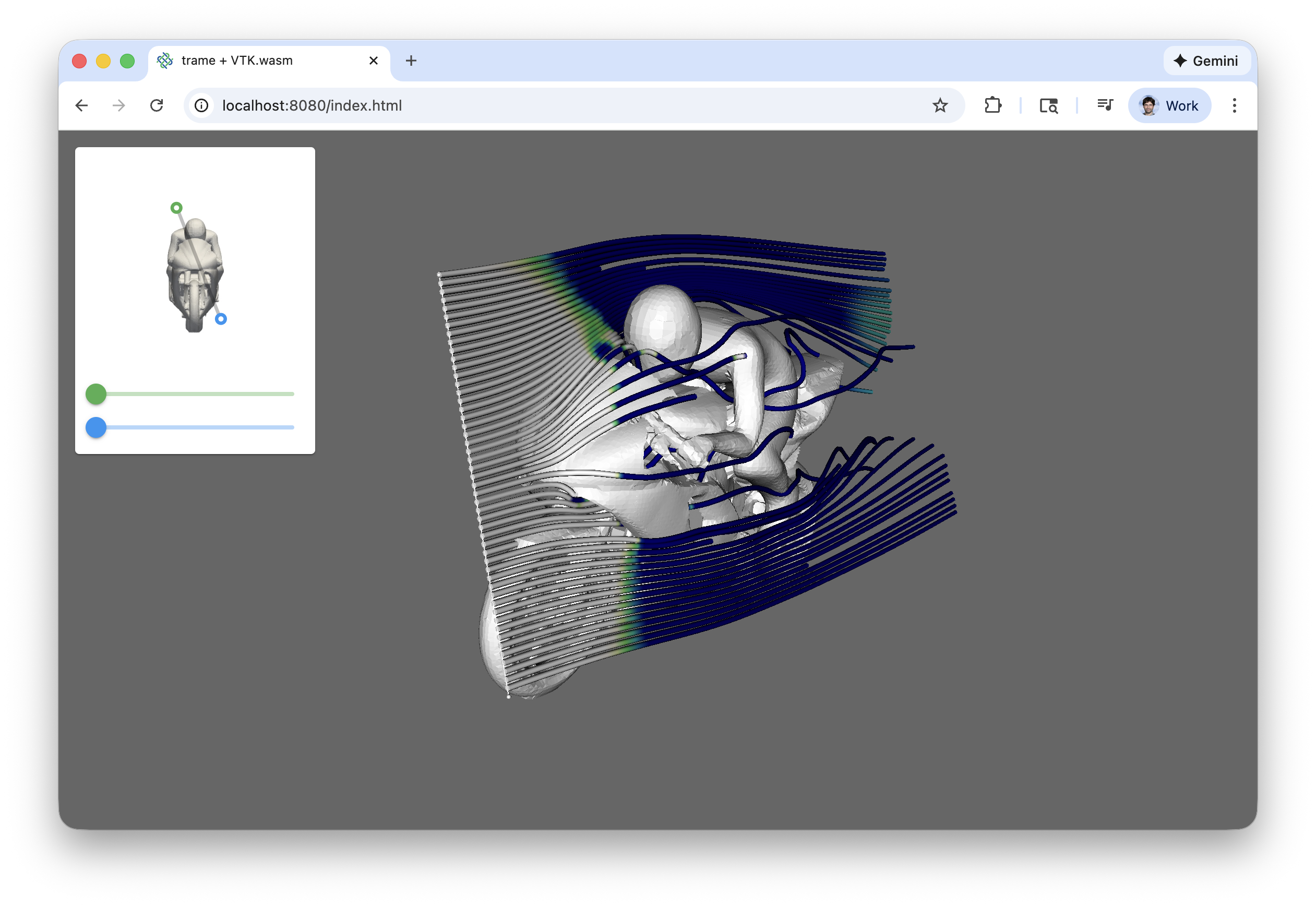
License
This library is OpenSource and follow the Apache Software License
Installation
# to install VTK yourself
pip install trame-vtklocal

# for the latest VTK capabilities
pip install "vtk>=9.6" --pre --index-url https://wheels.vtk.org
Development
Build and install the Vue components
cd vue-components
npm i
npm run build
cd -
Install the library
# Create venv and install all dependencies
uv sync --all-extras --dev

# Activate environment
source .venv/bin/activate

# Install commit analysis
pre-commit install
pre-commit install --hook-type commit-msg
Optionally, you can develop with bleeding edge VTK by following these steps. Make sure you’ve these tools
git
CMake
Ninja
Python
NodeJS >= 24.0.1: https://nodejs.org/en/download/package-manager
Emscripten SDK version 4.0.20: See https://emscripten.org/docs/getting_started/downloads.html#download-and-install
# Compile VTK for wasm32 architecture using emscripten. Build artifacts can be found in dev/vtk/build/wasm
python ./utils/build_vtk.py -u https://gitlab.kitware.com/vtk/vtk.git -b master -t wasm32 -c RelWithDebInfo

# Compile VTK with python wrappings using system C++ compiler. Build artifacts can be found in dev/vtk/build/py
python ./utils/build_vtk.py -u https://gitlab.kitware.com/vtk/vtk.git -b master -t py -c RelWithDebInfo

# Windows: Set environment variables
./utils/dev_environment.ps1 -b master -c RelWithDebInfo

# Unix: Set environment variables
source ./utils/dev_environment.sh -b master -c RelWithDebInfo
Running examples
uv sync --all-extras --dev

# Activate environment
source .venv/bin/activate

# regular trame app
python ./examples/vtk/cone.py
Some example are meant to test and validate WASM rendering. Some will default for remote rendering but if you want to force them to use WASM just run export USE_WASM=1 before executing them.
Example gallery
The examples below live in examples/vtk. Click a screenshot to open its source.
Minimal cone with resolution slider. |
Orientation axes rendered next to a cone. |
vtkGlyph3D with switchable glyph sources. |
Lookup table and color map editing. |
vtkPolyDataSilhouette outlines. |
Volume rendering with selectable mapper. |
Contours and streamlines of a flow dataset. |
Load and display VTP / VTM files. |
Call VTK methods on the client-side objects. |
Pick actors from the browser. |
Highlight the actor under the cursor. |
Stress test with many independent actors. |
Many-actor render benchmark on a process plant scene. |
Mesh above 4 GiB requiring the wasm64 runtime. |
vtkBorderWidget over a sphere. |
vtkBoxWidget2 transforming an actor. |
vtkCameraOrientationWidget. |
Interactive plane clipping. |
Interactive plane slicing (uses wasm64 for 64-bit ids). |
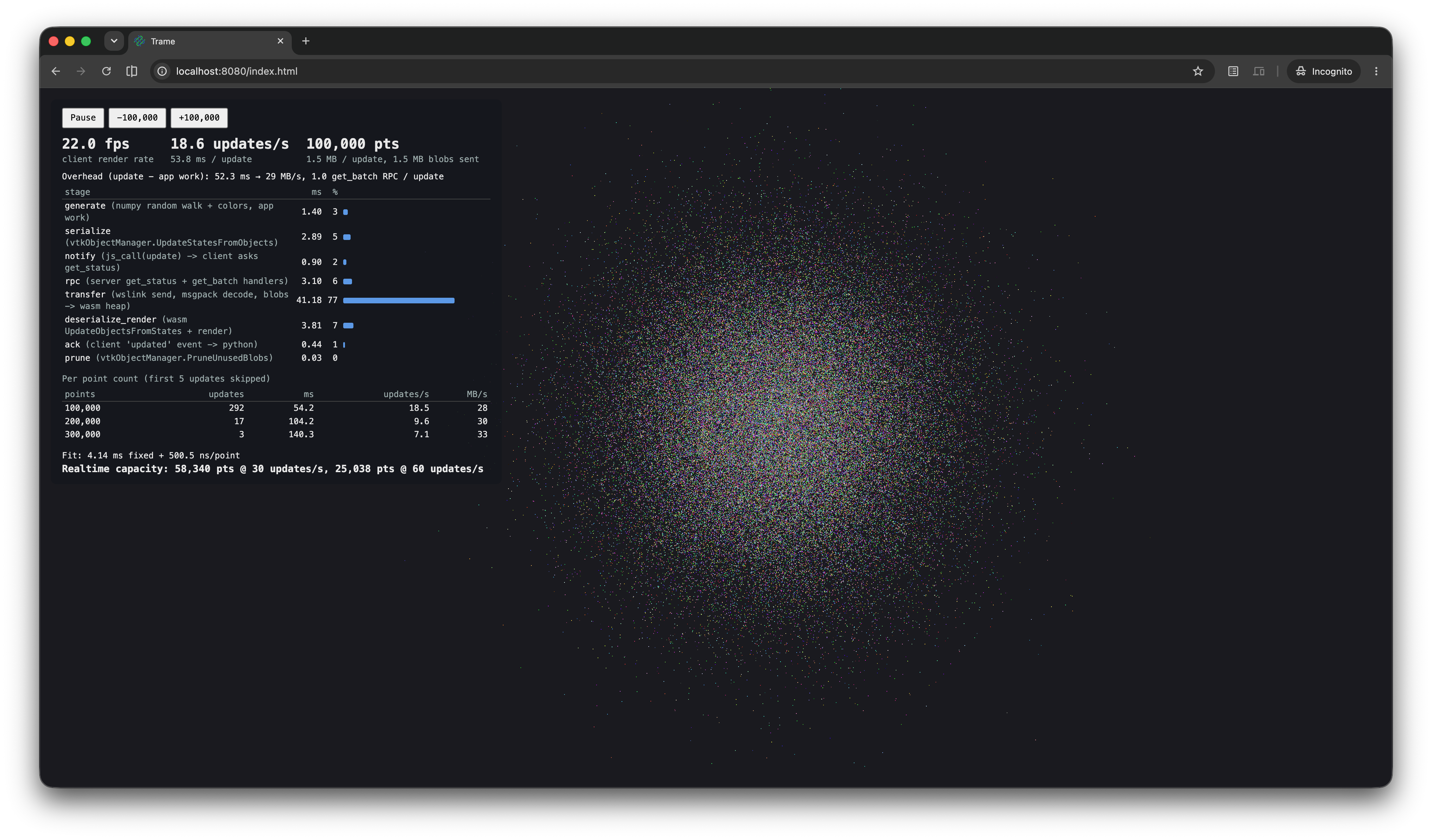
Benchmark streaming a point cloud whose points and colors change on every update. |
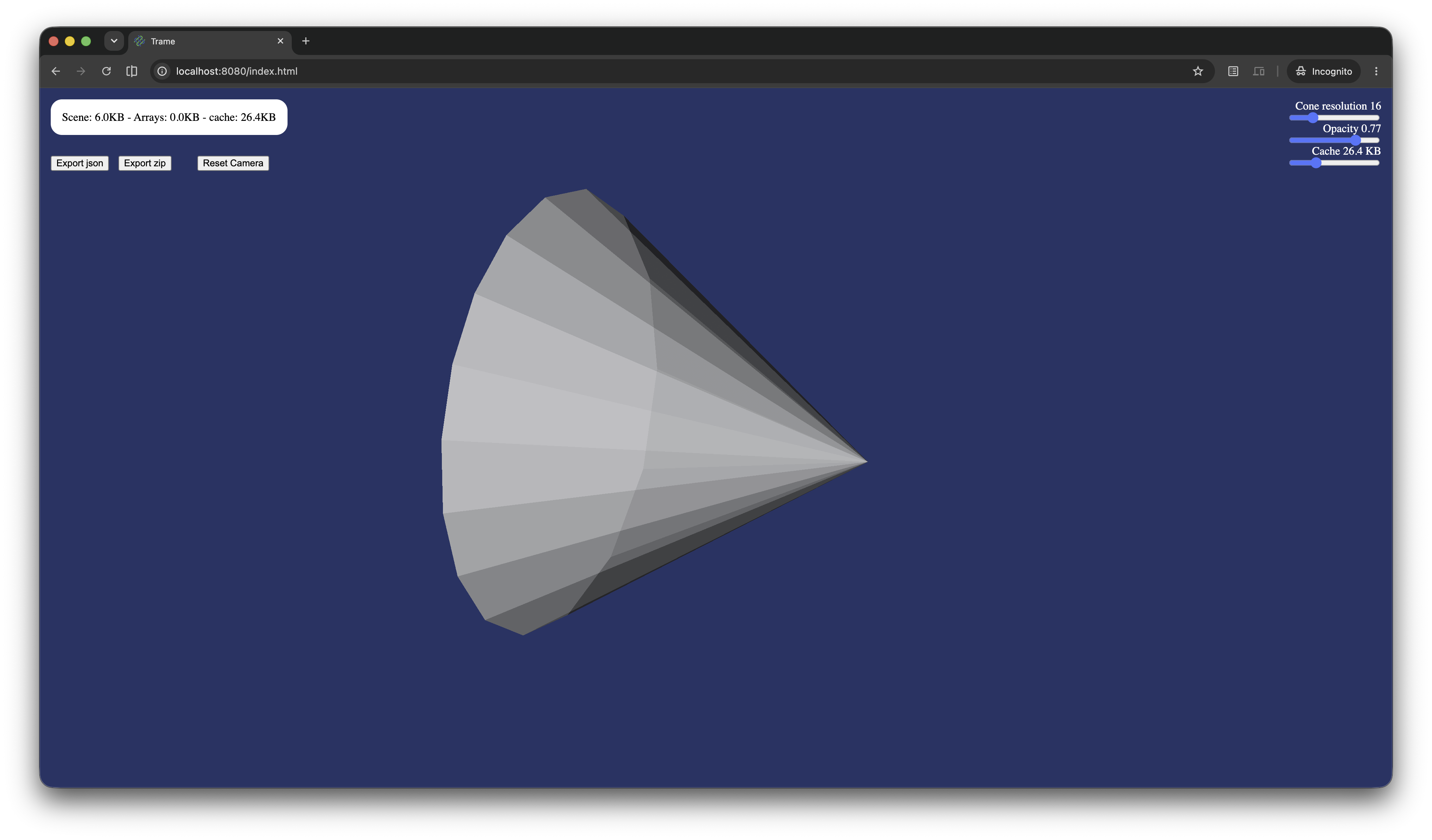
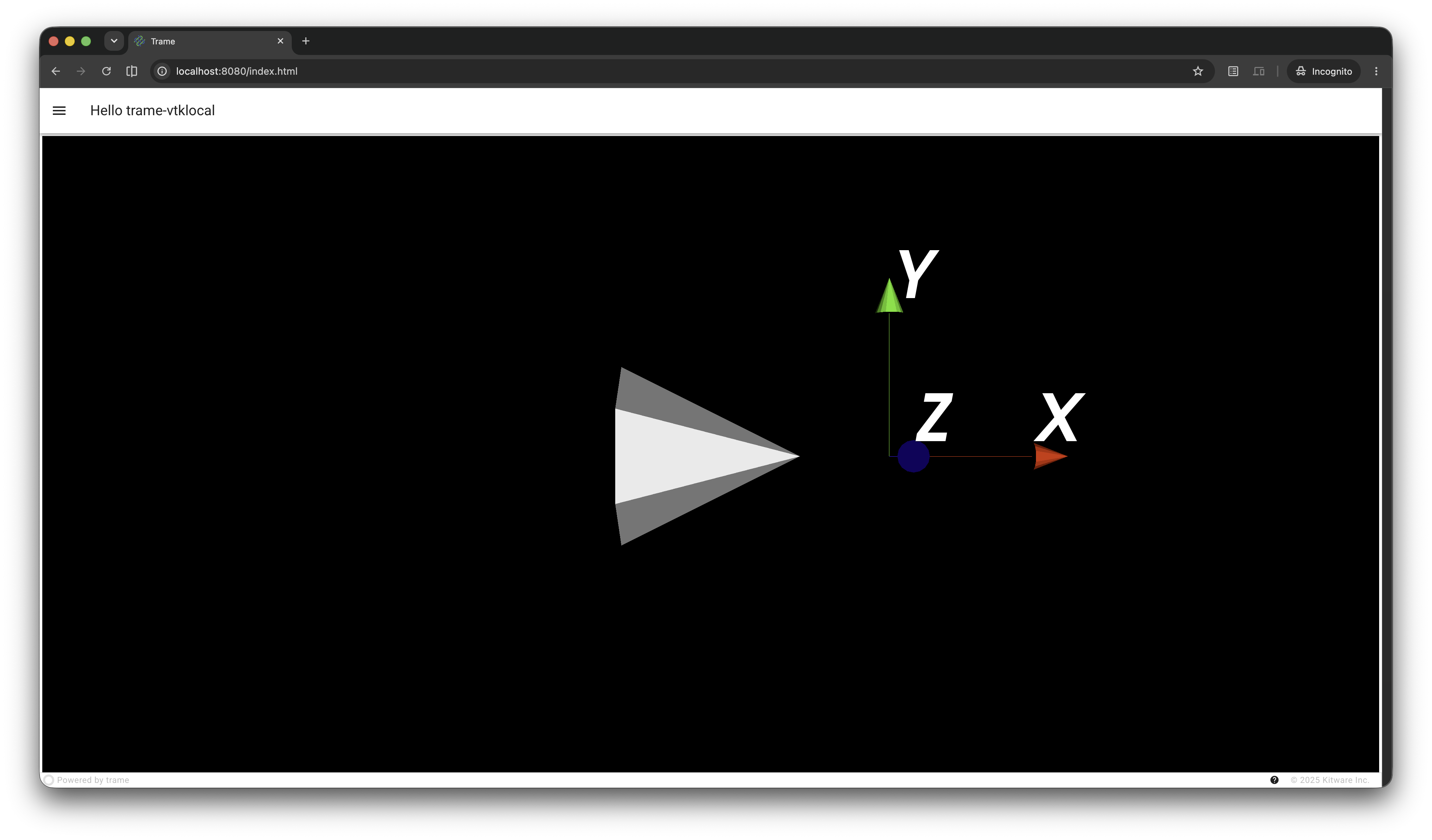
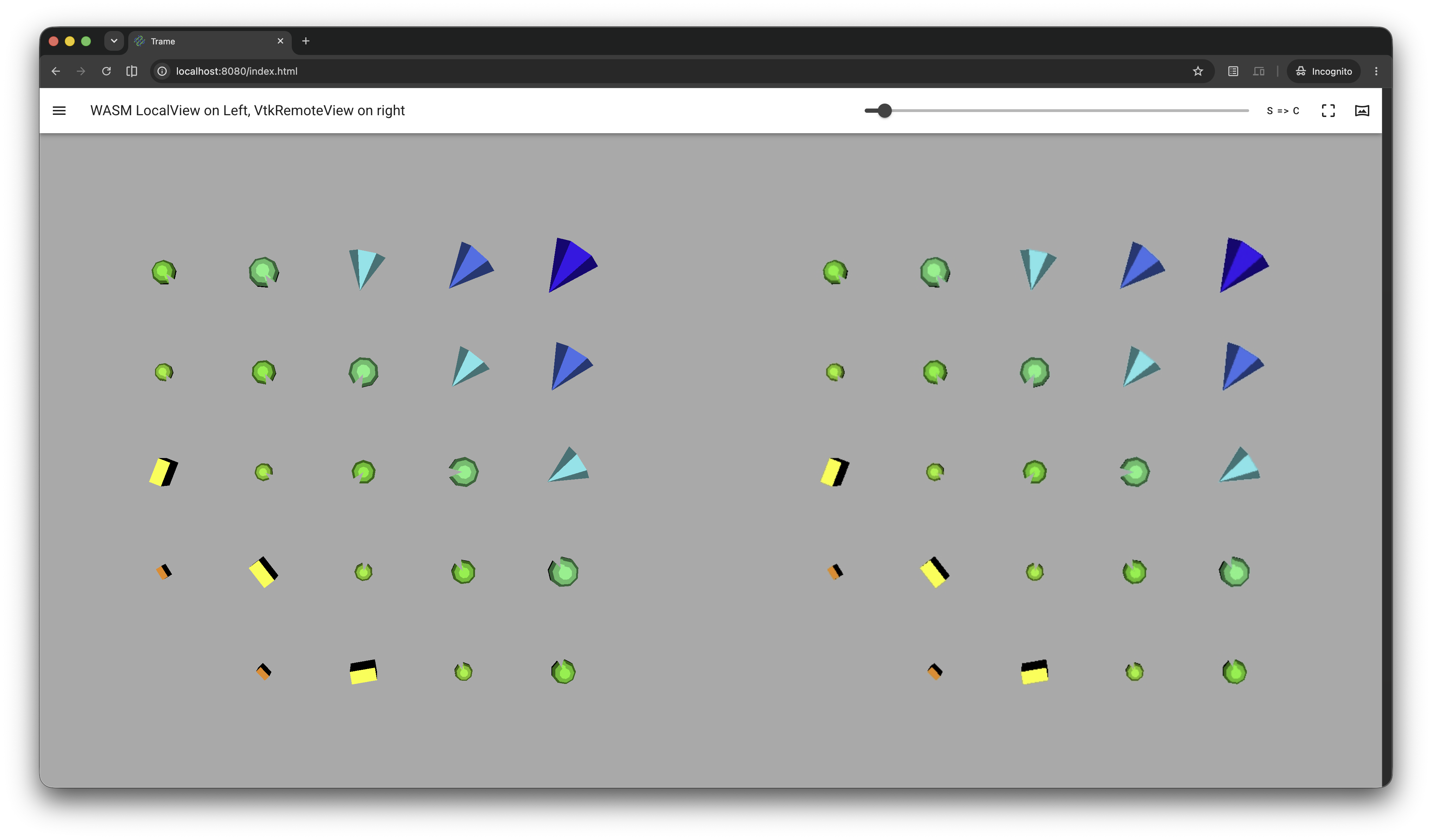
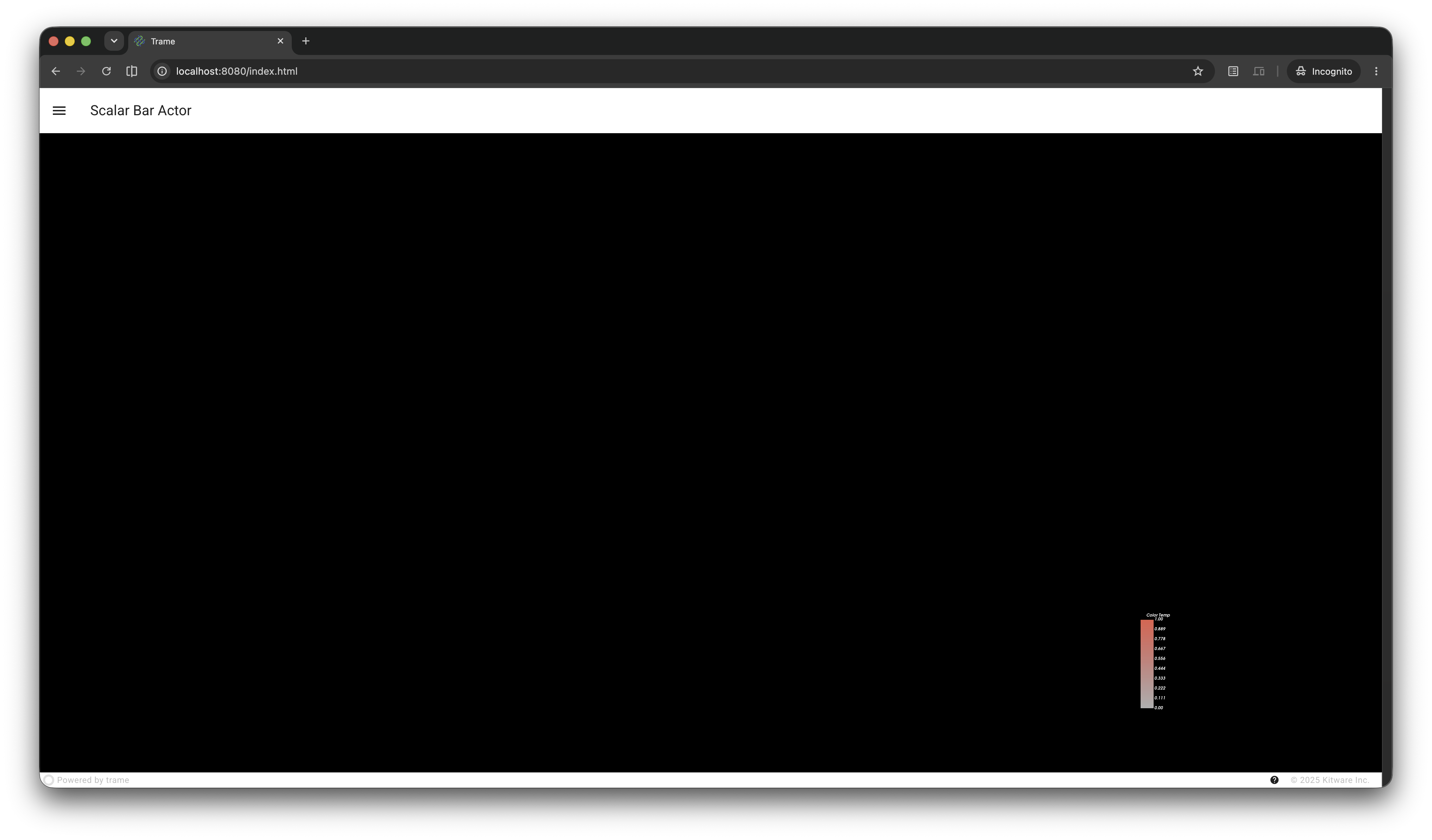
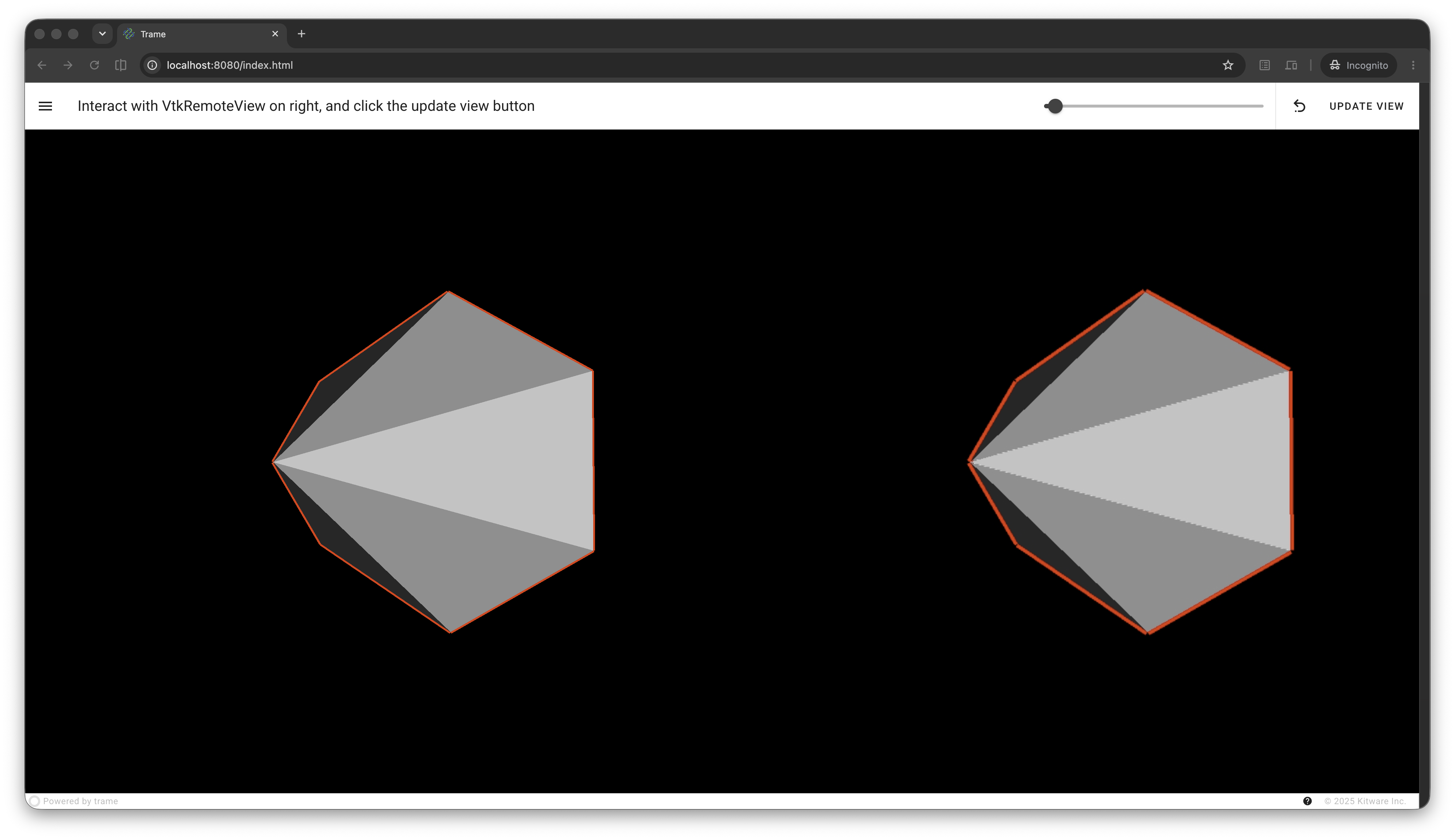
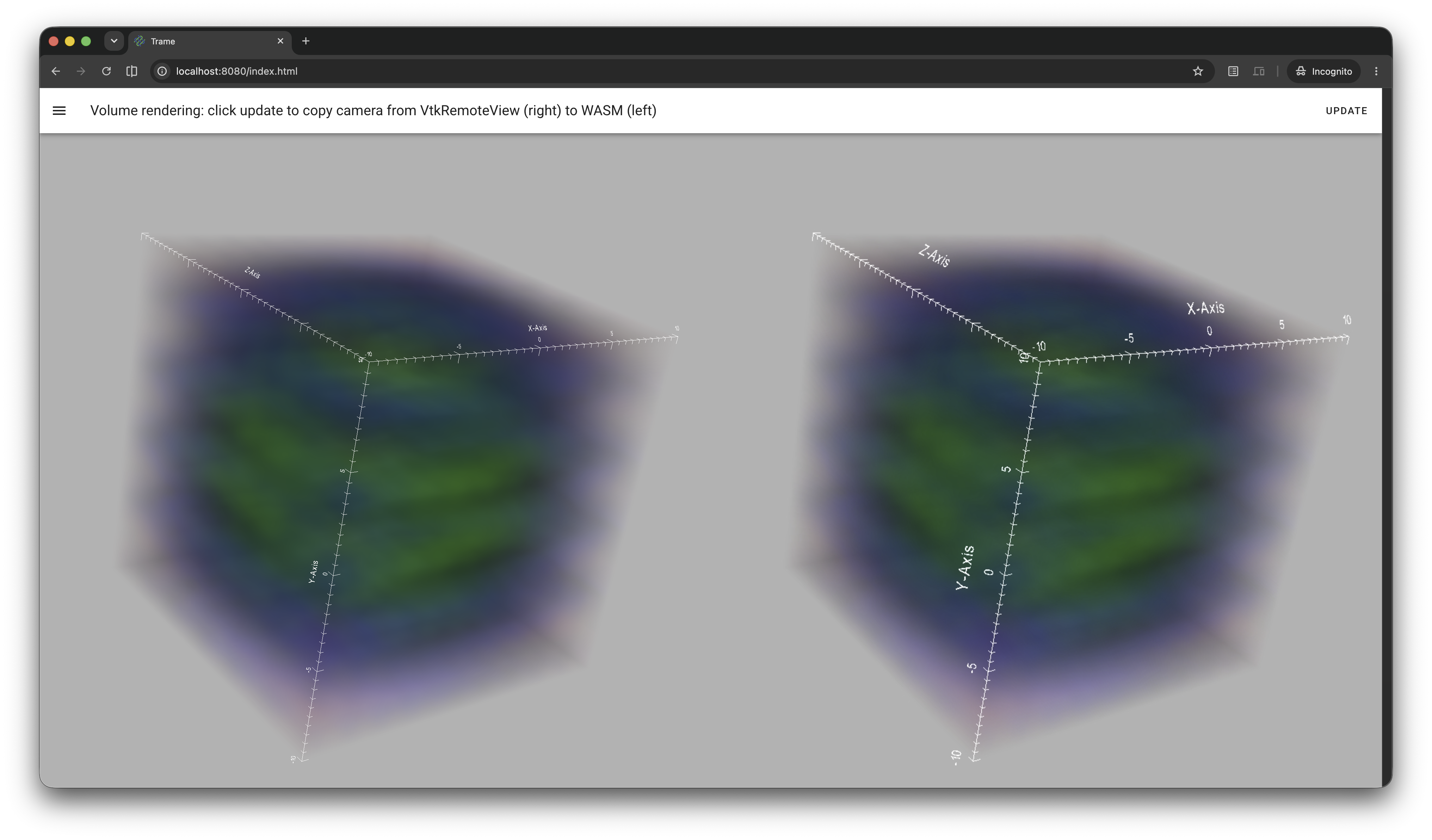
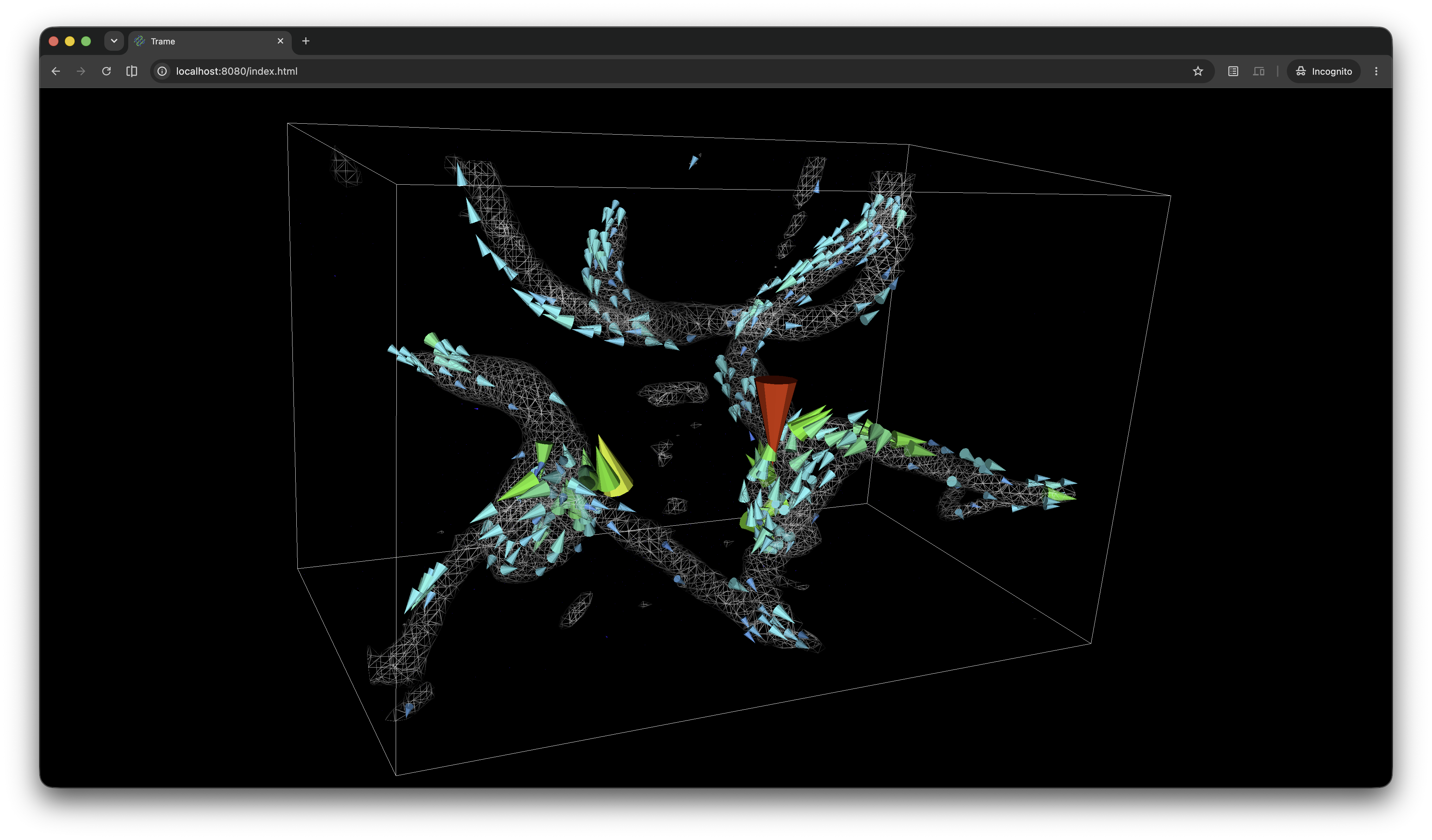
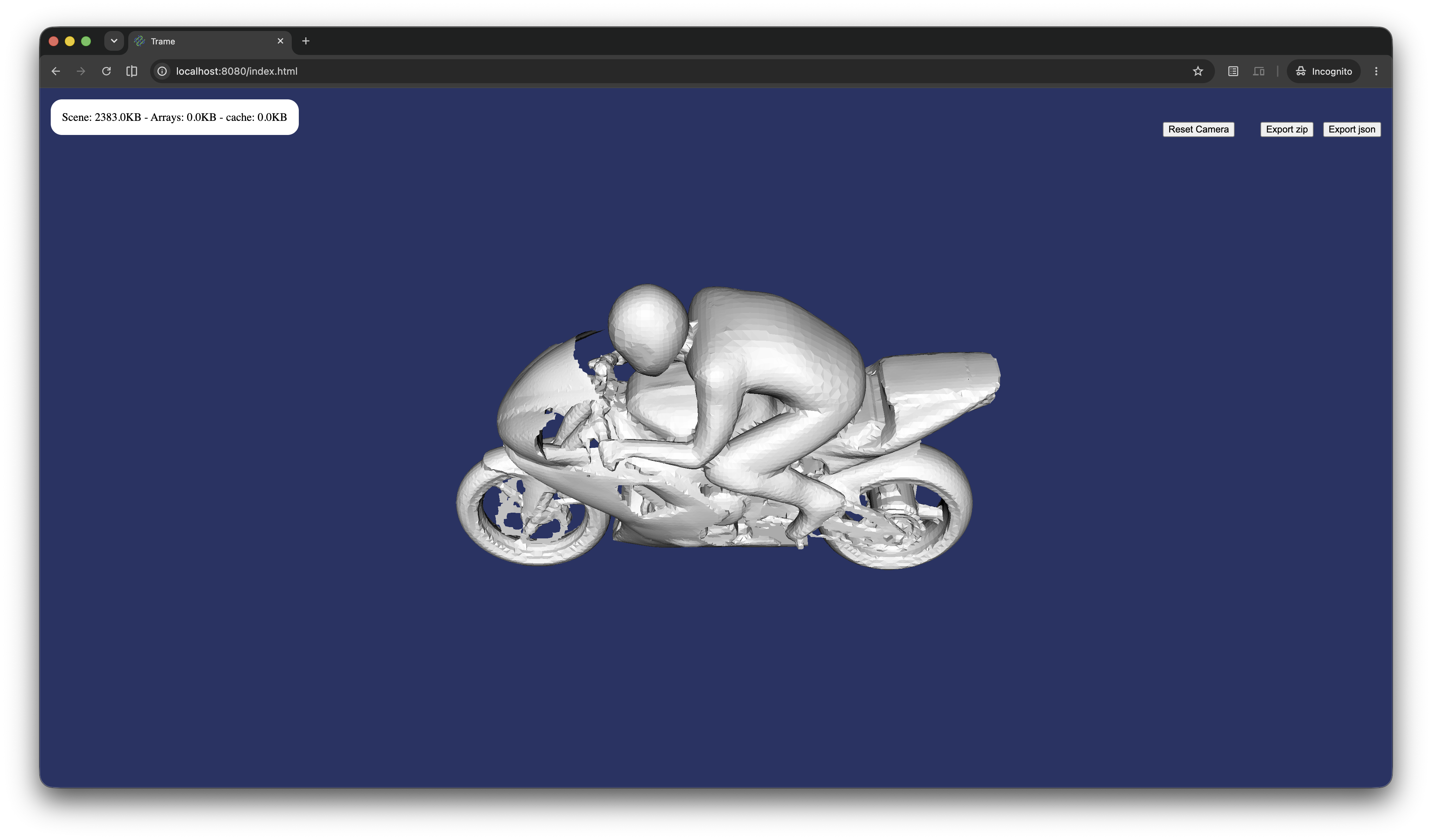
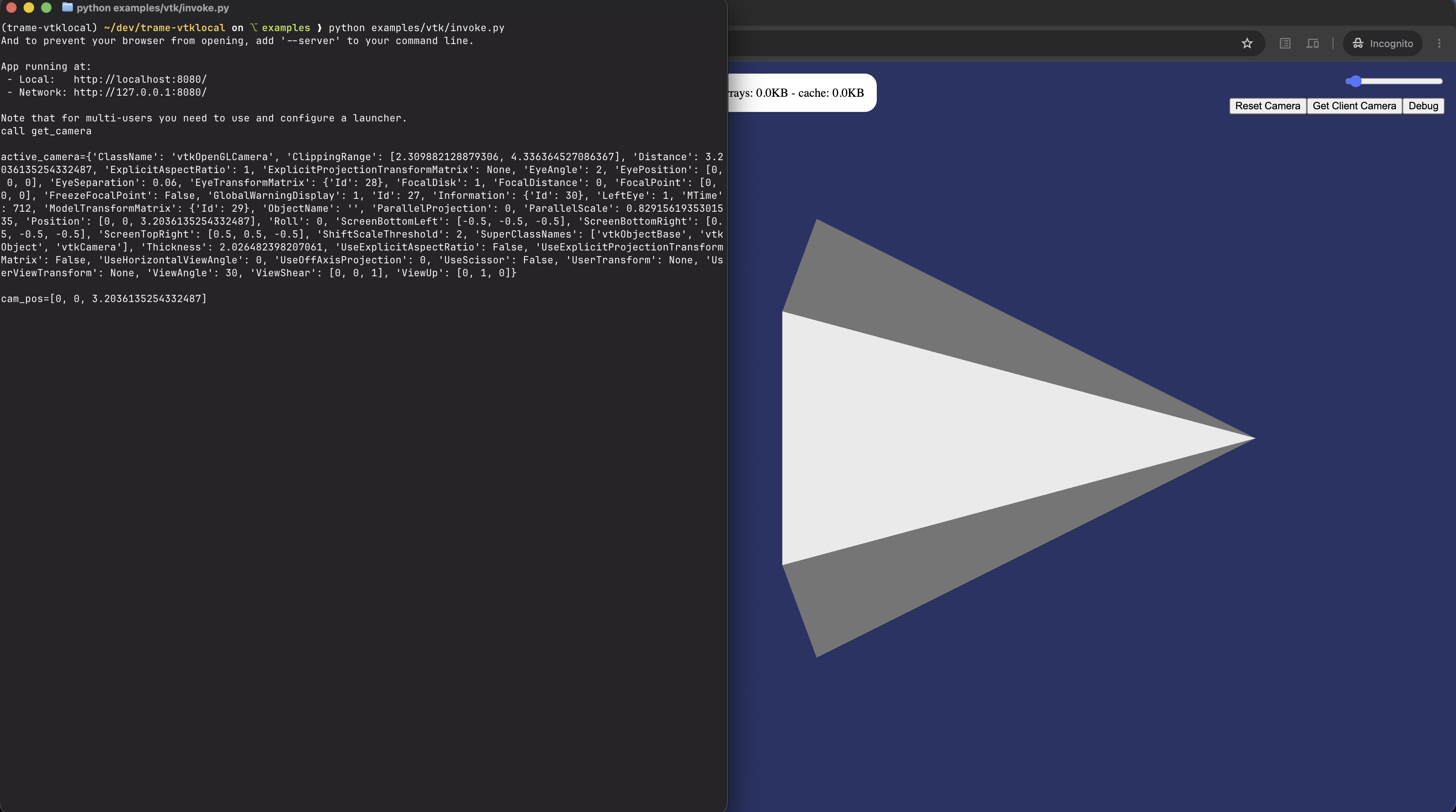
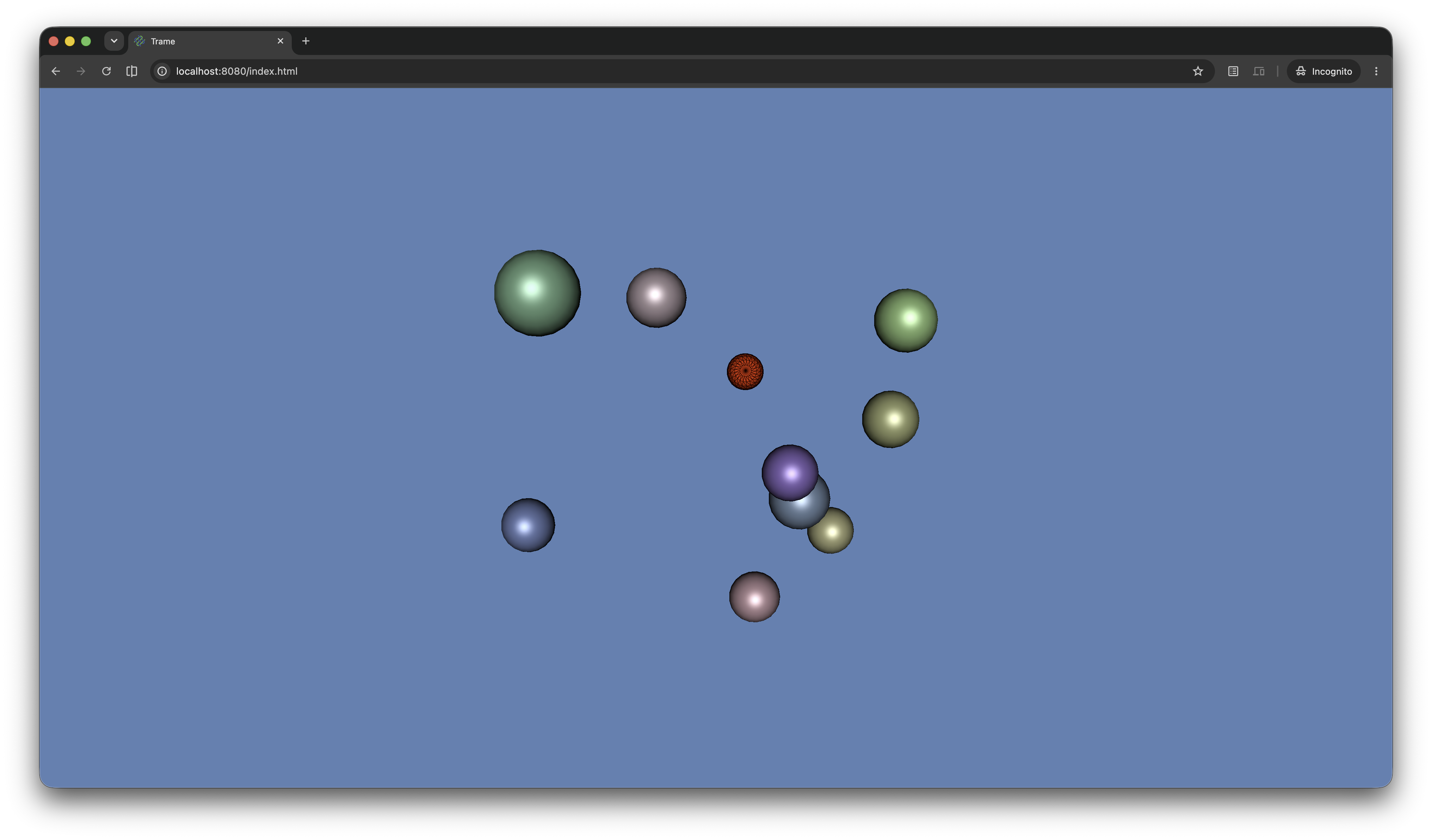
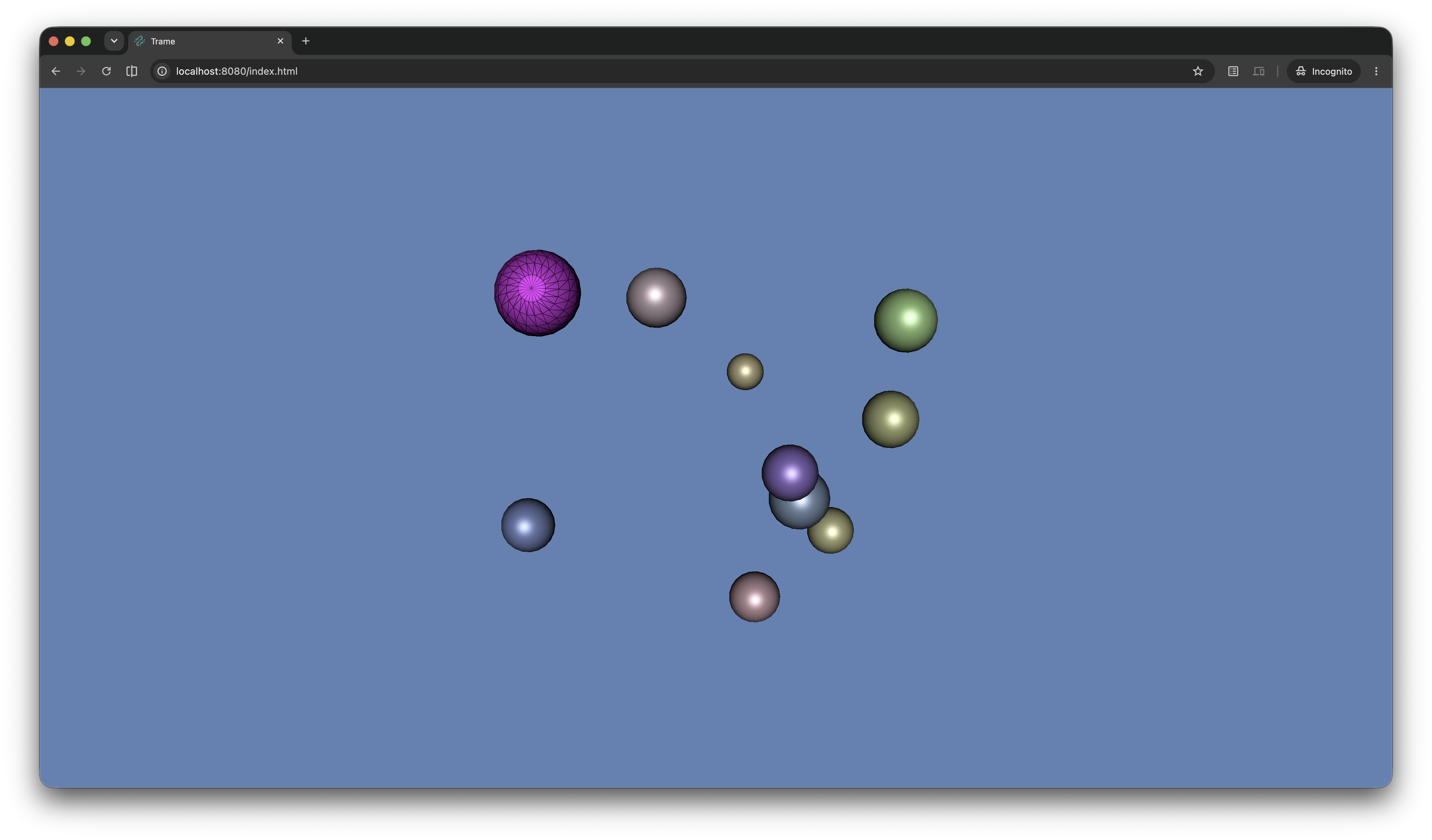
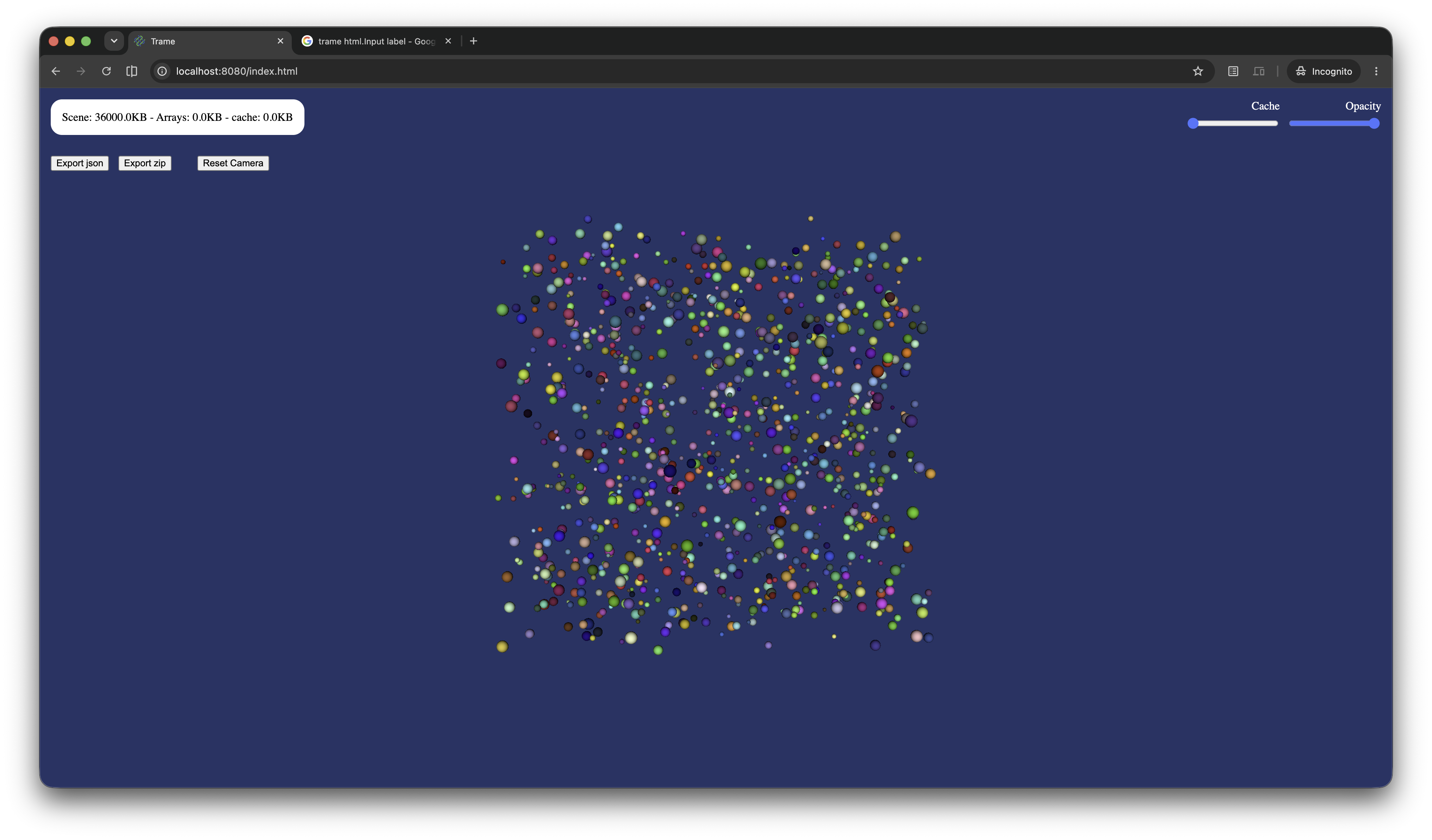
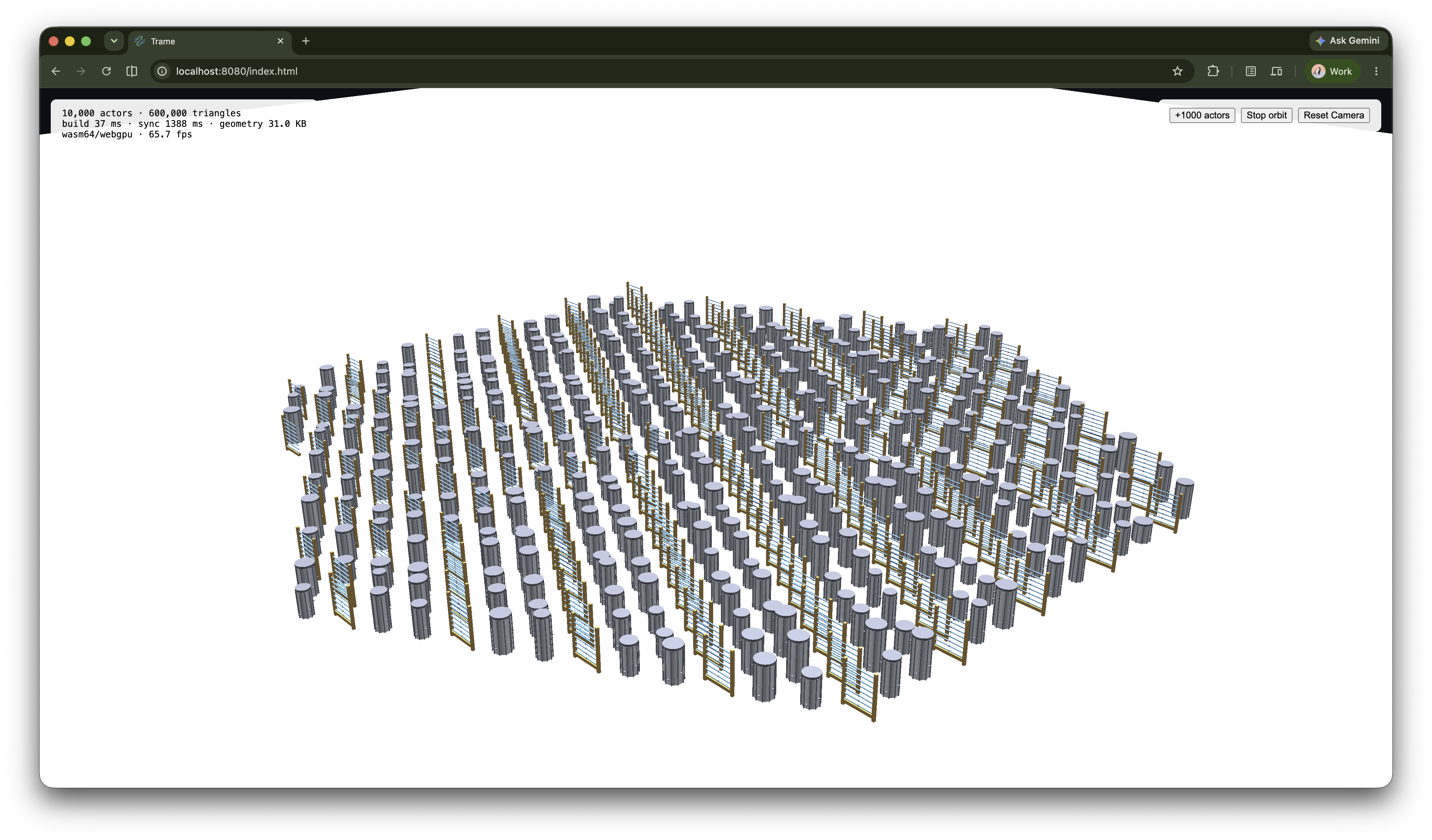
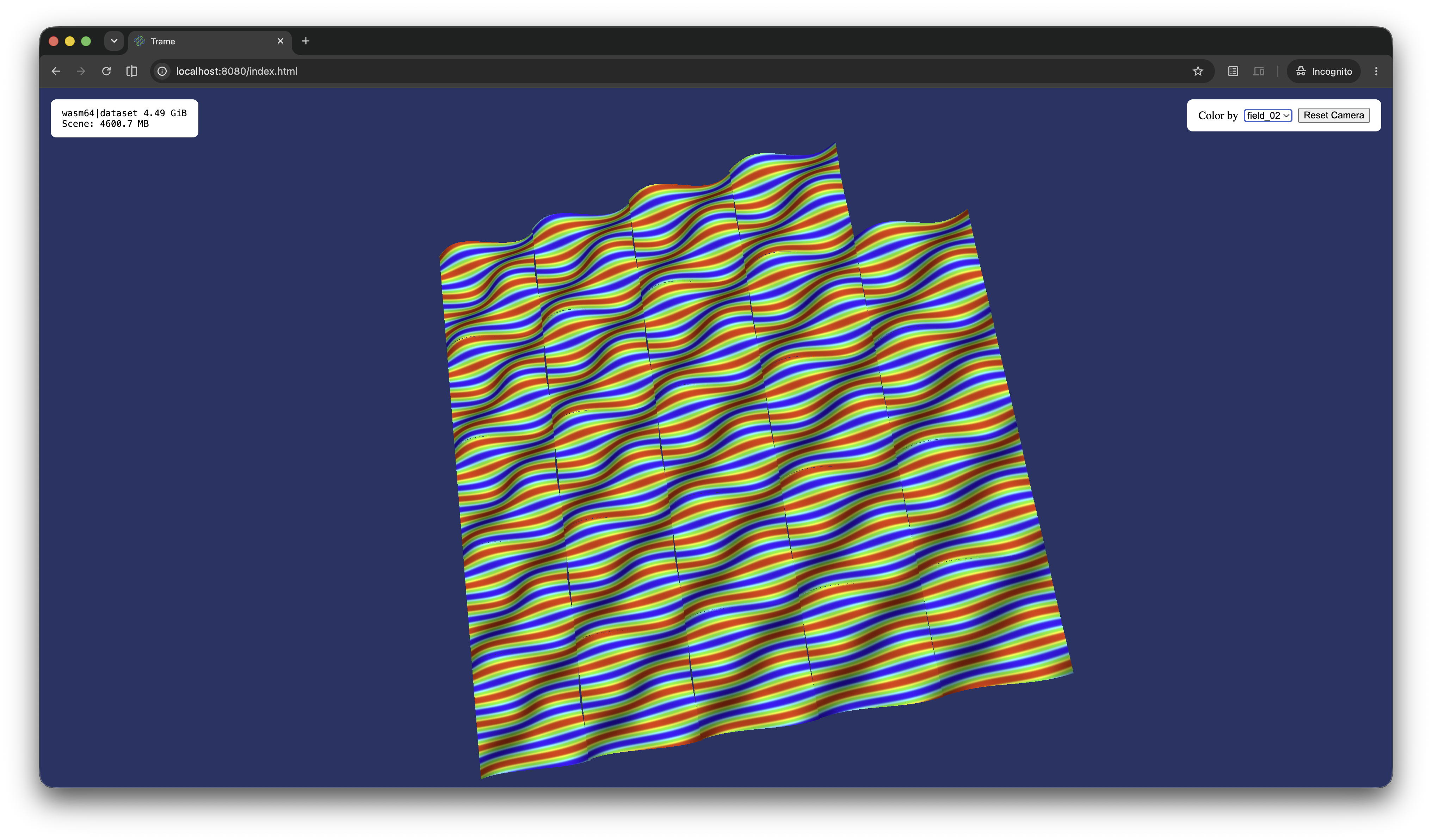
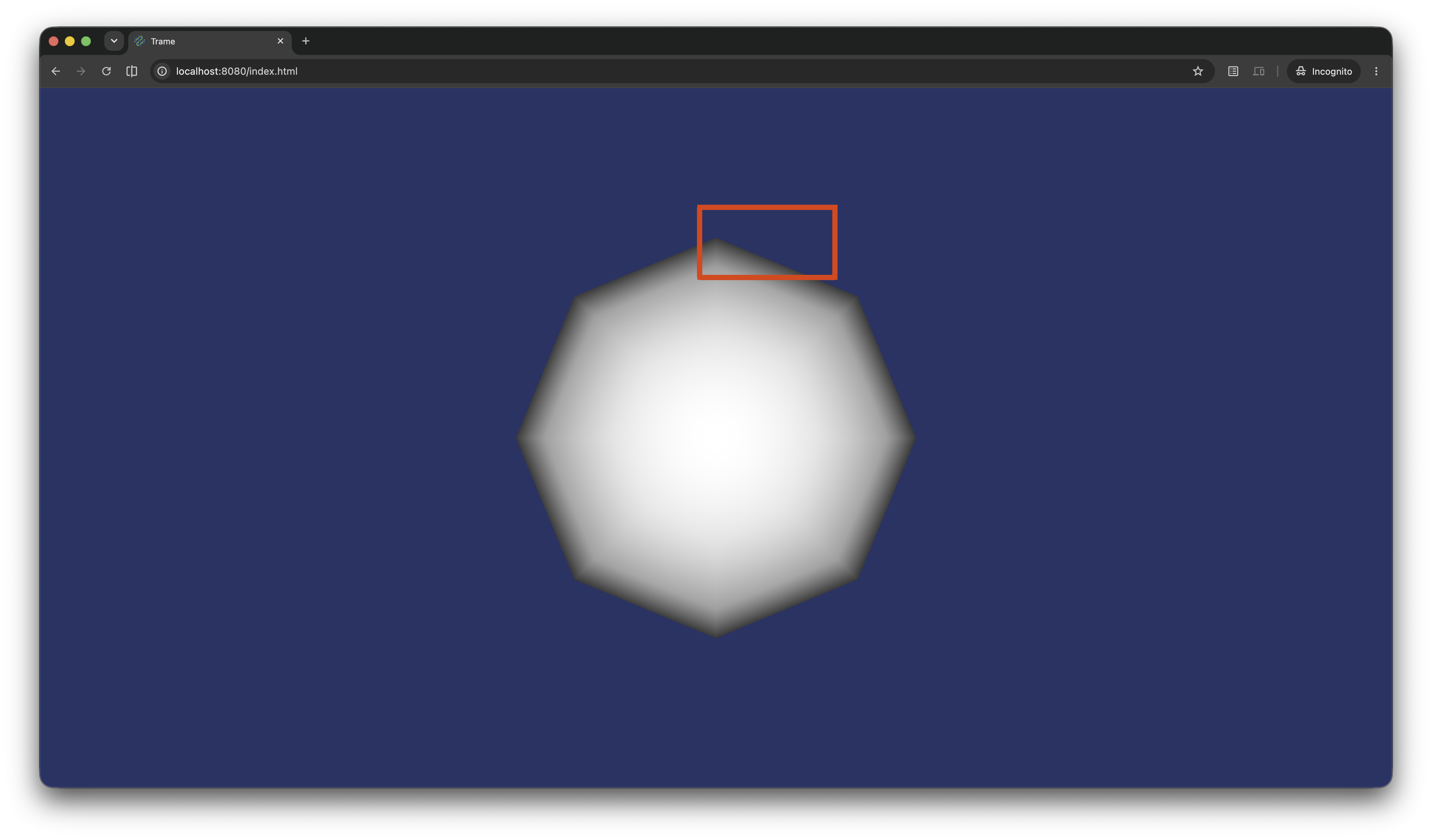
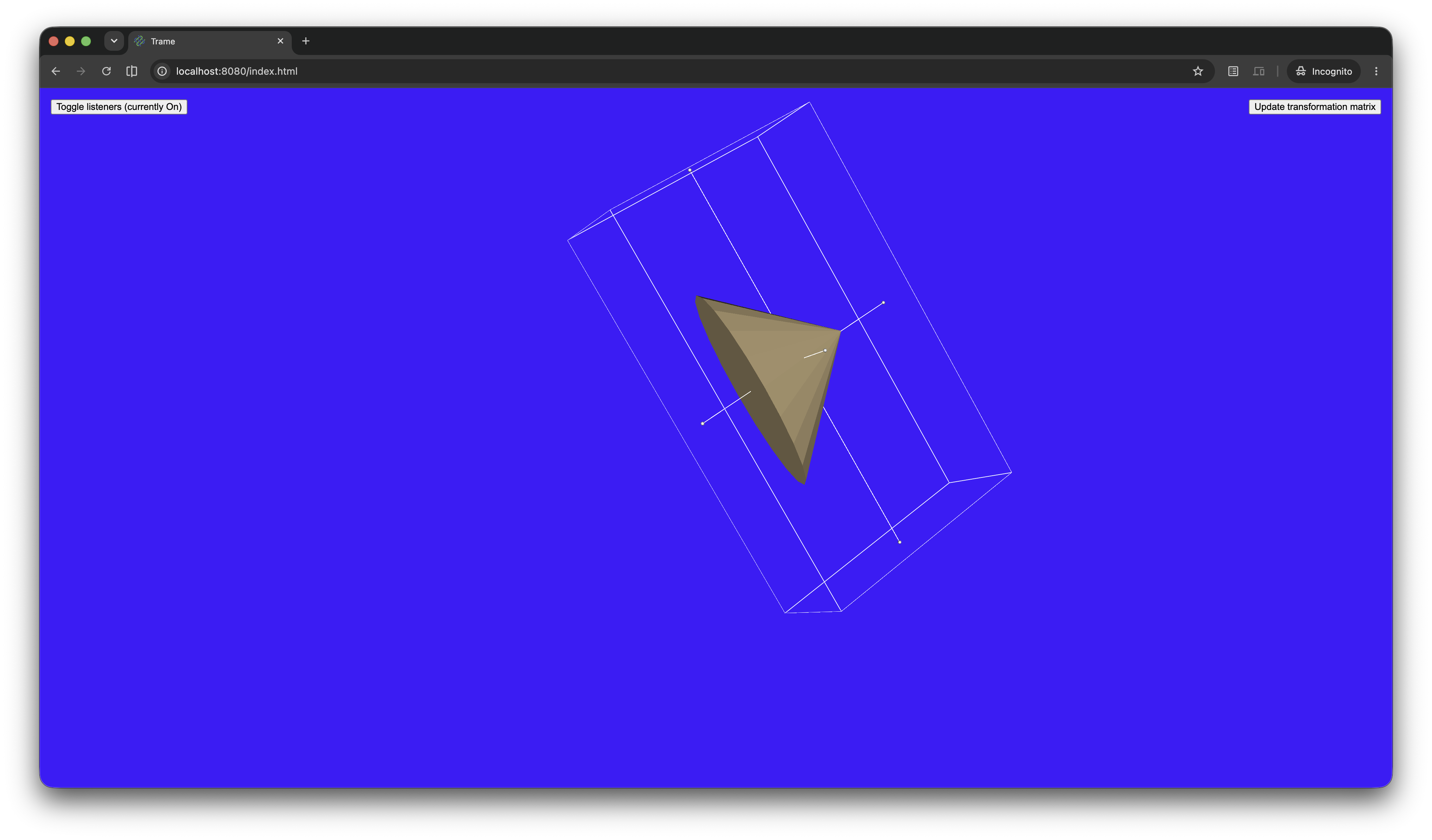
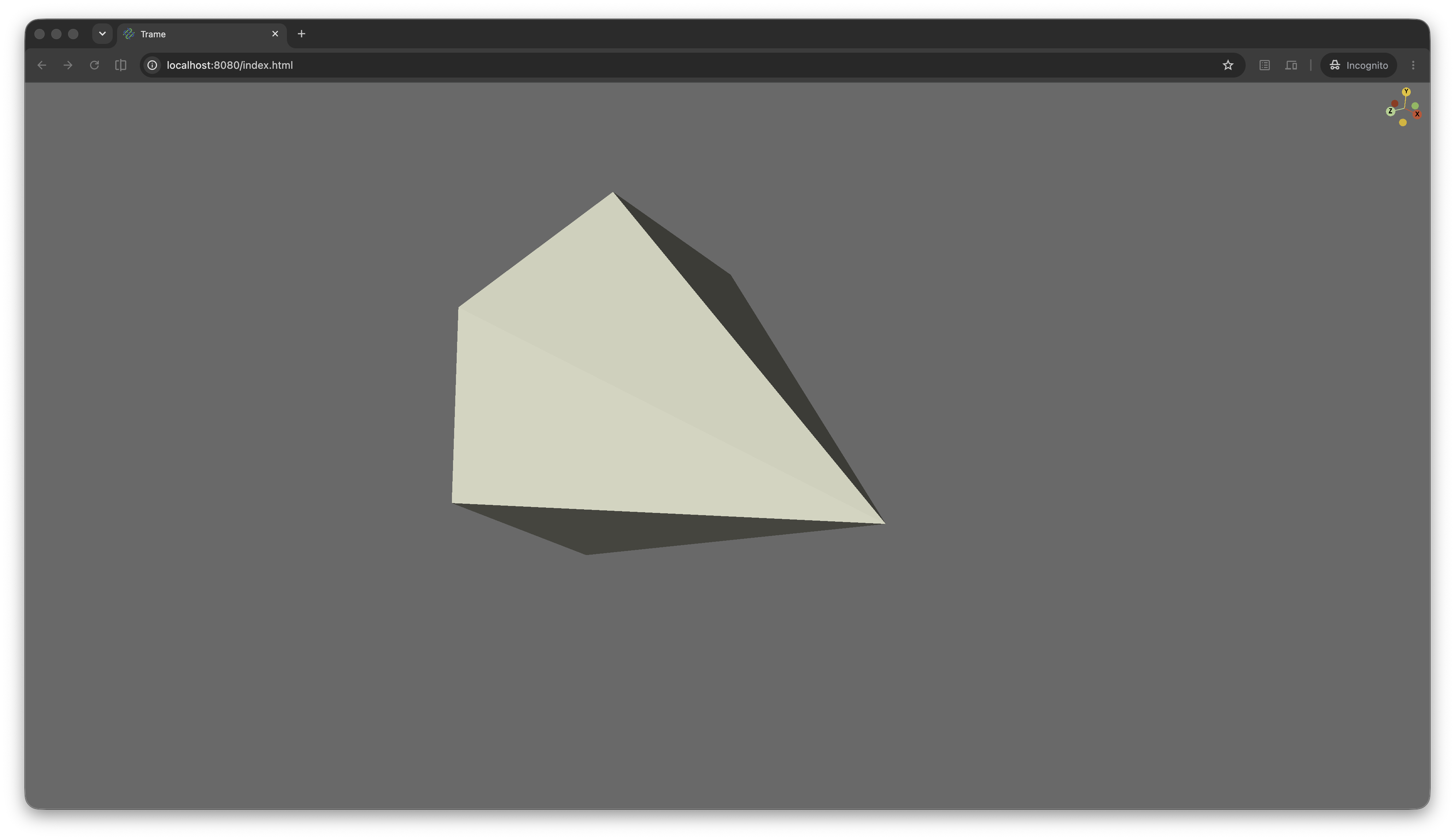
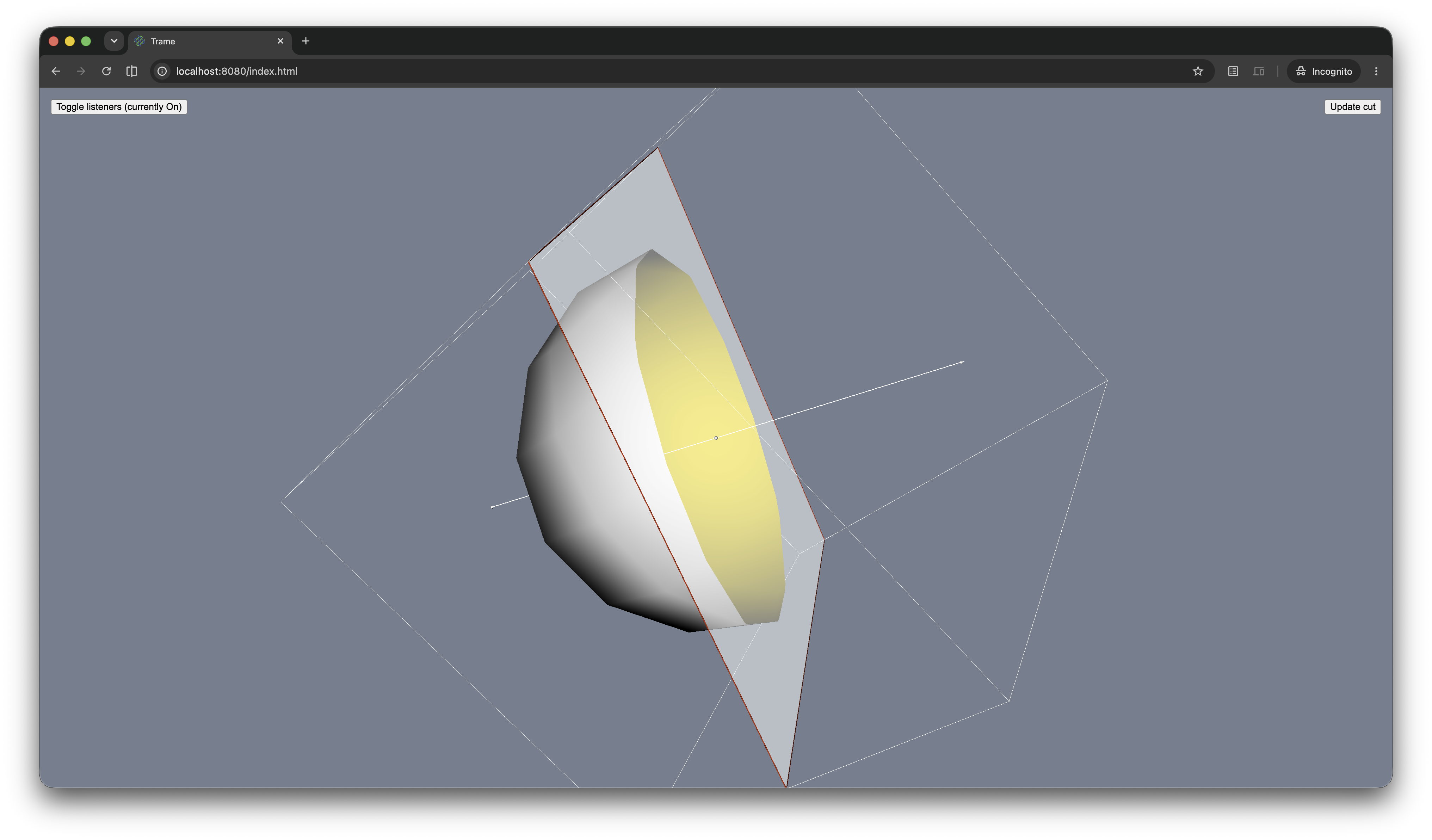
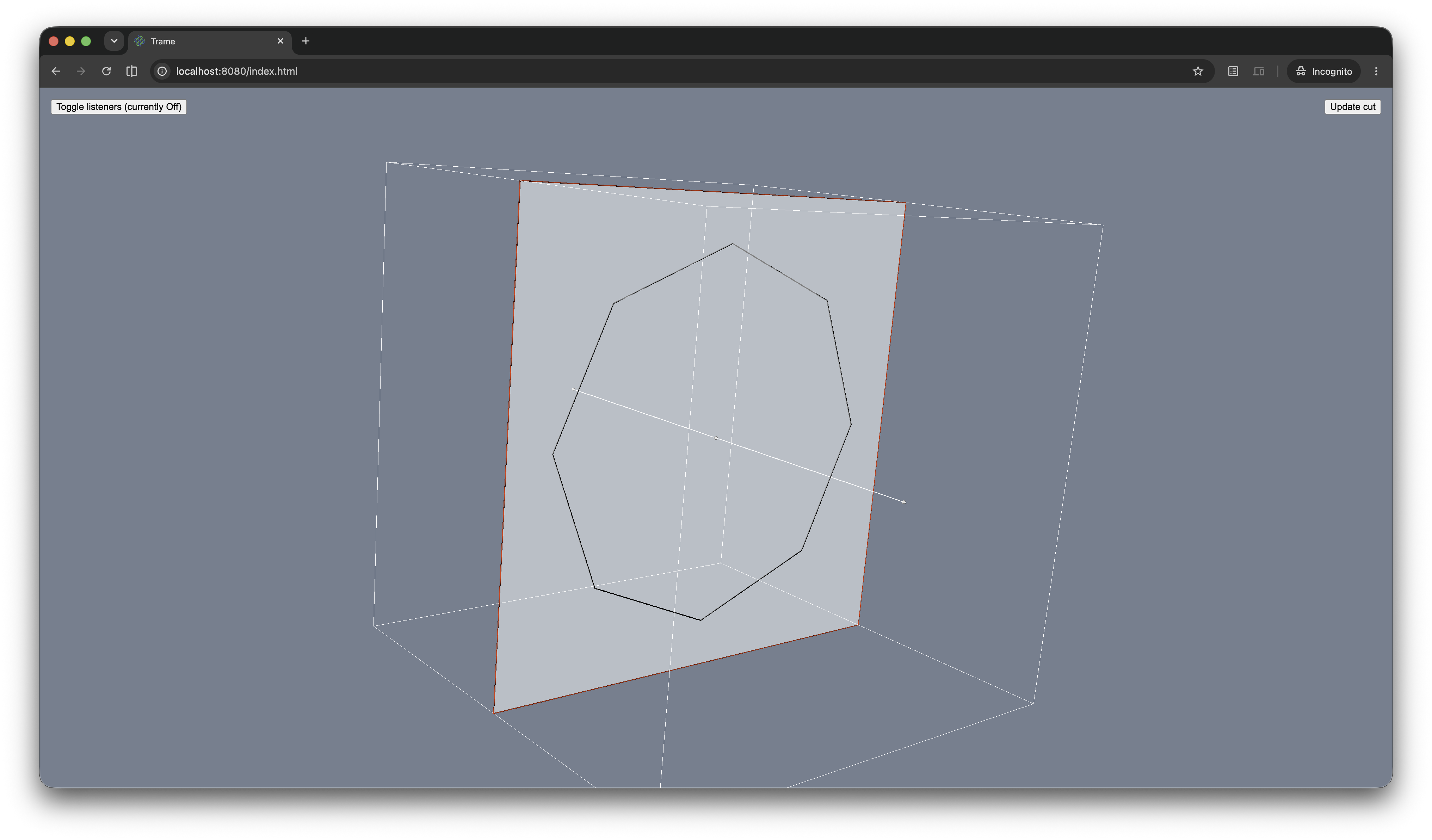
Two examples are kept as known limitations and have no screenshot:
balloon_widget.py: vtkBalloonWidget
charts_scatter.py: vtkChartXY scatter plot
Progress events
The client-side VtkLocal component emits a progress event while wasm sync is happening. This can be used to keep a global loader visible until the first sync completes.
from trame.widgets import vtklocal, vuetify

state.app_loading = True
state._vtklocal_seen_active = False

def on_vtklocal_progress(event):
    if event.get("active"):
        state._vtklocal_seen_active = True
        state.app_loading = True
    elif state._vtklocal_seen_active:
        state.app_loading = False

with vuetify.VOverlay(v_model=("app_loading",), absolute=True):
    vuetify.VProgressCircular(indeterminate=True, size=64)

view = vtklocal.LocalView(
    render_window,
    progress=(on_vtklocal_progress, "[$event]"),
)
If you are using the Vue component directly, you can override the built-in loader with the loader slot.
<vtk-local>
  <template #loader="{ progress, wasmLoading, statePercent, hashPercent }">
    <div v-if="wasmLoading">Loading wasm...</div>
    <div v-else>
      States: {{ progress.state.current }}/{{ progress.state.total }}
      Blobs: {{ progress.hash.current }}/{{ progress.hash.total }}
    </div>
  </template>
</vtk-local>VTK.wasm vs trame-vtklocal
This repository trame-vtklocal focus on providing a web component that is capable of mirroring a vtkRenderWindow defined on the server side. This include a JavaScript section for the browser and a Python section for the server.
The server include a definition of a custom network protocol over our WebSocket (wslink/trame) and some helper class to ease the vtkRenderWindow binding with a web component in the browser. While the Python package include a Vue.js component for a seamless integration with trame, we also publish a npm package. That pure JavaScript library let you still use the trame infrastructure on the server side but with your own stack on the client side. A usage example of that pure JavaScript option is covered in that directory.
For the pure Python trame usage, you can find the documented API.
By design there is a nice separation between VTK.wasm and trame-vtklocal which should make trame-vtklocal fairly independent of VTK.wasm version. But since we are still building capabilities, when the C++ API expend, we will also expand the Python/JavaScript component properties/methods. Hopefully we should be able to evolve trame-vtklocal with some reasonable fallback when the version of VTK is not in par with what is exposed in trame-vtklocal.
Also most the testing of VTK.wasm is in VTK repository as many validation can be done in pure C++ or Python. Then we have the WASM module API with its node/chrome testing.
The documented API of vtkWasmSceneManager and vtkObjectManager parent of vtkWasmSceneManager
For the moment we rely on manual testing for when we change the network and/or API at the trame-vtklocal by going over a specific set of examples.
Currently the WASM implementation is used in the following set of projects:
Pan3D: Pan3D aims to be an utility package for viewing and processing a wide variety of multidimensional datasets. Any dataset that can be interpreted with xarray can be explored and rendered with Pan3D.
Professional Support
Training: Learn how to confidently use trame from the expert developers at Kitware.
Support: Our experts can assist your team as you build your web application and establish in-house expertise.
Custom Development: Leverage Kitware’s 25+ years of experience to quickly build your web application.
3 maintainers


Metadata
3 maintainers
Release files for trame-vtklocal 1.7.2
For a detailed explanation of source distributions (sdists) and built distributions (wheels), please see the package formats documentation.
Source distribution (sdist)
| File | Size | Uploaded | |
|---|---|---|---|
| trame_vtklocal-1.7.2.tar.gz | 89.1 kB | Details |
Built distribution (wheel)
| File | Interpreter | ABI | Platform | Reset |
|---|---|---|---|---|
| trame_vtklocal-1.7.2-py3-none-any.whl | Python 3 | none | any | Details |
Total release size: 184.0 kB
Release files / trame_vtklocal-1.7.2.tar.gz
| Download URL | trame_vtklocal-1.7.2.tar.gz |
|---|---|
| Size | 89.1 kB |
| Tags | Source |
|
SHA-256 checksum How to use checksums |
d6fe3991314e8d476300164eb6e691824c8916f5a78717377855325b28358093
|
|
BLAKE2b-256 checksum How to use checksums |
64b3abe6b0e698850100aa8a1938f0fa698f99a760717b4fbea01f8150f036a0
|
| Upload date | |
|
Uploaded using Trusted Publishing? What is trusted publishing? |
Yes |
| Uploaded via |
twine/7.0.0 CPython/3.13.14
|
Provenance
Provenance describes where a file came from. On PyPI, provenance is shared via attestations, which provide a verifiable record of the build or publishing details. View details, limitations and caveats.


PyPI Publish Attestation
PyPI verified that this artifact, at this checksum, originated from the publisher listed below.
Signed by GitHub Actions, verified by PyPI on Oct 13, 2026.
Transparency logRelease files / trame_vtklocal-1.7.2-py3-none-any.whl
| Download URL | trame_vtklocal-1.7.2-py3-none-any.whl |
|---|---|
| Size | 94.9 kB |
| Tags | Python 3 |
|
SHA-256 checksum How to use checksums |
9f0ebeaa404a5af450d6157dfedb344edfe8befd5488d00c41bc82746a36ef13
|
|
BLAKE2b-256 checksum How to use checksums |
537833757bb4102df63b0df03420dc68385f3039962f11b73b8a1cea419a82fb
|
| Upload date | |
|
Uploaded using Trusted Publishing? What is trusted publishing? |
Yes |
| Uploaded via |
twine/7.0.0 CPython/3.13.14
|
Provenance
Provenance describes where a file came from. On PyPI, provenance is shared via attestations, which provide a verifiable record of the build or publishing details. View details, limitations and caveats.
PyPI Publish Attestation
PyPI verified that this artifact, at this checksum, originated from the publisher listed below.
Signed by GitHub Actions, verified by PyPI on Oct 13, 2026.
Transparency log













