




Transidate
Transidate is a commandline tool for validating transit data files such as TransXChange NeTEx and SIRI.
Transidate can validate several transit data formats out of the box.
Compatibility
Transidate requires Python 3.7 or later.
Installing
Install transidate using pip or any other PyPi package manager.
pip install transidate
Validate an XML file
Transidate comes with a help guide to get you started. This will list all the options as well as the transit data formats that are supported.
transidate --help
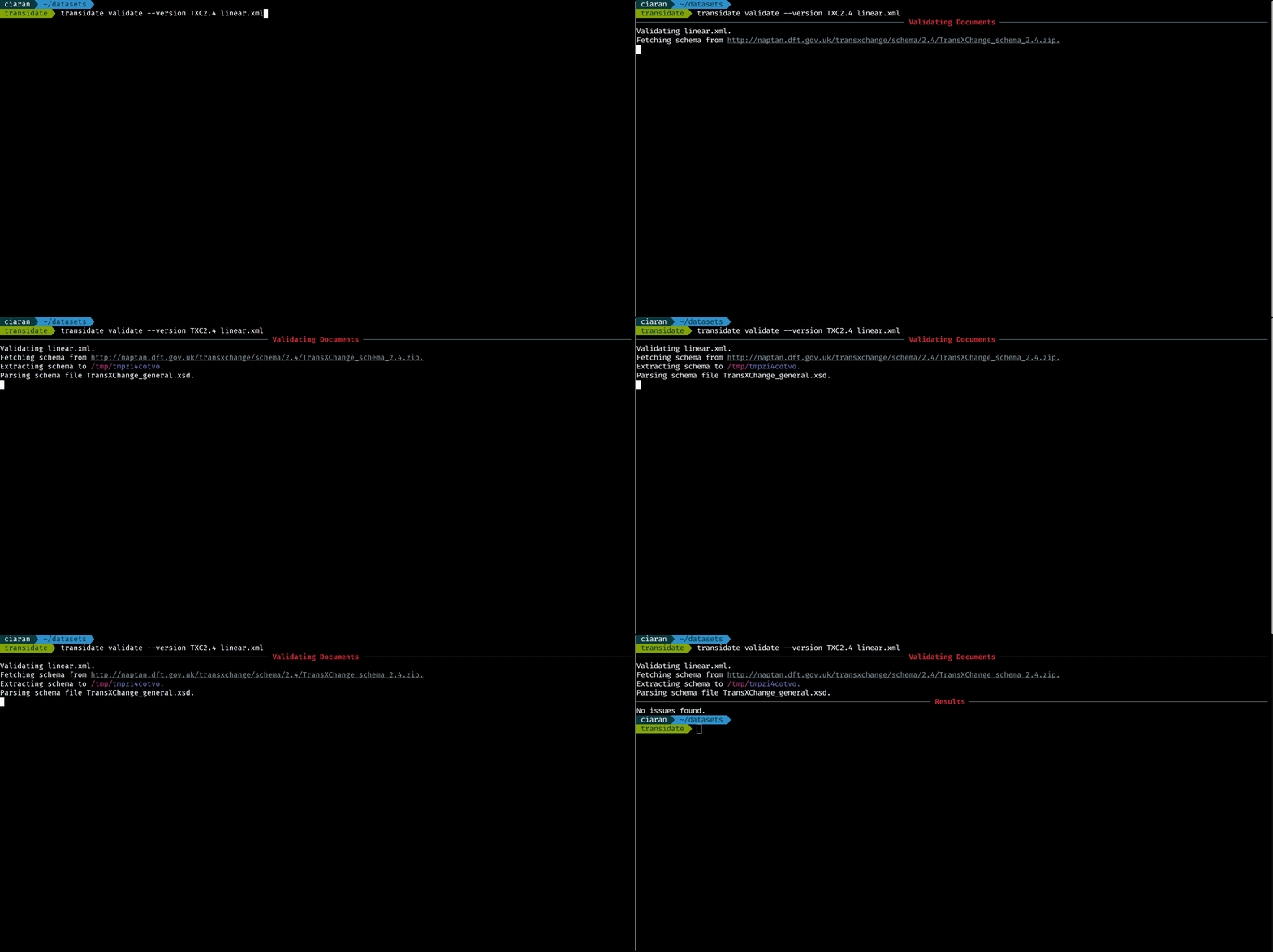
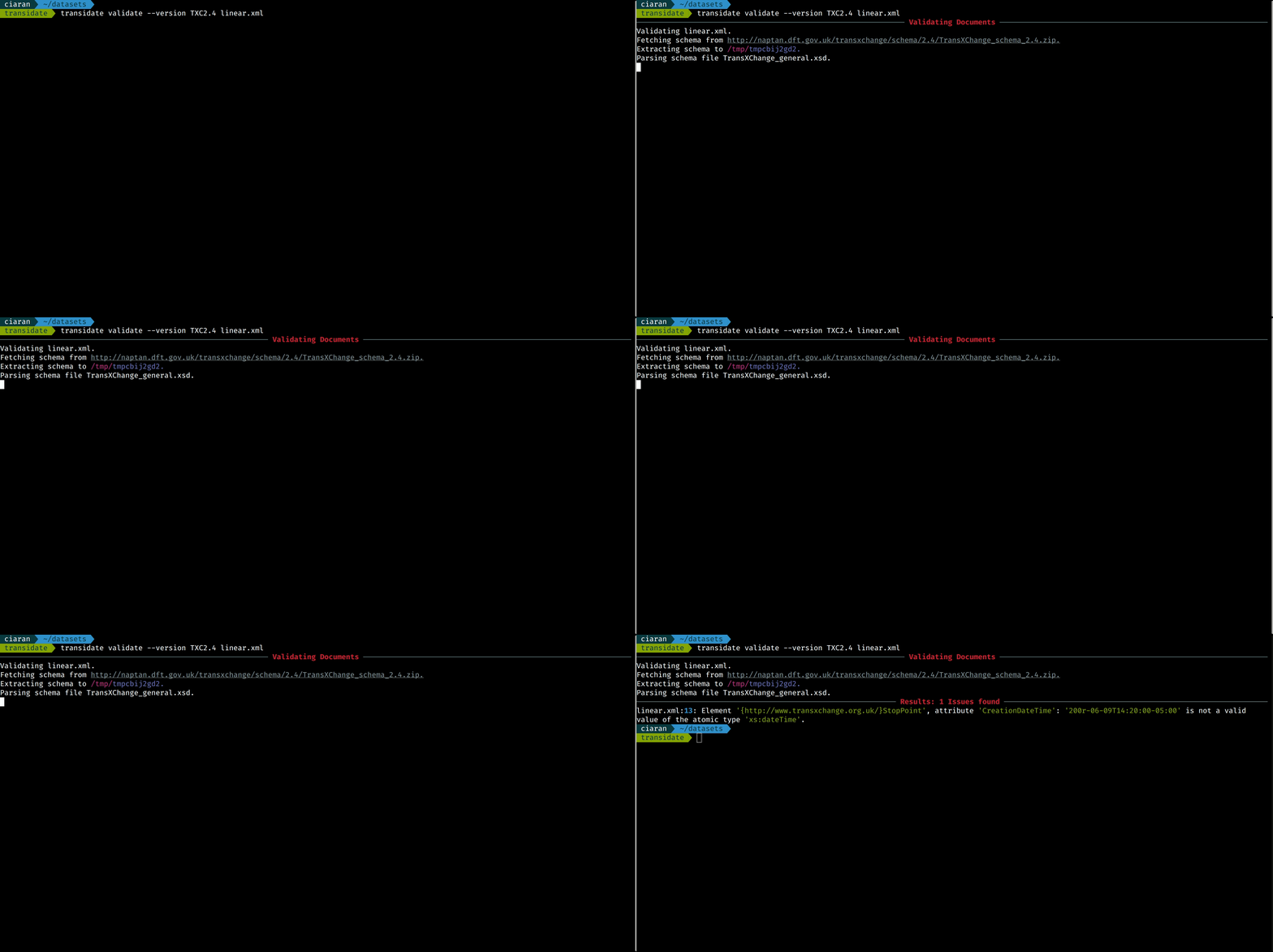
To validate a data source just specify the path to the data and the schema to validate
the data against. If the --version is not specified the data is automatically
validated again TransXChange v2.4.
transidate validate --version TXC2.4 linear.xml
Validate many files at once
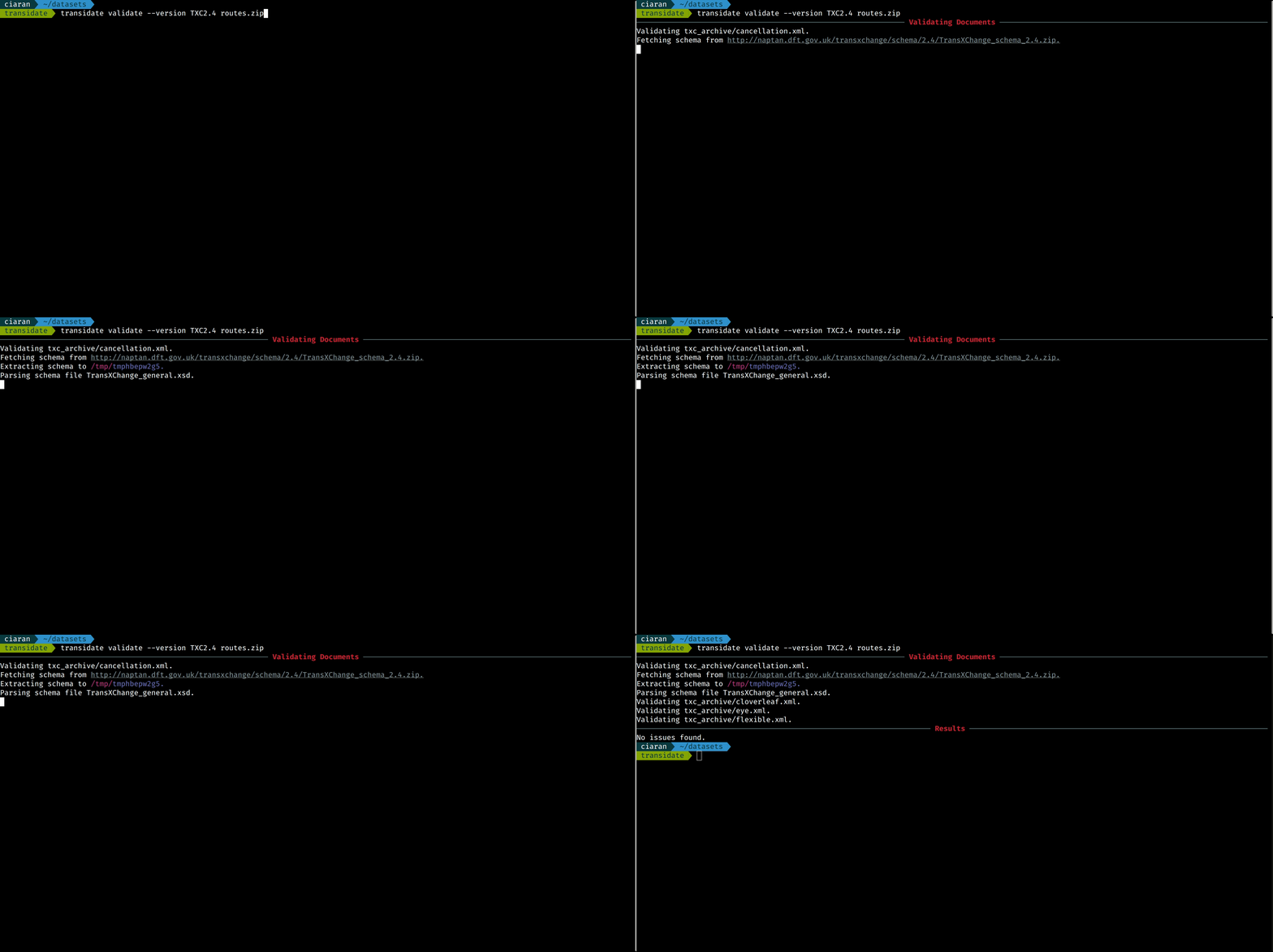
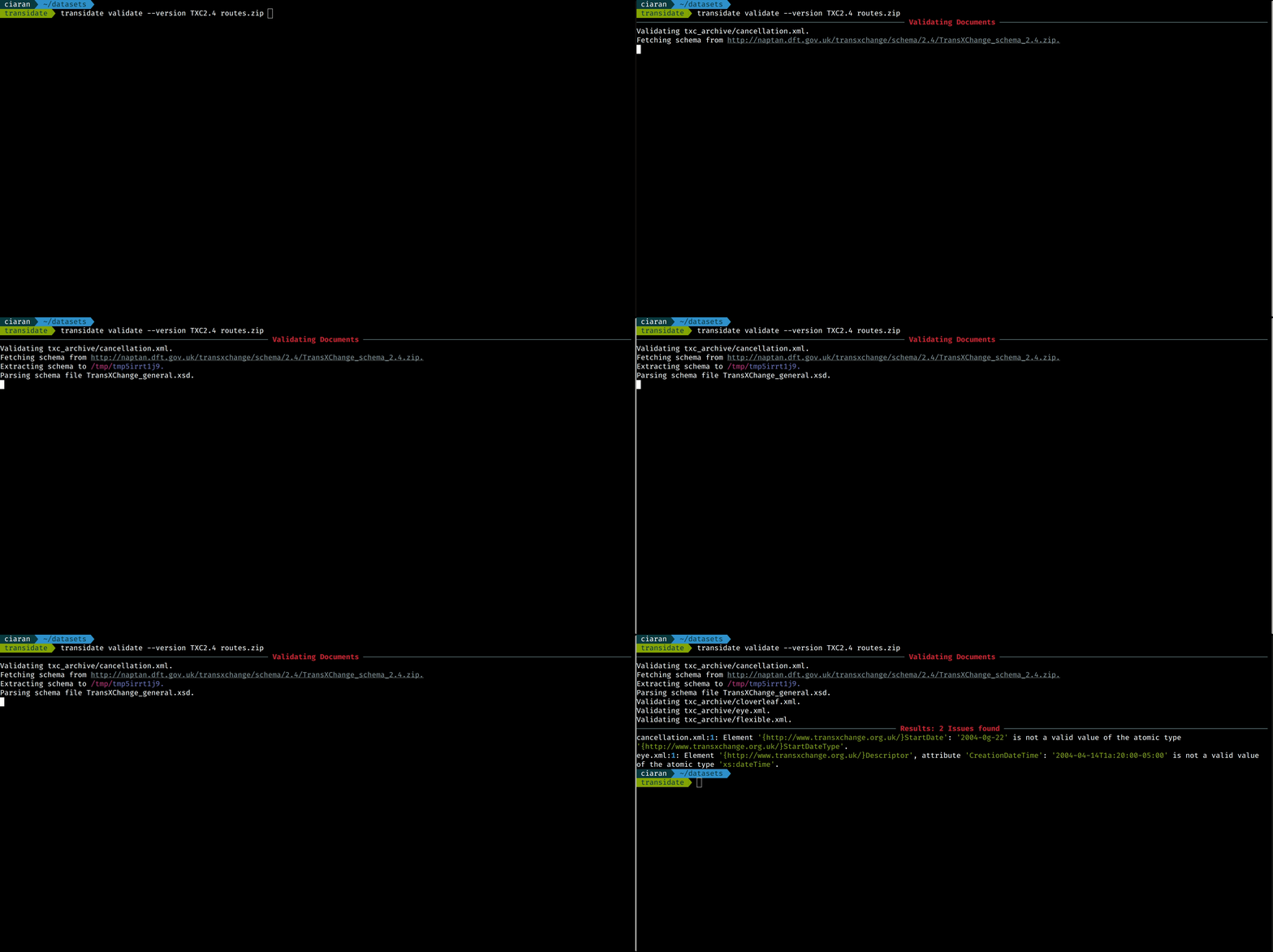
You can also use transidate to validate a archived collection of files.
transidate validate --version TXC2.4 routes.zip
Export violations to CSV
Schema violations can be saved to a CSV file using the --csv flag.
transidate validate --version TXC2.4 --csv routes.zip
Configuration
Transidate comes configured with several schemas out of the box. It is really
easy to add your own schema validators to transidate. The first step is to
create a configuration file e.g. touch transidate.cfg.
Transidate fetches schemas from web in a zip format, to add a schema you just need to define the name, url and root.
[MYSCHEMA] # The 'version'
url=http://linktoschema.url/schema.zip # where transidate can get the schema
root=schema_root_file.xml # the root of the schema
Then you can just pass the schema configuration using --schemas.
transidate validate --version MYSCHEMA --schemas transidate.cfg linear.xml
You can list all the avialble schemas list th list command.
transidate list

1 maintainer

Release files for transidate 0.4.0
For a detailed explanation of source distributions (sdists) and built distributions (wheels), please see the package formats documentation.
Source distribution (sdist)
| File | Size | Uploaded | |
|---|---|---|---|
| transidate-0.4.0.tar.gz | 7.7 kB | Details |
Built distribution (wheel)
| File | Interpreter | ABI | Platform | Reset |
|---|---|---|---|---|
| transidate-0.4.0-py3-none-any.whl | Python 3 | none | any | Details |
Total release size: 15.9 kB
Release files / transidate-0.4.0.tar.gz
| Download URL | transidate-0.4.0.tar.gz |
|---|---|
| Size | 7.7 kB |
| Tags | Source |
|
SHA-256 checksum How to use checksums |
5a5b6e29e366ca471ad6b5949bc9bf3147e3814f020280a394279e8ffd28d634
|
|
BLAKE2b-256 checksum How to use checksums |
7910a4da22774458a7d4f12c688a1ce63e1398cd7e1d46fc836ea276484ff45b
|
| Upload date | |
|
Uploaded using Trusted Publishing? What is trusted publishing? |
No |
| Uploaded via |
poetry/1.3.2 CPython/3.9.16 Linux/5.15.0-1030-azure
|
Release files / transidate-0.4.0-py3-none-any.whl
| Download URL | transidate-0.4.0-py3-none-any.whl |
|---|---|
| Size | 8.2 kB |
| Tags | Python 3 |
|
SHA-256 checksum How to use checksums |
acba43ec42c2b6758a10a5fecdfbbf1ab245867698edf84e84307a15ac947b6f
|
|
BLAKE2b-256 checksum How to use checksums |
d3c73292e067342832197ec0166669dbab43b6c1012015df40ef2e30c07b67d2
|
| Upload date | |
|
Uploaded using Trusted Publishing? What is trusted publishing? |
No |
| Uploaded via |
poetry/1.3.2 CPython/3.9.16 Linux/5.15.0-1030-azure
|














