
High-performance transparent graphics overlay for Windows

Project description
Transparent Overlay
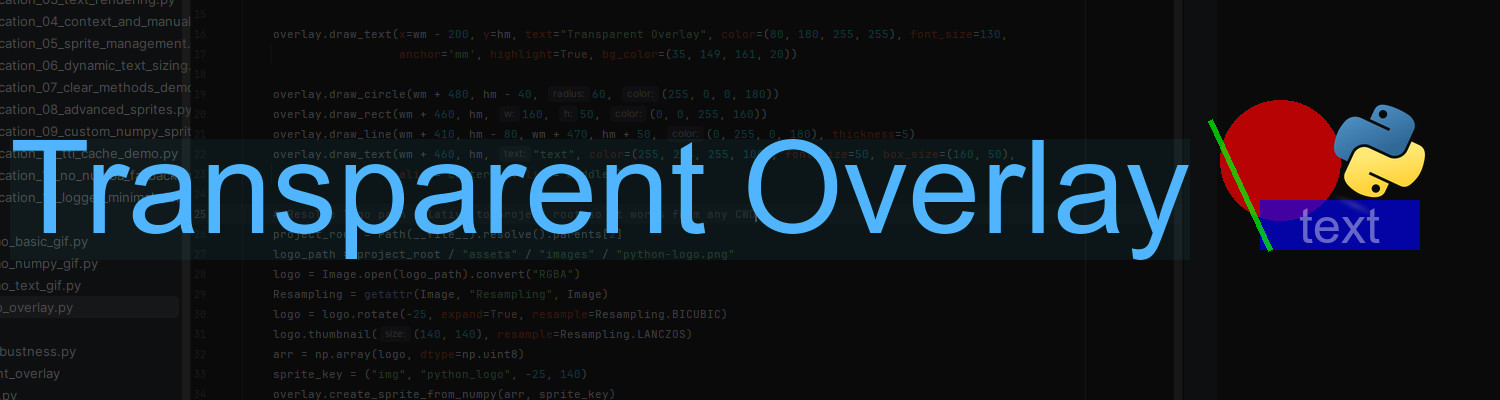




High-performance transparent graphics overlay for Windows.
True per-pixel transparency, double buffering, cached sprites, thread-safe render loop, and automatic Numba
acceleration (~10x faster rendering).
Features
- True desktop transparency using layered windows (
UpdateLayeredWindow) - Smooth, flicker-free rendering with double buffering
- Cached sprites: shapes, lines, text, and custom NumPy RGBA arrays
- Thread-safe: separate logic and dedicated render thread
- Built-in diagnostics: FPS counter and per-frame statistics
- Automatic Numba acceleration (installed by default, with graceful NumPy fallback)
Installation
pip install transparent-overlay
This installs the core library with Numba included for maximum performance (~10x faster rendering).
Examples
The library comes with rich educational and practical examples demonstrating all features.
To run them:
pip install "transparent-overlay[examples]"

git clone https://github.com/IlyaYakko/transparent-overlay.git

cd transparent-overlay/examples && python education/education_01_basic_shapes.py
All examples and media assets are available in the examples/ folder on GitHub.
Note: The face detection example automatically downloads the required Haar Cascade file on first run if needed.
Quick start
from transparent_overlay import Overlay

with Overlay() as overlay:
    overlay.draw_circle(200, 150, 50, (255, 0, 0, 180))

    overlay.draw_rect(350, 100, 120, 80, (0, 0, 255, 160))

    overlay.draw_line(500, 100, 650, 180, (0, 255, 0, 255), thickness=3)

    overlay.draw_text(400, 50, "Basic Shapes", color=(255, 255, 255, 255), font_size=50)

    overlay.signal_render()

    input("Press Enter to exit...")
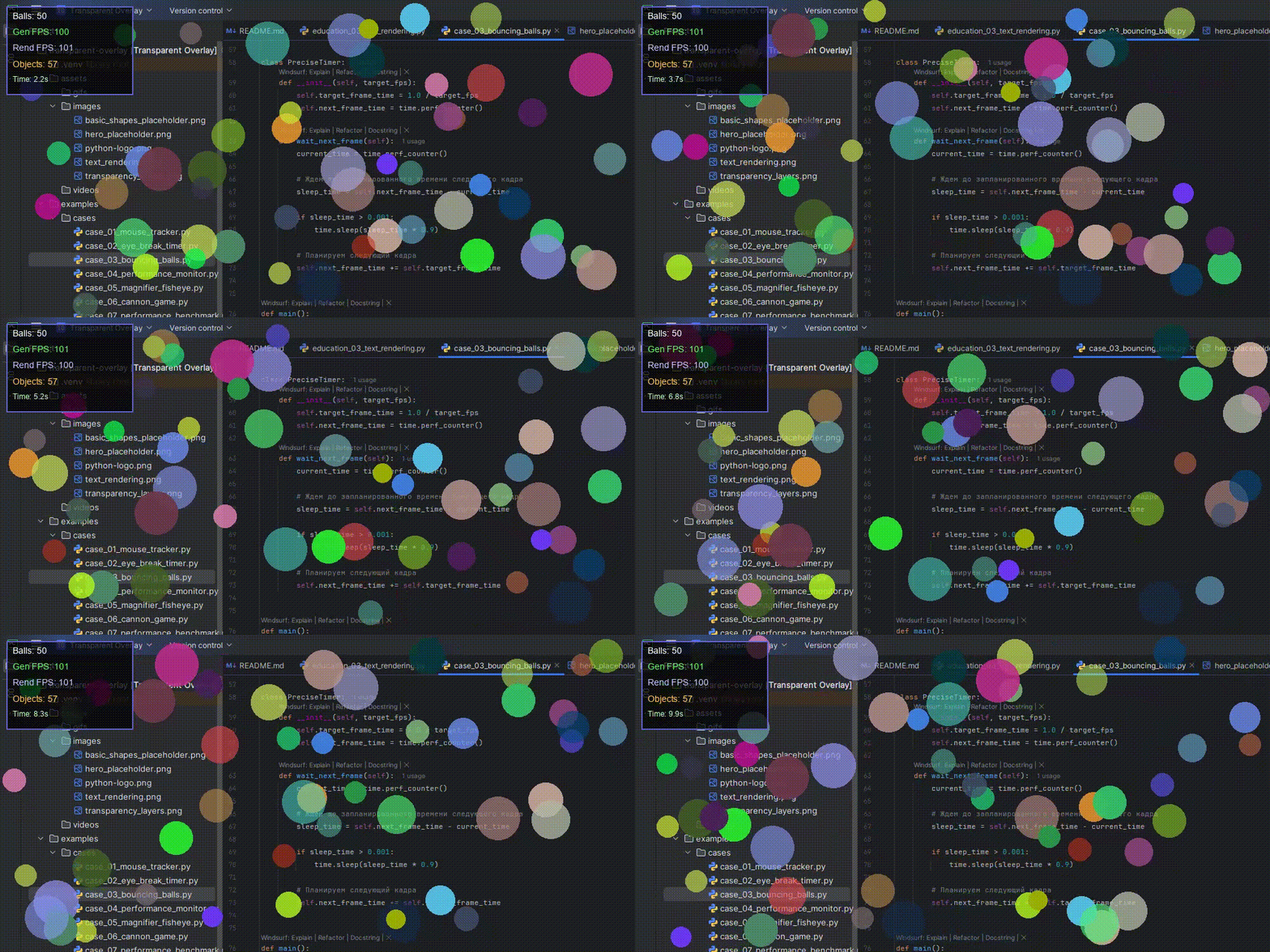
Use cases
- Real-time HUD overlays
- On-screen debugging for AI / computer vision applications
- Desktop widgets and transparent UI elements
- Streaming and recording overlays
- Graphics experiments and educational demos
Documentation
- Full documentation: DOCUMENTATION.md
- Examples and demos: examples/ folder on GitHub
- Media assets (screenshots, GIFs, videos): assets/ folder on GitHub
Performance
The library automatically uses Numba for significantly faster pixel operations (up to 10x speedup).
If Numba is unavailable for any reason, it seamlessly falls back to pure NumPy — functionality remains fully intact.
Requirements
- OS: Windows 7 or later
- Python: 3.7 and above
- Hardware must support layered windows (all modern Windows systems do)
Note: This package is Windows-only. Importing on other platforms will raise an error by design.
License
MIT License — free for commercial and personal use.


Download files
Download the file for your platform. If you're not sure which to choose, learn more about installing packages.
Source Distributions
Built Distribution
Filter files by name, interpreter, ABI, and platform.
If you're not sure about the file name format, learn more about wheel file names.
Copy a direct link to the current filters
File details
Details for the file transparent_overlay-2.8.0-py3-none-any.whl.
File metadata
- Download URL: transparent_overlay-2.8.0-py3-none-any.whl
- Upload date:
- Size: 15.7 kB
- Tags: Python 3
- Uploaded using Trusted Publishing? No
- Uploaded via: twine/6.2.0 CPython/3.13.9
File hashes
| Algorithm | Hash digest | |
|---|---|---|
| SHA256 |
c54883ec0605ae34b67f7177f6c07429452f86617b07a914fe816450992c8bd0
|
|
| MD5 |
ed498fb795cc5499d688e712b939e60f
|
|
| BLAKE2b-256 |
108b19b1f957c1791b2def929f08c51f6edd9197d04b1980aec1ae38fa58417c
|






