
A library for processing TMD files and visualizing height maps

Project description
TMD Library: TrueMap Data Processing & Visualization





A Python-based TMD file processor with visualization and export capabilities for height maps stored in TMD files generated by TrueMap v6 or GelSight. The tool includes comprehensive features for data processing, visualization, and export to various formats.
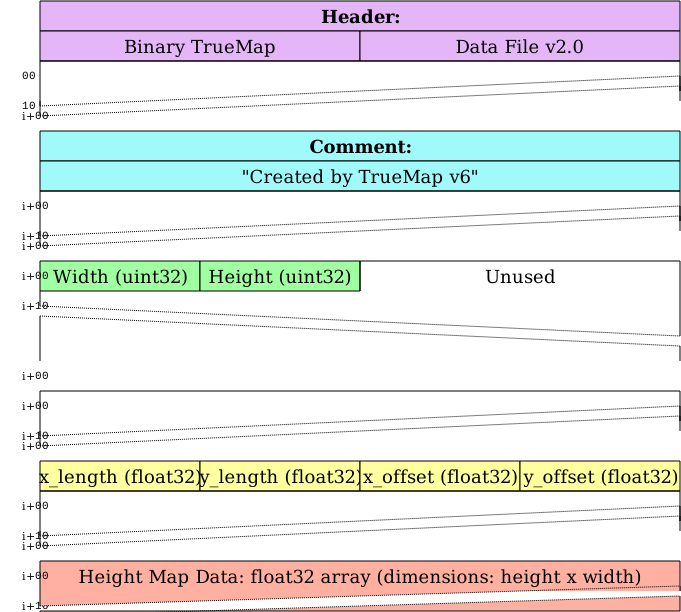
Table of Contents
Features
| Feature | Description |
|---|---|
| Rich Visualizations | Interactive 3D surface plots, 2D heatmaps, X-profile cross-section plots |
| Multiple Export Formats | Displacement maps (PNG), Normal maps (RGB PNG), STL files, NumPy data formats, etc. |
| Supported TMD Formats | TrueMap v6 & GelSight |
| Python Compatibility | Works with Python 3.12+ |
Installation
Ensure you have Python 3.12+ installed, then install dependencies:
pip install -r requirements.txt
pip install -e .
Usage
from tmd import TMD
data = TMD('Dime.tmd')
height_map = data.height_map()
metadata = data.metadata()
data.plot_3D()
Run the provided Jupyter Notebook for step-by-step examples.
TMD File Format
TrueMap v6 Format
| Field | Description |
|---|---|
| Header (32 bytes) | "Binary TrueMap Data File v2.0" |
| Comment (Variable) | Typically: "Created by TrueMap v6" |
| Dimensions (8 bytes) | Two 32-bit unsigned integers for width & height |
| Spatial Info (16 bytes) | Floats representing x_length, y_length, x_offset, y_offset |
| Height Map Data | Float32 array forming a height x width 2D grid |
GelSight Format
| Field | Description |
|---|---|
| Header (32 bytes) | Same as TrueMap: "Binary TrueMap Data File v2.0" |
| Comment (Variable) | May contain metadata or be empty |
| Dimensions (8 bytes) | Two 32-bit unsigned integers (width & height) |
| Spatial Info (16 bytes) | Four 32-bit floats for x_length, y_length, x_offset, y_offset |
| Height Map Data | Float32 array defining the height map |
Visual Examples
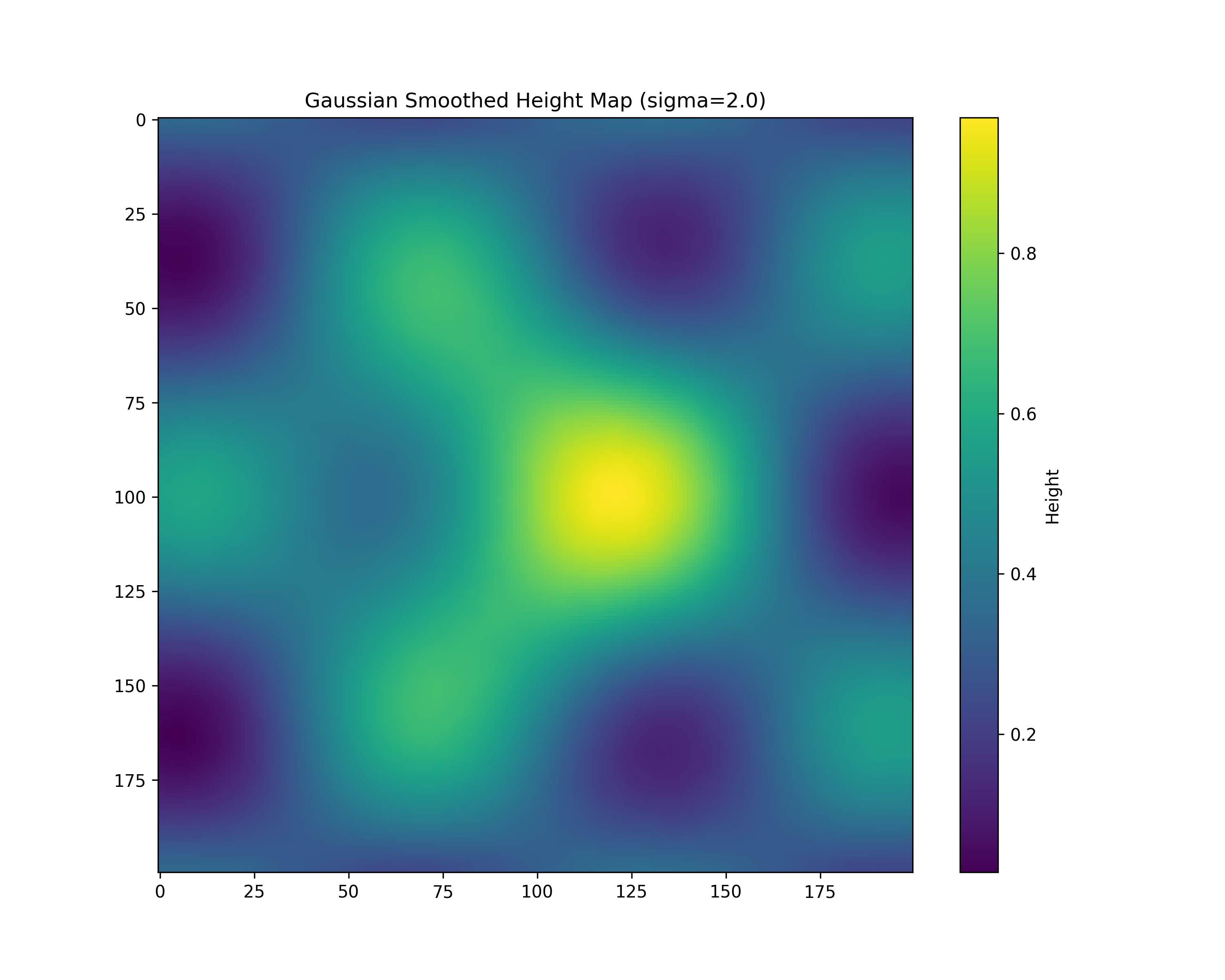
1. Height Map Statistics
| Metric | Value |
|---|---|
| Shape | (200, 200) |
| Min | 0.0 |
| Max | 1.0 |
| Mean | 0.41206 |
| Std Dev | 0.18863 |
Image Visualizations
| 3D Surface Plot | X-Cross Section |
|---|---|
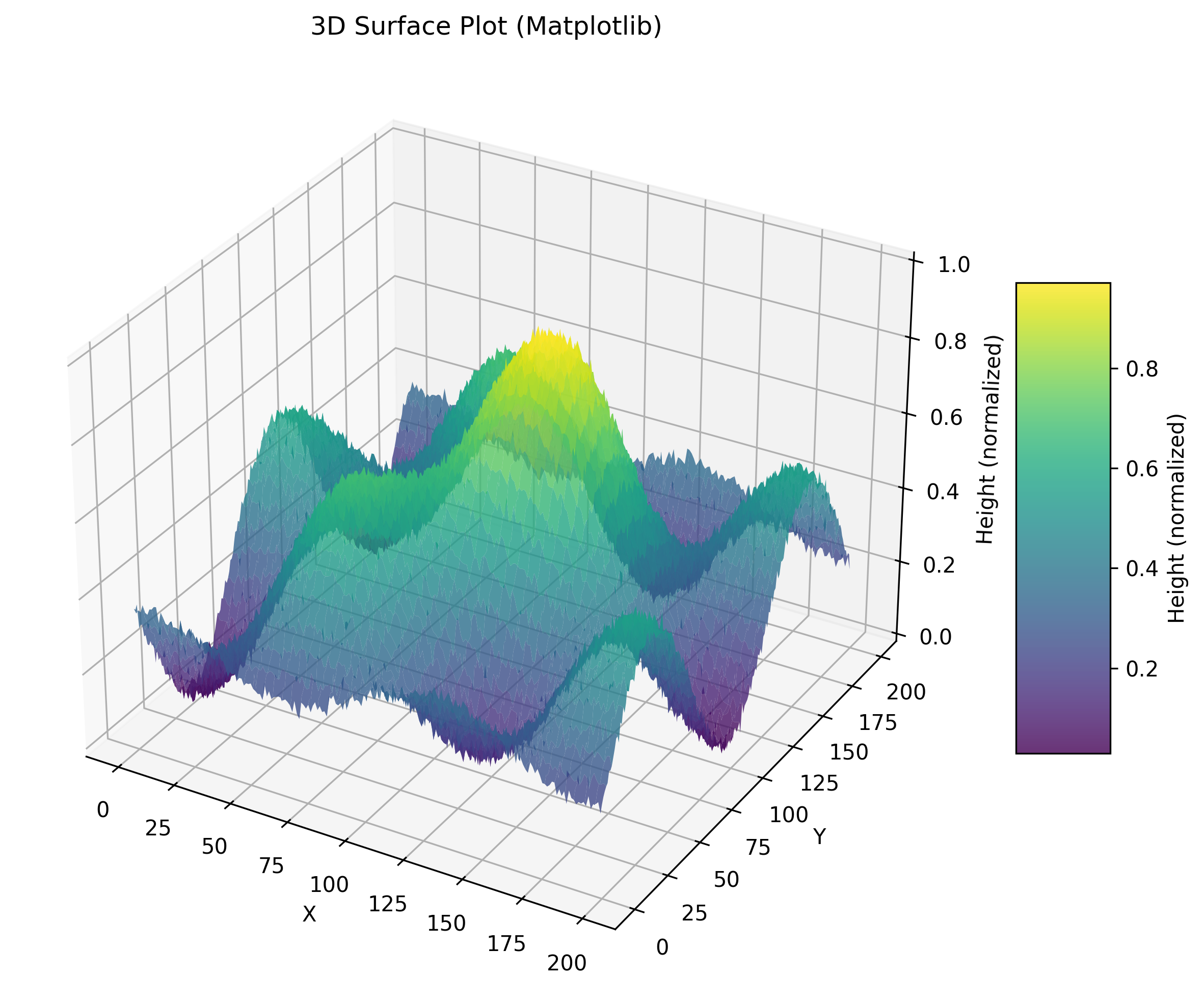 |
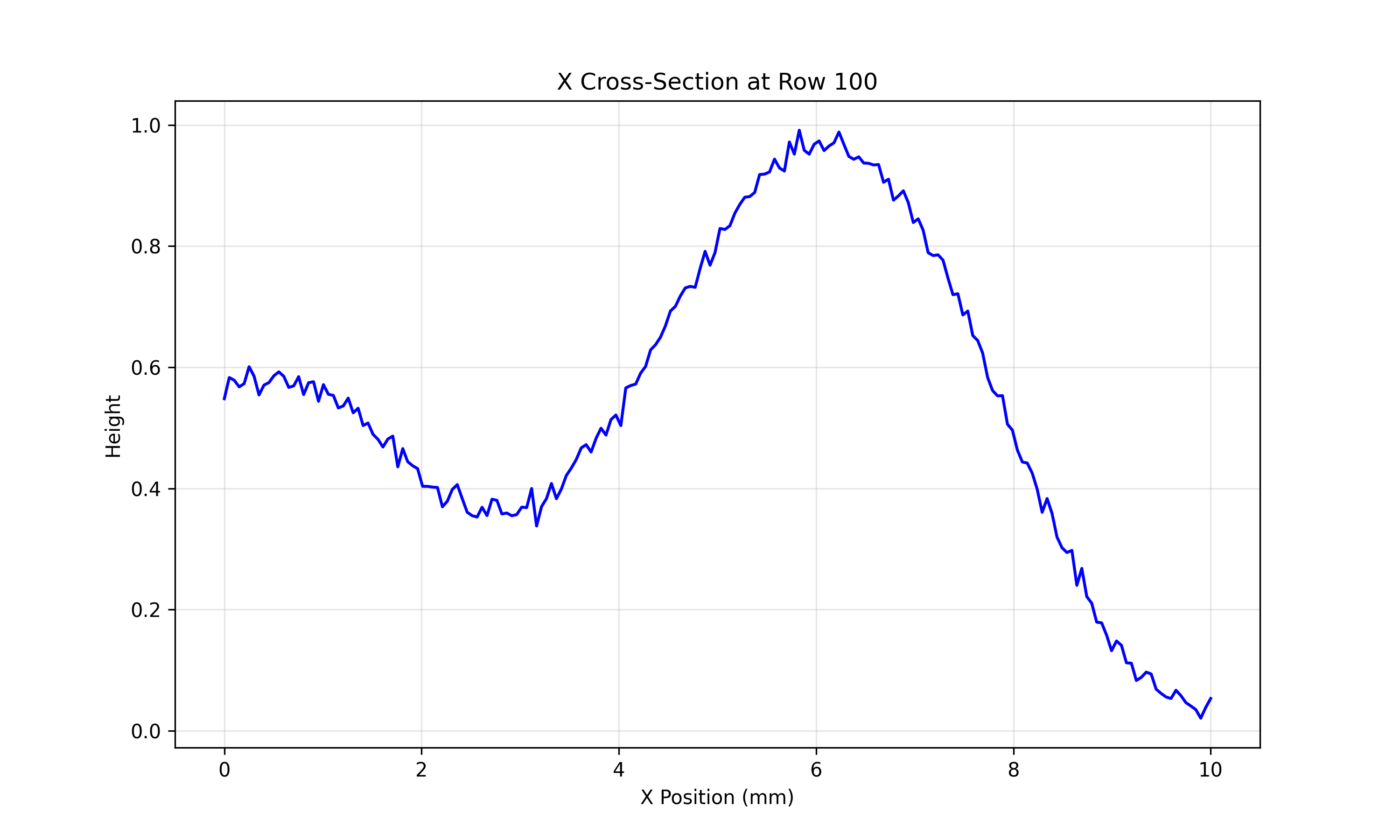 |
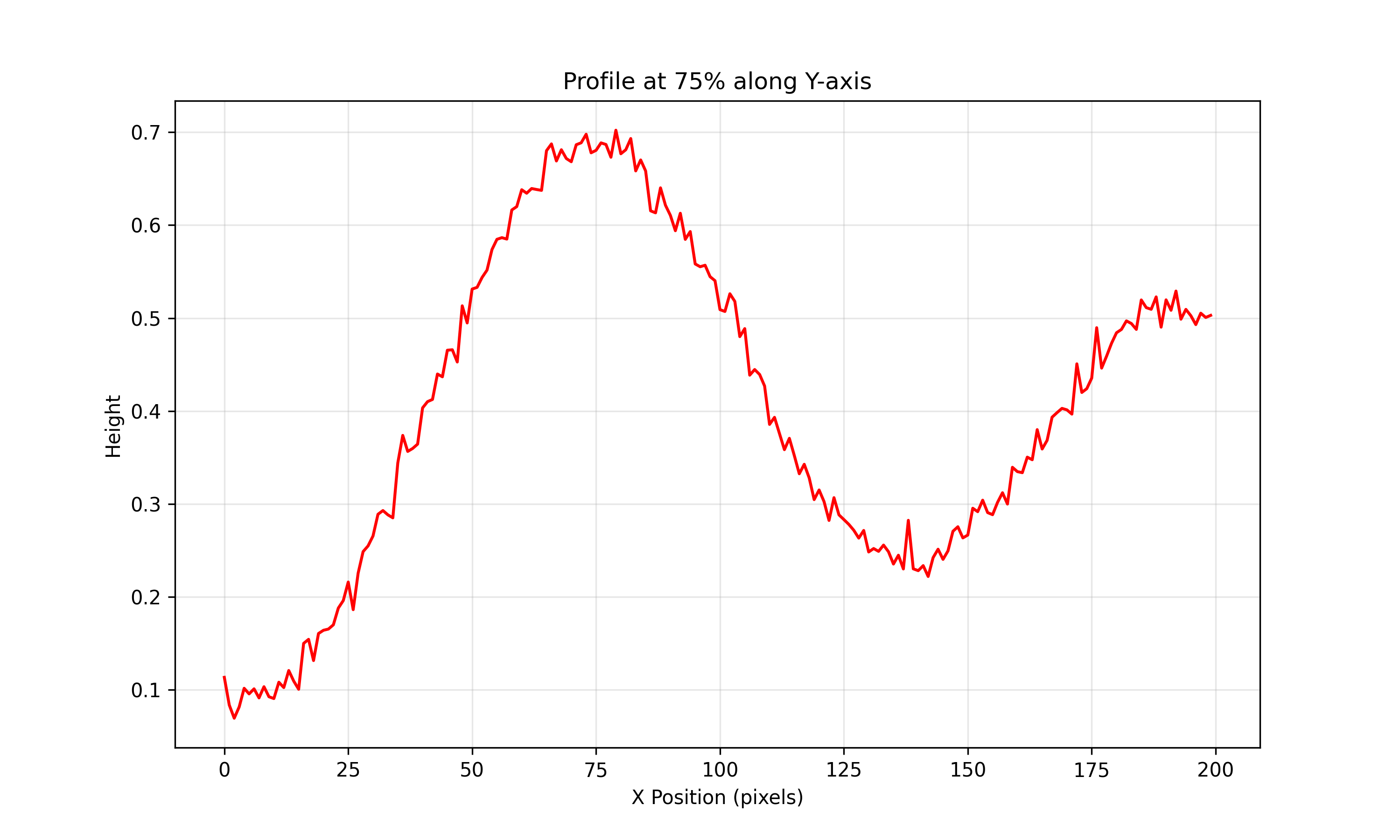
| Displacement Map | Y-Cross Section 75% |
|---|---|
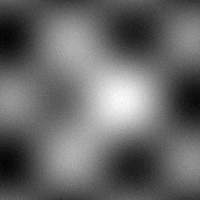 |
 |
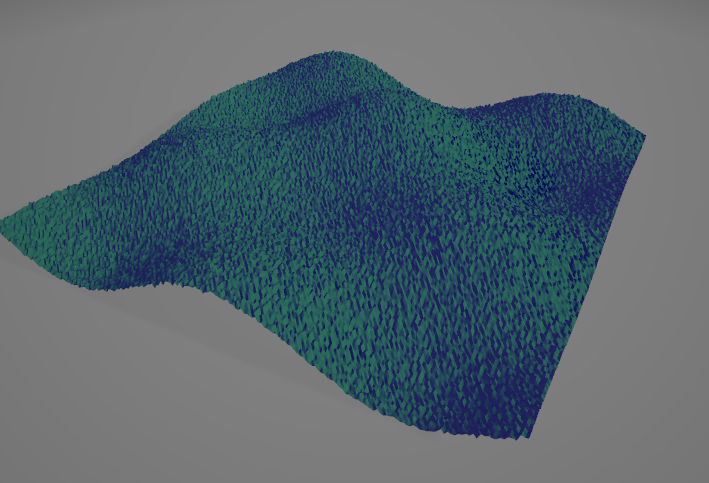
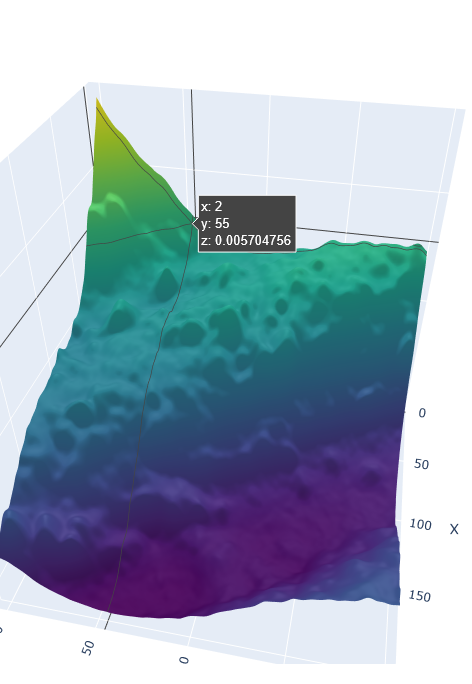
| STL File | 3D Crop |
|---|---|
 |
 |
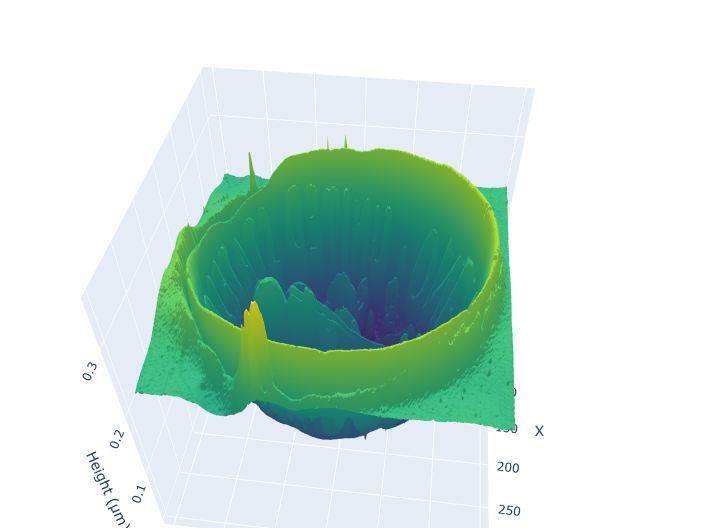
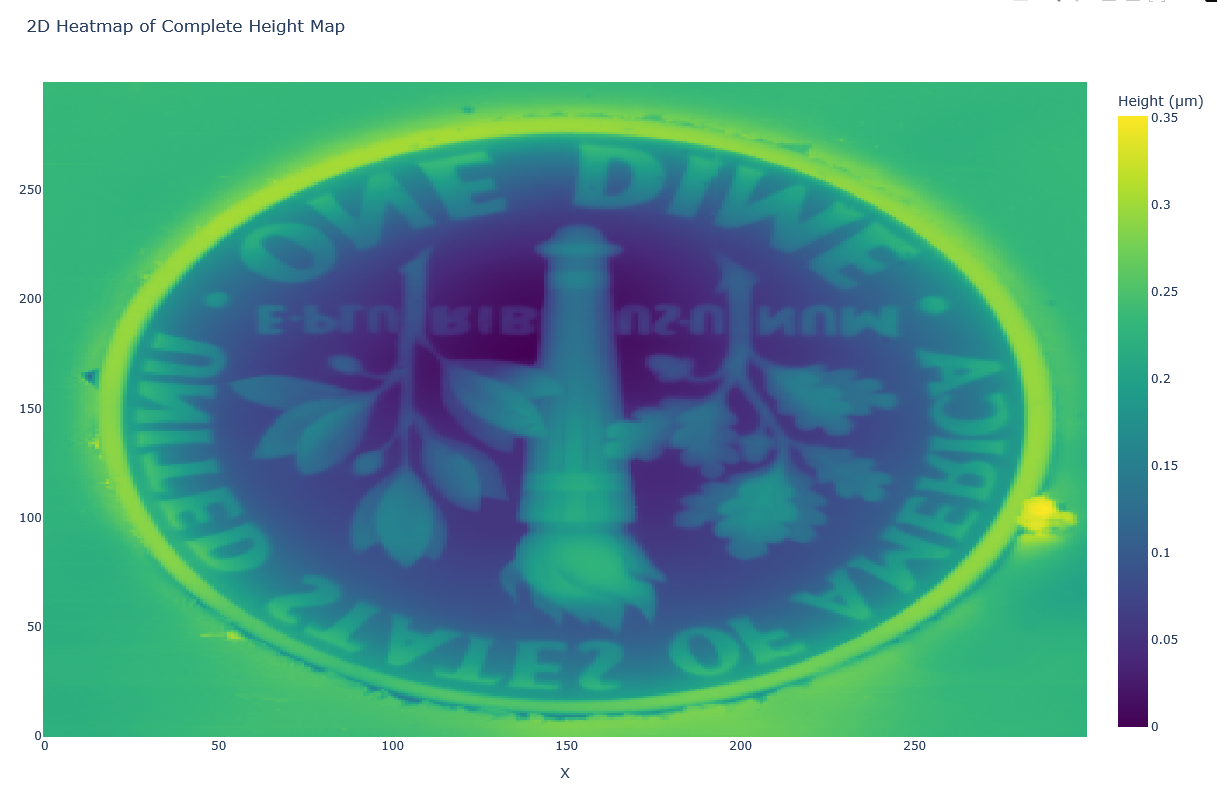
| Plotly Visualisation | HeightMap |
|---|---|
 |
 |
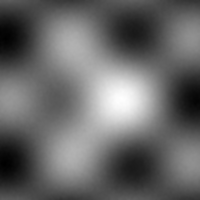
| Bump maps | SmoothingHeightMap |
|---|---|
 |
 |
Installation
Quick Install
pip install truemapdata
Ensure you have Python 3.12+ installed. Then, install the required packages:
pip install -r requirements.txt
pip install -e .
from tmd import TMD
data = TMD('Dime.tmd')
height_map = data.height_map()
metadata = data.metadata()
data.plot_3D()
You can also run the provided Jupyter Notebook to see step-by-step examples.
TMD File Format
The TMD files processed by this tool follow a binary layout with similar structures for both TrueMap v6 and GelSight versions. The main difference lies in the comment field and the typical source of the file.
TrueMap v6 Format
-
Header (32 bytes): An ASCII string that starts with:
Binary TrueMap Data File v2.0 -
Comment (Variable, up to 256 bytes): A null-terminated string, typically:
Created by TrueMap v6 -
Dimensions (8 bytes): Two 32-bit unsigned integers for width and height (little-endian).
-
Spatial Information (16 bytes): Four 32-bit floats representing:
- x_length (physical length in X)
- y_length (physical length in Y)
- x_offset
- y_offset
-
Height Map Data: A sequence of 32-bit floats (4 bytes each) forming a 2D array with dimensions height x width.
GelSight Format
The GelSight TMD file format is very similar to the TrueMap v6 format with subtle differences:
-
Header (32 bytes): The header string is the same:
Binary TrueMap Data File v2.0 -
Comment (Variable): A null-terminated string that may be empty or contain different metadata.
-
Dimensions (8 bytes): Two 32-bit unsigned integers for width and height (little-endian).
-
Spatial Information (16 bytes): Four 32-bit floats for:
- x_length
- y_length
- x_offset
- y_offset
-
Height Map Data: A float32 array representing the height values over a grid defined by the width and height.
The processor uses the file name (or structure hints) to choose the appropriate parser for TrueMap v6 or GelSight TMD files.
License
This project is licensed under the MIT License. See the LICENSE file for details.
Release history Release notifications | RSS feed


Download files
Download the file for your platform. If you're not sure which to choose, learn more about installing packages.
Source Distribution
Built Distribution
Filter files by name, interpreter, ABI, and platform.
If you're not sure about the file name format, learn more about wheel file names.
Copy a direct link to the current filters
File details
Details for the file truemapdata-0.1.3.tar.gz.
File metadata
- Download URL: truemapdata-0.1.3.tar.gz
- Upload date:
- Size: 28.2 kB
- Tags: Source
- Uploaded using Trusted Publishing? No
- Uploaded via: twine/6.1.0 CPython/3.12.9
File hashes
| Algorithm | Hash digest | |
|---|---|---|
| SHA256 |
6e85729cc517d3e29b508cd1e29040a38b94663ba8d53bb61fcc204eec0f2d06
|
|
| MD5 |
c12efa92cdf62076af69743455702432
|
|
| BLAKE2b-256 |
0d17dfc20082190980dd453e675fa7017156a5d32e23b638bad4468578269adb
|
File details
Details for the file truemapdata-0.1.3-py3-none-any.whl.
File metadata
- Download URL: truemapdata-0.1.3-py3-none-any.whl
- Upload date:
- Size: 8.4 kB
- Tags: Python 3
- Uploaded using Trusted Publishing? No
- Uploaded via: twine/6.1.0 CPython/3.12.9
File hashes
| Algorithm | Hash digest | |
|---|---|---|
| SHA256 |
c187742edb0694583c4a6c203f6a57d4f7cd2709e3dffd130b139556c5b65929
|
|
| MD5 |
68678df5ada6d84c5f62e19aa9506e4b
|
|
| BLAKE2b-256 |
292d470c9d18843328b3c848f133866d0c530462bf4938f366a5994ac7c28e2c
|






