
TSpec runner: Markdown + tspec fenced blocks for test automation (spec-versioned)

Project description
TSpec runner for Markdown + tspec blocks. Validate, run, and report from the CLI with a single, spec-versioned flow.
Links
What you can do
Spec resolution (latest / range / last 3 generations)
validate / list / run / spec / init / doctor / report
Simple assertions via assert.*
Unified UI automation API: ui.* - backends: selenium / playwright / appium (Android/iOS) / pywinauto / agent-browser - install extras only when needed
PyPI long_description language
Default: README.rst (English).
Switch:
python scripts/switch_pypi_readme.py --lang en
python scripts/switch_pypi_readme.py --lang jp
Quick start (recommended: uv)
uv venv
uv sync
tspec validate examples/assert_only.tspec.md
tspec run examples/assert_only.tspec.md --report out/report.json
Using pip:
python -m venv .venv
source .venv/bin/activate  # Windows: .venv\Scripts\activate
pip install -U pip
pip install -e ".[dev]"
Basic usage
tspec spec
tspec init example.tspec.md
tspec validate examples/assert_only.tspec.md --explain-version
tspec run examples/assert_only.tspec.md --report out/report.json
tspec report out/report.json --only-errors --show-steps
UI run (Selenium)
tspec run examples/selenium_google.tspec.md --backend selenium --report out/ui.jsonUI run (Playwright)
tspec run examples/selenium_google.tspec.md --backend playwright --report out/ui.jsonUI run (Appium/Android)
tspec run examples/android_youtube_smoke.tspec.md --backend appium --report out/android_youtube_smoke.jsonSearch flow examples can be fragile; adjust selectors in examples/android_youtube_search_play.tspec.md to your environment.
UI run (agent-browser)
tspec run examples/agent_browser_smoke.tspec.md --backend agent-browser --report out/agent-browser.jsonScreenshots
agent-browser smoke:
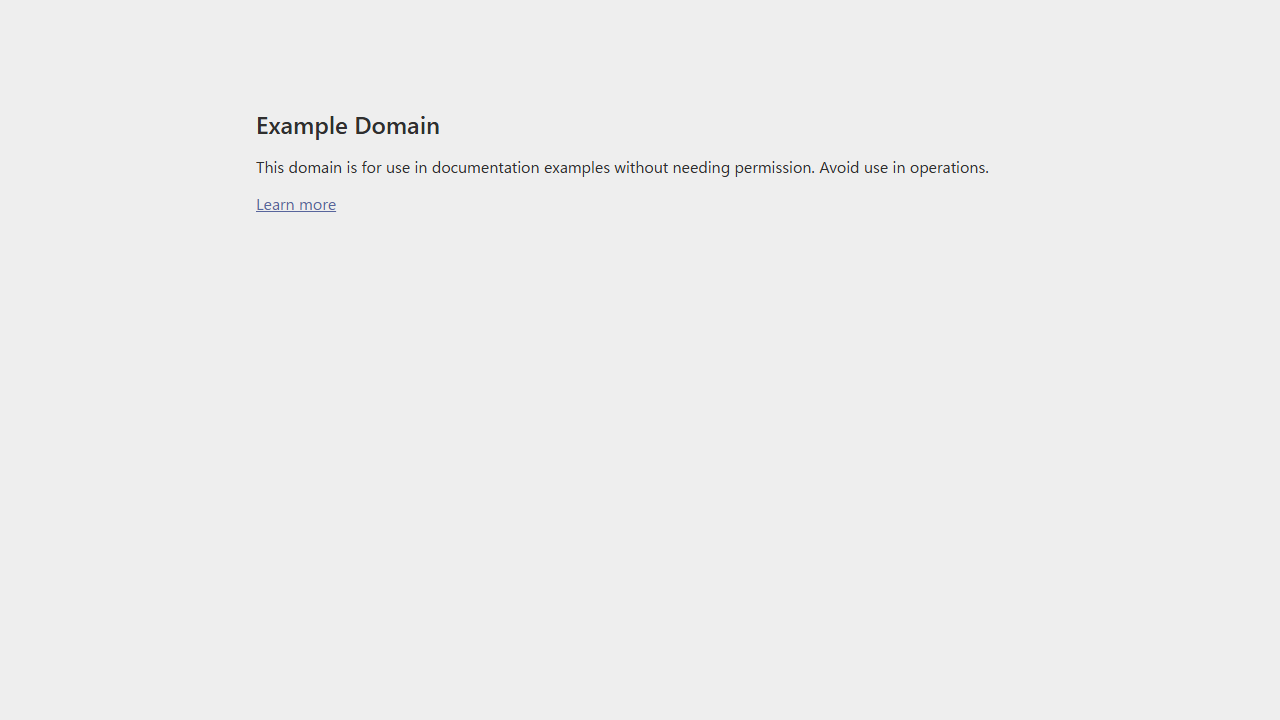
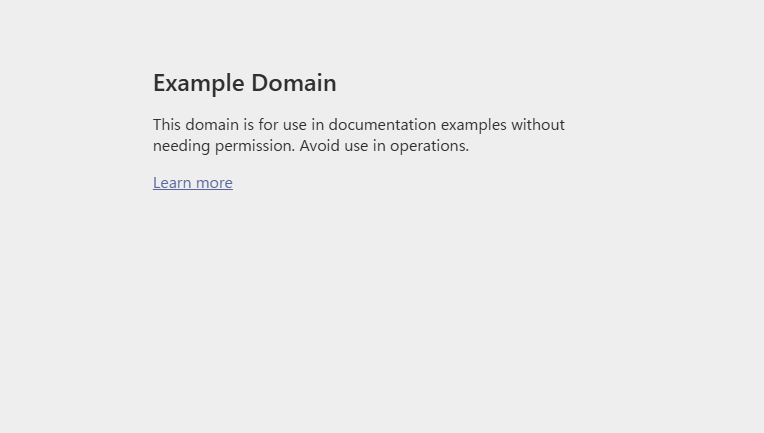
Selenium (Example Domain):
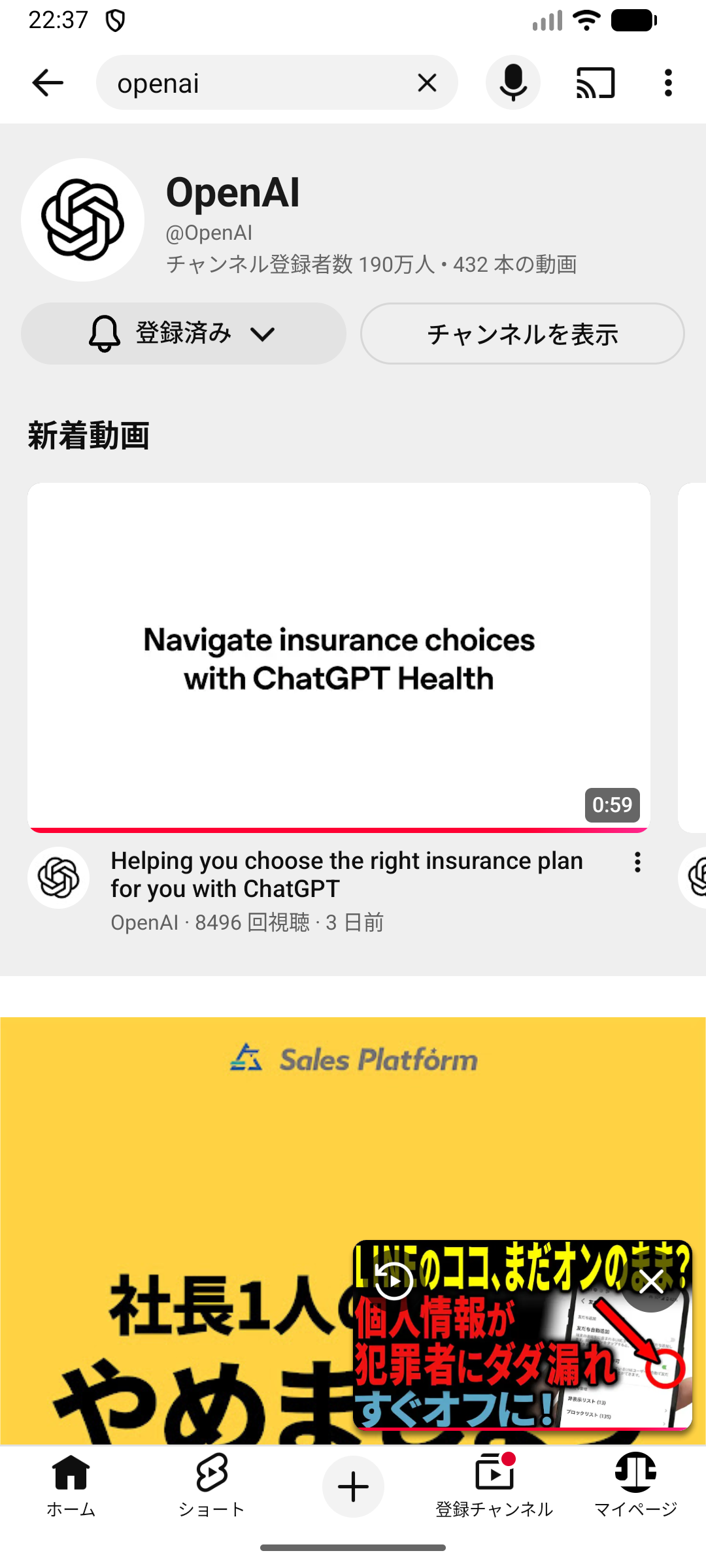
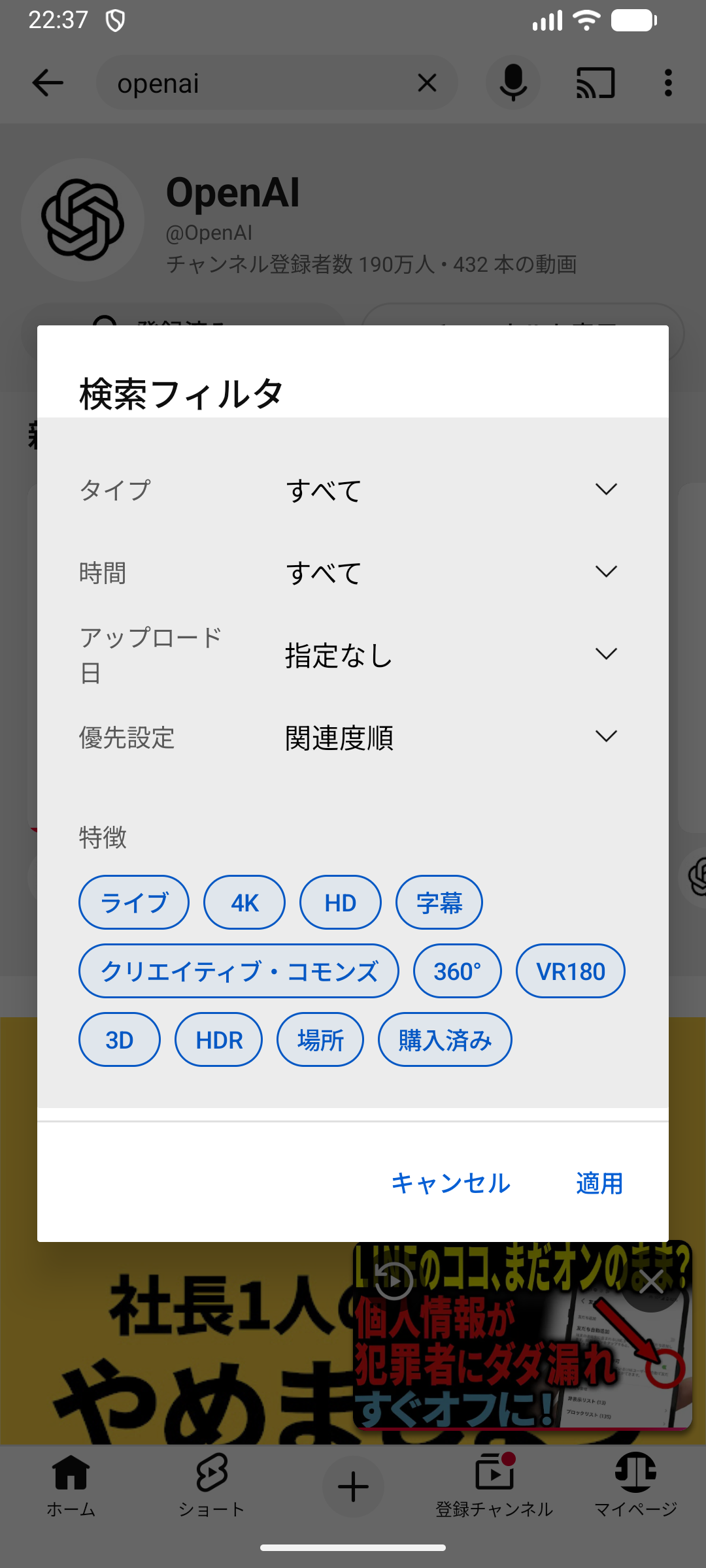
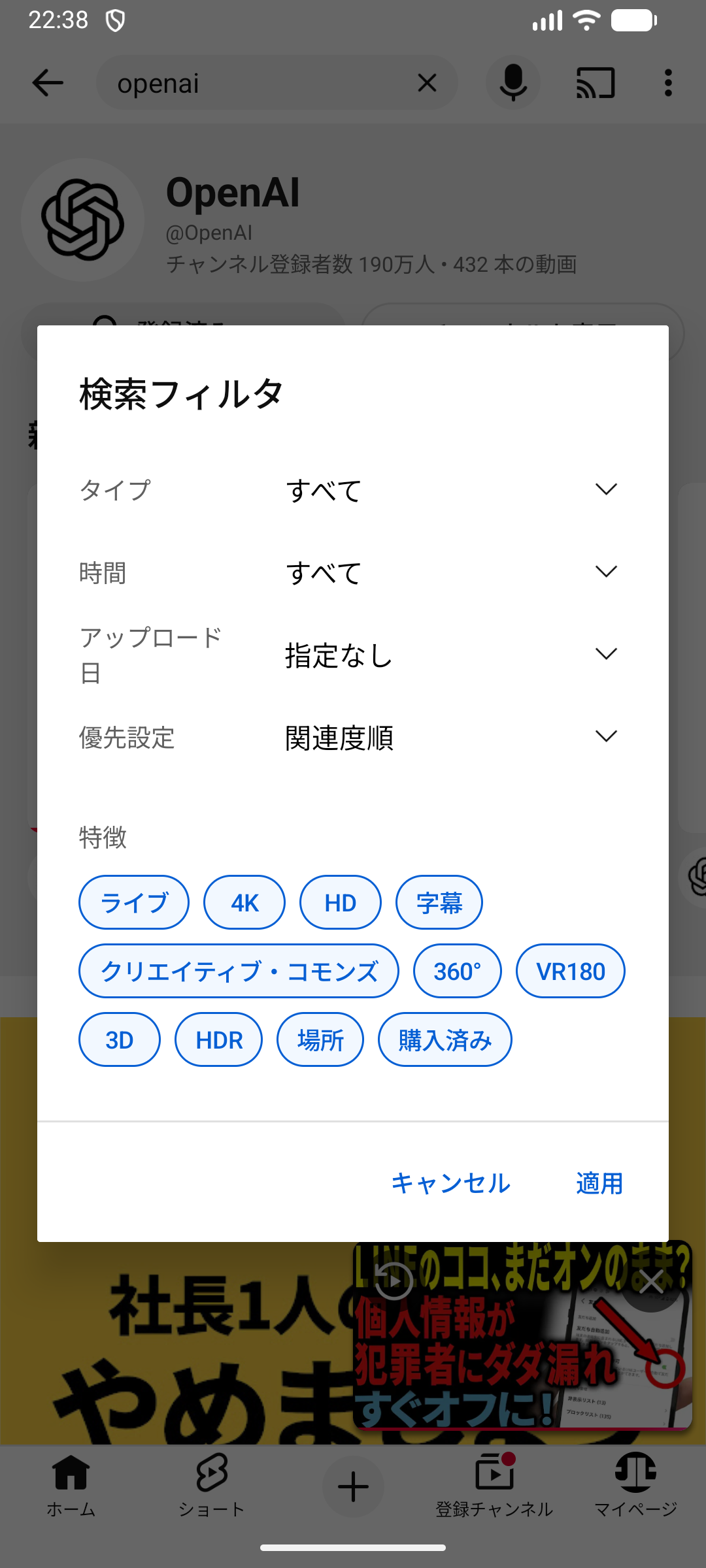
Appium (YouTube / Android emulator):
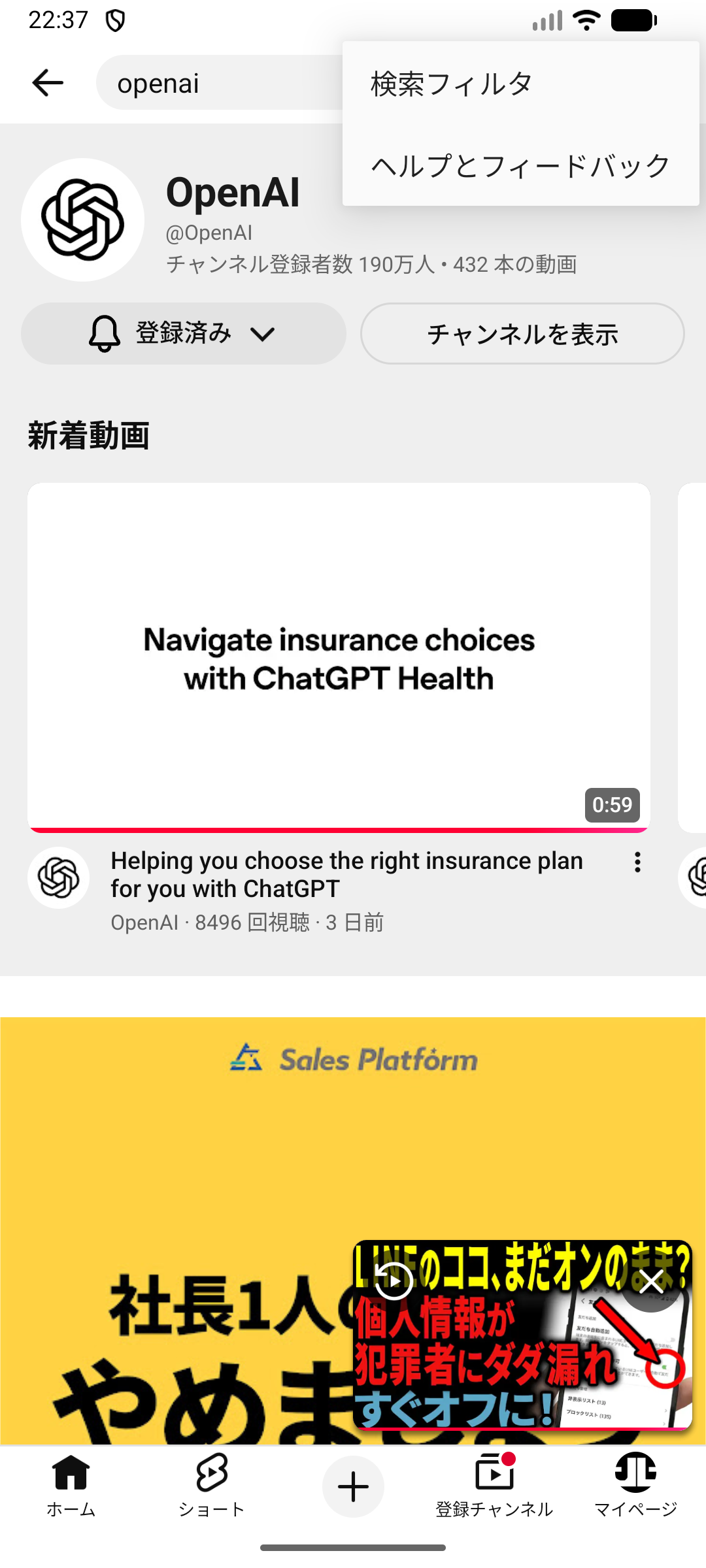
Appium search flow (Home -> Search -> Results -> Player):
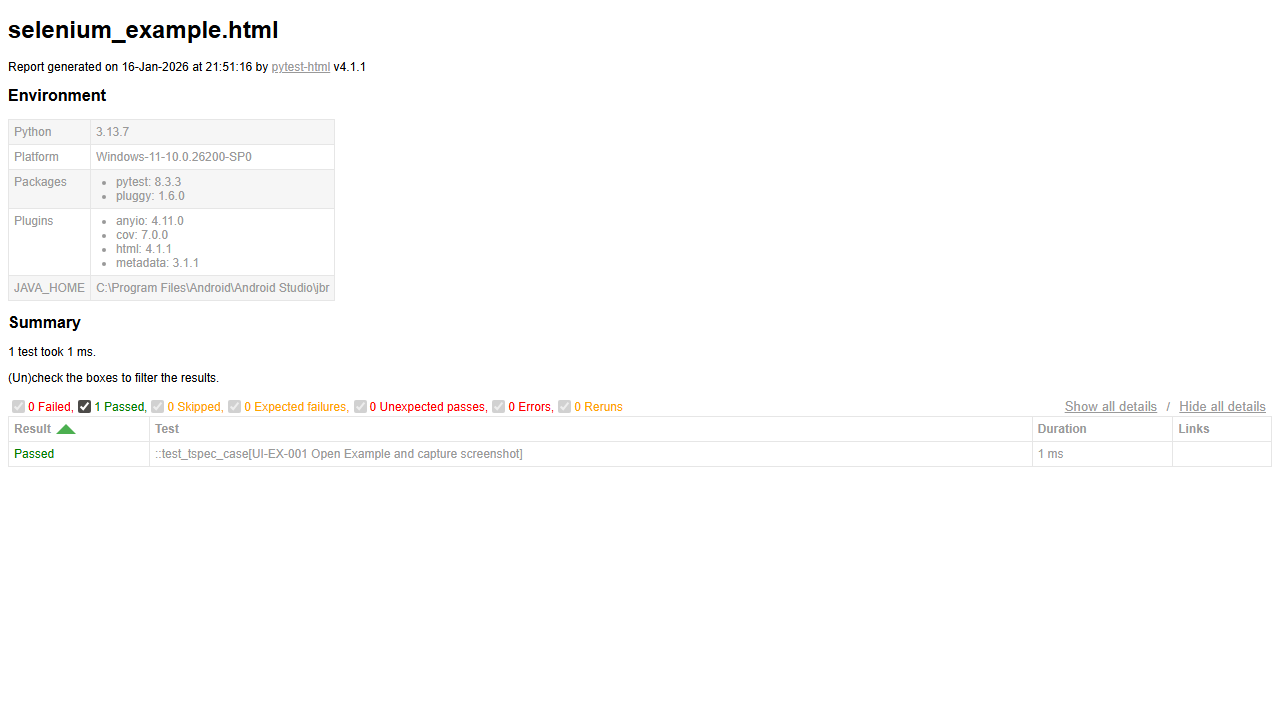
Report HTML:
Unity MCP demos
Example: “Create cube -> change material -> move/rotate”.

Actions used: - manage_gameobject create cube - manage_material create + recolor + assign to renderer - manage_gameobject update position/rotation
Extra demo: create a sphere, apply material, then create a prefab.

Actions used: - manage_gameobject create sphere - manage_material recolor + assign - manage_prefabs create prefab
Update guide: docs/demo_assets.md
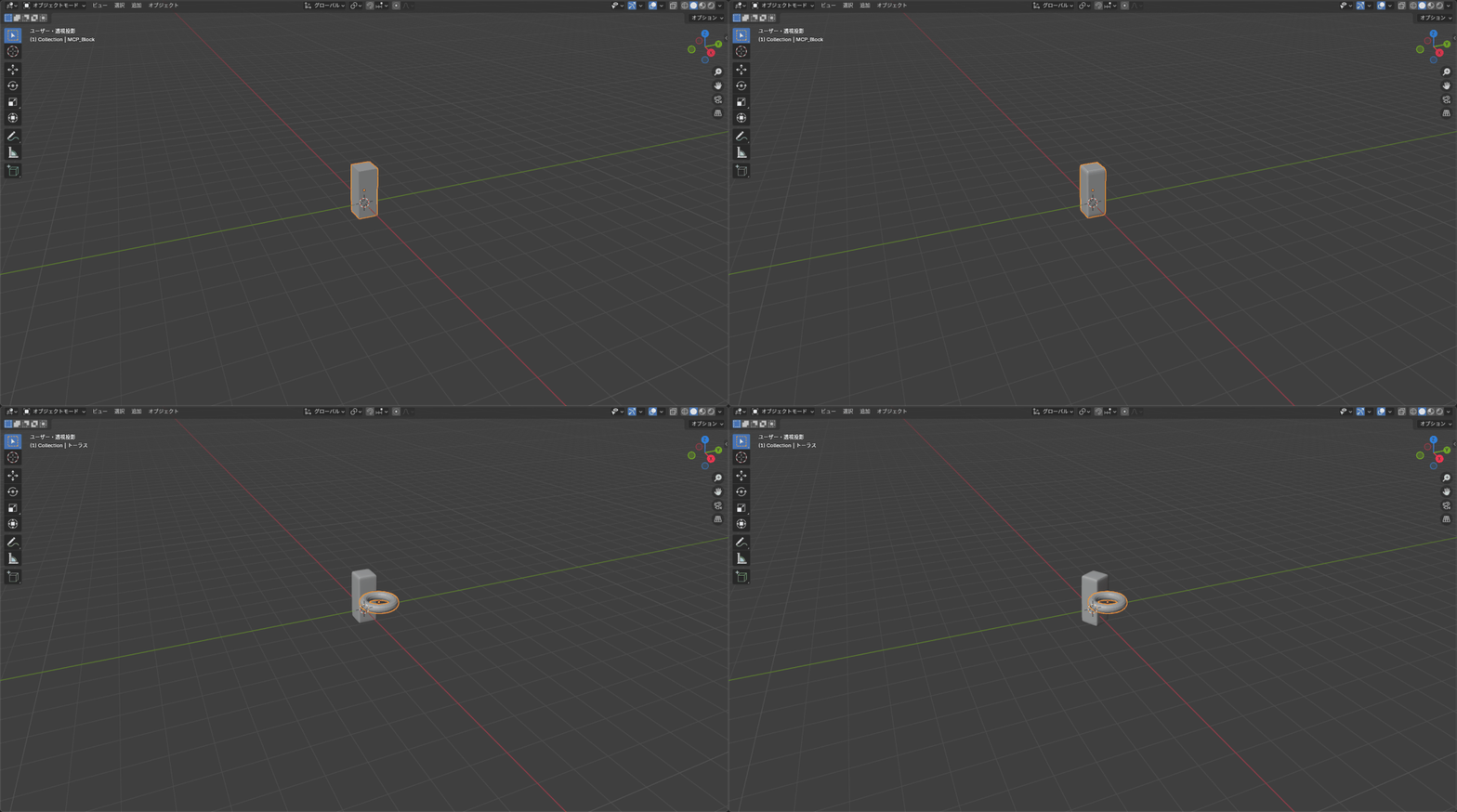
Blender MCP demos
Viewport screenshot example.
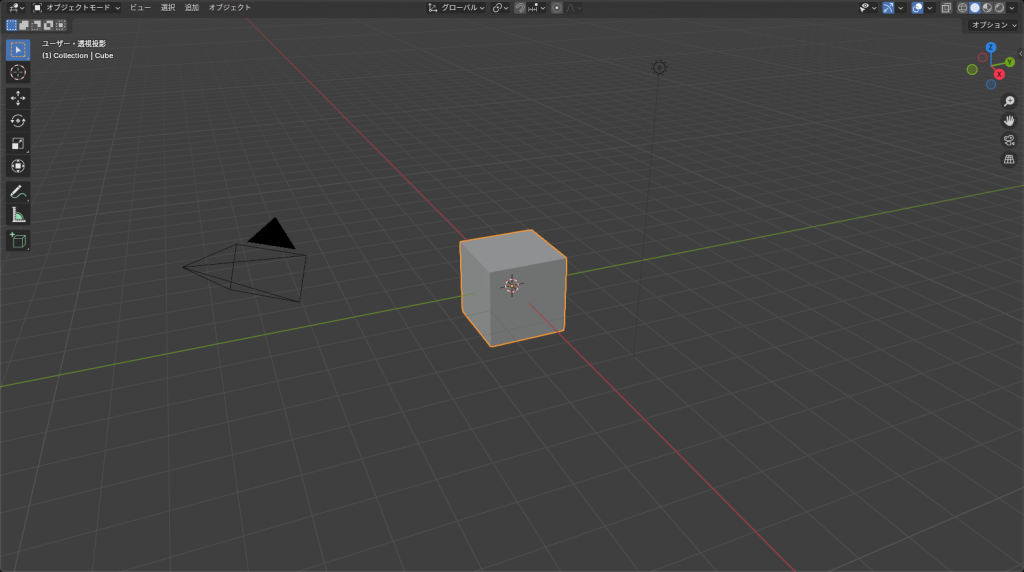
Modeling flow demo (create objects -> bevel/subdivision -> material -> transform).
Update guide: docs/demo_assets.md
UI backends (extras)
Selenium
pip install -e ".[selenium]"Playwright
pip install -e ".[playwright]"
python -m playwright install chromium
Appium (Android/iOS)
pip install -e ".[appium]"pywinauto (Windows GUI)
pip install -e ".[pywinauto]"agent-browser (lightweight headless)
npm install -g agent-browser
agent-browser install
If install fails on Windows, run the exe directly:
& "$env:APPDATA\\npm\\node_modules\\agent-browser\\bin\\agent-browser-win32-x64.exe" installOptional config: tspec.toml
Load with --config tspec.toml.
[ui]
backend = "selenium"  # selenium|playwright|appium|pywinauto|agent-browser
headless = true
implicit_wait_ms = 2000

[selenium]
browser = "chrome"  # chrome|firefox
driver_path = ""    # optional: chromedriver/geckodriver path
browser_binary = "" # optional: custom browser binary
args = ["--lang=ja-JP"]
prefs = { "intl.accept_languages" = "ja-JP" }
download_dir = "artifacts/downloads"
window_size = "1280x720"
auto_wait_ms = 3000
page_load_timeout_ms = 30000
script_timeout_ms = 30000

[agent_browser]
binary = "agent-browser"
timeout_ms = 30000
poll_ms = 250
extra_args = []
wsl_fallback = false
wsl_distro = ""
wsl_workdir = ""

[playwright]
browser = "chromium"  # chromium|firefox|webkit
executable_path = ""
args = []
user_data_dir = ""
window_size = "1280x720"
timeout_ms = 30000
allowlist_hosts = ["example.com", "localhost"]
Common ui.* actions
ui.open with {url} (Selenium / Playwright / agent-browser)
ui.open_app with {caps, server_url} (Appium)
ui.click with {selector}
ui.type with {selector, text}
ui.wait_for with {selector, text_contains?}
ui.get_text with {selector} + save: "name"
ui.screenshot with {path}
ui.close
Neko (m1k1o/neko) MCP integration
Use neko.* tools to call Neko REST API from the MCP server.
Setup:
pip install -e ".[mcp,neko]"
env vars: - NEKO_BASE_URL (e.g. http://localhost:8080) - NEKO_ALLOWLIST_HOSTS (e.g. localhost,localhost:8080) - optional: NEKO_AUTH_MODE, NEKO_USERNAME, NEKO_PASSWORD, NEKO_BEARER_TOKEN
Run:
tspec mcp --transport stdio --workdir .Details: docs/neko_mcp.md
Blender / Unity MCP integration
We provide tools that call Blender/Unity MCP endpoints.
Blender:
pip install -e ".[mcp,blender]"
env vars: - BLENDER_MCP_BASE_URL (e.g. http://localhost:7300) - BLENDER_MCP_ALLOWLIST_HOSTS (recommended: localhost,localhost:7300) - optional: BLENDER_MCP_AUTH_MODE (none / bearer / token) - optional: BLENDER_MCP_BEARER_TOKEN, BLENDER_MCP_TOKEN_QUERY - note: blender-mcp (ahujasid) is stdio; not REST compatible - CLI: tspec mcp --blender-mcp-url http://localhost:7300
Unity:
pip install -e ".[mcp,unity]"
env vars: - UNITY_MCP_MODE=mcp-http - UNITY_MCP_MCP_URL (e.g. http://localhost:8080/mcp) - UNITY_MCP_ALLOWLIST_HOSTS (recommended: localhost,localhost:8080) - optional: UNITY_MCP_AUTH_MODE (none / bearer / token) - optional: UNITY_MCP_BEARER_TOKEN, UNITY_MCP_TOKEN_QUERY - REST compatibility: UNITY_MCP_BASE_URL - CLI: tspec mcp --unity-mcp-url http://localhost:8080/mcp
Run:
tspec mcp --transport stdio --workdir .Details: docs/blender_mcp.md, docs/unity_mcp.md
Unreal Engine MCP integration
Unreal Engine MCP runs as a separate MCP server.
Setup: - Repo: https://github.com/flopperam/unreal-engine-mcp - Start server: uv run unreal_mcp_server_advanced.py (from unreal-engine-mcp/Python) - Configure MCP client (see docs/unreal_mcp.md)
Manual (EN/JP): tspec manual show unreal-mcp --full --lang en / tspec manual show unreal-mcp --full --lang jp
Report view
tspec report out/report.json
tspec report out/report.json --only-errors --show-steps
tspec report out/report.json --case UI-001 --show-steps
tspec report out/report.json --grep google --status failed --status error
Long messages (stacktraces):
tspec report out/report.json --only-errors --show-steps --full-trace --max-message-len 0Failure forensics (auto capture)
When ui.wait_for fails, the following are saved under artifacts/forensics/ by default: - screenshot (PNG) - current_url (shown in message) - page_source (HTML, Selenium only)
MCP (AI integration)
Start tspec as an MCP server and call tools from AI clients.
pip install -e ".[mcp]"
tspec mcp --transport stdio --workdir .
Manual (EN/JP): tspec manual show mcp-env --full --lang en / tspec manual show mcp-env --full --lang jp Default language can be set via TSPEC_MANUAL_LANG.
TSPEC-Z1 (compressed handoff)
CLI:
tspec z1-decode docs/selenium_spec.tspecz1 --format text
tspec z1-decode docs/selenium_spec.tspecz1 --format json
tspec z1-decompile docs/selenium_spec.tspecz1 --format text
tspec z1-decompile docs/selenium_spec.tspecz1 --format yaml
Japanese: https://github.com/jack-low/tspec-runner/blob/main/README.ja.md
Release history Release notifications | RSS feed


Download files
Download the file for your platform. If you're not sure which to choose, learn more about installing packages.
Source Distribution
Built Distribution
Filter files by name, interpreter, ABI, and platform.
If you're not sure about the file name format, learn more about wheel file names.
Copy a direct link to the current filters
File details
Details for the file tspec_runner-1.1.1.tar.gz.
File metadata
- Download URL: tspec_runner-1.1.1.tar.gz
- Upload date:
- Size: 3.0 MB
- Tags: Source
- Uploaded using Trusted Publishing? No
- Uploaded via: twine/6.2.0 CPython/3.13.7
File hashes
| Algorithm | Hash digest | |
|---|---|---|
| SHA256 |
165ad7f7dac23dc252cc3ac3d12e7616968c14ed33a2423ae151d226a83277c8
|
|
| MD5 |
7864933b4065ce15514a24e0684beef4
|
|
| BLAKE2b-256 |
0c3f3aca62269f749195aacfeb9114c714ecde500e5cef1fe18d96adae3ab7c9
|
File details
Details for the file tspec_runner-1.1.1-py3-none-any.whl.
File metadata
- Download URL: tspec_runner-1.1.1-py3-none-any.whl
- Upload date:
- Size: 71.6 kB
- Tags: Python 3
- Uploaded using Trusted Publishing? No
- Uploaded via: twine/6.2.0 CPython/3.13.7
File hashes
| Algorithm | Hash digest | |
|---|---|---|
| SHA256 |
0c4e16afd9579b05835cf277c3457f582d3b0548b8aa00eedfe1b9140cd690ef
|
|
| MD5 |
03bbf1e1ed2da4505e229d1a1c262908
|
|
| BLAKE2b-256 |
aa9762dc8fba7841e8bf4eaa66e835859dc7333b429df18d5066b9d23cb8f1e6
|






