
Gemini 3.1 Flash Image MCP server - fast image generation with advanced reasoning, 512px-4K resolution, up to 14 reference images, Google Search grounding, and configurable thinking mode

Project description
Ultimate Gemini MCP
MCP server for Google's Gemini 3.1 Flash Image — fast image generation with advanced reasoning, 512px–4K resolution, up to 14 reference images, Google Search grounding, and automatic thinking mode.
All generated images include invisible SynthID watermarks for authenticity and provenance tracking.
Features
Gemini 3.1 Flash Image
- High-Resolution Output: 512px, 1K, 2K, and 4K resolution
- Advanced Text Rendering: Legible, stylized text in infographics, menus, diagrams, and logos
- Up to 14 Reference Images: Up to 10 objects + 4 characters for style/character consistency
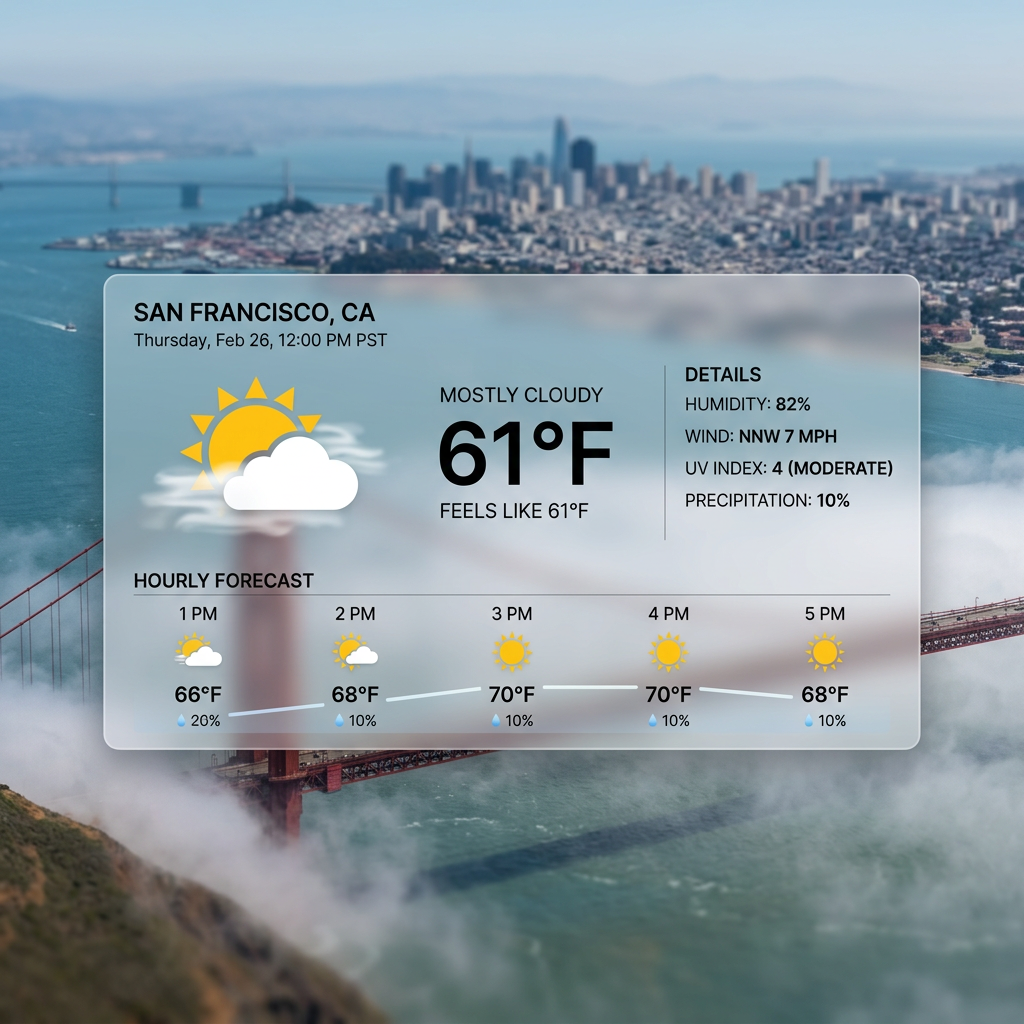
- Google Search Grounding: Real-time data (weather, stocks, events, maps)
- Google Image Search: Visual context from web images — the model can FIND real images of anything
- Thinking Mode: Configurable reasoning - "minimal" (fast) or "high" (best quality)
- Transparent Backgrounds: Flip one flag → ready-to-use transparent PNG/WebP cut-outs with a real alpha channel. Perfect for app icons, logos, stickers, and product shots; powered by a deterministic chromakey pipeline (Pillow only — no extra dependencies)
This model is different. Unlike traditional image generators that rely solely on training data, Gemini 3.1 Flash has live access to Google Search and Image Search. It can find actual references for products, people, events, or anything that exists online. "Way of Wade 12" → generates the REAL shoe. "Tony Hawk" → finds real photos. Don't over-prompt — let the model cook.
Server Features
- Batch Processing: Generate multiple images in parallel (up to 8 concurrent)
- 28 Expert Prompt Templates: MCP slash commands for photography, logos, app icons, cinematics, storyboards, and more
- Flexible Aspect Ratios: 14 options — 1:1, 1:4, 1:8, 2:3, 3:2, 3:4, 4:1, 4:3, 4:5, 5:4, 8:1, 9:16, 16:9, 21:9
- Configurable via Environment Variables: Output directory, default size, timeouts, and more
Showcase
Photorealistic Capabilities
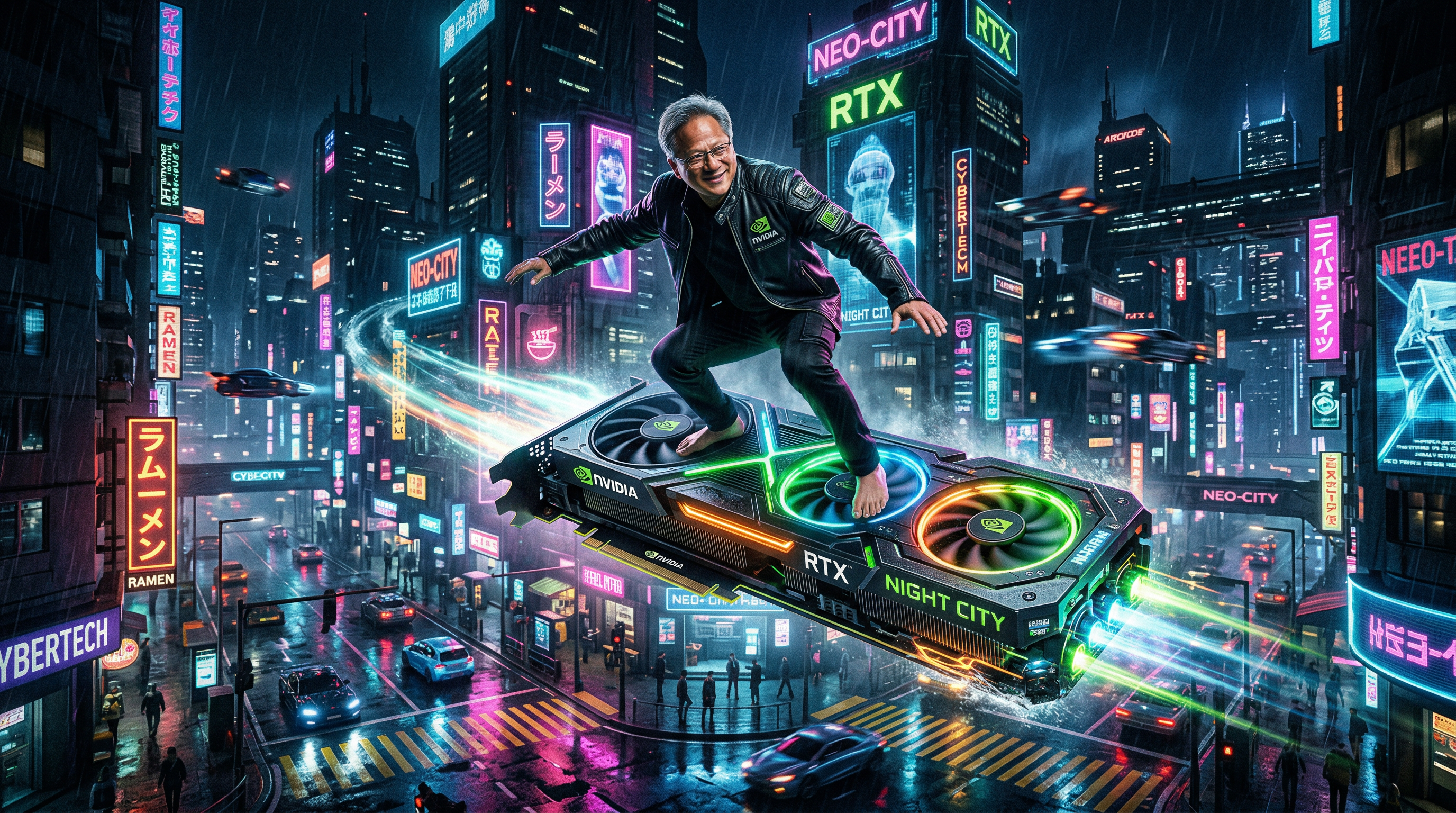
Jensen Huang — GPU Surfing
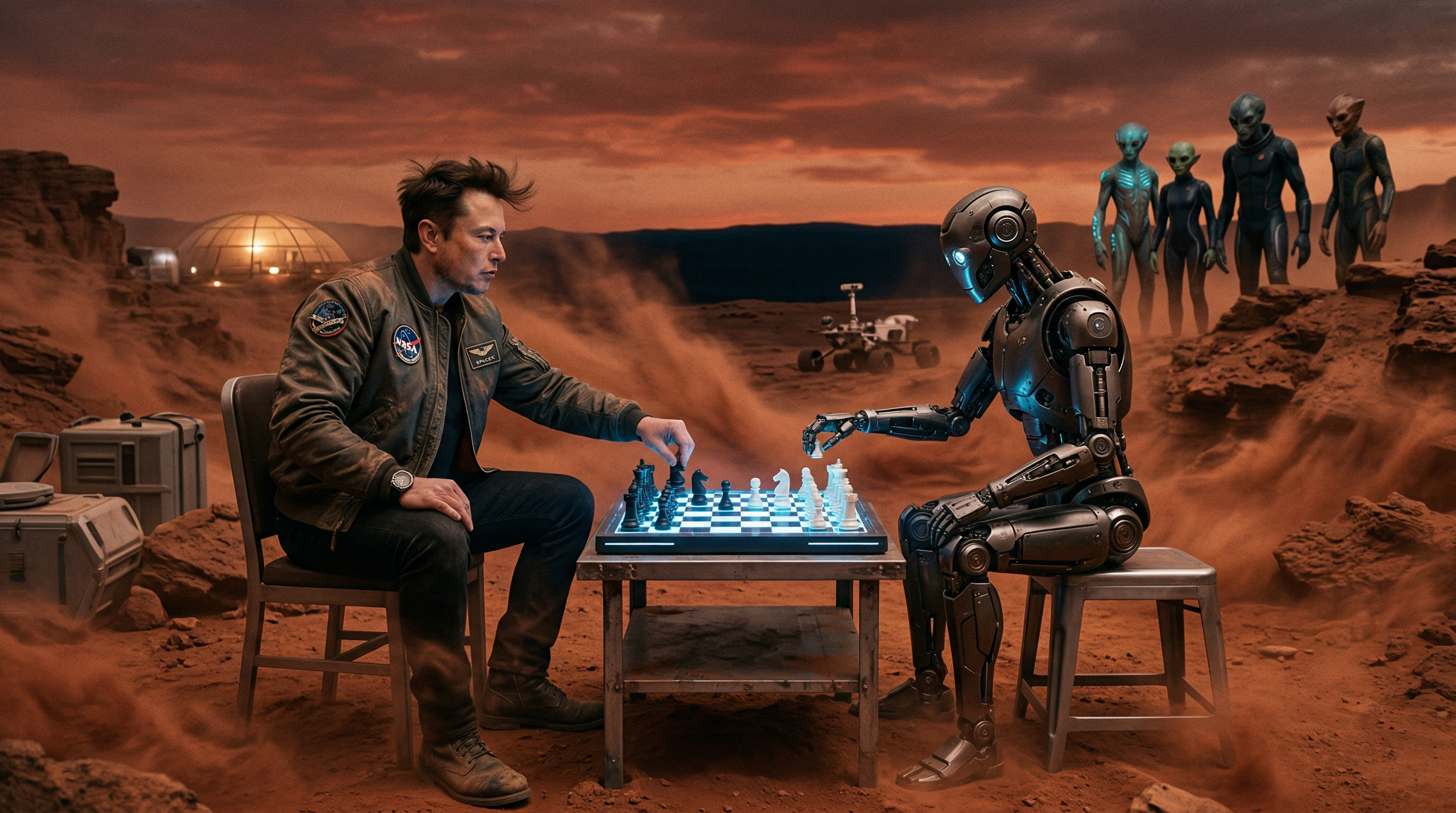
Elon Musk — Mars Chess Match
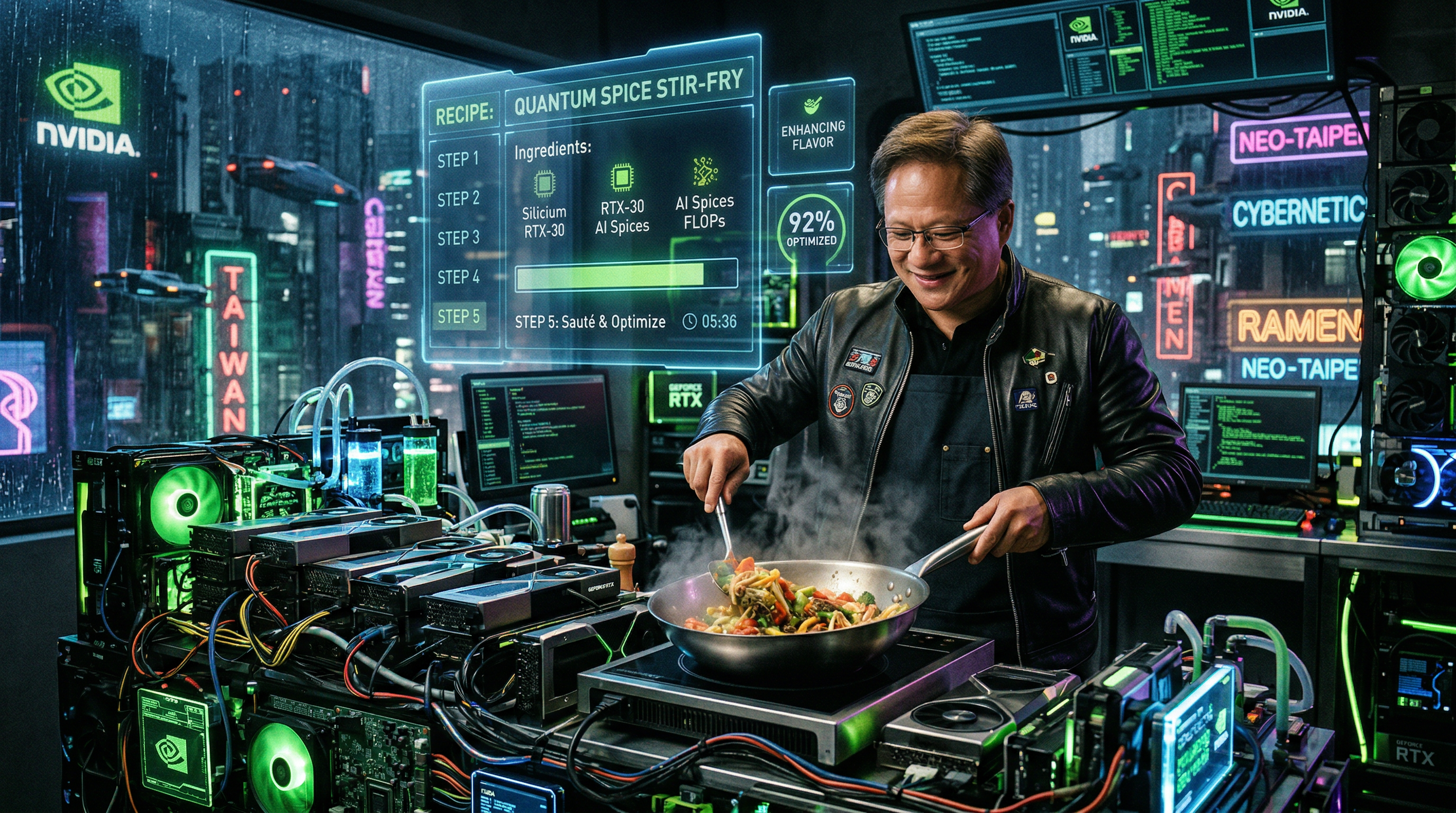
Jensen Huang — GPU Kitchen
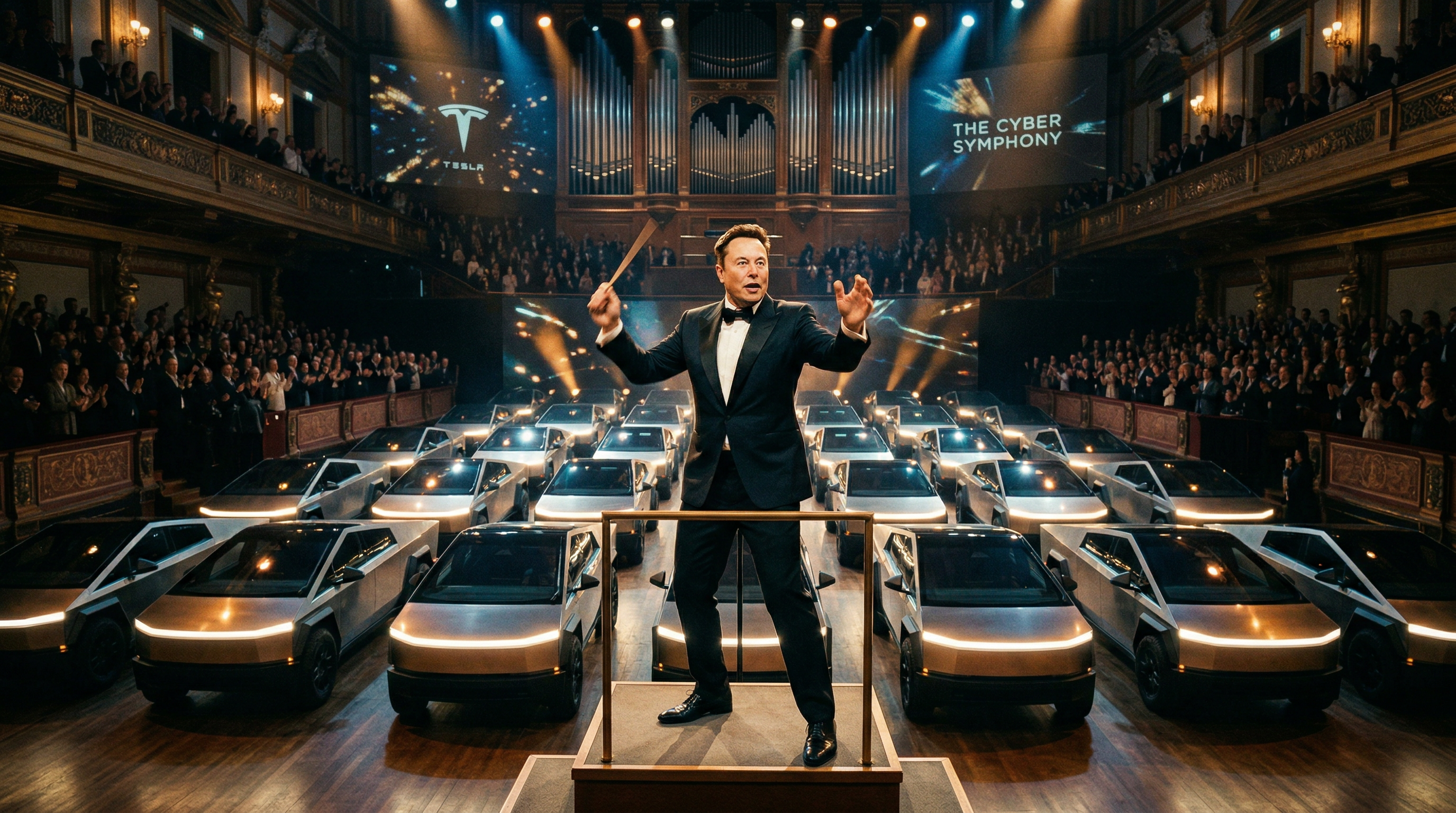
Elon Musk — Cybertruck Symphony
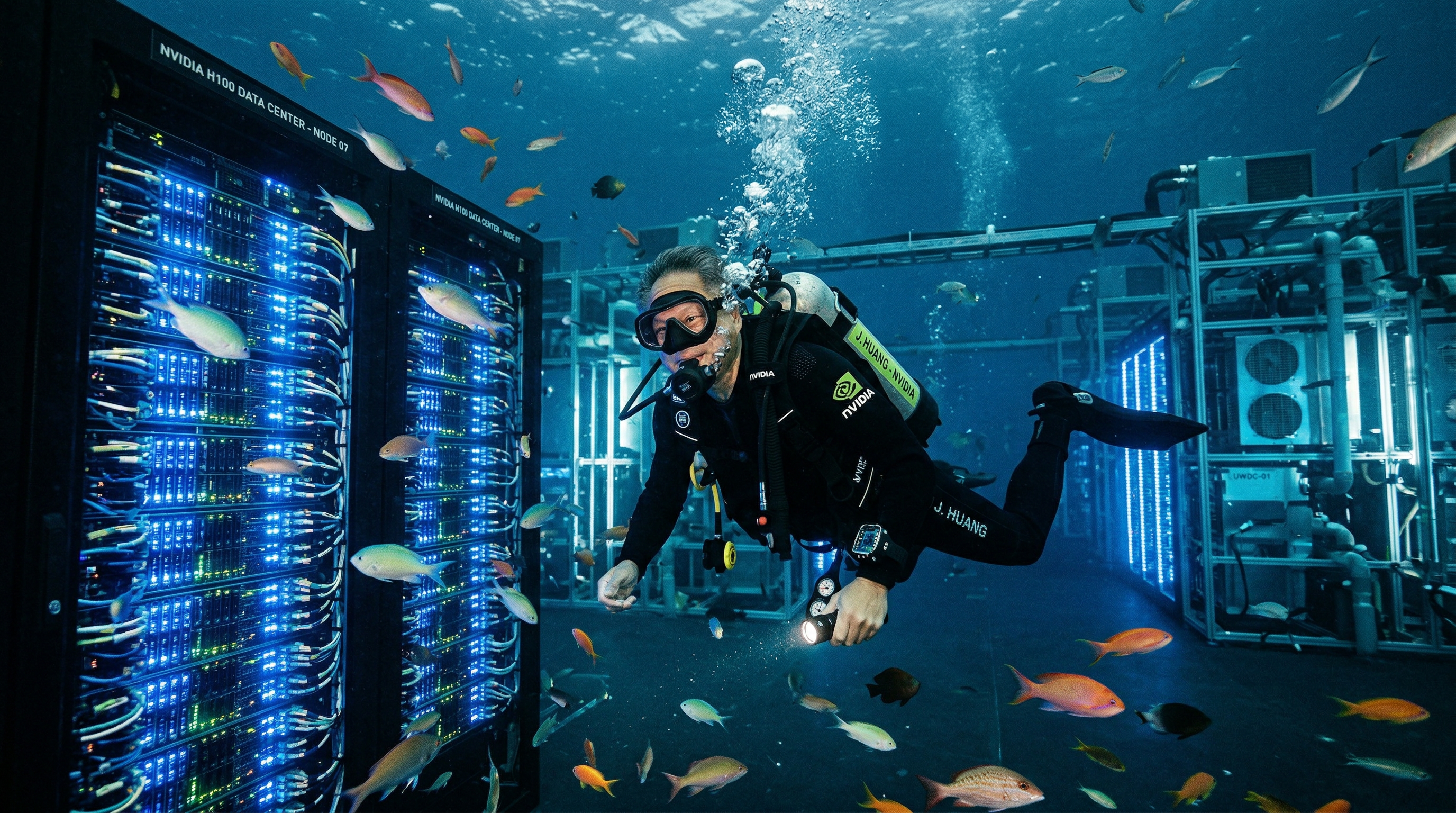
Jensen Huang — Underwater Data Center
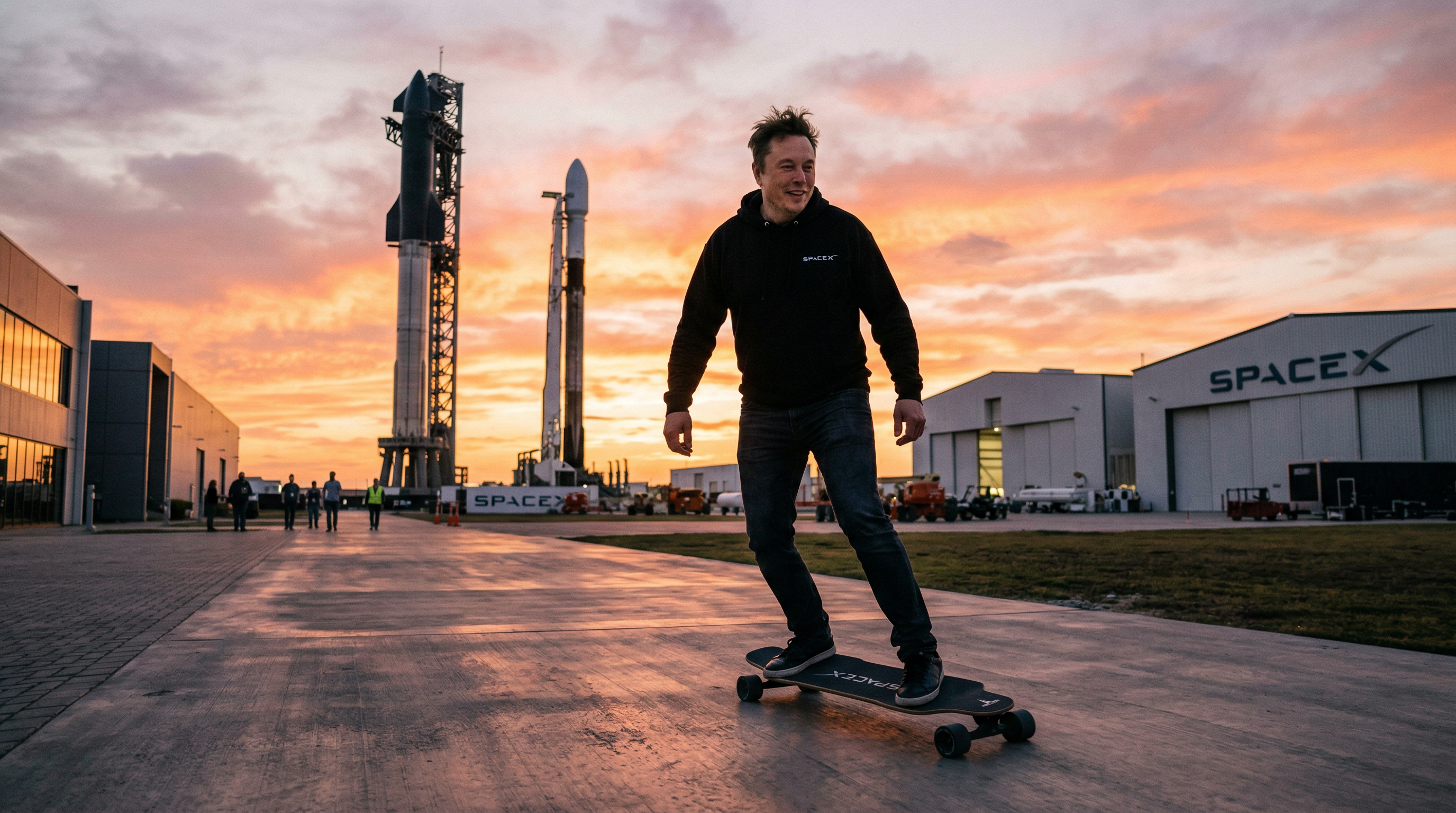
Elon Musk — SpaceX Skateboarding
Google Search Grounding
Current Weather in San Francisco
Google Image Search
Butterfly on Flower
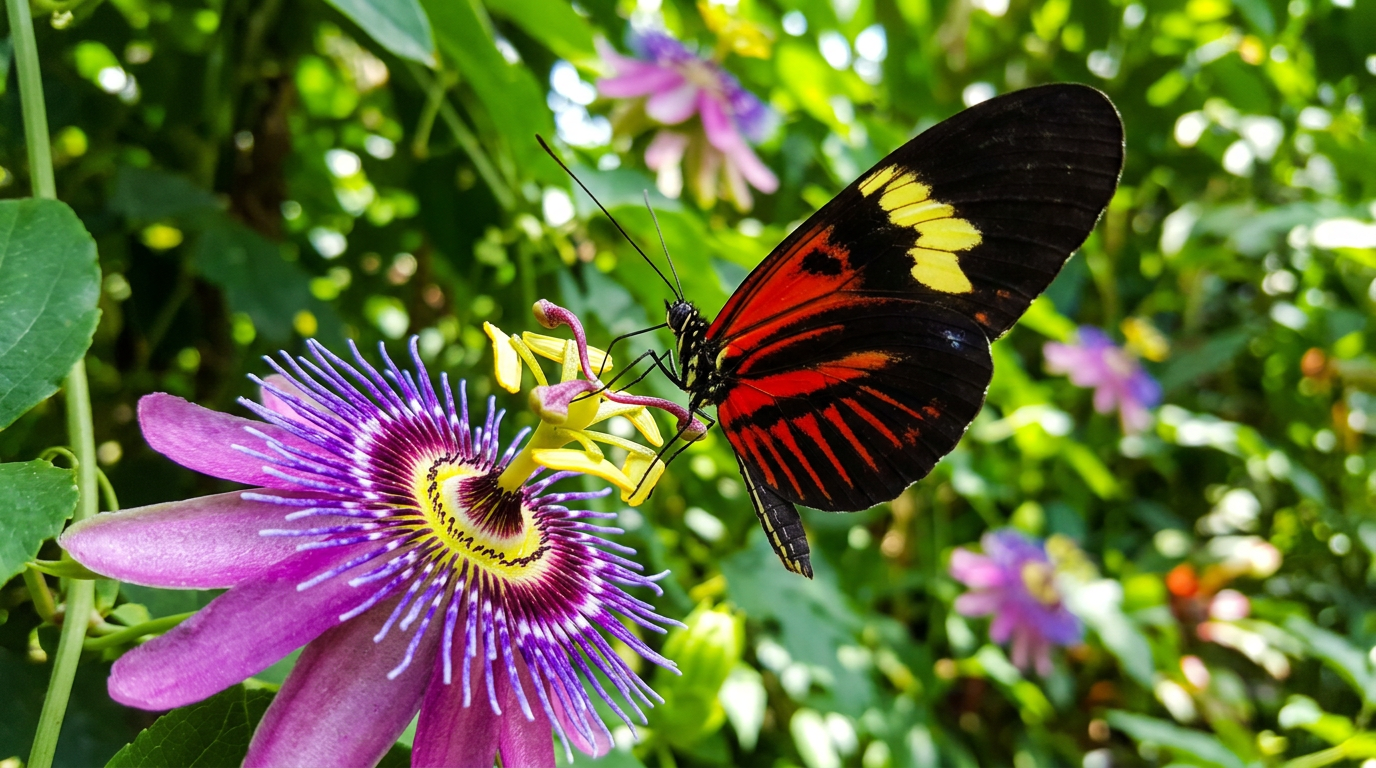
Different Resolutions
512px (fastest)
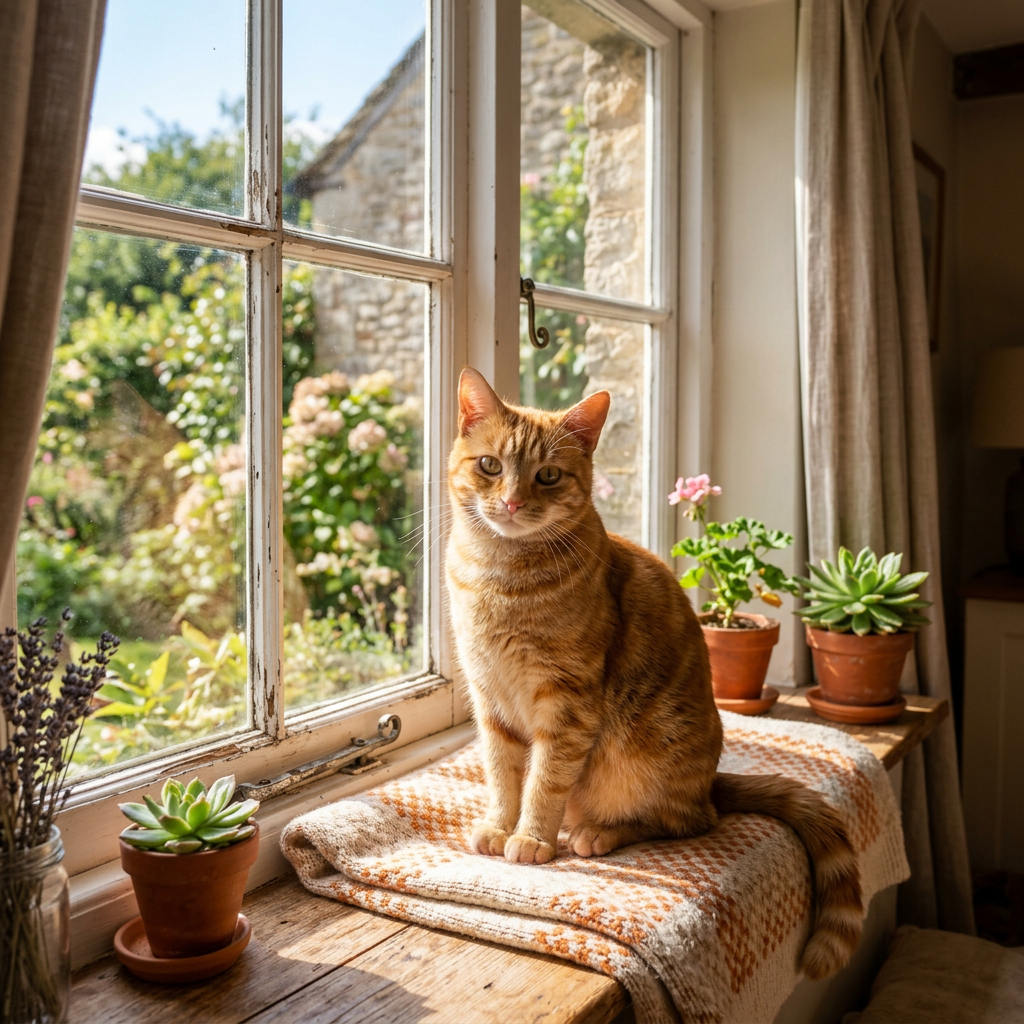
1K
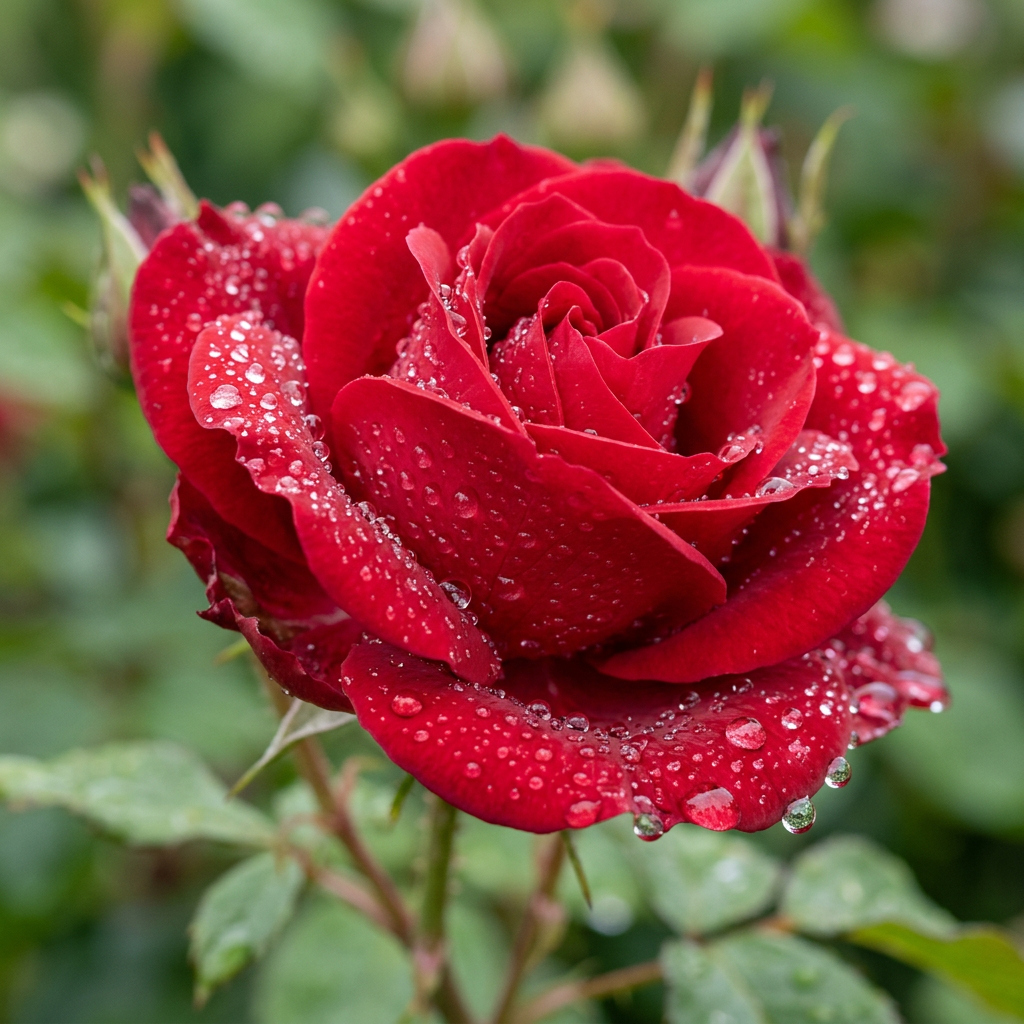
2K
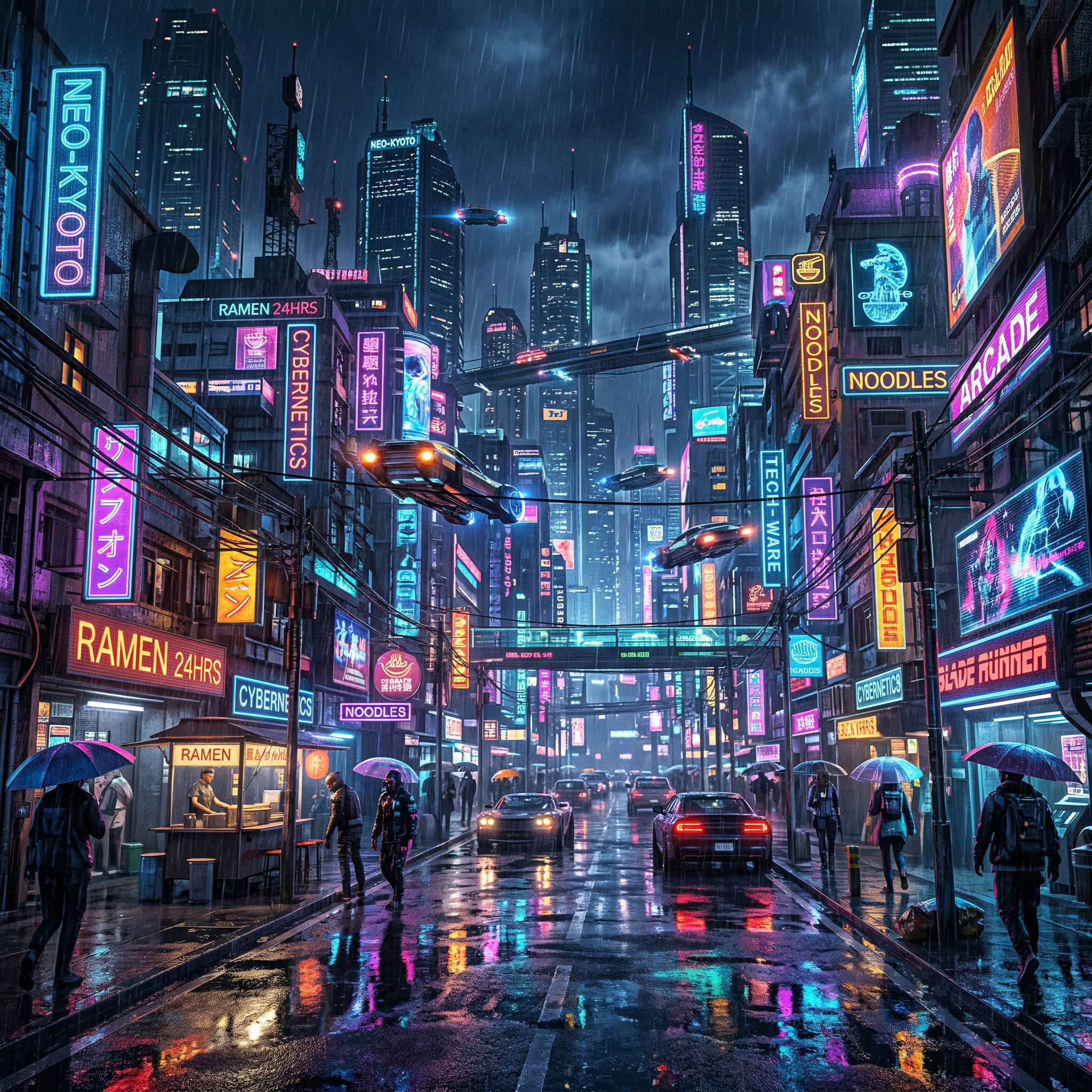
Quick Start
Prerequisites
- Python 3.11+
- Google Gemini API key (free tier available)
Installation
Using uvx (recommended — no install needed):
uvx ultimate-gemini-mcp@latest
Note: Use
@latestto ensure uv always fetches the newest version from PyPI. Without it, uv may use a cached environment.
Using pip:
pip install ultimate-gemini-mcp
From source:
git clone https://github.com/anand-92/ultimate-image-gen-mcp
cd ultimate-image-gen-mcp
uv sync
Setup
Claude Desktop
Add to claude_desktop_config.json:
{
  "mcpServers": {
    "ultimate-gemini": {
      "command": "uvx",
      "args": ["ultimate-gemini-mcp@latest"],
      "env": {
        "GEMINI_API_KEY": "your-api-key-here"
      }
    }
  }
}
Config file locations:
- macOS:
~/Library/Application Support/Claude/claude_desktop_config.json - Windows:
%APPDATA%\Claude\claude_desktop_config.json
macOS
spawn uvx ENOENTerror: Use the full path — find it withwhich uvx, then set"command": "/Users/you/.local/bin/uvx".
Claude Code
claude mcp add ultimate-gemini \
  --env GEMINI_API_KEY=your-api-key \
  -- uvx ultimate-gemini-mcp@latest
Cursor
Add to .cursor/mcp.json:
{
  "mcpServers": {
    "ultimate-gemini": {
      "command": "uvx",
      "args": ["ultimate-gemini-mcp@latest"],
      "env": {
        "GEMINI_API_KEY": "your-api-key-here"
      }
    }
  }
}
Images are saved to ~/gemini_images by default. Add "OUTPUT_DIR": "/your/path" to customize.
Tools
generate_image
Generate an image with Gemini 3.1 Flash Image.
| Parameter | Type | Default | Description |
|---|---|---|---|
prompt |
string | required | Text description. Less is more — "Tony Hawk kickflip" beats a long description. The model with search can find references automatically. |
aspect_ratio |
string | 1:1 |
One of: 1:1 1:4 1:8 2:3 3:2 3:4 4:1 4:3 4:5 5:4 8:1 9:16 16:9 21:9 |
image_size |
string | 2K |
512px, 1K, 2K, or 4K |
output_format |
string | png |
png, jpeg, or webp |
reference_image_paths |
list | [] |
Up to 14 local image paths (10 objects + 4 characters) |
enable_google_search |
bool | false |
USE THIS for products, people, events — anything that exists now. The model searches Google for real info. |
enable_image_search |
bool | false |
USE THIS for visual references. The model finds actual images to work from. This is huge — it can reference real photos of anyone/anything. |
thinking_level |
string | minimal |
minimal (fast) or high (best quality) |
response_modalities |
list | ["TEXT","IMAGE"] |
["TEXT","IMAGE"], ["IMAGE"], or ["TEXT"] |
transparent_background |
bool | false |
Produce a transparent PNG/WebP cut-out via post-processing (see below) |
background_removal_mode |
string | auto |
auto/chroma (chromakey HSV pipeline). local/external reserved for future ML modes |
preserve_original |
bool | true |
Also keep the original green-background image, not just the cut-out |
alpha_output_format |
string | png |
Alpha-capable output format: png or webp |
matting_quality |
string | balanced |
Edge-cleanup aggressiveness: fast, balanced, or best |
Image size guide:
512px— fastest, lowest cost (0.5K)1K— fast, good for testing (~1-2 MB)2K— recommended for most use cases (~3-5 MB)4K— maximum quality for production assets (~8-15 MB)
Transparent backgrounds — set one flag, get a real alpha cut-out
Just set transparent_background=true. You get back a ready-to-use transparent PNG/WebP (real alpha channel) at transparent_path — no manual masking, no second tool, no follow-up steps. Reach for it by default whenever you need an app icon, logo, sticker, badge, mascot, UI element, or product cut-out.
Under the hood the subject is rendered on a pure chromakey-green (#00FF00) plate with crisp opaque edges (and no baked-in outline, halo, or bezel), then the green is keyed out in HSV colour space and saved with alpha. It's the same deterministic chromakey technique pro sticker/asset pipelines use (inspired by Phil Schmid's transparent-sticker guide) — fast, predictable, Pillow-only, zero ML downloads.
App icons / macOS squircles: prompt for the full squircle tile (rounded corners reaching the canvas edges) and the pipeline keys out only the area outside the rounded shape — exactly the floating-rounded-tile alpha an .icns/.iconset needs. Use this instead of hand-masking. Bump matting_quality="best" for the tightest icon/logo edges.
Each returned image gains: transparent_path, background_removed, background_removal_mode, alpha_output_format, and post_processing_warnings. By default the original is preserved alongside the cut-out (preserve_original=true).
// generate_image(prompt="a friendly robot mascot", transparent_background=true)
{
  "images": [{
    "path": "/path/to/a-friendly-robot-mascot-...png",            // original (green bg)
    "transparent_path": "/path/to/a-friendly-robot-mascot-...-transparent.png",
    "background_removed": true,
    "background_removal_mode": "chroma",
    "alpha_output_format": "png",
    "post_processing_warnings": []
  }]
}
It nails crisp-edged subjects (icons, logos, badges, products, stickers, overlays). The only hard cases are very wispy hair/fur, glass, and smoke — for those, set matting_quality="best".
batch_generate
Generate multiple images in parallel.
| Parameter | Type | Default | Description |
|---|---|---|---|
prompts |
list | required | List of prompt strings (max 8) |
aspect_ratio |
string | 1:1 |
Aspect ratio applied to all images |
image_size |
string | 2K |
Resolution for all images |
output_format |
string | png |
Format for all images |
response_modalities |
list | ["TEXT","IMAGE"] |
Modalities for all images |
batch_size |
int | 8 |
Max concurrent requests |
enable_image_search |
bool | false |
Use Google Image Search for visual context |
thinking_level |
string | minimal |
minimal or high |
transparent_background |
bool | false |
Apply chromakey transparency to every image in the batch |
background_removal_mode |
string | auto |
auto/chroma (see generate_image) |
preserve_original |
bool | true |
Keep the original green-background images too |
alpha_output_format |
string | png |
Transparent output format: png or webp |
matting_quality |
string | balanced |
Edge-cleanup aggressiveness: fast, balanced, best |
MCP Prompt Templates
28 expert prompt templates are available as MCP slash commands in Claude Code (type / to browse). Each template returns a crafted prompt and recommended parameters ready to pass directly to generate_image or batch_generate. The app_icon template pairs with transparent_background to produce clean, platform-aware icon cut-outs.
| Command | Description | Default aspect ratio |
|---|---|---|
photography_shot |
Photorealistic shot with lens/lighting specs | 16:9 |
logo_design |
Professional brand identity | 1:1, 4K, IMAGE only |
cinematic_scene |
Film still with cinematography language | 21:9 |
product_mockup |
Commercial e-commerce photography | 1:1 or 4:5 |
batch_storyboard |
Multi-scene storyboard → calls batch_generate |
16:9 |
macro_shot |
Extreme macro with micro-snoot lighting | 1:1 |
fashion_portrait |
Editorial fashion with gobo shadow patterns | 4:5 |
technical_cutaway |
Stephen Biesty-style cutaway diagram | 3:2, 4K, IMAGE only |
flat_lay |
Overhead knolling photography | 1:1 |
action_freeze |
High-speed strobe with motion blur background | 16:9 |
night_street |
Moody night street with practical light sources | 16:9 |
drone_aerial |
Straight-down golden hour aerial | 4:5, 4K, IMAGE only |
stylized_3d_render |
UE5-style render with subsurface scattering | 1:1, IMAGE only |
sem_microscopy |
Scanning electron microscope false-color | 1:1, IMAGE only |
double_exposure |
Silhouette-blended double exposure | 2:3, IMAGE only |
architectural_viz |
Ray-traced architectural visualization | 3:2, 4K |
isometric_illustration |
Orthographic isometric 3D illustration | 1:1, IMAGE only |
food_photography |
High-end backlit food photography | 4:5 |
motion_blur |
Rear-curtain sync slow shutter sequence | 16:9 |
typography_physical |
Text embedded in physical environment | 16:9, 4K, IMAGE only |
retro_futurism |
1970s cassette-futurism analog sci-fi | 4:3, IMAGE only |
surreal_dreamscape |
Surrealist impossible physics scene | 1:1, IMAGE only |
character_sheet |
Video game character concept art sheet | 3:2, 4K, IMAGE only |
pbr_texture |
Seamless PBR texture map with raking light | 1:1, IMAGE only |
historical_photo |
Period-accurate photography with film emulation | 4:5 |
bioluminescent_nature |
Long-exposure bioluminescence macro | 1:1 |
silhouette_shot |
Cinematic pure-black silhouette master shot | 21:9, 4K |
Configuration
| Variable | Default | Description |
|---|---|---|
GEMINI_API_KEY |
— | Required. Google Gemini API key |
OUTPUT_DIR |
~/gemini_images |
Directory where images are saved |
DEFAULT_IMAGE_SIZE |
2K |
Default resolution (1K, 2K, 4K) |
DEFAULT_MODEL |
gemini-3-pro-image-preview |
Default model |
ENABLE_PROMPT_ENHANCEMENT |
false |
Auto-enhance prompts by default |
ENABLE_GOOGLE_SEARCH |
false |
Enable Google Search grounding by default |
REQUEST_TIMEOUT |
60 |
API timeout in seconds |
MAX_BATCH_SIZE |
8 |
Max parallel requests in batch mode |
LOG_LEVEL |
INFO |
Logging level |
Troubleshooting
spawn uvx ENOENT — Claude Desktop can't find uvx. Use the full path:
"command": "/Users/yourusername/.local/bin/uvx"
Find it with: which uvx
GEMINI_API_KEY not found — Set the key in your MCP config env block or in a .env file. Get a free key at Google AI Studio.
Content blocked by safety filters — Rephrase the prompt to avoid sensitive content.
Rate limit exceeded — Wait and retry, or upgrade your API quota.
Images not saving — Check OUTPUT_DIR exists and is writable: mkdir -p /your/output/path.
License
MIT — see LICENSE for details.
Links
- Google AI Studio — Get your API key
- Gemini API Docs
- Model Context Protocol
- FastMCP
Release history Release notifications | RSS feed


Download files
Download the file for your platform. If you're not sure which to choose, learn more about installing packages.
Source Distribution
Built Distribution
Filter files by name, interpreter, ABI, and platform.
If you're not sure about the file name format, learn more about wheel file names.
Copy a direct link to the current filters
File details
Details for the file ultimate_gemini_mcp-6.0.14.tar.gz.
File metadata
- Download URL: ultimate_gemini_mcp-6.0.14.tar.gz
- Upload date:
- Size: 62.7 MB
- Tags: Source
- Uploaded using Trusted Publishing? No
- Uploaded via: twine/6.2.0 CPython/3.11.15
File hashes
| Algorithm | Hash digest | |
|---|---|---|
| SHA256 |
2b8080941e11529afec3e8e443e2241c967850bfb13c33731d81be87a0960faa
|
|
| MD5 |
b374506abcd07549b925f44855cc5265
|
|
| BLAKE2b-256 |
cc46904c6e29bac1f9fa3b7ab6446162787c94b7415a3f5f2ed0e95150d2a8a7
|
File details
Details for the file ultimate_gemini_mcp-6.0.14-py3-none-any.whl.
File metadata
- Download URL: ultimate_gemini_mcp-6.0.14-py3-none-any.whl
- Upload date:
- Size: 47.8 kB
- Tags: Python 3
- Uploaded using Trusted Publishing? No
- Uploaded via: twine/6.2.0 CPython/3.11.15
File hashes
| Algorithm | Hash digest | |
|---|---|---|
| SHA256 |
3aa77d1fafd93928b3cdd84cd29f66d7535540a8abee4ee9482a221ce0a799b9
|
|
| MD5 |
233d2c03d7d9b823980ab73229b1b354
|
|
| BLAKE2b-256 |
d0121469d65c2b0252529d58c7b212118c3e5fedb05498354458051fbe72b61d
|






