
UniPay: 联合收款码封装(二合一收款码)
🌟 UniPay 是一个简洁高效的工具,封装了微信和支付宝的联合收款码,使得收款更加方便和高效。
🔍 项目介绍
UniPay 是一个针对微信和支付宝收款码进行封装的工具,旨在简化和统一收款流程,提供一种简洁的方式为你的业务接收付款。
📋 功能特性
- 支持微信和支付宝收款码。
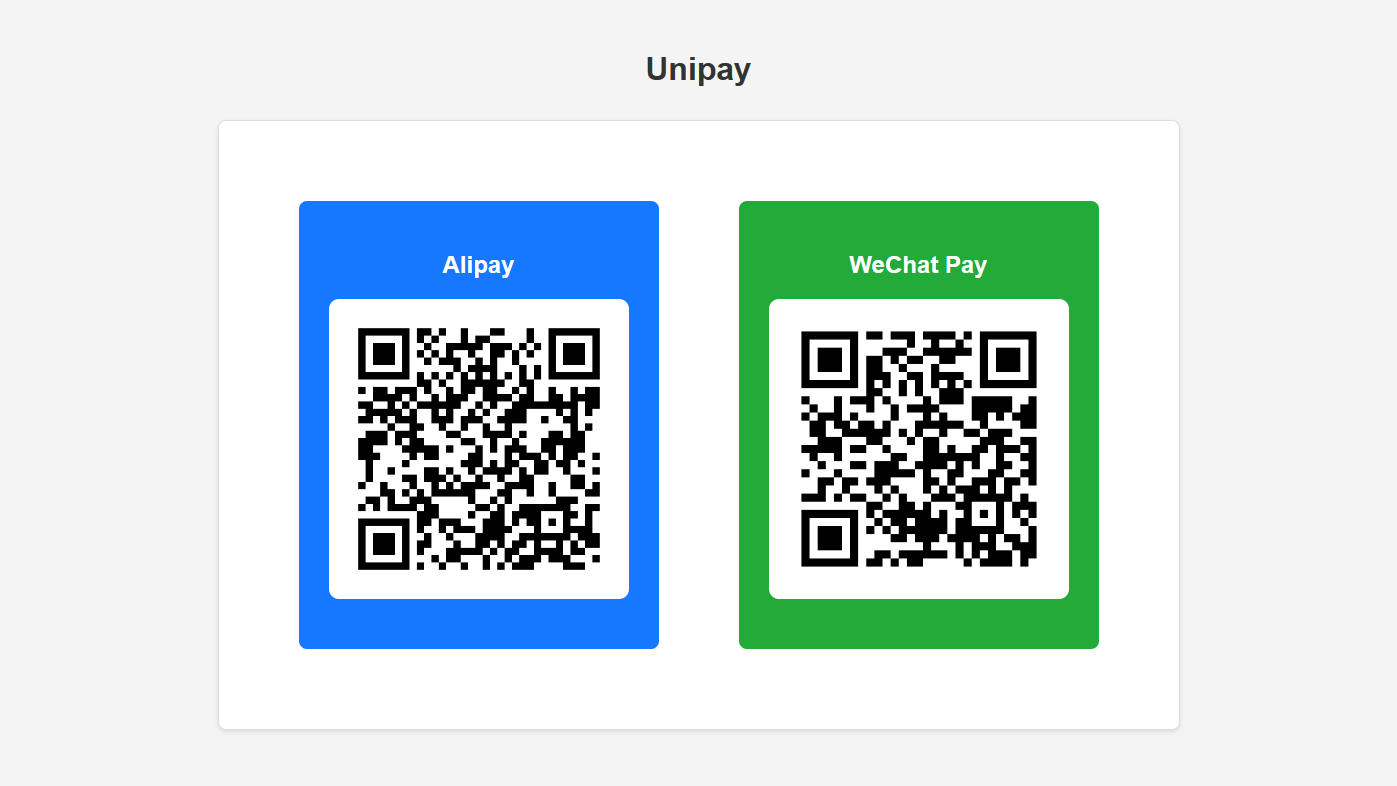
- 支持自动跳转到收款码页面,PC 端展示双端收款码图片。
- 支持自定义收款码 ID。
- 支持自定义收款码样式。
📦 安装
通过 pip 进行安装:
sudo apt install libzbar-dev
pip install unipay
🚀 使用方法
启动 UniPay:
unipay
- 访问 http://127.0.0.1:8600 打开首页
- 访问 http://127.0.0.1:8600/docs 查看 API 文档。
- 使用
create_unipay接口生成联合收款码。 - 访问 http://127.0.0.1:8600/xxxxxxxx 查看收款码。
🖼️ 预览:
⚠️ 注意事项
- 目前项目正在开发中,暂未提供任何配置。
- 不建议在生产环境中使用。
1 maintainer

Metadata
1 maintainer
Release files for unipay 0.1.9.post1
For a detailed explanation of source distributions (sdists) and built distributions (wheels), please see the package formats documentation.
Source distribution (sdist)
| File | Size | Uploaded | |
|---|---|---|---|
| unipay-0.1.9.post1.tar.gz | 171.4 kB | Details |
Built distribution (wheel)
| File | Interpreter | ABI | Platform | Reset |
|---|---|---|---|---|
| unipay-0.1.9.post1-py3-none-any.whl | Python 3 | none | any | Details |
Total release size: 342.8 kB
Release files / unipay-0.1.9.post1.tar.gz
| Download URL | unipay-0.1.9.post1.tar.gz |
|---|---|
| Size | 171.4 kB |
| Tags | Source |
|
SHA-256 checksum How to use checksums |
fdf331c552488e1914957da23ca8117d268706d80bc01b832cd78e0f481c5a91
|
|
BLAKE2b-256 checksum How to use checksums |
2f42f51ccdbf684386e1e4b5ec42224731b85a45293a80d834bef2563cc6d1b9
|
| Upload date | |
|
Uploaded using Trusted Publishing? What is trusted publishing? |
No |
| Uploaded via |
pdm/2.8.2 CPython/3.10.6
|
Release files / unipay-0.1.9.post1-py3-none-any.whl
| Download URL | unipay-0.1.9.post1-py3-none-any.whl |
|---|---|
| Size | 171.4 kB |
| Tags | Python 3 |
|
SHA-256 checksum How to use checksums |
b697d5a17239f4e18777b5f85851d3f89a8f1e2073d9f553b25e45c6897c9f67
|
|
BLAKE2b-256 checksum How to use checksums |
6dcb7f61ab095ac871081d1c6b297e69453cf0b921675656c3e7350f3f02871d
|
| Upload date | |
|
Uploaded using Trusted Publishing? What is trusted publishing? |
No |
| Uploaded via |
pdm/2.8.2 CPython/3.10.6
|














