
🌐 Universal Offline AI Chatbot
Build your own domain-specific chatbot — offline, modular, and blazing fast.


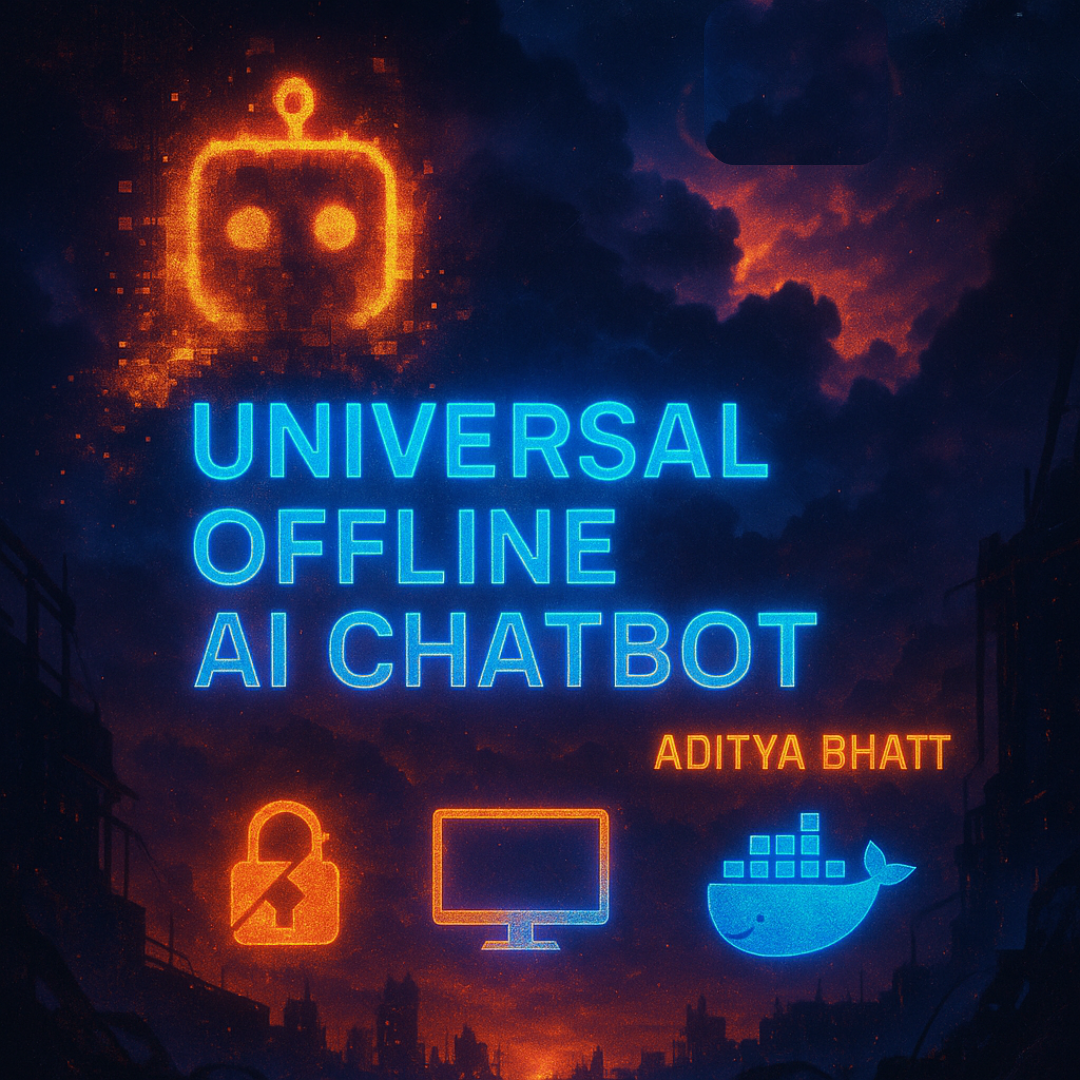
The Universal Offline AI Chatbot is a privacy-respecting, offline-ready assistant that can chat over any set of PDFs. It’s ideal for legal, cybersecurity, academic, enterprise, or technical domains.
It uses a locally hosted LLM (mistral:instruct via Ollama) and semantic search powered by HuggingFace embeddings and FAISS. You get fast, accurate responses, without sending anything to the cloud.
GitHub Link: https://github.com/AdityaBhatt3010/Universal-Offline-AI-Chatbot
DockerHub Link: https://hub.docker.com/r/adityabhatt3010/ai-chatbot
✨ Highlights
- 🔐 Fully offline-capable with local LLM (via Ollama)
- 📄 Works out-of-the-box with your PDFs
- 🧠 Semantic vector search using
all-MiniLM-L6-v2 - ⚡️ Fast and responsive using FAISS backend
- 🧩 Modular, extendable architecture (Streamlit frontend + CLI)
- 🐳 Docker-ready for deployment
- 📸 UI Preview with screenshots
- ✅ Built-in CI/CD check via GitHub Actions
- 🎯 Fully reproducible setup via PowerShell script or Docker
🧱 Tech Stack
| Layer | Stack |
|---|---|
| LLM | mistral:instruct via Ollama |
| Embeddings | all-MiniLM-L6-v2 via SentenceTransformers |
| Vector Store | FAISS (in-memory + disk) |
| Framework | LangChain (v0.2+) |
| Language | Python 3.11+ |
| UI | Streamlit |
| Container | Docker |
| CI/CD | GitHub Actions (.github/workflows/python.yml) |
⚠️ HuggingFace Token is required to fetch the embedding model once. It's cached locally afterward.
Example .env:
HF_TOKEN=your_huggingface_token_here
💡 Use Cases
| Chatbot Type | Add These PDFs |
|---|---|
| 👨⚖️ LawyerBot | Legal, Constitution, HR documents |
| 🧬 ResearchBot | Whitepapers, scientific papers |
| 🛡️ CyberSecBot | SOC2, GDPR, ISO27001, NIST docs |
| 📚 EdTechBot | Notes, textbooks, question banks |
| 🧑💼 HR/CompanyBot | SOPs, onboarding docs, HR policies |
📁 Project Structure
Universal-Offline-AI-Chatbot/
│
├── data/                   # Place your PDF documents here
│   └── Try.pdf
│
├── Screenshots/           # UI snapshots
│   ├── Loading_Screen.png
│   └── Running_the_Model.png
│
├── src/                   # Modular source code
│   ├── chunker.py
│   ├── config.py
│   ├── embedding.py
│   ├── loader.py
│   ├── model_loader.py
│   ├── prompts.py
│   ├── qa_chain.py
│   ├── utils.py
│   └── vectorstore.py
│
├── vectorstore/           # Local FAISS vector index
│   └── db_faiss/
│
├── Bot.py                 # CLI script
├── Bot.ipynb              # Jupyter notebook version
├── main.py                # Entry-point (optional)
├── streamlit_app.py       # Frontend UI (Streamlit)
├── requirements.txt       # Python dependencies
├── setup.ps1              # PowerShell setup script
├── Dockerfile             # Docker image definition
├── .dockerignore
├── .env                   # Contains HF_TOKEN
├── README.md
└── LICENSE
🧰 Setup Instructions
🖥️ One-Click Setup (Windows Only)
.\setup.ps1
This will:
- Create virtual env
- Install dependencies
- Pull Mistral via Ollama
- Ask for Hugging Face token
- Build Docker image
🛠 Manual Setup
- Install Python Requirements
pip install -r requirements.txt
- Install & Pull Ollama Model
ollama pull mistral:instruct
- Set HuggingFace Token (First Time Only)
export HUGGINGFACEHUB_API_TOKEN=your_token      # macOS/Linux
set HUGGINGFACEHUB_API_TOKEN=your_token         # Windows CMD
- Run the CLI Bot
python Bot.py
🌐 Run with Streamlit Frontend
streamlit run streamlit_app.py
📸 Streamlit Preview
⏳ Loading Screen

🤖 Chat in Action

🐳 Docker Support
Prerequisites
- Docker installed & running
.envfile containingHF_TOKEN(Hugging Face token)
🛠️ Docker Build & Run
To build and run the chatbot using Docker, follow these steps:
-
Build the Docker image:
docker build -t ai-chatbot .
-
Run the container (with volume mount and token):
docker run -p 8501:8501 --env-file .env -v ${PWD}/data:/app/data ai-chatbot
This will:
- Map the container's port
8501to local8501 - Use your local
.envforHF_TOKEN - Mount the
data/folder into the container for access to PDFs
- Map the container's port
Access the chatbot at http://localhost:8501
📸 Screenshot:
🐳 Building the Image

🔄 Using Your Own PDFs
# Replace default file(s)
mv your_files/*.pdf ./data/

# Re-run the bot or restart Streamlit
python Bot.py
Automatically re-indexes your new documents using FAISS.
🧪 Sample Interaction
🧠 You: What does Article 21 state?

🤖 Bot: Article 21 of the Indian Constitution guarantees the protection of life and personal liberty...
🧑💻 Author
Aditya Bhatt
Cybersecurity Specialist | VAPT Expert | OSS Contributor
GitHub | Medium
1 maintainer

Release files for universal-offline-ai-chatbot 0.1.0
For a detailed explanation of source distributions (sdists) and built distributions (wheels), please see the package formats documentation.
Source distribution (sdist)
| File | Size | Uploaded | |
|---|---|---|---|
| universal_offline_ai_chatbot-0.1.0.tar.gz | 10.1 kB | Details |
Built distribution (wheel)
| File | Interpreter | ABI | Platform | Reset |
|---|---|---|---|---|
| universal_offline_ai_chatbot-0.1.0-py3-none-any.whl | Python 3 | none | any | Details |
Total release size: 19.0 kB
Release files / universal_offline_ai_chatbot-0.1.0.tar.gz
| Download URL | universal_offline_ai_chatbot-0.1.0.tar.gz |
|---|---|
| Size | 10.1 kB |
| Tags | Source |
|
SHA-256 checksum How to use checksums |
4459a4fad57368ef0984c9d6cd3b66781be6ab2712d580ebcc1ebe5c24b87558
|
|
BLAKE2b-256 checksum How to use checksums |
d8e378bdcf5b377eca412aa1ab01d06ab68322c3f92a4459dc975c3cbca0a366
|
| Upload date | |
|
Uploaded using Trusted Publishing? What is trusted publishing? |
No |
| Uploaded via |
twine/6.1.0 CPython/3.13.5
|
Release files / universal_offline_ai_chatbot-0.1.0-py3-none-any.whl
| Download URL | universal_offline_ai_chatbot-0.1.0-py3-none-any.whl |
|---|---|
| Size | 8.9 kB |
| Tags | Python 3 |
|
SHA-256 checksum How to use checksums |
e9188c00d4a4188315c2283f460366d615e6645a536479c3df0feb5d429292e5
|
|
BLAKE2b-256 checksum How to use checksums |
da3beb782b81be6805ec2875ab91fffc8cb1d188a9d7abceef27f50f099ce289
|
| Upload date | |
|
Uploaded using Trusted Publishing? What is trusted publishing? |
No |
| Uploaded via |
twine/6.1.0 CPython/3.13.5
|













