
unknown-pixels
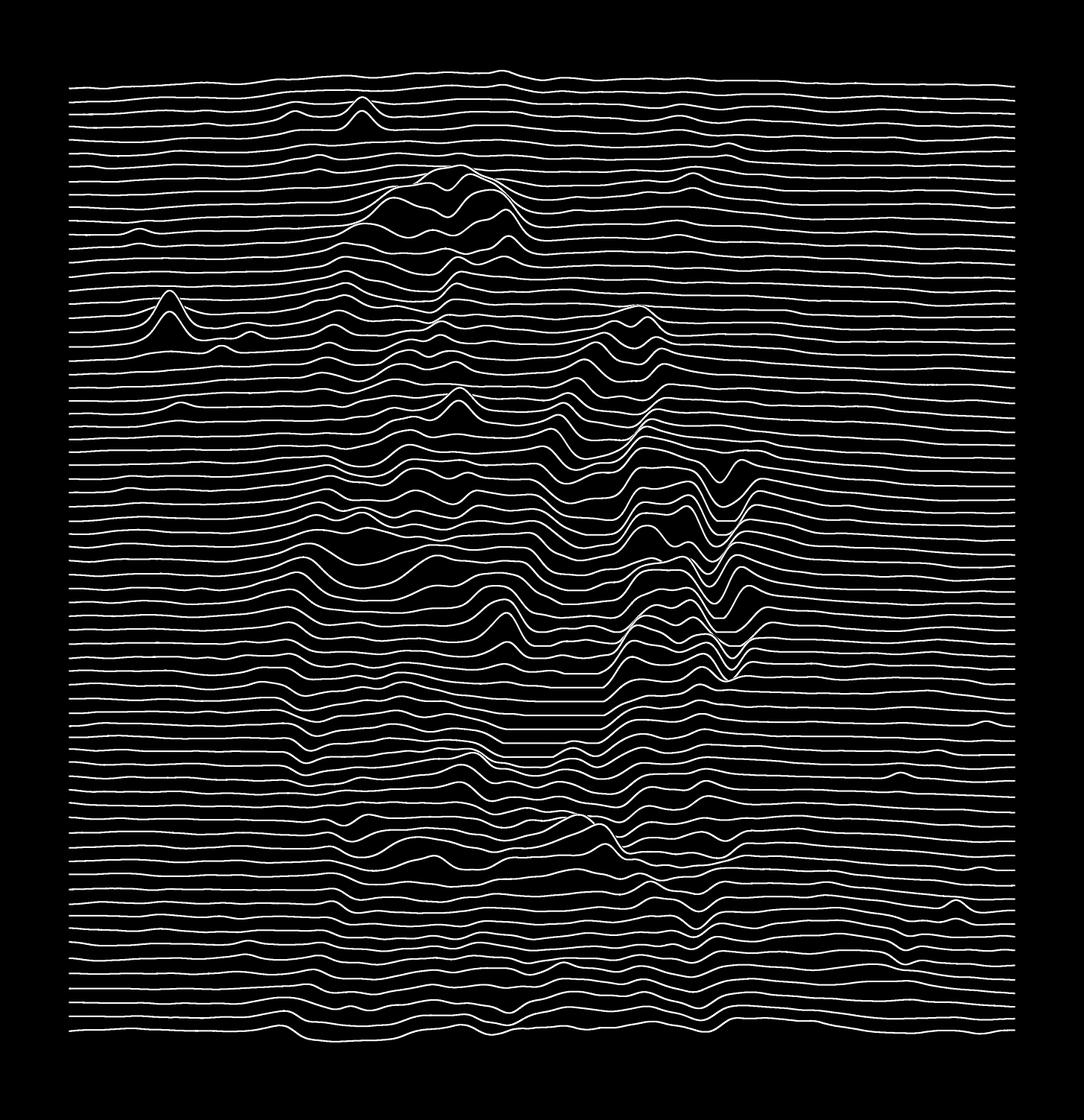
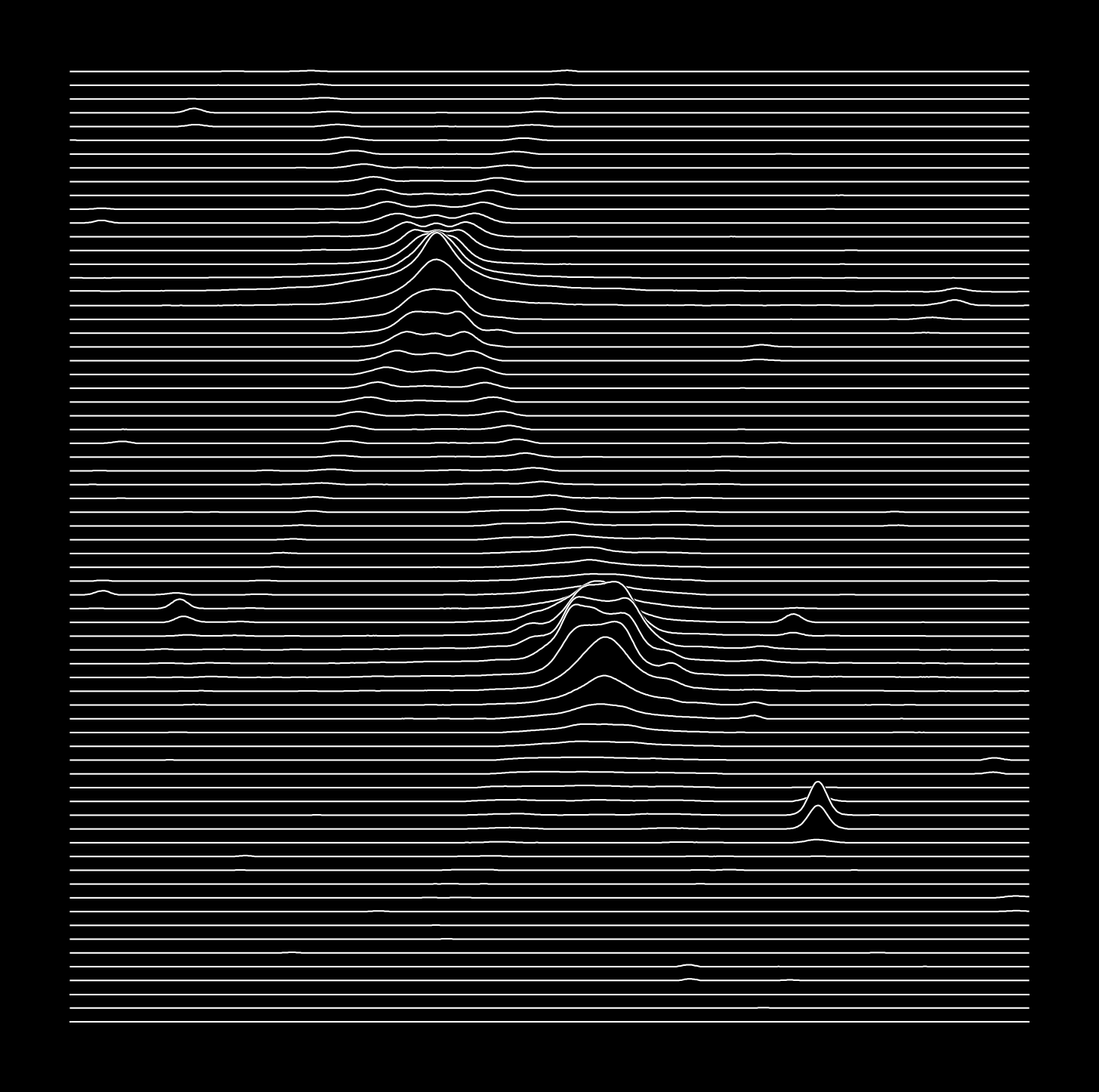
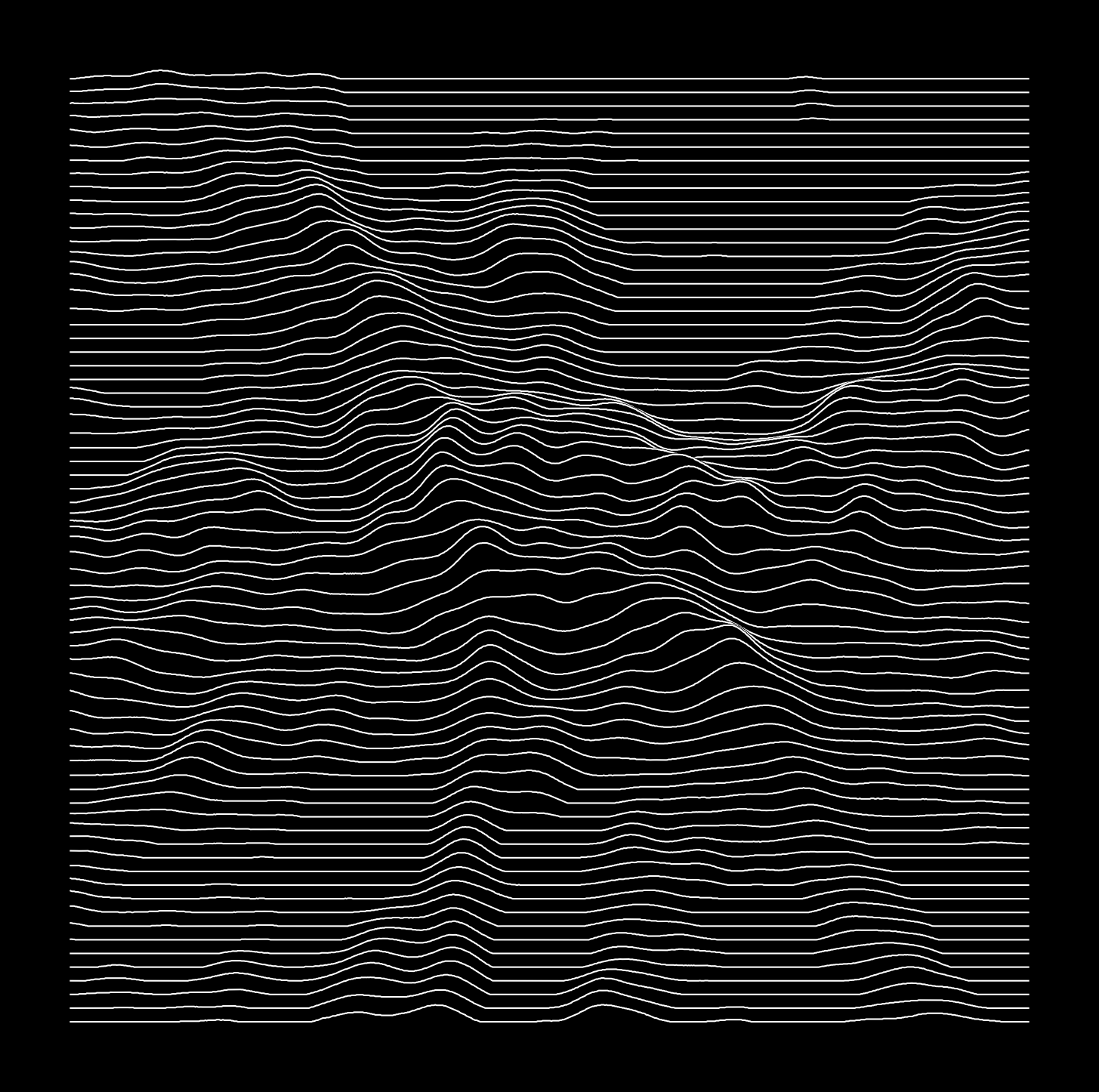
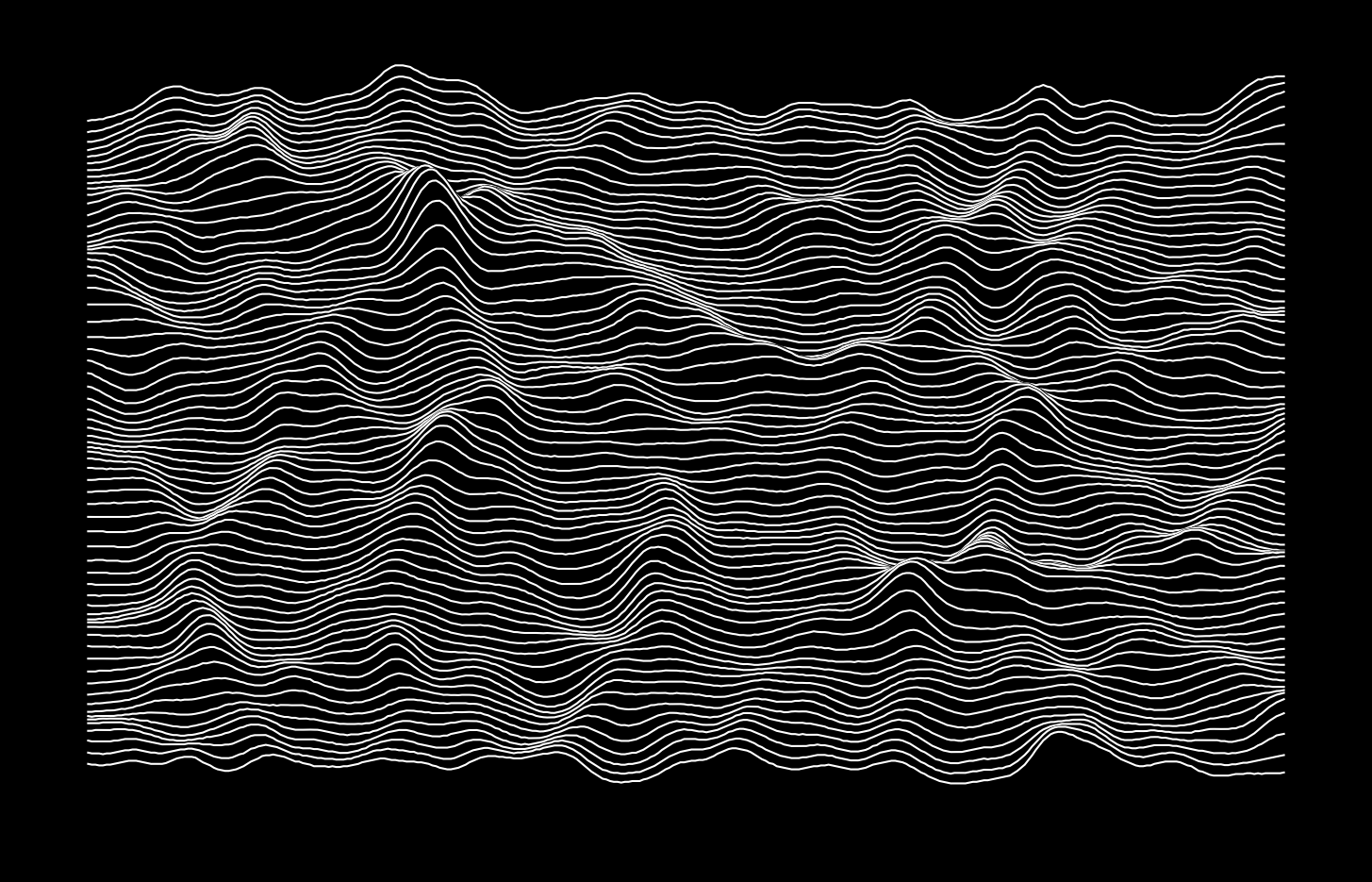
unknown-pixels is a simple Python command-line tool that transforms images into waveform art reminiscent of Joy Division's Unknown Pleasures album cover.
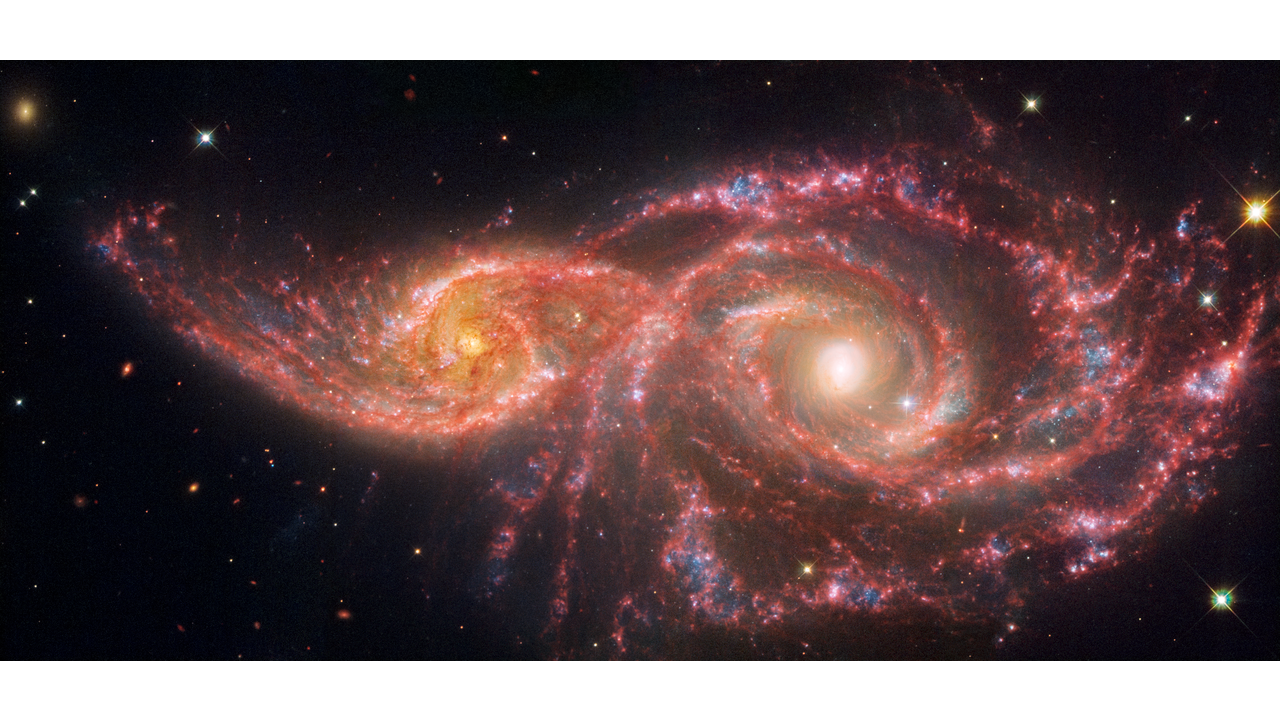
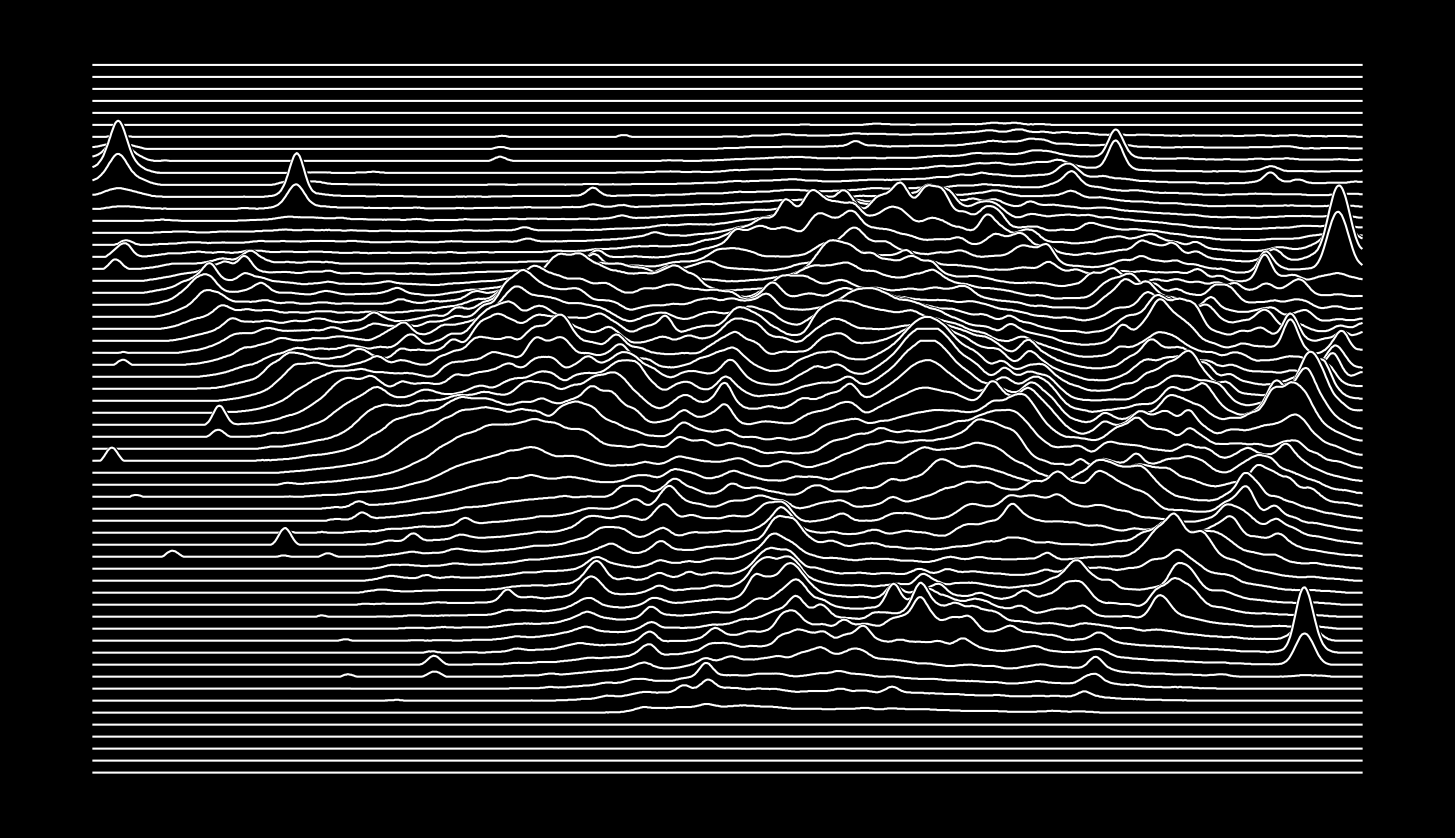
Unknown-pixels first converts the input image to grayscale, then (if necessary) it will pad the image along the smallest axis to make the image square. It then slices the image into nlines horizontal slices and renders each slice as a stylised "waveform", creating a unique visual representation of the original image.
Installation
Ensure you have Python 3.8 or higher installed. Then, install unknownpixels using pip:
pip install unknownpixels
Or clone the repo and run
pip install .
in the root of the repository to get the latest "development" version.
Usage
After installation, use the unknown-pixels command:
unknown-pixels --input path/to/image.jpg
This will process the input image and automatically show the waveform representation of the image.
Options
-i,--input: Path to the input image file. This image can be in any PIL-compatible format.-o,--output: [Optional] Path to the output file. If not specified, the output will be saved to the same directory as the input file with a .png extension.-n,--nlines: [Optional] Number of lines to render along the y-axis. Default is 50.-a,--aspect: [Optional] The aspect ratio of the final image, 1.0 is square, < 1.0 is wide and > 1.0 is tall. Default uses the input image's aspect ratio.-t,--title: [Optional] Title to add to the image. Default is no title.-p,--preview: [Optional] Show a preview of the input image after some processing.-L,--log: [Optional] Whether to log scale the input image. Default is False.-v,--vmax: [Optional] Maximum value to use for the image. Default is None.-V,--vmin: [Optional] Minimum value to use for the image. Default is None.-c,--contrast: [Optional] The contrast defining the height of the peaks in the waveform. A contrast of 5 will place the maximum peak 5 lines above the flat minimum value. Default is 10.-r,--smooth: [Optional] Radius of the Gaussian smoothing kernel. Default is None.-P,--perspective: [Optional] Add a false perspective effect. Default False.-l,--linewidth: [Optional] The width of the lines. Default is 1.0.--version: Print the current version.--help: Show a help message and exit.
Example:
unknown-pixels -i path/to/image.jpg -n 50 -t "Joy Division" -c 10
License
This project is licensed under the GNU General Public License v3.0. See the LICENSE file for details.
Gallery
Wolf Rayet Star
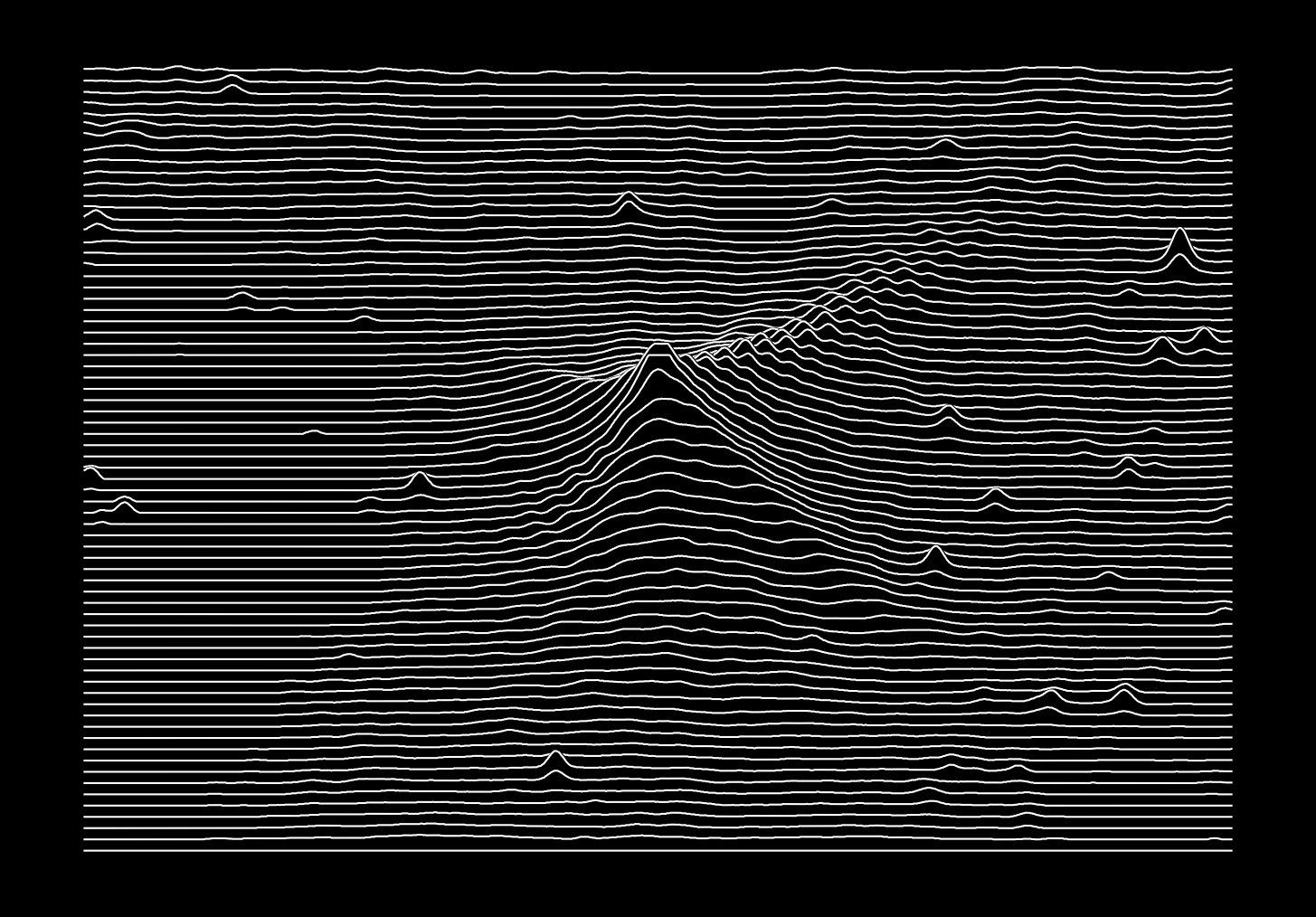
Stephan's Quintet
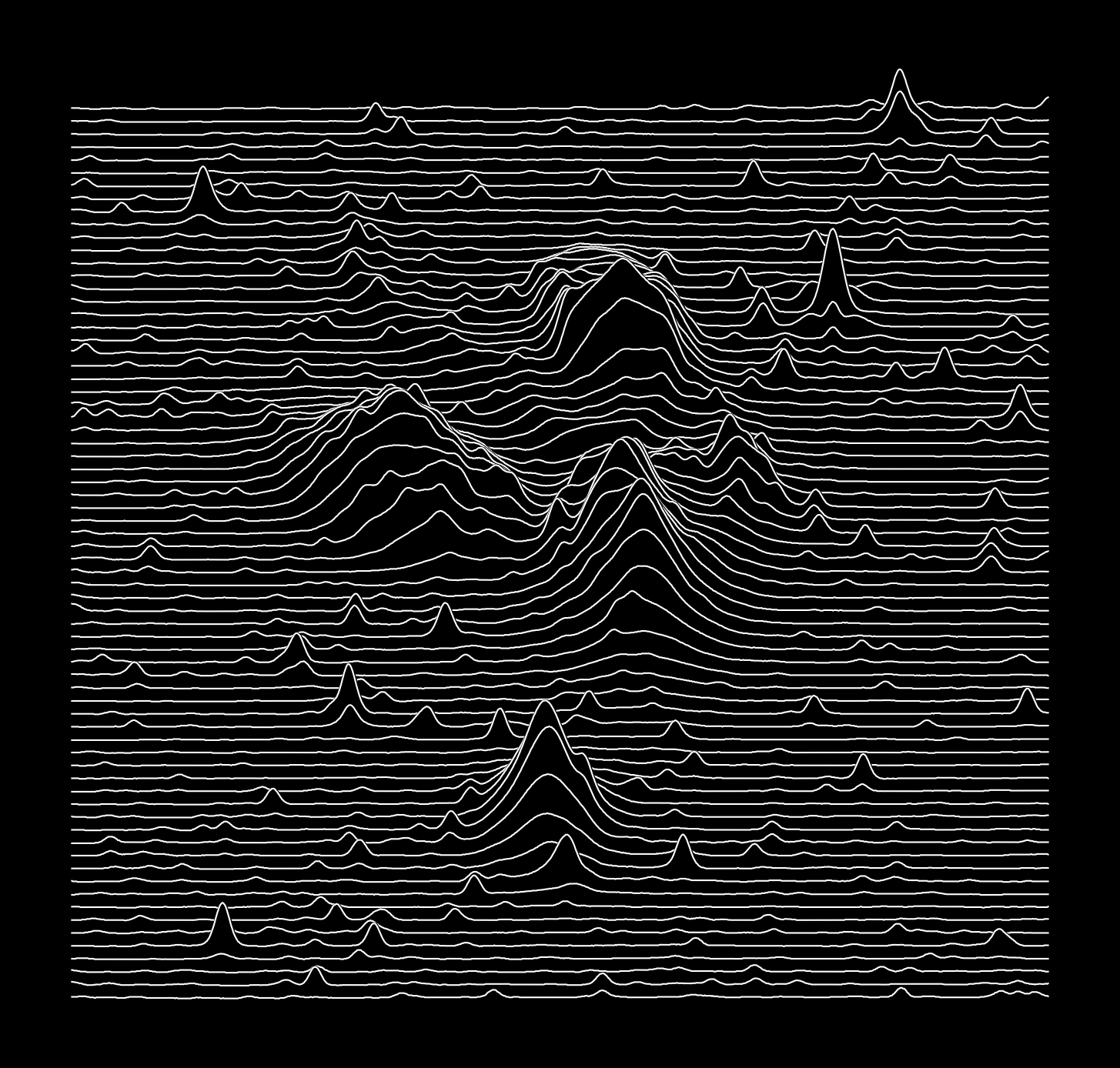
Pillars of Creation
Neptune and Triton
Dark matter Halo from FLAMINGO
Millennium Cosmic Web
1 maintainer

Metadata
1 maintainer
Release files for unknown-pixels 1.1.0
For a detailed explanation of source distributions (sdists) and built distributions (wheels), please see the package formats documentation.
Source distribution (sdist)
| File | Size | Uploaded | Provenance | Actions |
|---|---|---|---|---|
| unknown_pixels-1.1.0.tar.gz | 26.8 kB | With provenance | Details for unknown_pixels-1.1.0.tar.gz |
Built distribution (wheel)
| File | Interpreter | ABI | Platform | Actions Reset |
|---|---|---|---|---|
| unknown_pixels-1.1.0-py3-none-any.whl | Python 3 | none | any | Details for unknown_pixels-1.1.0-py3-none-any.whl |
Total release size: 51.0 kB
Release files / unknown_pixels-1.1.0.tar.gz
| Download URL | unknown_pixels-1.1.0.tar.gz |
|---|---|
| Size | 26.8 kB |
| Tags | Source |
|
SHA-256 checksum How to use checksums |
643cacff80af5594b271bfc504d60ab7fca105c0d00271f7a07ede37402358b6
|
|
BLAKE2b-256 checksum How to use checksums |
f1ea1d68fc78fe77666e9a5753cd98129954d8464eac6899f54c373bfb3ac207
|
| Upload date | |
|
Uploaded using Trusted Publishing? What is trusted publishing? |
Yes |
| Uploaded via |
twine/6.1.0 CPython/3.12.9
|
Provenance
Provenance describes where a file came from. On PyPI, provenance is shared via attestations, which provide a verifiable record of the build or publishing details. View details, limitations and caveats.


PyPI Publish Attestation
PyPI verified that this artifact, at this checksum, originated from the publisher listed below.
Signed by GitHub Actions, verified by PyPI on May 15, 2025.
Transparency logRelease files / unknown_pixels-1.1.0-py3-none-any.whl
| Download URL | unknown_pixels-1.1.0-py3-none-any.whl |
|---|---|
| Size | 24.2 kB |
| Tags | Python 3 |
|
SHA-256 checksum How to use checksums |
51f5c800ab0cd8a30bfa147be8296624cadb4066edcdc14b5bcd86ba58ae2838
|
|
BLAKE2b-256 checksum How to use checksums |
7955c6883ec4f4d47fb1de093431286d1a213d4145746f9005493c4f198aa887
|
| Upload date | |
|
Uploaded using Trusted Publishing? What is trusted publishing? |
Yes |
| Uploaded via |
twine/6.1.0 CPython/3.12.9
|
Provenance
Provenance describes where a file came from. On PyPI, provenance is shared via attestations, which provide a verifiable record of the build or publishing details. View details, limitations and caveats.
PyPI Publish Attestation
PyPI verified that this artifact, at this checksum, originated from the publisher listed below.
Signed by GitHub Actions, verified by PyPI on May 15, 2025.
Transparency logSecurity for unknown-pixels 1.1.0
Provenance
Provenance describes where a file came from. On PyPI, provenance is shared via attestations, which provide a verifiable record of the build or publishing details. View details, limitations and caveats.
Full provenance
All 2 files in this release have been uploaded with provenance metadata.
Attestation for unknown_pixels-1.1.0.tar.gz
PyPI Publish Attestation
PyPI verified that this artifact, at this checksum, originated from the publisher listed below.
Signed by GitHub Actions, verified by PyPI on May 15, 2025.
Transparency logA note on package security
PyPI is a repository for distributing packages, not a service for auditing them. While third-party security researchers and our staff do their best to detect and remove malicious packages, PyPI cannot guarantee the quality, security or suitability of any given package.
To learn more about protecting yourself from malicious actors, visit our package security documentation.














