
Unreal Stylesheet 
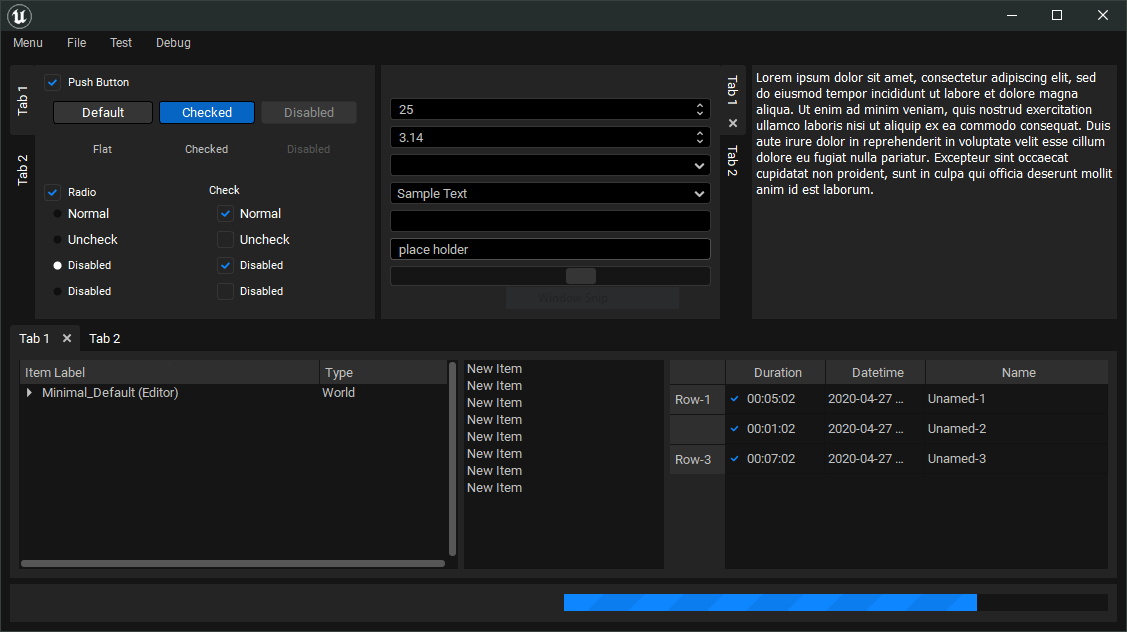
A Qt stylesheet designed to make your tools look native in Unreal Engine 5
Quickstart sample code:
import unreal_stylesheet

if __name__ == '__main__':
    app = QtWidgets.QApplication(sys.argv)

    # style your QApp, requires a QApplication instance
    unreal_stylesheet.setup()  # <== Just 1 line of code to make the magic happen

    # create & show your Qt widget
    window = TestWindow()
    window.show()
    sys.exit(app.exec_())
Installation
PIP install the latest release from PYPi (recommended):
python -m pip install unreal-stylesheet
or install from the repo:
python -m pip install git+https://github.com/leixingyu/unrealStylesheet
Comparison
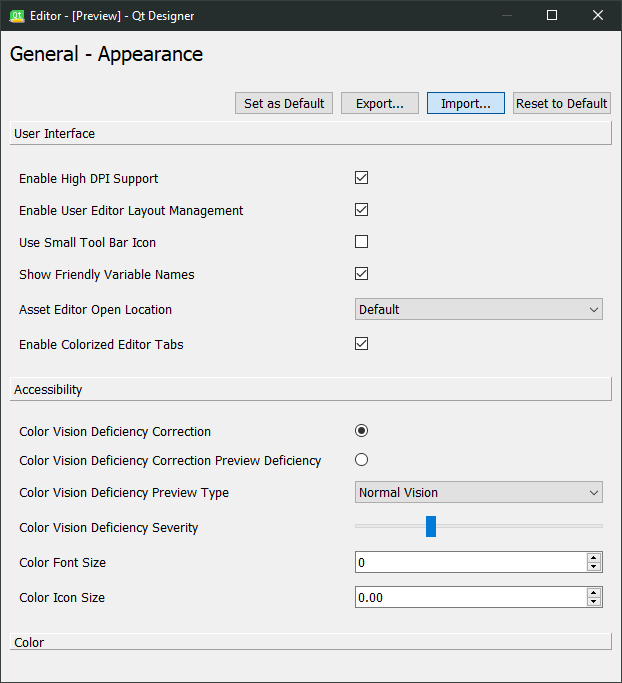
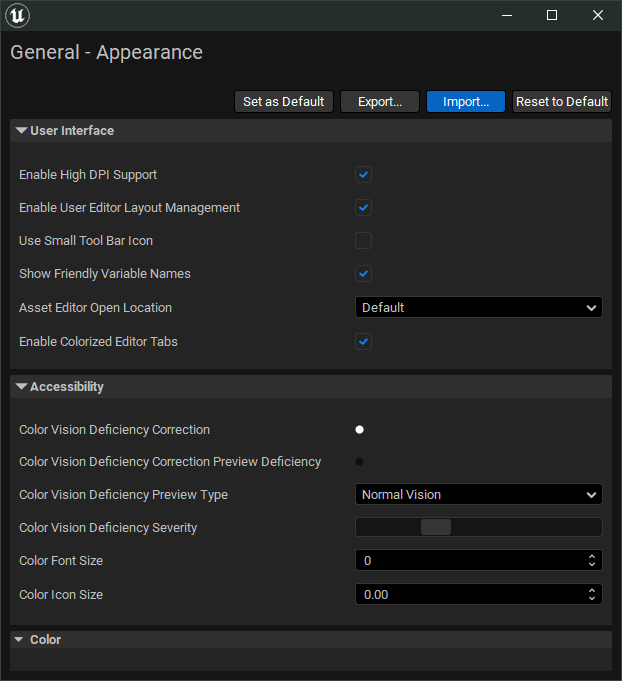
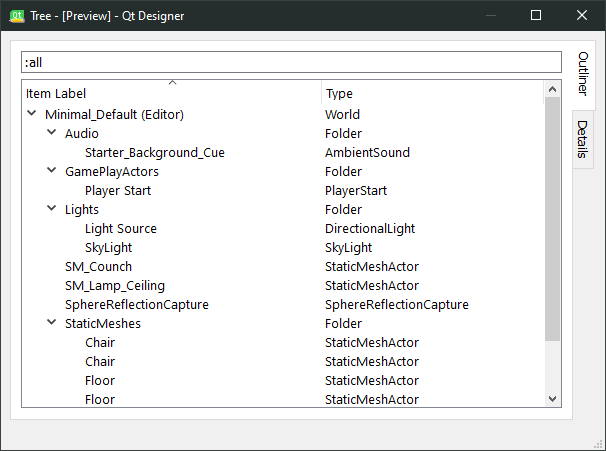
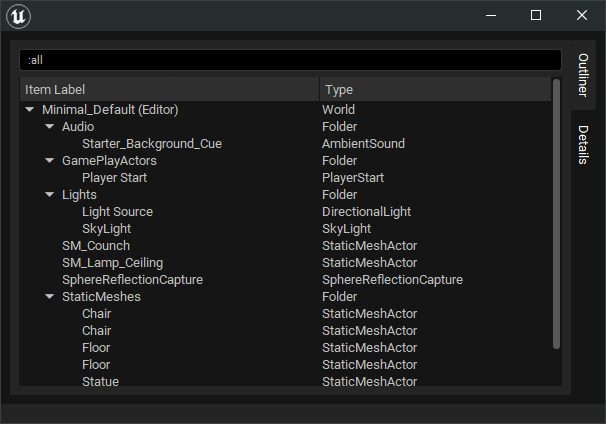
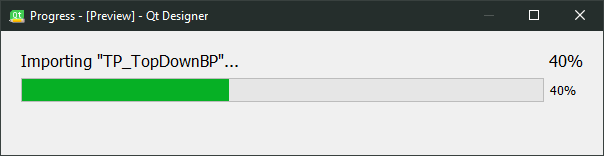
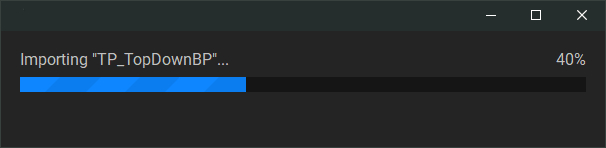
The following .ui files for testing can be found inside the /ui folder.
| default (editor.ui) | ue.qss |
|---|---|
 |
 |
| default (tree.ui) | ue.qss |
|---|---|
 |
 |
| default (progress.ui) | ue.qss |
|---|---|
 |
 |
Contribute
Feel free to make a PR or issue if you find a bug, or want to request a feature.
Some guidelines to modify this stylesheet:
Modifying the style sheet
- Modify the CSS preprocessor
.scssfile - Re-compile the
.qss:
qtsass ue.scss -o ue.qss
⚠️ If you modify the .qss style sheet directly, your changes will be lost when the .qss is re-compiled in the future
Documentation about .scss can be found: Sass Official website
You'll also need to install a Qt specific Sass: qt-sass
Modifying icons
The icons are handled with Qt's resource system (see the docs) (which is dropped in qt6)
- Modify the
.qrcfile - Re-compile the
.rcc:
rcc -binary icons.qrc -o icons.rcc
References
- Qt documentation:
- Github repo: Qt-Material
- Unreal has a different UI framework (Slate), future read on comparing Qt to Slate
- An example of this stylesheet in action: unrealScriptEditor


Release files for unreal-stylesheet 0.0.4
For a detailed explanation of source distributions (sdists) and built distributions (wheels), please see the package formats documentation.
Source distribution (sdist)
| File | Size | Uploaded | |
|---|---|---|---|
| unreal-stylesheet-0.0.4.tar.gz | 21.3 kB | Details |
Built distribution (wheel)
| File | Interpreter | ABI | Platform | Reset |
|---|---|---|---|---|
| unreal_stylesheet-0.0.4-py3-none-any.whl | Python 3 | none | any | Details |
Total release size: 39.9 kB
Release files / unreal-stylesheet-0.0.4.tar.gz
| Download URL | unreal-stylesheet-0.0.4.tar.gz |
|---|---|
| Size | 21.3 kB |
| Tags | Source |
|
SHA-256 checksum How to use checksums |
820ac1ecec65121e291884860a1b86e84d5e37af00bc99d9d6dde4db47c9e9af
|
|
BLAKE2b-256 checksum How to use checksums |
a1f6afd0661611d8cad2bdb837c04e7cfaa2f577bf37d738734a024253f1ba61
|
| Upload date | |
|
Uploaded using Trusted Publishing? What is trusted publishing? |
No |
| Uploaded via |
twine/4.0.2 CPython/3.9.18
|
Release files / unreal_stylesheet-0.0.4-py3-none-any.whl
| Download URL | unreal_stylesheet-0.0.4-py3-none-any.whl |
|---|---|
| Size | 18.6 kB |
| Tags | Python 3 |
|
SHA-256 checksum How to use checksums |
f7c5c9aae0e17910b05414ec453ed0b64e74e6c9b61e723270aa6a573980ad56
|
|
BLAKE2b-256 checksum How to use checksums |
58d5680f35e7f685e92de58db77e5458cbf40b0b4d36619312dfdd08f34055c6
|
| Upload date | |
|
Uploaded using Trusted Publishing? What is trusted publishing? |
No |
| Uploaded via |
twine/4.0.2 CPython/3.9.18
|














