
ushmm: A Python Library for Oral Testimonies at the USHMM
This README provides an overview of the ushmm Python library, developed for parsing and processing oral testimonies from the United States Holocaust Memorial Museum. The ushmm library is designed to facilitate the conversion of PDFs into structured data, which can then be used for various research and educational purposes.
Introduction
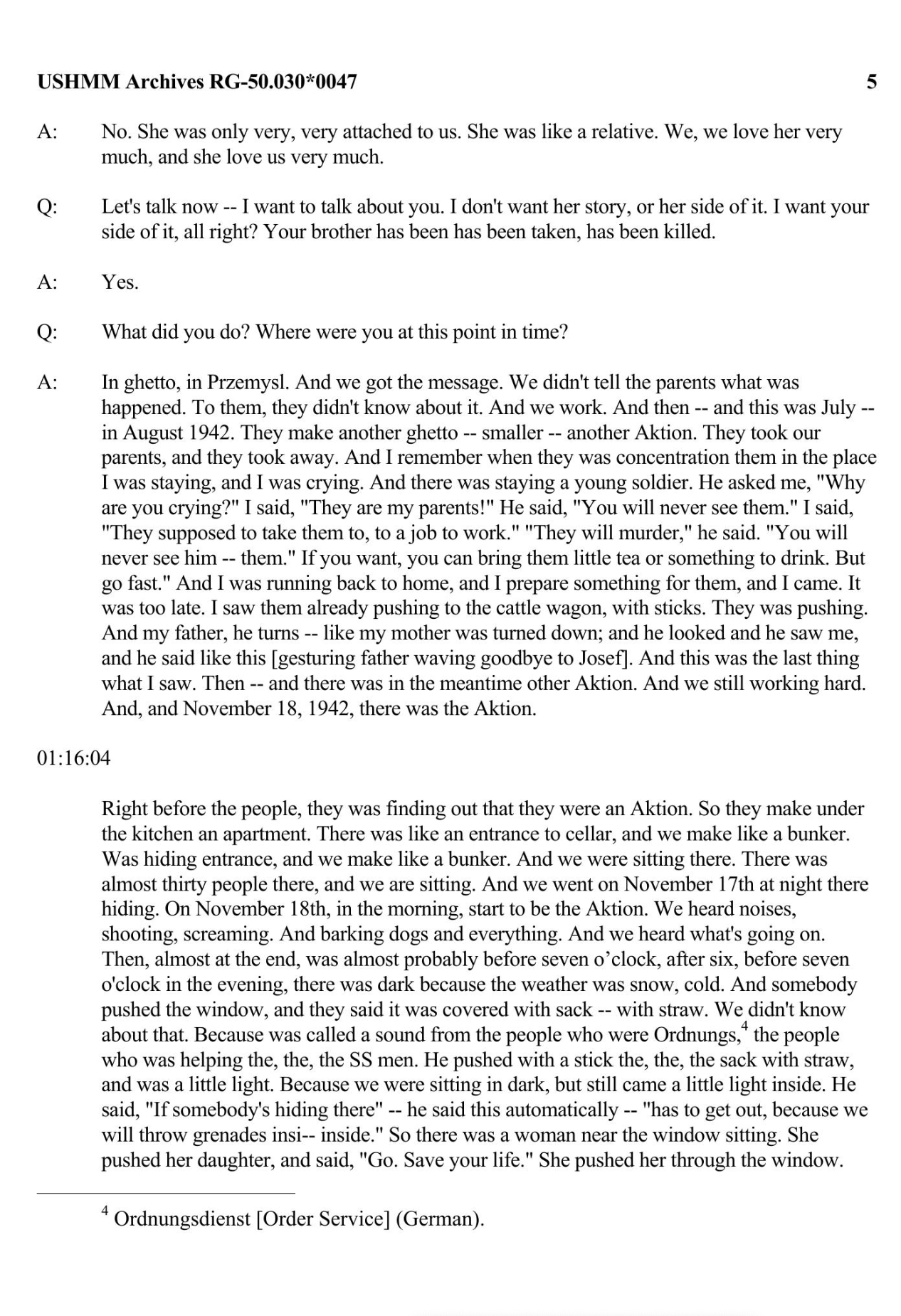
The ushmm library streamlines the process of handling the collection of oral testimonies available at the USHMM. These testimonies, which come in PDF format, are processed into raw text and subsequently structured data. The library wraps around Tesseract (for OCR) and Poppler (for parsing PDFs). It also converts the testimonies into structured HTML.
Installation
You can install the ushmm library directly using pip:
pip install ushmm
Additional Dependencies
For macOS users:
- Create a new Conda environment.
- Install Tesseract and Poppler using Homebrew or Conda-Forge:
conda install -c conda-forge tesseract poppler
- Ensure you uninstall and then reinstall
pdf2imagevia conda-forge if necessary:
pip uninstall pdf2image
conda install -c conda-forge pdf2image
Usage
The ushmm library includes functions that facilitate the conversion of PDF testimonies into images, and then to text, while cleaning and removing unwanted elements such as footers:
from ushmm import pdf_to_images, images_to_text, clean_texts, remove_footers, process_testimony_texts

# Convert PDF to images
images = pdf_to_images("path/to/pdf", "path/to/images", save=True)

# Remove footers using Open-CV
cropped_images = remove_footers("path/to/images", "path/to/cropped_images", save=True)

# Perform OCR on the images
texts = images_to_text("path/to/cropped_images", "path/to/text", save=True)

# Clean the OCR output
cleaned_texts = clean_texts("path/to/text", "path/to/cleaned_text", save=True)

# Process the cleaned text into structured data
html_result = process_testimony_texts("path/to/cleaned_text", "output_file.html", save=True)
Features
- PDF Conversion: Converts PDF documents into a sequence of images.
- Image Cropping: Identifies and removes footers from images using Open-CV.
- OCR Processing: Applies Tesseract OCR to convert images into text.
- Data Cleaning: Cleans the OCR output to prepare it for structured data conversion.
- Structured Data: Parses raw text files and converts them into structured HTML documents.
Data Accessibility
Making the data accessible is a crucial aspect of the ushmm library. With the provided functions, users can not only process the testimonies but also make them available for public access and research.
Contributing
Contributions to the ushmm library are welcome. Please refer to the contribution guidelines for more information.
License
The ushmm library is provided under the MIT License. See the LICENSE file for more details.
Acknowledgments
This library was made possible by the collaborative efforts at the United States Holocaust Memorial Museum and contributions from the open-source community.
1 maintainer

Metadata
1 maintainer
Release files for ushmm 0.0.6
For a detailed explanation of source distributions (sdists) and built distributions (wheels), please see the package formats documentation.
Source distribution (sdist)
| File | Size | Uploaded | |
|---|---|---|---|
| ushmm-0.0.6.tar.gz | 7.8 kB | Details |
Built distribution (wheel)
| File | Interpreter | ABI | Platform | Reset |
|---|---|---|---|---|
| ushmm-0.0.6-py3-none-any.whl | Python 3 | none | any | Details |
Total release size: 15.7 kB
Release files / ushmm-0.0.6.tar.gz
| Download URL | ushmm-0.0.6.tar.gz |
|---|---|
| Size | 7.8 kB |
| Tags | Source |
|
SHA-256 checksum How to use checksums |
41b69370a8bc4c5da70c0b9fcaa20c5cb31fab9bcc88a8e3600890d64b99017a
|
|
BLAKE2b-256 checksum How to use checksums |
bc766e60880a2c2f78cfd1ad8b338d6e4df240eb6b917a7024d345109f9e975c
|
| Upload date | |
|
Uploaded using Trusted Publishing? What is trusted publishing? |
No |
| Uploaded via |
twine/5.1.1 CPython/3.11.5
|
Release files / ushmm-0.0.6-py3-none-any.whl
| Download URL | ushmm-0.0.6-py3-none-any.whl |
|---|---|
| Size | 7.9 kB |
| Tags | Python 3 |
|
SHA-256 checksum How to use checksums |
728304c29a5aec669858cb8026361f4cdb21835b55ed45f1683f95e7adf43b08
|
|
BLAKE2b-256 checksum How to use checksums |
be6509eddde5b7494f9d7ec0fe43c426af0e1c7ab131e175887f596abf44725e
|
| Upload date | |
|
Uploaded using Trusted Publishing? What is trusted publishing? |
No |
| Uploaded via |
twine/5.1.1 CPython/3.11.5
|














